Portsmouth City Quitclaim Deed (LLC Grantor) Form
Last validated October 21, 2026 by our Forms Development TeamFormatted for recording in Portsmouth City, for property anywhere in the county or independent city: rural and unincorporated areas as well as Portsmouth.
- 3 documents included
- Immediate PDF download
- Formatting guarantee
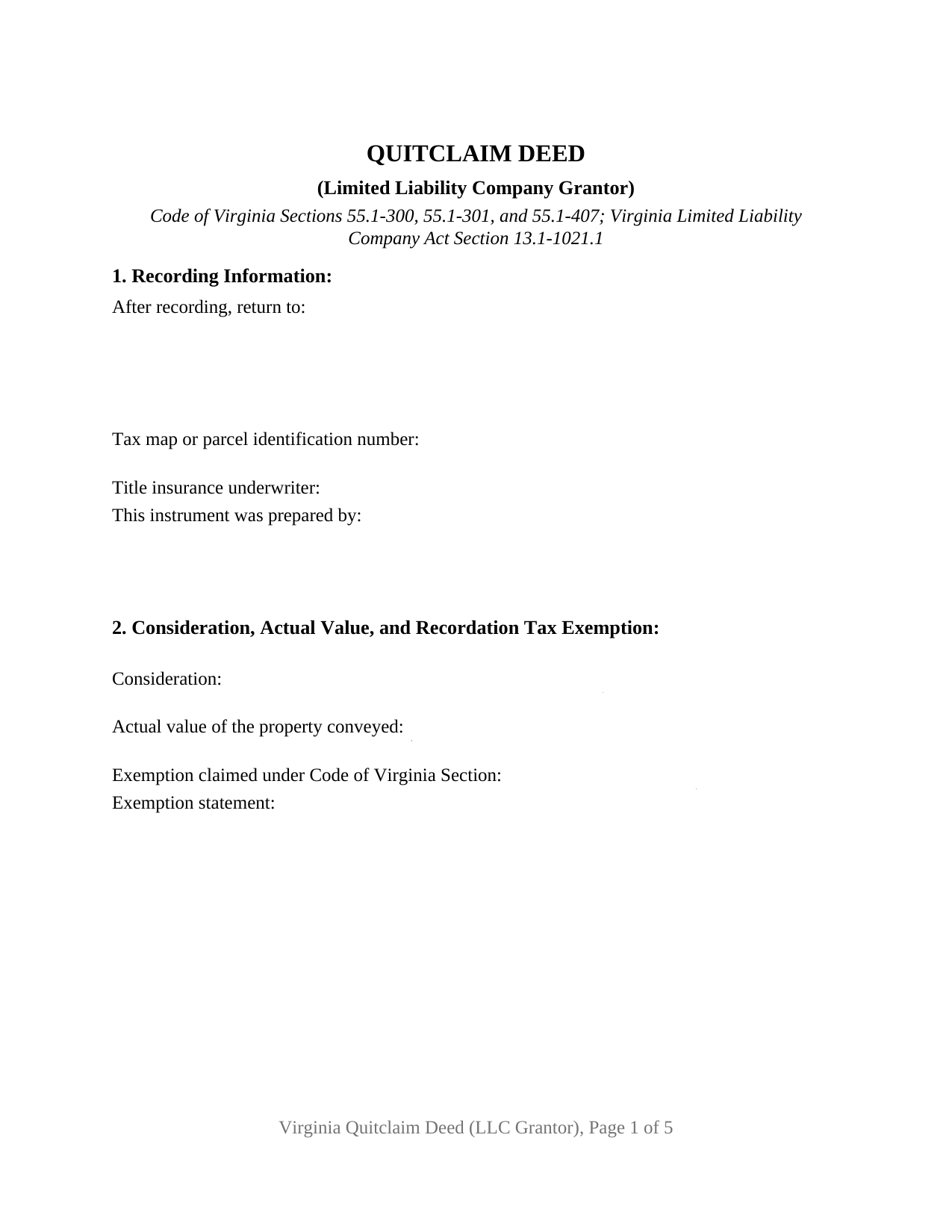
Portsmouth City Quitclaim Deed (LLC Grantor) Form
Fill in the blank Quitclaim Deed (LLC Grantor) form formatted to comply with all Virginia recording and content requirements.
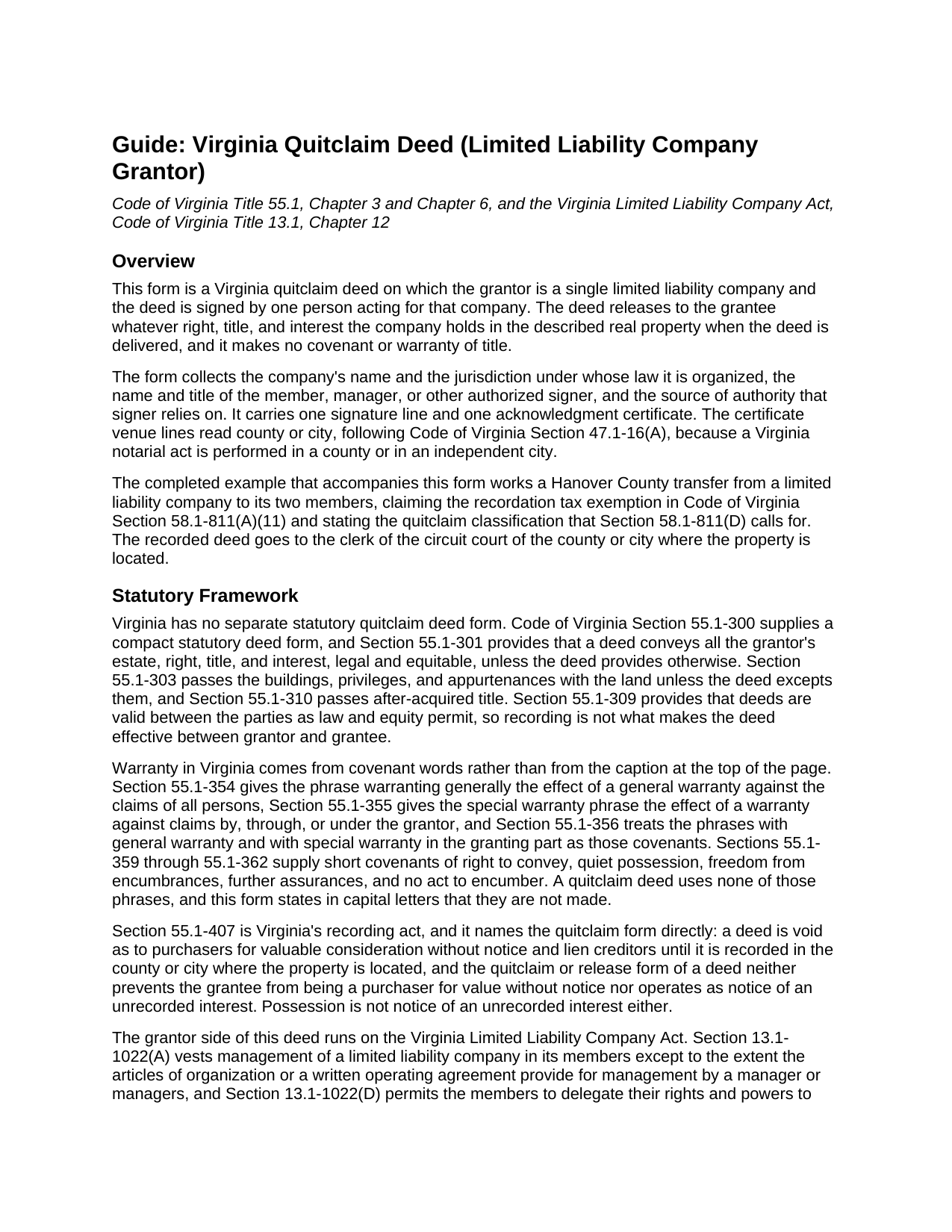
Portsmouth City Quitclaim Deed (LLC Grantor) Guide
Line by line guide explaining every blank on the Quitclaim Deed (LLC Grantor) form.
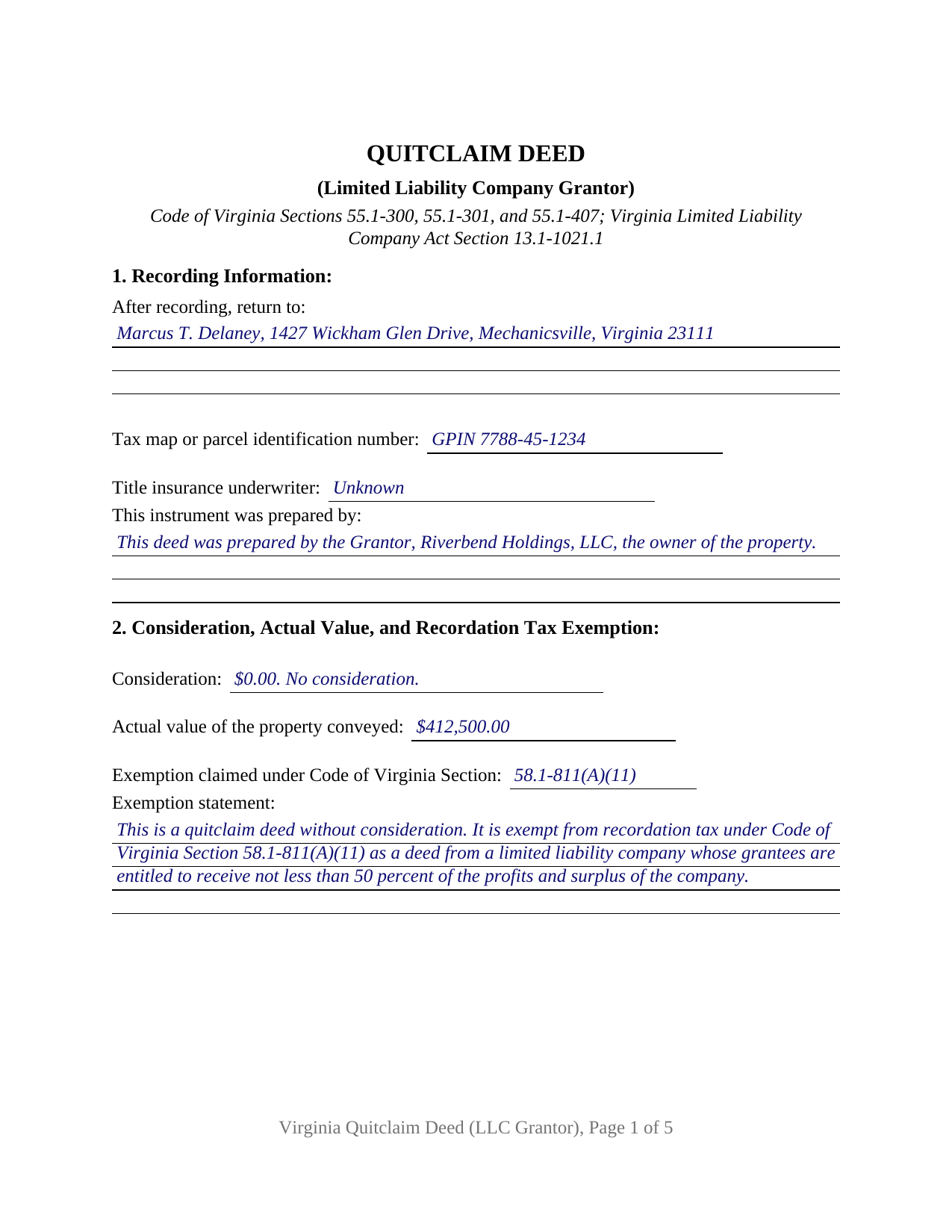
Portsmouth City Completed Example of the Quitclaim Deed (LLC Grantor) Document
Example of a properly completed Virginia Quitclaim Deed (LLC Grantor) document for reference.
All 3 documents above included • One-time purchase • No recurring fees
Immediate Download • Secure Checkout
Additional Virginia and Portsmouth City documents included at no extra charge:
Where to Record Your Documents
Portsmouth Circuit Court Clerk
Portsmouth, Virginia 23705-1217
Hours: 8:30 to 4:30 M-F
Phone: (757) 393-8671
Recording Tips for Portsmouth City:
- Bring your driver's license or state-issued photo ID
- Ensure all signatures are in blue or black ink
- Check margin requirements - usually 1-2 inches at top
- Leave recording info boxes blank - the office fills these
- Make copies of your documents before recording - keep originals safe
Cities and Jurisdictions in Portsmouth City
Properties in any of these areas use Portsmouth City forms:
- Portsmouth
Hours, fees, requirements, and more for Portsmouth City
How do I get my forms?
Forms are available for immediate download after payment. The Portsmouth City forms will be in your account ready to download to your computer. An account is created for you during checkout if you don't have one. Forms are NOT emailed.
Are these forms guaranteed to be recordable in Portsmouth City?
Yes. Our form blanks are guaranteed to meet or exceed the applicable formatting requirements used for recording in Portsmouth City, including margin requirements, font requirements, and other layout standards. This guarantee applies to formatting, not to the legal sufficiency of information entered by the user or the suitability of a form for a particular transaction.
Can I reuse these forms?
Yes. You can reuse the forms for your personal use. For example, if you have multiple properties in Portsmouth City you only need to order once.
What do I need to use these forms?
The forms are PDFs that you fill out on your computer. The free Adobe Acrobat Reader is recommended, and most PDF apps also work. You do NOT enter your property information online - you download the blank forms and complete them privately on your own computer.
Are there any recurring fees?
No. This is a one-time purchase. Nothing to cancel, no memberships, no recurring fees.
How much does it cost to record in Portsmouth City?
Recording fees in Portsmouth City vary. Contact the recorder's office at (757) 393-8671 for current fees.
Questions answered? Let's get started!
A deed signed for a limited liability company answers a question no individual grantor faces: which person inside the company may hand over the land. This Virginia quitclaim deed puts that answer on the face of the instrument, collecting the company name and its jurisdiction of organization, the name and title of the member, manager, or delegated officer who signs, and the authority that signature rests on. What passes is whatever interest the company holds at delivery.
The signature the Code makes conclusive
Code of Virginia Section 13.1-1021.1(C) is what a title examiner reads on an entity conveyance. Unless the articles of organization limit their authority, any member of a member-managed limited liability company, or any manager of a manager-managed company, may sign and deliver any instrument transferring or affecting the company's interest in real property, and that instrument is conclusive in favor of a person who gives value without knowledge of the lack of authority. Section 13.1-1022(A) settles which branch a company stands in: management belongs to the members unless the articles or a written operating agreement give it to a manager or managers. Section 4 records the title held and the authority relied on.
One company, one signer, one certificate
The grantor side is fixed at a single limited liability company acting through one authorized signer: a company name line above the signature, a printed name line, a title line, and one acknowledgment certificate whose venue reads county or city under Section 47.1-16(A). A company deeding a rental parcel out to the two members entitled to all of its profits, a company correcting a chain in which a member took title individually, and a company releasing a remnant strip to a neighbor, all present the single-entity release these recitals carry. No individual, corporate officer, partnership, trustee, or attorney-in-fact capacity appears on the grantor side, and no second grantor block prints.
An exemption measured in profits and surplus
Virginia writes a recordation tax exemption for a deed coming out of a company. Section 58.1-811(A)(11) reaches a deed from a partnership or limited liability company where the grantees are entitled to receive not less than 50 percent of the profits and surplus of that company, on the condition that the transfer does not follow a transfer of control of the company's assets to avoid recordation taxes. A release that passes no money also carries the quitclaim classification sentence Section 58.1-811(D) has called for since July 1, 2026. Section 2 gathers the consideration, the actual value keyed under Section 58.1-801 to the locality's latest assessment, the Code section relied on, and that sentence; the completed example claims both provisions on a Hanover County transfer out to two members.
Warranty withheld, recording still at work
Virginia gives legal effect to covenant phrases rather than to the heading on a page, and none of the phrases at Sections 55.1-353 through 55.1-362 appear here. Section 8 declares in capital letters that no warranty of title is made, naming the withheld covenants of seisin, right to convey, quiet possession, freedom from encumbrances, and further assurances, so an unreleased lien or a chain defect survives the transfer. Recording does its own separate work under Section 55.1-407 in the land records of the correct county or independent city.
The name a Virginia clerk indexes
An entity grantor also changes what page one shows. The company name is entered as the State Corporation Commission carries it, including the limited company, limited liability company, or LLC element Section 13.1-1012(A) requires, while each individual grantee's surname is capitalized or underscored for the indexing clause described in Section 17.1-223(A). Section 1 holds the return address, the parcel identification number Section 17.1-252 calls for in localities with unique parcel systems, the title insurance underwriter entry, and the preparer statement naming the owner or the Virginia attorney with a bar number. Cover sheet practice varies by circuit court clerk, and the guide takes that up with the grantor tax and the clerk fee tiers.
Searchers reach this instrument as an LLC quitclaim deed, a quit claim deed from a company, or a business entity release deed; this package prepares the Virginia version for one limited liability company as grantor. Three files arrive: the blank deed as a fillable PDF, the completed Hanover County example, and a plain-language guide covering each blank, the vesting choices open to a Virginia grantee, notarization under Title 47.1, and the taxes due at recording. These materials describe Virginia law in general terms and are not legal advice.
Important: Your property must be located in Portsmouth City to use these forms. Documents should be recorded at the county or independent city recording office listed above.
This Quitclaim Deed (LLC Grantor) meets all recording requirements specific to Portsmouth City.
Our Promise
The documents you receive here are guaranteed to meet or exceed the applicable Portsmouth City recording format requirements. If there is a rejection caused by our formatting, we will correct the issue or refund your payment. This guarantee applies to document formatting only and does not extend to information entered by the user, the selection of the form, or the legal effect of the completed document.
Save Time and Money
Get your Portsmouth City Quitclaim Deed (LLC Grantor) form done right the first time with Deeds.com Uniform Conveyancing Blanks. At Deeds.com, we understand that your time and money are valuable resources, and we don't want you to face a penalty fee or rejection imposed by a county recorder for submitting nonstandard documents. We constantly review and update our forms to meet rapidly changing state and county recording requirements for roughly 3,500 counties and local jurisdictions.
4.8 out of 5 - ( 4,829 Reviews )
Rene S. 5 out of 5 stars
Amazing forms and great value. That may sound like hyperbole talking about legal forms but it's not, you really are getting way more than you pay for here.
Thank you for your feedback. We really appreciate it. Have a great day!
Richard T. 5 out of 5 stars
Amazing service from competent individuals that really go above and beyond to get you documents processed.
Thank you!
Dale P. 2 out of 5 stars
I needed to create a deed of distribution for my probate case. The instructions as to what was needed on the caption page was lacking. Because of the lack of information I still had to have an attorney review the documents as I didn't feel confident in the instructions given.
Thank you for your review. Our deed of distribution package is designed as a strong primer to help people understand the process and prepare accurate documents. That said, probate filings can involve details that vary by court and jurisdiction.
We’re glad you sought attorney review when you weren’t completely sure—that’s exactly what we recommend. We always encourage customers to work with a qualified legal professional if they are not absolutely confident, since accuracy and acceptance are what matter most.
Alexandra M. 5 out of 5 stars
Needed a Limited Power of Attorney form for a real estate transaction in another state. Proper form came up immediately and was fairly easy to complete. I think the sample completed form should have been more completely explained in layman's language instead of legalese (such as person granting permission instead of grantor or something like your name and address and the person who will be signing on your behalf) but since the form was one price no matter how many ways it was printed out, it was fine. I just filled it out several ways and had it notarized and sent it to my sister. Whichever combination is appropriate she and the lawyer will have. I found the site easy to navigate
We appreciate your business and value your feedback. Thank you. Have a wonderful day!
Janet J. 5 out of 5 stars
These forms were very easy to both download and print, as well as fill out on the site and then print. The instructions are clear and concise. We have not yet been to the County to file them, but we are expecting no issues.
We appreciate your business and value your feedback. Thank you. Have a wonderful day!
Paul A. 4 out of 5 stars
The website worked fast but the information was limited and the actual deed of trust was what i was looking for from the county --- the info was limited the website is fast and seemed accurate just limited the information I needed
Thank you!
Ken S. 5 out of 5 stars
Easy to downloand. Instructions were helpful and easy to follow. Made the process a lot easier for me.
Thanks Ken.
Angela L. 5 out of 5 stars
AWESOME!
Thank you!
irene a. 5 out of 5 stars
good forms thanks, irene
Thank you Irene.
Susan P. 5 out of 5 stars
Very easy to use, responsive help when the document was initially rejected and very fast service (recorded the deed within 24 hours).
Thank you for your feedback. We really appreciate it. Have a great day!
Kathleen C. 5 out of 5 stars
Very user friendly website and service.
We appreciate your review and your business. Thank you.
Catherine E. 5 out of 5 stars
I was referred to your company, but when i tried to process the recording of a deed to a property in City of Philadelphia my service was rejected. I appreciated the feedback i received from one of your representatives who instructed me in the right process for recording a deed in philadelphia. Thank you for all your help. The deed that needed to be recorded was overnighted yesterday. Stay safe and mask up
Thank you!
Michael S. 5 out of 5 stars
So far so good! Easy site to navigate for old farts like me
We appreciate your business and value your feedback. Thank you. Have a wonderful day!
DAVID S. 5 out of 5 stars
I was very impressed with the speed at which information was retrieved on my very first search. Unfortunately, the county we were looking for is behind times and has not digitized its information. I will be using Deeds.Com again and appreciate that I was not charged for no information being returned back. Thank You David S
Thank you for your feedback. We really appreciate it. Have a great day!
Michael M. 5 out of 5 stars
I downloaded the gift deed and I can not type my info onto it what am I doing wrong. Please advise
Sounds like you may be trying to complete the form in your browser. The document needs to be downloaded and saved to you computer, then opened in Adobe.