Falls Church City Quitclaim Deed (Partnership or Limited Partnership Grantor) Form
Last validated October 21, 2026 by our Forms Development TeamFormatted for recording in Falls Church City, for property anywhere in the county or independent city: rural and unincorporated areas as well as Falls Church.
- 3 documents included
- Immediate PDF download
- Formatting guarantee
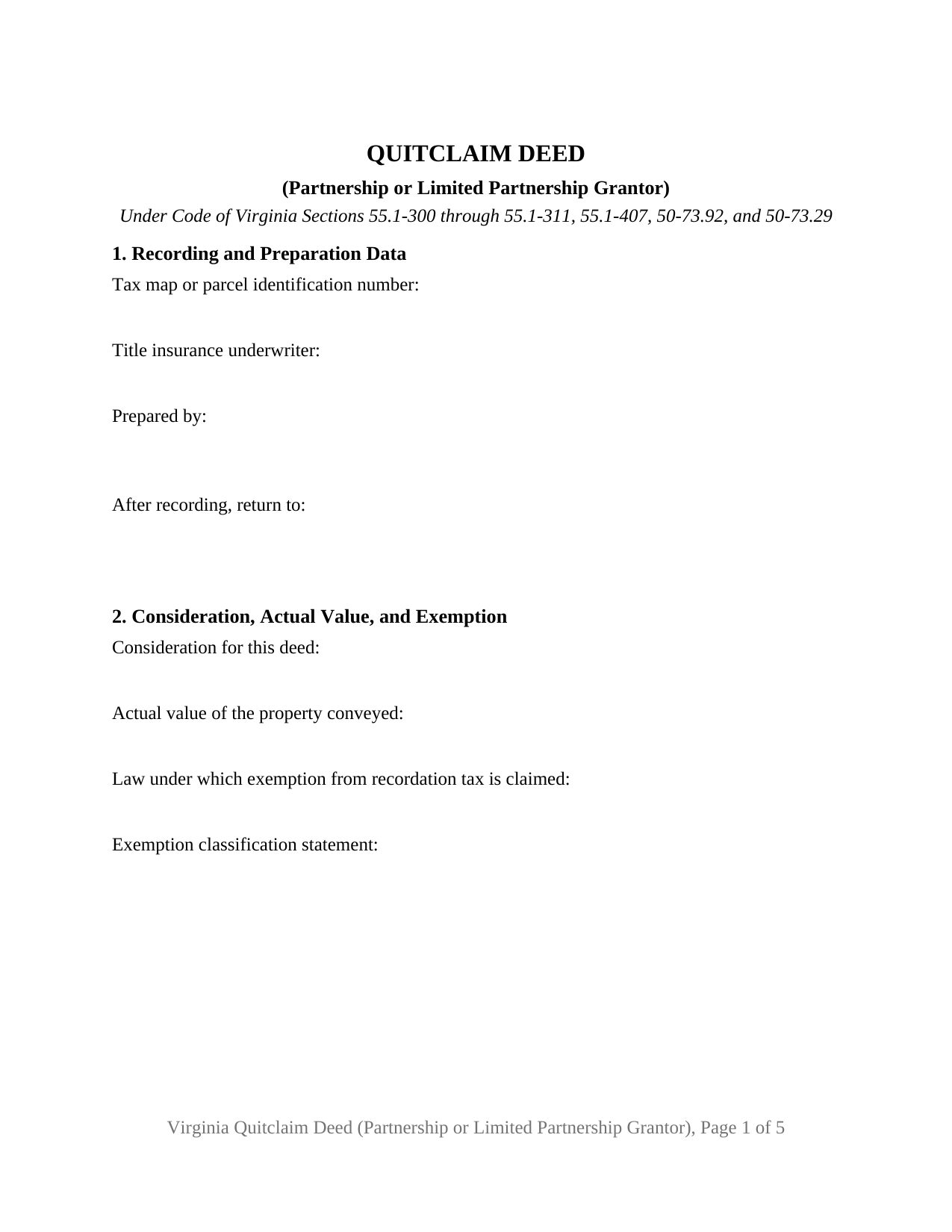
Falls Church City Quitclaim Deed (Partnership or Limited Partnership Grantor) Form
Fill in the blank Quitclaim Deed (Partnership or Limited Partnership Grantor) form formatted to comply with all Virginia recording and content requirements.
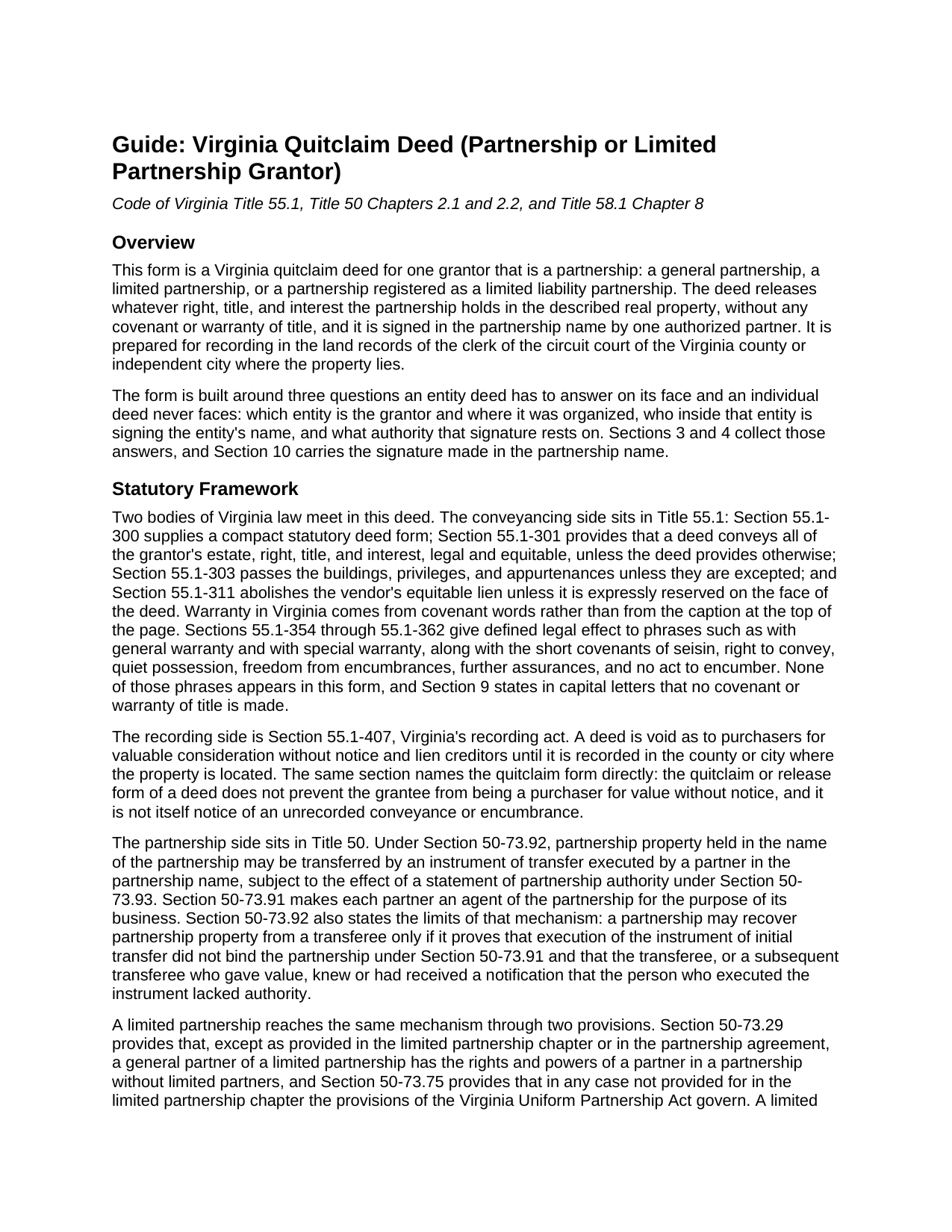
Falls Church City Quitclaim Deed (Partnership or Limited Partnership Grantor) Guide
Line by line guide explaining every blank on the Quitclaim Deed (Partnership or Limited Partnership Grantor) form.
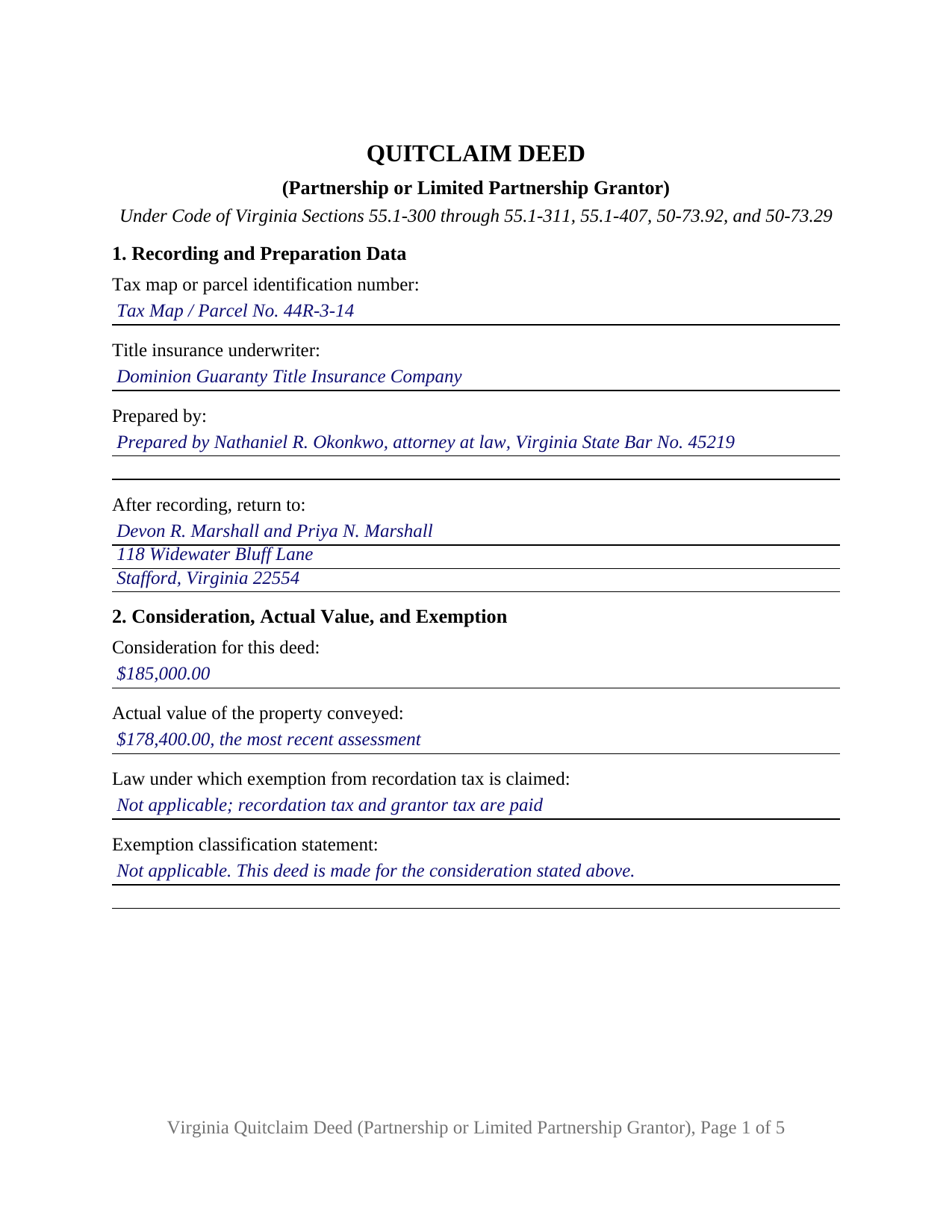
Falls Church City Completed Example of the Quitclaim Deed (Partnership or Limited Partnership Grantor) Document
Example of a properly completed Virginia Quitclaim Deed (Partnership or Limited Partnership Grantor) document for reference.
All 3 documents above included • One-time purchase • No recurring fees
Immediate Download • Secure Checkout
Additional Virginia and Falls Church City documents included at no extra charge:
Where to Record Your Documents
Arlington Clerk of Circuit Court
Arlington, Virginia 22201
Hours: Monday - Friday 8:00 am - 4:00 pm
Phone: (703) 228-7010
Recording Tips for Falls Church City:
- Bring your driver's license or state-issued photo ID
- Ensure all signatures are in blue or black ink
- Documents must be on 8.5 x 11 inch white paper
- Double-check legal descriptions match your existing deed
- Verify all names are spelled correctly before recording
Cities and Jurisdictions in Falls Church City
Properties in any of these areas use Falls Church City forms:
- Falls Church
Hours, fees, requirements, and more for Falls Church City
How do I get my forms?
Forms are available for immediate download after payment. The Falls Church City forms will be in your account ready to download to your computer. An account is created for you during checkout if you don't have one. Forms are NOT emailed.
Are these forms guaranteed to be recordable in Falls Church City?
Yes. Our form blanks are guaranteed to meet or exceed the applicable formatting requirements used for recording in Falls Church City, including margin requirements, font requirements, and other layout standards. This guarantee applies to formatting, not to the legal sufficiency of information entered by the user or the suitability of a form for a particular transaction.
Can I reuse these forms?
Yes. You can reuse the forms for your personal use. For example, if you have multiple properties in Falls Church City you only need to order once.
What do I need to use these forms?
The forms are PDFs that you fill out on your computer. The free Adobe Acrobat Reader is recommended, and most PDF apps also work. You do NOT enter your property information online - you download the blank forms and complete them privately on your own computer.
Are there any recurring fees?
No. This is a one-time purchase. Nothing to cancel, no memberships, no recurring fees.
How much does it cost to record in Falls Church City?
Recording fees in Falls Church City vary. Contact the recorder's office at (703) 228-7010 for current fees.
Questions answered? Let's get started!
Virginia keeps the authority behind a partnership deed at the State Corporation Commission, not in the land records. Under Code of Virginia Section 50-73.93, a partnership may file a statement of partnership authority naming the partners authorized to execute an instrument transferring real property held in the partnership name, and a grant of that authority is conclusive for anyone who gives value without knowledge to the contrary, so long as no limitation on it is of record with the Commission. This Virginia quitclaim deed is built for that arrangement: one partnership as grantor, one authorized partner signing the partnership name, and an entry for the authority relied on.
Whose name the vesting deed carries decides who signs
Section 50-73.92 gives partnership property three transfer routes, and they turn on the name in which title stands. Property held in the name of the partnership is transferred by an instrument executed by a partner in the partnership name, the route this form prints. Property standing in the names of individual partners, with or without an indication of partnership capacity, is transferred instead by the persons in whose name it stands. So Section 4 reads against Section 7, the source of title entry: the signature configuration follows the record.
One partnership, one signing partner, one certificate
The grantor side is fixed at a single partnership acting through one authorized person: an entity name line above the signature rule, a printed name, a title line, a date, and one acknowledgment certificate whose venue reads county or city, following Section 47.1-16(A). A general partnership conveying a parcel that stands in its name, a limited partnership selling an investment lot through its general partner, and a partnership releasing whatever interest its name still carries in an old chain of title present the single-entity release these recitals carry. No second grantor block prints, and no individual, corporate officer, member or manager, fiduciary, or attorney-in-fact capacity appears on the grantor side.
How a general partner reaches the same statute
A limited partnership gets there by two steps. Section 50-73.29 gives a general partner the rights and powers of a partner in a partnership without limited partners, except as its chapter or the partnership agreement provides, and Section 50-73.75 sends any case that chapter does not cover to the Virginia Uniform Partnership Act. Section 3 takes the type of partnership and the jurisdiction of organization, so the name reads with the element Section 50-73.2 calls for, the words limited partnership or the abbreviation L.P.
Exemptions an entity grantor can reach
Subdivision A 11 of Section 58.1-811 exempts from the state recordation tax a deed from a partnership where the grantees are entitled to receive not less than 50 percent of its profits and surplus; subdivision A 8 reaches a deed to the surviving or new entity in a merger, a consolidation, or a reorganization under Sections 368(a)(1)(C) and (F) of the Internal Revenue Code. Where nothing passes at all, Section 58.1-811(D) has called since July 1, 2026 for a statement that the deed is a quitclaim deed without consideration. Section 2 gathers the price, the value Section 58.1-801 ties to the latest assessment, the Code section, and that statement, above the parcel, underwriter, preparer, and return entries page one carries.
The covenants this deed withholds
Virginia reads covenant words rather than the heading on a page, and none of the phrases Sections 55.1-354 through 55.1-362 give warranty effect to appear here. Section 9 declares in capital letters that no covenant or warranty of title is made, then lists by name the statutory covenants the partnership does not give: seisin, the right to convey, quiet possession, freedom from encumbrances, and further assurances. It adds that the person signing undertakes nothing in an individual capacity. Section 55.1-407, the recording act, keeps its own effect once the deed reaches the land records of the right locality.
Buyers search for this instrument as a partnership quitclaim deed, a quit claim deed from a partnership, or an LP release of interest; this package prepares the Virginia version for one partnership or limited partnership as grantor. The download holds a fillable blank deed, a completed example worked through a priced Stafford County sale, and a plain-language guide that takes the sections one at a time, sets out the forms in which a Virginia grantee may hold title, and covers notarization under Title 47.1. These materials describe Virginia law in general terms and are not legal advice.
Important: Your property must be located in Falls Church City to use these forms. Documents should be recorded at the county or independent city recording office listed above.
This Quitclaim Deed (Partnership or Limited Partnership Grantor) meets all recording requirements specific to Falls Church City.
Our Promise
The documents you receive here are guaranteed to meet or exceed the applicable Falls Church City recording format requirements. If there is a rejection caused by our formatting, we will correct the issue or refund your payment. This guarantee applies to document formatting only and does not extend to information entered by the user, the selection of the form, or the legal effect of the completed document.
Save Time and Money
Get your Falls Church City Quitclaim Deed (Partnership or Limited Partnership Grantor) form done right the first time with Deeds.com Uniform Conveyancing Blanks. At Deeds.com, we understand that your time and money are valuable resources, and we don't want you to face a penalty fee or rejection imposed by a county recorder for submitting nonstandard documents. We constantly review and update our forms to meet rapidly changing state and county recording requirements for roughly 3,500 counties and local jurisdictions.
4.8 out of 5 - ( 4,829 Reviews )
Adan S. 5 out of 5 stars
Five star
Thank you!
Jeffery H. 5 out of 5 stars
Very easy to use. Thanks for your quick response on my document submissions and follow up and guidance on specific questions.
Thank you for your positive words! We’re thrilled to hear about your experience.
Biinah B. 5 out of 5 stars
Wished I had known about this site earlier. Just what we needed. Get tool to get lip to date legal help.
Thank you for your feedback. We really appreciate it. Have a great day!
Robert M. 5 out of 5 stars
Quick and friendly answers. So Easy!
We appreciate your business and value your feedback. Thank you. Have a wonderful day!
yourr m. 1 out of 5 stars
Did not tell me how to obtain the deed to America, I am now sad that I cannot own America
Sorry to have caused your sadness, we do hope that you day gets better.
Theresa J. 5 out of 5 stars
I thank you for your service. I received the needed information.
Thank you!
OLGA R. 5 out of 5 stars
Excellent Service for E-Recording. They work with you and guide you on every aspect.
We appreciate your business and value your feedback. Thank you. Have a wonderful day!
Lisa M. 5 out of 5 stars
This site was awesome And received what I wanted the same day.
Thank you for your feedback. We really appreciate it. Have a great day!
Maria B. 5 out of 5 stars
Deeds.com has excellent customer service and great processing times! I highly recommend their services.
We appreciate your business and value your feedback. Thank you. Have a wonderful day!
Martin B. 5 out of 5 stars
Excellent Detailed and clear Easy to use
We appreciate your business and value your feedback. Thank you. Have a wonderful day!
Jason B. 5 out of 5 stars
You saved me $275.00 perfect! Thank you!!
We appreciate your business and value your feedback. Thank you. Have a wonderful day!
Phyllis R Q. 5 out of 5 stars
So far so good, I did not know the convenience I would have from my seat to file a legal document! Awesome Service!
Thank you!
Tricia M. 5 out of 5 stars
The document I purchased (QuitClaim Deed) had detailed directions explaining how to complete the form. This made it easy to complete without any doubt that it was completed incorrectly (which was my fear). I also used the E-File service and it was processed very quickly without any issues. Thank you for making this process simple! I will definitely use this service again.
We appreciate your business and value your feedback. Thank you. Have a wonderful day!
Stephen B. 5 out of 5 stars
They have been fabulous not only for getting me the Title and Property info I needed quickly, but also for determining which Deed (of many) that I actually needed. They are an outstanding resource for any real estate investor, property owner, Realtor, or attorney.
Thank you for your feedback. We really appreciate it. Have a great day!
David B. 5 out of 5 stars
fast and easy.
Thank you!