Loudoun County Termination of Easement Form
Last validated September 16, 2026 by our Forms Development TeamFormatted for recording in Loudoun County, for property anywhere in the county or independent city: rural and unincorporated areas as well as Aldie, Arcola, Ashburn, Chantilly, Dhs, Dulles, Hamilton, Leesburg and 9 more.
- 3 documents included
- Immediate PDF download
- Formatting guarantee
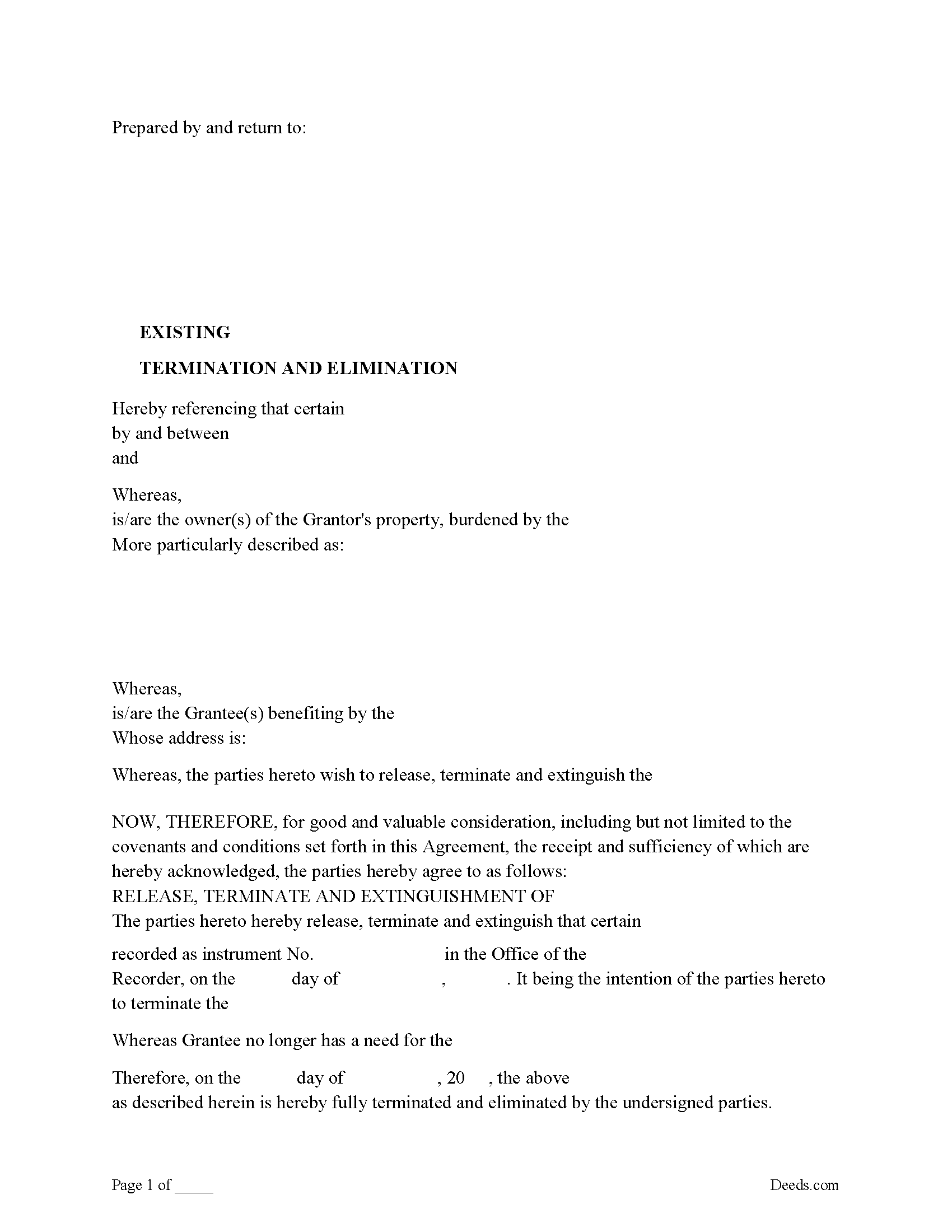
Loudoun County Release of Easement, Right of Way Form
Fill in the blank form formatted to comply with all recording and content requirements.
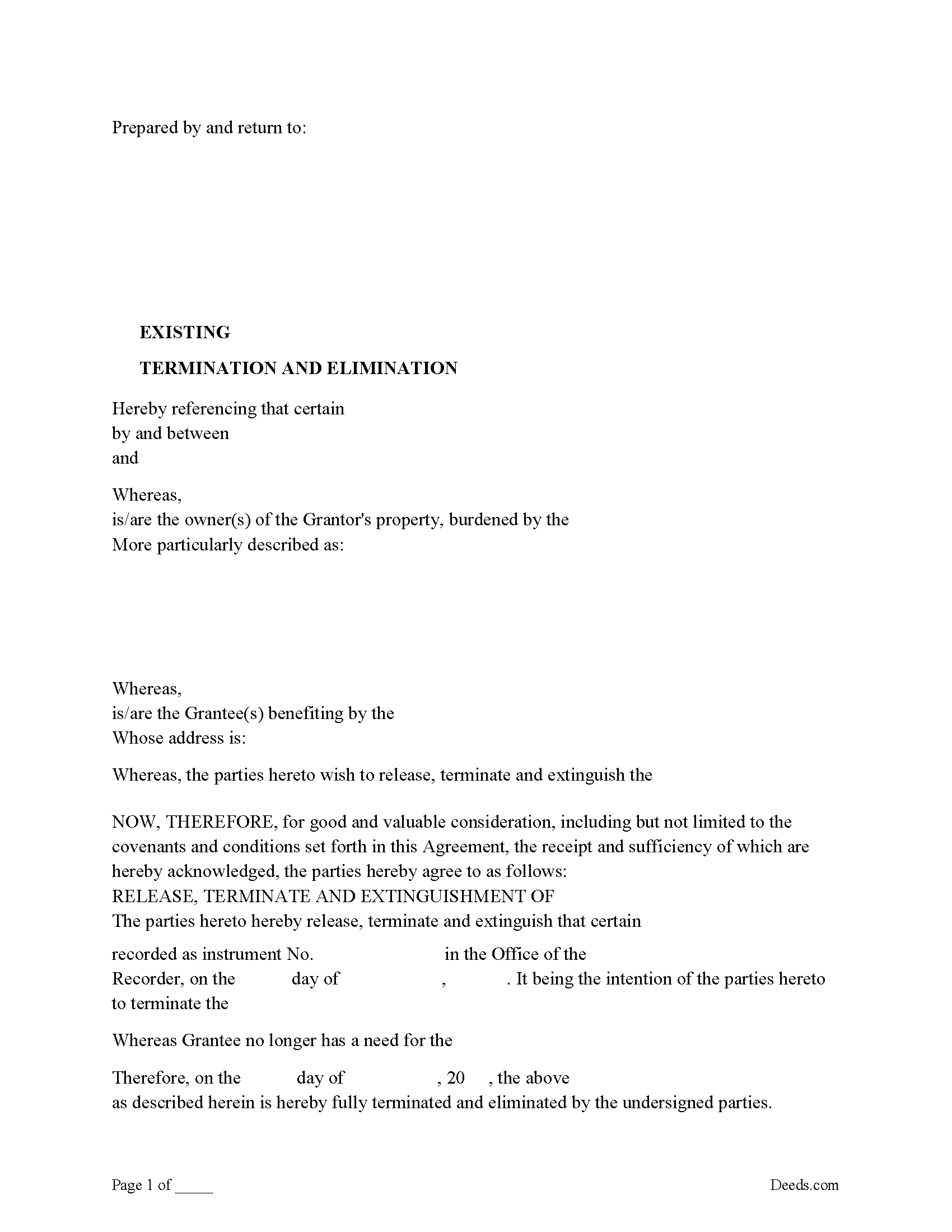
Loudoun County Guidelines for Release of Easement
Line by line guide explaining every blank on the form.
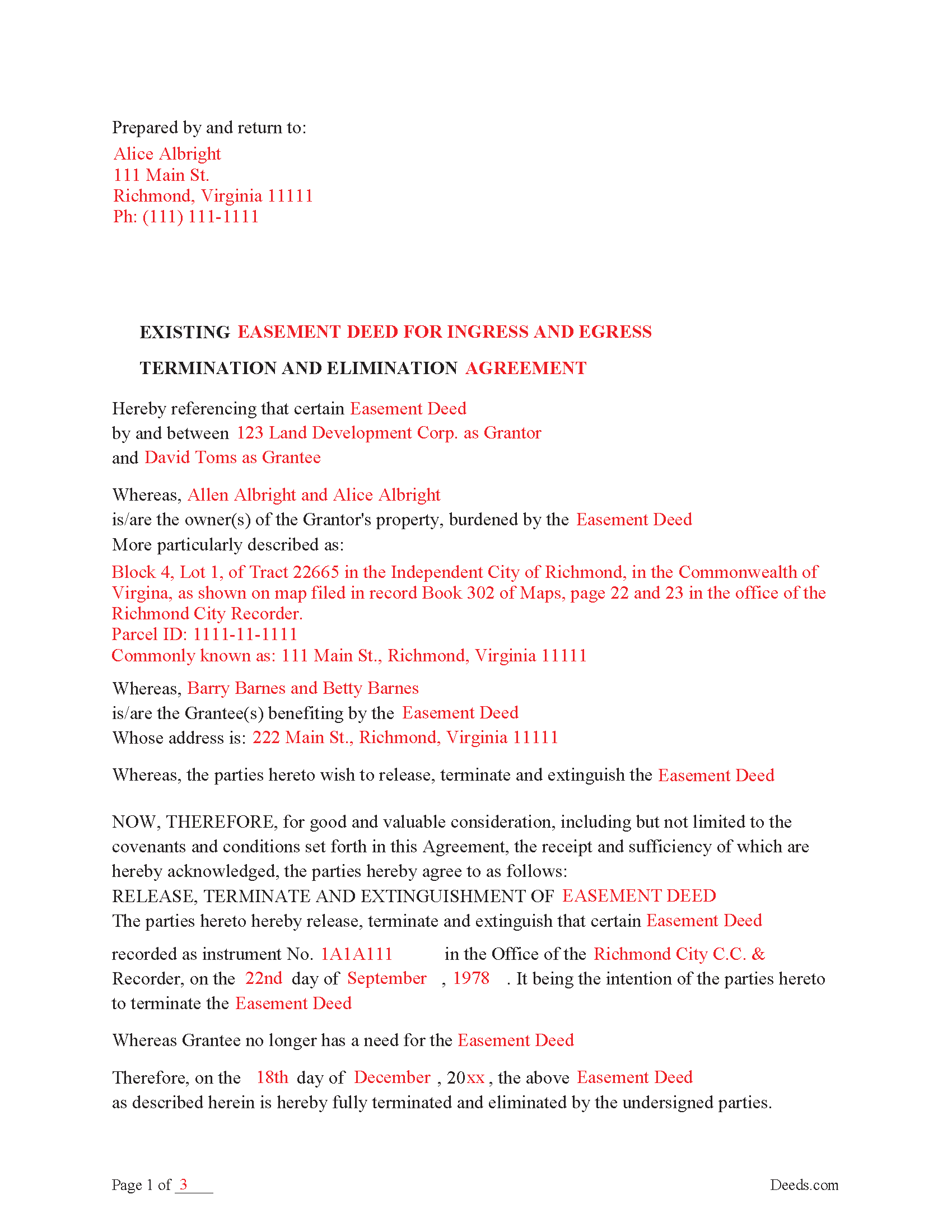
Loudoun County Completed Example of the Release of Easement
Example of a properly completed form for reference.
All 3 documents above included • One-time purchase • No recurring fees
Immediate Download • Secure Checkout
Additional Virginia and Loudoun County documents included at no extra charge:
Where to Record Your Documents
Circuit Court Clerk: Land Records Recording Division
Leesburg, Virginia 20176 / 20178
Hours: 8:00am - 4:00pm M-F
Phone: (703) 737-8160
Recording Tips for Loudoun County:
- Bring your driver's license or state-issued photo ID
- Ensure all signatures are in blue or black ink
- Recording fees may differ from what's posted online - verify current rates
- Request a receipt showing your recording numbers
- Ask about accepted payment methods when you call ahead
Cities and Jurisdictions in Loudoun County
Properties in any of these areas use Loudoun County forms:
- Aldie
- Arcola
- Ashburn
- Chantilly
- Dhs
- Dulles
- Hamilton
- Leesburg
- Lincoln
- Lovettsville
- Middleburg
- Paeonian Springs
- Philomont
- Purcellville
- Round Hill
- Sterling
- Waterford
Hours, fees, requirements, and more for Loudoun County
How do I get my forms?
Forms are available for immediate download after payment. The Loudoun County forms will be in your account ready to download to your computer. An account is created for you during checkout if you don't have one. Forms are NOT emailed.
Are these forms guaranteed to be recordable in Loudoun County?
Yes. Our form blanks are guaranteed to meet or exceed the applicable formatting requirements used for recording in Loudoun County, including margin requirements, font requirements, and other layout standards. This guarantee applies to formatting, not to the legal sufficiency of information entered by the user or the suitability of a form for a particular transaction.
Can I reuse these forms?
Yes. You can reuse the forms for your personal use. For example, if you have multiple properties in Loudoun County you only need to order once.
What do I need to use these forms?
The forms are PDFs that you fill out on your computer. The free Adobe Acrobat Reader is recommended, and most PDF apps also work. You do NOT enter your property information online - you download the blank forms and complete them privately on your own computer.
Are there any recurring fees?
No. This is a one-time purchase. Nothing to cancel, no memberships, no recurring fees.
How much does it cost to record in Loudoun County?
Recording fees in Loudoun County vary. Contact the recorder's office at (703) 737-8160 for current fees.
Questions answered? Let's get started!
Use this form to release, terminate, extinguish a previously recorded document that involves access to and from a property.
Documents such as:
1. Easement Deeds or Agreements (An easement is a non-possessory interest in land, granting the right to use someone else's property for a specific purpose, like a driveway or utility line)
2. Access Roads
3. Right of Ways
4. Utility Easements (Power, Gas, Water, Sewer, Etc.)
5. Drainage Easements
This document allows the owner of the land, burdened by the access and the party that benefits from the access, to sign an agreement releasing the property from such access, under the premises the benefiting party no longer needs access. Once the easement is successfully terminated and the release is recorded, it should be reflected in the title records for the property, effectively removing the easement from the property's title.
(VA Termination of Easement Package includes form, guidelines, and completed example)
Important: Your property must be located in Loudoun County to use these forms. Documents should be recorded at the county or independent city recording office listed above.
This Termination of Easement meets all recording requirements specific to Loudoun County.
Our Promise
The documents you receive here are guaranteed to meet or exceed the applicable Loudoun County recording format requirements. If there is a rejection caused by our formatting, we will correct the issue or refund your payment. This guarantee applies to document formatting only and does not extend to information entered by the user, the selection of the form, or the legal effect of the completed document.
Save Time and Money
Get your Loudoun County Termination of Easement form done right the first time with Deeds.com Uniform Conveyancing Blanks. At Deeds.com, we understand that your time and money are valuable resources, and we don't want you to face a penalty fee or rejection imposed by a county recorder for submitting nonstandard documents. We constantly review and update our forms to meet rapidly changing state and county recording requirements for roughly 3,500 counties and local jurisdictions.
4.8 out of 5 - ( 4,828 Reviews )
Laurie F. 5 out of 5 stars
I am so glad I found Deeds.com. You had exactly what I needed and made it easy to download. I have bookmarked you in the event of further inquiry. Thank you.
We appreciate your business and value your feedback. Thank you. Have a wonderful day!
Jim F. 5 out of 5 stars
Site was easy to navigate and helped me to quickly locate the documents I was searching for. Thank you!
Your appreciative words mean the world to us. Thank you.
Tim T. 5 out of 5 stars
Straightforward and handy. Spacing of the spaces I filled out was not pretty, but it all worked.
We are motivated by your feedback to continue delivering excellence. Thank you!
JACK G. 5 out of 5 stars
Worked out good can the forms be filled out on the computer and printed off.
Thank you for your feedback. We really appreciate it. Have a great day!
Richard W. 4 out of 5 stars
My experience so far is quite good. Useful documents. It would be very helpful if the labels on the files downloaded were in text format, like "Jurat" rather than "1429107022SF21141." It would save me the extra step of providing proper file names.
Thank you for your feedback. We really appreciate it. Have a great day!
Carol M. 5 out of 5 stars
Very user friendly. Glad I found your site.
Thank you!
Keri C. 5 out of 5 stars
It was confusing at first, but the customer service was excellent and fast and I got everything taken care of right away. I'll use Deeds.com even after the recorder's office is open to the public.
Thank you for your feedback. We really appreciate it. Have a great day!
Sylvia Y. 5 out of 5 stars
Fantastic forms! So nice to have them formatted correctly for our county, the recorder here can be very picky with the margins. No issues at all.
Thank you for your feedback. We really appreciate it. Have a great day!
Catherine A. 5 out of 5 stars
Very good site, easy to get around, very thourough, easy to use. Definately will use again. I give you 5 stars
Thank you for your feedback. We really appreciate it. Have a great day!
Jamie F. 4 out of 5 stars
I purchased he Alabama Correction Warranty Deed Form to correct a mistake in the legal description. However, this form says it must be signed by all who previously signed the deed. One of these people is now deceased. Can I use this form? How would it be different? I would give you 5 stars but wish this issue had been addressed. Thanks.
Thank you for your feedback. From the product description: All parties who signed the prior deed must sign the correction deed in the presence of a notary.
Mike M. 5 out of 5 stars
Get Rid of the places to initial each page on the Trust Deed. The Co. Recorder (Davis) does not require that each page be initialled... If I and the "borrower" had initialed each page, then I would have to use US Mail to get the form from AZ to UT because scans of initials are not acceptable, but only a notarized signature from the borrower is...
Thank you for your feedback. We really appreciate it. Have a great day!
willie B. 5 out of 5 stars
I love how you can get information you need online great program ,outstanding just love it....
Thank you!
Suzanne D. 5 out of 5 stars
Information found, thank you. I own Ground Rent on property and needed to know name of property owner and address for mailing bill.
Thank you!
Sandra K. 5 out of 5 stars
Seems fairly simple with forms and instructions
Thank you for your feedback. We really appreciate it. Have a great day!
Edith W. 5 out of 5 stars
I was very pleased to be able to get all the legal forms, with instructions, I need to file a beneficiary deed specific to my county in one place. The downloads went smoothly. Deeds.com has saved me time and money by offering this service.
We appreciate your business and value your feedback. Thank you. Have a wonderful day!