Kittitas County Transfer on Death Revocation Form
Last validated September 29, 2026 by our Forms Development TeamFormatted for recording in Kittitas County, for property anywhere in the county: rural and unincorporated areas as well as Cle Elum, Easton, Ellensburg, Kittitas, Ronald, Roslyn, Snoqualmie Pass, South Cle Elum and 2 more.
- 3 documents included
- Immediate PDF download
- Formatting guarantee
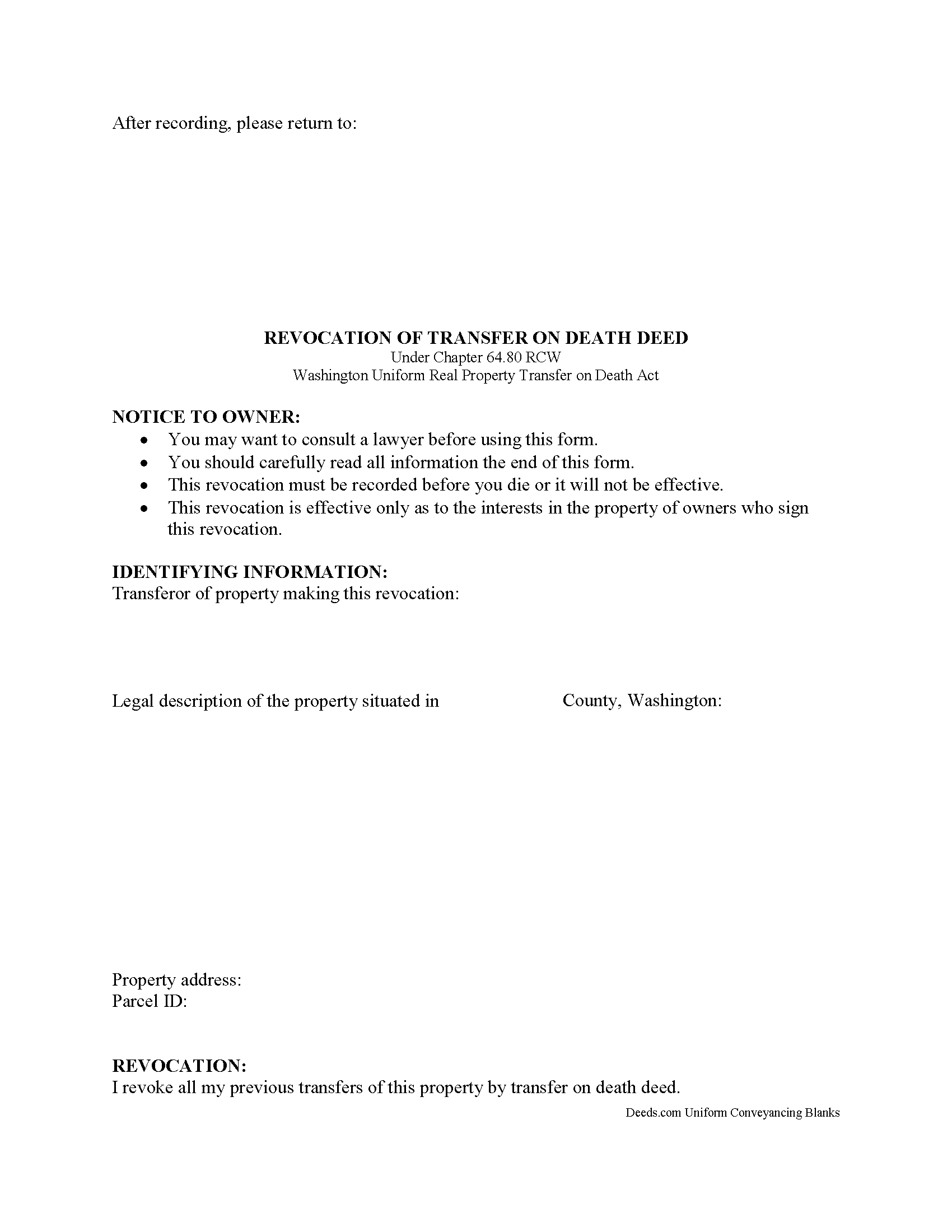
Kittitas County Transfer on Death Revocation Form
Fill in the blank form formatted to comply with all recording and content requirements.
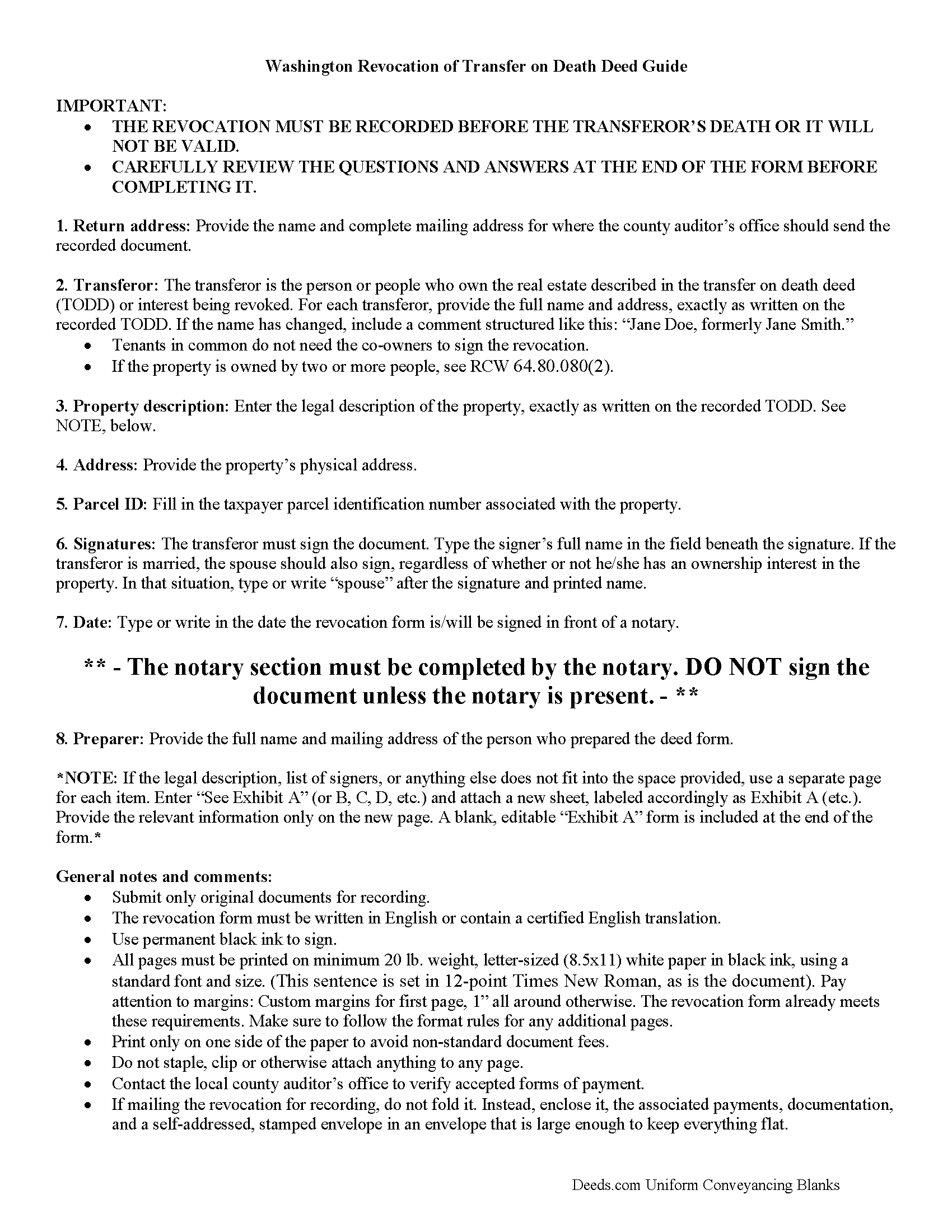
Kittitas County Transfer on Death Revocation Guide
Line by line guide explaining every blank on the form.
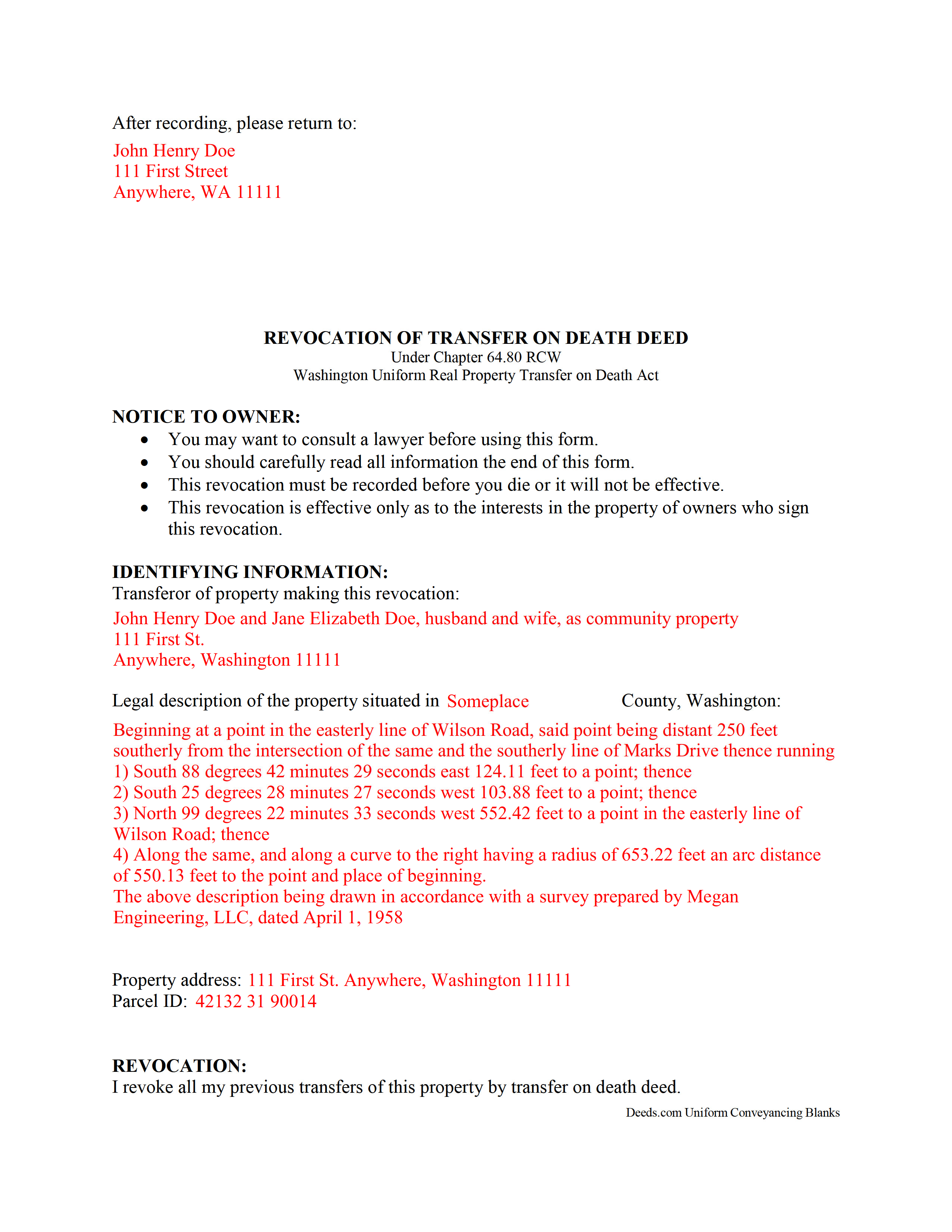
Kittitas County Completed Example of the Transfer on Death Revocation Document
Example of a properly completed form for reference.
All 3 documents above included • One-time purchase • No recurring fees
Immediate Download • Secure Checkout
Additional Washington and Kittitas County documents included at no extra charge:
Where to Record Your Documents
Kittitas County Auditor: Recording
Ellensburg, Washington 98926
Hours: Monday through Friday 9:00am – 5:00pm
Phone: (509) 962-7504
Recording Tips for Kittitas County:
- Bring your driver's license or state-issued photo ID
- Ensure all signatures are in blue or black ink
- Recorded documents become public record - avoid including SSNs
- Recording fees may differ from what's posted online - verify current rates
- Request a receipt showing your recording numbers
Cities and Jurisdictions in Kittitas County
Properties in any of these areas use Kittitas County forms:
- Cle Elum
- Easton
- Ellensburg
- Kittitas
- Ronald
- Roslyn
- Snoqualmie Pass
- South Cle Elum
- Thorp
- Vantage
Hours, fees, requirements, and more for Kittitas County
How do I get my forms?
Forms are available for immediate download after payment. The Kittitas County forms will be in your account ready to download to your computer. An account is created for you during checkout if you don't have one. Forms are NOT emailed.
Are these forms guaranteed to be recordable in Kittitas County?
Yes. Our form blanks are guaranteed to meet or exceed the applicable formatting requirements used for recording in Kittitas County, including margin requirements, font requirements, and other layout standards. This guarantee applies to formatting, not to the legal sufficiency of information entered by the user or the suitability of a form for a particular transaction.
Can I reuse these forms?
Yes. You can reuse the forms for your personal use. For example, if you have multiple properties in Kittitas County you only need to order once.
What do I need to use these forms?
The forms are PDFs that you fill out on your computer. The free Adobe Acrobat Reader is recommended, and most PDF apps also work. You do NOT enter your property information online - you download the blank forms and complete them privately on your own computer.
Are there any recurring fees?
No. This is a one-time purchase. Nothing to cancel, no memberships, no recurring fees.
How much does it cost to record in Kittitas County?
Recording fees in Kittitas County vary. Contact the recorder's office at (509) 962-7504 for current fees.
Questions answered? Let's get started!
Revoking a Transfer on Death Deed in Washington
Earlier this year, the Washington legislature voted to join with an increasing number of states and adopt the Uniform Real Property Transfer on Death Act (URPTODA). The law is found at Chapter 64 of the Revised Code of Washington, and went into effect on June 12, 2014. This act allows owners of real property in the state to control the distribution of what is often their most significant asset, their real estate, by executing and recording a transfer on death deed (TODD).
Revocation is an important feature of transfer on death deeds because it allows the owner/transferor to easily respond to a change in circumstances. This option explains why TODDs do not require consideration or notice (64.80.070). At 64.80.080, the statute outlines the three methods available for changing or revoking a recorded transfer on death deed, by executing and recording:
- a new TODD
- a revocation form
- a deed (example: warranty deed) that conveys title to someone else and expressly revokes all or part of the TODD
To preserve a clear chain of title, it makes sense to file a revocation form when changing a previously recorded transfer on death deed or selling the property outright. This extra step will add an end point for the potential transfer, simplifying future title searches prior to selling or mortgaging the property.
Since each situation is unique, contact an attorney with specific questions or for complex circumstances.
(Washington TODR Package includes form, guidelines, and completed example)
Important: Your property must be located in Kittitas County to use these forms. Documents should be recorded at the county recording office listed above.
This Transfer on Death Revocation meets all recording requirements specific to Kittitas County.
Our Promise
The documents you receive here are guaranteed to meet or exceed the applicable Kittitas County recording format requirements. If there is a rejection caused by our formatting, we will correct the issue or refund your payment. This guarantee applies to document formatting only and does not extend to information entered by the user, the selection of the form, or the legal effect of the completed document.
Save Time and Money
Get your Kittitas County Transfer on Death Revocation form done right the first time with Deeds.com Uniform Conveyancing Blanks. At Deeds.com, we understand that your time and money are valuable resources, and we don't want you to face a penalty fee or rejection imposed by a county recorder for submitting nonstandard documents. We constantly review and update our forms to meet rapidly changing state and county recording requirements for roughly 3,500 counties and local jurisdictions.
4.8 out of 5 - ( 4,845 Reviews )
Dana R. 5 out of 5 stars
This site is Awesome! So easy to use and they really work fast. I will use this for all my Maricopa County Recorder items or deeds, etc. Love this site.
Thank you for your feedback. We really appreciate it. Have a great day!
Allan y. 5 out of 5 stars
I liked the guide and example to follow to fill out the form. Very helpful!!
Thank you!
Edith T. 5 out of 5 stars
this was wonderful. I found everything very easy to understand. And great examples.
Thank you!
Sandra W. 5 out of 5 stars
No issues with the forms.
Thank you!
Judy F. 5 out of 5 stars
The site was easy to use, I just wasn't sure which of all these documents I needed.
Thank you!
Charlotte K. 5 out of 5 stars
Really a simple, quick, professional experience!
Thank you!
Elaine R. 5 out of 5 stars
Delivered the exact documents I wanted, and included a filled out form for guidance. It also included other documents that might be required. Excellent.
Thank you, Elaine. We’re glad the forms and example document were helpful and that you found everything you needed. We appreciate your feedback and your business.
Terry K. 1 out of 5 stars
Thought from the reviews and claims, it would be able to do our quit claim deed. Maybe for simple situations it works but ours required more room for the description and parcel numbers. Ended up being a total waste of $40.00. Wouldn't buy again. It is no better than the free forms you can find online.
Hi Terry, thanks for the feedback. Your order was canceled and fully refunded. To clarify for other customers: our quitclaim deed package includes an exhibit/attachment page for legal descriptions and parcel numbers that run long, with instructions on when and how to use it, this is a standard approach for multi-page legal descriptions and is accepted by recorders.
Marilyn C. 5 out of 5 stars
A great service, making it fast and easy to prepare warranty deeds for property transfer sales. I recommend this to everyone who needs this help.
Thank you!
John T. 5 out of 5 stars
Great site, I was able to navigate with ease. We appreciate all those who contributed in making this possible
Thank you!
William A B. 5 out of 5 stars
Good service...deed release form as required.
Thank you!
Linda P. 5 out of 5 stars
Very informative. It was very helpful.
Thank you!
Ron B. 5 out of 5 stars
Solved my requirement. Happy to have found the site
Thank you for your feedback. We really appreciate it. Have a great day!
Jamal . 5 out of 5 stars
So far so good!
Thank you!
Lanette H. 5 out of 5 stars
I liked getting the forms but I was charged twice for some reason. I'm not sure what happened with that. Can you reimburse me? Thank you. Lanette
Thank you for your feedback Lanette. In review, it looks like your first payment was declined, second one was approved and processed. What you are seeing is one payment and a hold placed by your financial institution for the declined attempt. We are not sure why they do this but the hold usually falls off after a few day depending on their policy. If you have further questions about this you can contact your financial institution and they will explain. Have a great day.