Wayne County Quitclaim Deed (Married Grantor with Non-Owner Spouse Joinder) Form
Last validated October 16, 2026 by our Forms Development TeamFormatted for recording in Wayne County, for property anywhere in the county: rural and unincorporated areas as well as Ceredo, Crum, Dunlow, East Lynn, Fort Gay, Genoa, Huntington, Kenova and 6 more.
- 3 documents included
- Immediate PDF download
- Formatting guarantee
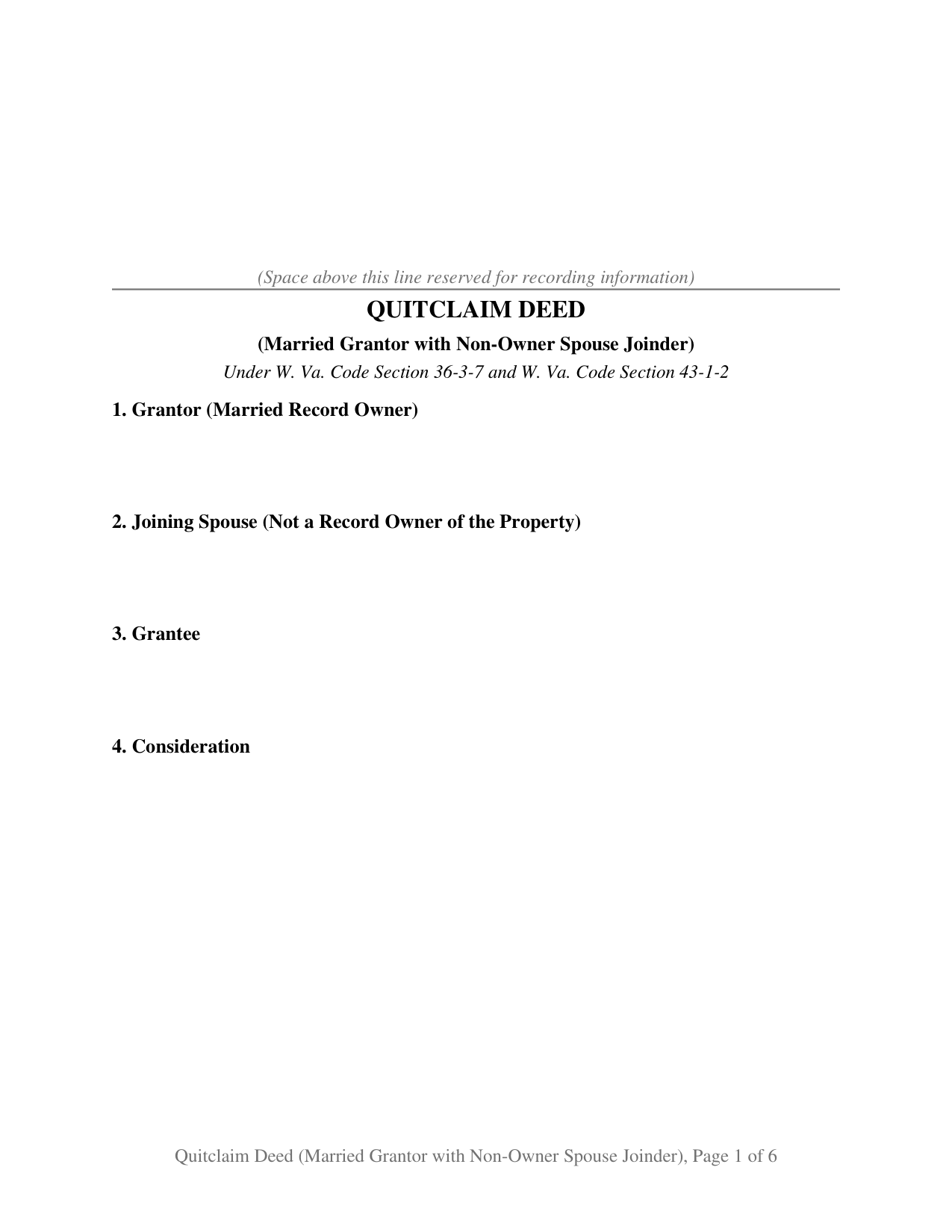
Wayne County Quitclaim Deed (Married Grantor with Non-Owner Spouse Joinder) Form
Fill in the blank Quitclaim Deed (Married Grantor with Non-Owner Spouse Joinder) form formatted to comply with all West Virginia recording and content requirements.
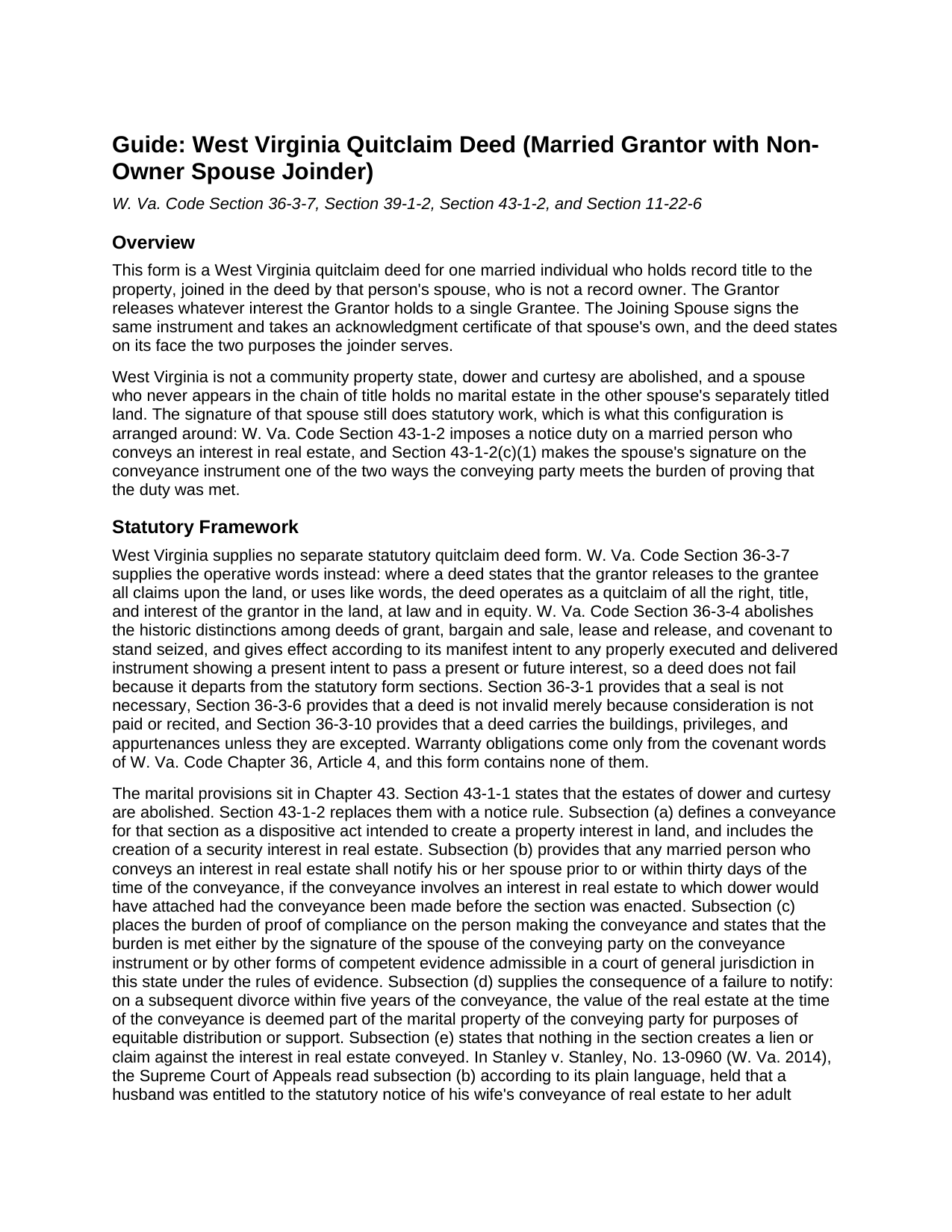
Wayne County Quitclaim Deed (Married Grantor with Non-Owner Spouse Joinder) Guide
Line by line guide explaining every blank on the Quitclaim Deed (Married Grantor with Non-Owner Spouse Joinder) form.
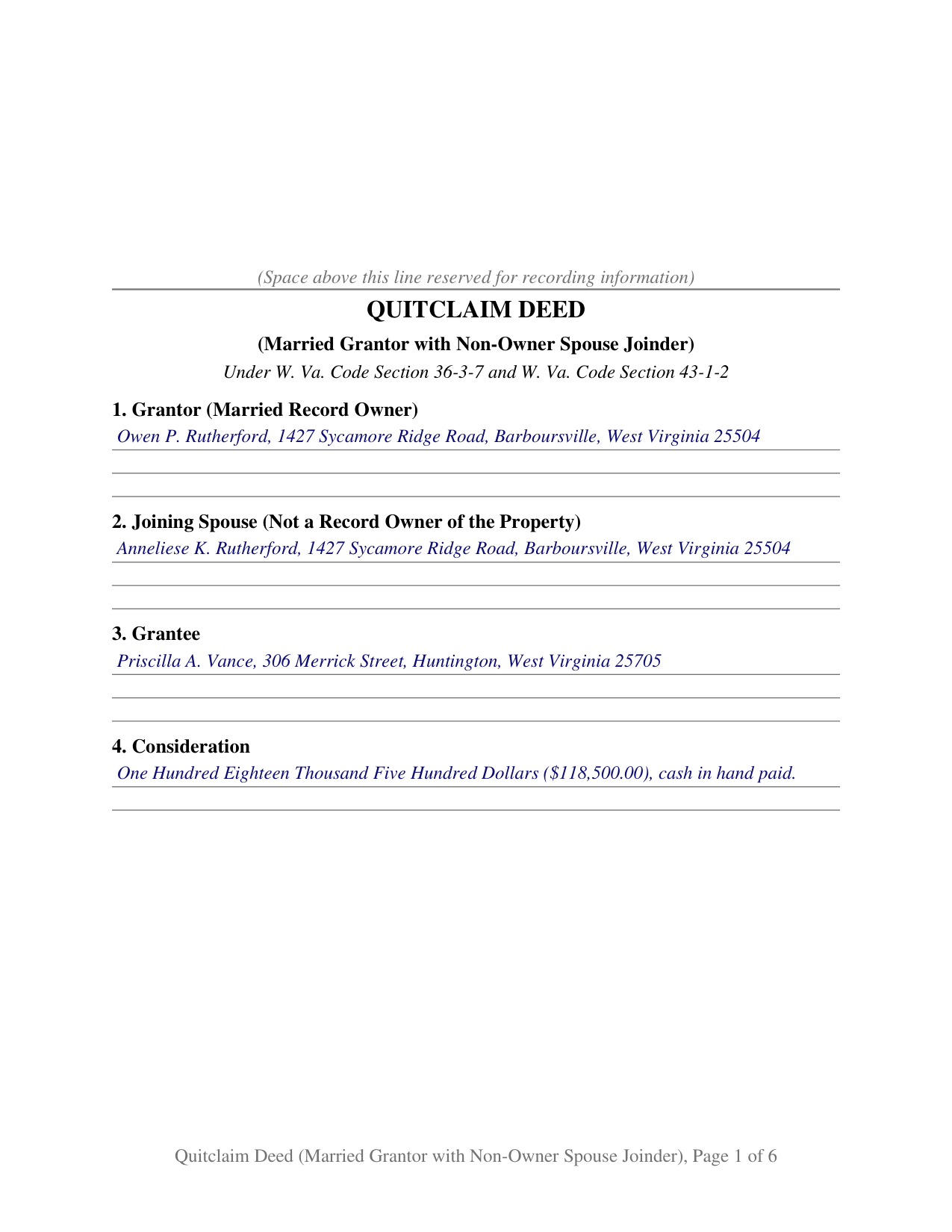
Wayne County Completed Example of the Quitclaim Deed (Married Grantor with Non-Owner Spouse Joinder) Document
Example of a properly completed West Virginia Quitclaim Deed (Married Grantor with Non-Owner Spouse Joinder) document for reference.
All 3 documents above included • One-time purchase • No recurring fees
Immediate Download • Secure Checkout
Additional West Virginia and Wayne County documents included at no extra charge:
Where to Record Your Documents
Wayne County Clerk
Wayne, West Virginia 25570
Hours: 8:00 to 4:00 M-W, F; Th until 7:00
Phone: (304) 272-6362
Recording Tips for Wayne County:
- Bring your driver's license or state-issued photo ID
- Ensure all signatures are in blue or black ink
- Leave recording info boxes blank - the office fills these
- Make copies of your documents before recording - keep originals safe
- Recorded documents become public record - avoid including SSNs
Cities and Jurisdictions in Wayne County
Properties in any of these areas use Wayne County forms:
- Ceredo
- Crum
- Dunlow
- East Lynn
- Fort Gay
- Genoa
- Huntington
- Kenova
- Kiahsville
- Lavalette
- Prichard
- Shoals
- Wayne
- Wilsondale
Hours, fees, requirements, and more for Wayne County
How do I get my forms?
Forms are available for immediate download after payment. The Wayne County forms will be in your account ready to download to your computer. An account is created for you during checkout if you don't have one. Forms are NOT emailed.
Are these forms guaranteed to be recordable in Wayne County?
Yes. Our form blanks are guaranteed to meet or exceed the applicable formatting requirements used for recording in Wayne County, including margin requirements, font requirements, and other layout standards. This guarantee applies to formatting, not to the legal sufficiency of information entered by the user or the suitability of a form for a particular transaction.
Can I reuse these forms?
Yes. You can reuse the forms for your personal use. For example, if you have multiple properties in Wayne County you only need to order once.
What do I need to use these forms?
The forms are PDFs that you fill out on your computer. The free Adobe Acrobat Reader is recommended, and most PDF apps also work. You do NOT enter your property information online - you download the blank forms and complete them privately on your own computer.
Are there any recurring fees?
No. This is a one-time purchase. Nothing to cancel, no memberships, no recurring fees.
How much does it cost to record in Wayne County?
Recording fees in Wayne County vary. Contact the recorder's office at (304) 272-6362 for current fees.
Questions answered? Let's get started!
One name in the chain of title, two signatures on the deed. This West Virginia quitclaim deed pairs a married owner who holds record title alone with the spouse who holds none of it, and says on its face why the second person signs. The form carries one grantor block, one joinder block, one grantee, a certificate for each signer, and a conditional grantee block West Virginia added in 2025.
A signature that conveys nothing
West Virginia abolished dower and curtesy in W. Va. Code Section 43-1-1 and recognizes no community property, so a spouse whose name never reached the deed ordinarily has no interest to give up. What that spouse has instead is a statutory role. W. Va. Code Section 43-1-2 puts the duty on the conveying party: a married person who parts with an interest to which dower would formerly have attached notifies the spouse, either beforehand or inside thirty days, carries the burden of showing that it happened, and discharges that burden by one of two routes, the spouse's signature on the instrument or other competent evidence. Section 8 says as much on the face of the deed: the joining spouse is not a record owner, is not a grantor of any record interest, signs to meet that burden, and releases whatever interest the spouse does hold.
Where a missing notice actually lands
No county clerk polices the notice, and nothing in Section 43-1-2 creates a lien or claim against the interest conveyed, so a grantee's title is not what hangs on it. Subsection (d) points elsewhere: on a divorce within five years, the value of the real estate at the time of the conveyance becomes part of the conveying party's marital property for equitable distribution or support. In Stanley v. Stanley, No. 13-0960 (W. Va. 2014), the Supreme Court of Appeals held a husband entitled to that notice of his wife's conveyance to her adult children, and reinstated the order counting the value as marital property.
Two signers, two certificates, and a conditional third
Section 10 gives the grantor and the joining spouse each a signature line, printed name, and date, and each has a certificate of its own in the short form of W. Va. Code Section 39-4-16. West Virginia law does not require separate certificates; this layout carries them because one certificate recites a single date and a single officer, and the example shows what that buys: the grantor acknowledges in Cabell County, the spouse four days later in another county before a different notary. Section 11 sits ready for a third signature. Since July 11, 2025, W. Va. Code Section 39-1-2(b)(2) has kept a no consideration quitclaim deed, and any deed whose property value is $100 or less with no excise tax paid on it, out of the record unless the grantee has signed and acknowledged it too, subject to the exceptions the subsection lists, and a deed recorded in violation of it is void.
One owner of record, one grantee
A spouse who took title before the marriage, a spouse who inherited a parcel under a deed naming that spouse alone, and a spouse whose is the only name in the vesting deed all present the single-owner-plus-joinder pattern this deed recites. Two record owners, three or more, a company, a trustee, or a personal representative each execute through a different architecture than the two individual blocks this form draws. The release reaches only what the signers hold at delivery, without covenant or warranty, so recorded liens and easements pass through undisturbed.
Consideration, stamps, and the sheet that travels alongside
Section 12 carries the declaration of consideration or value that W. Va. Code Section 11-22-6 requires, at the end of the instrument: one line for consideration paid, one for true and actual value, over a signature, a stated interest, and an address. The clerk reads that figure when computing the excise stamps, $1.10 per $500 of value under Section 11-22-2 plus a county excise beginning at 55 cents that a county commission may raise, which is how Cabell County reaches a combined $5.50 per $1,000. Every recorded document also arrives with the State Tax Commissioner Sales Listing Form, Form STC 12:39, prepared separately from this package.
The download delivers this West Virginia quit claim deed as a fillable PDF, a completed example set in Cabell County, and a line by line guide to the twelve sections, the signing options, and the recording package. The materials are informational and are not legal advice.
Important: Your property must be located in Wayne County to use these forms. Documents should be recorded at the county recording office listed above.
This Quitclaim Deed (Married Grantor with Non-Owner Spouse Joinder) meets all recording requirements specific to Wayne County.
Our Promise
The documents you receive here are guaranteed to meet or exceed the applicable Wayne County recording format requirements. If there is a rejection caused by our formatting, we will correct the issue or refund your payment. This guarantee applies to document formatting only and does not extend to information entered by the user, the selection of the form, or the legal effect of the completed document.
Save Time and Money
Get your Wayne County Quitclaim Deed (Married Grantor with Non-Owner Spouse Joinder) form done right the first time with Deeds.com Uniform Conveyancing Blanks. At Deeds.com, we understand that your time and money are valuable resources, and we don't want you to face a penalty fee or rejection imposed by a county recorder for submitting nonstandard documents. We constantly review and update our forms to meet rapidly changing state and county recording requirements for roughly 3,500 counties and local jurisdictions.
4.8 out of 5 - ( 4,829 Reviews )
Armando R. 5 out of 5 stars
Great service, quick and affordable. Thank you!
Thank you!
Jay B. 5 out of 5 stars
I've never had a problem locating the records I need. I can't imagine what can be done to improve the service.
Thank you!
Alfred M. 5 out of 5 stars
Well done - easy to use
Thanks for your feedback. We’re glad we could help.
Thomas D. 2 out of 5 stars
The documents themselves are fine and the information provided with them is helpful. I find the actual processing of the documents, however, to be difficult particularly once the document has been saved. First, I note that the box for the date only allows entry of the last 2 digits of the year. Unfortunately, my download only allows me to enter one of the 2 digits required. When I delete it repeatedly, it eventually allows both digits to be entered but puts them in extremely small text and in superscrypt. I have not found a solution to this problem and am not sure the deed can even be recorded with this problem. Another problem is that if you try to revise the document after you have saved it the curser goes to the end of the line after each key entry. This means that there basically is no way to efficiently save the document for reworking later since you will have to delete everything you have entered in the text box unless you only need to make a single keystroke change or are willing to replace the curser after each entry. Try that with a long property description! Please note that I am using a Mac to prepare my documents and perhaps this is part of an "incompatibility problem". However, I didn't see a disclaimer regarding Mac use and so would expect the documents to perform correctly. Overall, I give the program a "2 star" rating because I am experiencing significant difficulties in entering dates in the documents even before saving them and because saving your work for later revision appears to be basically unworkable.
Thank you for your feedback Thomas, we appreciate you being specific about the issues you encountered. Adobe and Mac have a fairly long history of issues working together.
David K. 5 out of 5 stars
My 1st trip to your site. I give it a full 5-star rating! Thank you. I'll be back.
Thank you for your feedback. We really appreciate it. Have a great day!
Richard S. 2 out of 5 stars
Not user friendly, and not an Adobe fan. The first page of Quitclaim Deed form cuts off the Parcel Identification line on the bottom. Also quite a few forms showed up to be downloaded , after I paid, so I was unsure if all the forms were part of the quitclaim package. I have adobe but was unable to locate the forms in adobe on my computer after I downloaded them. Just wanted to print out one quitclaim deed form, which would have taken less that 3 minutes. instead it took 97 minutes. Thank you, though, for having the form there.
Thank you for your feedback. We really appreciate it. Have a great day!
Kim C. 5 out of 5 stars
Very user-friendly and easy to obtain exactly what I needed. I am impressed by the sample forms as well. I will definitely be using Deeds.com again!!
Thank you for your feedback. We really appreciate it. Have a great day!
Rebecca H. 4 out of 5 stars
Very pleased with the ease of this deed form. Completing the deed form to make sure everything was in my name took ten minutes. Thanks.
We appreciate your business and value your feedback. Thank you. Have a wonderful day!
Veronica F. 5 out of 5 stars
Fabulous service team. VERY responsive with any issue I encountered. Preparing forms out of state to record in another is never easy but this team assists expeditiously.
Your feedback is greatly appreciated. Thank you for taking the time to share your experience!
Deborah D. 5 out of 5 stars
Very easy to use, got everything I needed. Reasonable price.
Thank you!
Gloria L. 5 out of 5 stars
Quick and simple process! I wish I would have used them sooner!
Thank you for your feedback. We really appreciate it. Have a great day!
Lloyd T. 5 out of 5 stars
Example deed given did not apply to married couples as joint owners with both being grantors. The example and directions also did not show how to write more than one grantee as equal grantees. Both would have been helpful when husband and wife are granting their property to their children equally. Also when attaching the exhibit A with the property description the example did not say "see exhibit A"in the property description area, so I didn't write that. Luckily the recorder of deeds allowed me to write it in. I think directions and examples for multiple scenarios would be helpful.
Thank you for your feedback. We really appreciate it. Have a great day!
Christopher H. 5 out of 5 stars
So far, everything we have needed was easy to find, fill out and understand. If it all works out as it should, this site will have a customer for life.
Thank you for your feedback. We really appreciate it. Have a great day!
BARBARA T. 5 out of 5 stars
Love this site! So easy to use and very economical
Thank you!
James D. 4 out of 5 stars
good product, but would prefer an editable document, such as word
Thanks for your feedback James.