Columbia County Certificate of Trust Form
Last validated October 5, 2026 by our Forms Development TeamFormatted for recording in Columbia County, for property anywhere in the county: rural and unincorporated areas as well as Arlington, Cambria, Columbus, Doylestown, Fall River, Friesland, Lodi, Pardeeville and 6 more.
- 3 documents included
- Immediate PDF download
- Formatting guarantee
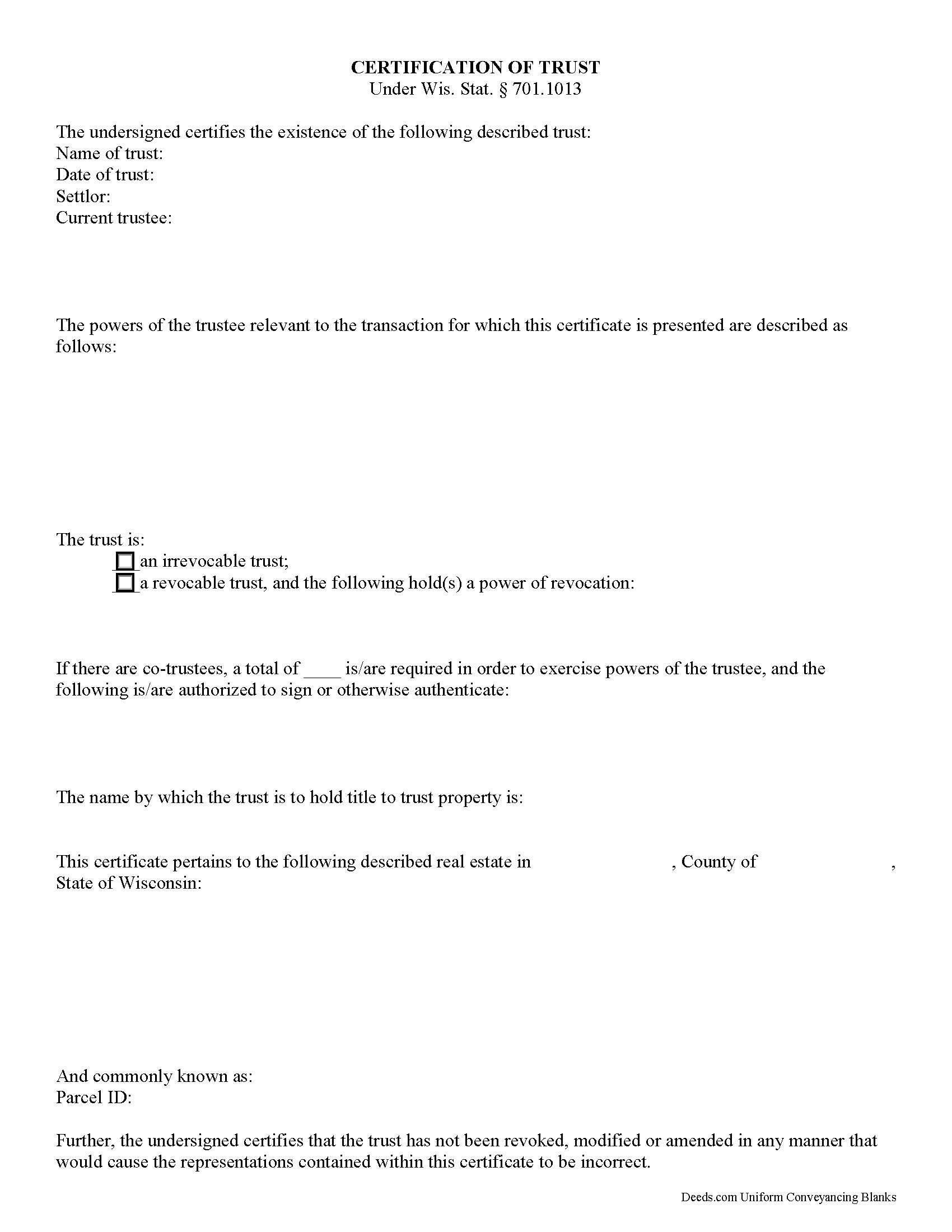
Columbia County Certificate of Trust Form
Fill in the blank form formatted to comply with all recording and content requirements.
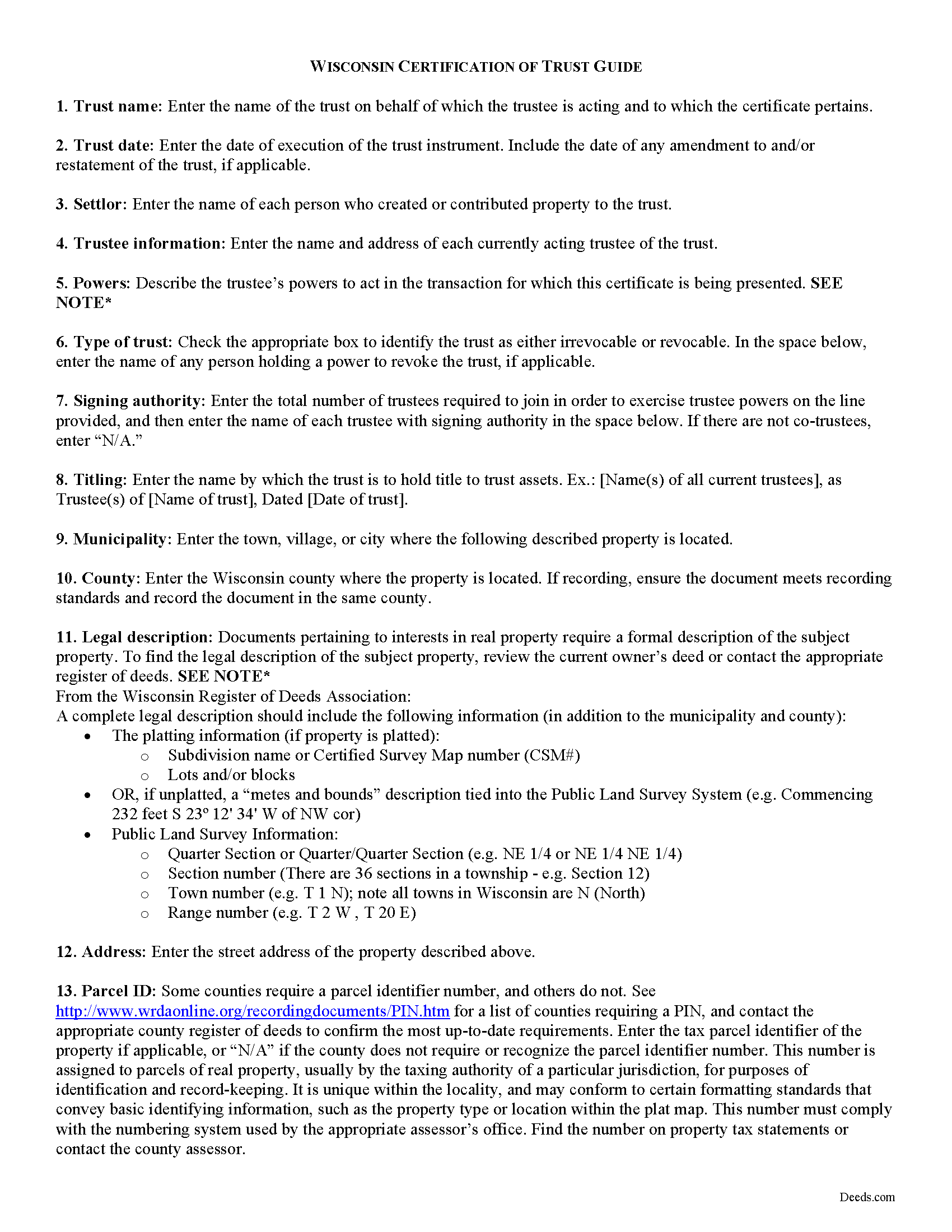
Columbia County Certificate of Trust Guide
Line by line guide explaining every blank on the form.
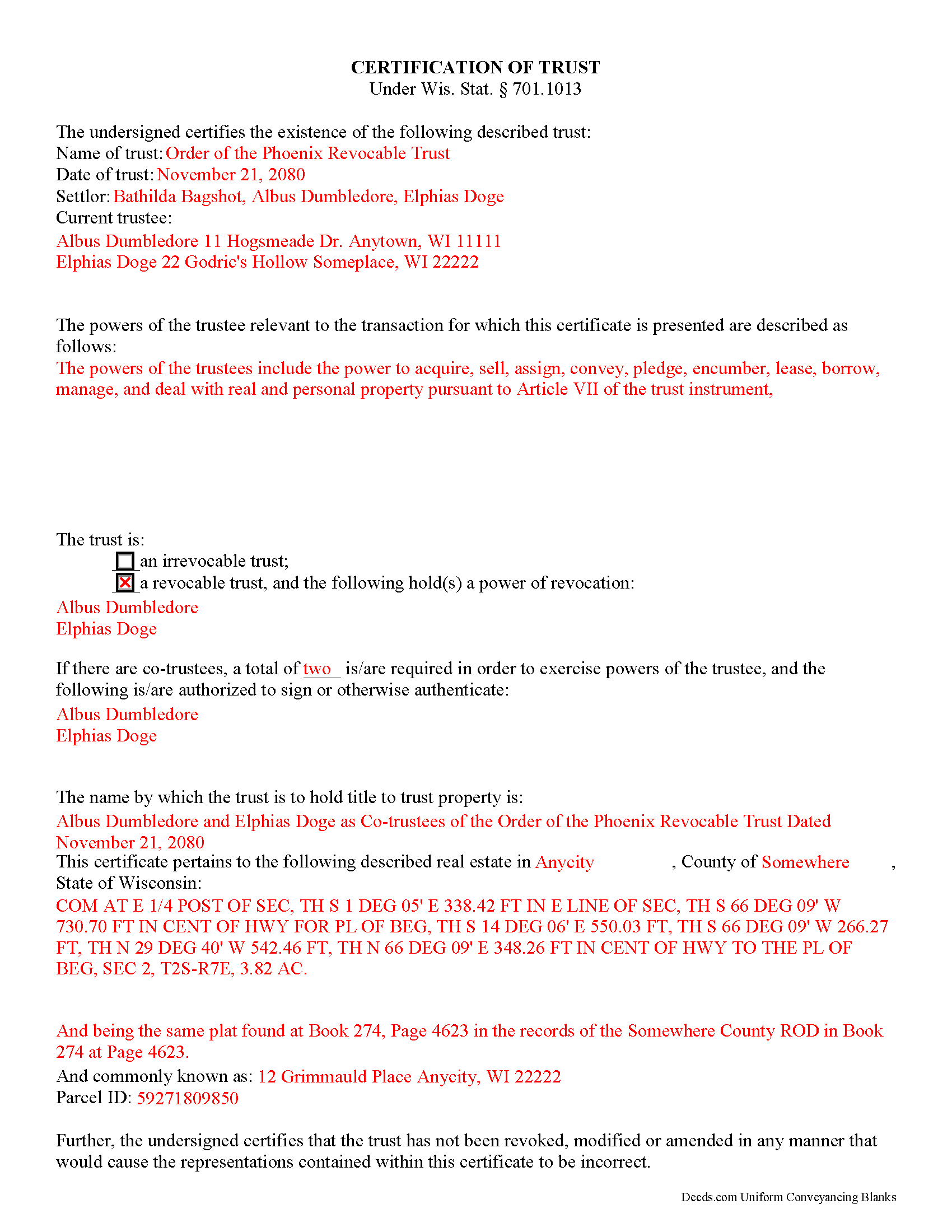
Columbia County Completed Example of the Certificate of Trust Document
Example of a properly completed form for reference.
All 3 documents above included • One-time purchase • No recurring fees
Immediate Download • Secure Checkout
Additional Wisconsin and Columbia County documents included at no extra charge:
Where to Record Your Documents
Columbia County Clerk
Portage, Wisconsin 53901
Hours: Monday - Friday 8:00am - 4:30pm. Please note, the cut-off reception time for recording real estate documents will be 3:30 pm. Documents presented for recording after 3:30 pm will be recorded the next business day.
Phone: (608) 742-9677
Recording Tips for Columbia County:
- Bring your driver's license or state-issued photo ID
- Ensure all signatures are in blue or black ink
- Ask if they accept credit cards - many offices are cash/check only
- Check that your notary's commission hasn't expired
- Documents must be on 8.5 x 11 inch white paper
Cities and Jurisdictions in Columbia County
Properties in any of these areas use Columbia County forms:
- Arlington
- Cambria
- Columbus
- Doylestown
- Fall River
- Friesland
- Lodi
- Pardeeville
- Portage
- Poynette
- Randolph
- Rio
- Wisconsin Dells
- Wyocena
Hours, fees, requirements, and more for Columbia County
How do I get my forms?
Forms are available for immediate download after payment. The Columbia County forms will be in your account ready to download to your computer. An account is created for you during checkout if you don't have one. Forms are NOT emailed.
Are these forms guaranteed to be recordable in Columbia County?
Yes. Our form blanks are guaranteed to meet or exceed the applicable formatting requirements used for recording in Columbia County, including margin requirements, font requirements, and other layout standards. This guarantee applies to formatting, not to the legal sufficiency of information entered by the user or the suitability of a form for a particular transaction.
Can I reuse these forms?
Yes. You can reuse the forms for your personal use. For example, if you have multiple properties in Columbia County you only need to order once.
What do I need to use these forms?
The forms are PDFs that you fill out on your computer. The free Adobe Acrobat Reader is recommended, and most PDF apps also work. You do NOT enter your property information online - you download the blank forms and complete them privately on your own computer.
Are there any recurring fees?
No. This is a one-time purchase. Nothing to cancel, no memberships, no recurring fees.
How much does it cost to record in Columbia County?
Recording fees in Columbia County vary. Contact the recorder's office at (608) 742-9677 for current fees.
Questions answered? Let's get started!
The certificate of trust is an unrecorded document executed by a trustee and presented to a party doing business with the trustee (such as a financial institution). The document is codified as part of the Wisconsin Trust Code at Wis. Stat. 701.1013.
In a trust arrangement, a settlor transfers assets another person who, as trustee, manages them for the benefit of the trust beneficiary. In lieu of presenting the entire trust instrument, which generally goes unrecorded in order to protect the settlor's estate plans, the certificate is an abstract containing only the information required of the trustee in order to conduct the business at hand. The document certifies that the trust exists and that the trustee has the authority to act in the pending transaction on behalf of the trust.
The certificate includes a statement that the trust exists and contains the name and date of the trust; the names of the settlor and all currently acting trustees; an inventory of the relevant powers of the trustee; and the name by which the trust vests title to property. The form also identifies anyone who holds a power to revoke the trust, and, when there are co-trustees, stipulates the authority of the trustees to authenticate trust documents. Additionally, the certificate requires a statement that the trust has not been modified, amended, or revoked so as to invalidate the facts presented.
In most cases, the certificate is not recorded. It may sometimes accompany a conveyance of real property out of the trust (a trustee's deed), verifying that the trustee has the authority to convey real property and confirming that the property is subject to the trust by providing the legal description of the property, as found in the trust agreement or conveyancing instrument into trust.
Statements made in the certificate may be relied on as fact; Wis. Stat. 701.1013 provides protection for persons relying in good faith on the information presented in the certificate. In addition to the certificate, the trustee may furnish excerpts from the trust instrument designating the trustee and establishing the trustee's power to act in the business at hand. Recipients of a certificate requesting that the trustee furnish the entire trust instrument, however, are open to liability.
The certificate may be signed by any trustee in the presence of a notary public. If the document is submitted for recording, it must conform to standards for recording established at Wis. Stat. 59.43(2m).
Consult a lawyer with questions regarding trusts and certifications of trust in Wisconsin, as each situation is unique.
(Wisconsin COT Package includes form, guidelines, and completed example)
Important: Your property must be located in Columbia County to use these forms. Documents should be recorded at the county recording office listed above.
This Certificate of Trust meets all recording requirements specific to Columbia County.
Our Promise
The documents you receive here are guaranteed to meet or exceed the applicable Columbia County recording format requirements. If there is a rejection caused by our formatting, we will correct the issue or refund your payment. This guarantee applies to document formatting only and does not extend to information entered by the user, the selection of the form, or the legal effect of the completed document.
Save Time and Money
Get your Columbia County Certificate of Trust form done right the first time with Deeds.com Uniform Conveyancing Blanks. At Deeds.com, we understand that your time and money are valuable resources, and we don't want you to face a penalty fee or rejection imposed by a county recorder for submitting nonstandard documents. We constantly review and update our forms to meet rapidly changing state and county recording requirements for roughly 3,500 counties and local jurisdictions.
4.8 out of 5 - ( 4,836 Reviews )
Samantha B. 5 out of 5 stars
Awesome service! This took care of my needs 10x faster than I thought possible. I even bought an extra service that wasn't needed to accomplish my end goal and they refunded me without me even asking. Highly recommend!
Thank you for your feedback. We really appreciate it. Have a great day!
Lisa W. 5 out of 5 stars
Great E-Service Provider!
Thank you!
Tina C. 5 out of 5 stars
Quick and easy ordering and download. Appreciated that I could get the form that is used in my county. Would have like to be able to add paragraphs to form.
We appreciate your business and value your feedback. Thank you. Have a wonderful day!
Novella M T. 5 out of 5 stars
Amazing forms, nice to have something specific and not generic like some other sites. Getting the other required forms included is a nice bonus.
Great to hear Novella. We appreciate you taking the time to leave your feedback.
Gary J. 5 out of 5 stars
Whomever "KCH" is, that person was of great help. It took me several tries due my inexperience with ADOBE SCAN, but that certainly is no fault of yours!! KVH was very patient with me, and in fact resolved the things I was doing wrong for me, without my even requesting the assistance.
Thank you!
FRANK O. 4 out of 5 stars
Easy to download and use the forms, however two forms needed for my county recording were not included.
Thank you for your feedback Frank. We'll look into finding and including the additional supplemental documents. Sometimes supplemental documents have to be generated by the county's system, specific to the transaction.
Quinn R. 5 out of 5 stars
DEEDS.COM IS THE BEST WAY TO E-RECORD DEEDS. THEY ARE FAST, POLITE AND A FANTASTIC DEAL FOR THE SERVICE THAT THEY OFFER!!!
Thank you!
Renata L. 3 out of 5 stars
Was a bit difficult to navigate. I feel a fee to access the site and a fee to print is a bit much. I am in the real estate business and find the deeds very useful
Thank you for your feedback. We really appreciate it. Have a great day!
Elliot B. 5 out of 5 stars
Outstanding forms and the recording service made a short day of what I needed to do. Will be back for the next one, thanks!
Thank you for your feedback. We really appreciate it. Have a great day!
Edward M. 5 out of 5 stars
Thank you for your excellence form services. I can download all the forms easily. If you have the guide on how to fill out all of those forms, that more helpful for me. I don't know how the use E-Recording? Can you tell me how? If my friends ask me about the legal forms services, I will tell them to use your Website. If I wrote some words wrong, please correct them before display publicly.
Thank you for your feedback. We really appreciate it. Have a great day!
Jason U. 5 out of 5 stars
Extremely useful! The guide was excellent with the sample. Used and went exceptionally smoothly.
Thank you for your positive words! We’re thrilled to hear about your experience.
Janis H. 5 out of 5 stars
Amazing! Great forms - created the quitclaim fairly easy, recorded with no issues. Thanks!
Thank you for your feedback. We really appreciate it. Have a great day!
Mario G. 5 out of 5 stars
Very courteous staff, and helpful didn't take any time for someone to assist me on my needs Thank you so much.
Thank you for your feedback. We really appreciate it. Have a great day!
Darrell J. 5 out of 5 stars
Easy to use, rapid response, excellent service.
Thank you for your feedback. We really appreciate it. Have a great day!
MATUS C. 5 out of 5 stars
Quick, easy way to get the forms I needed
Thank you for your feedback. We really appreciate it. Have a great day!