Iron County Contractor Claim of Lien Form
Last validated October 6, 2026 by our Forms Development TeamFormatted for recording in Iron County, for property anywhere in the county: rural and unincorporated areas as well as Gile, Hurley, Iron Belt, Mercer, Montreal, Saxon, Upson.
- 3 documents included
- Immediate PDF download
- Formatting guarantee
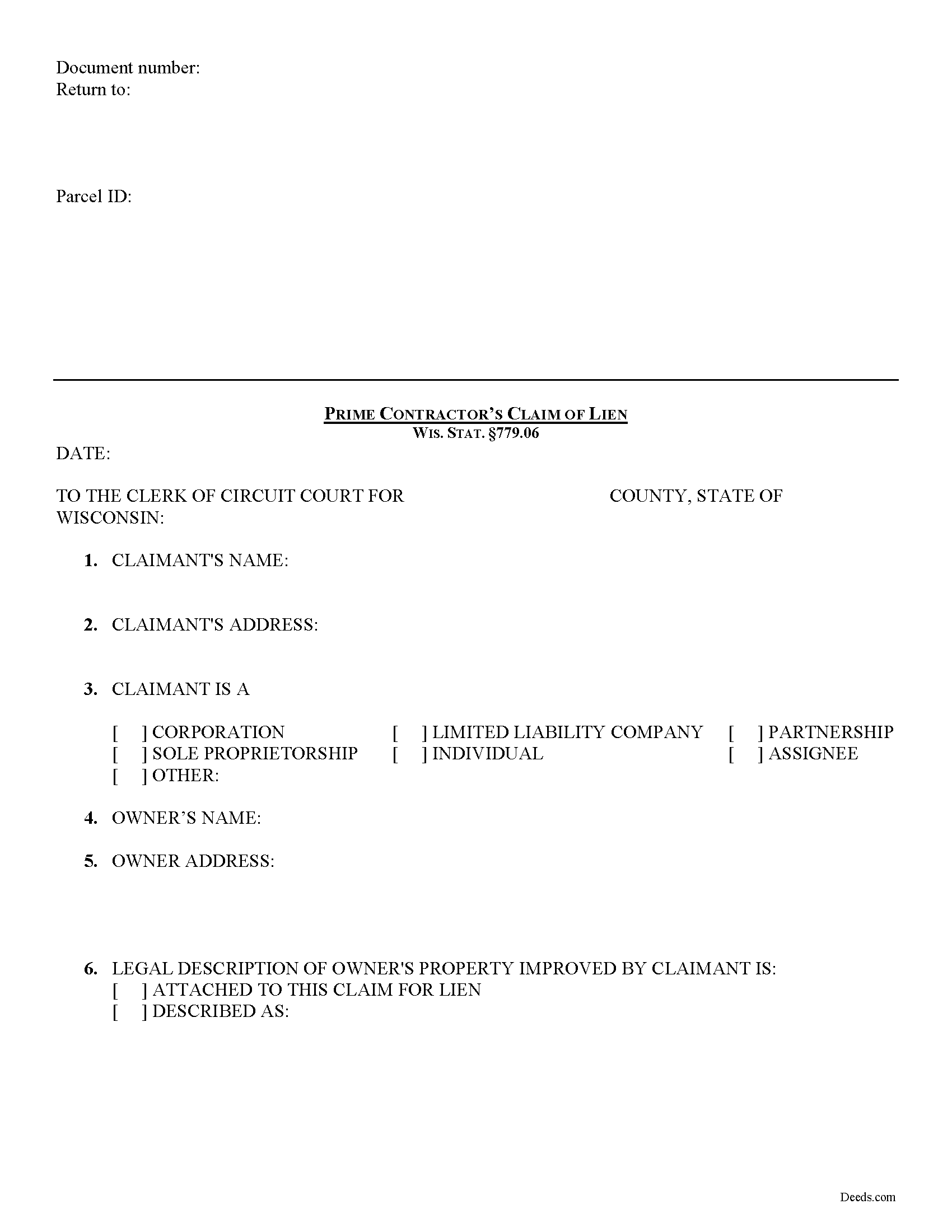
Iron County Contractor Claim of Lien Form
Fill in the blank form formatted to comply with all recording and content requirements.
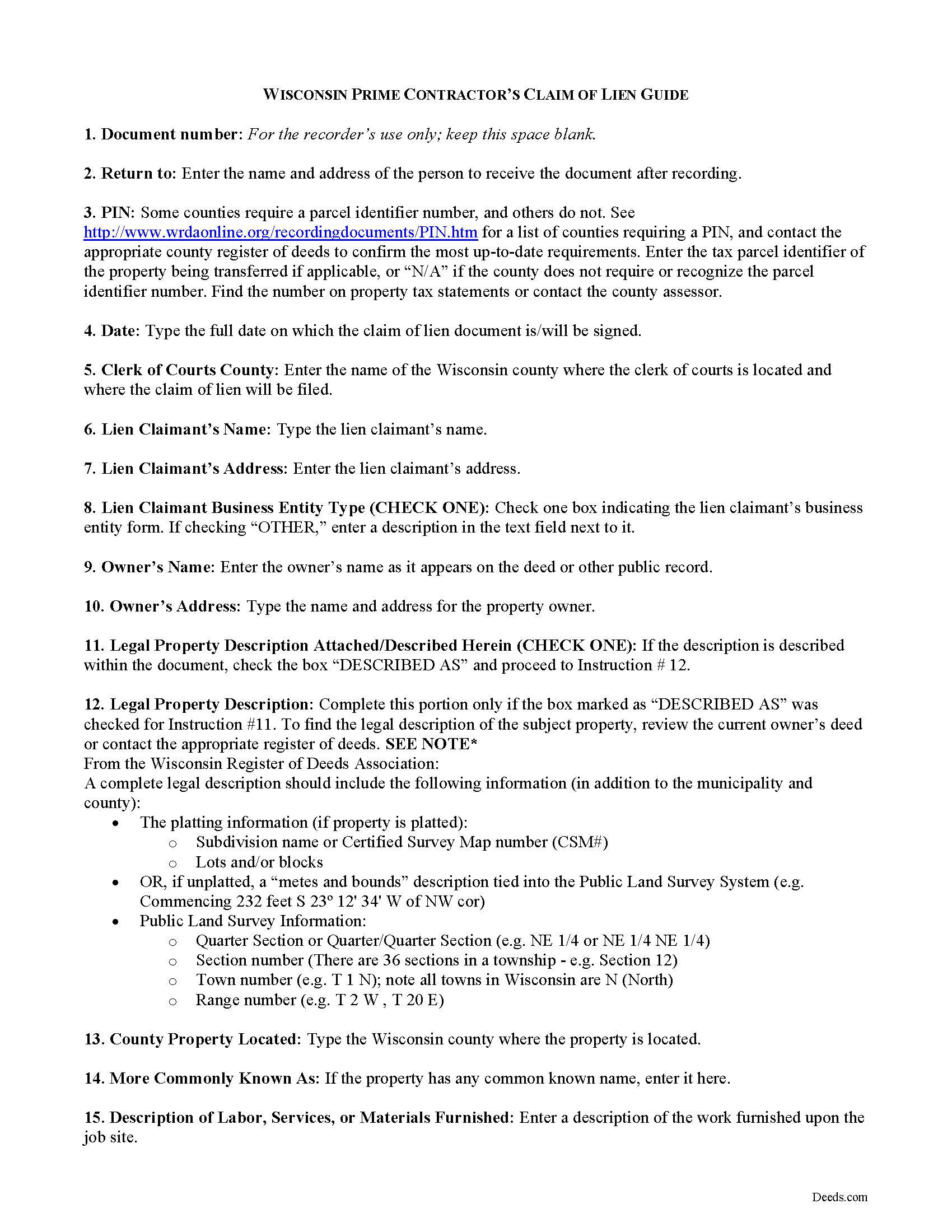
Iron County Contractor Claim of Lien Guide
Line by line guide explaining every blank on the form.
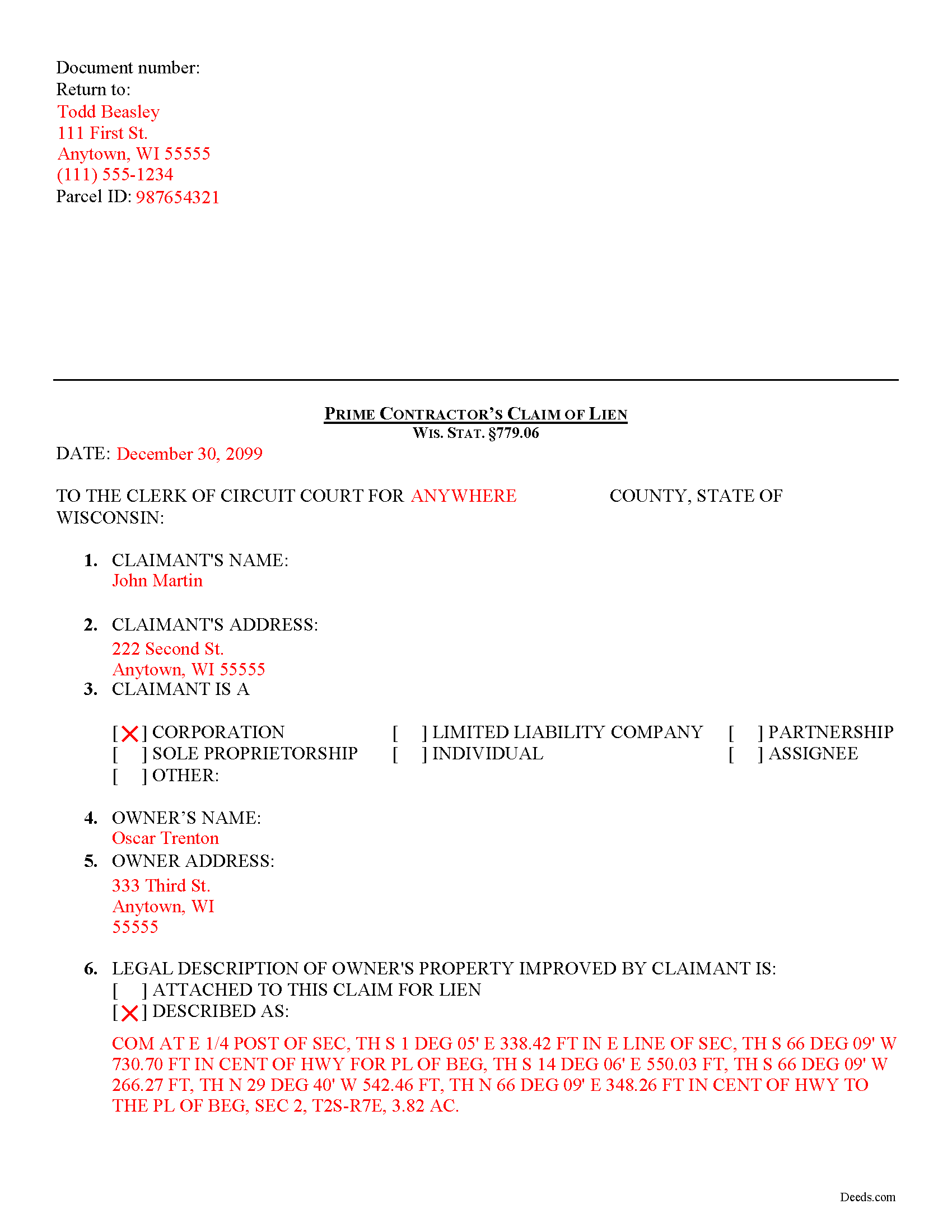
Iron County Completed Example of the Contractor Claim of Lien Document
Example of a properly completed form for reference.
All 3 documents above included • One-time purchase • No recurring fees
Immediate Download • Secure Checkout
Additional Wisconsin and Iron County documents included at no extra charge:
Where to Record Your Documents
Iron County Register
Hurley, Wisconsin 54534
Hours: Monday - Friday 8:00am to 4:00pm
Phone: (715) 561-2945
Recording Tips for Iron County:
- Bring your driver's license or state-issued photo ID
- Ensure all signatures are in blue or black ink
- White-out or correction fluid may cause rejection
- Ask about their eRecording option for future transactions
- Avoid the last business day of the month when possible
Cities and Jurisdictions in Iron County
Properties in any of these areas use Iron County forms:
- Gile
- Hurley
- Iron Belt
- Mercer
- Montreal
- Saxon
- Upson
Hours, fees, requirements, and more for Iron County
How do I get my forms?
Forms are available for immediate download after payment. The Iron County forms will be in your account ready to download to your computer. An account is created for you during checkout if you don't have one. Forms are NOT emailed.
Are these forms guaranteed to be recordable in Iron County?
Yes. Our form blanks are guaranteed to meet or exceed the applicable formatting requirements used for recording in Iron County, including margin requirements, font requirements, and other layout standards. This guarantee applies to formatting, not to the legal sufficiency of information entered by the user or the suitability of a form for a particular transaction.
Can I reuse these forms?
Yes. You can reuse the forms for your personal use. For example, if you have multiple properties in Iron County you only need to order once.
What do I need to use these forms?
The forms are PDFs that you fill out on your computer. The free Adobe Acrobat Reader is recommended, and most PDF apps also work. You do NOT enter your property information online - you download the blank forms and complete them privately on your own computer.
Are there any recurring fees?
No. This is a one-time purchase. Nothing to cancel, no memberships, no recurring fees.
How much does it cost to record in Iron County?
Recording fees in Iron County vary. Contact the recorder's office at (715) 561-2945 for current fees.
Questions answered? Let's get started!
Prime Contractor Lien Claims in Wisconsin
Mechanic's Liens place a block or burden on a property owner's title when a claimant (such as a contractor, materials supplier, or other laborer such as a subcontractor) has not been paid for labor, materials, or equipment provided. In Wisconsin, mechanic's liens are governed under Chapter 779 of the state legislative code.
To claim a lien in Wisconsin, the claimant must file a claim of lien with the office of the clerk of courts in the county where the property is located. WIS. STAT. 779.06(1). The claim must be filed within six (6) months from the last date the lien claimant performed, furnished, or procured labor, services, materials, plans, or specifications. Id
The lien claimant must also serve a copy of the claim for lien on the owner of the property on which the lien is placed within thirty (30) days after filing the claim. Id.
No lien claim may be filed unless, at least 30 days before timely filing of the lien claim, the lien claimant has served the owner with a written notice of intent to file a lien claim. WIS. STAT. 779.06(2). The notice is required to be given whether or not the claimant has been required to and has given any previous notice. Id. It also briefly describes the nature of the claim, its amount, and the land and improvement to which it relates. Id
The claim for lien must have any preliminary notice attached, and shall contain a statement of the contract or demand upon which it is founded, the name of the person against whom the demand is claimed, the name of the claimant and any assignee, the last date of performing, furnishing, or procuring any labor, services, materials, plans, or specifications, a legal description of the property against which the lien is claimed, a statement of the amount claimed and all other material facts in relation thereto. WIS. STAT. 779.06(3). The claim of lien shall be signed by the claimant or attorney and does not need to be verified. Id.
This article is provided for informational purposes only and should not be relied upon as a substitute for the advice from a legal professional. Please contact a Wisconsin attorney with any questions about filing a claim for a mechanic's lien.
Important: Your property must be located in Iron County to use these forms. Documents should be recorded at the county recording office listed above.
This Contractor Claim of Lien meets all recording requirements specific to Iron County.
Our Promise
The documents you receive here are guaranteed to meet or exceed the applicable Iron County recording format requirements. If there is a rejection caused by our formatting, we will correct the issue or refund your payment. This guarantee applies to document formatting only and does not extend to information entered by the user, the selection of the form, or the legal effect of the completed document.
Save Time and Money
Get your Iron County Contractor Claim of Lien form done right the first time with Deeds.com Uniform Conveyancing Blanks. At Deeds.com, we understand that your time and money are valuable resources, and we don't want you to face a penalty fee or rejection imposed by a county recorder for submitting nonstandard documents. We constantly review and update our forms to meet rapidly changing state and county recording requirements for roughly 3,500 counties and local jurisdictions.
4.8 out of 5 - ( 4,828 Reviews )
Jan H. 5 out of 5 stars
This is a great service. It was easy to find and the instructions were complete and easy to follow.
Thank you!
Tisha J. 5 out of 5 stars
A quick and efficient way to record! Awesome customer service and SUPER FAST turnaround time.!
Thank you!
Lynn H. 5 out of 5 stars
A very informative WEB site. It was simple to access the forms I needed for my specific situation. I would highly recommend Deeds.com. I will be back with future needs when they arise! I was left with a very positive impression. Thank you so much!
We appreciate your business and value your feedback. Thank you. Have a wonderful day!
Kimberly J H. 5 out of 5 stars
The Washington State Transfer on Death Deed I purchased worked perfectly.
Thank you for your feedback. We really appreciate it. Have a great day!
Gerald N. 5 out of 5 stars
Very nice website!
Thank you!
Byron M. 5 out of 5 stars
This is a great service and a time saver for the company. We get fast responses and a detailed explanation if something additional is needed.
Thank you for your feedback. We really appreciate it. Have a great day!
Michelle N. 5 out of 5 stars
Great experience
Thank you Michelle.
Koko H. 5 out of 5 stars
Five star. Prompt and easy way to obtain information. Good value.
We appreciate your business and value your feedback. Thank you. Have a wonderful day!
Rebecca M. 4 out of 5 stars
EASY DOWNLOAD AND PRINT AND / OR SAVE TO YOU PC WHICH SHOULD BE DONE BEFORE FILLING OUT. AFTER I actually use them I'll let you know if its all good, Thanks
Your feedback is greatly appreciated. Thank you for taking the time to share your experience!
Rebecca H. 4 out of 5 stars
Very pleased with the ease of this deed form. Completing the deed form to make sure everything was in my name took ten minutes. Thanks.
We appreciate your business and value your feedback. Thank you. Have a wonderful day!
Marcia H. 5 out of 5 stars
This was so easy and fast! Plus it had all the information I needed in one place. The example was right on point too!
Thank you for your feedback. We really appreciate it. Have a great day!
Monica U. 5 out of 5 stars
Thank You. Good Service. Questions were answered.
Thank you for your feedback. We really appreciate it. Have a great day!
AKILAH S. 4 out of 5 stars
It was a little challenging and I had to call to speak to someone a few time but I got it done and and over with so I'm happy.
It was a pleasure serving you. Thank you for the positive feedback!
Philip B. 5 out of 5 stars
Pleased with the results, except for the "notice of confidentiality rights" above the QUIT CLAIM DEED headline. Is it needed to be included on the form or can it be removed ? How can it be removed, I do not see a reason for it to be on the print out copy. Thank you.
Thank you!
Herman B. 5 out of 5 stars
Special Warranty Deed I can't seem to type all my info in the blank spaces. It won't allow me to type any more. Maybe you should consider either allowing typists to type more (leaving more space) or allowing more room to type more.
Thank you!