Dunn County Quitclaim Deed (Corrective) Form
Last validated October 6, 2026 by our Forms Development TeamFormatted for recording in Dunn County, for property anywhere in the county: rural and unincorporated areas as well as Boyceville, Colfax, Downing, Downsville, Eau Galle, Elk Mound, Knapp, Menomonie and 4 more.
- 3 documents included
- Immediate PDF download
- Formatting guarantee
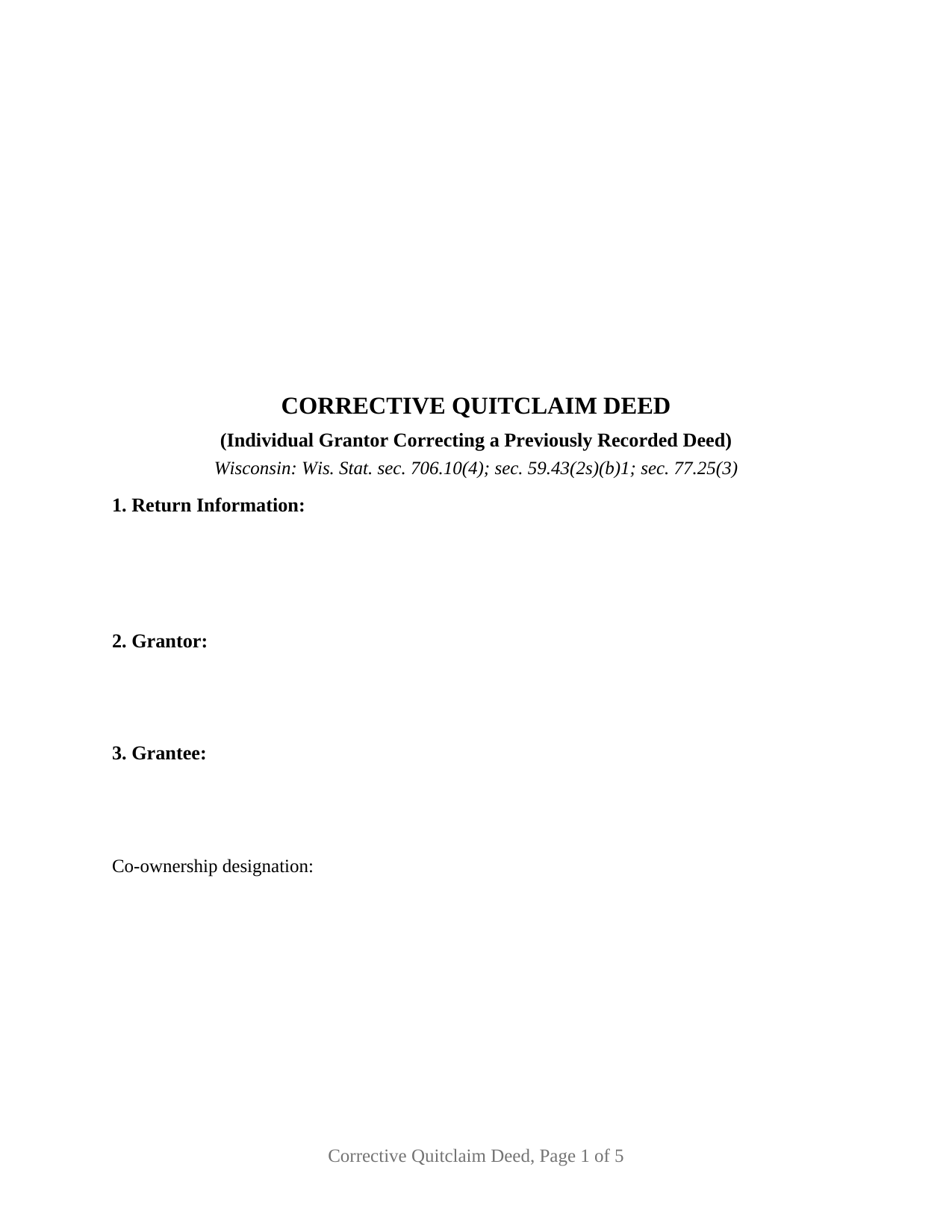
Dunn County Quitclaim Deed (Corrective) Form
Fill in the blank Quitclaim Deed (Corrective) form formatted to comply with all Wisconsin recording and content requirements.
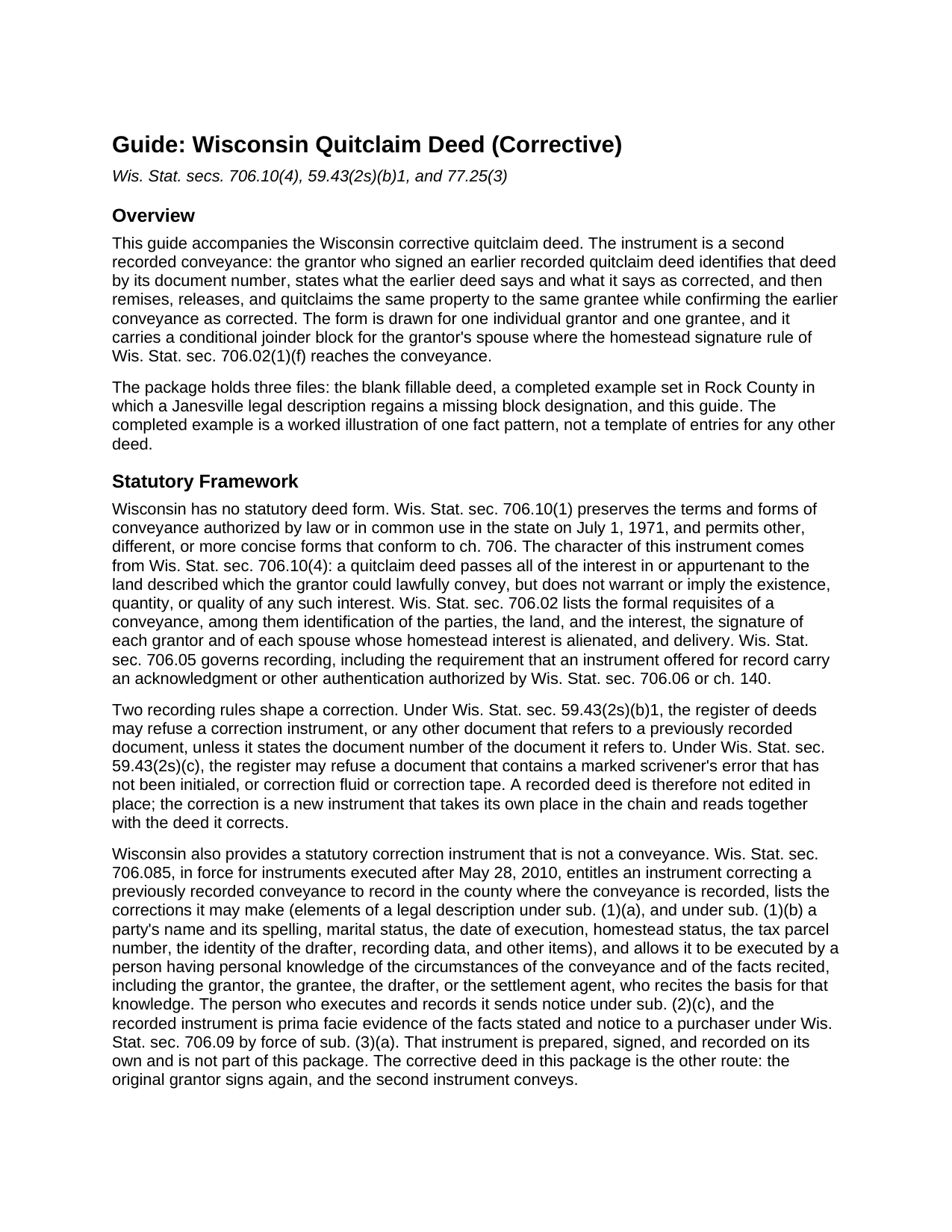
Dunn County Quitclaim Deed (Corrective) Guide
Line by line guide explaining every blank on the Quitclaim Deed (Corrective) form.
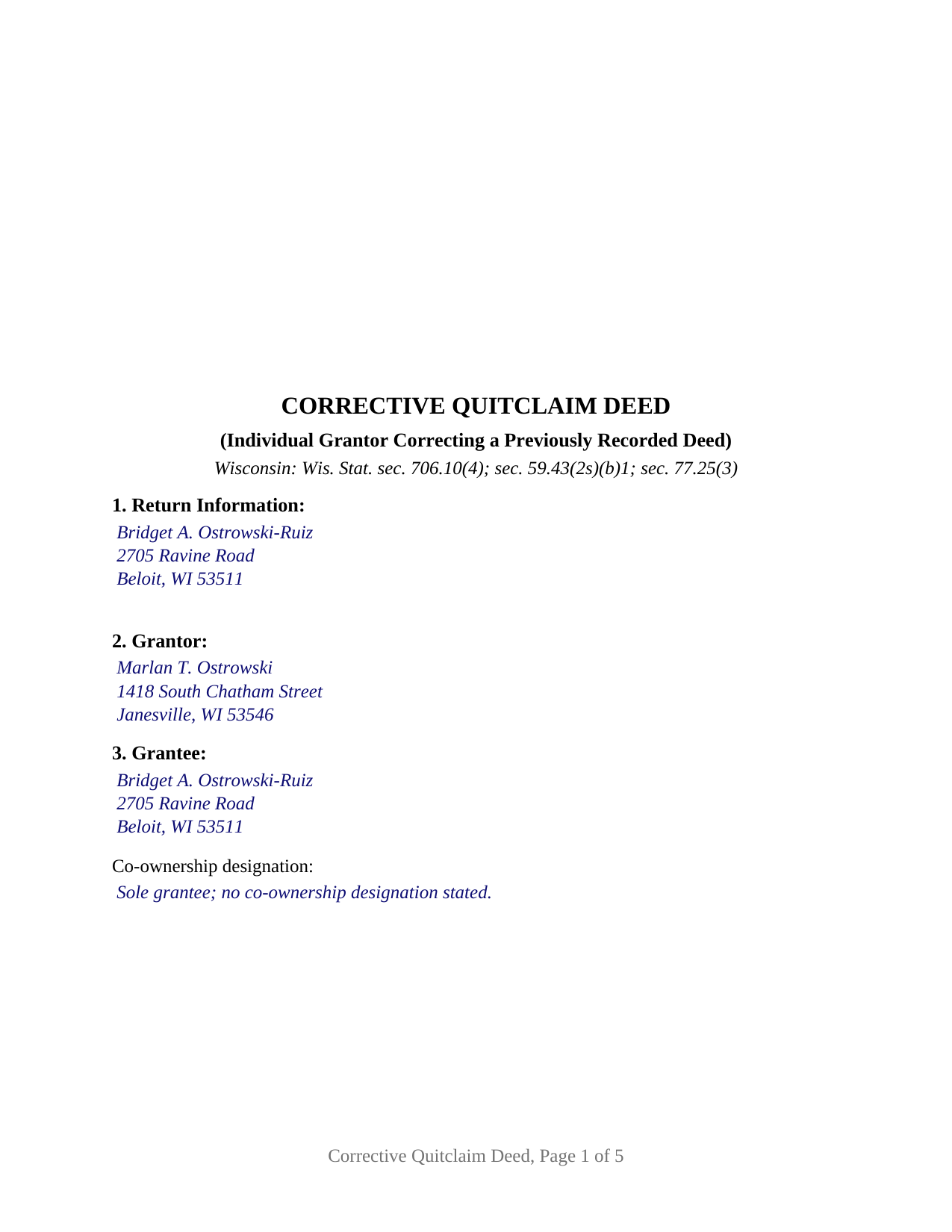
Dunn County Completed Example of the Quitclaim Deed (Corrective) Document
Example of a properly completed Wisconsin Quitclaim Deed (Corrective) document for reference.
All 3 documents above included • One-time purchase • No recurring fees
Immediate Download • Secure Checkout
Additional Wisconsin and Dunn County documents included at no extra charge:
Where to Record Your Documents
Dunn County Register of Deeds
Menomonie, Wisconsin 54751
Hours: Monday - Friday 8:00 am - 4:30 pm
Phone: (715) 232-1228
Recording Tips for Dunn County:
- Bring your driver's license or state-issued photo ID
- Ensure all signatures are in blue or black ink
- Double-check legal descriptions match your existing deed
- Verify all names are spelled correctly before recording
- White-out or correction fluid may cause rejection
Cities and Jurisdictions in Dunn County
Properties in any of these areas use Dunn County forms:
- Boyceville
- Colfax
- Downing
- Downsville
- Eau Galle
- Elk Mound
- Knapp
- Menomonie
- Ridgeland
- Rock Falls
- Sand Creek
- Wheeler
Hours, fees, requirements, and more for Dunn County
How do I get my forms?
Forms are available for immediate download after payment. The Dunn County forms will be in your account ready to download to your computer. An account is created for you during checkout if you don't have one. Forms are NOT emailed.
Are these forms guaranteed to be recordable in Dunn County?
Yes. Our form blanks are guaranteed to meet or exceed the applicable formatting requirements used for recording in Dunn County, including margin requirements, font requirements, and other layout standards. This guarantee applies to formatting, not to the legal sufficiency of information entered by the user or the suitability of a form for a particular transaction.
Can I reuse these forms?
Yes. You can reuse the forms for your personal use. For example, if you have multiple properties in Dunn County you only need to order once.
What do I need to use these forms?
The forms are PDFs that you fill out on your computer. The free Adobe Acrobat Reader is recommended, and most PDF apps also work. You do NOT enter your property information online - you download the blank forms and complete them privately on your own computer.
Are there any recurring fees?
No. This is a one-time purchase. Nothing to cancel, no memberships, no recurring fees.
How much does it cost to record in Dunn County?
Recording fees in Dunn County vary. Contact the recorder's office at (715) 232-1228 for current fees.
Questions answered? Let's get started!
A recorded Wisconsin deed is not edited in place. The register of deeds may refuse a document whose scrivener's error was marked without initials, and may refuse one carrying correction fluid or tape, under Wis. Stat. § 59.43(2s)(c). A corrective quitclaim deed answers a flawed deed from the other direction: it adds a second conveyance to the chain, names the first by its document number, and sets out the earlier text beside the corrected text.
One document number, entered twice
Wis. Stat. § 59.43(2s)(b)1 lets a register of deeds refuse a correction instrument, or any other document referencing a previously recorded one, unless the new document carries the referenced document's number. Section 4 gathers it, beside the recording date, the volume and page older records carry, the county, and the parties as the earlier deed named them. The number comes due a second time away from the deed: the Department of Revenue's electronic transfer return instructions ask for the document number of the deed being corrected whenever exemption 3 is chosen.
Where correcting ends and conveying begins
Wisconsin writes the correcting exemption narrowly. Wis. Stat. § 77.25(3) reaches a conveyance which, executed for nominal, inadequate or no consideration, confirms, corrects or reforms a conveyance previously recorded, and Wis. Stat. § 77.22(1) turns naming the subsection on the instrument's face into a condition of recording an exempt conveyance. An instrument that hands the property to a different grantee, adds an owner, or picks up land the earlier deed never described is a fresh conveyance, owing 30 cents for each $100 of value like any other. The return goes in either way, since Wis. Stat. § 77.255 releases only two exemption classes from filing one.
Wisconsin's other correction route
Wisconsin has had a statutory correction instrument since 2010. Wis. Stat. § 706.085 entitles it to record in the county where the conveyance sits, lists what it may fix, from elements of a legal description to the spelling of a party's name, and lets a person with personal knowledge of the conveyance sign it and mail notice to the parties. Its record carries prima facie evidentiary weight under Wis. Stat. § 706.085(3). That instrument is drafted, signed, and recorded on its own and is not part of this package. A corrective deed travels the other road: the original grantor signs again, and the second instrument conveys.
What this configuration carries
Twelve numbered sections run from first page return information to the drafting statement of Wis. Stat. § 59.43(5)(a). Between them sit one individual grantor; one grantee with a co-ownership designation line; the prior deed section; a correction section holding a blank for what the earlier deed states and a blank for the text as corrected; the exemption line; the corrected legal description and parcel data; the operative section, which quitclaims, corrects, and confirms in one sentence; one grantor signature block; and a conditional joinder block for a spouse signing where Wis. Stat. § 706.02(1)(f) reaches the conveyance. A certificate in the Wis. Stat. § 140.16(1) short form sits under each signature line, so the two signers may appear before different notarial officers on different days. A legal description that lost its block designation between the survey and the deed, a plat name typed one word off, and a grantee's middle initial dropped from the earlier instrument all present the pattern this deed carries. Searched as a correction deed or a quit claim deed correcting a legal description, it is not drawn for two grantors of record, an entity or trustee as grantor, an agent under a power of attorney, or a change in who takes the property.
No covenants, and a flat fee
Wis. Stat. § 706.10(4) settles what a quitclaim deed moves: the interest the grantor could lawfully convey, with no covenant of title and no representation that any interest exists. Fixing a description cleans nothing else, so a mortgage, easement, or judgment of record survives the correction as it survived the deed corrected. The register of deeds charges a flat $30 under Wis. Stat. § 59.43(2)(ag)1, page count aside, and both deeds stay in the record afterward, read together by the next title examiner.
Three files arrive: the corrective quitclaim deed as a fillable PDF, a completed example filled in for a Rock County deed restoring a missing block designation to a Janesville legal description, and a plain language guide taking the numbered sections in turn through to recording. It states Wisconsin law generally, for information, and is not legal advice.
Important: Your property must be located in Dunn County to use these forms. Documents should be recorded at the county recording office listed above.
This Quitclaim Deed (Corrective) meets all recording requirements specific to Dunn County.
Our Promise
The documents you receive here are guaranteed to meet or exceed the applicable Dunn County recording format requirements. If there is a rejection caused by our formatting, we will correct the issue or refund your payment. This guarantee applies to document formatting only and does not extend to information entered by the user, the selection of the form, or the legal effect of the completed document.
Save Time and Money
Get your Dunn County Quitclaim Deed (Corrective) form done right the first time with Deeds.com Uniform Conveyancing Blanks. At Deeds.com, we understand that your time and money are valuable resources, and we don't want you to face a penalty fee or rejection imposed by a county recorder for submitting nonstandard documents. We constantly review and update our forms to meet rapidly changing state and county recording requirements for roughly 3,500 counties and local jurisdictions.
4.8 out of 5 - ( 4,827 Reviews )
Mary P. 5 out of 5 stars
Excellent easy to follow instructions.
Great to hear Mary, Have a wonderful day!
Martha G. 5 out of 5 stars
Well-designed site. Incredibly easy to find what I needed, very reasonable cost.
Thank you for your feedback. We really appreciate it. Have a great day!
John G. 5 out of 5 stars
Very straightforward ordering process to obtain the forms I needed. Thank you.
Thank you!
Scott M. 5 out of 5 stars
Complete Package don't spend good money for a title co. to do this
Thank you for your feedback. We really appreciate it. Have a great day!
Nick V. 5 out of 5 stars
Turn time was great. Highly recommend.
Thank you!
Ken D. 5 out of 5 stars
The service was easy, fast, and worked well. I will be back.
We appreciate your business and value your feedback. Thank you. Have a wonderful day!
Glenda R. 5 out of 5 stars
My experience with deeds.com during this pandemic that has us inconvenienced has made it easy for personal business to continue as usual. I will recommend deeds.com to anyone I learn of needing the assistance.
Thank you for your feedback. We really appreciate it. Have a great day!
Janette K. 5 out of 5 stars
I ordered a Transfer of Deed on Death document. It was easy to fill in, came with a useful guide and was customized to my county/state. It got the job done and was well worth the money!
Thank you for your feedback. We really appreciate it. Have a great day!
Gail W. 5 out of 5 stars
Easy to use!!
Thank you!
gary c. 5 out of 5 stars
process was easy and simple to do
Thank you for your feedback. We really appreciate it. Have a great day!
Patrick N. 5 out of 5 stars
I was very satisfied with your service. Prompt, and thorough. Price was reasonable. Will use your service again when needed.
Thank you for your feedback. We really appreciate it. Have a great day!
Angela D. 5 out of 5 stars
The only problem I had was that it doesn't let you create a file for all documents to go into as one. Mahalo Angie
Thank you for your feedback. We really appreciate it. Have a great day!
Thomas T. 5 out of 5 stars
Amazing site, been using it since 2018 for forms and never an issue.
Thank you for your feedback. We really appreciate it. Have a great day!
Gjnana D. 5 out of 5 stars
These guidelines and form helped me lot in preparing quit deed to add my spouse's name in tittle property
Thank you for your feedback. We really appreciate it. Have a great day!
Laura D. 5 out of 5 stars
Great forms - I got several property deeds and really appreciated that they came with the required state forms (for NY). the sample completed form is also really helpful. Attorney wanted hundreds- with this form it is the same amount of work but I can file myself for the cost of lunch!!
We appreciate your business and value your feedback. Thank you. Have a wonderful day!