Buffalo County Subcontractor Claim of Lien Form
Last validated October 5, 2026 by our Forms Development TeamFormatted for recording in Buffalo County, for property anywhere in the county: rural and unincorporated areas as well as Alma, Cochrane, Fountain City, Gilmanton, Mondovi, Nelson.
- 3 documents included
- Immediate PDF download
- Formatting guarantee
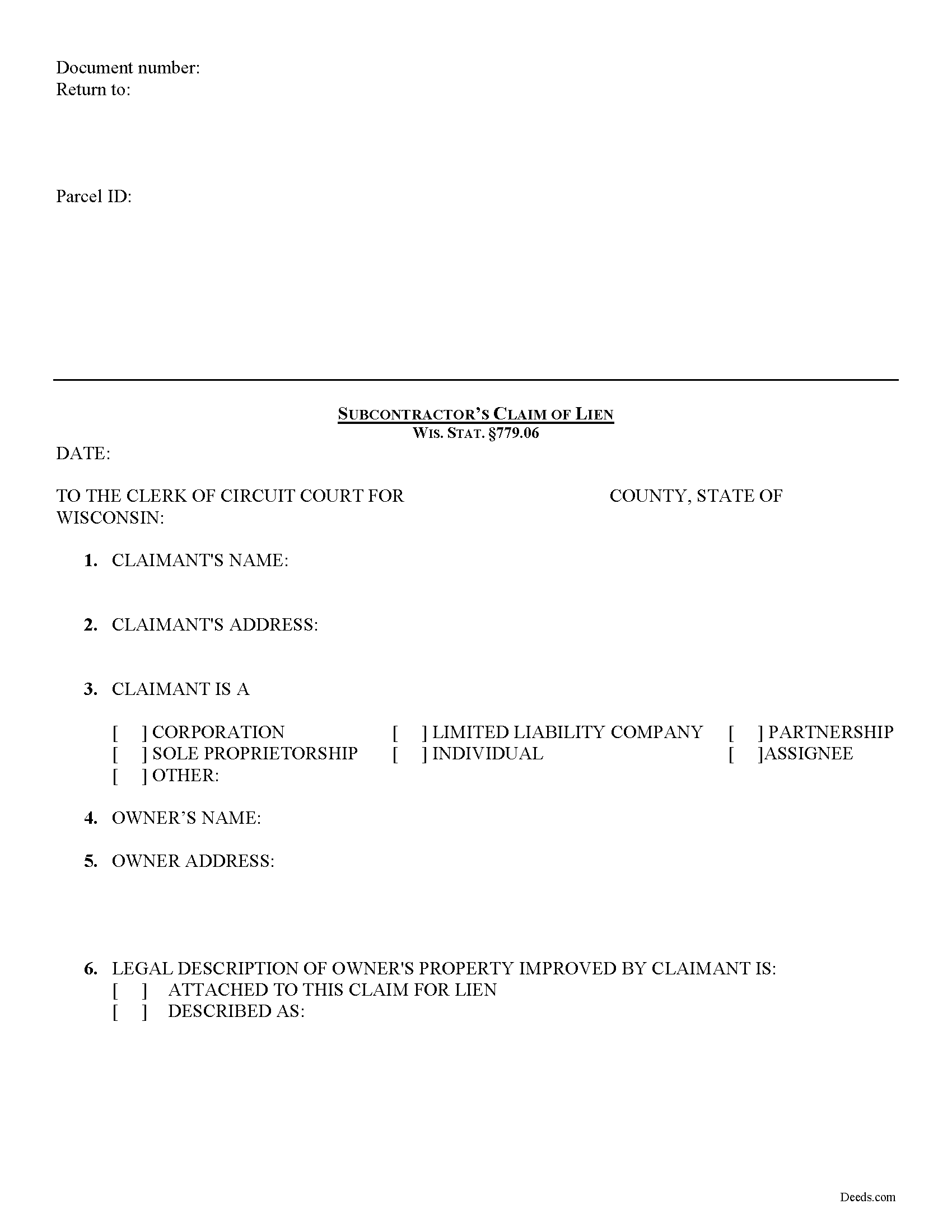
Buffalo County Subcontractor Claim of Lien Form
Fill in the blank form formatted to comply with all recording and content requirements.
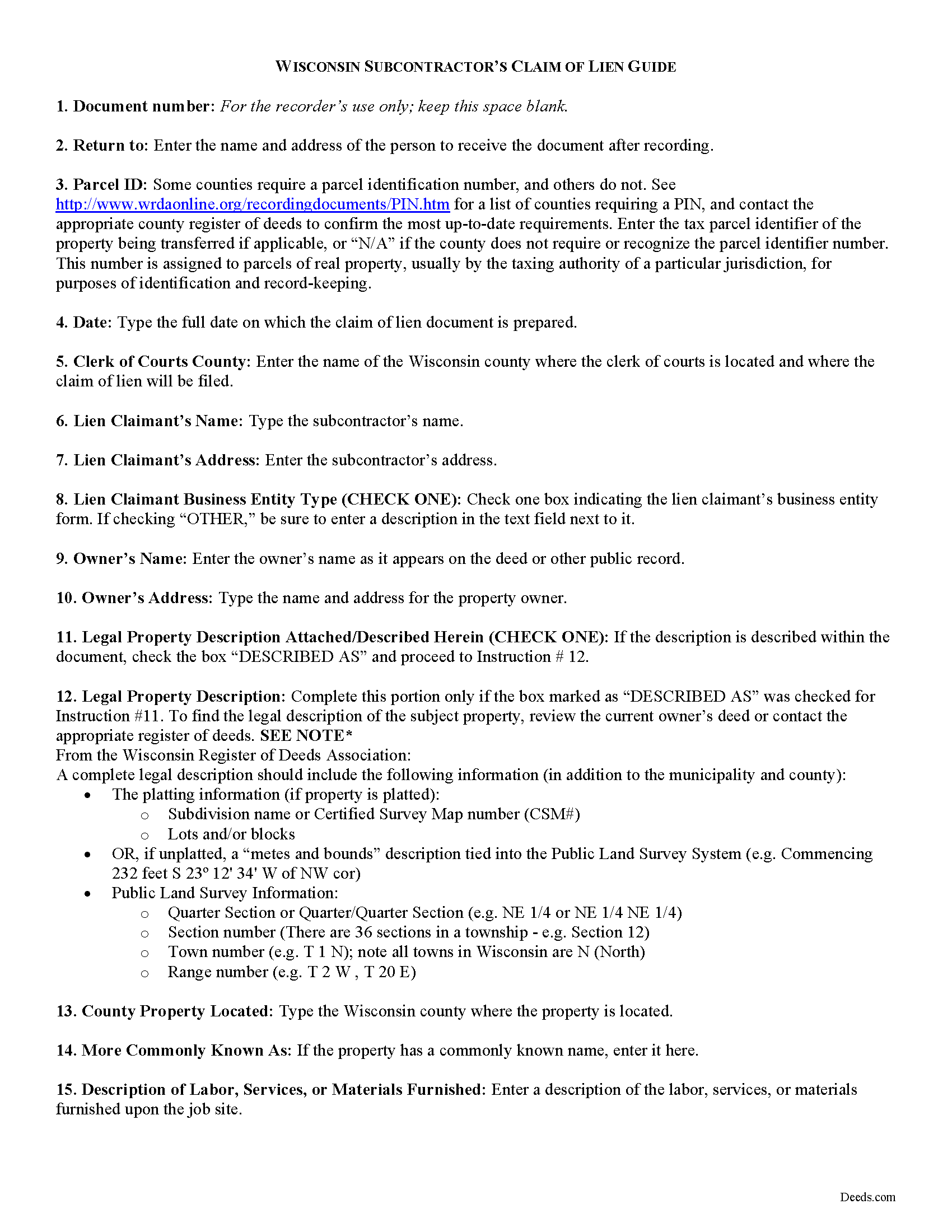
Buffalo County Subcontractor Claim of Lien Guide
Line by line guide explaining every blank on the form.
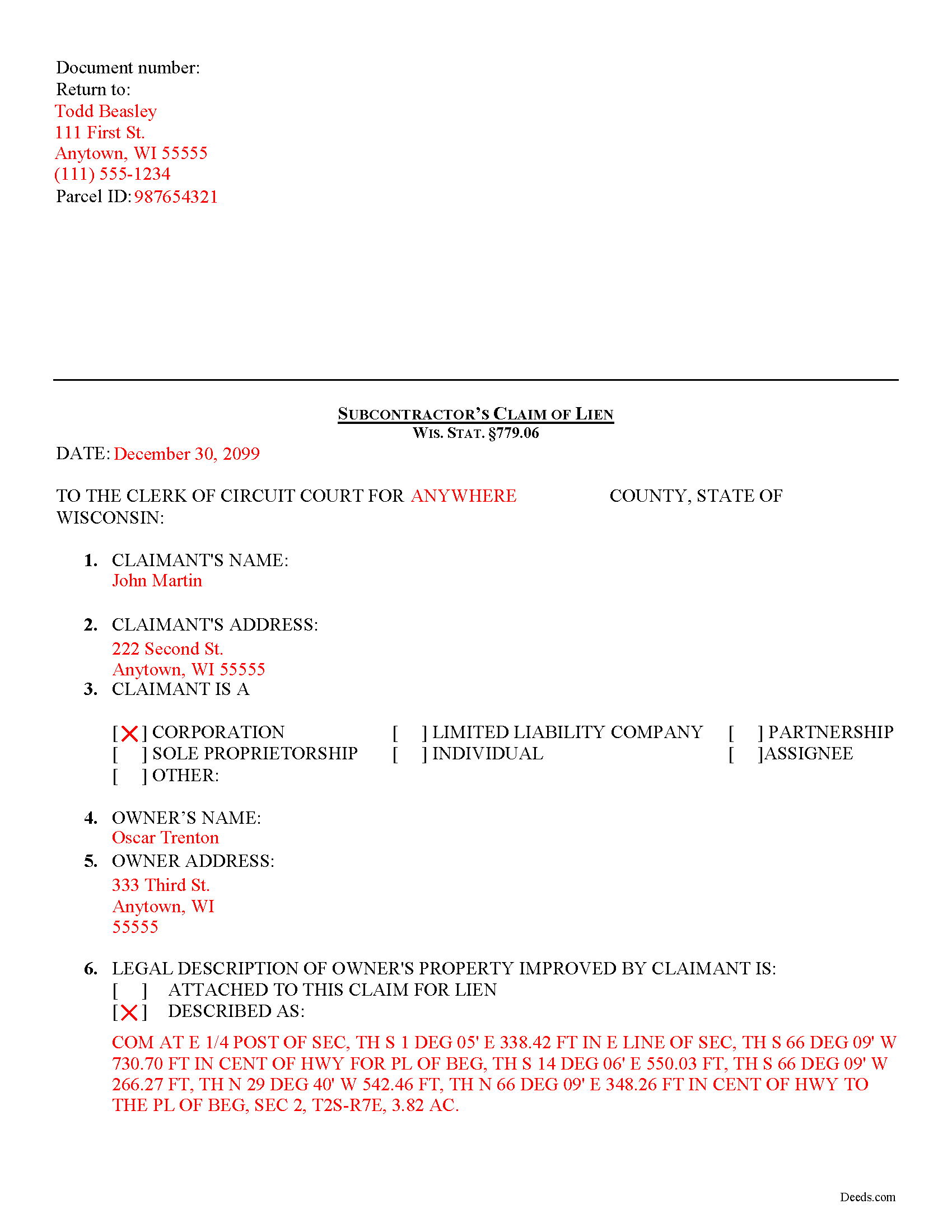
Buffalo County Completed Example of the Subcontractor Claim of Lien Document
Example of a properly completed form for reference.
All 3 documents above included • One-time purchase • No recurring fees
Immediate Download • Secure Checkout
Additional Wisconsin and Buffalo County documents included at no extra charge:
Where to Record Your Documents
Buffalo County Register of Deeds
Alma, Wisconsin 54610
Hours: Monday - Friday 8:00am - 4:30pm, Submitt documents for recording before 3:30pm
Phone: (608) 685-6230, 6231
Recording Tips for Buffalo County:
- Bring your driver's license or state-issued photo ID
- Ensure all signatures are in blue or black ink
- Recording fees may differ from what's posted online - verify current rates
- Request a receipt showing your recording numbers
- Ask about accepted payment methods when you call ahead
Cities and Jurisdictions in Buffalo County
Properties in any of these areas use Buffalo County forms:
- Alma
- Cochrane
- Fountain City
- Gilmanton
- Mondovi
- Nelson
Hours, fees, requirements, and more for Buffalo County
How do I get my forms?
Forms are available for immediate download after payment. The Buffalo County forms will be in your account ready to download to your computer. An account is created for you during checkout if you don't have one. Forms are NOT emailed.
Are these forms guaranteed to be recordable in Buffalo County?
Yes. Our form blanks are guaranteed to meet or exceed the applicable formatting requirements used for recording in Buffalo County, including margin requirements, font requirements, and other layout standards. This guarantee applies to formatting, not to the legal sufficiency of information entered by the user or the suitability of a form for a particular transaction.
Can I reuse these forms?
Yes. You can reuse the forms for your personal use. For example, if you have multiple properties in Buffalo County you only need to order once.
What do I need to use these forms?
The forms are PDFs that you fill out on your computer. The free Adobe Acrobat Reader is recommended, and most PDF apps also work. You do NOT enter your property information online - you download the blank forms and complete them privately on your own computer.
Are there any recurring fees?
No. This is a one-time purchase. Nothing to cancel, no memberships, no recurring fees.
How much does it cost to record in Buffalo County?
Recording fees in Buffalo County vary. Contact the recorder's office at (608) 685-6230, 6231 for current fees.
Questions answered? Let's get started!
Subcontractor Lien Claims in Wisconsin
Wisconsin law authorizes subcontractors to use a mechanic's lien to place a block or burden on a property owner's title if they have not been paid for labor, materials, or equipment provided. Mechanic's liens are governed under Chapter 779 of the Wisconsin legislative code.
To claim a lien, the subcontractor must file a claim of lien form with the office of the clerk of courts in the county where the property is located. WIS. STAT. 779.06(1). The claim must be filed within six (6) months from the last date the sub performed, furnished, or procured labor, services, materials, plans, or specifications. Id
The subcontractor must also serve a copy of the claim for lien on the owner of the property on which the lien is placed within thirty (30) days after filing the claim. Id.
No lien claim may be filed unless, at least 30 days before timely filing of the lien claim, the sub has first served the owner with a written notice of intent to file a lien claim. WIS. STAT. 779.06(2). The notice is required to be given whether or not the sub has been required to and has given any previous notice. Id. The notice must briefly describe the nature of the claim, its amount and the land and improvement to which it relates. Id
The subcontractor's claim must have any previously served preliminary notice attached. WIS. STAT. 779.06(3). The claim must also contain a statement of the contract or demand upon which it is founded, the name of the person against whom the demand is claimed, the name of the claimant and any assignee, the last date of performing, furnishing, or procuring any labor, services, materials, plans, or specifications, a legal description of the property against which the lien is claimed, a statement of the amount claimed and all other material facts in relation thereto. Id. The claim of lien shall be signed by the claimant or attorney and does not need to be verified. Id.
This article is provided for informational purposes only and should not be relied upon as a substitute for the advice from a legal professional. Please contact an attorney with questions about filing a subcontractor's claim for a mechanic's lien, or any other issues related to liens in Wisconsin.
Important: Your property must be located in Buffalo County to use these forms. Documents should be recorded at the county recording office listed above.
This Subcontractor Claim of Lien meets all recording requirements specific to Buffalo County.
Our Promise
The documents you receive here are guaranteed to meet or exceed the applicable Buffalo County recording format requirements. If there is a rejection caused by our formatting, we will correct the issue or refund your payment. This guarantee applies to document formatting only and does not extend to information entered by the user, the selection of the form, or the legal effect of the completed document.
Save Time and Money
Get your Buffalo County Subcontractor Claim of Lien form done right the first time with Deeds.com Uniform Conveyancing Blanks. At Deeds.com, we understand that your time and money are valuable resources, and we don't want you to face a penalty fee or rejection imposed by a county recorder for submitting nonstandard documents. We constantly review and update our forms to meet rapidly changing state and county recording requirements for roughly 3,500 counties and local jurisdictions.
4.8 out of 5 - ( 4,829 Reviews )
Christine D. 5 out of 5 stars
Very easy to use and very fast. I was very happy with your service and will definitely use it again in the future!
We appreciate your business and value your feedback. Thank you. Have a wonderful day!
Tammie S. 5 out of 5 stars
No review provided.
Thank you for your feedback. We really appreciate it. Have a great day!
Thomas D. 2 out of 5 stars
The documents themselves are fine and the information provided with them is helpful. I find the actual processing of the documents, however, to be difficult particularly once the document has been saved. First, I note that the box for the date only allows entry of the last 2 digits of the year. Unfortunately, my download only allows me to enter one of the 2 digits required. When I delete it repeatedly, it eventually allows both digits to be entered but puts them in extremely small text and in superscrypt. I have not found a solution to this problem and am not sure the deed can even be recorded with this problem. Another problem is that if you try to revise the document after you have saved it the curser goes to the end of the line after each key entry. This means that there basically is no way to efficiently save the document for reworking later since you will have to delete everything you have entered in the text box unless you only need to make a single keystroke change or are willing to replace the curser after each entry. Try that with a long property description! Please note that I am using a Mac to prepare my documents and perhaps this is part of an "incompatibility problem". However, I didn't see a disclaimer regarding Mac use and so would expect the documents to perform correctly. Overall, I give the program a "2 star" rating because I am experiencing significant difficulties in entering dates in the documents even before saving them and because saving your work for later revision appears to be basically unworkable.
Thank you for your feedback Thomas, we appreciate you being specific about the issues you encountered. Adobe and Mac have a fairly long history of issues working together.
Patricia K. 5 out of 5 stars
Fabulous. Good to have a county with uniform forms. Great service.
We appreciate your business and value your feedback. Thank you. Have a wonderful day!
CORA T. 5 out of 5 stars
very convenient and quick access
Thank you!
LeiLoni L. 5 out of 5 stars
This site was easy to use.
Thank you for your positive words! We’re thrilled to hear about your experience.
Ted D. 5 out of 5 stars
Very good/user friendly
Thank you!
Christine R. 4 out of 5 stars
Ordering and directions were easy. The only thing missing in the instructions was how to record by mail. Thanks!
Thank you Christine. We'll work on making it more clear that one can find mailing information in our recording section. Have a great day!
Erica W. 5 out of 5 stars
Very easy and convenient. I will use this service again!
Thank you!
Jennifer R. 5 out of 5 stars
The recording service has been very easy to use. It is efficient and no hassle.
We appreciate your business and value your feedback. Thank you. Have a wonderful day!
Larry P. 5 out of 5 stars
Easy to follow step by step in completing form. Filing successful on first try. Economical cost. Would highly recommend.
We appreciate your business and value your feedback. Thank you. Have a wonderful day!
Phyllis R Q. 5 out of 5 stars
So far so good, I did not know the convenience I would have from my seat to file a legal document! Awesome Service!
Thank you!
Martine S. 5 out of 5 stars
Very easy process and was recorded in a prompt manner. We will be using your services again in the future for sure.
We appreciate your business and value your feedback. Thank you. Have a wonderful day!
Richard M. 5 out of 5 stars
Needed some help at the beginning but once I was into the program it was smooth sailing.
Thank you!
Johnnie G. 3 out of 5 stars
We had hoped, as this was direct through our State recorder's office, State-specific data would be pre-filled in. Also there is no help when transferring the home title from a Revocable Trust to the living Trustee and new spouse (no example given, no help for which code to use). And the example doesn't match the prior deed revision format submitted by our attorney. So, not the best experience. We may have to get an attorney involved...what we were hoping to avoid
Thank you for your feedback. We really appreciate it. Have a great day!