Carbon County Transfer on Death Revocation Form
Last validated October 16, 2026 by our Forms Development TeamFormatted for recording in Carbon County, for property anywhere in the county: rural and unincorporated areas as well as Baggs, Dixon, Elk Mountain, Encampment, Hanna, Medicine Bow, Rawlins, Saratoga and 4 more.
- 3 documents included
- Immediate PDF download
- Formatting guarantee
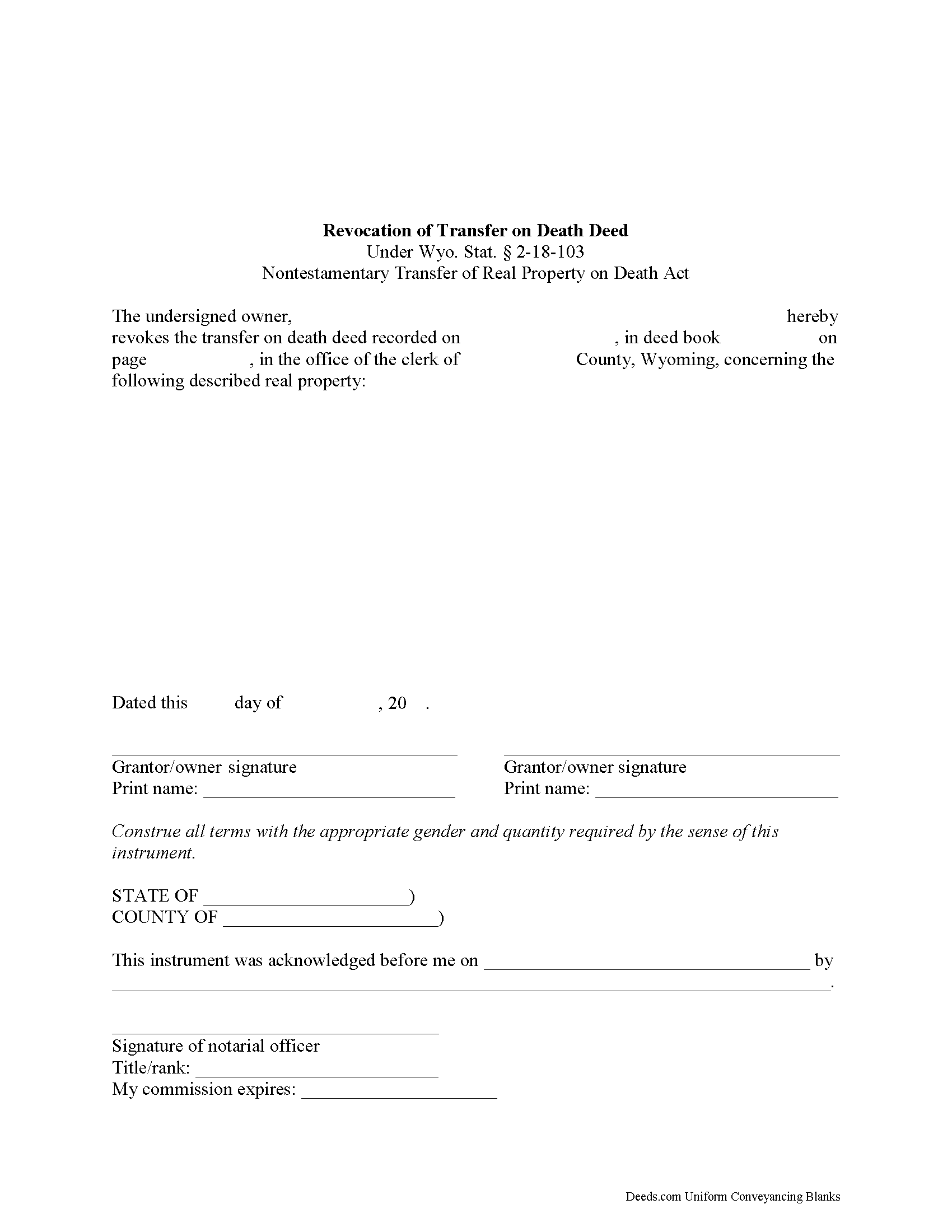
Carbon County Transfer on Death Revocation Form
Fill in the blank form formatted to comply with all recording and content requirements.
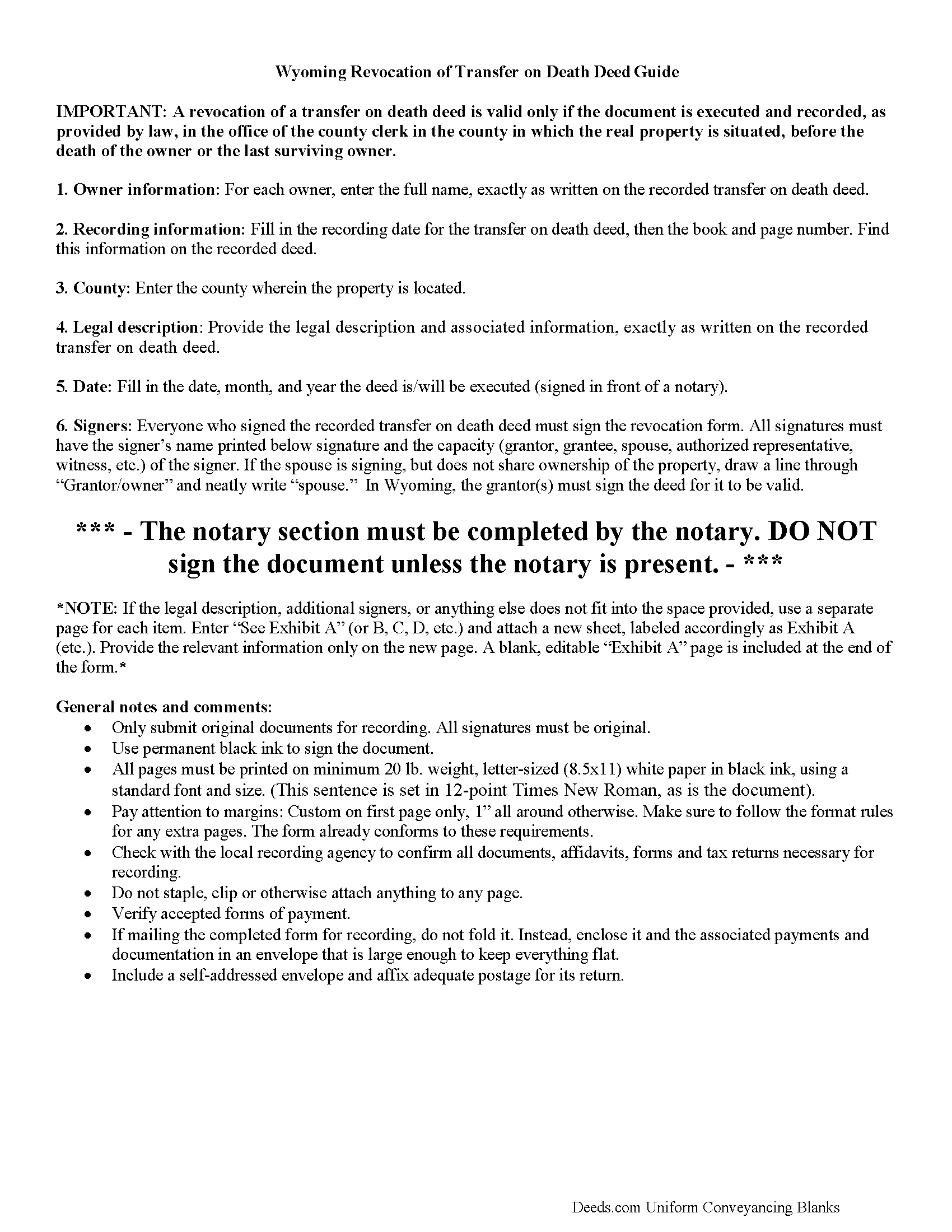
Carbon County Transfer on Death Revocation Guide
Line by line guide explaining every blank on the form.
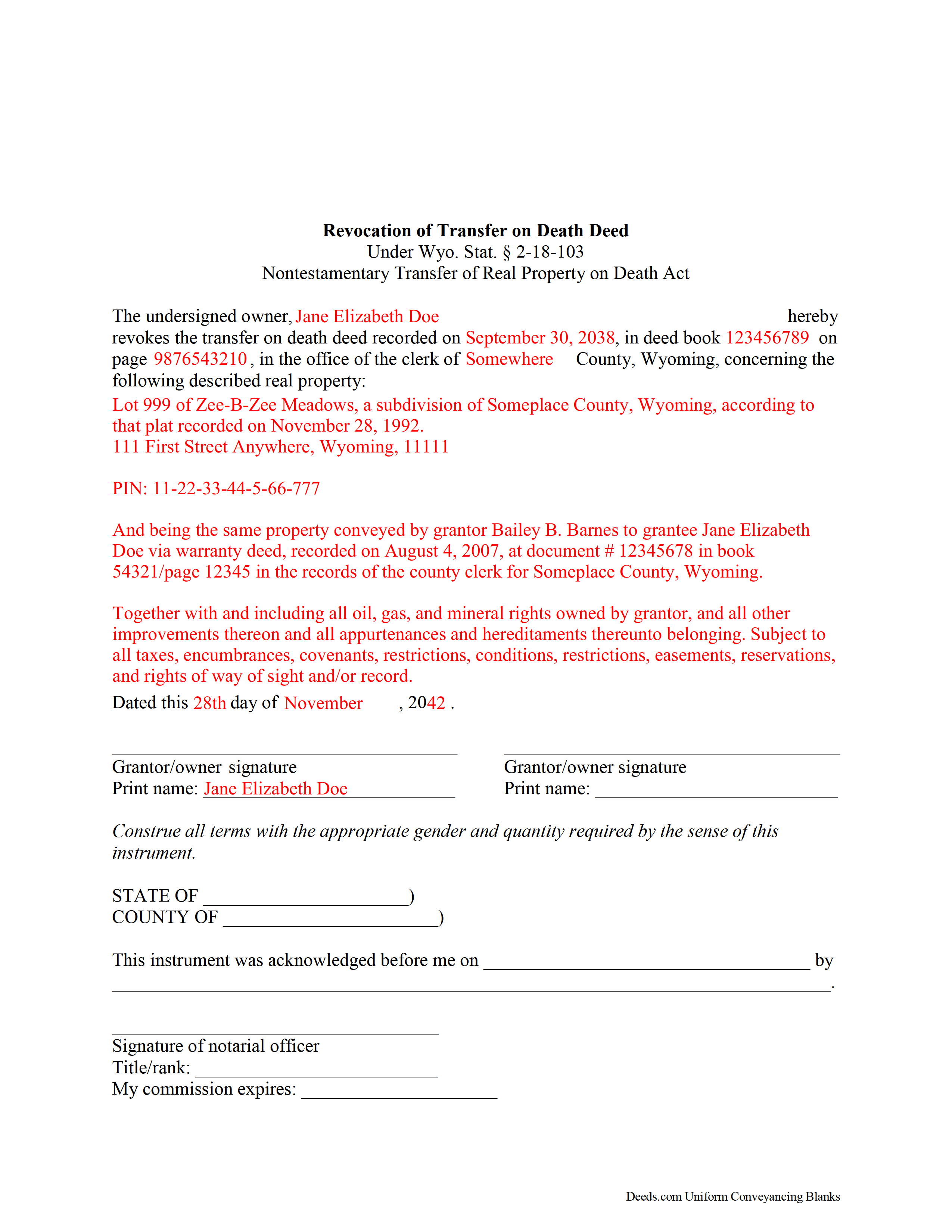
Carbon County Completed Example of the Transfer on Death Revocation Document
Example of a properly completed form for reference.
All 3 documents above included • One-time purchase • No recurring fees
Immediate Download • Secure Checkout
Additional Wyoming and Carbon County documents included at no extra charge:
Where to Record Your Documents
Carbon County Clerk
Rawlins, Wyoming 82301
Hours: Monday - Friday 8:00am - 5:00pm
Phone: (307) 328-2677
Recording Tips for Carbon County:
- Bring your driver's license or state-issued photo ID
- Ensure all signatures are in blue or black ink
- Documents must be on 8.5 x 11 inch white paper
- Double-check legal descriptions match your existing deed
- Verify all names are spelled correctly before recording
Cities and Jurisdictions in Carbon County
Properties in any of these areas use Carbon County forms:
- Baggs
- Dixon
- Elk Mountain
- Encampment
- Hanna
- Medicine Bow
- Rawlins
- Saratoga
- Savery
- Shirley Basin
- Sinclair
- Walcott
Hours, fees, requirements, and more for Carbon County
How do I get my forms?
Forms are available for immediate download after payment. The Carbon County forms will be in your account ready to download to your computer. An account is created for you during checkout if you don't have one. Forms are NOT emailed.
Are these forms guaranteed to be recordable in Carbon County?
Yes. Our form blanks are guaranteed to meet or exceed the applicable formatting requirements used for recording in Carbon County, including margin requirements, font requirements, and other layout standards. This guarantee applies to formatting, not to the legal sufficiency of information entered by the user or the suitability of a form for a particular transaction.
Can I reuse these forms?
Yes. You can reuse the forms for your personal use. For example, if you have multiple properties in Carbon County you only need to order once.
What do I need to use these forms?
The forms are PDFs that you fill out on your computer. The free Adobe Acrobat Reader is recommended, and most PDF apps also work. You do NOT enter your property information online - you download the blank forms and complete them privately on your own computer.
Are there any recurring fees?
No. This is a one-time purchase. Nothing to cancel, no memberships, no recurring fees.
How much does it cost to record in Carbon County?
Recording fees in Carbon County vary. Contact the recorder's office at (307) 328-2677 for current fees.
Questions answered? Let's get started!
Wyoming's Non-testamentary Transfer of Real Property on Death Act went into effect on July 1, 2013. Find it at Section 2-18-101-106 of the Wyoming Statutes.
Note that a revocation of a transfer on death deed is valid only if it is lawfully executed and recorded in the office of the county clerk for the county in which the real property is situated, before the death of the owner or the last surviving owner. See 2-18-103(d) for the rules concerning joint property owners, or contact an attorney for additional clarification.
With transfer on death deeds (TODDs), people who own real estate in Wyoming have access to a flexible tool that allows them to direct what happens to their land after they die, independent from a will, and without the need for probate. Until death, though, owners retain absolute interest in and control over the property, including the power to revoke the transfer outright, without notice to or permission from the beneficiary. This feature is important because it allows owners to respond quickly to changes that arise.
There are three primary ways to revoke a recorded TODD. Owners simply execute and record either
-a statutory revocation document;
-a new statutory transfer on death deed; or
-a tradition deed, such as a warranty or quitclaim deed, transferring the property to another party.
Revocations are fairly simple, but it is important to make sure that any other estate documents, such as wills, reflect the changes. Otherwise, the conflicts could lead to unnecessary delays and expenses. Please consult an attorney with specific questions or for complex situations.
(Wyoming Revocation of TOD Package includes form, guidelines, and completed example)
Important: Your property must be located in Carbon County to use these forms. Documents should be recorded at the county recording office listed above.
This Transfer on Death Revocation meets all recording requirements specific to Carbon County.
Our Promise
The documents you receive here are guaranteed to meet or exceed the applicable Carbon County recording format requirements. If there is a rejection caused by our formatting, we will correct the issue or refund your payment. This guarantee applies to document formatting only and does not extend to information entered by the user, the selection of the form, or the legal effect of the completed document.
Save Time and Money
Get your Carbon County Transfer on Death Revocation form done right the first time with Deeds.com Uniform Conveyancing Blanks. At Deeds.com, we understand that your time and money are valuable resources, and we don't want you to face a penalty fee or rejection imposed by a county recorder for submitting nonstandard documents. We constantly review and update our forms to meet rapidly changing state and county recording requirements for roughly 3,500 counties and local jurisdictions.
4.8 out of 5 - ( 4,837 Reviews )
Donna B. 5 out of 5 stars
Really liked the quick access to documents. Great service, thanks.
Thank you Donna, we appreciate you taken the time to leave your feedback. Have a great day!
Bryan C. 5 out of 5 stars
Your service is sweet. It is self-explanatory and easy to download. I am excited about finding your website.
Thank you!
JAMSHEAD T. 5 out of 5 stars
An excellent service. Exactly what one would hope for in the 21st century.
Thank you for your feedback. We really appreciate it. Have a great day!
virgil r. 5 out of 5 stars
Easy access and guide throughout.
Thank you!
Robert M. 5 out of 5 stars
Best site of its kind I have ever found. Informative, intuitive, and best of all, everything worked on the first try. I will be HAPPY to recommend it. --- A retired full prof of business administration
We appreciate your business and value your feedback. Thank you. Have a wonderful day!
Jane N. 5 out of 5 stars
This worked. Saved me a trip to get a copy of a deed. Cost less than the parking fee. Very convenient.
Thank you for your feedback. We really appreciate it. Have a great day!
Angel C. 5 out of 5 stars
Solid forms hitting all the marks (statutory requirements) Fairly simple to accomplish what I was looking to do with minimal research. Would certainly use again when needed.
Thank you!
Pamela R. 5 out of 5 stars
Thank you for this excellent website. Obtaining appropriate forms was very easy. Thank you!
Thank you!
Daniel B. 5 out of 5 stars
Very well organized and easy to understand. Will probably use your service again in the future for other forms
Thank you for your feedback. We really appreciate it. Have a great day!
yaakov f. 5 out of 5 stars
you are awesome never had such a great expriance will be back with other transfers you the best
Great to hear Yaakov! Hope you have a great day!
Roxanne B. 5 out of 5 stars
This is an excellent service during a pandemic! Recording documents can be challenging with changing hours and rules. Yesterday I was able to file an important document from the comfort of my home.
Thank you for your feedback. We really appreciate it. Have a great day!
Kirstie W. 3 out of 5 stars
In California, the recorder charges a $75 fee for EVERY PAGE of any document related to real estate, with a $225 maximum. So the easement deed this company made is 3 pages, when it could easily have fit in 2 pages (including the notary page). So they just cost me an extra $75. Do better!
Thanks for the feedback. One correction, because it matters for anyone reading this: California's $75 fee (SB 2, Government Code 27388.1) is charged per document title, not per page, and the $225 cap applies to transactions with multiple documents or titles. Page count only affects the base recording fee, which is $3 per additional page. A three-page easement deed carries the same $75 as a two-page one would. Recording fees are set and collected by the county, not by Deeds.com, and the county recorder's published fee schedule is the place to confirm what you were charged.
John D. 5 out of 5 stars
I was quite impressed by the quality of your documents and the ease of the download.
Thank you for your feedback. We really appreciate it. Have a great day!
Dawn L. 5 out of 5 stars
Not totally satisfied as unable to edit as needed on signature page of the deed. I want to be able to date the document and don't want the verbage "signed, sealed and delivered in the presence of" to appear and cannot remove it. The notary will make his or her own statement below as to the date executed.
Thank you for your feedback. We really appreciate it. Have a great day!
Alan S. 5 out of 5 stars
Great job! Fast and easy. Terrific communications.
Thank you!