Faulkner County Lis Pendens Release Form
Last validated October 19, 2026 by our Forms Development TeamFormatted for recording in Faulkner County, for property anywhere in the county: rural and unincorporated areas as well as Conway, Enola, Greenbrier, Guy, Mayflower, Mount Vernon, Vilonia, Wooster.
- 3 documents included
- Immediate PDF download
- Formatting guarantee
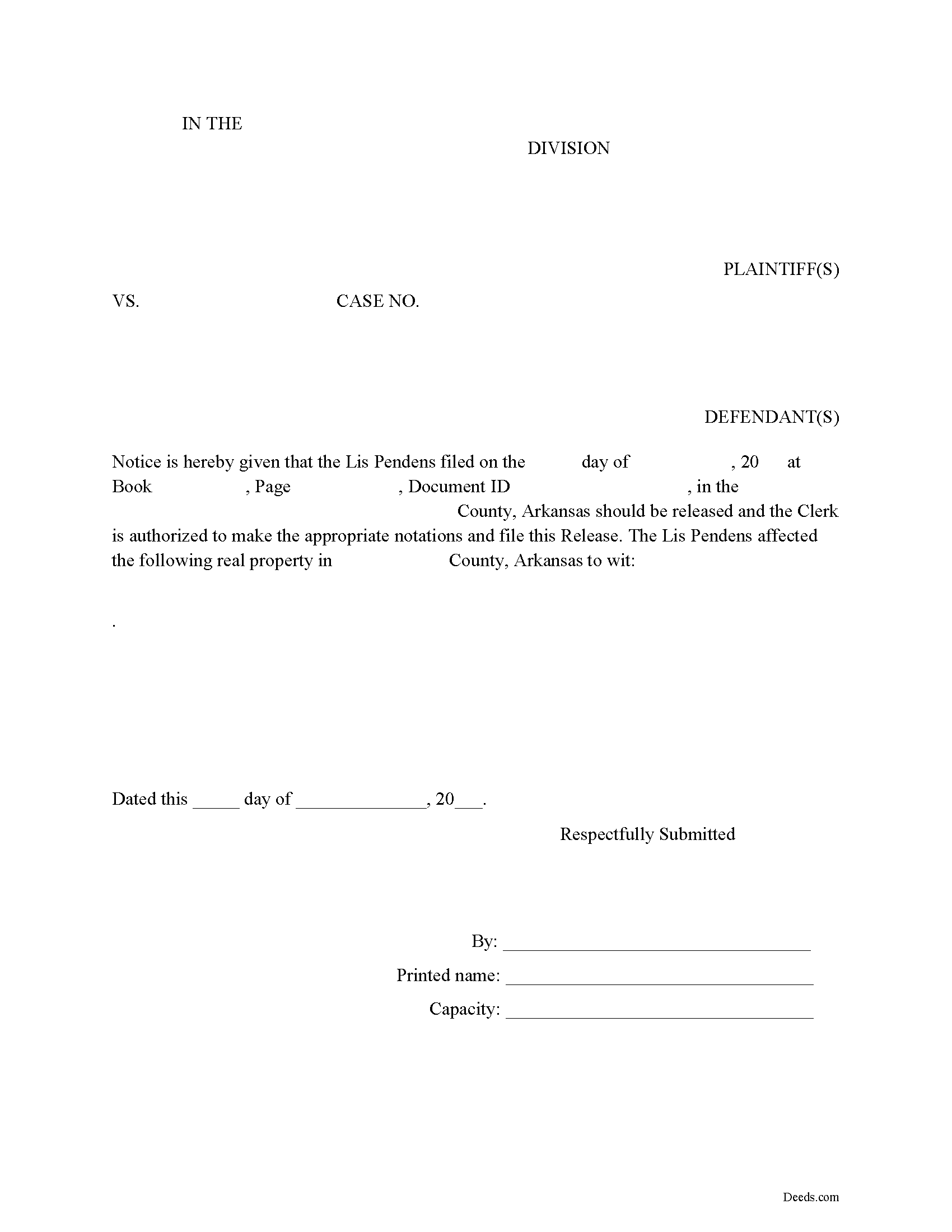
Faulkner County Lis Pendens Release Form
Fill in the blank form formatted to comply with all recording and content requirements.
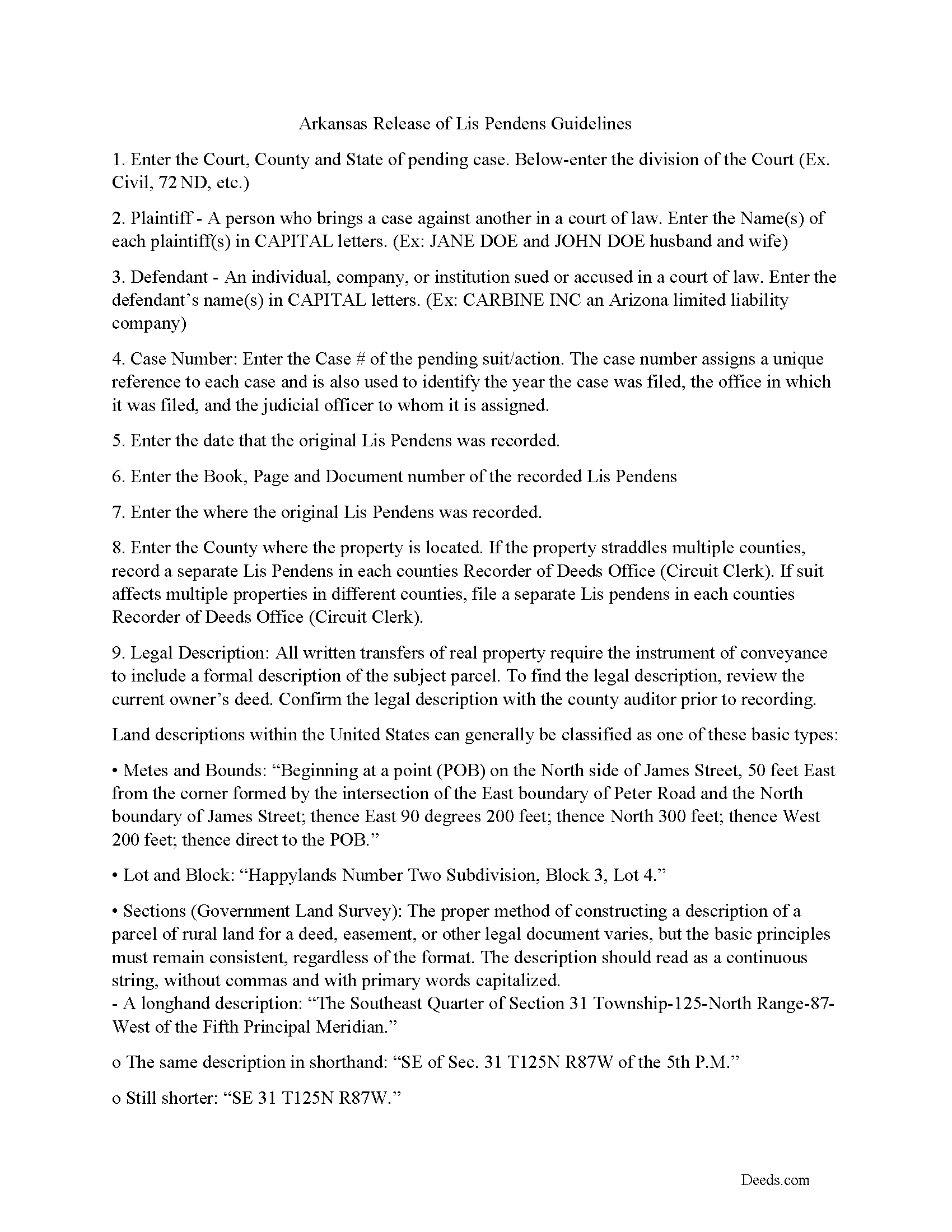
Faulkner County Lis Pendens Release Guide
Line by line guide explaining every blank on the form.
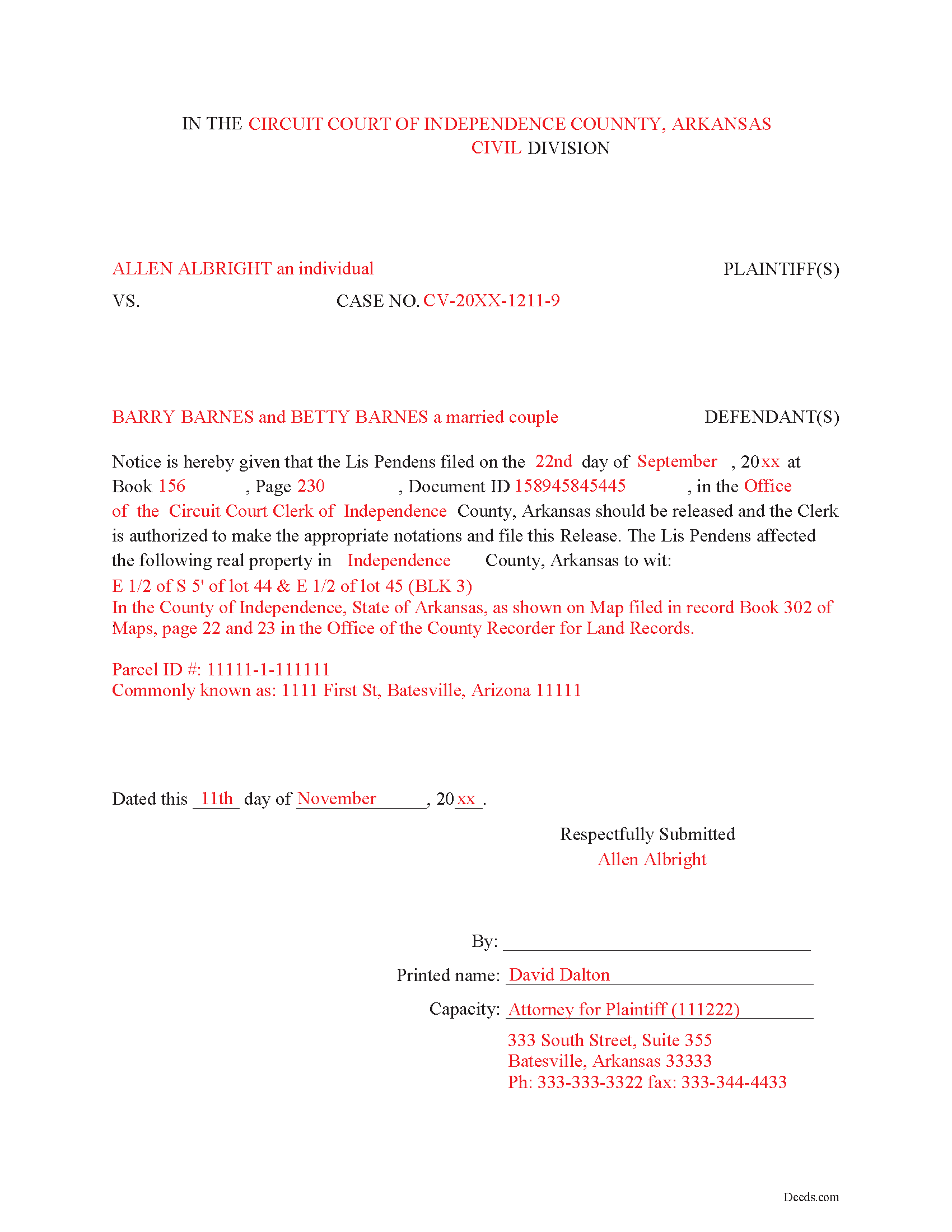
Faulkner County Completed Example of the Lis Pendens Release Document
Example of a properly completed form for reference.
All 3 documents above included • One-time purchase • No recurring fees
Immediate Download • Secure Checkout
Additional Arkansas and Faulkner County documents included at no extra charge:
Where to Record Your Documents
Faulkner County Circuit Clerk
Conway, Arkansas 72034 /72033
Hours: 8:00am to 4:30pm M-F
Phone: (501) 450-4911
Recording Tips for Faulkner County:
- Bring your driver's license or state-issued photo ID
- Ensure all signatures are in blue or black ink
- Ask if they accept credit cards - many offices are cash/check only
- Check that your notary's commission hasn't expired
- Documents must be on 8.5 x 11 inch white paper
Cities and Jurisdictions in Faulkner County
Properties in any of these areas use Faulkner County forms:
- Conway
- Enola
- Greenbrier
- Guy
- Mayflower
- Mount Vernon
- Vilonia
- Wooster
Hours, fees, requirements, and more for Faulkner County
How do I get my forms?
Forms are available for immediate download after payment. The Faulkner County forms will be in your account ready to download to your computer. An account is created for you during checkout if you don't have one. Forms are NOT emailed.
Are these forms guaranteed to be recordable in Faulkner County?
Yes. Our form blanks are guaranteed to meet or exceed the applicable formatting requirements used for recording in Faulkner County, including margin requirements, font requirements, and other layout standards. This guarantee applies to formatting, not to the legal sufficiency of information entered by the user or the suitability of a form for a particular transaction.
Can I reuse these forms?
Yes. You can reuse the forms for your personal use. For example, if you have multiple properties in Faulkner County you only need to order once.
What do I need to use these forms?
The forms are PDFs that you fill out on your computer. The free Adobe Acrobat Reader is recommended, and most PDF apps also work. You do NOT enter your property information online - you download the blank forms and complete them privately on your own computer.
Are there any recurring fees?
No. This is a one-time purchase. Nothing to cancel, no memberships, no recurring fees.
How much does it cost to record in Faulkner County?
Recording fees in Faulkner County vary. Contact the recorder's office at (501) 450-4911 for current fees.
Questions answered? Let's get started!
A Release of Lis Pendens instructs the Clerk to release said Lis Pendens. This is important once a suit is finalized or resolved. Generally, the plaintiff or plaintiff's representative (person(s) initiating the claim) will file the release. The release will have information of when and where the original Lis Pendens was recorded, including the date and document number of the recorded Lis Pendens. A release if filed in each county where a Lis Pendens was recorded thereby nullifying the Lis Pendens action. Title 16 - Chapter 59 - Lis Pendens, dictate Arkansas Lis Pendens law.
(Arkansas Lis Pendens Release Package includes form, guidelines, and completed example)
Important: Your property must be located in Faulkner County to use these forms. Documents should be recorded at the county recording office listed above.
This Lis Pendens Release meets all recording requirements specific to Faulkner County.
Our Promise
The documents you receive here are guaranteed to meet or exceed the applicable Faulkner County recording format requirements. If there is a rejection caused by our formatting, we will correct the issue or refund your payment. This guarantee applies to document formatting only and does not extend to information entered by the user, the selection of the form, or the legal effect of the completed document.
Save Time and Money
Get your Faulkner County Lis Pendens Release form done right the first time with Deeds.com Uniform Conveyancing Blanks. At Deeds.com, we understand that your time and money are valuable resources, and we don't want you to face a penalty fee or rejection imposed by a county recorder for submitting nonstandard documents. We constantly review and update our forms to meet rapidly changing state and county recording requirements for roughly 3,500 counties and local jurisdictions.
4.8 out of 5 - ( 4,829 Reviews )
Peter N. 5 out of 5 stars
Your website was easy to use and I was able to accomplish my task. Thank You very much.
Thank you for your feedback. We really appreciate it. Have a great day!
Larry T. 5 out of 5 stars
Ordered a 'Gift Deed' form The 'Example' form was most helpful. The actual form was very detailed, and seemed to 'cover all the bases'
We appreciate your business and value your feedback. Thank you. Have a wonderful day!
Timothy G. 5 out of 5 stars
Easy peezy.
Thank you!
jonnie F. 5 out of 5 stars
Easiest and most efficient way to process your documents, this company is amazing. They help me meet the deadline on a critical inspection by processing my NOC in less then a day. Thank You.
We appreciate your business and value your feedback. Thank you. Have a wonderful day!
Ruby C. 5 out of 5 stars
very easy to use this site as I live out of state.
Tanks Ruby, glad we could help.
Rebecca C. 5 out of 5 stars
Was sort of complicated for this phone illiterate 70 year old 😂. Asked my daughter for help. She breezed right through it with no problem whatsoever!! Thank you!!
Thank you, Rebecca! Glad your daughter could lend a hand. We appreciate the review.
ANGELIA E. 5 out of 5 stars
Thanks for your expedite process
We appreciate your business and value your feedback. Thank you. Have a wonderful day!
Michael G M. 5 out of 5 stars
The download files should have the name of the form included. The present numeric soup is frustrating to navigate.
Thank you for your feedback. We really appreciate it. Have a great day!
Bill M. 3 out of 5 stars
I found the path from the home page to actually ordering the document I wanted extremely convoluted and non-intuitive. I went around in circles several times before I figured out how to actually buy the document.
Thank you for your feedback. We really appreciate it. Have a great day!
Robin M. 5 out of 5 stars
Thank you for your services...Attny office quoted a very large fee for the "TOD DEED" process, so this is very helpful that I am able to take care of this myself. If I would have researched your link sooner, I could have saved my Dad a lot of money for the "SURVIVORSHIP DEED". Thanks again & have a wonderful day:)
Thank you for your feedback. We really appreciate it. Have a great day!
Brennan H. 5 out of 5 stars
I had worked for a couple of months sending things back and forth to the county and still had no success. I decided to use deeds.com and it was all done in a few hours. Such a relief! While I find this to be wrong and the county should work with property owners as well as they work with third parties, I was still grateful for this service.
Thank you for your feedback. We really appreciate it. Have a great day!
Loren H. 5 out of 5 stars
I really appreciate your forms according to South Dakota laws and statues. Your forms allow me to effectively do estate planning without extensive legal expenses. The "Revocable Transfer of Death Deed" is perfect to protect against extensive probate problems for seniors in retirement. Thank you and May God Bless.
We appreciate your business and value your feedback. Thank you. Have a wonderful day!
Fabio S. 5 out of 5 stars
Fast, Easy and with great assistance! I will definitely use their services again!
Thank you for your feedback. We really appreciate it. Have a great day!
DAVID W. 5 out of 5 stars
Very easy to work with. A lot less money than a lawyer.
Thank you for your kind words and for choosing us.
Tracy E. 5 out of 5 stars
This is so convenient. Thank you.
Thank you!