Shasta County Interspousal Transfer Grant Deed Form
Last validated August 11, 2026 by our Forms Development Team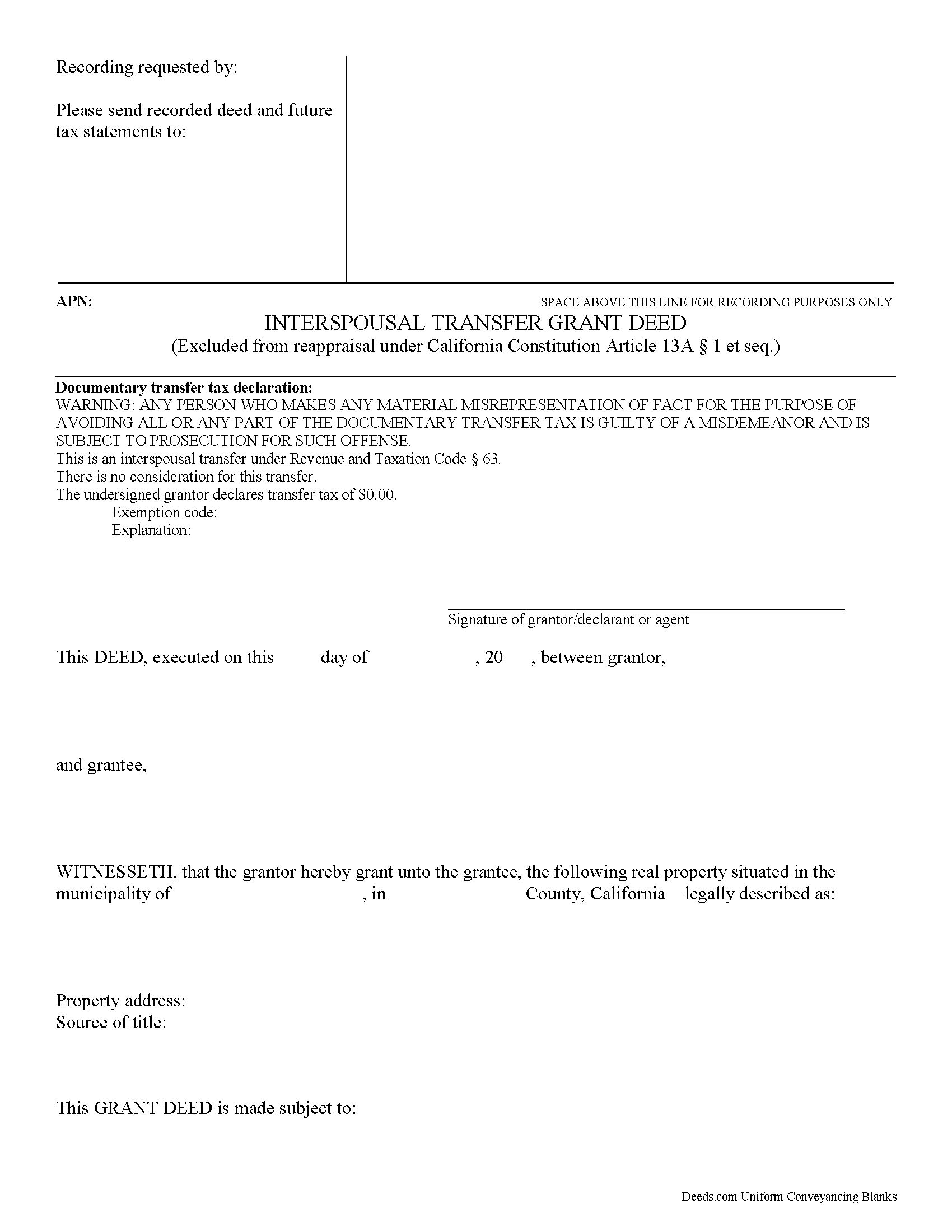
Shasta County Interspousal Transfer Grant Deed Form
Fill in the blank form formatted to comply with all recording and content requirements.
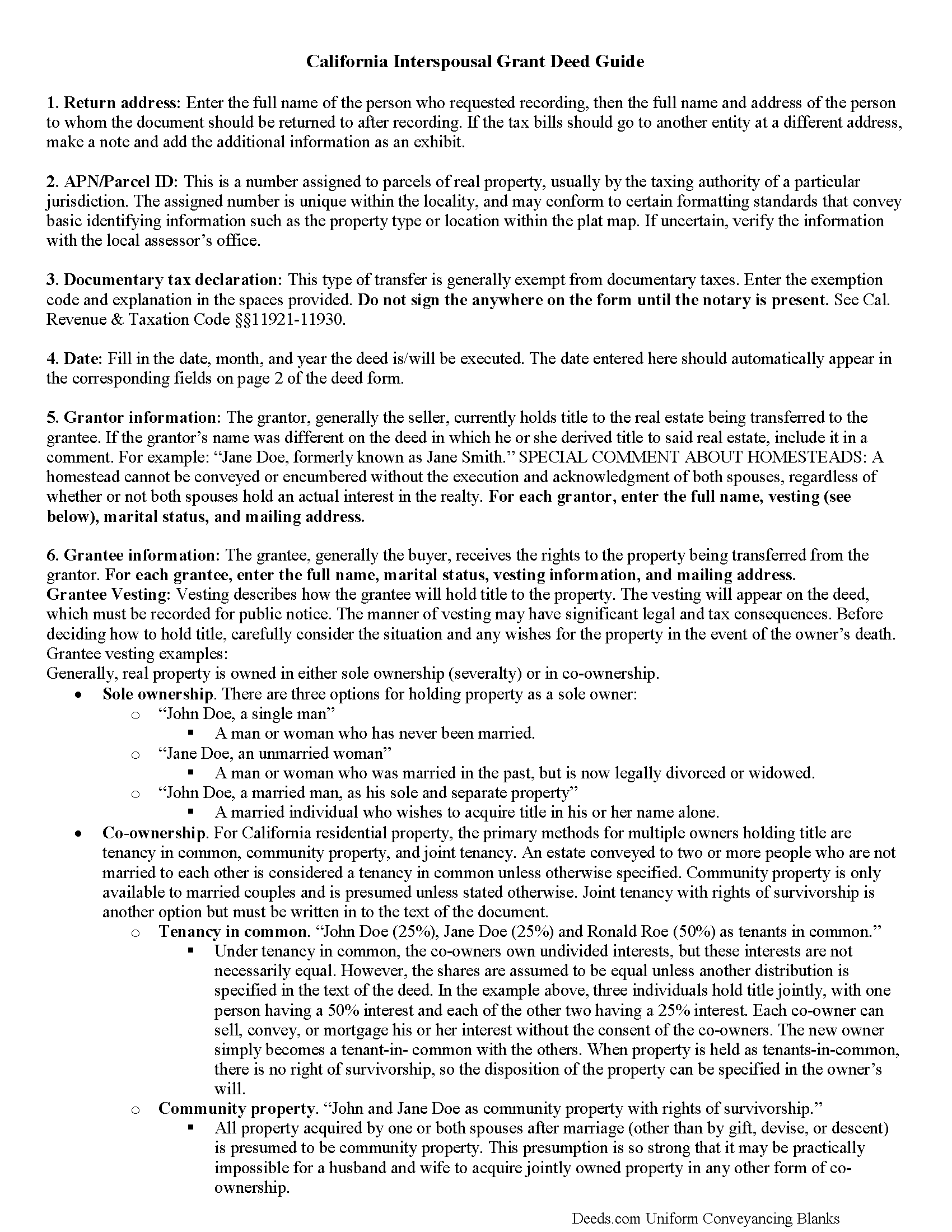
Shasta County Interspousal Transfer Grant Deed Guide
Line by line guide explaining every blank on the form.
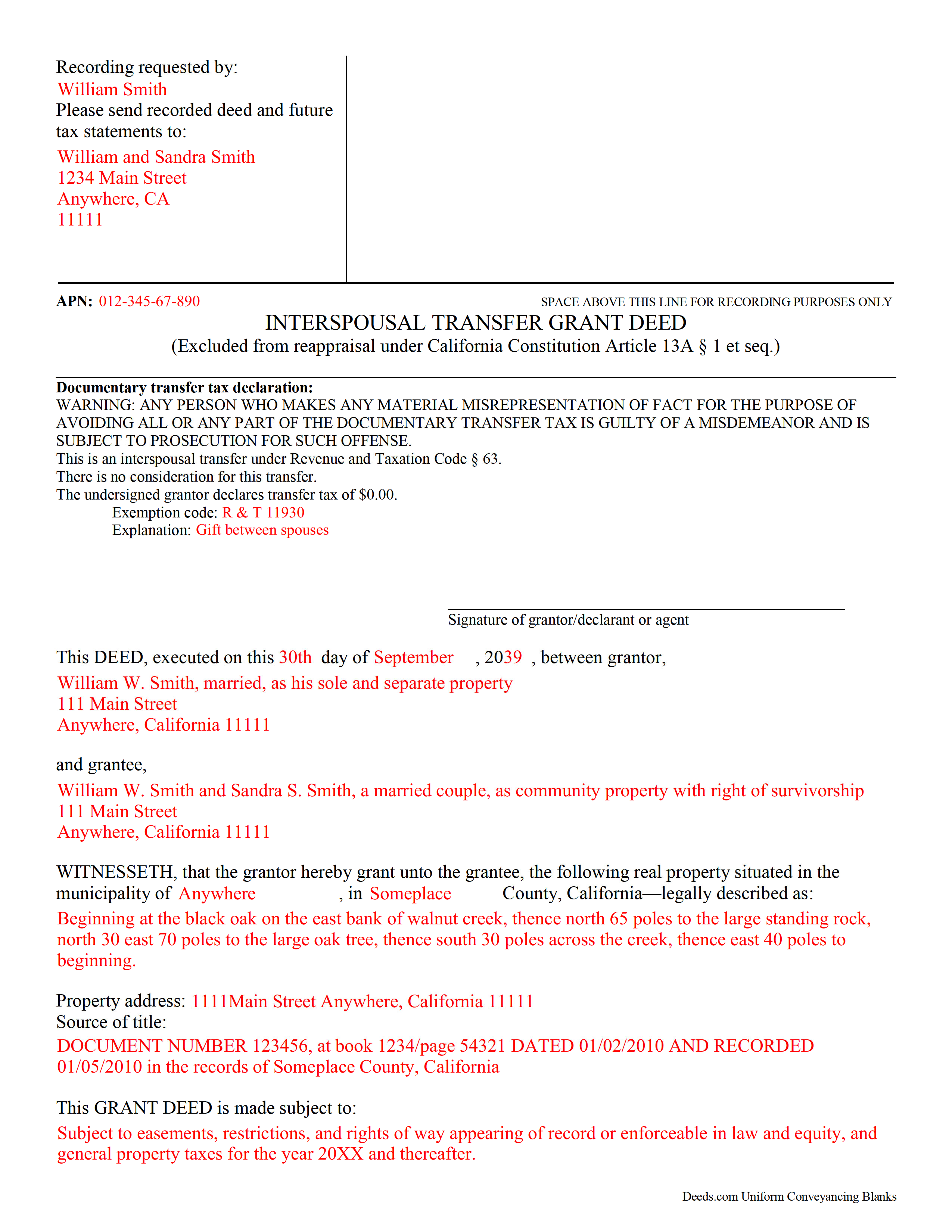
Shasta County Completed Example of the Interspousal Transfer Grant Deed Document
Example of a properly completed form for reference.
All 3 documents above included • One-time purchase • No recurring fees
Immediate Download • Secure Checkout
Additional California and Shasta County documents included at no extra charge:
Where to Record Your Documents
Shasta County Recorder
Redding, California 96001-1670
Hours: 8:00 a.m. to 4:30 p.m
Phone: (530) 225-5671 or (800) 479-8009
Recording Tips for Shasta County:
- Ensure all signatures are in blue or black ink
- Both spouses typically need to sign if property is jointly owned
- Bring extra funds - fees can vary by document type and page count
- Ask about accepted payment methods when you call ahead
Cities and Jurisdictions in Shasta County
Properties in any of these areas use Shasta County forms:
- Anderson
- Bella Vista
- Big Bend
- Burney
- Cassel
- Castella
- Cottonwood
- Fall River Mills
- French Gulch
- Hat Creek
- Igo
- Lakehead
- Mcarthur
- Millville
- Montgomery Creek
- Oak Run
- Obrien
- Old Station
- Palo Cedro
- Platina
- Redding
- Round Mountain
- Shasta
- Shasta Lake
- Shingletown
- Whiskeytown
- Whitmore
Hours, fees, requirements, and more for Shasta County
How do I get my forms?
Forms are available for immediate download after payment. The Shasta County forms will be in your account ready to download to your computer. An account is created for you during checkout if you don't have one. Forms are NOT emailed.
Are these forms guaranteed to be recordable in Shasta County?
Yes. Our form blanks are guaranteed to meet or exceed the applicable formatting requirements used for recording in Shasta County, including margin requirements, font requirements, and other layout standards. This guarantee applies to formatting, not to the legal sufficiency of information entered by the user or the suitability of a form for a particular transaction.
Can I reuse these forms?
Yes. You can reuse the forms for your personal use. For example, if you have multiple properties in Shasta County you only need to order once.
What do I need to use these forms?
The forms are PDFs that you fill out on your computer. You'll need Adobe Reader (free software that most computers already have). You do NOT enter your property information online - you download the blank forms and complete them privately on your own computer.
Are there any recurring fees?
No. This is a one-time purchase. Nothing to cancel, no memberships, no recurring fees.
How much does it cost to record in Shasta County?
Recording fees in Shasta County vary. Contact the recorder's office at (530) 225-5671 or (800) 479-8009 for current fees.
Questions answered? Let's get started!
A California Interspousal Transfer Grant Deed is used to create, transfer, or terminate a real property ownership interest between spouses. This instrument applies to a present owner's interest and has been drafted to comply with the Revenue and Taxation Code Section 63.
A transfer of real property ownership interests between spouses is excluded from reappraisal under the California Constitution Article 13 A &1 et seq. and transfer taxes, as this conveyance establishes sole and separate property of a spouse (RT 11911)
(California Interspousal Transfer Grant Deed Package includes form, guidelines, and completed example)
Important: Your property must be located in Shasta County to use these forms. Documents should be recorded at the office below.
This Interspousal Transfer Grant Deed meets all recording requirements specific to Shasta County.
Our Promise
The documents you receive here are guaranteed to meet or exceed the applicable Shasta County recording format requirements. If there is a rejection caused by our formatting, we will correct the issue or refund your payment. This guarantee applies to document formatting only and does not extend to information entered by the user, the selection of the form, or the legal effect of the completed document.
Save Time and Money
Get your Shasta County Interspousal Transfer Grant Deed form done right the first time with Deeds.com Uniform Conveyancing Blanks. At Deeds.com, we understand that your time and money are valuable resources, and we don't want you to face a penalty fee or rejection imposed by a county recorder for submitting nonstandard documents. We constantly review and update our forms to meet rapidly changing state and county recording requirements for roughly 3,500 counties and local jurisdictions.
4.8 out of 5 - ( 4777 Reviews )
Jeremiah W.
August 2nd, 2020
Very helpful information and great forms.
Thank you for your feedback. We really appreciate it. Have a great day!
Charles C.
November 2nd, 2020
I found this site to be very easy to use . I found and printed what I needed in just a few minutes after getting on the sit . Good work setting up this site . Thank you .
Thank you!
Sylvia H.
February 8th, 2024
Thank you so very much for such an easy experience.
Thank you for your feedback. We really appreciate it. Have a great day!
Adriana B.
December 29th, 2023
The explanations about the processes and descriptions of the forms makes it easy to understand which forms to use.
Your feedback is greatly appreciated. Thank you for taking the time to share your experience!
Ming Z.
September 28th, 2022
Definitely 5 Stars !
Thank you!
Camesha Y.
January 10th, 2019
Was working with a notary client that need to do a deed. We got on this site, ordered the blank forms, he filled them out and we printed them so he could sign. Really clean forms, easy to understand and complete in a hurry. I will be letting all my clients know about this site.
That's terrific Camesha, glad to hear. Have a great day!
JOY W.
March 24th, 2026
Really great resource to use in a time that can be very stressful. Downloading was very simple and the instructions provided were detailed and easy to follow. I was grateful to have found this.
Thank you for your review, Joy. We’re glad the process was straightforward and helpful when you needed it most.
Earle T.
January 23rd, 2021
This is an excellent service. And very easy to use.
We appreciate your business and value your feedback. Thank you. Have a wonderful day!
oscar r.
December 17th, 2021
VERY MUCH HELPFUL SAVED ME 600 on not having to hire attorney
Thank you!
MARC G.
June 26th, 2020
Very easy. Very helpful.
Thank you!
curtice c.
September 30th, 2022
I bought the Transfer on Death Deed documents. Great product and the accompanying example and guides were great.
Thank you for your feedback. We really appreciate it. Have a great day!
Tiffany W.
December 30th, 2025
Exactly what I needed and with the help of ChatGPT who needs a damn lawyer for anything.
We’re glad to hear things went well. Thank you for the review.
James M.
January 3rd, 2023
It would be helpful to have a joint tenant example.
Thank you!
Donna M.
November 22nd, 2021
Appreciated the ability to not only download the form but the instruction's AND a sample.
Thank you for your feedback. We really appreciate it. Have a great day!
THOMAS C.
June 25th, 2020
Very fast service
We appreciate your business and value your feedback. Thank you. Have a wonderful day!