Yuba County Quitclaim Deed (Corrective) Form
Last validated November 9, 2026 by our Forms Development TeamFormatted for recording in Yuba County, for property anywhere in the county: rural and unincorporated areas as well as Beale Afb, Browns Valley, Brownsville, Camptonville, Challenge, Dobbins, Marysville, Olivehurst and 4 more.
- 3 documents included
- Immediate PDF download
- Formatting guarantee
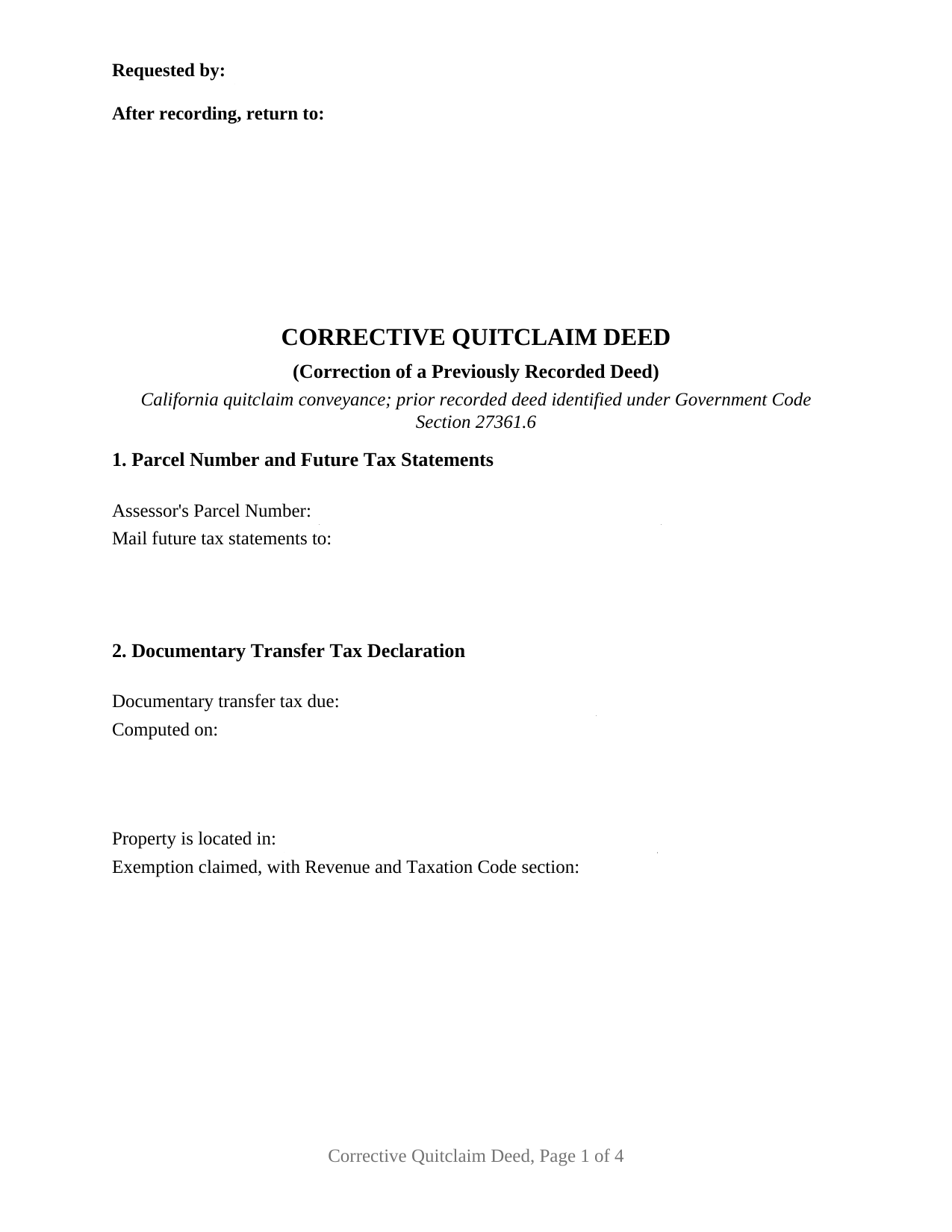
Yuba County Quitclaim Deed (Corrective) Form
Fill in the blank Quitclaim Deed (Corrective) form formatted to comply with all California recording and content requirements.
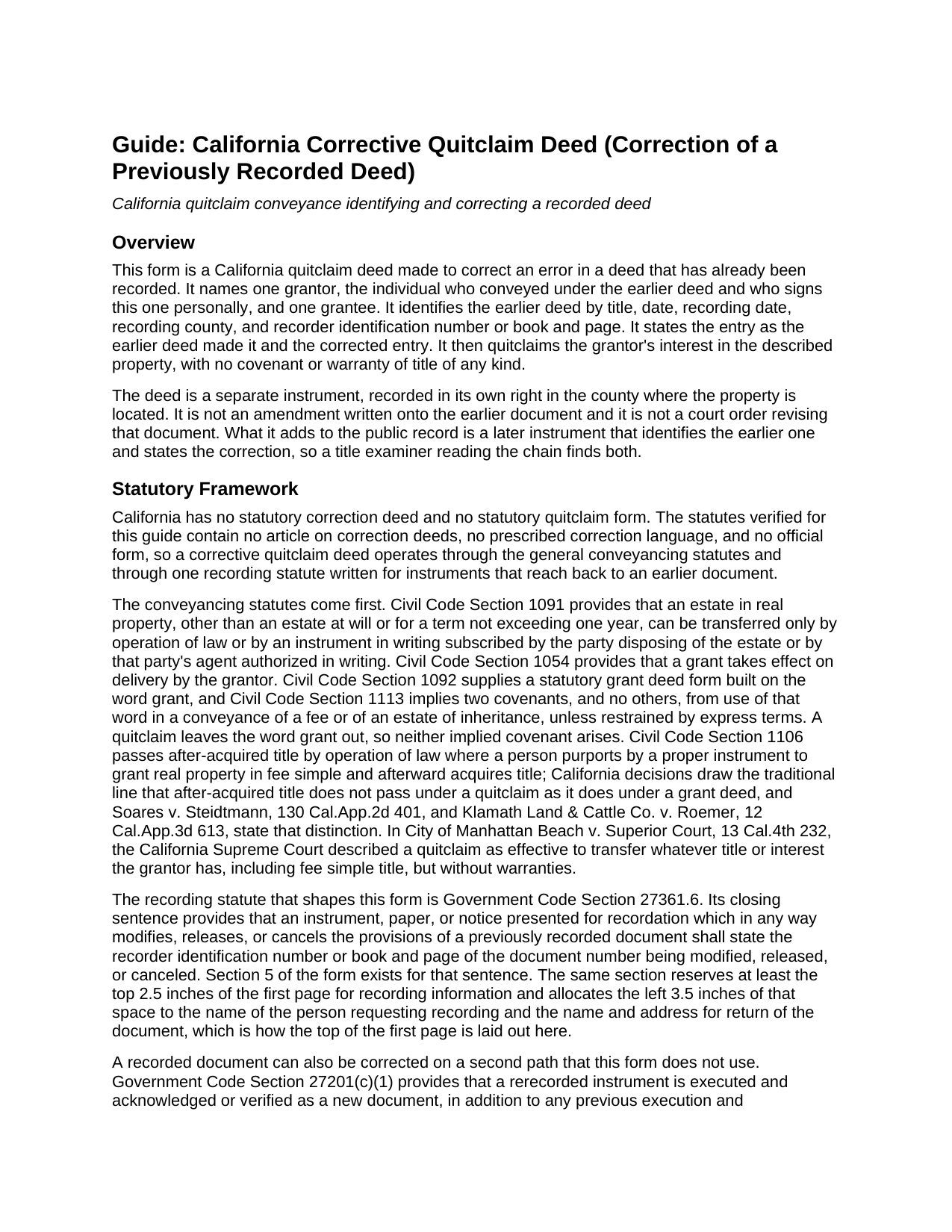
Yuba County Quitclaim Deed (Corrective) Guide
Line by line guide explaining every blank on the Quitclaim Deed (Corrective) form.
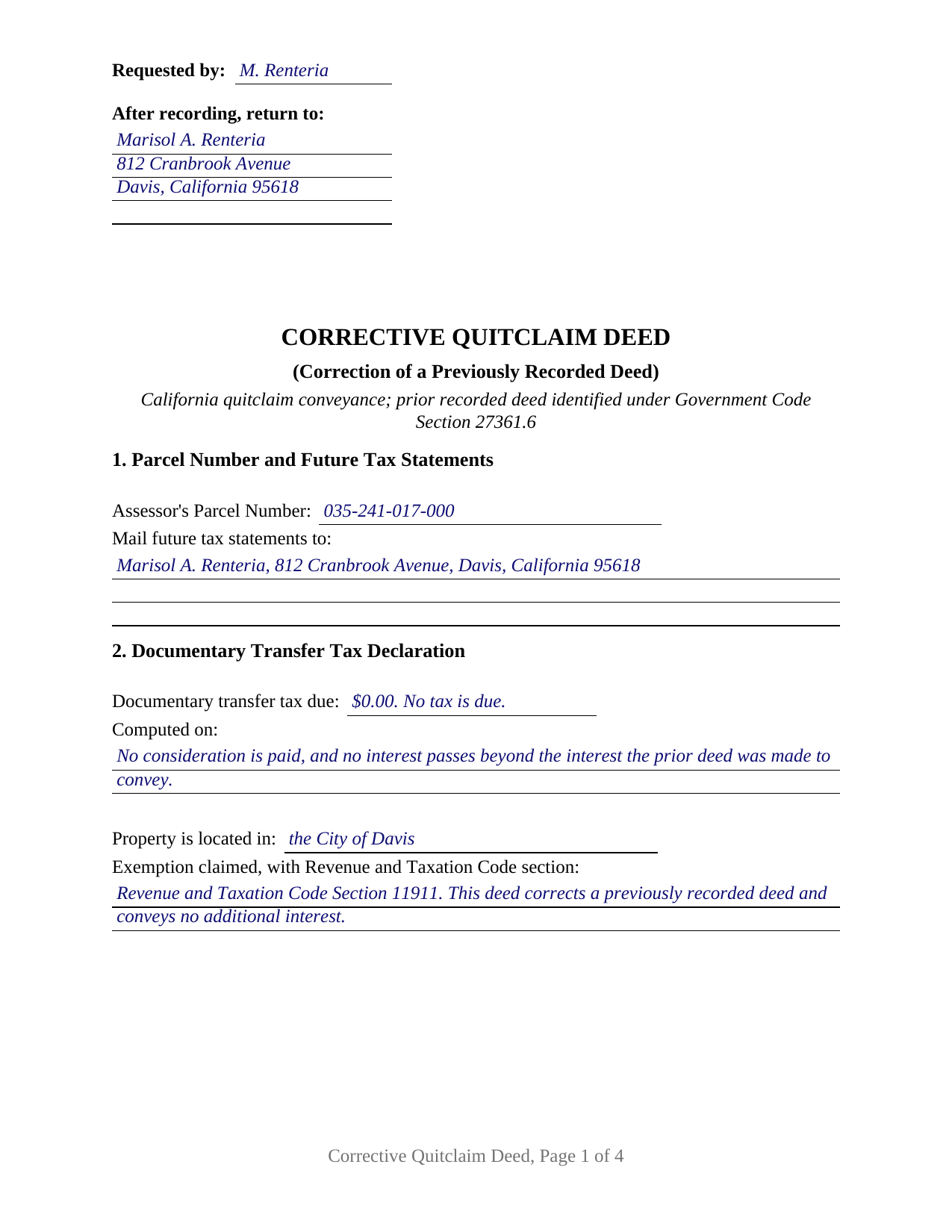
Yuba County Completed Example of the Quitclaim Deed (Corrective) Document
Example of a properly completed California Quitclaim Deed (Corrective) document for reference.
All 3 documents above included • One-time purchase • No recurring fees
Immediate Download • Secure Checkout
Additional California and Yuba County documents included at no extra charge:
Where to Record Your Documents
Yuba County Recorder
Marysville, California 95901-5273
Hours: 8:00am - 5:00pm / Recording: until 4:00
Phone: (530) 749-7850
Recording Tips for Yuba County:
- Bring your driver's license or state-issued photo ID
- Ensure all signatures are in blue or black ink
- Ask if they accept credit cards - many offices are cash/check only
- Check that your notary's commission hasn't expired
- Documents must be on 8.5 x 11 inch white paper
Cities and Jurisdictions in Yuba County
Properties in any of these areas use Yuba County forms:
- Beale Afb
- Browns Valley
- Brownsville
- Camptonville
- Challenge
- Dobbins
- Marysville
- Olivehurst
- Oregon House
- Rackerby
- Strawberry Valley
- Wheatland
Hours, fees, requirements, and more for Yuba County
How do I get my forms?
Forms are available for immediate download after payment. The Yuba County forms will be in your account ready to download to your computer. An account is created for you during checkout if you don't have one. Forms are NOT emailed.
Are these forms guaranteed to be recordable in Yuba County?
Yes. Our form blanks are guaranteed to meet or exceed the applicable formatting requirements used for recording in Yuba County, including margin requirements, font requirements, and other layout standards. This guarantee applies to formatting, not to the legal sufficiency of information entered by the user or the suitability of a form for a particular transaction.
Can I reuse these forms?
Yes. You can reuse the forms for your personal use. For example, if you have multiple properties in Yuba County you only need to order once.
What do I need to use these forms?
The forms are PDFs that you fill out on your computer. The free Adobe Acrobat Reader is recommended, and most PDF apps also work. You do NOT enter your property information online - you download the blank forms and complete them privately on your own computer.
Are there any recurring fees?
No. This is a one-time purchase. Nothing to cancel, no memberships, no recurring fees.
How much does it cost to record in Yuba County?
Recording fees in Yuba County vary. Contact the recorder's office at (530) 749-7850 for current fees.
Questions answered? Let's get started!
Almost every California deed points at land. This one also points at a document. A corrective quitclaim deed fixes an error in a deed already sitting in a county's Official Records, naming that earlier instrument on its face before it conveys anything. The form prepares that configuration: one individual grantor, one grantee, the corrected deed identified by its recording data, and no warranty of title.
The Sentence That Shapes This Form
Government Code Section 27361.6 closes with a requirement most deeds never trigger. An instrument presented for recordation that in any way modifies, releases, or cancels the provisions of a previously recorded document states the recorder identification number, or the book and page, of the document being modified. Section 5 exists for that sentence, taking the earlier deed's title, its date, its recording date, the county whose Official Records hold it, and the number the recorder assigned. Section 6 then splits the correction in two: the entry as the earlier deed makes it, and the entry as corrected, so an examiner can line one document up against the other.
Correcting a Deed Rather Than Rewriting One
California enacted no correction deed article and no statutory form for one, so the instrument works through the ordinary conveyancing statutes while carrying the identification the recording statute asks for. A second route runs through Government Code Section 27201: a rerecorded document is executed and acknowledged again as a new document unless an exception applies. One exception covers a minor correction made with an attached corrective affidavit, which the statute confines to four items: a return address, a clarification of illegible text, a printed or typed name near a signature, and a documentary transfer tax amount. Those papers are prepared separately and are not part of this package. Past what the parties settle between themselves lies reformation under Civil Code Section 3399, a court action for fraud or mistake.
One Grantor, One Signature Line, One Certificate
The grantor is the person who conveyed under the deed being corrected, signing personally, because the released interest is that person's. The form carries one grantor block, one grantee block, a single signature line, and a single California all-purpose acknowledgment certificate, opening with the notice Civil Code Section 1189 places in an enclosed box at the top of a certificate taken in this state. Clerical slips of a familiar kind present this pattern in California's grantor indexes: a grantee surname carrying a transposed letter, a middle initial lost between the escrow file and the signed page, a map book and page reversed in the legal description, and a vesting line naming no form of co-ownership where the parties meant to name one. Two individuals who conveyed together present a two signature pattern outside this block, as do an entity, an agent under a power of attorney, and a trustee. Adding a party, dropping one, or moving a different parcel is a new conveyance rather than a correction, whatever the document is titled.
Nothing Warranted, Nothing New Conveyed
The instrument, searched by many people as a correction deed or a quit claim deed, promises nothing about the state of the title. California packs its two everyday deed covenants into one statutory word under Civil Code Section 1113, and this deed never uses it. The operative section states the rest: the correction is the one respect in which the earlier deed changes, what passes is the interest the grantor holds at delivery, and title reaching the grantor afterward stays outside.
Transfer Tax and the Assessor When Nothing New Moves
Page one arrives arranged for the counter: the reserved recording space, the parcel number, the address for future tax statements, and the transfer tax lines, closed by a signature from whoever determined the amount. Revenue and Taxation Code Section 11911 taxes a deed by which realty sold is conveyed for consideration above one hundred dollars, so a deed moving no new interest for no money commonly enters a code section on those lines instead of a dollar figure. Property tax answers to a separate provision, Revenue and Taxation Code Section 62(b), which excludes any transfer for the purpose of perfecting title from change in ownership.
Three files ship: the fillable deed, a completed example worked through a Yolo County correction of a misspelled grantee name, and a plain language guide covering every numbered section, the certificate, the fees, and recorder intake. The materials describe California law in general terms and are not legal advice about a particular deed or error.
Important: Your property must be located in Yuba County to use these forms. Documents should be recorded at the county recording office listed above.
This Quitclaim Deed (Corrective) meets all recording requirements specific to Yuba County.
Our Promise
The documents you receive here are guaranteed to meet or exceed the applicable Yuba County recording format requirements. If there is a rejection caused by our formatting, we will correct the issue or refund your payment. This guarantee applies to document formatting only and does not extend to information entered by the user, the selection of the form, or the legal effect of the completed document.
Save Time and Money
Get your Yuba County Quitclaim Deed (Corrective) form done right the first time with Deeds.com Uniform Conveyancing Blanks. At Deeds.com, we understand that your time and money are valuable resources, and we don't want you to face a penalty fee or rejection imposed by a county recorder for submitting nonstandard documents. We constantly review and update our forms to meet rapidly changing state and county recording requirements for roughly 3,500 counties and local jurisdictions.
4.8 out of 5 - ( 4,859 Reviews )
Robert B. 5 out of 5 stars
Excellent service. Very efficient. Electronic filing was far faster and less stress than doing it in person.
We appreciate your business and value your feedback. Thank you. Have a wonderful day!
lisa c. 1 out of 5 stars
I didn't like your website. It was complicated for an elderly person to use.
Sorry to hear that we failed you Lisa. We do hope that you found something more suitable to your needs elsewhere. Have a wonderful day.
Alan C. 3 out of 5 stars
I thought the instructions could have been a little better. I didn't know how to do this if the spouses are married but living in separate residences. Also I didn't understand the "Prior Instrument Reference". That should be explained better. Very sketchy instructions.
Thank you for your feedback. We really appreciate it. Have a great day!
Debbie C. 5 out of 5 stars
Wonderful forms and service.
Thank you for your feedback. We really appreciate it. Have a great day!
brian o. 5 out of 5 stars
I was needing some forms from another state. I am a lawyer but don't have ready access to out of state forms. I was impressed with how thorough the intake process was. Very nice that I could download the form in Word so that I could adjust a few things. Very fine service. I recommend.
Thank you!
Darrell C. 5 out of 5 stars
Excellent Service
Thank you!
Sandra G. 4 out of 5 stars
We were referred to the site by banking friend. It does take time to read through and figure out what a person needs, form-wise, to accomplish the goal. Once that was decided, check out and the download was very easy. What a great savings in cost and time.
Thank you Sandra, glad we could help. Also, please thank your friend for us. Have a wonderful day.
Roxanne C. 5 out of 5 stars
I love that this service is available. Uploading my document took no time at all. I love that we have an option of upload our documentsinsread of going in to file.
Thank you for your feedback. We really appreciate it. Have a great day!
Christine A. 5 out of 5 stars
So far do good. Don't understand the billing procedure yet and have just sent a request for information. Awaiting reply. Thank you, Christine Alvarez
Thanks for the feedback. Looks like your E-recording invoice is available. It takes a few minutes for our staff to prepare documents for recording and generate the invoice.
Deborah C. 5 out of 5 stars
I just printed out my documents and they are so helpful. Now I will sit and fill out my documents and submit them to the PG County deed Office. Thanks for having this infomation online. Regards,
Thank you!
Shantu S. 5 out of 5 stars
Easy to follow directions and complete the Deed.
Thank you!
George D. 4 out of 5 stars
The TODD form has been notarized and registered with my county Register of Deeds office, so it works just fine. My only quibble is that when I printed it out, it missed part of the last line of the notary's info and the fine print in the bottom corners. When I printed it at 90% scale, it included those things.
Thank you for your feedback. We really appreciate it. Have a great day!
Scott H. 5 out of 5 stars
Very helpful
Thank you!
DEBORAH G. 3 out of 5 stars
This product is good but the text boxes are not large enough to contain the information required for the form. Even dates do not display with the entry you make.
Thank you for your feedback. We really appreciate it. Have a great day!
William L. 5 out of 5 stars
Deeds.com provide a great service!!!
We truly value your business and appreciate your review.