Archuleta County Certificate of Trust Form
Last validated October 21, 2026 by our Forms Development TeamFormatted for recording in Archuleta County, for property anywhere in the county: rural and unincorporated areas as well as Arboles, Chimney Rock, Chromo, Pagosa Springs.
- 3 documents included
- Immediate PDF download
- Formatting guarantee
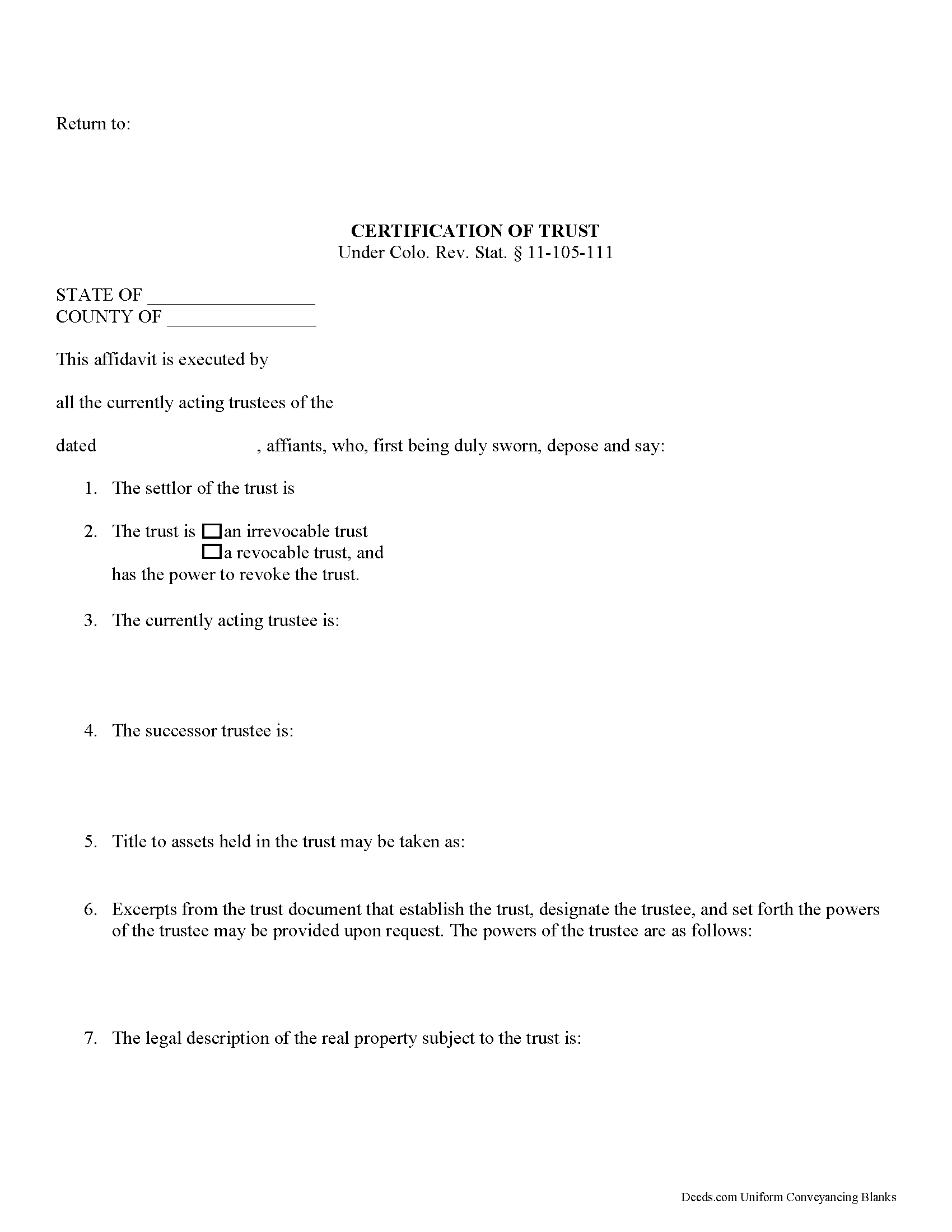
Archuleta County Certificate of Trust Form
Fill in the blank form formatted to comply with all recording and content requirements.
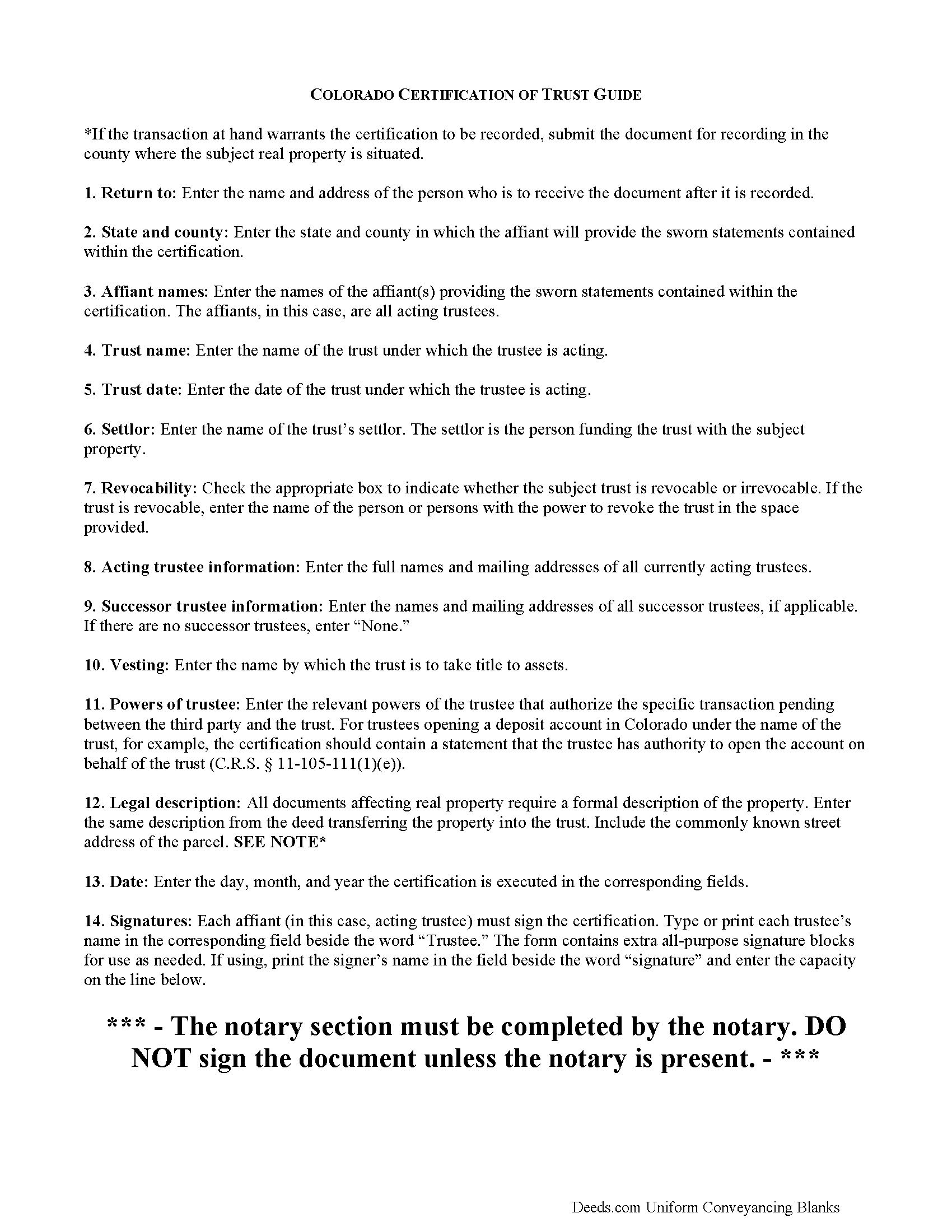
Archuleta County Certificate of Trust Guide
Line by line guide explaining every blank on the form.
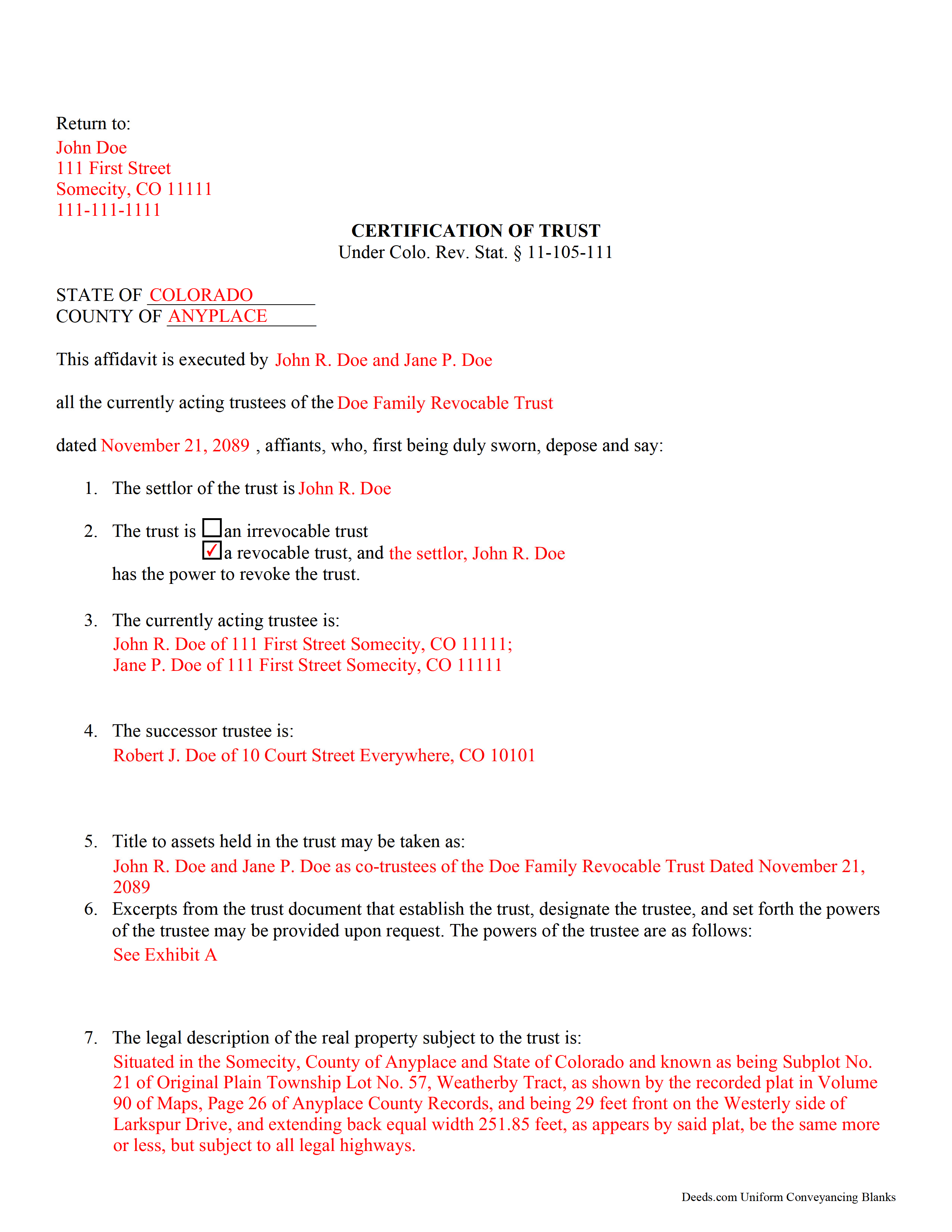
Archuleta County Completed Example of the Certificate of Trust Document
Example of a properly completed form for reference.
All 3 documents above included • One-time purchase • No recurring fees
Immediate Download • Secure Checkout
Additional Colorado and Archuleta County documents included at no extra charge:
Where to Record Your Documents
Archuleta County Clerk
Pagosa Springs , Colorado 81147
Hours: 8:00 to 4:00 Monday through Friday
Phone: (970) 264-8350
Recording Tips for Archuleta County:
- Bring your driver's license or state-issued photo ID
- Ensure all signatures are in blue or black ink
- Ask if they accept credit cards - many offices are cash/check only
- Check that your notary's commission hasn't expired
- Documents must be on 8.5 x 11 inch white paper
Cities and Jurisdictions in Archuleta County
Properties in any of these areas use Archuleta County forms:
- Arboles
- Chimney Rock
- Chromo
- Pagosa Springs
Hours, fees, requirements, and more for Archuleta County
How do I get my forms?
Forms are available for immediate download after payment. The Archuleta County forms will be in your account ready to download to your computer. An account is created for you during checkout if you don't have one. Forms are NOT emailed.
Are these forms guaranteed to be recordable in Archuleta County?
Yes. Our form blanks are guaranteed to meet or exceed the applicable formatting requirements used for recording in Archuleta County, including margin requirements, font requirements, and other layout standards. This guarantee applies to formatting, not to the legal sufficiency of information entered by the user or the suitability of a form for a particular transaction.
Can I reuse these forms?
Yes. You can reuse the forms for your personal use. For example, if you have multiple properties in Archuleta County you only need to order once.
What do I need to use these forms?
The forms are PDFs that you fill out on your computer. The free Adobe Acrobat Reader is recommended, and most PDF apps also work. You do NOT enter your property information online - you download the blank forms and complete them privately on your own computer.
Are there any recurring fees?
No. This is a one-time purchase. Nothing to cancel, no memberships, no recurring fees.
How much does it cost to record in Archuleta County?
Recording fees in Archuleta County vary. Contact the recorder's office at (970) 264-8350 for current fees.
Questions answered? Let's get started!
Certification of a Trust in Colorado
When a trustee wishes to conduct business with a bank in the name of a trust, he/she needs to prove his/her authority to do so by producing a certification of trust, governed by C.R.S. 11-105-111 (2017). The certification of trust stands as prima facie evidence of the facts presented within.
Similar to a statement of authority, which identifies a trust and its trustee, and is recorded alongside a conveyance of real property into a trust, the certificate of trust verifies the existence of a trust and a trustee's authority to act on behalf of the trust. However, the certificate of trust is not necessarily recorded, and it provides more information about the trust.
The certificate functions as "evidence of the trust relationship" by presenting essential information about the trust (C.R.S. 11-105-111(1)). It is a summary of the trust agreement conferring administrative powers to the trustee, and sometimes contains excerpts of the relevant information directly from the trust agreement. The certificate does not disclose nonessential provisions of the trust agreement, such as the identity of those having a beneficial interest in the trust, which some may prefer to keep confidential.
A valid certificate contains the trust's name and date, the identities of the settlor and the acting trustee, and the powers of the acting trustee regarding the transaction at hand. In addition, it identifies the trust as either irrevocable or revocable, and confirms who holds a power to revoke the trust, as well as the name by which the trust will hold title to assets. As with other documents affecting real property, the certificate should contain a legal description, including the commonly known street address of the property.
Trust law can quickly become complicated, and each situation is unique, and some lending institutions may require further information to supplement a certificate of trust.
(Colorado Certificate of Trust Package includes form, guidelines, and completed example)
Important: Your property must be located in Archuleta County to use these forms. Documents should be recorded at the county recording office listed above.
This Certificate of Trust meets all recording requirements specific to Archuleta County.
Our Promise
The documents you receive here are guaranteed to meet or exceed the applicable Archuleta County recording format requirements. If there is a rejection caused by our formatting, we will correct the issue or refund your payment. This guarantee applies to document formatting only and does not extend to information entered by the user, the selection of the form, or the legal effect of the completed document.
Save Time and Money
Get your Archuleta County Certificate of Trust form done right the first time with Deeds.com Uniform Conveyancing Blanks. At Deeds.com, we understand that your time and money are valuable resources, and we don't want you to face a penalty fee or rejection imposed by a county recorder for submitting nonstandard documents. We constantly review and update our forms to meet rapidly changing state and county recording requirements for roughly 3,500 counties and local jurisdictions.
4.8 out of 5 - ( 4,833 Reviews )
Michael D. 1 out of 5 stars
I sent Deeds.com an email with a question, asking for a little guidance as to which form(s) I need, but I'm waiting for a reply. My wife and I own 3 homes (2 in Indiana & 1 in Florida). We are needing to deed each to ourselves and put them into our living trust. I asked Deeds.com to please help by suggesting which forms I need for this. I do not want to get the wrong ones. I have not received a reply yet. When I receive a helpful reply and am able to purchase the correct forms, I am fairly certain my rating will go from 1 to 5. I withhold judgement until later.
Thank you for your feedback Michael. We make available do it yourself deed documents. We do not prepare documents or provide legal advice. If you have done research and are still unsure of which documents you need we are not the website for you. We highly recommend seeking the advice of a legal professional familiar with your specific situation moving forward. Have a wonderful day.
Jose R. 5 out of 5 stars
User friendly. Smooth transaction. I saved a lot of time
Thank you for taking the time to leave your feedback Jose, we really appreciate it. Have a fantastic day!
Jerri S. 5 out of 5 stars
Very helpful. Print out go to court house spent less then 15 minutes there and done! Thanks will use again.
Thank you Jerri, we appreciate your feedback.
Nikie U. 5 out of 5 stars
This was my first time using this service and it worked smoothly and efficiently and I will definitely use them again.
Thank you for your feedback. We really appreciate it. Have a great day!
Maria B. 5 out of 5 stars
Deeds.com has excellent customer service and great processing times! I highly recommend their services.
We appreciate your business and value your feedback. Thank you. Have a wonderful day!
Lori S. 5 out of 5 stars
The documents I created on deeds com turned out beautiful and very professional looking. The example they gave along with the instruction booklet made it very easy t create a professional looking document for our land Sale. I was very pleased with how easy it was and would recommend it to anyone needing professional documents without having to go thru an attorney or title company. I was very impressed!
We appreciate your business and value your feedback. Thank you. Have a wonderful day!
Dan L. 4 out of 5 stars
The only suggestion I have is to include sample of putting quitclaim into a revocable trust.
Your insights are invaluable to us and help us strive for better service. Thank you for taking the time to share your thoughts.
Pat H. 3 out of 5 stars
As good as any of the rip off document services on the internet. Received the documents through download, were as described. Not as cheap as driving to the courthouse and getting them for free, but easier than doing so.
Thank you, Pat. We’re glad the documents were as described and easy to access. Just to clarify — Johnson County doesn’t provide a Transfer on Death Deed form. We make the correct, recordable version available, and any required supplemental forms are free on our site, with or without purchase.
Cindy H. 5 out of 5 stars
Loved it! Quick and easy, done in 24 hours.
Thank you for your feedback. We really appreciate it. Have a great day!
Christine S. 5 out of 5 stars
One stop shopping for your Deed needs. Downloaded the forms and filled them out with ease following the step by step instructions. Saved me hundreds of dollars for not having to hire an attorney to do the exact same thing.
Thank you for your feedback. We really appreciate it. Have a great day!
Lisa M. 5 out of 5 stars
Awesome and so easy to use!
We appreciate your business and value your feedback. Thank you. Have a wonderful day!
Diana B. 5 out of 5 stars
Really can't say enough good things about these deed forms and the related material. Just having the formatting done saves possibly hours of work. County seems to love these forms also (they referred me to Deeds.com). All around great great great!
Thank you!
Beryl B. 5 out of 5 stars
This was an easy and convenient site to obtain documents. I really appreciated the fact that after paying the fee, the site stayed available to me for access to samples, examples, forms, etc
We appreciate your business and value your feedback. Thank you. Have a wonderful day!
Robert C. 5 out of 5 stars
Wow! Wish I had found DEEDS.com a few hours earlier. Quickly was able to pay a reasonable fee for some documents/templates along with an explanation. Very pleased
Thank you for your feedback. We really appreciate it. Have a great day!
Beverly L J. 3 out of 5 stars
The process for receiving the quitclaim document worked well. I couldn't use the document. If I had been able to view the document before I had to pay for it, I would have known, but that isn't how your process works. However, that's the only snag I found. Otherwise the process for paying and downloading the document worked well. Thank you.
Thank you for your feedback Beverly. We certainly do not want you to pay for something you are unable to use. To that end we have canceled your order and refunded your payment. We do hope that you find something more suitable to your needs. Have a wonderful day.