Indian River County Mortgage with Assignment of Rents and Promissory Note Form
Last validated October 22, 2026 by our Forms Development TeamFormatted for recording in Indian River County, for property anywhere in the county: rural and unincorporated areas as well as Fellsmere, Roseland, Sebastian, Vero Beach, Wabasso, Winter Beach.
- 7 documents included
- Immediate PDF download
- Formatting guarantee
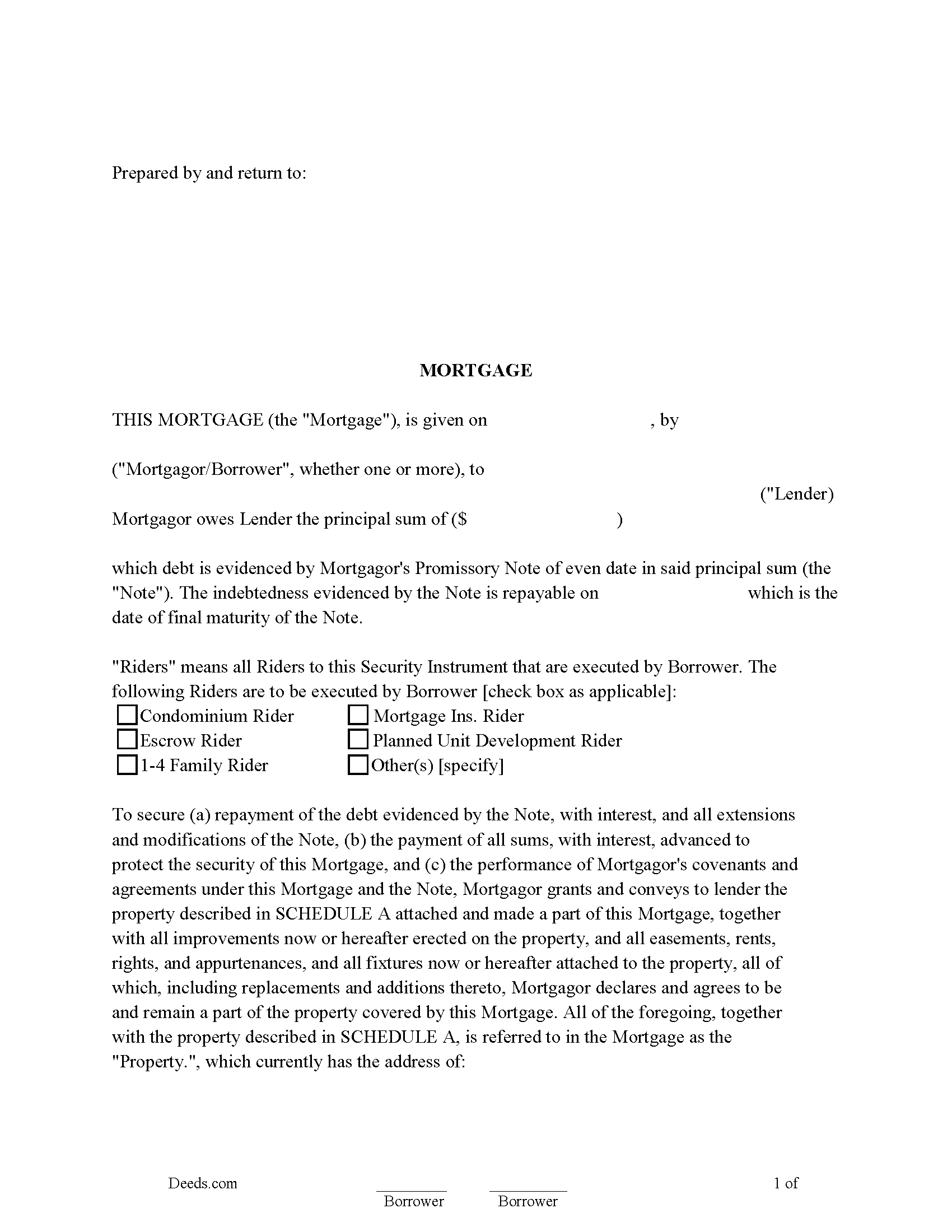
Indian River County Mortgage with Assignment of Rents and Promissory Note Form
Fill in the blank Mortgage with Assignment of Rents and Promissory Note form formatted to comply with all Florida recording and content requirements.
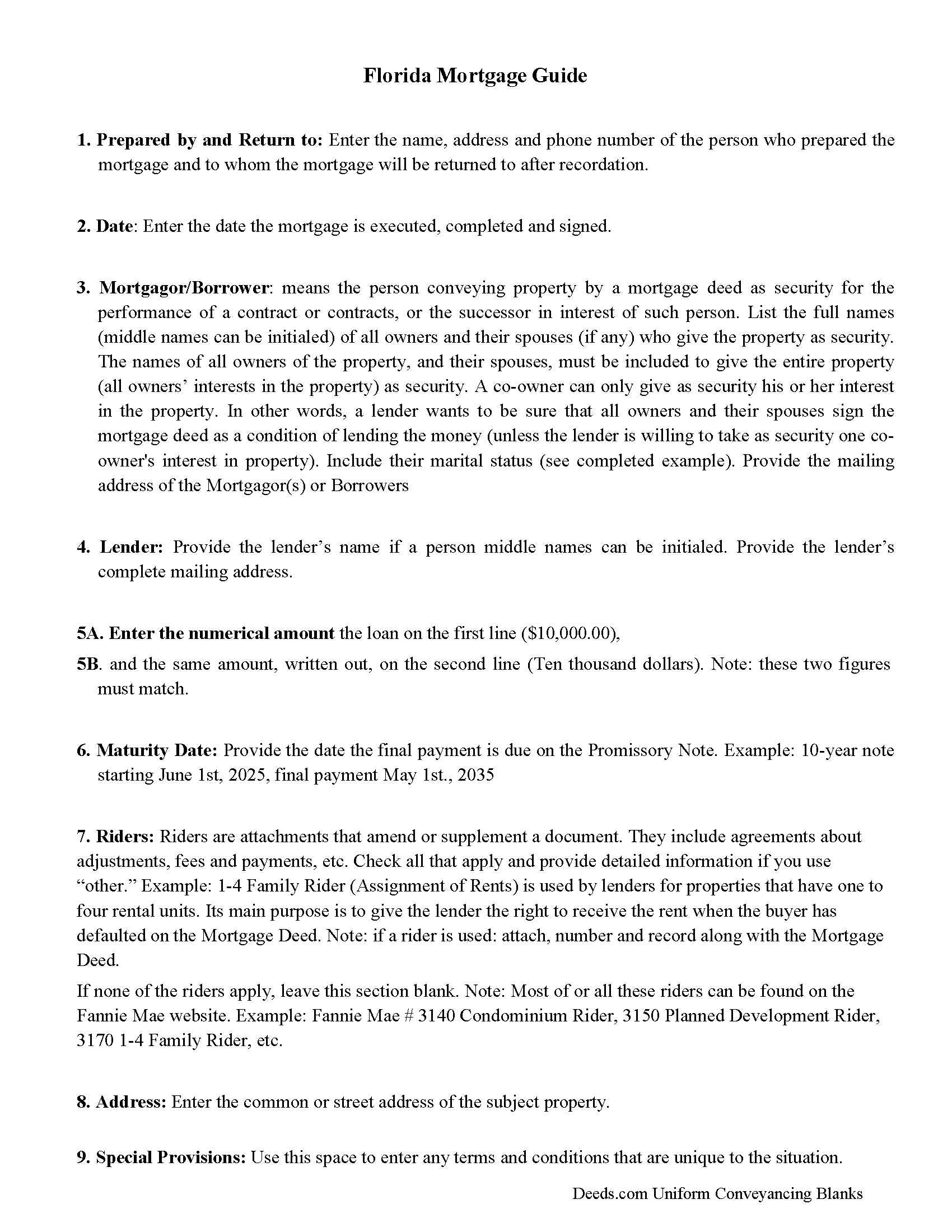
Indian River County Mortgage with Assignment of Rents and Promissory Note Guide
Line by line guide explaining every blank on the Mortgage with Assignment of Rents and Promissory Note form.
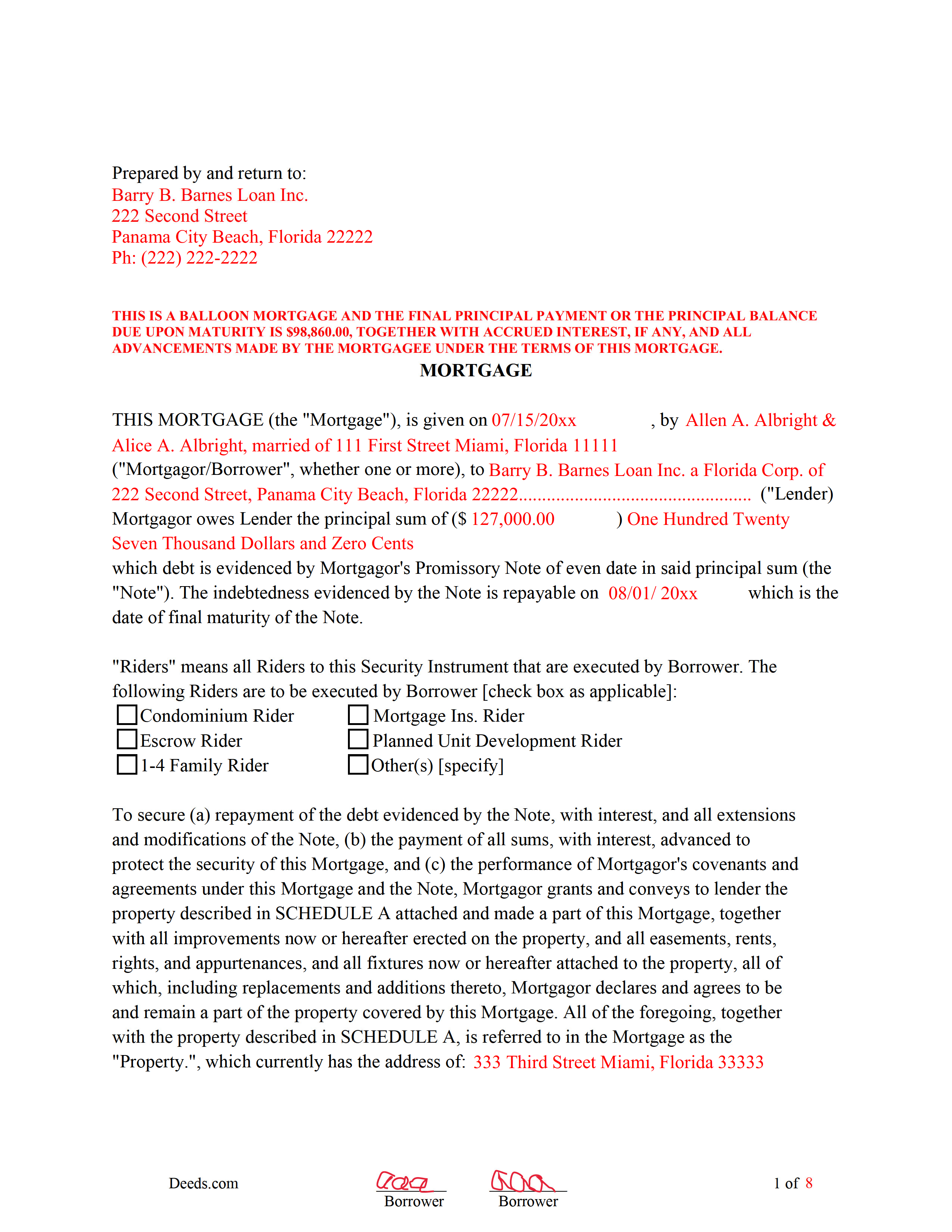
Indian River County Completed Example of the Mortgage with Assignment of Rents and Promissory Note Document
Example of a properly completed Florida Mortgage with Assignment of Rents and Promissory Note document for reference.
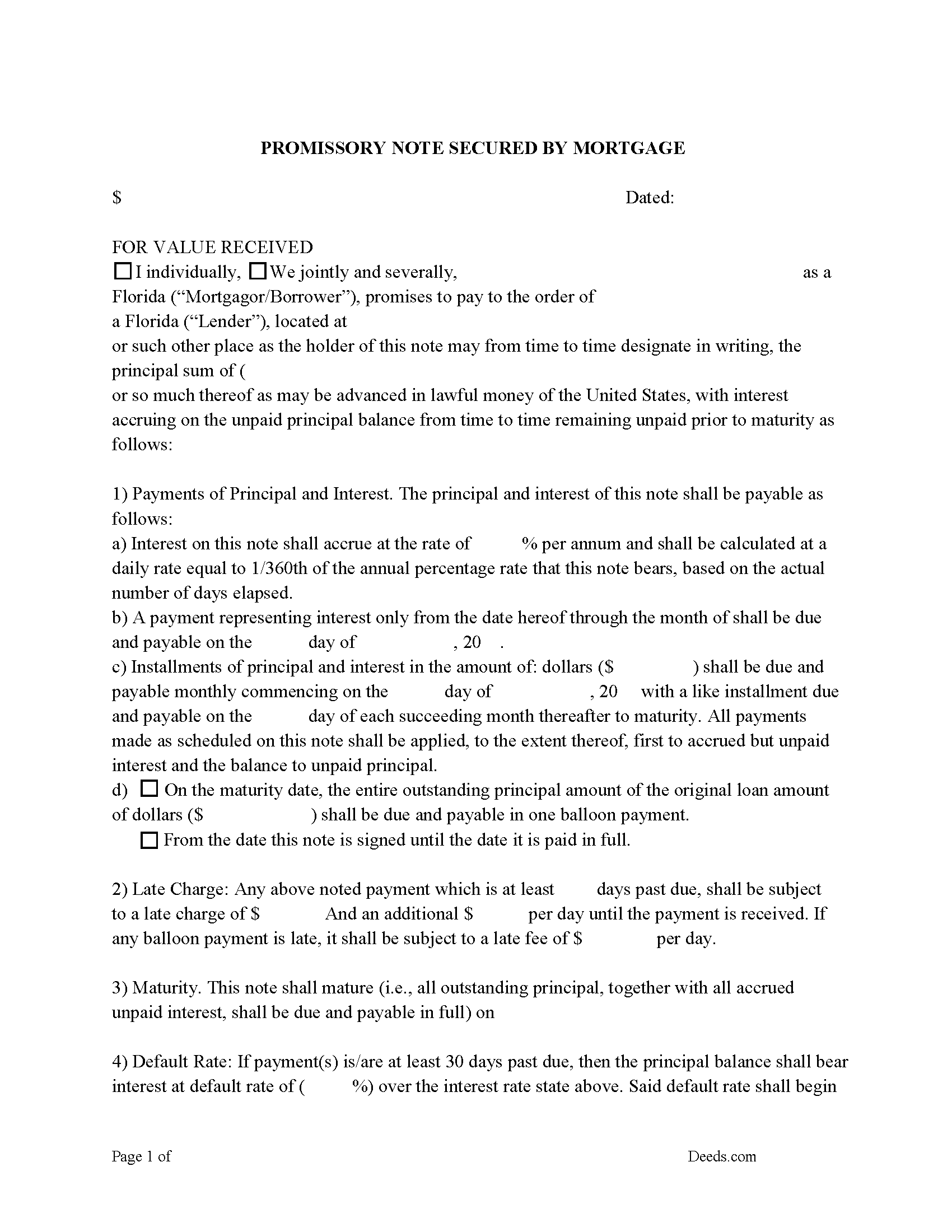
Indian River County Promissory Note Form
Note that is secured by the Mortgage Deed. Can be used for traditional installments or balloon payment.
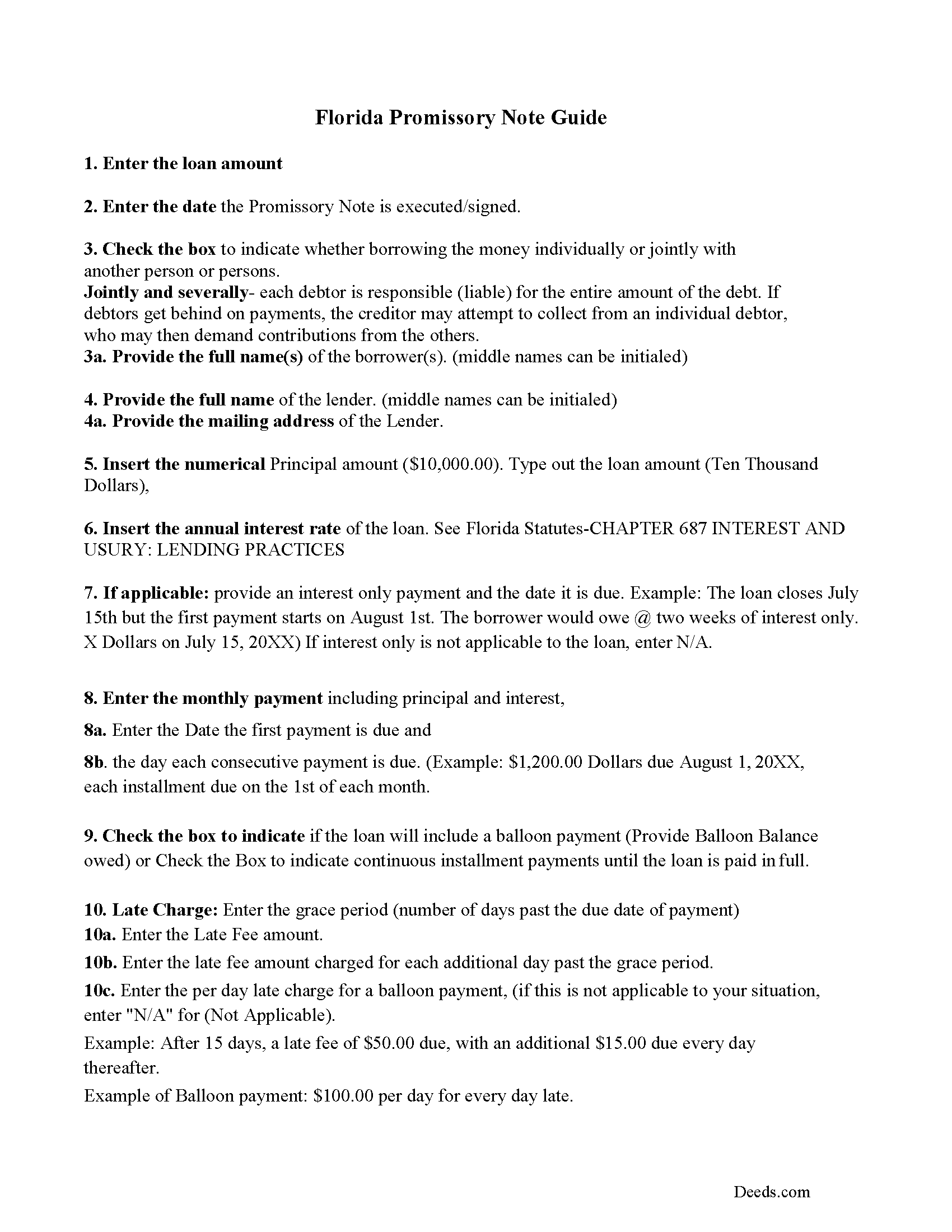
Indian River County Promissory Note Guidelines
Line by line guide explaining every blank on the form.
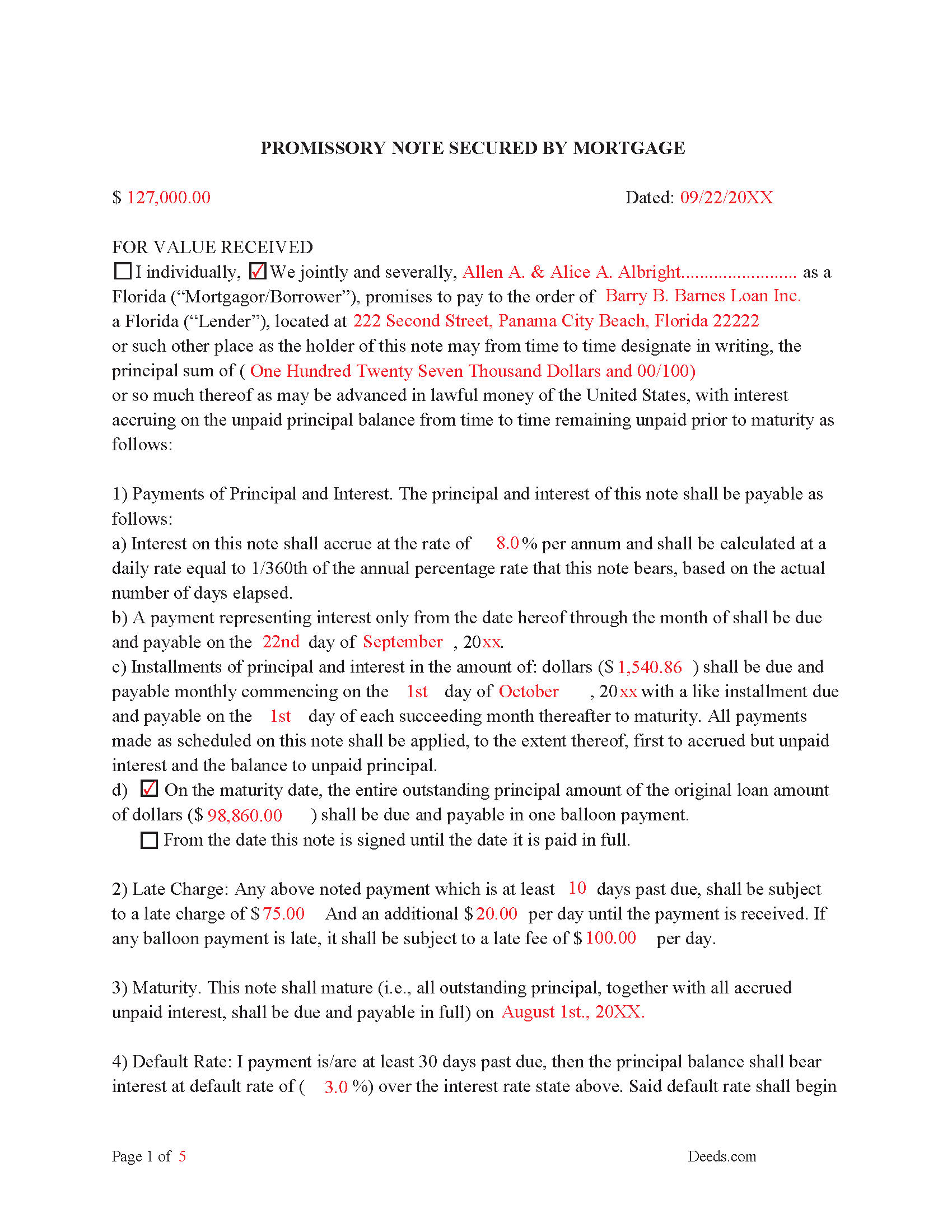
Indian River County Completed Example of the Promissory Note
This Promissory Note is filled in and highlighted, showing how the guideline information, can be interpreted into the document.
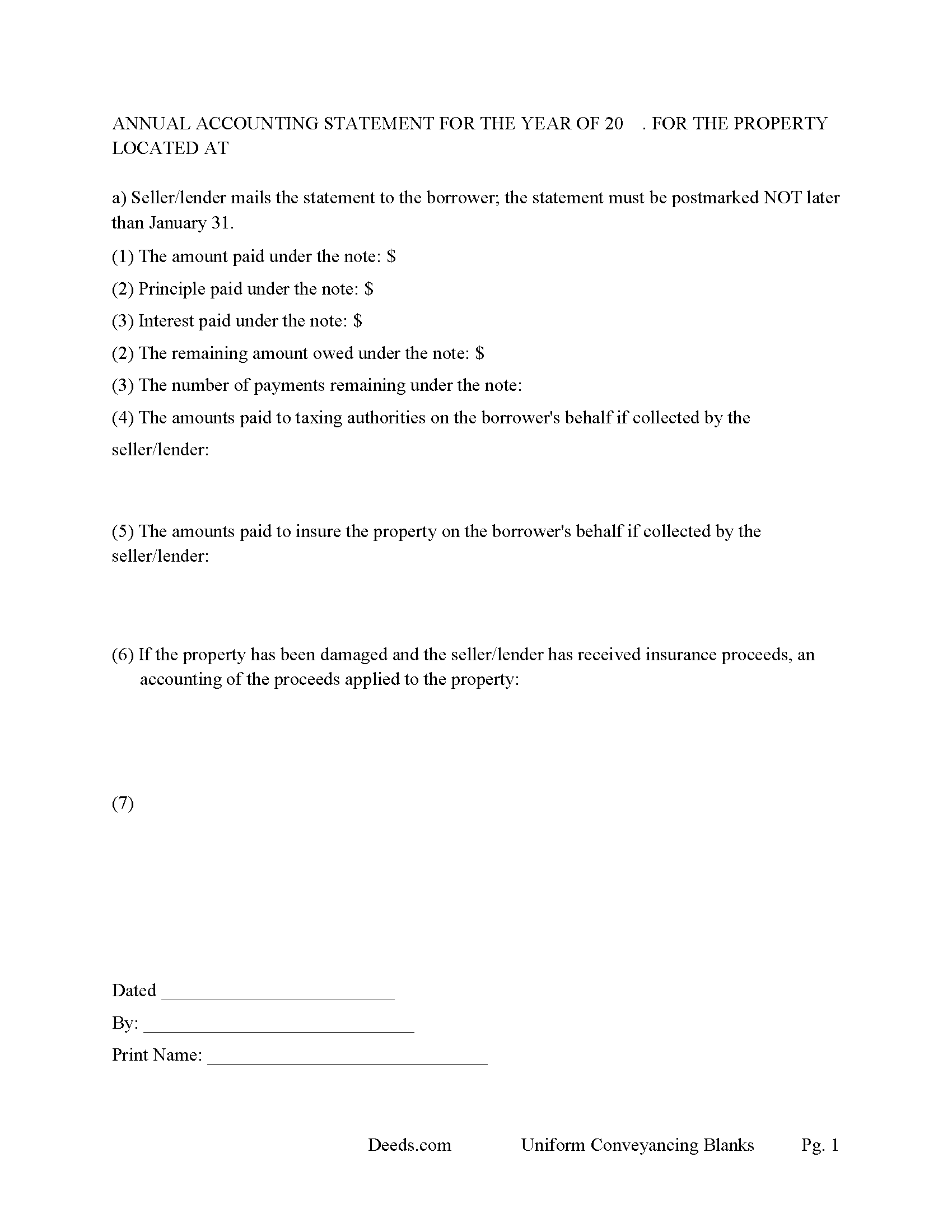
Indian River County Annual Accounting Statement Form
Mail to borrower for fiscal year reporting.
All 7 documents above included • One-time purchase • No recurring fees
Immediate Download • Secure Checkout
Additional Florida and Indian River County documents included at no extra charge:
Where to Record Your Documents
Recording - County Courthouse
Vero Beach, Florida 32960
Hours: 8:30am to 4:30pm M-F
Phone: (772) 770-5185, Ext 3175 and 3135
Recording Tips for Indian River County:
- Bring your driver's license or state-issued photo ID
- Ensure all signatures are in blue or black ink
- Recording fees may differ from what's posted online - verify current rates
- Request a receipt showing your recording numbers
- Ask about accepted payment methods when you call ahead
Cities and Jurisdictions in Indian River County
Properties in any of these areas use Indian River County forms:
- Fellsmere
- Roseland
- Sebastian
- Vero Beach
- Wabasso
- Winter Beach
Hours, fees, requirements, and more for Indian River County
How do I get my forms?
Forms are available for immediate download after payment. The Indian River County forms will be in your account ready to download to your computer. An account is created for you during checkout if you don't have one. Forms are NOT emailed.
Are these forms guaranteed to be recordable in Indian River County?
Yes. Our form blanks are guaranteed to meet or exceed the applicable formatting requirements used for recording in Indian River County, including margin requirements, font requirements, and other layout standards. This guarantee applies to formatting, not to the legal sufficiency of information entered by the user or the suitability of a form for a particular transaction.
Can I reuse these forms?
Yes. You can reuse the forms for your personal use. For example, if you have multiple properties in Indian River County you only need to order once.
What do I need to use these forms?
The forms are PDFs that you fill out on your computer. The free Adobe Acrobat Reader is recommended, and most PDF apps also work. You do NOT enter your property information online - you download the blank forms and complete them privately on your own computer.
Are there any recurring fees?
No. This is a one-time purchase. Nothing to cancel, no memberships, no recurring fees.
How much does it cost to record in Indian River County?
Recording fees in Indian River County vary. Contact the recorder's office at (772) 770-5185, Ext 3175 and 3135 for current fees.
Questions answered? Let's get started!
The Florida Mortgage with Assignment of Rents and Promissory Note is built for the way Florida actually treats secured real estate financing: as a lien on the property rather than a transfer of title, enforceable only through judicial foreclosure, and subject to a small but specific set of disclosure and tax obligations that catch out-of-state lenders by surprise. Because Florida is a lien theory state under Fla. Stat. § 697.02, the borrower keeps title and the lender's interest is recorded as a security interest only. Layered onto that are Florida's statutory rules for assigning rents (§ 697.07), balloon mortgage disclosure (§ 697.05), documentary stamp tax on the promissory note (§ 201.08), and the nonrecurring intangible tax on the obligation (§ 199.133). This package addresses each of those points and pairs the mortgage with a matching promissory note so the security instrument and the underlying debt fit together.
When this mortgage is commonly used in Florida
This instrument is most often used by private lenders and sellers financing rental or investment property in Florida — single-family rentals, small multi-unit buildings, and seller-carried transactions where the parties want a recordable mortgage and a separate note rather than an all-cash close. The assignment-of-rents clause gives the lender a way to reach the income stream from a tenant-occupied property after default without waiting for the foreclosure judgment, which is particularly useful when the property's primary collateral value is its rent roll.
Florida lien theory and judicial foreclosure
Florida treats a mortgage as a lien against real property rather than a conveyance of legal title (Fla. Stat. § 697.02). That has two practical consequences for this form. First, the mortgage does not transfer ownership — the borrower remains in title throughout. Second, when default occurs, the lender's only remedy is judicial foreclosure under Chapter 702, Florida Statutes. Florida does not allow non-judicial power-of-sale foreclosures, which means a default plays out in circuit court rather than through a trustee. The mortgage and note are drafted with that procedural reality in mind.
Assignment of rents under Fla. Stat. § 697.07
Florida's assignment-of-rents statute (Fla. Stat. § 697.07) governs how a mortgage may assign rents to the lender and how the lender enforces that assignment. Under the statute, an assignment of rents contained in a recorded mortgage creates a perfected, choate lien on the rents that takes effect on the date of recording. The borrower retains a license to collect rents in the ordinary course until default. After default, the lender may demand rents directly from the tenants by written notice, and the lender may also seek sequestration of rents through the court during a foreclosure action. The mortgage in this package contains language consistent with that framework, including a written-notice mechanism that revokes the borrower's license to collect rents upon default.
Balloon mortgage disclosure under § 697.05
Florida law requires a specific disclosure on any mortgage where the final payment, or the principal balance due at maturity, is greater than twice the amount of the regular periodic payment. Section 697.05(2)(a)1, Florida Statutes, prescribes the substantial form of the legend that must appear on the face of the mortgage, identifying it as a balloon mortgage and stating the final principal payment amount. Recording a mortgage that meets the statutory definition of a balloon without the required legend can expose the lender to penalties and complicate enforcement, so the form provides the legend in the proper place when balloon terms are used.
Documentary stamps and intangible tax at recording
Florida imposes two transaction taxes that are unfamiliar to lenders accustomed to other states. Documentary stamp tax on the promissory note is owed at the rate of 35 cents per $100 of the obligation under Fla. Stat. § 201.08, and the nonrecurring intangible tax on a mortgage encumbering Florida real property is owed at 2 mills per dollar of the obligation under Fla. Stat. § 199.133 — commonly stated as $2 per $1,000 of principal. Both are typically collected by the clerk at recording, and a mortgage presented without the correct stamps will be refused. The amounts are not large, but they are non-negotiable.
Homestead and spousal joinder
If the property is the borrower's homestead under Article X, Section 4 of the Florida Constitution, both spouses must sign the mortgage even when title is held in only one spouse's name. The constitutional homestead protection cannot be waived by a single owner-spouse, and a mortgage on homestead executed by only one spouse is voidable. Property held purely as a rental is typically not homestead, but Florida residency and use questions are fact-specific, so the form is set up to accept both spouses' signatures when needed.
Execution: signatures, witnesses, and notarization
Florida requires that any instrument creating, encumbering, or releasing a real property interest — which includes a mortgage — be signed by the grantor (the borrower, here) in the presence of two subscribing witnesses (Fla. Stat. § 689.01). The borrower's signature must also be acknowledged before a notary public for the mortgage to be entitled to recording (Fla. Stat. § 695.03). The witnesses must sign the document, with their printed names appearing beneath their signatures, and the notary block must include the commission information. The promissory note in the package is signed but not witnessed or notarized — only the mortgage is recorded.
Recording requirements and format
The executed mortgage is recorded with the Clerk of the Circuit Court in the Florida county where the property is located. Recording is what gives the mortgage priority and constructive notice against subsequent purchasers and creditors under Fla. Stat. § 695.01. Florida also has specific format requirements for recordable instruments under Fla. Stat. § 695.26: the name and address of the natural person who prepared the instrument must appear on the face of the document, the name of each signer must be printed or typed beneath the signature, and the document must comply with the clerk's margin and paper-size standards. A document missing the preparer block or with insufficient margins will be rejected at the counter.
What's included in the download package
The Florida Mortgage with Assignment of Rents and Promissory Note package contains the mortgage form, the matching promissory note, written guidelines explaining how the documents work together and how the Florida-specific provisions apply, and a completed example showing typical use. The forms are delivered as fillable PDFs for instant download after purchase. The package is for use in Florida only.
Important: Your property must be located in Indian River County to use these forms. Documents should be recorded at the county recording office listed above.
This Mortgage with Assignment of Rents and Promissory Note meets all recording requirements specific to Indian River County.
Our Promise
The documents you receive here are guaranteed to meet or exceed the applicable Indian River County recording format requirements. If there is a rejection caused by our formatting, we will correct the issue or refund your payment. This guarantee applies to document formatting only and does not extend to information entered by the user, the selection of the form, or the legal effect of the completed document.
Save Time and Money
Get your Indian River County Mortgage with Assignment of Rents and Promissory Note form done right the first time with Deeds.com Uniform Conveyancing Blanks. At Deeds.com, we understand that your time and money are valuable resources, and we don't want you to face a penalty fee or rejection imposed by a county recorder for submitting nonstandard documents. We constantly review and update our forms to meet rapidly changing state and county recording requirements for roughly 3,500 counties and local jurisdictions.
4.8 out of 5 - ( 4,842 Reviews )
Michael F. 5 out of 5 stars
I'm not too bright and I made a mess of things when I tried to create my own deed. It was lucky that I found the forms here after so many of my personal failures. It's good that the pros know what they are doing.
Such kind words Michael, thank you.
Terrell W. 5 out of 5 stars
Was a little hard to find the form but once I did everything worked well
Thank you for your feedback. We really appreciate it. Have a great day!
Cindy H. 5 out of 5 stars
Loved it! Quick and easy, done in 24 hours.
Thank you for your feedback. We really appreciate it. Have a great day!
Thomas G. 5 out of 5 stars
fast and easy
Thank you!
Betty Z. 5 out of 5 stars
Thank you so much for giving us a service so important to many. I will pass on this pertinent process to all who need it. again, thank you. bz
Thanks so much Betty. We appreciate you. Have a spectacular day!
Robert G. 5 out of 5 stars
Excellent. I needed a NOC recorded immediately and you guys made it happen when all other avenues looked like they were not going to be possible. Thank you very much.
Thank you for your feedback. We really appreciate it. Have a great day!
Luwana C. 5 out of 5 stars
I think the Website takes out a lot of leg work, Makes it easier to take care of paperwork 10 times faster.
We appreciate your business and value your feedback. Thank you. Have a wonderful day!
Matt G. 4 out of 5 stars
The process went smoothly and gave me what I needed. As an improvement, I would recommend that deeds.com sends an email when there is a new message in the portal. I didn't get any updates and had to log in to track progress each time.
Thank you for your feedback. We really appreciate it. Have a great day!
Danny H. 5 out of 5 stars
You should list the address of where to mail the forms, so we don't have to look it up. It would make things a little easier.Thanks.
Thank you for your feedback. We really appreciate it. Have a great day!
Gloria S. 5 out of 5 stars
I needed a Contest of Lien form and was told by our County Department that the forms could be obtained online. The whole process of paying and receiving a PDF re-usable form was user friendly and the items that came with the purchase;the directions about filling out the form ect., were a fantastic addition for the price of the document. Happy customer!
We appreciate your business and value your feedback. Thank you. Have a wonderful day!
Debra B. 5 out of 5 stars
I was very glad to have this option for filing a form as it would have taken 4 days due to offices being closed to the public during the COVID 19 epidemic. I found the process to be fairly simple and I was able to file the document within 24 hours.
We appreciate your business and value your feedback. Thank you. Have a wonderful day!
Robert T. 5 out of 5 stars
Very quick thank you.
Thank you!
Regina W. 5 out of 5 stars
So glad I found this form. Very easy to download and looks like all the instructions are there to correctly fill out my paperwork. Thanks.
We appreciate your business and value your feedback. Thank you. Have a wonderful day!
Jackson J. 5 out of 5 stars
Thank you for your help the website is simple and easy to use and dealing with this county for the 1st time there were a few things i was not too sure about but your staff was prompt and responsive and anytime there was a glitch we were promptly able to resolve the issue until the deed was accepted and recorded by the county great service thanks again.
We appreciate your business and value your feedback. Thank you. Have a wonderful day!
Nanette G. 5 out of 5 stars
The Website was easy to use. I live in Houston Texas and mother recently passed away in California and I need affidavit of joint tenant forms. I was provided all the forms necessary to complete the documents. I had been a legal secretary in California about 20 years ago and just need the current forms and received them all very quickly.
Thank you!