Charlotte County Quitclaim Deed (Corporation Grantor) Form
Last validated October 9, 2026 by our Forms Development TeamFormatted for recording in Charlotte County, for property anywhere in the county: rural and unincorporated areas as well as El Jobean, Englewood, Murdock, Placida, Port Charlotte, Punta Gorda, Rotonda West.
- 3 documents included
- Immediate PDF download
- Formatting guarantee
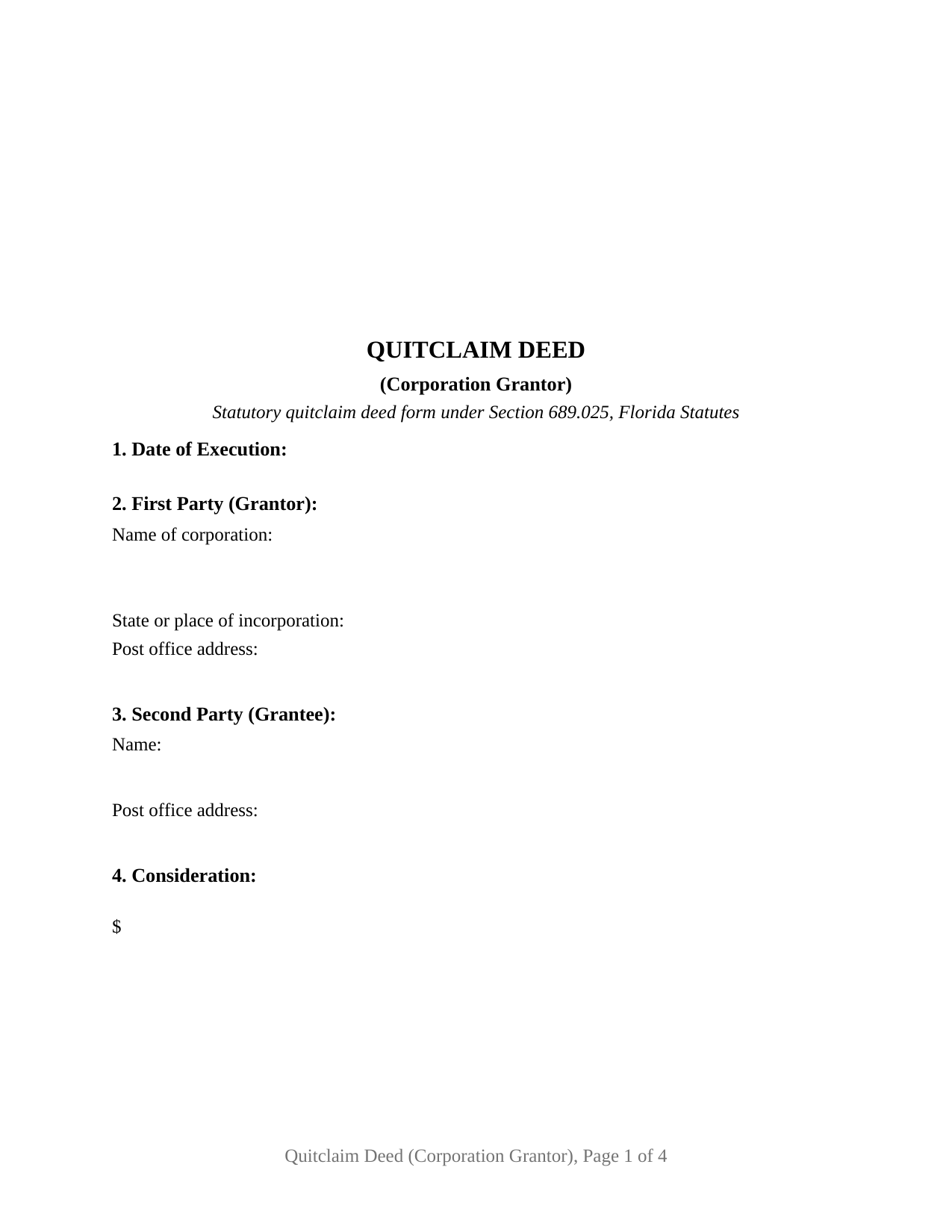
Charlotte County Quitclaim Deed (Corporation Grantor) Form
Fill in the blank Quitclaim Deed (Corporation Grantor) form formatted to comply with all Florida recording and content requirements.
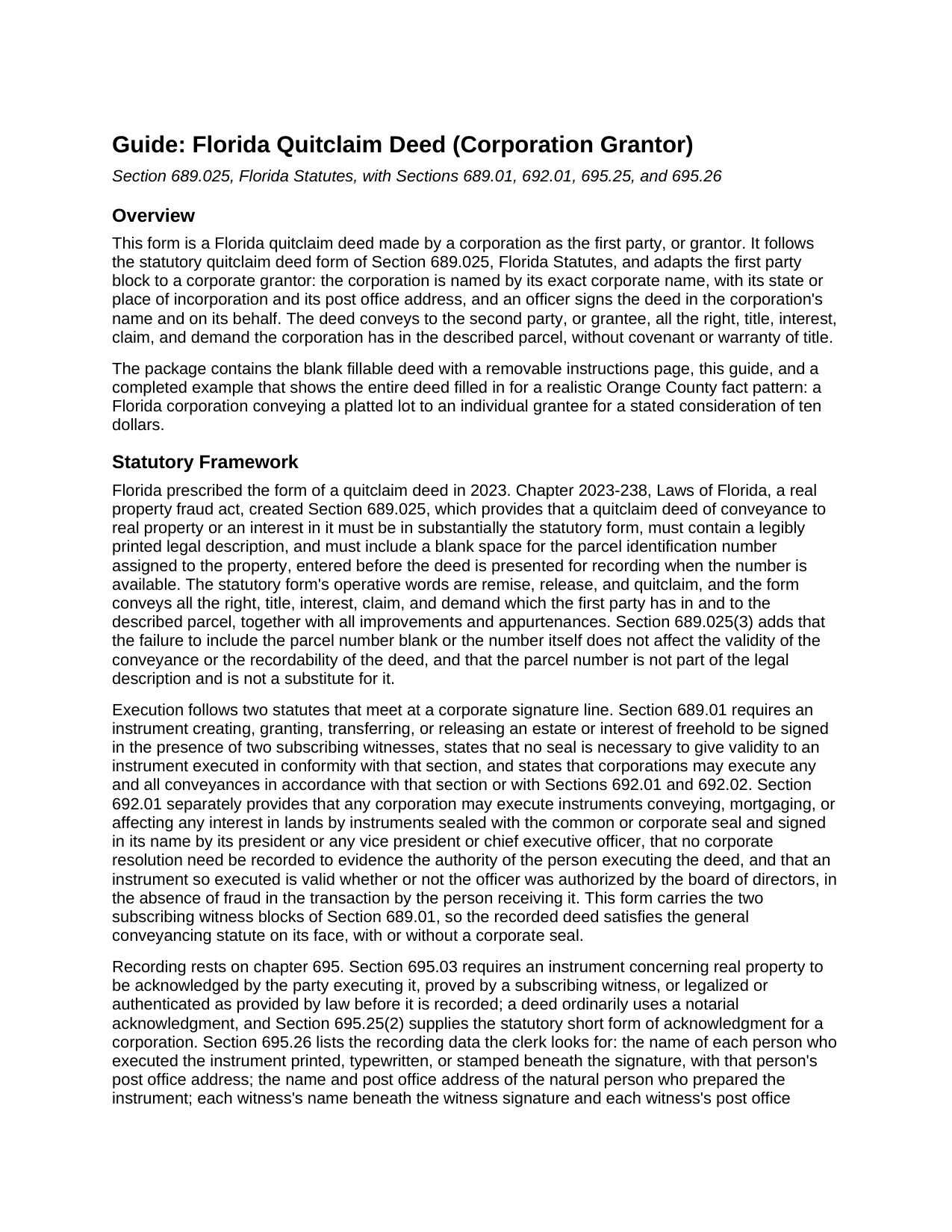
Charlotte County Quitclaim Deed (Corporation Grantor) Guide
Line by line guide explaining every blank on the Quitclaim Deed (Corporation Grantor) form.
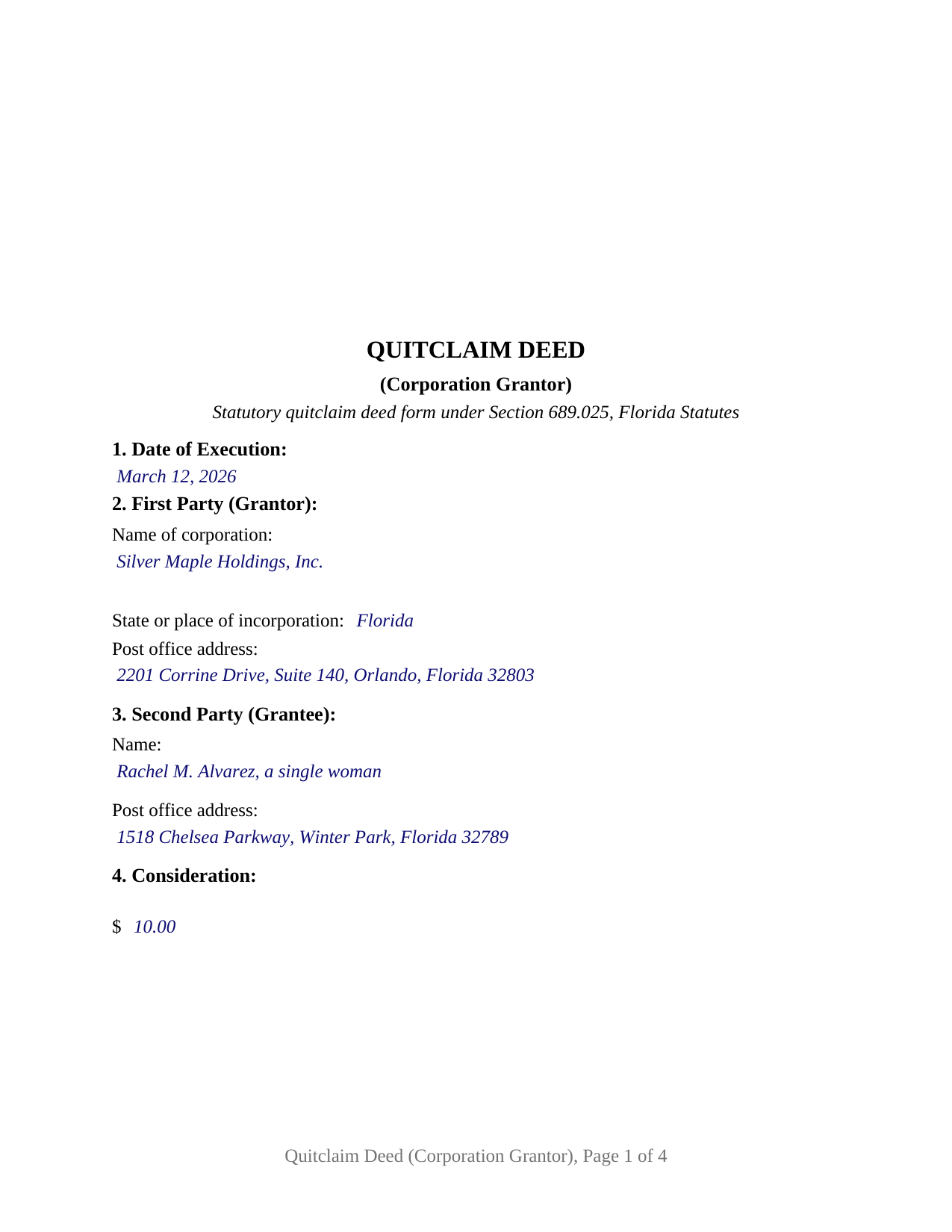
Charlotte County Completed Example of the Quitclaim Deed (Corporation Grantor) Document
Example of a properly completed Florida Quitclaim Deed (Corporation Grantor) document for reference.
All 3 documents above included • One-time purchase • No recurring fees
Immediate Download • Secure Checkout
Additional Florida and Charlotte County documents included at no extra charge:
Where to Record Your Documents
Clerk of the Court - Justice Center
Punta Gorda, Florida 33950
Hours: 8:00am - 5:00pm M-F
Phone: (941) 505-4716
Murdock Administration Building
Charlotte, Florida 33948
Hours: 8:00am - 5:00pm M-F
Phone: (941) 743-1400
Recording Tips for Charlotte County:
- Bring your driver's license or state-issued photo ID
- Ensure all signatures are in blue or black ink
- Check that your notary's commission hasn't expired
- Documents must be on 8.5 x 11 inch white paper
- Double-check legal descriptions match your existing deed
Cities and Jurisdictions in Charlotte County
Properties in any of these areas use Charlotte County forms:
- El Jobean
- Englewood
- Murdock
- Placida
- Port Charlotte
- Punta Gorda
- Rotonda West
Hours, fees, requirements, and more for Charlotte County
How do I get my forms?
Forms are available for immediate download after payment. The Charlotte County forms will be in your account ready to download to your computer. An account is created for you during checkout if you don't have one. Forms are NOT emailed.
Are these forms guaranteed to be recordable in Charlotte County?
Yes. Our form blanks are guaranteed to meet or exceed the applicable formatting requirements used for recording in Charlotte County, including margin requirements, font requirements, and other layout standards. This guarantee applies to formatting, not to the legal sufficiency of information entered by the user or the suitability of a form for a particular transaction.
Can I reuse these forms?
Yes. You can reuse the forms for your personal use. For example, if you have multiple properties in Charlotte County you only need to order once.
What do I need to use these forms?
The forms are PDFs that you fill out on your computer. The free Adobe Acrobat Reader is recommended, and most PDF apps also work. You do NOT enter your property information online - you download the blank forms and complete them privately on your own computer.
Are there any recurring fees?
No. This is a one-time purchase. Nothing to cancel, no memberships, no recurring fees.
How much does it cost to record in Charlotte County?
Recording fees in Charlotte County vary. Contact the recorder's office at (941) 505-4716 for current fees.
Questions answered? Let's get started!
Florida names, in statute, the officers whose signature moves a corporation's land. Section 692.01, Florida Statutes, provides that a corporation may execute an instrument conveying any interest in its lands by an instrument sealed with the corporate seal and signed in its name by its president, any vice president, or its chief executive officer, and that no corporate resolution need be recorded to evidence that officer's authority. This form prepares a Florida quitclaim deed in the statutory form of Section 689.025 for that signature: a corporation as first party, one officer signing in the corporation's name and on its behalf.
Whose signature moves a corporation's land
Two statutes meet at the corporate signature line. Section 689.01 sets Florida's general rule that a conveyance of a freehold interest is signed in the presence of two subscribing witnesses, states that no seal is necessary under that section, and adds that corporations may execute any conveyance under that section or under Sections 692.01 and 692.02. Section 692.01 supplies the corporate alternative: a sealed instrument signed by the president, a vice president, or the chief executive officer, valid in the absence of fraud whether or not the board authorized the signer. This deed carries the two witness execution, so the recorded instrument satisfies the general conveyancing statute on its face, with or without a seal. The execution block prints the corporation's name over a By line, with the officer's printed name, title, and date beneath, and the operative section recites that the first party is a corporation executing in its corporate name by the officer whose signature appears below.
A statutory form, adapted for a corporate first party
The deed collects what the statutory form recites: the date of execution, the corporation's name, state or place of incorporation, and post office address, the grantee's name and post office address, the consideration, the county, and the legal description copied from the corporation's vesting deed, plus the parcel identification number blank the statute requires; Section 689.025(3) states that omitting the number does not affect validity or recordability and that it never substitutes for the legal description. The operative Witnesseth sentence keeps the statutory words, remise, release, and quitclaim, joined by an express no warranty statement, the corporate capacity recital, and a successors and assigns clause. What the corporation holds at delivery is what moves, and liens, mortgages, and other matters of record continue against the land.
The corporate officer's certificate
Florida prints a separate short form of acknowledgment for a corporation, Section 695.25(2), and the deed's single certificate follows it: the notary names the officer and title, the corporation, and its state or place of incorporation, on behalf of the corporation, marks whether the officer appeared by physical presence or by online notarization, and states the identification relied on. Section 117.05(4) places the notary's official seal below or to either side of the signature, and the certificate reserves a labeled area for the rubber stamp Florida notaries use. Around it sit the recording data Section 695.26 lists: each witness's printed name and post office address, required for instruments recorded since January 1, 2024, the natural person who prepared the deed, and the grantee's post office address.
What a quitclaim from a corporation carries to the record
A quitclaim deed conveys only the interest the grantor has, if any, which makes it a common instrument between parties who already know the title: a corporation deeding a parcel to a shareholder in a wind up, affiliated companies rearranging holdings, or a release of a partial or doubtful interest to clear the record. Florida's recording act adds a point specific to this deed type: Section 695.01(2) deems grantees by quitclaim deed bona fide purchasers without notice within the recording act. At the counter, the Clerk of the Circuit Court records the deed and collects the documentary stamp tax of Section 201.02, 70 cents per 100 dollars of consideration outside Miami-Dade County, computed on consideration as the tax law defines it, mortgage balance included. The first page keeps its top 3 inches clear for the clerk's recording information.
The download includes the fillable blank deed with a removable instructions page, a completed example built on an Orange County transfer from a Florida corporation to an individual grantee, and a guide that walks through each section, the witness and notary blocks, the corporate execution statutes, and the recording steps. The materials are informational and are not legal advice.
Important: Your property must be located in Charlotte County to use these forms. Documents should be recorded at the county recording office listed above.
This Quitclaim Deed (Corporation Grantor) meets all recording requirements specific to Charlotte County.
Our Promise
The documents you receive here are guaranteed to meet or exceed the applicable Charlotte County recording format requirements. If there is a rejection caused by our formatting, we will correct the issue or refund your payment. This guarantee applies to document formatting only and does not extend to information entered by the user, the selection of the form, or the legal effect of the completed document.
Save Time and Money
Get your Charlotte County Quitclaim Deed (Corporation Grantor) form done right the first time with Deeds.com Uniform Conveyancing Blanks. At Deeds.com, we understand that your time and money are valuable resources, and we don't want you to face a penalty fee or rejection imposed by a county recorder for submitting nonstandard documents. We constantly review and update our forms to meet rapidly changing state and county recording requirements for roughly 3,500 counties and local jurisdictions.
4.8 out of 5 - ( 4,828 Reviews )
Richard S. 2 out of 5 stars
Not user friendly, and not an Adobe fan. The first page of Quitclaim Deed form cuts off the Parcel Identification line on the bottom. Also quite a few forms showed up to be downloaded , after I paid, so I was unsure if all the forms were part of the quitclaim package. I have adobe but was unable to locate the forms in adobe on my computer after I downloaded them. Just wanted to print out one quitclaim deed form, which would have taken less that 3 minutes. instead it took 97 minutes. Thank you, though, for having the form there.
Thank you for your feedback. We really appreciate it. Have a great day!
reed w. 5 out of 5 stars
Great service that saved me a lot of time for under 30 bucks.
We appreciate your business and value your feedback. Thank you. Have a wonderful day!
Shawn S. 5 out of 5 stars
Seems to be exactly whst j needed. Great job!
Thank you!
Sara M. 5 out of 5 stars
Love these docs, and so does the recorder's office. Recording always goes so smooth, no issues ever. THANKS!!!
Awesome! Thanks for the kind words Sara.
Gary K. 4 out of 5 stars
Straightforward and pretty easy to use. The only downside is that there is no way to contact them directly. The number on the website is answered only by a voicemail with no return calls. Pricing seems fair compared to other services and much more efficient that filing "over the counter."
Thank you for your feedback. We really appreciate it. Have a great day!
Marion R. 4 out of 5 stars
YOU WERE NOT ABLE TO PROVIDE SERVICE IN THE COUNTY WE NEEDED IN NEW MEXICO. YOUR RESPONSE WAS QUICK SO I APPRECIATE THAT. THANK YOU
Thank you for your feedback Marion.
Samuel M. 4 out of 5 stars
it was convenient to have a starting place, however, though the property is in Colorado, the probate is in Iowa, so I had to create my own document because you locked my capacity to edit the form I paid for. If I pay for it, I should be able to edit everything including non fill in text. I could not open it in word, as I normally could.
Thank you for your feedback. We really appreciate it. Have a great day!
Mary H. 5 out of 5 stars
Your site was very informative and I was able to instantly and easily download the documents that I needed. I could not be happier with your service. Thank You Mary Harju
Thank you Mary, we really appreciate your feedback.
Ann C. 5 out of 5 stars
This was a very easy and pleasant experience using your website. I needed a legal document and with the sample and instructions it was easy to complete (with the fillable PDF) and print a clean document ready for execution.
Thanks, Ann! We’re happy to hear everything went smoothly for you and that the process met your needs. We appreciate you taking the time to share your experience.
Deborah V. 5 out of 5 stars
Helpful and informative.
We appreciate your business and value your feedback. Thank you. Have a wonderful day!
Carolyn D. 5 out of 5 stars
The sight provided exactly what I needed and was easy to use. I was able to download the type of Deed I used and was completely satisfied with the website.
Thank you for your feedback. We really appreciate it. Have a great day!
michael o. 5 out of 5 stars
After trying to get help locally I found your website. Very easy
Thank you for your feedback. We really appreciate it. Have a great day!
William S. 5 out of 5 stars
Contents were well done. Could not remove and replace the "Deeds/" footer, rendering the form unusable for filing with a court and county deed records. This should be corrected.
Thank you for your feedback. We really appreciate it. Have a great day!
William C. 5 out of 5 stars
Excellent, easy to use. Technically accurate in all information offered.
Thank you!
Jianxing L. 5 out of 5 stars
My case was a deed recording. The process was extremely smooth and carried out by the agents professionally and efficiently. I was greeted and guided to the right windows and the whole process took about 5 minutes, I was so impressed and appreciated the service our county agents provided. The process and the folks handled it really deserve a solid 5 star rating.
Thank you for taking a moment to share your thoughts.