Indian River County Quitclaim Deed (Corrective) Form
Last validated October 9, 2026 by our Forms Development TeamFormatted for recording in Indian River County, for property anywhere in the county: rural and unincorporated areas as well as Fellsmere, Roseland, Sebastian, Vero Beach, Wabasso, Winter Beach.
- 3 documents included
- Immediate PDF download
- Formatting guarantee
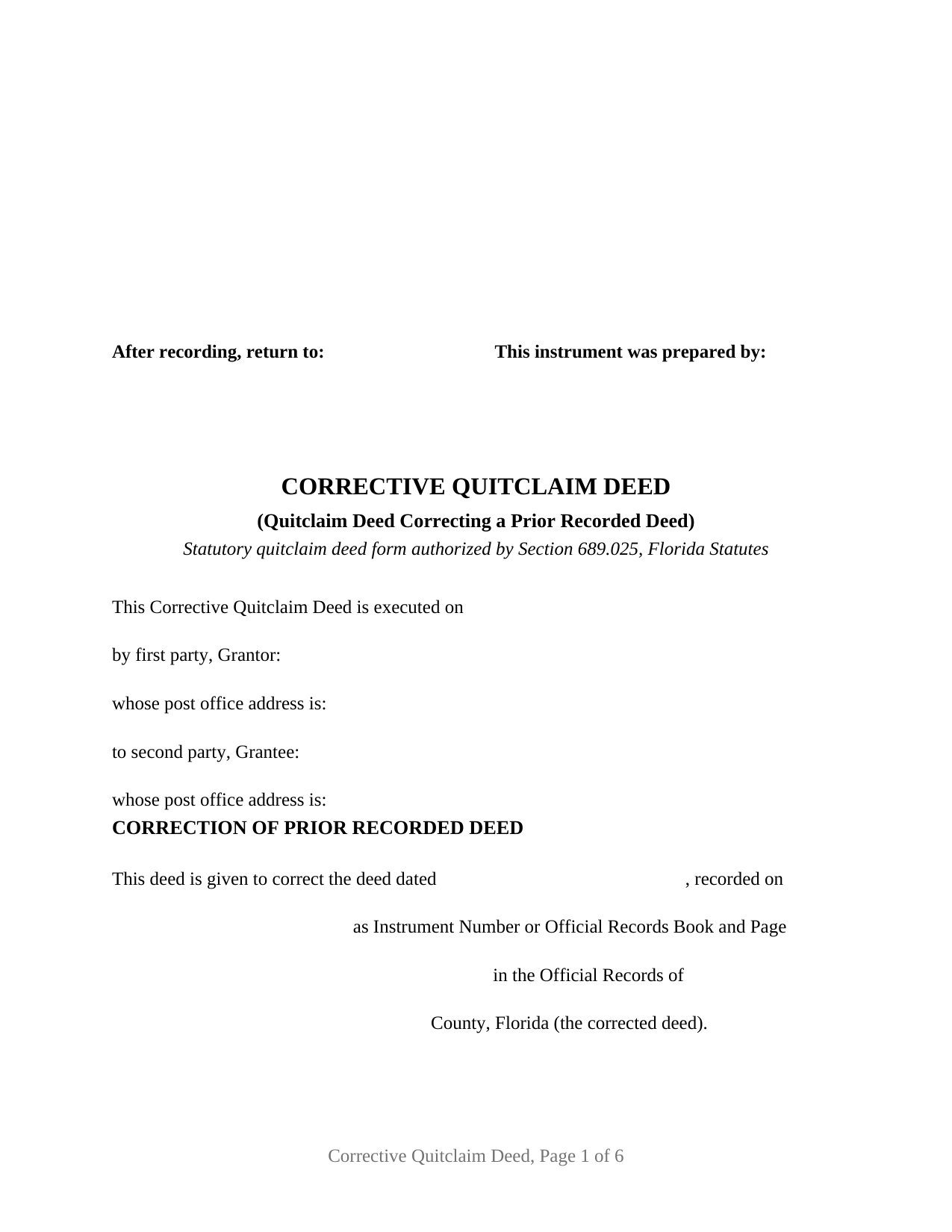
Indian River County Quitclaim Deed (Corrective) Form
Fill in the blank Quitclaim Deed (Corrective) form formatted to comply with all Florida recording and content requirements.
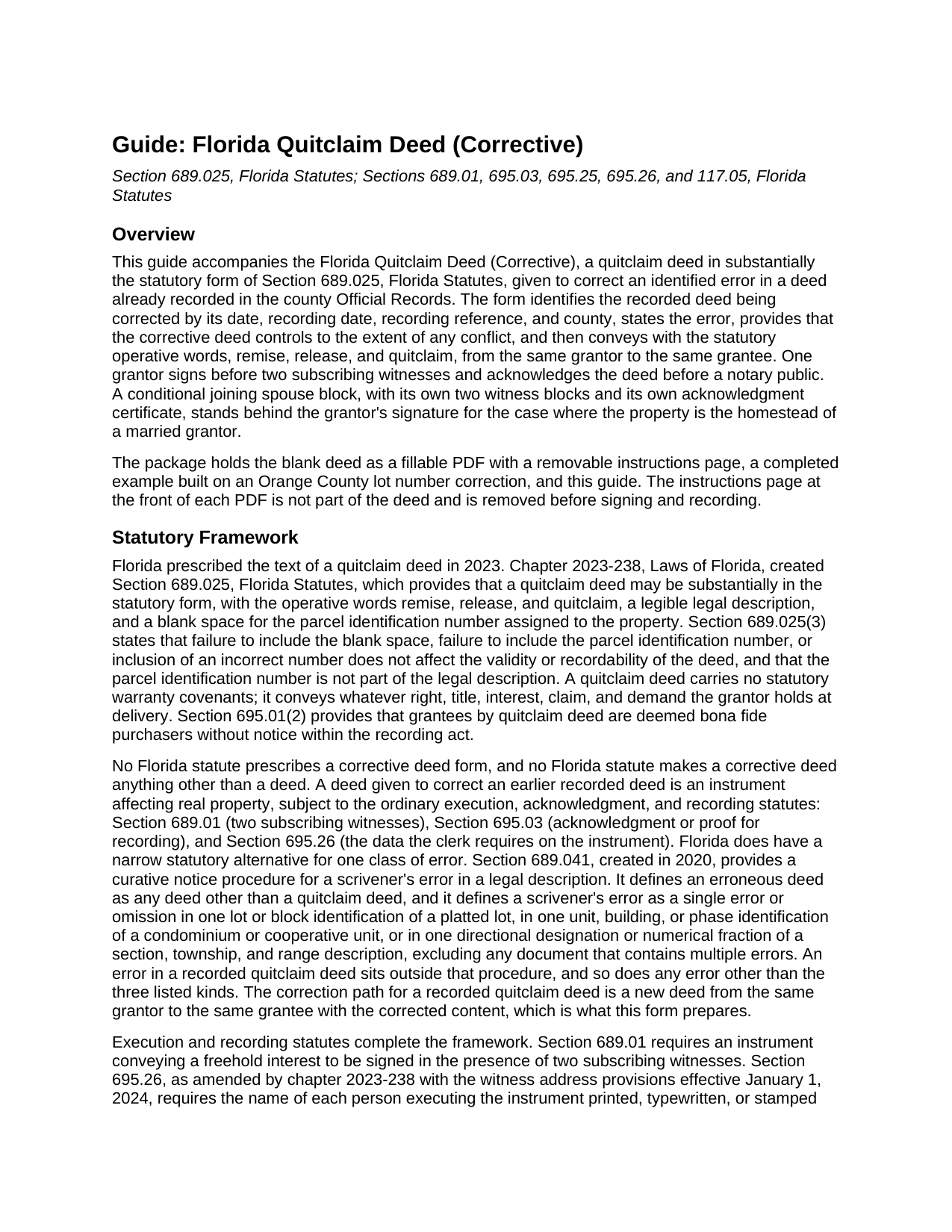
Indian River County Quitclaim Deed (Corrective) Guide
Line by line guide explaining every blank on the Quitclaim Deed (Corrective) form.
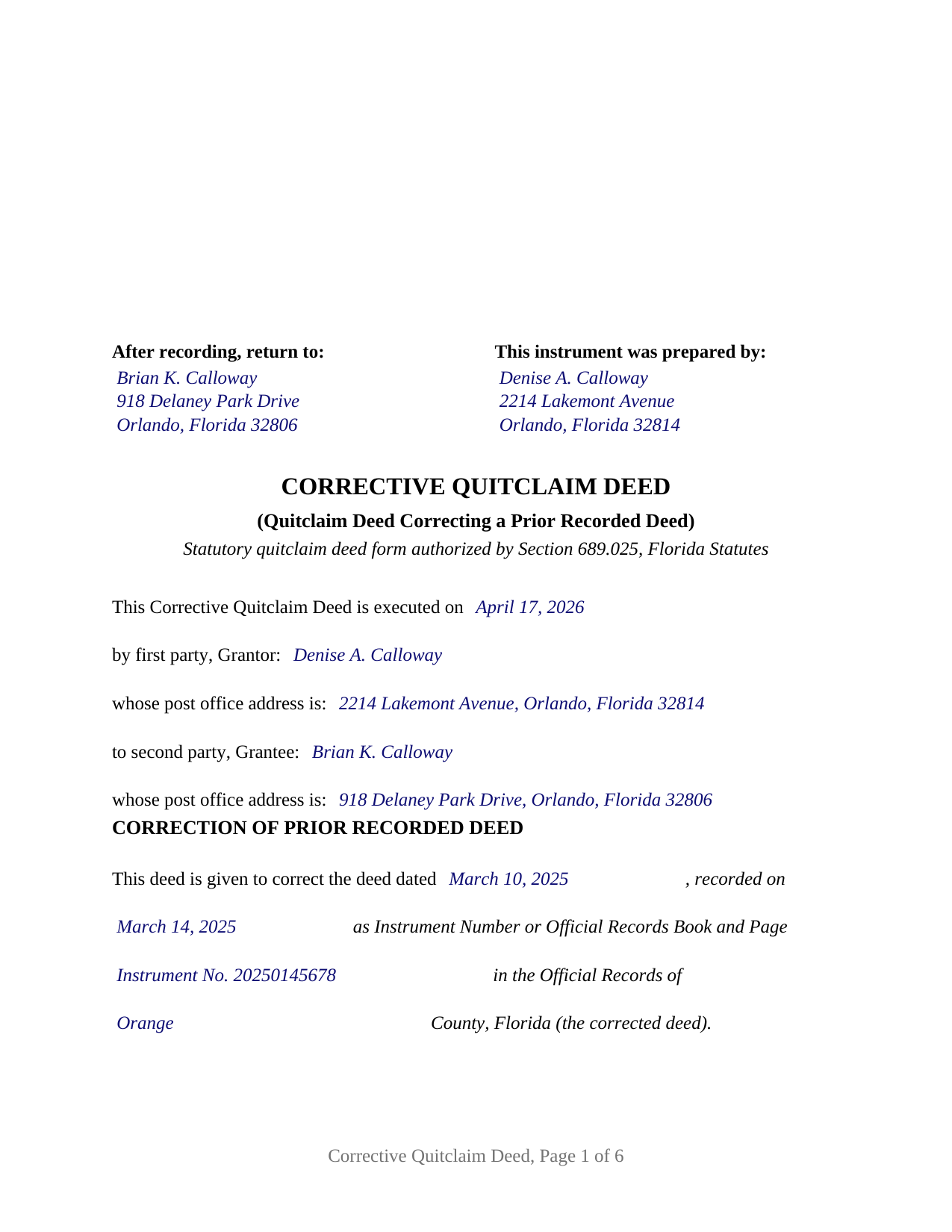
Indian River County Completed Example of the Quitclaim Deed (Corrective) Document
Example of a properly completed Florida Quitclaim Deed (Corrective) document for reference.
All 3 documents above included • One-time purchase • No recurring fees
Immediate Download • Secure Checkout
Additional Florida and Indian River County documents included at no extra charge:
Where to Record Your Documents
Recording - County Courthouse
Vero Beach, Florida 32960
Hours: 8:30am to 4:30pm M-F
Phone: (772) 770-5185, Ext 3175 and 3135
Recording Tips for Indian River County:
- Bring your driver's license or state-issued photo ID
- Ensure all signatures are in blue or black ink
- Ask if they accept credit cards - many offices are cash/check only
- Check that your notary's commission hasn't expired
- Documents must be on 8.5 x 11 inch white paper
Cities and Jurisdictions in Indian River County
Properties in any of these areas use Indian River County forms:
- Fellsmere
- Roseland
- Sebastian
- Vero Beach
- Wabasso
- Winter Beach
Hours, fees, requirements, and more for Indian River County
How do I get my forms?
Forms are available for immediate download after payment. The Indian River County forms will be in your account ready to download to your computer. An account is created for you during checkout if you don't have one. Forms are NOT emailed.
Are these forms guaranteed to be recordable in Indian River County?
Yes. Our form blanks are guaranteed to meet or exceed the applicable formatting requirements used for recording in Indian River County, including margin requirements, font requirements, and other layout standards. This guarantee applies to formatting, not to the legal sufficiency of information entered by the user or the suitability of a form for a particular transaction.
Can I reuse these forms?
Yes. You can reuse the forms for your personal use. For example, if you have multiple properties in Indian River County you only need to order once.
What do I need to use these forms?
The forms are PDFs that you fill out on your computer. The free Adobe Acrobat Reader is recommended, and most PDF apps also work. You do NOT enter your property information online - you download the blank forms and complete them privately on your own computer.
Are there any recurring fees?
No. This is a one-time purchase. Nothing to cancel, no memberships, no recurring fees.
How much does it cost to record in Indian River County?
Recording fees in Indian River County vary. Contact the recorder's office at (772) 770-5185, Ext 3175 and 3135 for current fees.
Questions answered? Let's get started!
A recorded deed with a wrong lot number, a misspelled name, or missing witness information does not fix itself; the error sits in the county Official Records until a new instrument corrects it. In Florida, when the flawed deed is a quitclaim deed, the correction arrives the same way the original did. The Florida Corrective Quitclaim Deed re-executes the conveyance in substantially the statutory form of section 689.025, Florida Statutes, identifies the recorded deed and the error being corrected, and places the corrected description and terms on record.
Why a quitclaim error takes a new deed
Florida has a statutory shortcut for certain deed mistakes, but it is a narrow one. The curative procedure of section 689.041 applies to a scrivener's error in a legal description, defines an erroneous deed as any deed other than a quitclaim deed, and reaches only a single qualifying error, such as one wrong lot or block identification. An error in a recorded quitclaim deed sits outside that procedure, so the correction path is re-execution: the original grantor signs a new quitclaim deed to the same grantee. This form's correction recital identifies the corrected deed by date, recording reference, and county, states the error, and provides that the corrective deed controls to the extent of any conflict, before conveying with the statutory operative words: remise, release, and quitclaim.
What the correction recites, and who signs it
The form recites one grantor and one grantee, the same two natural persons the corrected deed named, and a correction paragraph that identifies the corrected deed by date, recording date, instrument number or book and page, and county, and states the error in the filler's own words. One grantor signature block, two subscribing witness blocks, and one acknowledgment certificate serve the grantor; a labeled joining spouse block, with its own two witness blocks and its own certificate, follows for the case where the property is the homestead of a married grantor, and stays blank otherwise. Records presenting this configuration include a lot or block number transposed in a platted description, a grantee's surname misspelled, and a deed recorded without witness addresses. The form is not set up as a deed that adds, drops, or substitutes a grantee, which is a new conveyance rather than a correction, nor as an entity, trustee, attorney-in-fact, or two-grantor instrument.
Built on the 2023 statutory form
Since chapter 2023-238, Laws of Florida, a Florida quitclaim deed must follow substantially the form set out in section 689.025, including a blank for the property appraiser's parcel identification number. The same legislation tightened the recording statute: for deeds recorded on or after January 1, 2024, section 695.26 requires each witness name printed beneath the witness signature and each witness post office address on the instrument. The form tracks all of it, with the two subscribing witness blocks section 689.01 requires for each signature, the joinder block under article X, section 4(c) of the Florida Constitution, and acknowledgment certificates in the short form of section 695.25, carrying the physical presence or online notarization boxes the officer marks and a reserved area for the rubber stamp seal section 117.05 places below the notary's signature.
Documentary stamps on a correction
Deeds transferring an interest in Florida real property carry documentary stamp tax at 70 cents per $100 of consideration, with Miami-Dade County applying its own rate structure. Since January 25, 2026, Rule 12B-4.014(3) of the Florida Administrative Code has provided that a deed correcting a technical deficiency in a previous deed in the nature of a scrivener's error, where the correcting deed conveys no interest in real property, is not subject to the tax, replacing the rule's earlier minimum-tax text. County transfer forms collect the point at the counter: the Orange County property transfer form lists corrective deeds correcting a legal description, names, or a scrivener's error among the stated reasons for paying no documentary stamp tax or only the 70 cent minimum. A deed that changes who owns the property is a new conveyance with tax computed on its own consideration, mortgage balance included.
The download prepares the correction from start to finish: a fillable statutory form deed with the correction recital, a completed example correcting a lot number error in Orange County, and a plain language guide that walks entry by entry, from the recording references of the corrected deed through witnessing, notarization, and recording with the clerk of the circuit court. The materials are informational, not legal advice.
Important: Your property must be located in Indian River County to use these forms. Documents should be recorded at the county recording office listed above.
This Quitclaim Deed (Corrective) meets all recording requirements specific to Indian River County.
Our Promise
The documents you receive here are guaranteed to meet or exceed the applicable Indian River County recording format requirements. If there is a rejection caused by our formatting, we will correct the issue or refund your payment. This guarantee applies to document formatting only and does not extend to information entered by the user, the selection of the form, or the legal effect of the completed document.
Save Time and Money
Get your Indian River County Quitclaim Deed (Corrective) form done right the first time with Deeds.com Uniform Conveyancing Blanks. At Deeds.com, we understand that your time and money are valuable resources, and we don't want you to face a penalty fee or rejection imposed by a county recorder for submitting nonstandard documents. We constantly review and update our forms to meet rapidly changing state and county recording requirements for roughly 3,500 counties and local jurisdictions.
4.8 out of 5 - ( 4,842 Reviews )
Toni C. 5 out of 5 stars
Super impressed!! For me to get back my recorded document in one day was awesome. I needed it for a foreclosure and knew if I mailed it in to the Clerk's office I more than likely would not get it back in time. Also the fact that you had no problem with me having a one-time document to record is a plus. I will be using you in the future for my recording needs. Thank you.
We appreciate your business and value your feedback. Thank you. Have a wonderful day!
Ben F. 5 out of 5 stars
My initial review during download and before reading the guide and forms looks promising.
Thank you!
Rox Ann S. 5 out of 5 stars
Very impressed with how fast the service was. Got what I needed within 20 to 30 minutes.
We appreciate your business and value your feedback. Thank you. Have a wonderful day!
Sandra K. 5 out of 5 stars
Seems fairly simple with forms and instructions
Thank you for your feedback. We really appreciate it. Have a great day!
GLENN J. 5 out of 5 stars
Totally impressed with the magnitude of data available and ease of operation. Great job.
Thank you, Glenn. We appreciate the kind words and are glad you found the platform easy to use and the information helpful. Thanks for taking the time to share your experience.
Barbara A. 5 out of 5 stars
Much easier than going to the courthouse!
Thank you for your feedback. We really appreciate it. Have a great day!
Jennifer S. 5 out of 5 stars
We liked the ease of filling out our document in a professional layout.
Thank you for your feedback. We really appreciate it. Have a great day!
ALYSSA J. 1 out of 5 stars
I was unable to end up going through with the deed process on my own as it was out of my realm. I suspect if I knew what I was actually doing when completing a deed, it would of been sufficient. I ended up having to go through an attorney to complete the deed.
Glad to hear you sought the assistance of a legal professional familiar with your specific situation, we always recommend that to anyone who is not completely sure of what they are doing. Have a wonderful day.
Sharon G. 5 out of 5 stars
I could not be happier with the service afforded by Deeds.com. After having been directed to two other organizations who purportedly performed this service and being told they could not accommodate me, I found Deeds.com. The website is extremely easy to use, the directions are clear and concise. The site updated me regularly as the documents were progressing through the process, and the detailing of costs was great. The turn-around -- which isn't completely in the hands of the site -- was incredibly quick. I'd use this group again without reservation. As a person who'd have to otherwise travel almost five hours to record, this has been heaven-sent!
We appreciate your business and value your feedback. Thank you. Have a wonderful day!
Karen C. 5 out of 5 stars
Very easy site to use and reasonably priced. My document was received by the county and filed within 1/2 hour.
Thank you for your feedback. We really appreciate it. Have a great day!
John T. 5 out of 5 stars
Great site, I was able to navigate with ease. We appreciate all those who contributed in making this possible
Thank you!
Cathern S. 5 out of 5 stars
Thanks much for your good help. Was a pleasure to use your help and was simple to use. Thanks much.
Thank you!
Blanche S. 5 out of 5 stars
Thank you I hope I've done it all right!!
Thank you!
Kermit S. 5 out of 5 stars
Very easy to use.
Thank you for your feedback. We really appreciate it. Have a great day!
Frank T. 5 out of 5 stars
Great service, fast easy to use, accurate forms for our project. Thank you. FTM
Thank you for your feedback. We really appreciate it. Have a great day!