Coffee County Final Lien Waiver and Release Form
Last validated September 22, 2026 by our Forms Development TeamFormatted for recording in Coffee County, for property anywhere in the county: rural and unincorporated areas as well as Ambrose, Broxton, Douglas, Nicholls, West Green.
- 3 documents included
- Immediate PDF download
- Formatting guarantee
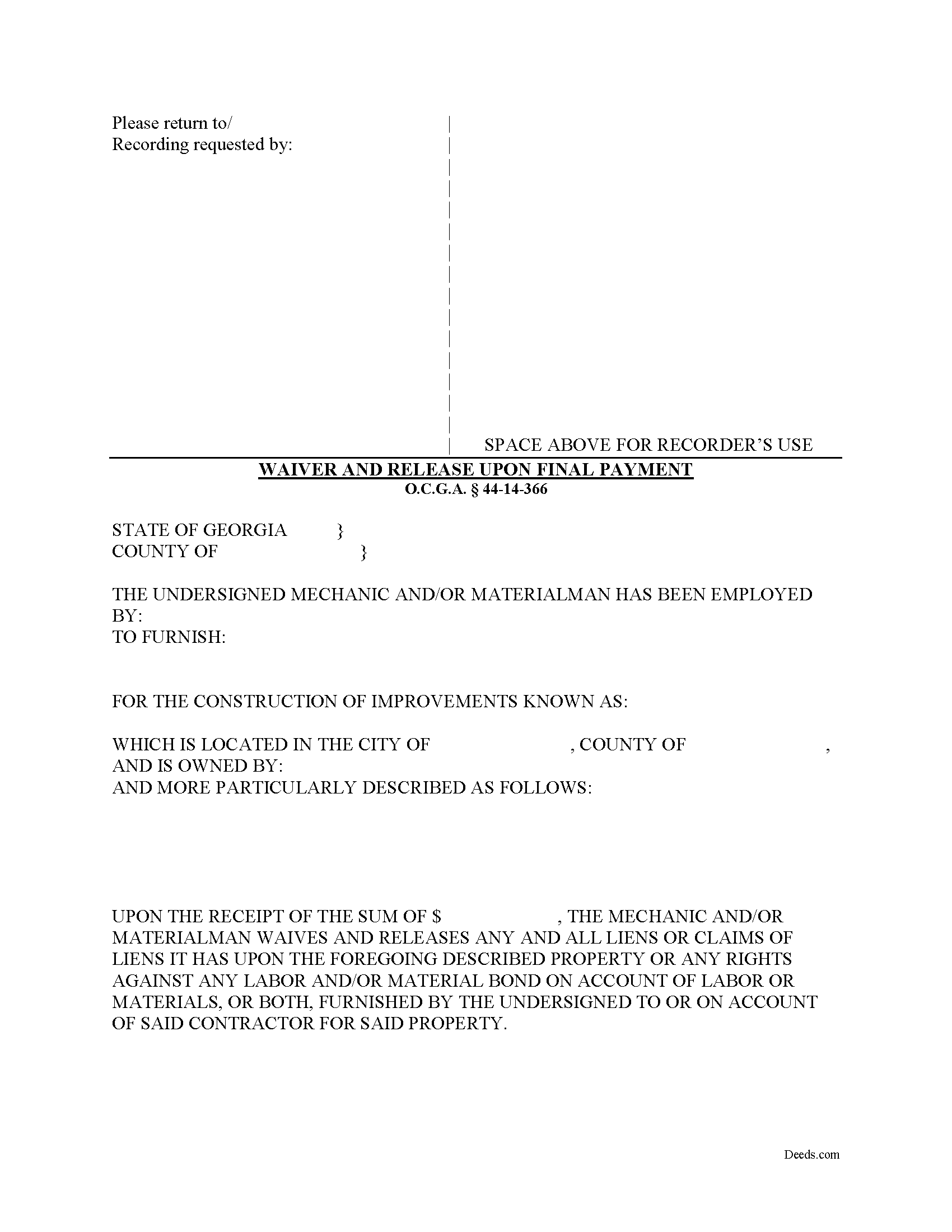
Coffee County Final Lien Waiver and Release Form
Fill in the blank Final Lien Waiver and Release form formatted to comply with all Georgia recording and content requirements.
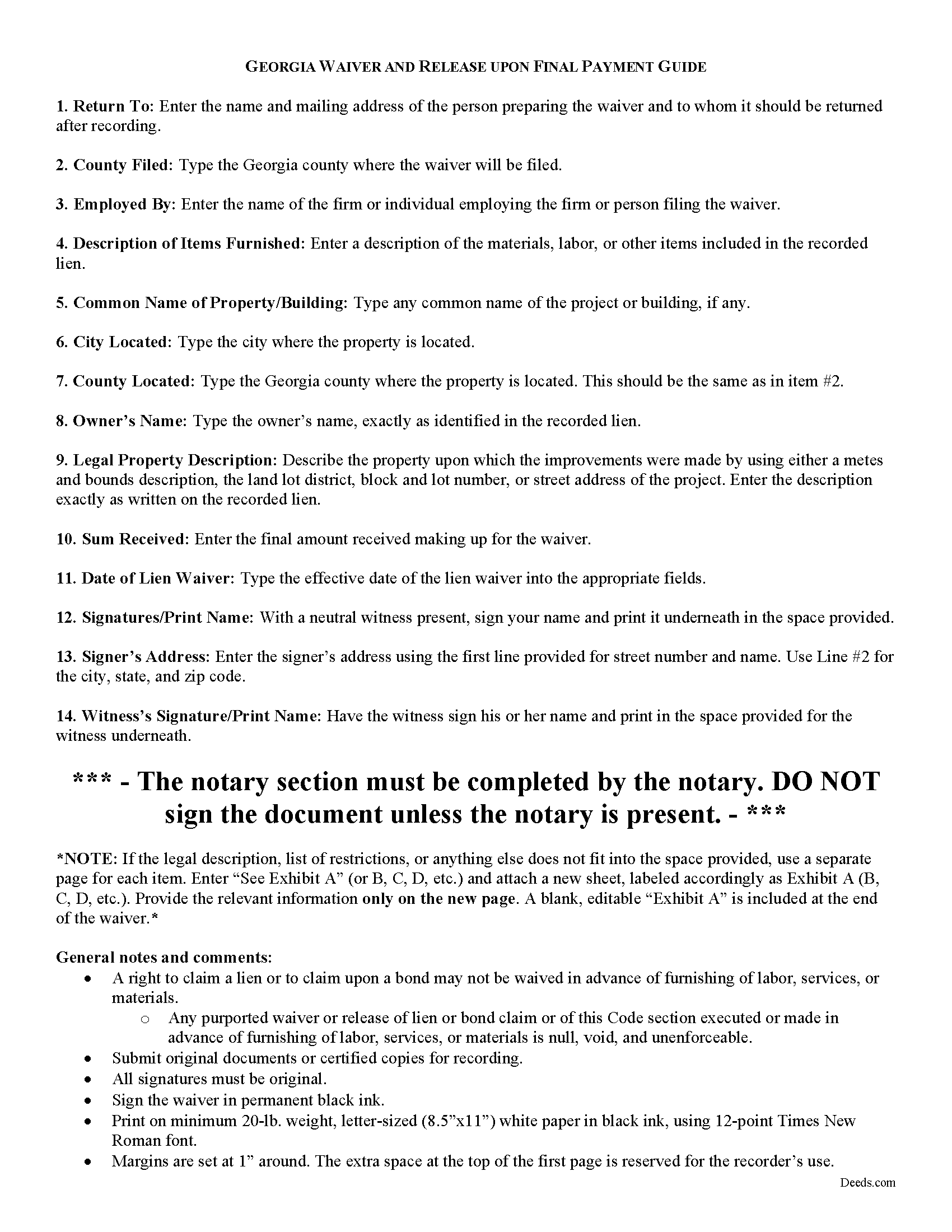
Coffee County Final Lien Waiver and Release Guide
Line by line guide explaining every blank on the form.
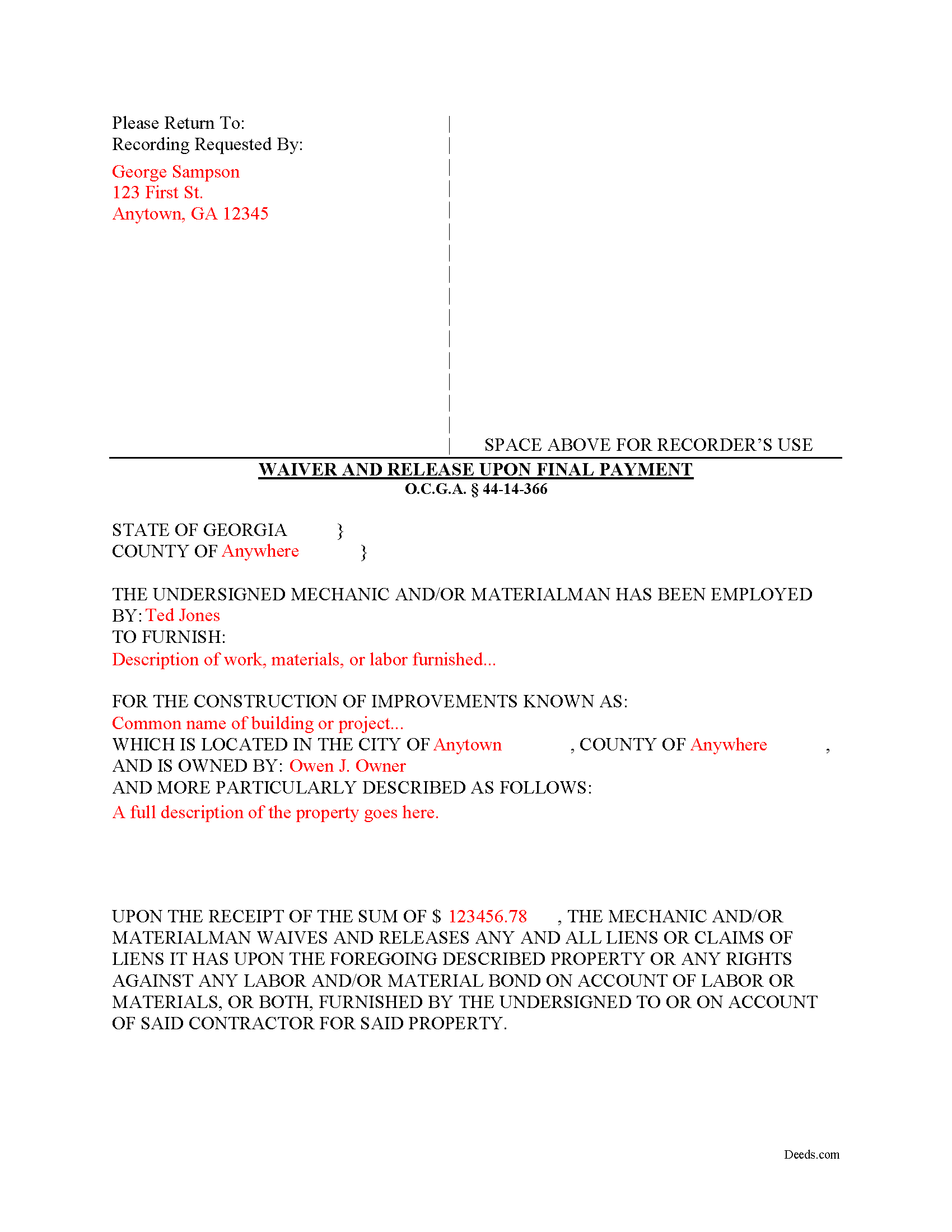
Coffee County Completed Example of the Final Lien Waiver and Release Document
Example of a properly completed form for reference.
All 3 documents above included • One-time purchase • No recurring fees
Immediate Download • Secure Checkout
Additional Georgia and Coffee County documents included at no extra charge:
Where to Record Your Documents
Coffee Clerk of Superior Court
Douglas, Georgia 31533
Hours: 8:30 to 4:30 M-F
Phone: (912) 384-2865
Recording Tips for Coffee County:
- Bring your driver's license or state-issued photo ID
- Ensure all signatures are in blue or black ink
- White-out or correction fluid may cause rejection
- Ask about their eRecording option for future transactions
- Avoid the last business day of the month when possible
Cities and Jurisdictions in Coffee County
Properties in any of these areas use Coffee County forms:
- Ambrose
- Broxton
- Douglas
- Nicholls
- West Green
Hours, fees, requirements, and more for Coffee County
How do I get my forms?
Forms are available for immediate download after payment. The Coffee County forms will be in your account ready to download to your computer. An account is created for you during checkout if you don't have one. Forms are NOT emailed.
Are these forms guaranteed to be recordable in Coffee County?
Yes. Our form blanks are guaranteed to meet or exceed the applicable formatting requirements used for recording in Coffee County, including margin requirements, font requirements, and other layout standards. This guarantee applies to formatting, not to the legal sufficiency of information entered by the user or the suitability of a form for a particular transaction.
Can I reuse these forms?
Yes. You can reuse the forms for your personal use. For example, if you have multiple properties in Coffee County you only need to order once.
What do I need to use these forms?
The forms are PDFs that you fill out on your computer. The free Adobe Acrobat Reader is recommended, and most PDF apps also work. You do NOT enter your property information online - you download the blank forms and complete them privately on your own computer.
Are there any recurring fees?
No. This is a one-time purchase. Nothing to cancel, no memberships, no recurring fees.
How much does it cost to record in Coffee County?
Recording fees in Coffee County vary. Contact the recorder's office at (912) 384-2865 for current fees.
Questions answered? Let's get started!
Lien waivers are recorded documents used to inform a property owner and any other interested parties that the person or firm with a potential mechanic's lien right is giving up the right to file that lien in exchange for full or partial payment. Use these documents carefully, because the right to a mechanic's lien is regarded as sacred in the realm on the construction world. Unlike most other states, Georgia takes a different approach to its lien waivers, declaring them void unless payment has been received. O.C.G.A. 44-14-366(b).
Georgia recognizes two major types of waivers: The Interim Waiver and Release upon Payment and the Waiver and Release upon Final Payment. O.C.G.A. 44-14-366. These two waivers also fit into the minor categories of being conditioned or not conditioned on actual receipt of payment (included a cleared check). The latter categories can have a tremendous effect on lien rights, as sending an unconditional waiver will waive the right to a lien regardless of confirmed payment.
In addition to requiring payment first, Georgia law prohibits preliminary waivers of lien rights before beginning the work: A right to claim a lien or to claim upon a bond may not be waived in advance of furnishing of labor, services, or materials. O.C.G.A. 44-14-366(a). Any purported waiver or release of lien or bond claim or of this Code section executed or made in advance of furnishing of labor, services, or materials is null, void, and unenforceable. Id.
To surrender all rights to a lien, a claimant files a Waiver and Release upon Final Payment. Use this form when a claimant is requested to execute a waiver and release in exchange for or to induce the making of final payment. O.C.G.A. 44-14-366(d).
The form identifies the parties, the location, the nature of the work, relevant dates, and the amount of payment.
This article is provided for informational purposes only and should not be relied upon as a substitute for the advice of an attorney. Please contact an attorney with questions about waivers, or any other issues related to liens in Georgia.
Important: Your property must be located in Coffee County to use these forms. Documents should be recorded at the county recording office listed above.
This Final Lien Waiver and Release meets all recording requirements specific to Coffee County.
Our Promise
The documents you receive here are guaranteed to meet or exceed the applicable Coffee County recording format requirements. If there is a rejection caused by our formatting, we will correct the issue or refund your payment. This guarantee applies to document formatting only and does not extend to information entered by the user, the selection of the form, or the legal effect of the completed document.
Save Time and Money
Get your Coffee County Final Lien Waiver and Release form done right the first time with Deeds.com Uniform Conveyancing Blanks. At Deeds.com, we understand that your time and money are valuable resources, and we don't want you to face a penalty fee or rejection imposed by a county recorder for submitting nonstandard documents. We constantly review and update our forms to meet rapidly changing state and county recording requirements for roughly 3,500 counties and local jurisdictions.
4.8 out of 5 - ( 4,829 Reviews )
David B. 5 out of 5 stars
fast and easy.
Thank you!
Elaine E. W. 5 out of 5 stars
Your product package was thorough and I am the one who does not know how to use or begin to be interactive with a computer. I wish I had learned long ago....ok your directions appear to be clear but when you are not familiar to the words.....it can and is difficult.....I downloaded the forms and completed them by hand/pen.....I just hope it will be acceptable to the recorder....Thank you
Thank you for your feedback. We really appreciate it. Have a great day!
Robert F. 5 out of 5 stars
Came with all the paperwork that I needed plus a lot more paperwork than what I needed. Covered all the bases! The instructions were a big help. Easy fill in the blanks. Had no problem filing the paperwork afterword at the County Clerks office. Definitely worth the $20.
Thanks Robert. We appreciate you taking the time to give us your feedback. Have a fantastic day!
Alex Q. 5 out of 5 stars
The best people to work with! Thank you for all you do. We send documents from all states to Deeds.com to record for us. They are professional, keep us updated and always notify us if there is an issue with one of our documents prior to sending to recording and that saves us money and time! Thank you!!
Thanks for the kind words Alex. We appreciate you!
Frank B. 5 out of 5 stars
Great website, super easy to use, user friendly to navigate. Will definitely use for future needs, and will definitely refer to other customers. F. Betancourt Texas
Thank you!
Nancy A. 5 out of 5 stars
First time user and I was pleasantly surprised how quick and easy it was to get my Deed recorded. And the fee was not outrageous.
We appreciate your business and value your feedback. Thank you. Have a wonderful day!
Rebecca G. 5 out of 5 stars
Very user friendly. Forms professional and acceptable to state applicable to. Appreciate the sample & instructions.
Thank you for your feedback. We really appreciate it. Have a great day!
Marilyn L. 5 out of 5 stars
Good!!
Thank you!
Alan M. 4 out of 5 stars
The packet I downloaded was complete and useful, and process was not unduly opaque. However, I would have liked to download the whole packet, about 6 files, all at one go. Still, the forms provided the complete solution to my situation.
Thank you for your feedback. We really appreciate it. Have a great day!
Charles G. 5 out of 5 stars
I downloaded your Transfer on Death Deed Forms on Monday and registered the deed on Wednesday. Thank you.
We appreciate your business and value your feedback. Thank you. Have a wonderful day!
CEDRIC D. 3 out of 5 stars
need more instructions for each form
Thank you for your feedback. We really appreciate it. Have a great day!
STEPHANIE S. 5 out of 5 stars
The documents received and information provided to assist with the recording was exactly what was needed for a successful title transfer. I would highly recommend this site and will continue using it for future transactions.
We appreciate your business and value your feedback. Thank you. Have a wonderful day!
Catherine B. 5 out of 5 stars
Was looking for information and forms relating to a trust my parents created, but what I purchased seems geared toward trusts containing real estate only, which is not what I needed. Clearly I missed something prior to purchasing something I can not use. Perhaps additional clarification for us without any experience is this area would be helpful.
Thank you for your feedback. We really appreciate it. Have a great day!
Anita W. 5 out of 5 stars
Love this site. It has been truly helpful and easy to navigate.
Thank you Anita, glad we could help.
Lynn W. 5 out of 5 stars
Very fast and easy
We appreciate your review and your business. Thank you.