Dawson County Quitclaim Deed (Married Grantor with Non-Owner Spouse Joinder) Form
Last validated October 13, 2026 by our Forms Development TeamFormatted for recording in Dawson County, for property anywhere in the county: rural and unincorporated areas as well as Dawsonville.
- 3 documents included
- Immediate PDF download
- Formatting guarantee
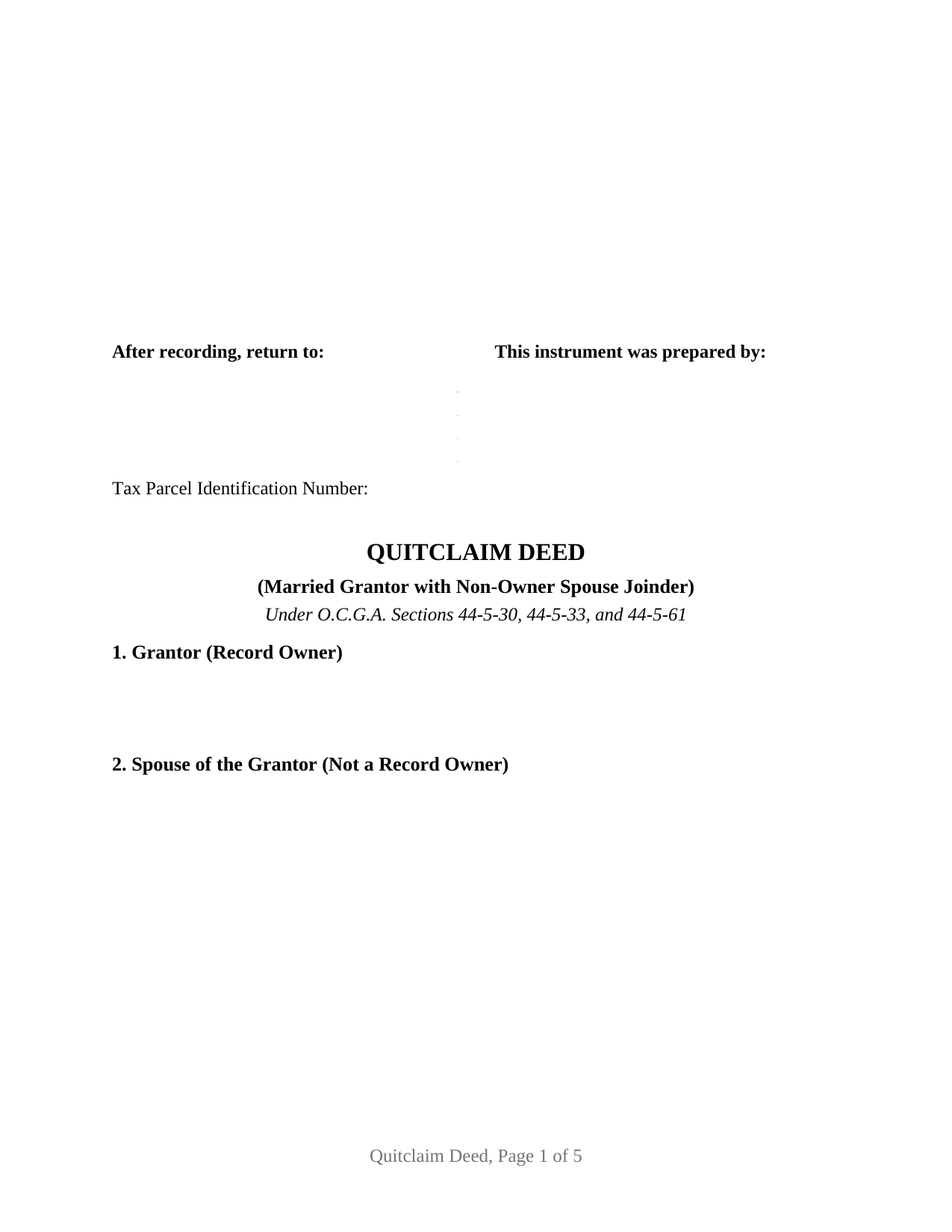
Dawson County Quitclaim Deed (Married Grantor with Non-Owner Spouse Joinder) Form
Fill in the blank Quitclaim Deed (Married Grantor with Non-Owner Spouse Joinder) form formatted to comply with all Georgia recording and content requirements.
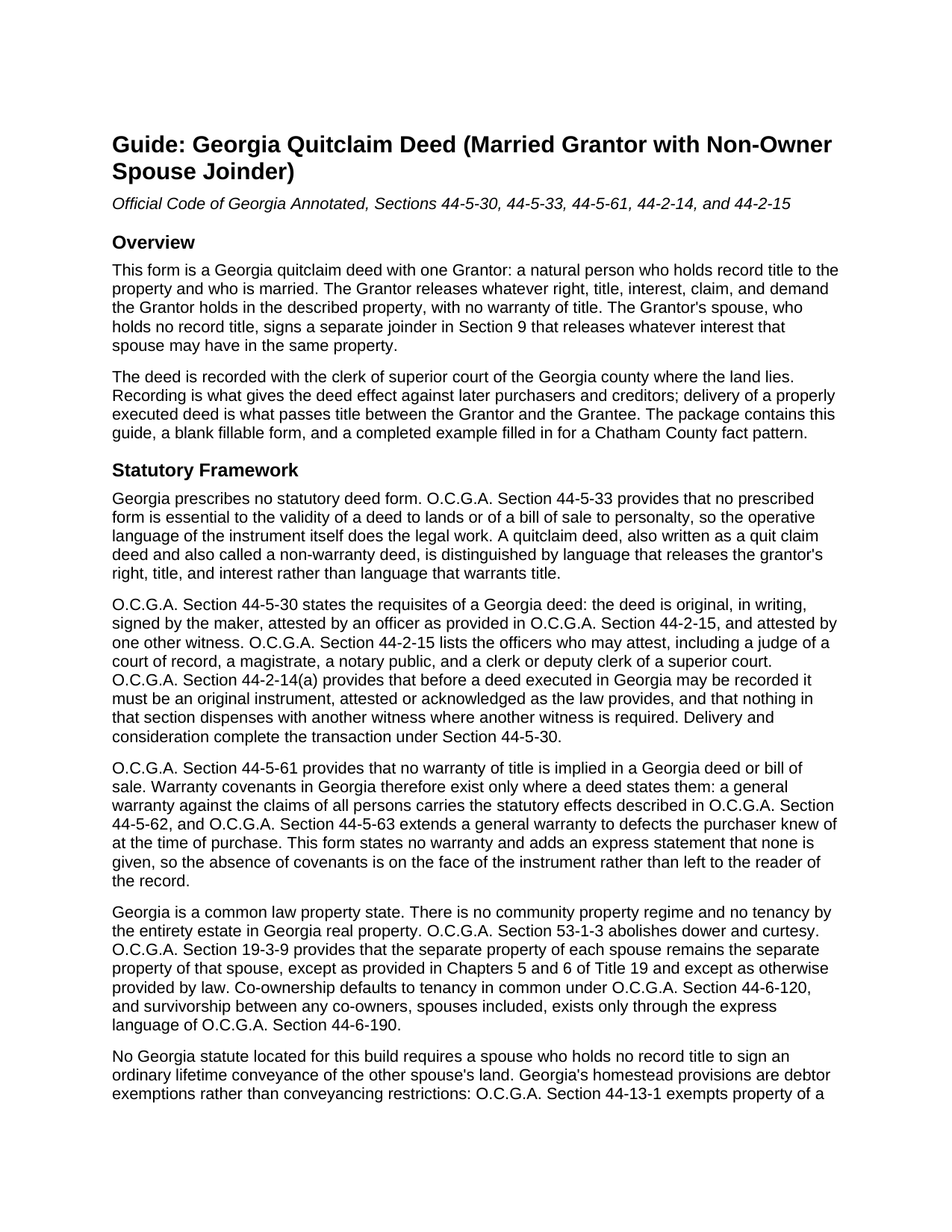
Dawson County Quitclaim Deed (Married Grantor with Non-Owner Spouse Joinder) Guide
Line by line guide explaining every blank on the Quitclaim Deed (Married Grantor with Non-Owner Spouse Joinder) form.
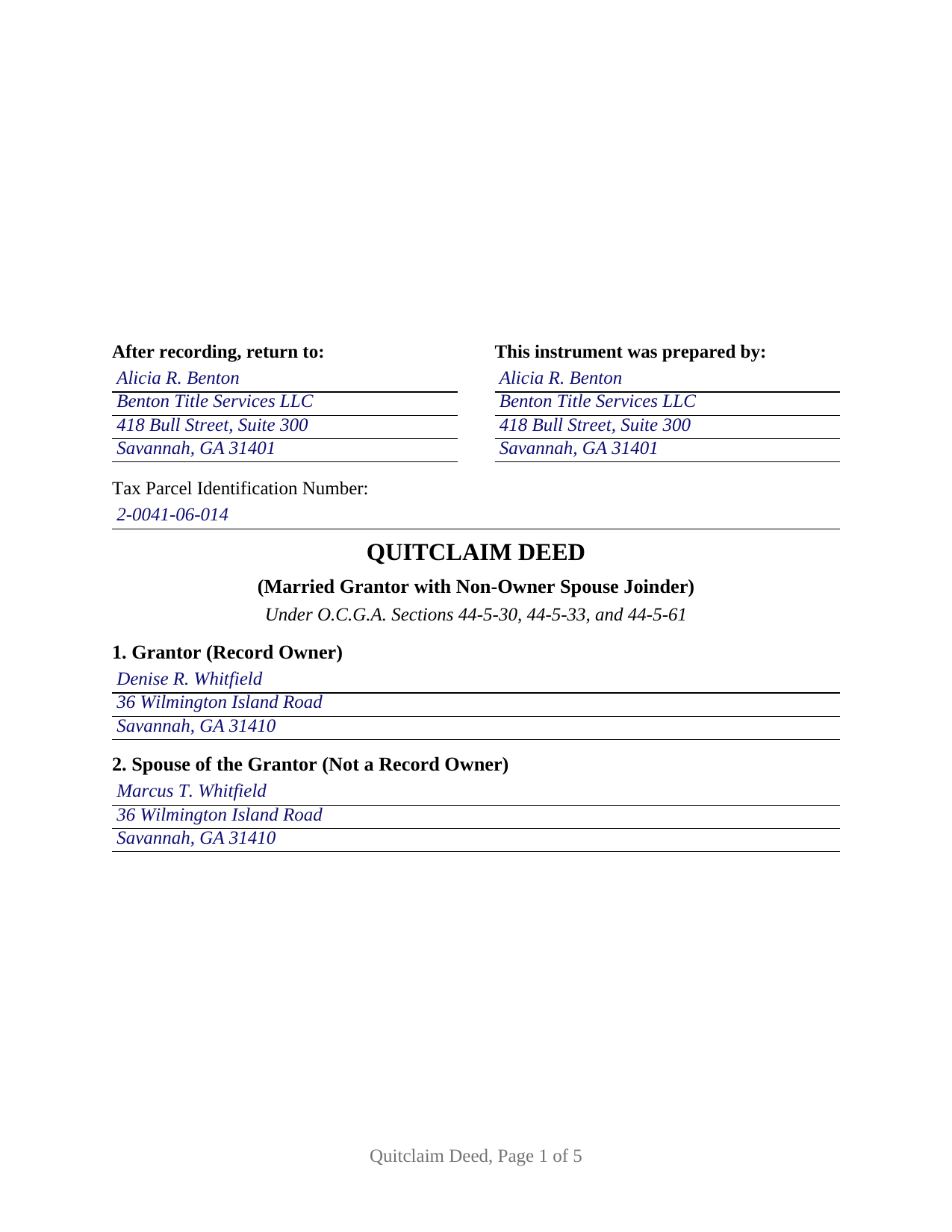
Dawson County Completed Example of the Quitclaim Deed (Married Grantor with Non-Owner Spouse Joinder) Document
Example of a properly completed Georgia Quitclaim Deed (Married Grantor with Non-Owner Spouse Joinder) document for reference.
All 3 documents above included • One-time purchase • No recurring fees
Immediate Download • Secure Checkout
Additional Georgia and Dawson County documents included at no extra charge:
Where to Record Your Documents
Dawson Clerk of Courts
Dawsonville, Georgia 30534
Hours: 8:00am - 5:00pm Monday - Friday
Phone: (706) 344-3510 Ext 41316 or 41330
Recording Tips for Dawson County:
- Bring your driver's license or state-issued photo ID
- Ensure all signatures are in blue or black ink
- Avoid the last business day of the month when possible
- Both spouses typically need to sign if property is jointly owned
- Bring extra funds - fees can vary by document type and page count
Cities and Jurisdictions in Dawson County
Properties in any of these areas use Dawson County forms:
- Dawsonville
Hours, fees, requirements, and more for Dawson County
How do I get my forms?
Forms are available for immediate download after payment. The Dawson County forms will be in your account ready to download to your computer. An account is created for you during checkout if you don't have one. Forms are NOT emailed.
Are these forms guaranteed to be recordable in Dawson County?
Yes. Our form blanks are guaranteed to meet or exceed the applicable formatting requirements used for recording in Dawson County, including margin requirements, font requirements, and other layout standards. This guarantee applies to formatting, not to the legal sufficiency of information entered by the user or the suitability of a form for a particular transaction.
Can I reuse these forms?
Yes. You can reuse the forms for your personal use. For example, if you have multiple properties in Dawson County you only need to order once.
What do I need to use these forms?
The forms are PDFs that you fill out on your computer. The free Adobe Acrobat Reader is recommended, and most PDF apps also work. You do NOT enter your property information online - you download the blank forms and complete them privately on your own computer.
Are there any recurring fees?
No. This is a one-time purchase. Nothing to cancel, no memberships, no recurring fees.
How much does it cost to record in Dawson County?
Recording fees in Dawson County vary. Contact the recorder's office at (706) 344-3510 Ext 41316 or 41330 for current fees.
Questions answered? Let's get started!
One person holds the record title here, and two people sign. This Georgia quitclaim deed recites a single Grantor, a married natural person who is the record owner, and it carries a separate joinder block in which that owner's spouse, who is not on title, releases whatever interest that spouse may have in the same property. The grantee takes the release with no warranty of title, and the record shows both signatures.
A signature Georgia law does not ask for
Nothing in Georgia law makes a spouse a party to the other spouse's deed. Dower and curtesy were abolished by O.C.G.A. Section 53-1-3, the state recognizes neither a community regime nor an entireties estate, and no statute located for this form conditions the recording of a lifetime deed on the signature of a spouse who holds no record title. The joinder is deliberate rather than compelled: it puts a recorded release into the chain from the one person whose possible claim the record cannot display. The question surfaces where a marital residence, an inherited house, or a rental parcel stands in one spouse's name alone.
What the joinder reaches, and what it leaves alone
The joinder section is drafted as its own quitclaim: the spouse remises, releases, and forever quitclaims any right, title, interest, claim, and demand the spouse may have, joins in and consents to the conveyance, and warrants nothing. Two construction sentences matter as much. The spouse's signature does not enlarge the estate the Grantor conveys, and it operates whether or not the spouse turns out to hold anything. The limits belong in the same breath. This is not a property settlement between the spouses, it does not resolve equitable division in a divorce, where O.C.G.A. Section 19-3-9 leaves the separate property of each spouse separate, and no Georgia authority found for this build treats a joinder in a lifetime deed as a waiver of year's support, the probate right O.C.G.A. Section 53-3-1 gives a surviving spouse out of a decedent's estate. Because no warranty is implied in any Georgia deed under O.C.G.A. Section 44-5-61, both releases are expressly stated to carry none, and every security deed and lien of record rides through untouched.
One record owner, two complete execution sets
Georgia deeds are attested rather than acknowledged. O.C.G.A. Section 44-5-30 has the maker's signature attested by an officer drawn from the list in O.C.G.A. Section 44-2-15, ordinarily a Georgia notary public, and by one more witness, called the unofficial witness. This form gives each signer a full set, so the finished quit claim deed carries the Grantor's signature and the spouse's, an unofficial witness line beneath each, and two officer certificates captioned as attestations, each reciting that the instrument was signed, sealed, and delivered in the officer's presence. O.C.G.A. Section 44-14-33 explains the caption: where the officer attests, a formal certificate of acknowledgment is not necessary. Independent sets let the two signatures be attested on different days or in different counties, though the example shows both finished at one sitting.
Recording a gift in Georgia
The example is a deed of gift, so no transfer tax falls due: deeds of gift sit among the exemptions listed in O.C.G.A. Section 48-6-2. The exemption is claimed on the PT-61 rather than by skipping it, because Georgia Rule 560-11-2-.17 makes a properly completed PT-61 a condition of eligibility for recording wherever one is called for, and O.C.G.A. Section 48-6-4 makes payment of any tax due a filing prerequisite the clerk certifies. Where value does change hands, O.C.G.A. Section 48-6-1 measures the tax against consideration or value above one hundred dollars. Filing runs twenty five dollars statewide under O.C.G.A. Section 15-6-77. A party filing without an attorney or other professional filer submits through the state clerks' authority portal with verified government identification, the self-filer rule in force since 2025. Page one keeps its top three inches open for the clerk under O.C.G.A. Section 15-6-61(a)(10), then opens with the return-to name and address that O.C.G.A. Section 44-2-14(b) places there, followed by a tax parcel line that satisfies DeKalb County's local first page requirement.
Three files arrive with the purchase: the fillable non-warranty deed itself, a completed example set in Chatham County, where a married sole owner gifts an inherited Savannah house to her brother while her husband joins in the release, and a plain language guide covering every numbered section, both attestation sets, the grantee's vesting choices, and the recording path. These materials describe Georgia law generally and are not legal advice.
Important: Your property must be located in Dawson County to use these forms. Documents should be recorded at the county recording office listed above.
This Quitclaim Deed (Married Grantor with Non-Owner Spouse Joinder) meets all recording requirements specific to Dawson County.
Our Promise
The documents you receive here are guaranteed to meet or exceed the applicable Dawson County recording format requirements. If there is a rejection caused by our formatting, we will correct the issue or refund your payment. This guarantee applies to document formatting only and does not extend to information entered by the user, the selection of the form, or the legal effect of the completed document.
Save Time and Money
Get your Dawson County Quitclaim Deed (Married Grantor with Non-Owner Spouse Joinder) form done right the first time with Deeds.com Uniform Conveyancing Blanks. At Deeds.com, we understand that your time and money are valuable resources, and we don't want you to face a penalty fee or rejection imposed by a county recorder for submitting nonstandard documents. We constantly review and update our forms to meet rapidly changing state and county recording requirements for roughly 3,500 counties and local jurisdictions.
4.8 out of 5 - ( 4,830 Reviews )
Home For Life S. 5 out of 5 stars
Covers everything; very pleased.
Thank you!
Cynthia D. 5 out of 5 stars
It turned out I didn't need the information was taken care of by my husband. Thank you.
Thank you!
Edward M. 5 out of 5 stars
Thank you very much Very satisfied
Thank you for your feedback. We really appreciate it. Have a great day!
Joyce M. 5 out of 5 stars
Great website, but not helpful in locating my deed dated 1747.
Thank you for your feedback. We really appreciate it. Have a great day!
Richard D. 5 out of 5 stars
We are pleased with your service. It is user friendly and efficient,
Thank you!
Thomas V. 4 out of 5 stars
Easy to use. Accomplished my goal
We appreciate your business and value your feedback. Thank you. Have a wonderful day!
ralph m. 5 out of 5 stars
Overall the experience was pleasant and the services were delivered In a timely fashion
Thank you Ralph. Have a great day!
Jane N. 5 out of 5 stars
Good morning, It seems to be easy to navigate and print out the form I needed. Great!!! Jane
We appreciate your business and value your feedback. Thank you. Have a wonderful day!
Chris O. 5 out of 5 stars
Very user friendly website. Had a variety of forms. Reasonable price
We appreciate your business and value your feedback. Thank you. Have a wonderful day!
Marcia H. 5 out of 5 stars
This was so easy and fast! Plus it had all the information I needed in one place. The example was right on point too!
Thank you for your feedback. We really appreciate it. Have a great day!
Joyce S. 5 out of 5 stars
Download very easy. Forms are just what I need. Thanks
Thank you for your feedback. We really appreciate it. Have a great day!
Gerald S. 5 out of 5 stars
The paperwork for our transfer on death deed was easy to fill out and the county has excepted it for recording Very satisfied.
We appreciate your business and value your feedback. Thank you. Have a wonderful day!
Jimmy P. 5 out of 5 stars
They sent me everything I would need to do this. Easy purchase -Easy download. Great!! I'll be back here for all my document needs.
We appreciate your business and value your feedback. Thank you. Have a wonderful day!
PETER C. 5 out of 5 stars
The process was quick and simple to follow. Very efficient way to document Deeds.
Thank you!
Charles D. 5 out of 5 stars
The included instructions and example made the document easy to complete. And the additional documents for no additional charge were nice.
Thank you for your feedback. We really appreciate it. Have a great day!