Stephens County Release of Claim of Lien Form
Last validated October 22, 2026 by our Forms Development TeamFormatted for recording in Stephens County, for property anywhere in the county: rural and unincorporated areas as well as Eastanollee, Martin, Toccoa, Toccoa Falls.
- 3 documents included
- Immediate PDF download
- Formatting guarantee
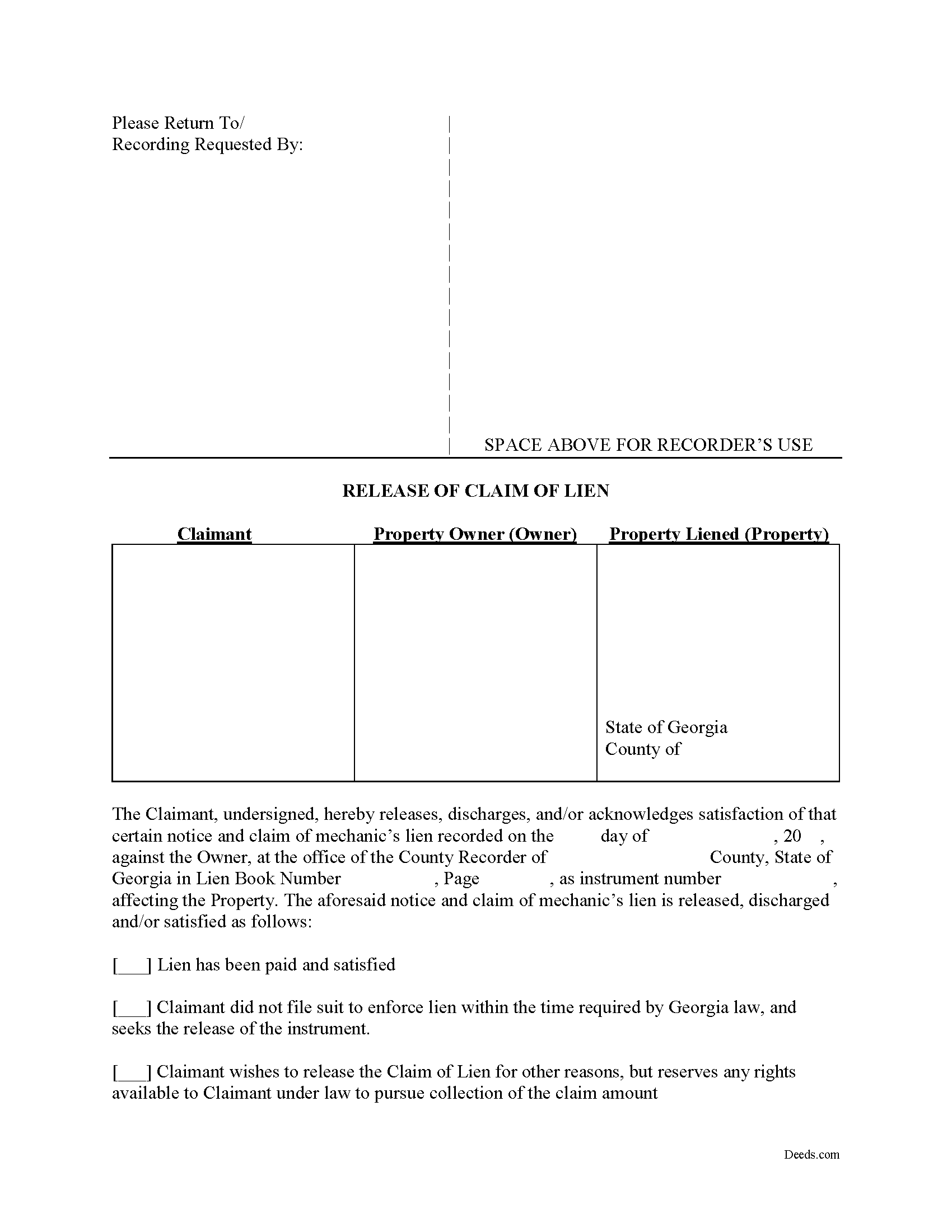
Stephens County Release of Claim of Lien Form
Fill in the blank Release of Claim of Lien form formatted to comply with all Georgia recording and content requirements.
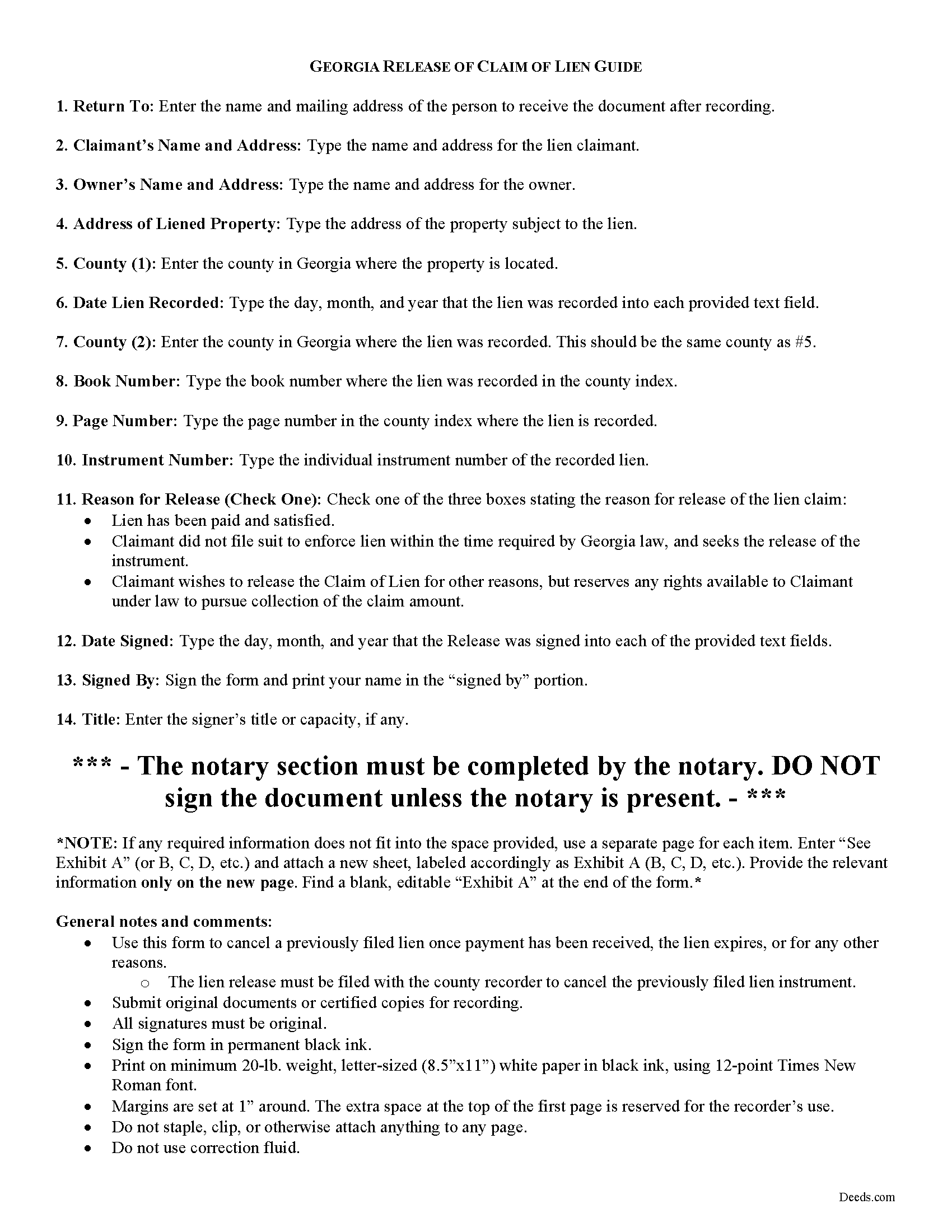
Stephens County Release of Claim of Lien Guide
Line by line guide explaining every blank on the form.
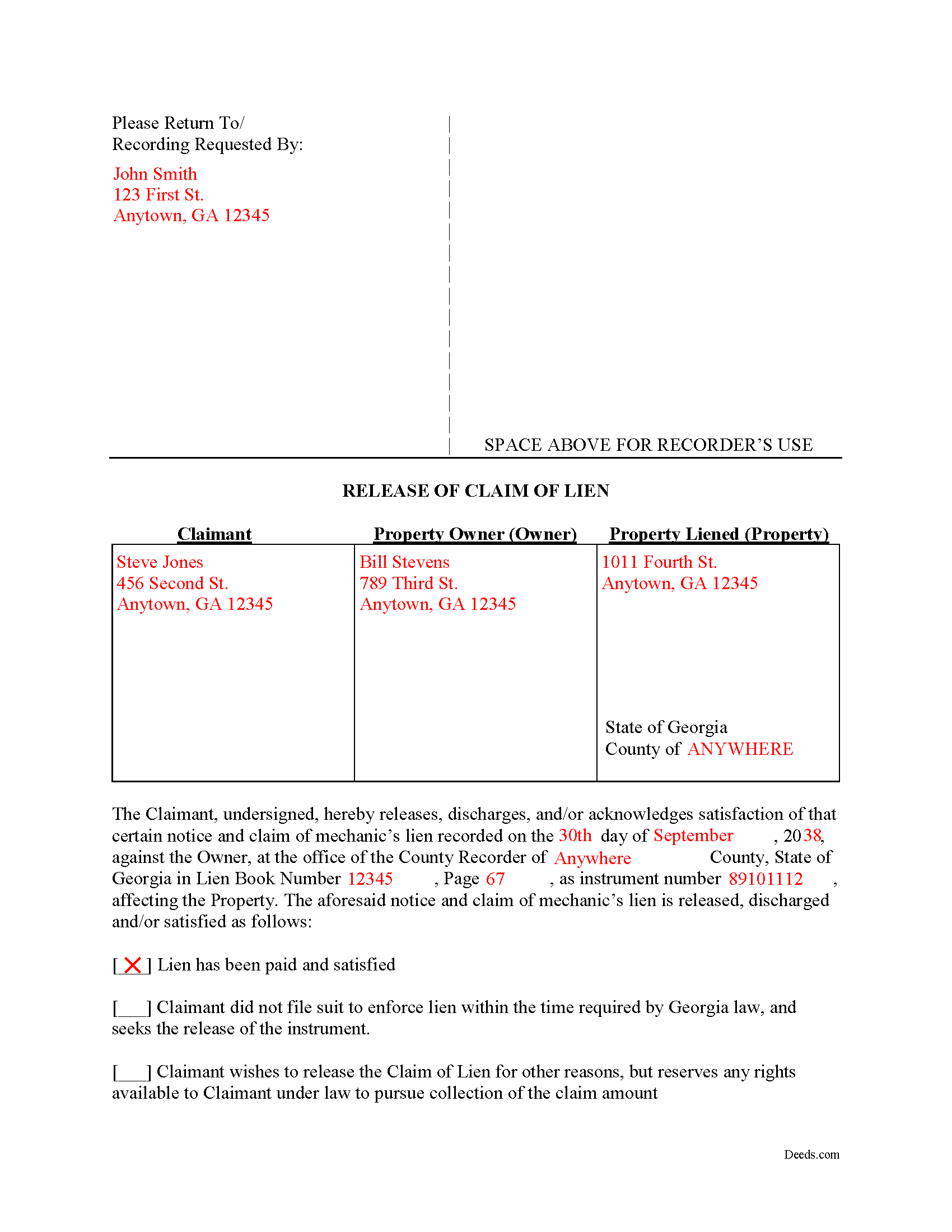
Stephens County Completed Example of the Release of Claim of Lien Document
Example of a properly completed form for reference.
All 3 documents above included • One-time purchase • No recurring fees
Immediate Download • Secure Checkout
Additional Georgia and Stephens County documents included at no extra charge:
Where to Record Your Documents
Clerk of Superior Court
Toccoa, Georgia 30577
Hours: 8:00am-5:00pm M-F
Phone: (706) 886-3598
Recording Tips for Stephens County:
- Bring your driver's license or state-issued photo ID
- Ensure all signatures are in blue or black ink
- Ask if they accept credit cards - many offices are cash/check only
- Check that your notary's commission hasn't expired
- Documents must be on 8.5 x 11 inch white paper
Cities and Jurisdictions in Stephens County
Properties in any of these areas use Stephens County forms:
- Eastanollee
- Martin
- Toccoa
- Toccoa Falls
Hours, fees, requirements, and more for Stephens County
How do I get my forms?
Forms are available for immediate download after payment. The Stephens County forms will be in your account ready to download to your computer. An account is created for you during checkout if you don't have one. Forms are NOT emailed.
Are these forms guaranteed to be recordable in Stephens County?
Yes. Our form blanks are guaranteed to meet or exceed the applicable formatting requirements used for recording in Stephens County, including margin requirements, font requirements, and other layout standards. This guarantee applies to formatting, not to the legal sufficiency of information entered by the user or the suitability of a form for a particular transaction.
Can I reuse these forms?
Yes. You can reuse the forms for your personal use. For example, if you have multiple properties in Stephens County you only need to order once.
What do I need to use these forms?
The forms are PDFs that you fill out on your computer. The free Adobe Acrobat Reader is recommended, and most PDF apps also work. You do NOT enter your property information online - you download the blank forms and complete them privately on your own computer.
Are there any recurring fees?
No. This is a one-time purchase. Nothing to cancel, no memberships, no recurring fees.
How much does it cost to record in Stephens County?
Recording fees in Stephens County vary. Contact the recorder's office at (706) 886-3598 for current fees.
Questions answered? Let's get started!
Cancelling a Georgia Mechanic's Lien After Payment
To dissolve previously filed mechanic's lien claims, claimants must file a Release of Claim of Lien. Construction liens must be canceled once payment has been received, the lien expires, or for any other reason. The lien release must be filed with the county recorder to cancel the previously filed lien instrument. The lien release is different than a lien waiver because it discharges an already filed lien, while a waiver surrenders the right to file one in the first place.
A Release form contains the following information: 1) lien claimant's name and address; 2) property owner's name and address; 3) address of the subject property; 4) date the lien was recorded; 5) the book number, page number, and instrument number as indexed by the county; and 6) reason for cancellation (lien has been paid, expired, or any other reason for discharge). The Release must be signed in front of a notary public who then signs as a notary and/or affixes his or her seal.
This article is provided for informational purposes only and does not constitute legal advice. Please speak with an attorney regarding releases or any other issues related to liens in Georgia.
Important: Your property must be located in Stephens County to use these forms. Documents should be recorded at the county recording office listed above.
This Release of Claim of Lien meets all recording requirements specific to Stephens County.
Our Promise
The documents you receive here are guaranteed to meet or exceed the applicable Stephens County recording format requirements. If there is a rejection caused by our formatting, we will correct the issue or refund your payment. This guarantee applies to document formatting only and does not extend to information entered by the user, the selection of the form, or the legal effect of the completed document.
Save Time and Money
Get your Stephens County Release of Claim of Lien form done right the first time with Deeds.com Uniform Conveyancing Blanks. At Deeds.com, we understand that your time and money are valuable resources, and we don't want you to face a penalty fee or rejection imposed by a county recorder for submitting nonstandard documents. We constantly review and update our forms to meet rapidly changing state and county recording requirements for roughly 3,500 counties and local jurisdictions.
4.8 out of 5 - ( 4,837 Reviews )
Guy G. 5 out of 5 stars
Deeds.com was easy to use and their easement deed was exactly what I was looking for. I knew I didn't need to spend hundreds of dollars talking to an attorney.
We appreciate your business and value your feedback. Thank you. Have a wonderful day!
Bryan A. 5 out of 5 stars
Very easy thank you for this quick process.
Thank you for the kind words Bryan.
Christopher Shawn S. 5 out of 5 stars
Swift and Concise Process!!! I would recommend, as well as, use again!
We appreciate your business and value your feedback. Thank you. Have a wonderful day!
Abigail Frances B. 5 out of 5 stars
Thanks for the easy download, clear instructions, good price- I'm looking forward to filling them out.
Thank you for your feedback. We really appreciate it. Have a great day!
Amanda S. 5 out of 5 stars
Thank you! My husband and I went in the get notary stamps for a Special Warranty Deed and a Post Nuptial Agreement. The representative was very knowledgeable and thorough with the notary process. She made sure we read and understood all documents that we were signing and they required us to recite in sworn statements that everything there was true and understood! I will be using the notary service again at Bank of America! The representative was very respectful and had a nice smile the entire time to make our visit great!
Thank you!
Maribeth M. 5 out of 5 stars
Usually I have trouble registering things online, even though people tell me it's easy. This time, it WAS easy and fast, and I'm grateful I didn't have to drive somewhere and stand in line. Thank you!
We appreciate your business and value your feedback. Thank you. Have a wonderful day!
Ralph B. 5 out of 5 stars
My needs were met quickly and efficiently with very little wait. Deeds.com made it easy to understand and use their program and I couldn't be more happy with the results!
It was a pleasure serving you. Thank you for the positive feedback!
Dave W. 5 out of 5 stars
Hello, The instructions were clear and easy to navigate. Thanks, Dr. Dave Wayne
We appreciate your business and value your feedback. Thank you. Have a wonderful day!
Ken W. 5 out of 5 stars
Deeds.com provides outstanding service! Quick e-recording, at a reasonable price, and if there are any issues, they work with you to resolve them. I'm recommending them to everyone I know who buys and sells land.
Knowing our customers are happy is our top priority. Thank you for the wonderful feedback!
joseph p. 5 out of 5 stars
As i am not very computer ready,i had one heck of a time filling,printing,and copying this document.But with your patience and understanding of older ways,WE DID IT SUCCESSFULLY.Thank you for your time.I will recommend this site to all that inquire
Thank you for your feedback. We really appreciate it. Have a great day!
Kyle E. 5 out of 5 stars
Works great thank you for saving us driving time!!
We appreciate your business and value your feedback. Thank you. Have a wonderful day!
Jeanette S. 5 out of 5 stars
Your site was easy to figure out after a few mistakes on my part. Messages were returned quickly. Very convenient for our recording of documents. I will recommend using this method for recording in future. Thank you for working fast in our recording.
Thank you for your feedback. We really appreciate it. Have a great day!
Eduardo A. 5 out of 5 stars
Perfect, blank forms, just what I ordered. Easy to download, understand, and complete.
Thank you!
Randy T. 5 out of 5 stars
I gave your site and forms 5 stars because it is very easy to use and included all the information needed to complete the form without having had a legal background.
Thank you Randy. Have a great day!
Glenda M. 5 out of 5 stars
I am very pleased with my purchase of the Affidavit Death of Joint Tenant form. I previously purchased this form from the leading providing of DIY legal forms and it was rejected by the Registrar in my state. I then had to start over. Plus I needed a form that would show me a completed example and give me line-by-line instructions. Deeds.com filled the bill perfectly. Their website also let me know the last date the form was updated.
We appreciate your business and value your feedback. Thank you. Have a wonderful day!