Owyhee County Correction Deed Form
Last validated September 11, 2026 by our Forms Development TeamFormatted for recording in Owyhee County, for property anywhere in the county: rural and unincorporated areas as well as Bruneau, Grand View, Homedale, Marsing, Murphy.
- 3 documents included
- Immediate PDF download
- Formatting guarantee
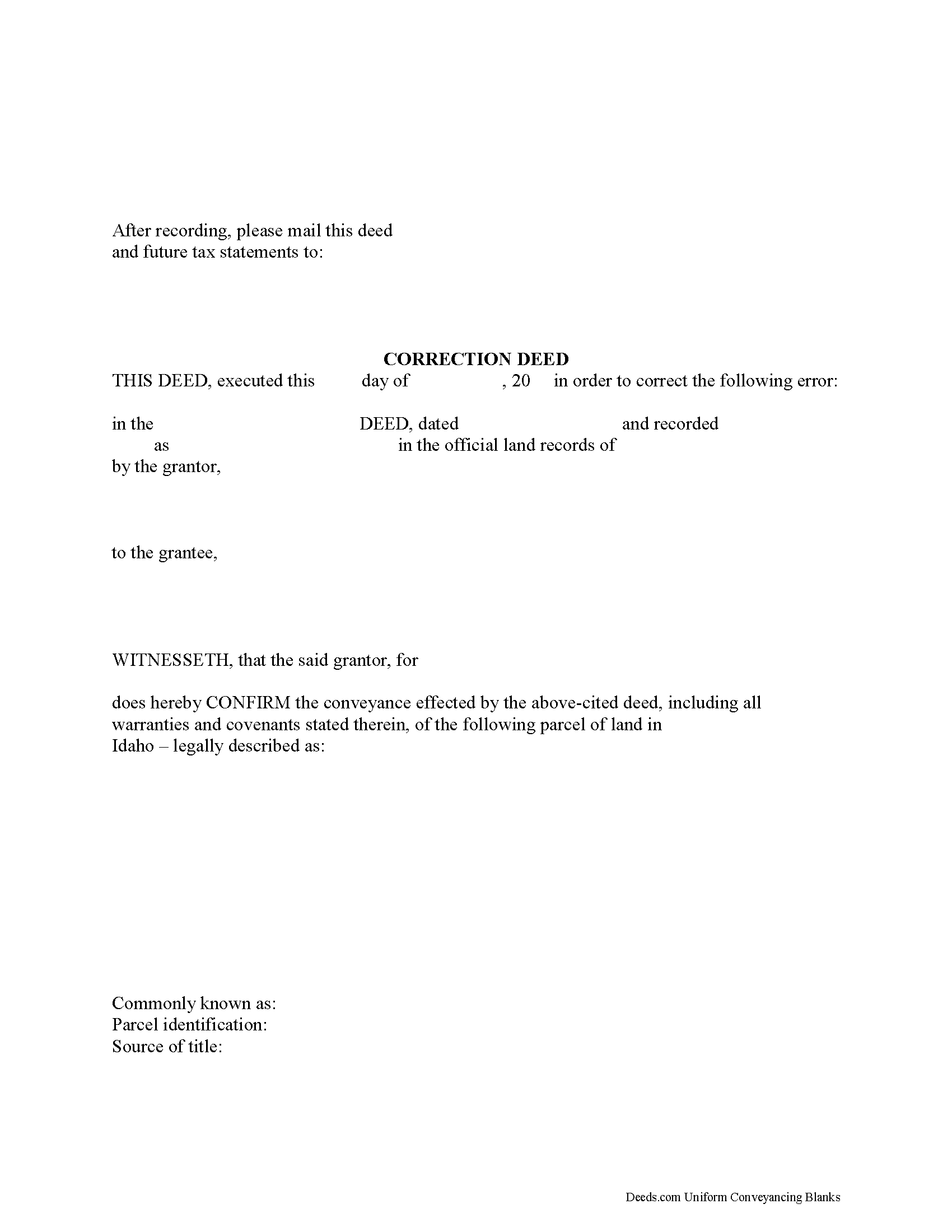
Owyhee County Correction Deed Form
Fill in the blank form formatted to comply with all recording and content requirements.
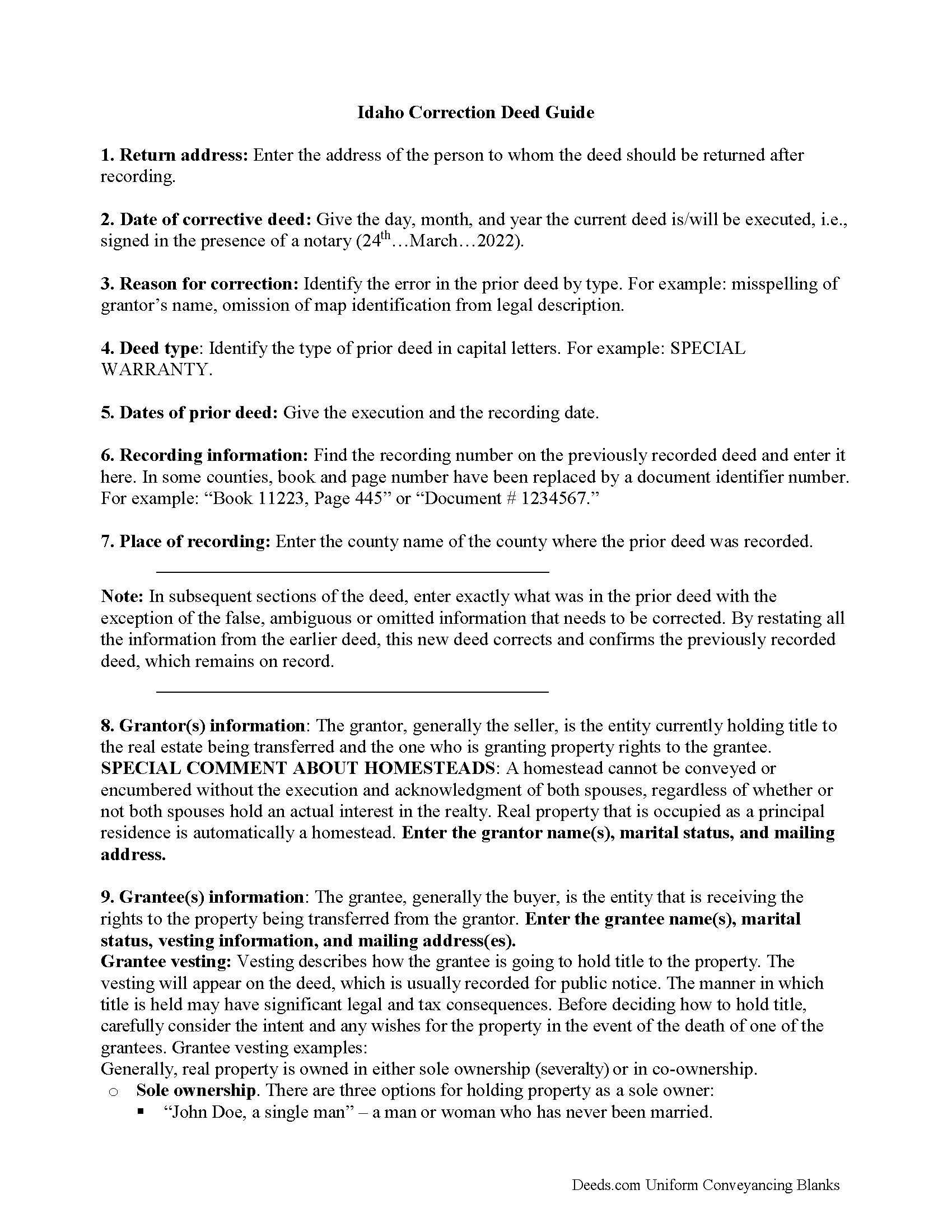
Owyhee County Correction Deed Guide
Line by line guide explaining every blank on the form.
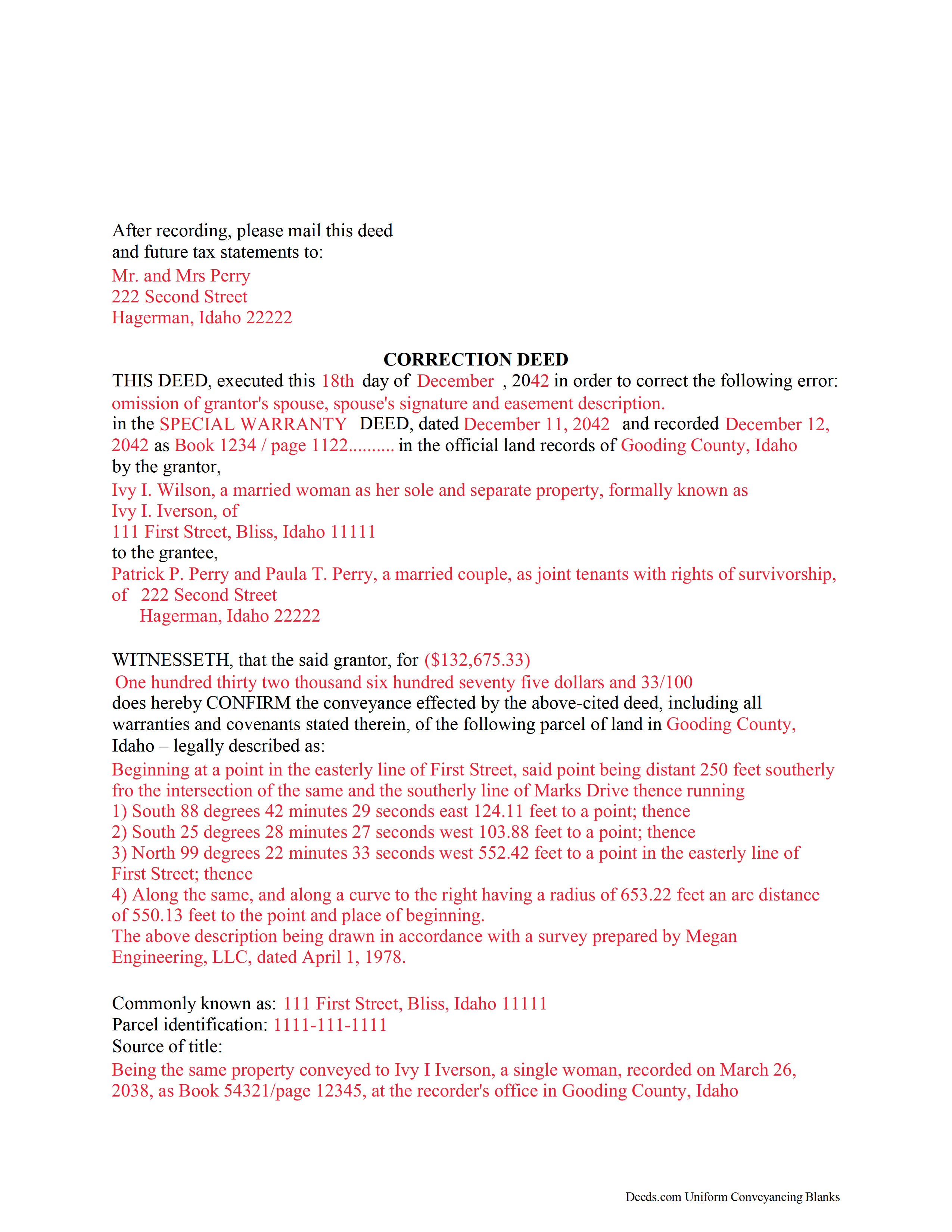
Owyhee County Completed Example of the Correction Deed Document
Example of a properly completed form for reference.
All 3 documents above included • One-time purchase • No recurring fees
Immediate Download • Secure Checkout
Additional Idaho and Owyhee County documents included at no extra charge:
Where to Record Your Documents
Owyhee County Clerk-Auditor-Recorder
Murphy, Idaho 83650
Hours: 8:00 to 12:00 & 1:00 to 5:00 Mon-Fri
Phone: (208) 495-2421
Recording Tips for Owyhee County:
- Bring your driver's license or state-issued photo ID
- Ensure all signatures are in blue or black ink
- Make copies of your documents before recording - keep originals safe
- Recorded documents become public record - avoid including SSNs
- Recording fees may differ from what's posted online - verify current rates
Cities and Jurisdictions in Owyhee County
Properties in any of these areas use Owyhee County forms:
- Bruneau
- Grand View
- Homedale
- Marsing
- Murphy
Hours, fees, requirements, and more for Owyhee County
How do I get my forms?
Forms are available for immediate download after payment. The Owyhee County forms will be in your account ready to download to your computer. An account is created for you during checkout if you don't have one. Forms are NOT emailed.
Are these forms guaranteed to be recordable in Owyhee County?
Yes. Our form blanks are guaranteed to meet or exceed the applicable formatting requirements used for recording in Owyhee County, including margin requirements, font requirements, and other layout standards. This guarantee applies to formatting, not to the legal sufficiency of information entered by the user or the suitability of a form for a particular transaction.
Can I reuse these forms?
Yes. You can reuse the forms for your personal use. For example, if you have multiple properties in Owyhee County you only need to order once.
What do I need to use these forms?
The forms are PDFs that you fill out on your computer. The free Adobe Acrobat Reader is recommended, and most PDF apps also work. You do NOT enter your property information online - you download the blank forms and complete them privately on your own computer.
Are there any recurring fees?
No. This is a one-time purchase. Nothing to cancel, no memberships, no recurring fees.
How much does it cost to record in Owyhee County?
Recording fees in Owyhee County vary. Contact the recorder's office at (208) 495-2421 for current fees.
Questions answered? Let's get started!
Use the correction deed to correct an error in a previously recorded quitclaim, warranty or grant deed in Idaho.
Errors in a previously recorded deed can be corrected by re-recording the corrected deed or by preparing and recording a new correction deed. This helps to prevent title flaws, which may cause problems when the current owner attempts to sell the property. The correction deed does not convey title but confirms the prior conveyance.
For small errors, corrections can be made directly on the original deed and initialed by the signors before the deed is re-recorded. For lengthier errors, the best option is to prepare and record a new corrective deed, executed from the original grantor to the original grantee. Apart from supplying the corrected information, it must identify the reason for correcting and reference the prior deed by date, recording number and title.
When correcting the legal description or plat identification, both the grantor and the grantee should sign the corrective deed. If the original grantor is not available for some reason, an affidavit, signed by the grantee and indexed under the name of both the grantor and grantee, may be the best way to effect a correction.
For certain types of changes, however, a correction deed may not be appropriate. Adding or removing a grantee, for example, or changing the manner in which title is held, or making material changes to the legal description, especially deleting a portion of the originally transferred property, may all require a new deed of conveyance instead of a correcting the original deed. When in doubt about how to correct an error, consult with a lawyer.
Important: Your property must be located in Owyhee County to use these forms. Documents should be recorded at the county recording office listed above.
This Correction Deed meets all recording requirements specific to Owyhee County.
Our Promise
The documents you receive here are guaranteed to meet or exceed the applicable Owyhee County recording format requirements. If there is a rejection caused by our formatting, we will correct the issue or refund your payment. This guarantee applies to document formatting only and does not extend to information entered by the user, the selection of the form, or the legal effect of the completed document.
Save Time and Money
Get your Owyhee County Correction Deed form done right the first time with Deeds.com Uniform Conveyancing Blanks. At Deeds.com, we understand that your time and money are valuable resources, and we don't want you to face a penalty fee or rejection imposed by a county recorder for submitting nonstandard documents. We constantly review and update our forms to meet rapidly changing state and county recording requirements for roughly 3,500 counties and local jurisdictions.
4.8 out of 5 - ( 4,820 Reviews )
Carol A. 5 out of 5 stars
great
Thank you!
Lindsey B. 5 out of 5 stars
The e-recording service was invaluable. This was my first experience recording a document in any capacity. The feedback I received was useful, concise, and presented kindly. I cannot imagine having to try to record by mail, or without the guidance that was provided to me.
We are delighted to have been of service. Thank you for the positive review!
Stephen F. 5 out of 5 stars
Easy to use. Outstanding interface.
Thank you!
Jessica H. 5 out of 5 stars
As a first time user I was a little skeptical of the service. But Deeds.com put all my worries aside. Their service is quick and easy. I will definitely be using it again.
We appreciate your business and value your feedback. Thank you. Have a wonderful day!
Diana M. 5 out of 5 stars
First time user - process went very smooth and fast. It took me a little to find my messages. At first I didn't know you process documents other than deeds so maybe you should consider putting on your home page that it's not only for deeds - it's for any document that needs recording. :)
Thank you for your feedback. We really appreciate it. Have a great day!
Benjamin B. 5 out of 5 stars
Your software was beneficial; facilitating preparation of a legal document and cover page in a state where I had limited legal experience.
Thank you for your feedback. We really appreciate it. Have a great day!
John L. 5 out of 5 stars
WOW, This site saved me from going to a lawyer. Not only do they give you great directions, they also include a sample that is extremely helpful.
We appreciate your business and value your feedback. Thank you. Have a wonderful day!
Robert S. 5 out of 5 stars
My Quick claim formsi downloaded had not come through so I contacted customer service and they provided me with the instructions on how to retrieve my forms, A plus service.
We are delighted to have been of service. Thank you for the positive review!
Gerry C. 4 out of 5 stars
Forms appear to be most current and instructions clear. Inserting grantor/grantee information onto form a bit "clunky" however no major issues. I will be using services again.
Thank you!
Thaddeus E. 5 out of 5 stars
Quick assistance with same day recording. The tech identified barriers to successful Recordation such as image quality and worked with me to get them resolved for timely submission.
We are delighted to have been of service. Thank you for the positive review!
Martha R. 5 out of 5 stars
Provided all the info that I needed.
We appreciate your business and value your feedback. Thank you. Have a wonderful day!
Linda M L. 3 out of 5 stars
Easy to use, documents look good, but pretty expensive.
Thank you for your feedback. We really appreciate it. Have a great day!
Alan C. 3 out of 5 stars
I thought the instructions could have been a little better. I didn't know how to do this if the spouses are married but living in separate residences. Also I didn't understand the "Prior Instrument Reference". That should be explained better. Very sketchy instructions.
Thank you for your feedback. We really appreciate it. Have a great day!
Dawn L. 5 out of 5 stars
Not totally satisfied as unable to edit as needed on signature page of the deed. I want to be able to date the document and don't want the verbage "signed, sealed and delivered in the presence of" to appear and cannot remove it. The notary will make his or her own statement below as to the date executed.
Thank you for your feedback. We really appreciate it. Have a great day!
Casey W. 5 out of 5 stars
Excellent service, quick and right to the point, without a monthly subscription! Perfect for filers of single documents! Thanks!
Thank you for your feedback. We really appreciate it. Have a great day!