Gem County Quitclaim Deed (Individual Grantor) Form
Last validated October 20, 2026 by our Forms Development TeamFormatted for recording in Gem County, for property anywhere in the county: rural and unincorporated areas as well as Emmett, Letha, Ola, Sweet.
- 3 documents included
- Immediate PDF download
- Formatting guarantee
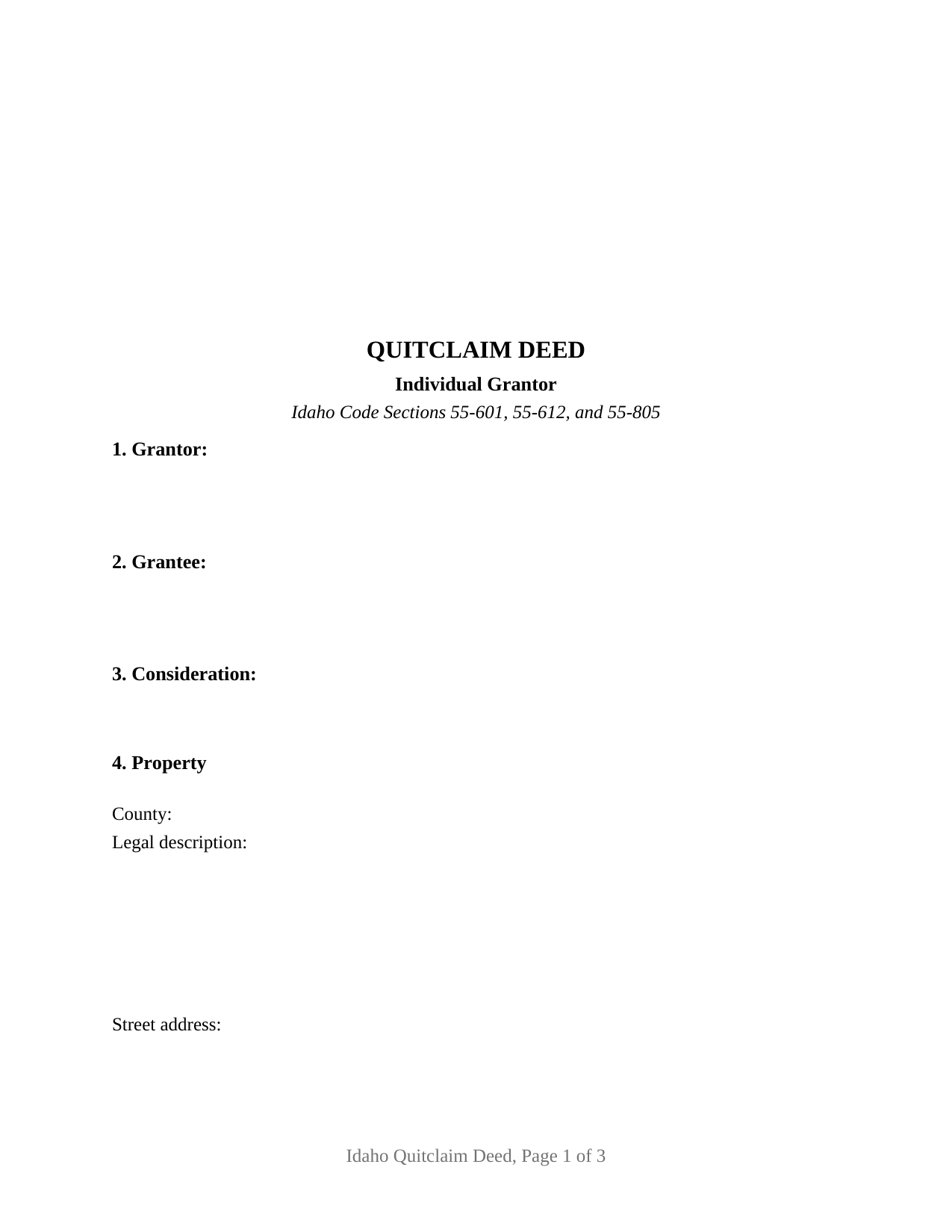
Gem County Quitclaim Deed (Individual Grantor) Form
Fill in the blank Quitclaim Deed (Individual Grantor) form formatted to comply with all Idaho recording and content requirements.
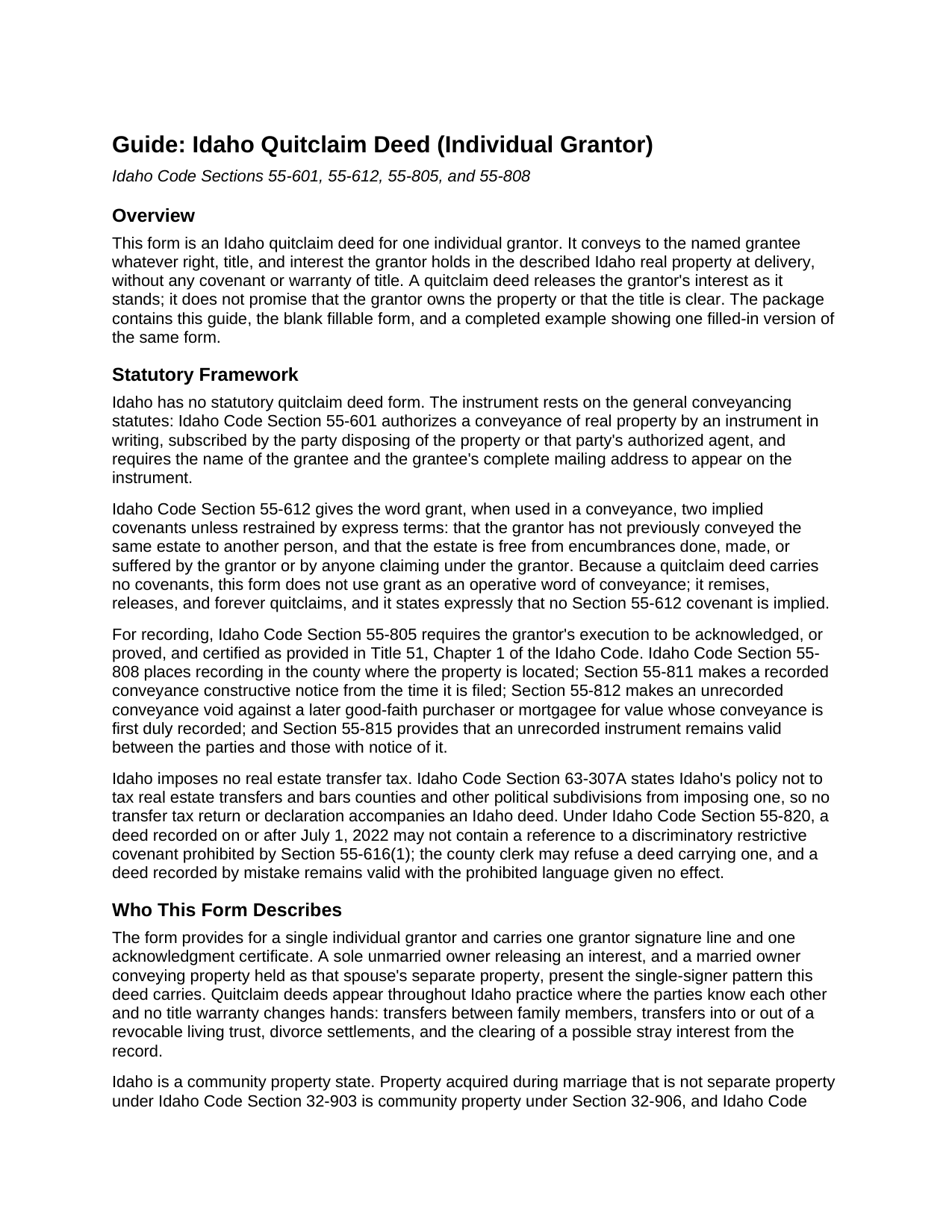
Gem County Quitclaim Deed (Individual Grantor) Guide
Line by line guide explaining every blank on the Quitclaim Deed (Individual Grantor) form.
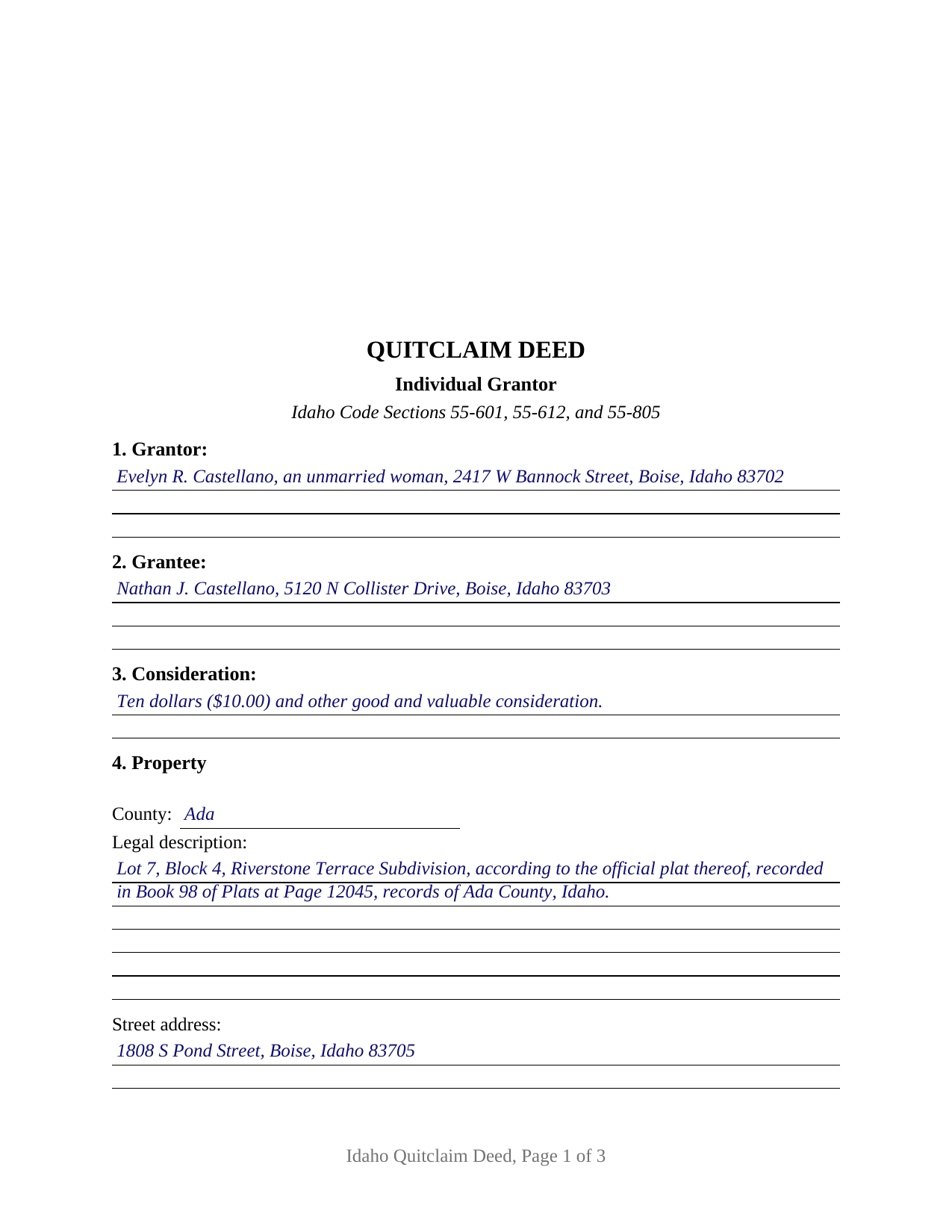
Gem County Completed Example of the Quitclaim Deed (Individual Grantor) Document
Example of a properly completed Idaho Quitclaim Deed (Individual Grantor) document for reference.
All 3 documents above included • One-time purchase • No recurring fees
Immediate Download • Secure Checkout
Additional Idaho and Gem County documents included at no extra charge:
Where to Record Your Documents
Gem County Clerk-Auditor-Recorder
Emmett, Idaho 83617-3096
Hours: 8:00 a.m. – 5:00 p.m. Monday-Friday
Phone: (208) 365-4561
Recording Tips for Gem County:
- Bring your driver's license or state-issued photo ID
- Ensure all signatures are in blue or black ink
- White-out or correction fluid may cause rejection
- Ask about their eRecording option for future transactions
- Avoid the last business day of the month when possible
Cities and Jurisdictions in Gem County
Properties in any of these areas use Gem County forms:
- Emmett
- Letha
- Ola
- Sweet
Hours, fees, requirements, and more for Gem County
How do I get my forms?
Forms are available for immediate download after payment. The Gem County forms will be in your account ready to download to your computer. An account is created for you during checkout if you don't have one. Forms are NOT emailed.
Are these forms guaranteed to be recordable in Gem County?
Yes. Our form blanks are guaranteed to meet or exceed the applicable formatting requirements used for recording in Gem County, including margin requirements, font requirements, and other layout standards. This guarantee applies to formatting, not to the legal sufficiency of information entered by the user or the suitability of a form for a particular transaction.
Can I reuse these forms?
Yes. You can reuse the forms for your personal use. For example, if you have multiple properties in Gem County you only need to order once.
What do I need to use these forms?
The forms are PDFs that you fill out on your computer. The free Adobe Acrobat Reader is recommended, and most PDF apps also work. You do NOT enter your property information online - you download the blank forms and complete them privately on your own computer.
Are there any recurring fees?
No. This is a one-time purchase. Nothing to cancel, no memberships, no recurring fees.
How much does it cost to record in Gem County?
Recording fees in Gem County vary. Contact the recorder's office at (208) 365-4561 for current fees.
Questions answered? Let's get started!
This quitclaim deed is set up for one individual grantor conveying Idaho real property. The form carries a single grantor signature line and a single acknowledgment certificate, and it transfers to the named grantee exactly the interest the grantor holds at delivery, whatever that interest turns out to be, without any warranty of title.
A release of interest, not a promise of title
A quitclaim deed, often searched as a quit claim deed, releases whatever the grantor owns rather than promising what the grantee will get. It carries no covenant that the title is clear, no promise to defend it, and no assurance that the grantor owns anything at all; existing mortgages, liens, easements, and restrictions ride through the conveyance untouched. That bare mechanism is exactly why the instrument appears so often in Idaho records between parties who already know the title: transfers between relatives, deeds moving property into or out of a revocable living trust, divorce settlements dividing what the decree awarded, and deeds clearing a stray or doubtful interest from the chain of title.
Why the word grant does not appear
Idaho attaches legal consequences to a single word. Under Idaho Code Section 55-612, a conveyance that uses grant as an operative word implies two covenants unless the deed expressly restrains them: that the grantor has not already conveyed the same estate to someone else, and that the estate is free of encumbrances the grantor created or suffered. A quitclaim deed exists to convey without covenants, so this form remises, releases, and forever quitclaims, and its conveyance section states expressly that no Section 55-612 covenant is implied. The deed also satisfies the content rule of Idaho Code Section 55-601, which requires the grantee's name and complete mailing address on the face of the instrument.
One grantor, one signature, one certificate
The form recites exactly one grantor. It carries that grantor's signature line, a printed-name and date entry, and one notarial certificate in the statutory short form of Idaho Code Section 51-116, the acknowledgment Idaho Code Section 55-805 requires before a deed is entitled to record. Idaho deeds take no subscribing witnesses. An unmarried owner, and a married owner conveying non-homestead separate property, present the single-signer pattern the form recites; so does the interspousal transfer under Idaho Code Section 32-906(2), where one spouse deeds to the other and only the grantor spouse executes and acknowledges the instrument. Idaho is a community property state, and a conveyance of community real estate joins both spouses under Idaho Code Section 32-912, as does a conveyance of a married person's homestead under Section 55-1007; the form is not set up as a two-spouse instrument, and those configurations follow a different signing pattern.
Recording in the county where the land lies
An Idaho deed is recorded with the county recorder of the county where the property is located, and the recording fee is set statewide at fifteen dollars for a deed of thirty pages or fewer. Idaho imposes no transfer tax and asks for no transfer declaration, so the acknowledged deed is ordinarily the complete recording package. Recording is how the grantee's priority is protected: Idaho follows a race-notice rule, and an unrecorded conveyance is void against a later good-faith purchaser for value who records first. The first page of this form reserves a full three inches at the top, which covers every recording-stamp and label space published by Idaho county recorders, and the layout meets the statutory page size and legibility standards for recorded instruments.
What arrives with the download
The purchase delivers the fillable quitclaim deed form, a completed example showing a realistic Ada County transfer filled in section by section, and a guide that walks through each entry, the signing and notarization step, and the recording process. The materials describe Idaho law in general terms and are informational only, not legal advice; an Idaho attorney can address how these rules operate on a specific title.
Important: Your property must be located in Gem County to use these forms. Documents should be recorded at the county recording office listed above.
This Quitclaim Deed (Individual Grantor) meets all recording requirements specific to Gem County.
Our Promise
The documents you receive here are guaranteed to meet or exceed the applicable Gem County recording format requirements. If there is a rejection caused by our formatting, we will correct the issue or refund your payment. This guarantee applies to document formatting only and does not extend to information entered by the user, the selection of the form, or the legal effect of the completed document.
Save Time and Money
Get your Gem County Quitclaim Deed (Individual Grantor) form done right the first time with Deeds.com Uniform Conveyancing Blanks. At Deeds.com, we understand that your time and money are valuable resources, and we don't want you to face a penalty fee or rejection imposed by a county recorder for submitting nonstandard documents. We constantly review and update our forms to meet rapidly changing state and county recording requirements for roughly 3,500 counties and local jurisdictions.
4.8 out of 5 - ( 4,829 Reviews )
Betty S. 5 out of 5 stars
Thank you for the excellent and complete layout of all forms needed to complete the Affidavit of Death and Heirship, including the notarial officer and an example of how these forms should be completed. This method definitely saves time and money and an answer to my family's Prayers.
Thank you for your feedback. We really appreciate it. Have a great day!
Andrew M. 5 out of 5 stars
Very easy to find the Quitclaim Deed form I needed. It was correct format and was accepted by my bank.
We appreciate your business and value your feedback. Thank you. Have a wonderful day!
annie m. 5 out of 5 stars
recently joined Deeds.com. still exploring the site. has been very helpful in providing local information for recording, such as fees and requirements. i am working to correct mistakes made within a deed. it is amazing how these municipalities operate outside the scope of Article 1, Section 8, Clause 17; to claim land is "in" the "State of ____. when the land is actually not ceded to the United States of America as for use for needful buildings. beware of the fraud perpetrated by Attorneys in the recording of your Deeds. Registration as "RESIDENTIAL" puts your private-use land on the TAX rolls with the use of that one word. i recommend this site as it appears there is information for each state and each county office. will update my review once i place an order.
Thank you!
Christopher B. 4 out of 5 stars
The service was simple and easy enough but the UI isn't the easiest on the eyes and the process is a tad strange.
Thank you for your feedback. We really appreciate it. Have a great day!
Phyllis A. 5 out of 5 stars
The turnaround was excellent. The lady I spoke with was a great help and returned my document very quickly.
Thank you for your feedback. We really appreciate it. Have a great day!
ROBERT M. 5 out of 5 stars
Lots of Info. Forms seem straightforward. Easy to Fill out.
Thank you for your feedback. We really appreciate it. Have a great day!
Gabriela C. 5 out of 5 stars
Easy
Thank you!
Thomas E. 5 out of 5 stars
Great, immediate access to everything I needed to assist my client! This is truly a great resource for a Notary Public! I will surely keep my account open, and will refer others as well!
Thank you for the Kind words Thomas. We really appreciate you! Have a great day.
Bruce C. 5 out of 5 stars
Easy to navigate. The guide and sample helped a lot, including the availability of "Exhibit A". Knowing your documents are guaranteed to be in the required format and the ease of using your forms has been a great service, Thank you!
Your feedback is greatly appreciated. Thank you for taking the time to share your experience!
LIDIA M. 5 out of 5 stars
excellent
Thank you!
Darren G. 3 out of 5 stars
Your beneficiary deed sample contains a error of the LDPS designation. I copied the designation of LPDS instead of the correct designation
Thank you for your feedback. We really appreciate it. Have a great day!
Donald S. 5 out of 5 stars
Good
Thank you!
EUGENE S. 5 out of 5 stars
SIMPLE EASY TO UNDERSTAND PROCESS
We appreciate your business and value your feedback. Thank you. Have a wonderful day!
Juanita G. 5 out of 5 stars
Easy and efficient service. The communication is on point. Thank you!
Thank you for your positive words! We’re thrilled to hear about your experience.
Fawn T. 5 out of 5 stars
So easy, forms were great, examples of filled out forms, and instructions guide. Made it way easier, totally worth it!
We appreciate your business and value your feedback. Thank you. Have a wonderful day!