Macoupin County Mechanics Lien Preliminary 90 Day Notice Form
Last validated October 30, 2026 by our Forms Development TeamFormatted for recording in Macoupin County, for property anywhere in the county: rural and unincorporated areas as well as Benld, Brighton, Bunker Hill, Carlinville, Chesterfield, Eagarville, Gillespie, Girard and 12 more.
- 3 documents included
- Immediate PDF download
- Formatting guarantee
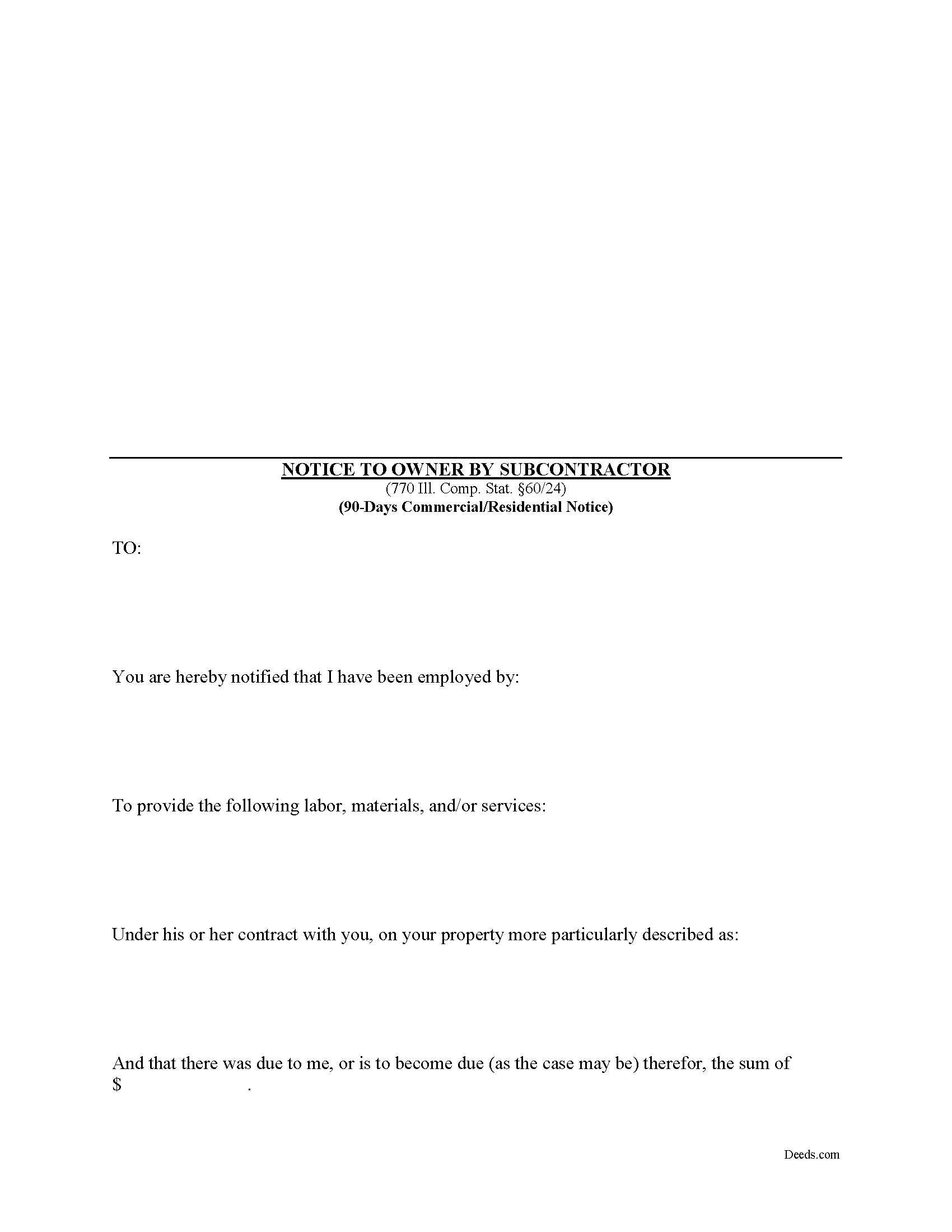
Macoupin County Mechanics Lien Preliminary 90 Day Notice Form
Fill in the blank Mechanics Lien Preliminary 90 Day Notice form formatted to comply with all Illinois recording and content requirements.
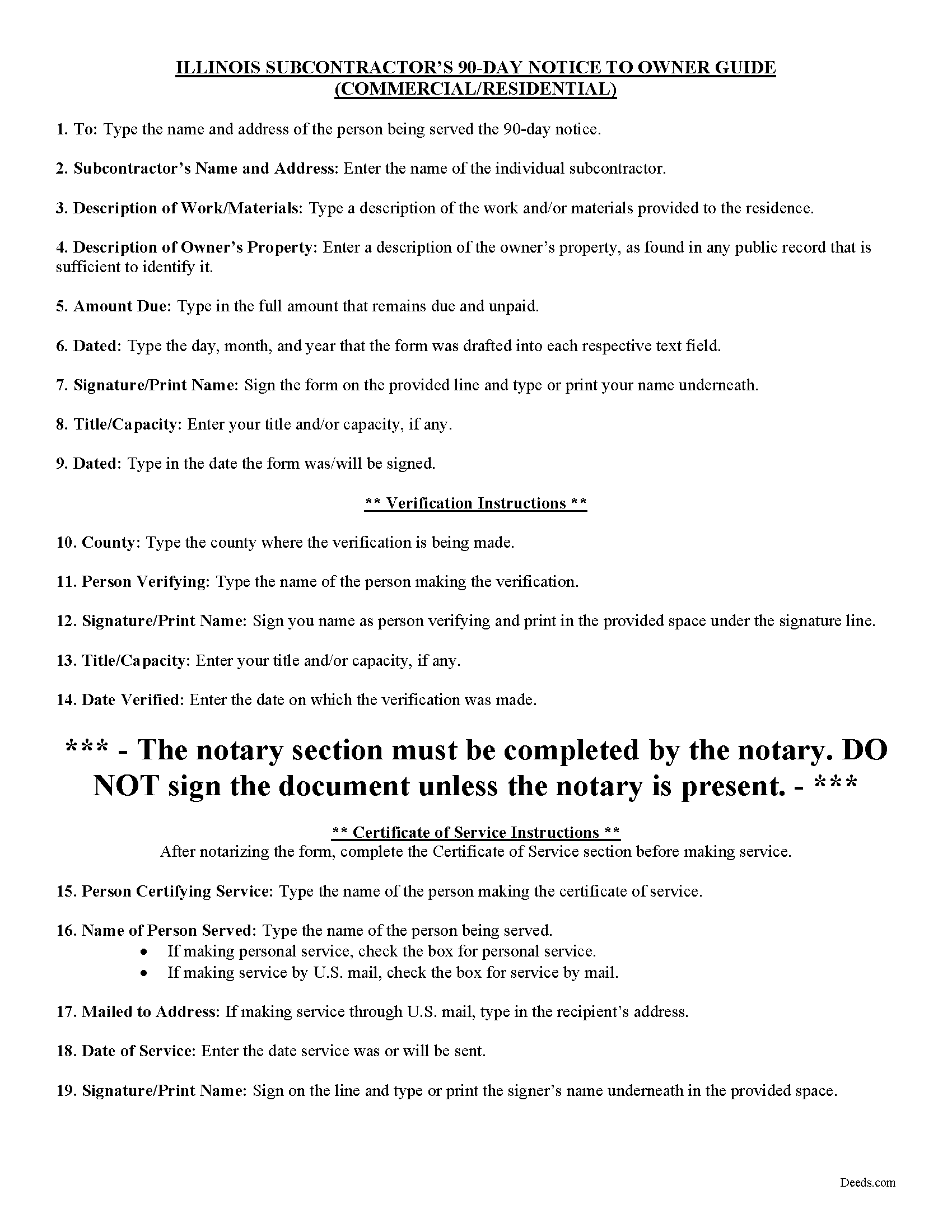
Macoupin County Preliminary 90 Day Notice Guide
Line by line guide explaining every blank on the form.
Macoupin County Completed Example of the Preliminary 90 Day Notice Document
Example of a properly completed form for reference.
All 3 documents above included • One-time purchase • No recurring fees
Immediate Download • Secure Checkout
Additional Illinois and Macoupin County documents included at no extra charge:
Where to Record Your Documents
Macoupin County Clerk/Recorder
Carlinville, Illinois 62626-0197
Hours: 8:30 to 4:30 M-F
Phone: (217) 854-3214
Recording Tips for Macoupin County:
- Bring your driver's license or state-issued photo ID
- Ensure all signatures are in blue or black ink
- Both spouses typically need to sign if property is jointly owned
- Bring extra funds - fees can vary by document type and page count
- Check margin requirements - usually 1-2 inches at top
Cities and Jurisdictions in Macoupin County
Properties in any of these areas use Macoupin County forms:
- Benld
- Brighton
- Bunker Hill
- Carlinville
- Chesterfield
- Eagarville
- Gillespie
- Girard
- Hettick
- Modesto
- Mount Olive
- Nilwood
- Palmyra
- Piasa
- Sawyerville
- Scottville
- Shipman
- Staunton
- Virden
- Wilsonville
Hours, fees, requirements, and more for Macoupin County
How do I get my forms?
Forms are available for immediate download after payment. The Macoupin County forms will be in your account ready to download to your computer. An account is created for you during checkout if you don't have one. Forms are NOT emailed.
Are these forms guaranteed to be recordable in Macoupin County?
Yes. Our form blanks are guaranteed to meet or exceed the applicable formatting requirements used for recording in Macoupin County, including margin requirements, font requirements, and other layout standards. This guarantee applies to formatting, not to the legal sufficiency of information entered by the user or the suitability of a form for a particular transaction.
Can I reuse these forms?
Yes. You can reuse the forms for your personal use. For example, if you have multiple properties in Macoupin County you only need to order once.
What do I need to use these forms?
The forms are PDFs that you fill out on your computer. The free Adobe Acrobat Reader is recommended, and most PDF apps also work. You do NOT enter your property information online - you download the blank forms and complete them privately on your own computer.
Are there any recurring fees?
No. This is a one-time purchase. Nothing to cancel, no memberships, no recurring fees.
How much does it cost to record in Macoupin County?
Recording fees in Macoupin County vary. Contact the recorder's office at (217) 854-3214 for current fees.
Questions answered? Let's get started!
This statutory form is meant for use by subcontractors or others who are not directly contracted for work with the property owner.
For residential, owner-occupied projects, the 90-day notice form is the second preliminary notice sent in anticipation of filing a lien (the 60-day notice must be served beforehand sent via certified mail within 60 days from the first furnishing). For a commercial project, the 90-day form is the first notice sent to the owner. Either way, both commercial and residential jobs require the 90-day notice prior to filing a lien. 770 Ill. Comp. Stat. 60/24(a).
The 90-day notice is a demand for payment that must be sent by all contractors, subcontractors, laborers, and material/equipment suppliers who have not directly contracted with the owner or the owner's agent. Note that all eligible workers must send the notice within 90 days after the final furnishing of work or delivery of materials to the jobsite. Id. Any substantial additional or extra work can enlarge the time, but mere corrections of previously completed work will not affect the end date. Be aware the time is 90 days, not three months, so count 90 days from the date labor or materials were last furnished.
Serve the notice either through personal service by using a process server, or use the easier and less expensive option of certified mail. The notice does not have to be recorded but keep track of all dates and confirmations of receipt of service to help create a paper trail if a lien becomes necessary. If the deadlines are near, consider a process server. If mailing, serve the notice by certified mail, return receipt requested on the owner, the mortgage lenders, and the general contractor.
The 90-day notice must be verified which means the contractor's signature represents the contents of the notice are accurate and true. The notice must also be notarized by signing it in front of a licensed Notary Public who affixes his or her seal to the document.
This article is provided for informational purposes only and does not constitute legal advice. If you have any questions about mechanic's liens, including the preliminary notices, please consult an attorney.
Important: Your property must be located in Macoupin County to use these forms. Documents should be recorded at the county recording office listed above.
This Mechanics Lien Preliminary 90 Day Notice meets all recording requirements specific to Macoupin County.
Our Promise
The documents you receive here are guaranteed to meet or exceed the applicable Macoupin County recording format requirements. If there is a rejection caused by our formatting, we will correct the issue or refund your payment. This guarantee applies to document formatting only and does not extend to information entered by the user, the selection of the form, or the legal effect of the completed document.
Save Time and Money
Get your Macoupin County Mechanics Lien Preliminary 90 Day Notice form done right the first time with Deeds.com Uniform Conveyancing Blanks. At Deeds.com, we understand that your time and money are valuable resources, and we don't want you to face a penalty fee or rejection imposed by a county recorder for submitting nonstandard documents. We constantly review and update our forms to meet rapidly changing state and county recording requirements for roughly 3,500 counties and local jurisdictions.
4.8 out of 5 - ( 4,846 Reviews )
Russell B. 5 out of 5 stars
complete package as promised at a very reasonable cost. Easy forms to complete. Thank you. Definitely 5 stars!!!
Thank you for your feedback. We really appreciate it. Have a great day!
David B. 5 out of 5 stars
fast and easy.
Thank you!
Caroline M. L. 5 out of 5 stars
Hopefully, I am on the correct site to transfer ownership of a time share to my son. I am a senior, and this site is easy to follow if I am on the correct site. : )
Thank you for your feedback. We really appreciate it. Have a great day!
Jesse S. 5 out of 5 stars
I am excited for your service. I'm counting on this working-and calling to see if I can e-file with the County of dealing with, and if so, your service will have saved me more years of stress, worrying about how to correct a deed that was titled incorrectly.
Thank you!
Shannon y. 5 out of 5 stars
Awesome , easy-to-use and find exactly what I was needing and saved me alot of headache and money. Will definitely recommend to anyone
Your review means a lot to us. Thank you for taking the time.
Charlotte A. 4 out of 5 stars
This information gave me enough to complete a quit claim deed yesterday
Thank you for your positive words! We’re thrilled to hear about your experience.
Rosie R. 5 out of 5 stars
LOVE THIS!! I am a REALTORand from time to time I have had to take documents for filing. I'm so glad I invested some time online researching eFiling services. The first few search results that populated required an expensive annual or monthly subscription. Luckily I continued to scroll and found Deeds.com. No annual or monthly subscription required. Just pay per use. I uploaded a ROL late one night and Deed.com had it eFiled the very next morning!!! They keep you updated throughout the process via email notifications which you click on the link provided in the email that directs you to your online portal to view the status and once your documents have been filed you can immediately download the filed of record documents including the receipt from the county in which the documents were filed. SO SIMPLE, CONVENIENT, & QUICK-THANK YOU DEEDS.com!!!
We appreciate your business and value your feedback. Thank you. Have a wonderful day!
David S. 5 out of 5 stars
Very good website. All government should be that clear and efficient.
Thank you!
Robyn D. 5 out of 5 stars
Excellent service, knowledgeable and helpful representatives via the messaging service. Reliable information provided by reps, overall excellent experience.
We appreciate your business and value your feedback. Thank you. Have a wonderful day!
David H. 5 out of 5 stars
Thank You the form is easy to use.
Thank you!
Stacie L. 5 out of 5 stars
The deed is great. However, I do not believe your Statement of Full Consideration is up to date as it does not give the reference for an exemption on the Transfer on Death Deed.
Thank you Stacie. We'll take a look at those supplemental forms. Have a great day!
Lowell P. 5 out of 5 stars
Exceptionally helpful instruments that are compliant with State law and anticipate various contingencies. Very pleased.
Thank you for your feedback. We really appreciate it. Have a great day!
Gordon J. 5 out of 5 stars
The experience was generally very satisfactory. I was able to fill out the Trust Deed and send it via email no problem. However, I was not able to send the filled out form of the Note. It always erased my fill-ins when it was sent. I found that very frustrating.
Thank you, Gordon. Glad the Trust Deed worked well. Issues like the one you reported with the Note can sometimes be related to how the file is opened or sent. Using Adobe Reader to fill, save, and send the form is recommended. We also pass along all feedback like this to our team to confirm there are no issues.
Gregory B. 5 out of 5 stars
I believe you need more instruction on the use of the web site. I would type and nothing would appear on the form. When I tried to save a completed form I ended with a blank form with no detail.
Thank you!
Catherine B. 5 out of 5 stars
Trying to get a hold of someone in the office is very difficult. This made it so much easier, thank you!
Thank you for your feedback. We really appreciate it. Have a great day!