Macoupin County Quitclaim Deed (Trustee Grantee) Form
Last validated September 24, 2026 by our Forms Development TeamFormatted for recording in Macoupin County, for property anywhere in the county: rural and unincorporated areas as well as Benld, Brighton, Bunker Hill, Carlinville, Chesterfield, Eagarville, Gillespie, Girard and 12 more.
- 3 documents included
- Immediate PDF download
- Formatting guarantee
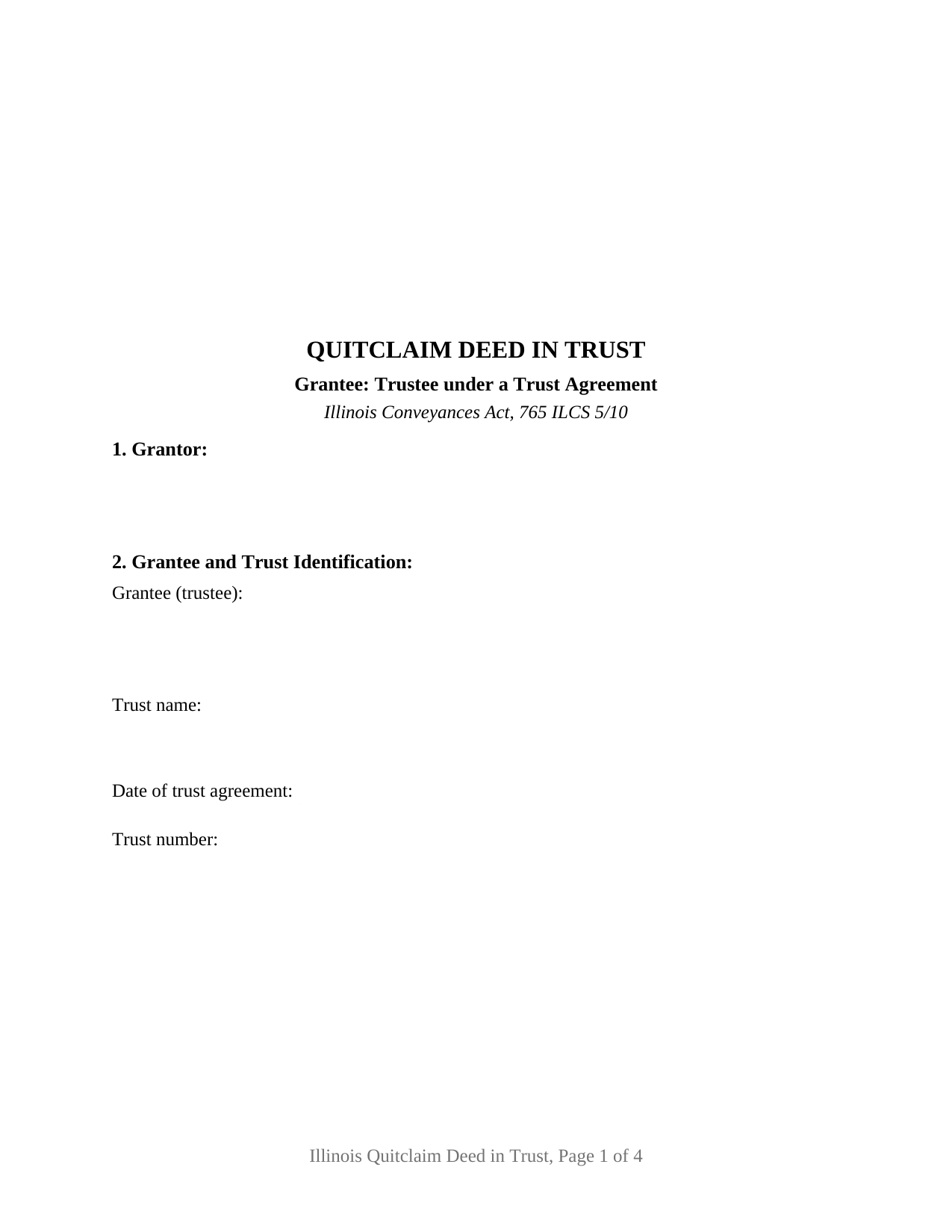
Macoupin County Quitclaim Deed (Trustee Grantee) Form
Fill in the blank Quitclaim Deed (Trustee Grantee) form formatted to comply with all Illinois recording and content requirements.
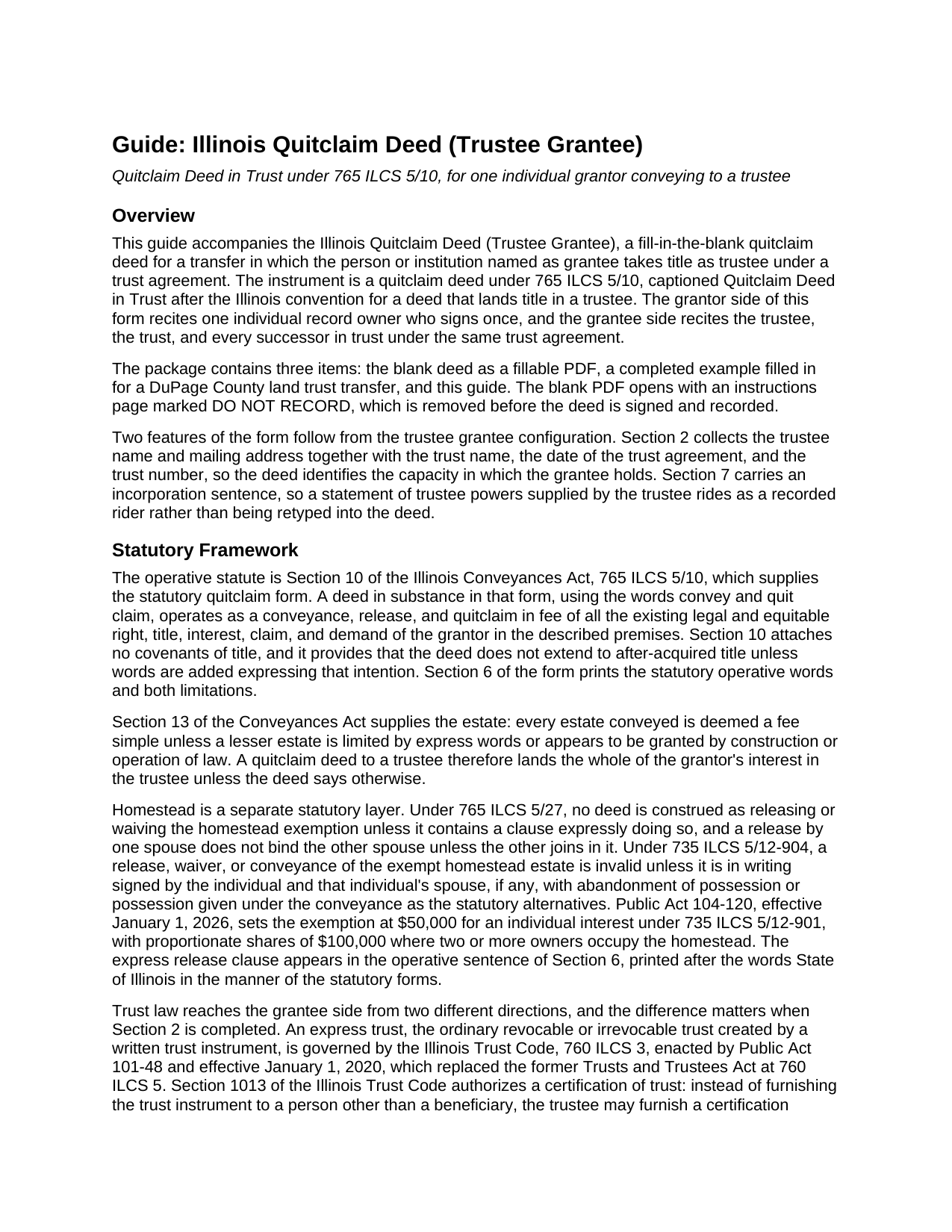
Macoupin County Quitclaim Deed (Trustee Grantee) Guide
Line by line guide explaining every blank on the Quitclaim Deed (Trustee Grantee) form.
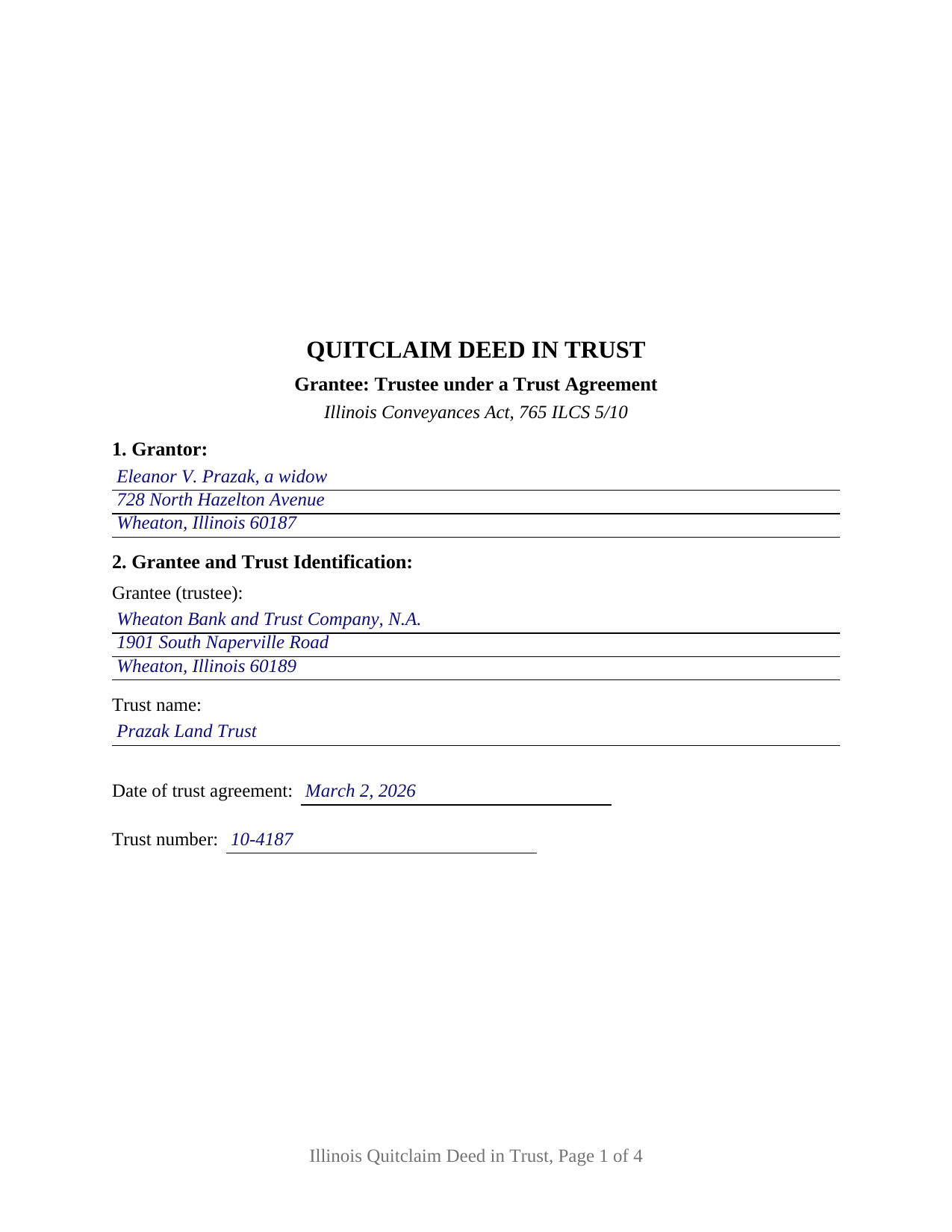
Macoupin County Completed Example of the Quitclaim Deed (Trustee Grantee) Document
Example of a properly completed Illinois Quitclaim Deed (Trustee Grantee) document for reference.
All 3 documents above included • One-time purchase • No recurring fees
Immediate Download • Secure Checkout
Additional Illinois and Macoupin County documents included at no extra charge:
Where to Record Your Documents
Macoupin County Clerk/Recorder
Carlinville, Illinois 62626-0197
Hours: 8:30 to 4:30 M-F
Phone: (217) 854-3214
Recording Tips for Macoupin County:
- Bring your driver's license or state-issued photo ID
- Ensure all signatures are in blue or black ink
- Ask about their eRecording option for future transactions
- Avoid the last business day of the month when possible
- Both spouses typically need to sign if property is jointly owned
Cities and Jurisdictions in Macoupin County
Properties in any of these areas use Macoupin County forms:
- Benld
- Brighton
- Bunker Hill
- Carlinville
- Chesterfield
- Eagarville
- Gillespie
- Girard
- Hettick
- Modesto
- Mount Olive
- Nilwood
- Palmyra
- Piasa
- Sawyerville
- Scottville
- Shipman
- Staunton
- Virden
- Wilsonville
Hours, fees, requirements, and more for Macoupin County
How do I get my forms?
Forms are available for immediate download after payment. The Macoupin County forms will be in your account ready to download to your computer. An account is created for you during checkout if you don't have one. Forms are NOT emailed.
Are these forms guaranteed to be recordable in Macoupin County?
Yes. Our form blanks are guaranteed to meet or exceed the applicable formatting requirements used for recording in Macoupin County, including margin requirements, font requirements, and other layout standards. This guarantee applies to formatting, not to the legal sufficiency of information entered by the user or the suitability of a form for a particular transaction.
Can I reuse these forms?
Yes. You can reuse the forms for your personal use. For example, if you have multiple properties in Macoupin County you only need to order once.
What do I need to use these forms?
The forms are PDFs that you fill out on your computer. The free Adobe Acrobat Reader is recommended, and most PDF apps also work. You do NOT enter your property information online - you download the blank forms and complete them privately on your own computer.
Are there any recurring fees?
No. This is a one-time purchase. Nothing to cancel, no memberships, no recurring fees.
How much does it cost to record in Macoupin County?
Recording fees in Macoupin County vary. Contact the recorder's office at (217) 854-3214 for current fees.
Questions answered? Let's get started!
A deed that lands title in a trustee says more than who receives the property: it identifies the trust the trustee holds for, and it survives a change of trustee. This Illinois quitclaim deed is arranged for that transfer, in the form Illinois conveyancers caption a quitclaim deed in trust. One individual record owner signs as Grantor, and Section 2 names the trustee and pins the trust down by name, agreement date, and trust number.
A grantee clause built around the trust
The operative sentence carries the statutory words of 765 ILCS 5/10, conveys and quit claims, then does what an ordinary grantee clause does not: it runs the conveyance to the named trustee and to every successor or successors in trust under the same trust agreement, so a successor trustee appointed years later takes under the recorded deed. Section 2 also collects the trustee's mailing address, which 55 ILCS 5/3-5026 makes a condition of recording. The trust entries state the capacity in which the grantee holds, while the trust instrument remains the source of the trustee's authority.
Express trust or Illinois land trust
Illinois runs two title-holding regimes through the same grantee clause, and Section 2 accommodates both. An ordinary revocable or irrevocable trust is an express trust under the Illinois Trust Code, 760 ILCS 3, in force since January 1, 2020, where 760 ILCS 3/1013 lets a trustee furnish a certification of trust instead of the trust instrument, signed separately and not included here. A land trust is the other regime, and 760 ILCS 3/102 puts it outside the Trust Code entirely, leaving the trust agreement and Illinois common law to govern while the land trustee holds legal and equitable title and the beneficial interest counts as personal property under In re Estate of Alpert. Land trusts are usually known by number, which is why the trust number blank sits beside the trust name.
What the trustee grantee configuration carries
One individual record owner is named in Section 1, with one signature line and one acknowledgment certificate following the substance of 765 ILCS 5/26, and the express homestead waiver clause of 765 ILCS 5/27 prints inside the operative sentence. Section 7 is where a statement of trustee powers goes: the long full power and authority paragraph of Illinois deed in trust practice is conveyancing custom rather than a statutory requirement, so that section incorporates a rider the trustee supplies. Patterns presenting this configuration include a sole owner landing a parcel with a corporate trustee under a numbered land trust agreement, an heir passing an interest taken outright to the trustee already holding the rest of a family property, and an owner clearing a stray interest into the trust that holds the balance of the title. The deed is set up for an individual grantor rather than an entity, and its one signature line does not carry the second signature 735 ILCS 5/12-904 calls for from a spouse where an occupied homestead is conveyed elsewhere.
No covenant rides along to the trustee
Under the statutory quitclaim form the trustee takes exactly what the grantor held at delivery. Mortgages, judgment and tax liens, easements, plat restrictions, and leases of record continue against the property in the trustee's hands, no covenant of title accompanies the transfer, and after-acquired title stays outside the deed unless Section 7 adds express words reaching it. Record title moves; debt does not.
The recording package
The deed collects what Illinois conditions recording on: the 55 ILCS 5/3-5022 preparer statement, the return block, the document number the grantor took title by, and the 765 ILCS 5/35c tax bill endorsement, naming the trustee. Section 8 answers transfer tax either way, through the PTAX-203 declaration or MyDec with stamps at 50 cents per $500 of value, or through a signed and dated exemption notation citing the paragraph of 35 ILCS 200/31-45 relied on. One county rule reaches land trust deeds directly: 55 ILCS 5/3-5020(b) and (c) call for sworn grantor and grantee statements naming everyone holding a beneficial interest on an exempt transaction in a county of 3,000,000 or more inhabitants.
The download holds three files: the quit claim deed to a trustee as a fillable PDF, a completed example filled in for a DuPage County land trust transfer, and a guide covering each section along with the trust, homestead, notarization, and recording rules. The materials are informational and not legal advice; an Illinois attorney or title company can speak to a particular trust and chain of title.
Important: Your property must be located in Macoupin County to use these forms. Documents should be recorded at the county recording office listed above.
This Quitclaim Deed (Trustee Grantee) meets all recording requirements specific to Macoupin County.
Our Promise
The documents you receive here are guaranteed to meet or exceed the applicable Macoupin County recording format requirements. If there is a rejection caused by our formatting, we will correct the issue or refund your payment. This guarantee applies to document formatting only and does not extend to information entered by the user, the selection of the form, or the legal effect of the completed document.
Save Time and Money
Get your Macoupin County Quitclaim Deed (Trustee Grantee) form done right the first time with Deeds.com Uniform Conveyancing Blanks. At Deeds.com, we understand that your time and money are valuable resources, and we don't want you to face a penalty fee or rejection imposed by a county recorder for submitting nonstandard documents. We constantly review and update our forms to meet rapidly changing state and county recording requirements for roughly 3,500 counties and local jurisdictions.
4.8 out of 5 - ( 4,828 Reviews )
Russell R. 5 out of 5 stars
This a seamless way to get a beneficiary deed recorded. Everything was easier than I imagined including the visit to the county. The website and downloads work well and I have no complaints.
Thank you for your kind words and for choosing us.
RUSSELL E. 5 out of 5 stars
Awesome and quick service again, just like always from KvH. Thanks!
We are sincerely grateful for your feedback and are committed to providing the highest quality service. Thank you for your trust in us.
Mack H. 5 out of 5 stars
I got what I was looking for! Turned out well and like I thought it would.
Thank you!
Kolette S. 3 out of 5 stars
The forms are nice; however, they do not display the "th" after the day or the second digit of the year. You can type them in, but they will not print out. I just left them blank and will handwrite.
Thank you for your feedback. We really appreciate it. Have a great day!
Samuel T. 5 out of 5 stars
So far, so good. explanations provided for the forms and instructions on how I should proceed were clear as a bell, and it was nice to get immediate delivery of the forms. I'll be looking for other ways to take advantage of this site, for sure.
Thank you!
Bonnie C. 5 out of 5 stars
Easy and convenient. Was nice to have just a one time charge without a so-called anual fee/membership. Will use again if needed. May update review after "all is said and done."
Thank you!
Marissa G. 5 out of 5 stars
The NV Clark County deed upon death was perfect! Our county doesn't offer a template, but rather has a long list of rules and specifications where they expect you to make your own document. I didnt want to risk making an unacceptable form so I purchased the template from Deeds.com. It was easy to use and very thorough. Our deed upon death was notarized and filed with the county with no issue. Save yourselves the time and headache and get the template!
We appreciate your business and value your feedback. Thank you. Have a wonderful day!
Mark S. 5 out of 5 stars
Very easy site to navigate. The quit claim deed I downloaded was perfect for my needs. Would like to see a (Deed in Lieu of Foreclosure) added to the forms list.
We appreciate your business and value your feedback. Thank you. Have a wonderful day!
Omar F. 5 out of 5 stars
Great! Thank you!
Thank you!
Tressa P. 5 out of 5 stars
This online service was very easy to use. I highly recommend Deeds.com. The quick response from the representative upon submitting your document is quick. If something needed to be adjusted they will send you message and you can in turn respond right away with a message. The pricing of this service is very reasonable.
Thank you!
ZENOBIA D. 5 out of 5 stars
I Love Deeds.com. They have all of the documents you need to take care of your needs. IT is also safe and convenient way to send your documents safely and secure.
Thank you!
Melody P. 5 out of 5 stars
Thanks again for such great service!
Thank you!
Delia C. 5 out of 5 stars
Your service is a life saver! I'm a paralegal and new to lien releases especially in Platte Co., MO. The clerk was not helpful and I so appreciate your service in accomplishing this very important task!!
We appreciate your business and value your feedback. Thank you. Have a wonderful day!
Karen G. 5 out of 5 stars
easy to complete. directions and forms where great!!
Thank you for your feedback. We really appreciate it. Have a great day!
Thomas H. 5 out of 5 stars
I received every form I requested, immediately upon payment. All forms were up to date and easy to edit as needed. I'll come back here for all my future needs of this nature.
We appreciate your business and value your feedback. Thank you. Have a wonderful day!