Montgomery County Trustee Deed Form
Last validated October 6, 2026 by our Forms Development TeamFormatted for recording in Montgomery County, for property anywhere in the county: rural and unincorporated areas as well as Butler, Coffeen, Donnellson, Farmersville, Fillmore, Harvel, Hillsboro, Irving and 9 more.
- 3 documents included
- Immediate PDF download
- Formatting guarantee
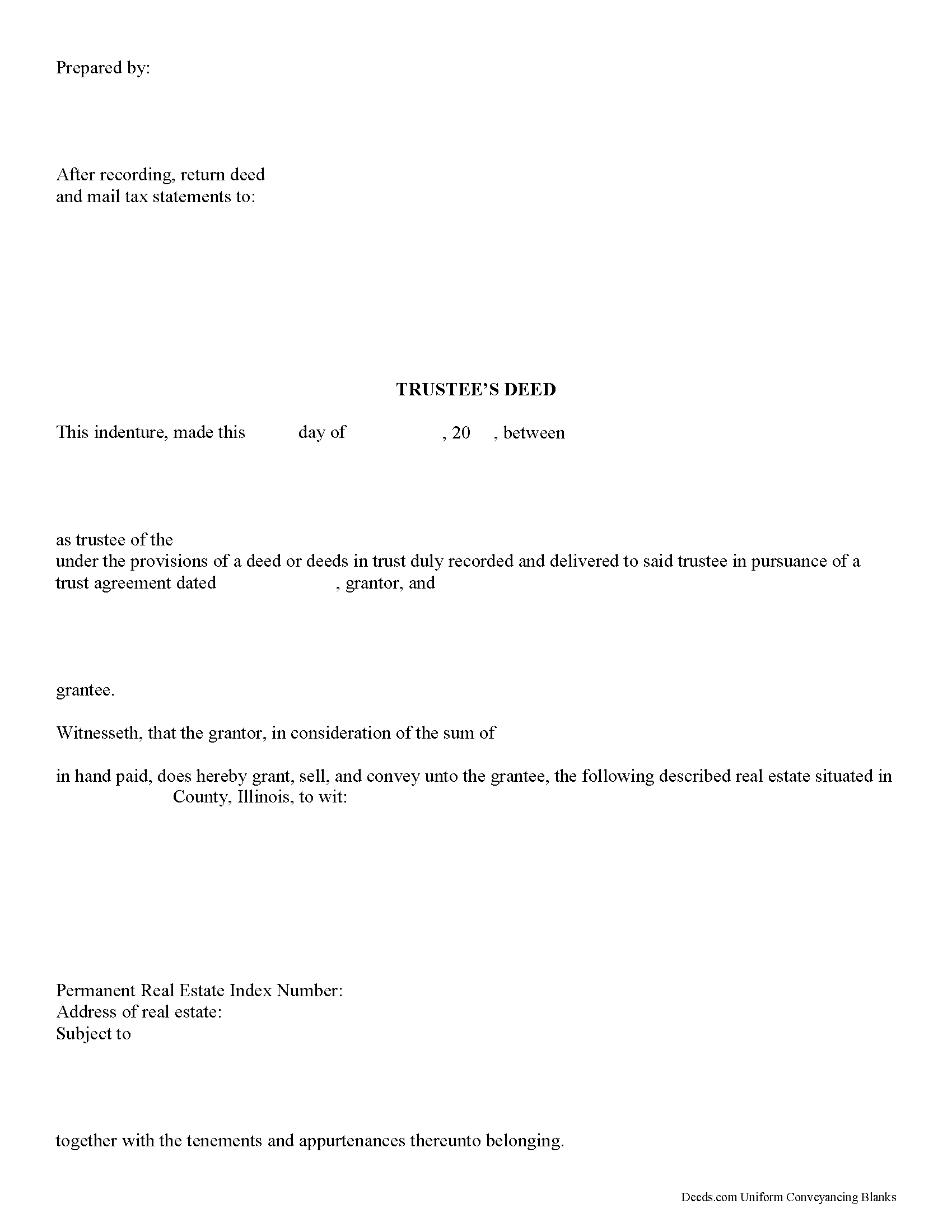
Montgomery County Trustee Deed Form
Fill in the blank form formatted to comply with all recording and content requirements.
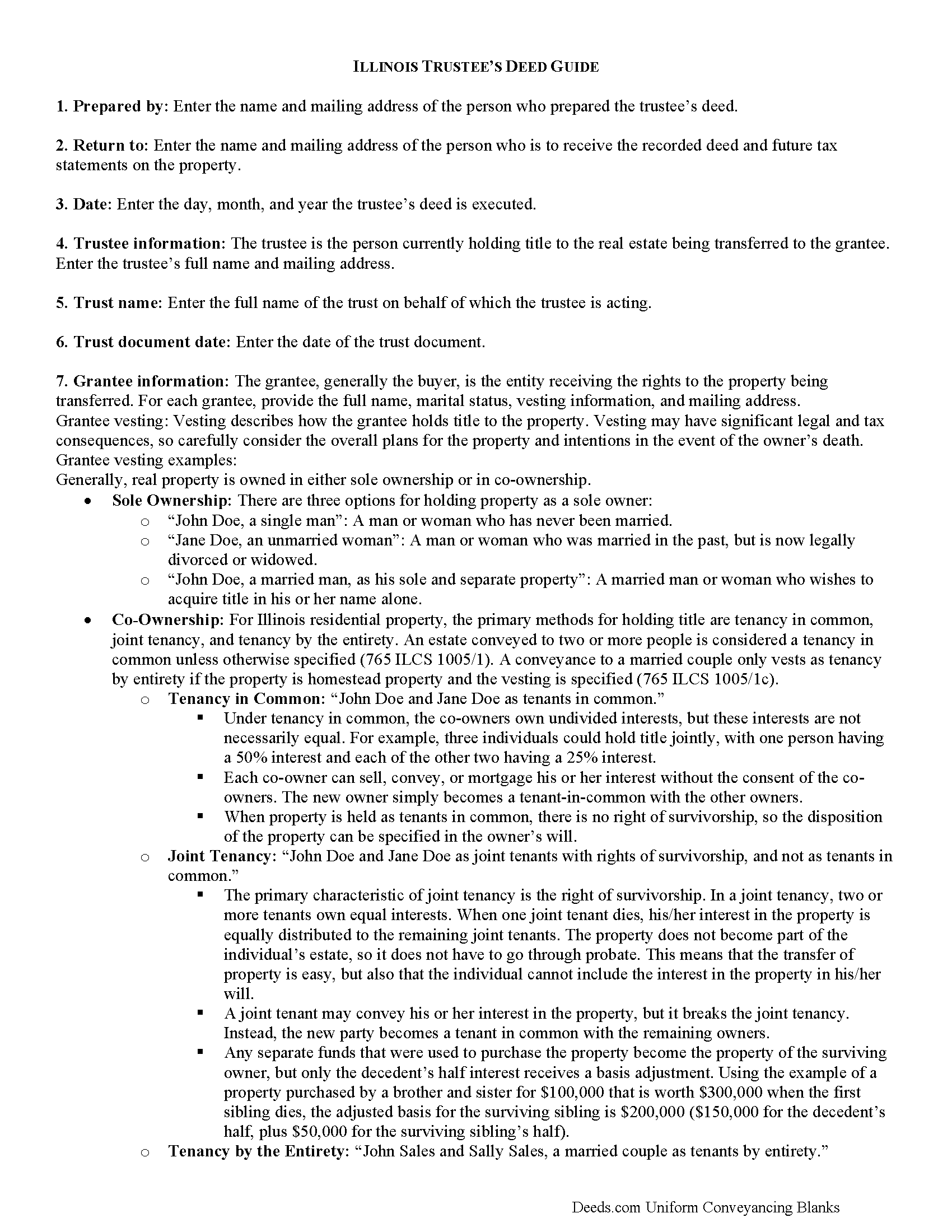
Montgomery County Trustee Deed Guide
Line by line guide explaining every blank on the form.
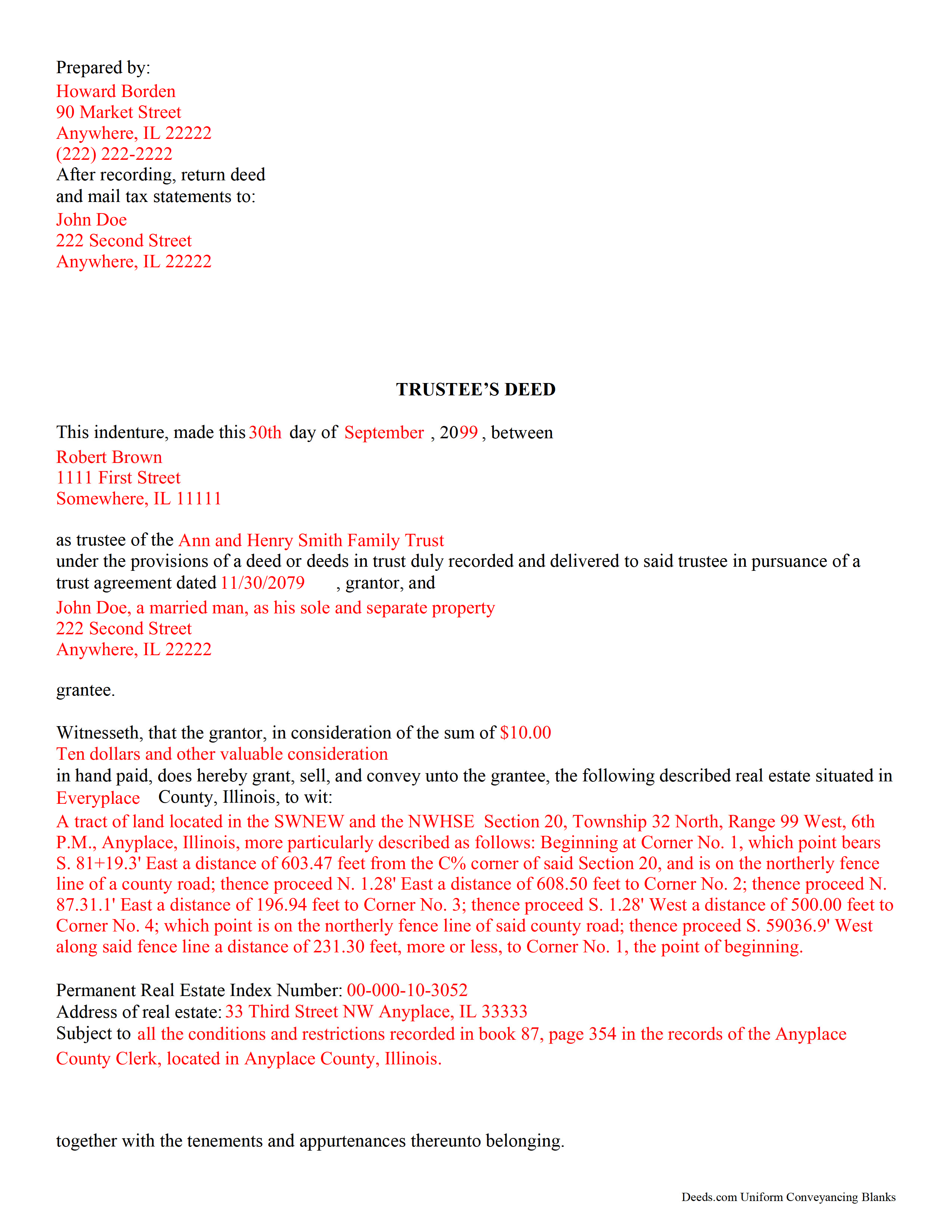
Montgomery County Completed Example of the Trustee Deed Document
Example of a properly completed form for reference.
All 3 documents above included • One-time purchase • No recurring fees
Immediate Download • Secure Checkout
Additional Illinois and Montgomery County documents included at no extra charge:
Where to Record Your Documents
Montgomery County Clerk & Recorder
Hillsboro, Illinois 62049-0595
Hours: 8:00 to 4:00 Monday through Friday
Phone: (217) 532-9530
Recording Tips for Montgomery County:
- Bring your driver's license or state-issued photo ID
- Ensure all signatures are in blue or black ink
- White-out or correction fluid may cause rejection
- Ask about their eRecording option for future transactions
- Avoid the last business day of the month when possible
Cities and Jurisdictions in Montgomery County
Properties in any of these areas use Montgomery County forms:
- Butler
- Coffeen
- Donnellson
- Farmersville
- Fillmore
- Harvel
- Hillsboro
- Irving
- Litchfield
- Nokomis
- Ohlman
- Panama
- Raymond
- Taylor Springs
- Waggoner
- Walshville
- Witt
Hours, fees, requirements, and more for Montgomery County
How do I get my forms?
Forms are available for immediate download after payment. The Montgomery County forms will be in your account ready to download to your computer. An account is created for you during checkout if you don't have one. Forms are NOT emailed.
Are these forms guaranteed to be recordable in Montgomery County?
Yes. Our form blanks are guaranteed to meet or exceed the applicable formatting requirements used for recording in Montgomery County, including margin requirements, font requirements, and other layout standards. This guarantee applies to formatting, not to the legal sufficiency of information entered by the user or the suitability of a form for a particular transaction.
Can I reuse these forms?
Yes. You can reuse the forms for your personal use. For example, if you have multiple properties in Montgomery County you only need to order once.
What do I need to use these forms?
The forms are PDFs that you fill out on your computer. The free Adobe Acrobat Reader is recommended, and most PDF apps also work. You do NOT enter your property information online - you download the blank forms and complete them privately on your own computer.
Are there any recurring fees?
No. This is a one-time purchase. Nothing to cancel, no memberships, no recurring fees.
How much does it cost to record in Montgomery County?
Recording fees in Montgomery County vary. Contact the recorder's office at (217) 532-9530 for current fees.
Questions answered? Let's get started!
In Illinois, a trustee's deed is used to transfer real property out of a trust. The deed is named for the person executing it -- the trustee. According to Black's Law Dictionary, 8th ed., a trustee is someone who, having legal title to property, holds it in trust for the benefit of another and owes a fiduciary duty to that beneficiary. A fiduciary is someone who must exercise a high standard of care in managing another's money or property.
The trustee's deed establishes basic information about the trust, such as the name and date of the trust document. The trustee serves as the grantor in the deed, and transfers the title into the grantee's name. As with all other conveyances of real property, the deed requires a legal description of the property being conveyed, as well as a Property Identification Number (PIN) and commonly known address. For a valid transfer, the trustee must sign the deed in the presence of a notary, who confirms (notarizes) the signature.
(Illinois Trustee Deed Package includes form, guidelines, and completed example)
Important: Your property must be located in Montgomery County to use these forms. Documents should be recorded at the county recording office listed above.
This Trustee Deed meets all recording requirements specific to Montgomery County.
Our Promise
The documents you receive here are guaranteed to meet or exceed the applicable Montgomery County recording format requirements. If there is a rejection caused by our formatting, we will correct the issue or refund your payment. This guarantee applies to document formatting only and does not extend to information entered by the user, the selection of the form, or the legal effect of the completed document.
Save Time and Money
Get your Montgomery County Trustee Deed form done right the first time with Deeds.com Uniform Conveyancing Blanks. At Deeds.com, we understand that your time and money are valuable resources, and we don't want you to face a penalty fee or rejection imposed by a county recorder for submitting nonstandard documents. We constantly review and update our forms to meet rapidly changing state and county recording requirements for roughly 3,500 counties and local jurisdictions.
4.8 out of 5 - ( 4,832 Reviews )
Nancy J M. 5 out of 5 stars
Site is easy to navigate and forms are as described. Too bad there is no secure payment link service (PayPal, Apple Pay, etc. So after I verify charge has hit my credit card I will delete my Deeds.com account.
Thank you!
Katherine Y. 5 out of 5 stars
It was easy to use the form. The notary said it contained the most recent language which is also helpful.
Thanks Katherine!
John H. 5 out of 5 stars
I haven't begun yet, but this looks like what I need.
Thank you!
Griselle M. 5 out of 5 stars
Great service - it was my first time using the service and really recommend it. Due to COVID-19, my County Recorder's Office is closed and I was able to create the document using their vast templates, notarize it, and upload it into the system. The recording process took about 7 working days which is not bad considering that most people are working remotely. I will share this website and its many resources with my relatives and friends.
Thank you Griselle, glad we could help.
Melissa L. 5 out of 5 stars
Exactly what I was looking for and easy to fill out.
Thank you for your feedback. We really appreciate it. Have a great day!
Rubin C. 5 out of 5 stars
Very good forms and the online recording was a blessing.
Thank you for your feedback. We really appreciate it. Have a great day!
Tiqula D. 5 out of 5 stars
Deeds.com is beyond convenient! It's a wonderful service for all your recording needs. The service is beyond fast and professional. Easy as 1 2 3....
Thank you for your feedback. We really appreciate it. Have a great day!
Jana H. 5 out of 5 stars
This company has made my life so much easier. I'm not driving 25 miles twice a week to record a document. I'm almost giddy! Thank you for making my job so much faster! Jana Hamilton
We appreciate your business and value your feedback. Thank you. Have a wonderful day!
Wendy S. 5 out of 5 stars
Very easy and affordable.
We appreciate your business and value your feedback. Thank you. Have a wonderful day!
Heidi S. 5 out of 5 stars
I do not enjoy the process of not knowing how something works. When I get to a new website I cringe inside. When I find one that works I am pleased to have function. Thank you for making it easy for a lay person
Thank you for your feedback. We really appreciate it. Have a great day!
Sonia C. 5 out of 5 stars
Ordered and received the appropriate quitclaim deed docs for my area. Recorded with no questions or issues. All arounds solid product and service.
Thank you for your feedback. We really appreciate it. Have a great day!
David H. 5 out of 5 stars
So So
Thank you!
Michael M. 5 out of 5 stars
My sale is a land contract and it is complicated. We were thinking we'd have to get an attorney. Your site is very thorough and helpful. We will still have an attorney look over our final papers --and we are still waiting on my deed from the bank to finalize our input. Had several questions, but they seemed to be answered as I went along. The actual process of downloading and saving and having a link went very smoothly. Thank you.
We appreciate your business and value your feedback. Thank you. Have a wonderful day!
Elena R. 4 out of 5 stars
Very helpful forms and guide. Would use again if needed.
Thank you for your feedback. We really appreciate it. Have a great day!
James R. 5 out of 5 stars
Super website. Easy to use and stuff is well organized.
We appreciate your business and value your feedback. Thank you. Have a wonderful day!