St Joseph County Partial Lien Waiver Form
Last validated October 26, 2026 by our Forms Development TeamFormatted for recording in St Joseph County, for property anywhere in the county: rural and unincorporated areas as well as Granger, Lakeville, Mishawaka, New Carlisle, North Liberty, Notre Dame, Osceola, South Bend and 2 more.
- 3 documents included
- Immediate PDF download
- Formatting guarantee
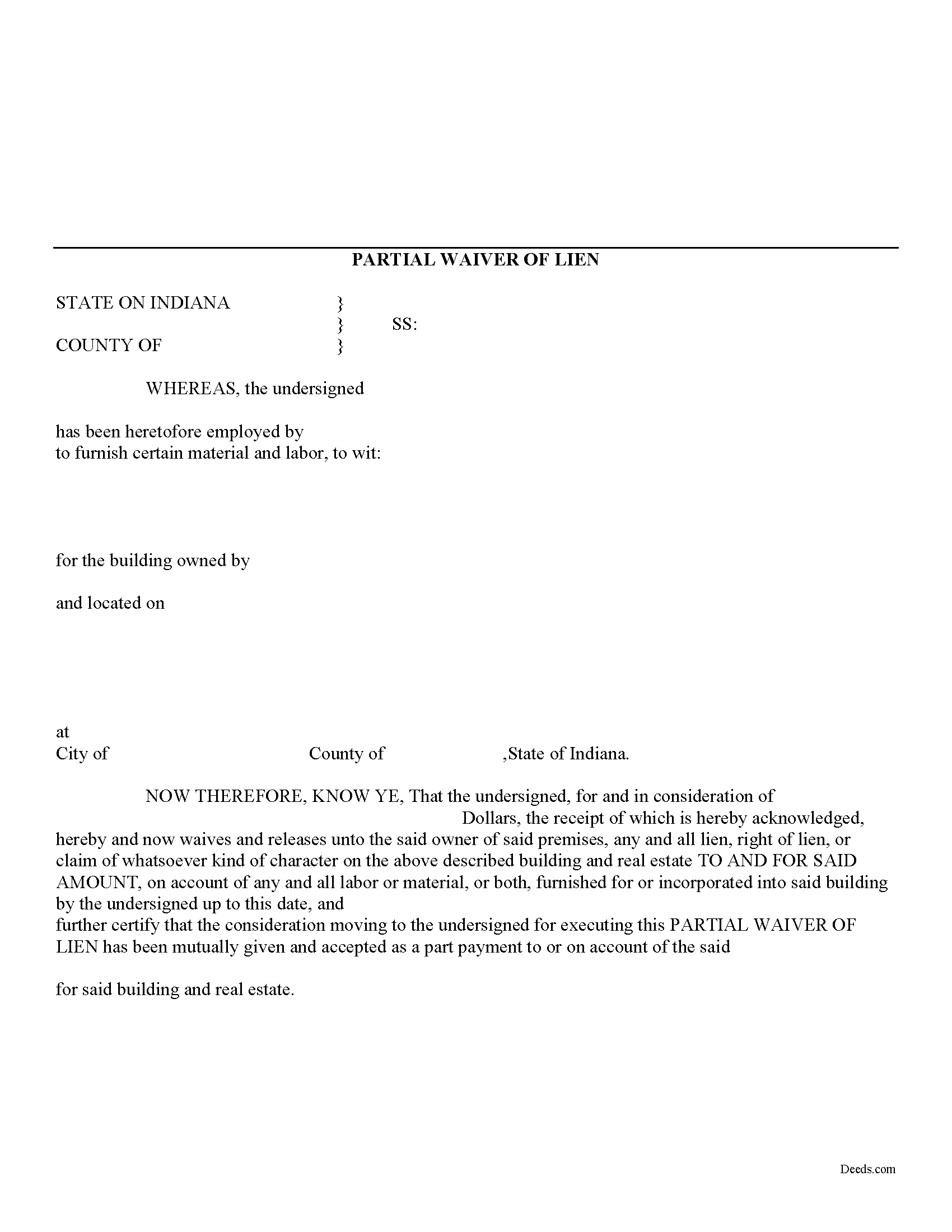
St Joseph County Partial Lien Waiver Form
Fill in the blank Partial Lien Waiver form formatted to comply with all Indiana recording and content requirements.
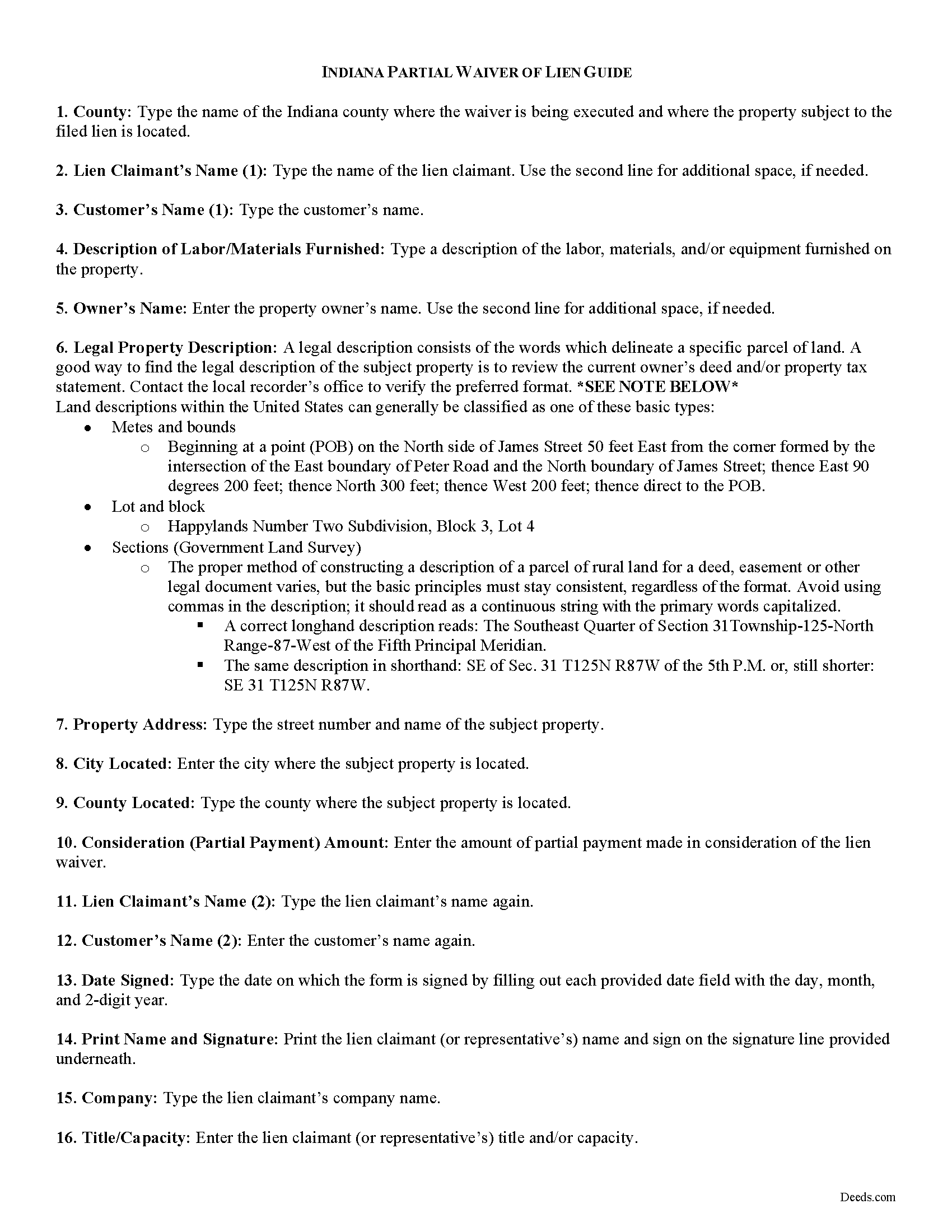
St Joseph County Partial Lien Waiver Guide
Line by line guide explaining every blank on the form.
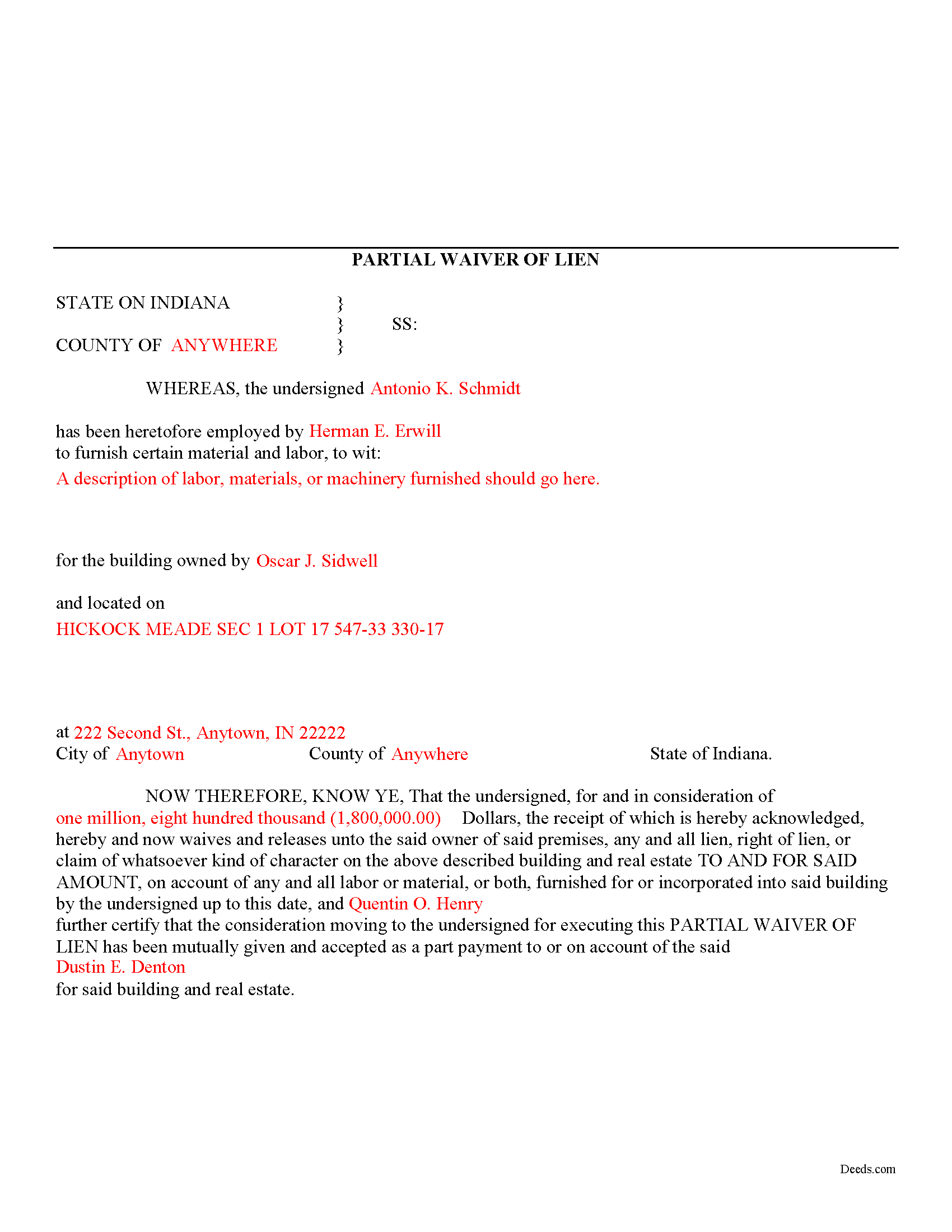
St Joseph County Completed Example of the Partial Lien Waiver Document
Example of a properly completed form for reference.
All 3 documents above included • One-time purchase • No recurring fees
Immediate Download • Secure Checkout
Additional Indiana and St Joseph County documents included at no extra charge:
Where to Record Your Documents
St. Joseph Recorder
South Bend, Indiana 46601
Hours: 8:00am to 4:30pm Monday through Friday
Phone: (574) 235-9525
Recording Tips for St Joseph County:
- Bring your driver's license or state-issued photo ID
- Ensure all signatures are in blue or black ink
- Recording fees may differ from what's posted online - verify current rates
- Request a receipt showing your recording numbers
- Ask about accepted payment methods when you call ahead
Cities and Jurisdictions in St Joseph County
Properties in any of these areas use St Joseph County forms:
- Granger
- Lakeville
- Mishawaka
- New Carlisle
- North Liberty
- Notre Dame
- Osceola
- South Bend
- Walkerton
- Wyatt
Hours, fees, requirements, and more for St Joseph County
How do I get my forms?
Forms are available for immediate download after payment. The St Joseph County forms will be in your account ready to download to your computer. An account is created for you during checkout if you don't have one. Forms are NOT emailed.
Are these forms guaranteed to be recordable in St Joseph County?
Yes. Our form blanks are guaranteed to meet or exceed the applicable formatting requirements used for recording in St Joseph County, including margin requirements, font requirements, and other layout standards. This guarantee applies to formatting, not to the legal sufficiency of information entered by the user or the suitability of a form for a particular transaction.
Can I reuse these forms?
Yes. You can reuse the forms for your personal use. For example, if you have multiple properties in St Joseph County you only need to order once.
What do I need to use these forms?
The forms are PDFs that you fill out on your computer. The free Adobe Acrobat Reader is recommended, and most PDF apps also work. You do NOT enter your property information online - you download the blank forms and complete them privately on your own computer.
Are there any recurring fees?
No. This is a one-time purchase. Nothing to cancel, no memberships, no recurring fees.
How much does it cost to record in St Joseph County?
Recording fees in St Joseph County vary. Contact the recorder's office at (574) 235-9525 for current fees.
Questions answered? Let's get started!
Mechanic's liens are governed under Title 32 of the Indiana Code. A waiver is a knowing relinquishment of a right. In this case, the person granting the waiver is relinquishing the right to seek a mechanic's lien for all or part of the amount due. This assurance is usually enough to get the other party to pay. In Indiana, there are no statutory forms for waivers, although according to the principles of contract law, the parties may agree to such modifications in writing.
A partial conditional waiver is used when a progress or partial payment is made and money is still due and owing. The waiver applies only to the partial payment amount and is conditioned upon the actual receipt of that money. Waivers must identify the parties, the type of materials/services provided, the location of the job, the amount paid/dates covered, and the claimant's notarized signature. Record the completed document in the land records for the county where the property is located.
This article is provided for information purposes only and should not be relied upon as a substitute for the advice from an attorney. Please speak with an Indiana attorney with questions about using a lien waiver, or any other issues related to mechanic's liens in Indiana.
Important: Your property must be located in St Joseph County to use these forms. Documents should be recorded at the county recording office listed above.
This Partial Lien Waiver meets all recording requirements specific to St Joseph County.
Our Promise
The documents you receive here are guaranteed to meet or exceed the applicable St Joseph County recording format requirements. If there is a rejection caused by our formatting, we will correct the issue or refund your payment. This guarantee applies to document formatting only and does not extend to information entered by the user, the selection of the form, or the legal effect of the completed document.
Save Time and Money
Get your St Joseph County Partial Lien Waiver form done right the first time with Deeds.com Uniform Conveyancing Blanks. At Deeds.com, we understand that your time and money are valuable resources, and we don't want you to face a penalty fee or rejection imposed by a county recorder for submitting nonstandard documents. We constantly review and update our forms to meet rapidly changing state and county recording requirements for roughly 3,500 counties and local jurisdictions.
4.8 out of 5 - ( 4,839 Reviews )
Barbara D. 5 out of 5 stars
Very helpful, clear and precise. The example further clarifies exactly what is needed to be included in information.
Thank you!
janice m. 5 out of 5 stars
Great system!
Thank you!
Spencer A. 5 out of 5 stars
Deeds.com made it so easy to file my paper work with the county. It saved me half a days travel and cost me about a tank of gas. This service was well worth the saved travel time and energy. I would highly recommend this service to other individuals. The other companies I spoke with only service law firms, title companies & banks etc. Thanks deed.com, I'll be back and will refer all my friends too.
Thank you so much Spencer, we really appreciate your feedback!
Toni C. 5 out of 5 stars
Super impressed!! For me to get back my recorded document in one day was awesome. I needed it for a foreclosure and knew if I mailed it in to the Clerk's office I more than likely would not get it back in time. Also the fact that you had no problem with me having a one-time document to record is a plus. I will be using you in the future for my recording needs. Thank you.
We appreciate your business and value your feedback. Thank you. Have a wonderful day!
RICHARD A. 5 out of 5 stars
Smooth, simple, and complete. A great forms service.
We appreciate your business and value your feedback. Thank you. Have a wonderful day!
Alex J. 5 out of 5 stars
Very simple to use. I am a private homeowner with no experience in such things and it was very easy to do which was quite a relief. Thank you.
We appreciate your business and value your feedback. Thank you. Have a wonderful day!
Meridith B. 5 out of 5 stars
Well, When I got the question right I got the answers right from Claim Deed. In the end it all worked out very, very good. I'm pleased with the deed and the price was very fair. Thank you for answering all my crazy questions. Now all we have to do is go to UPS and sign it. Thank, again.
Thank you!
Bobby J. 5 out of 5 stars
Good document as expected
We’re glad to hear things went well. Thank you for the review.
Barbara E. 5 out of 5 stars
I'm not sure if KVH is the identity to the person who helped me. I hope it is so you know just how much she helped She was great and very patient with me and with Wayne County Register of Deeds. I'm am really glad I had her on my team in this long endeavor.
Thank you for the kinds words Barbara. We appreciate you.
Gregory B. 5 out of 5 stars
I believe you need more instruction on the use of the web site. I would type and nothing would appear on the form. When I tried to save a completed form I ended with a blank form with no detail.
Thank you!
Shonda S. 5 out of 5 stars
This is my first time using the site for business and I must say this site made it so easy for me. I was so lost, thank you so much.
Thank you!
Yvette D. 5 out of 5 stars
Excellent service and customer support. Thank you for your help and time.
Thank you!
Kay Y. 5 out of 5 stars
Fast and easy service.
Your words of encouragement and feedback are greatly appreciated. They motivate us to maintain high standards in our service.
Michael A. 2 out of 5 stars
Customer service was poor. I felt like I had to debate the representative to provide guidance and assistance. They acted as though I knew the process, the documents involved, etc. At the same time, they asked me to confirm which documents or at least pages needed to be filed. I was leaning of Deeds.com for their expertise.
Thank you!
Jack S. 5 out of 5 stars
This is a great service and fairly priced.
Thank you Jack. hope you're having a great day!