Pottawattamie County Conditional Lien Waiver upon Progress Payment Form
Last validated October 1, 2026 by our Forms Development TeamFormatted for recording in Pottawattamie County, for property anywhere in the county: rural and unincorporated areas as well as Avoca, Carson, Carter Lake, Council Bluffs, Crescent, Hancock, Honey Creek, Macedonia and 8 more.
- 3 documents included
- Immediate PDF download
- Formatting guarantee
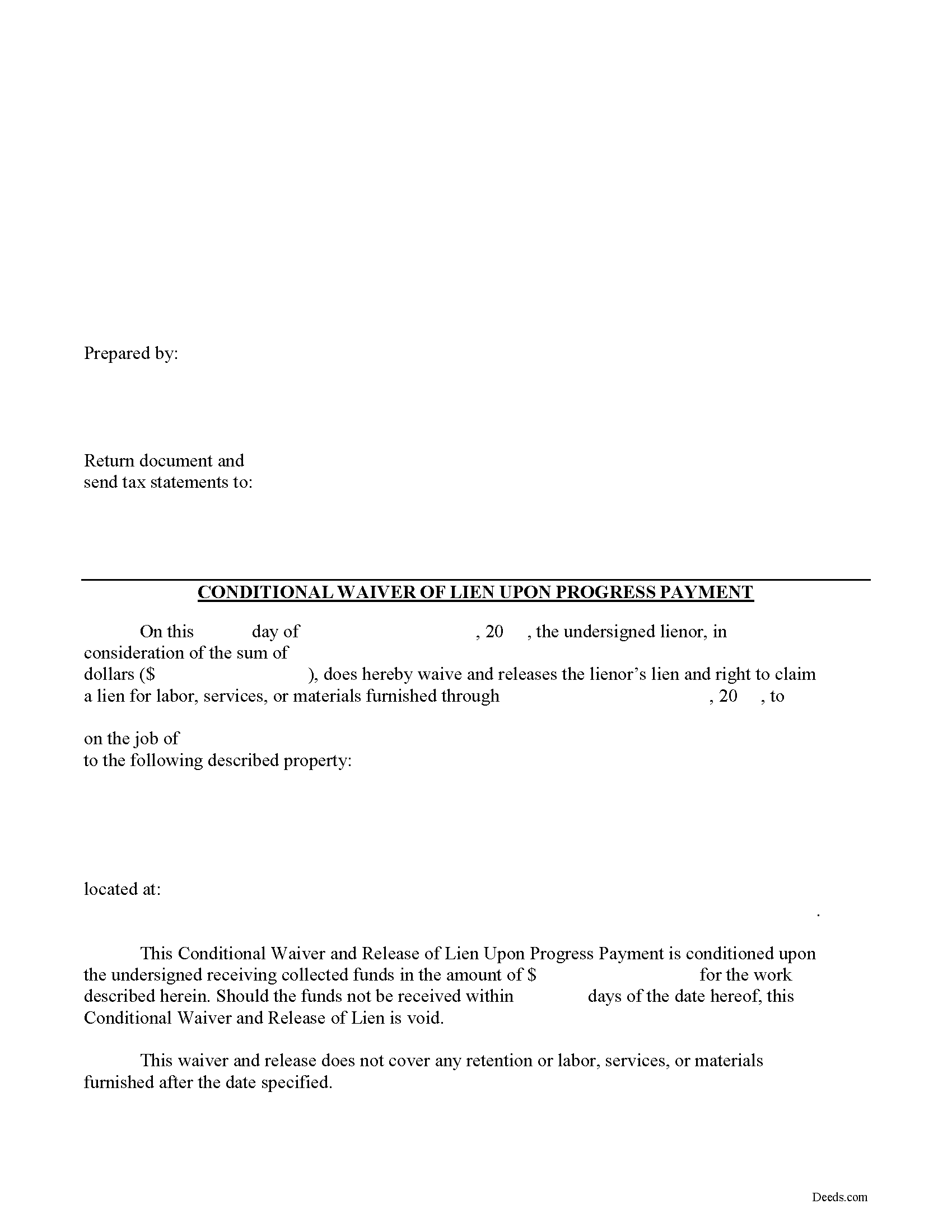
Pottawattamie County Conditional Lien Waiver upon Progress Payment Form
Fill in the blank Conditional Lien Waiver upon Progress Payment form formatted to comply with all Iowa recording and content requirements.
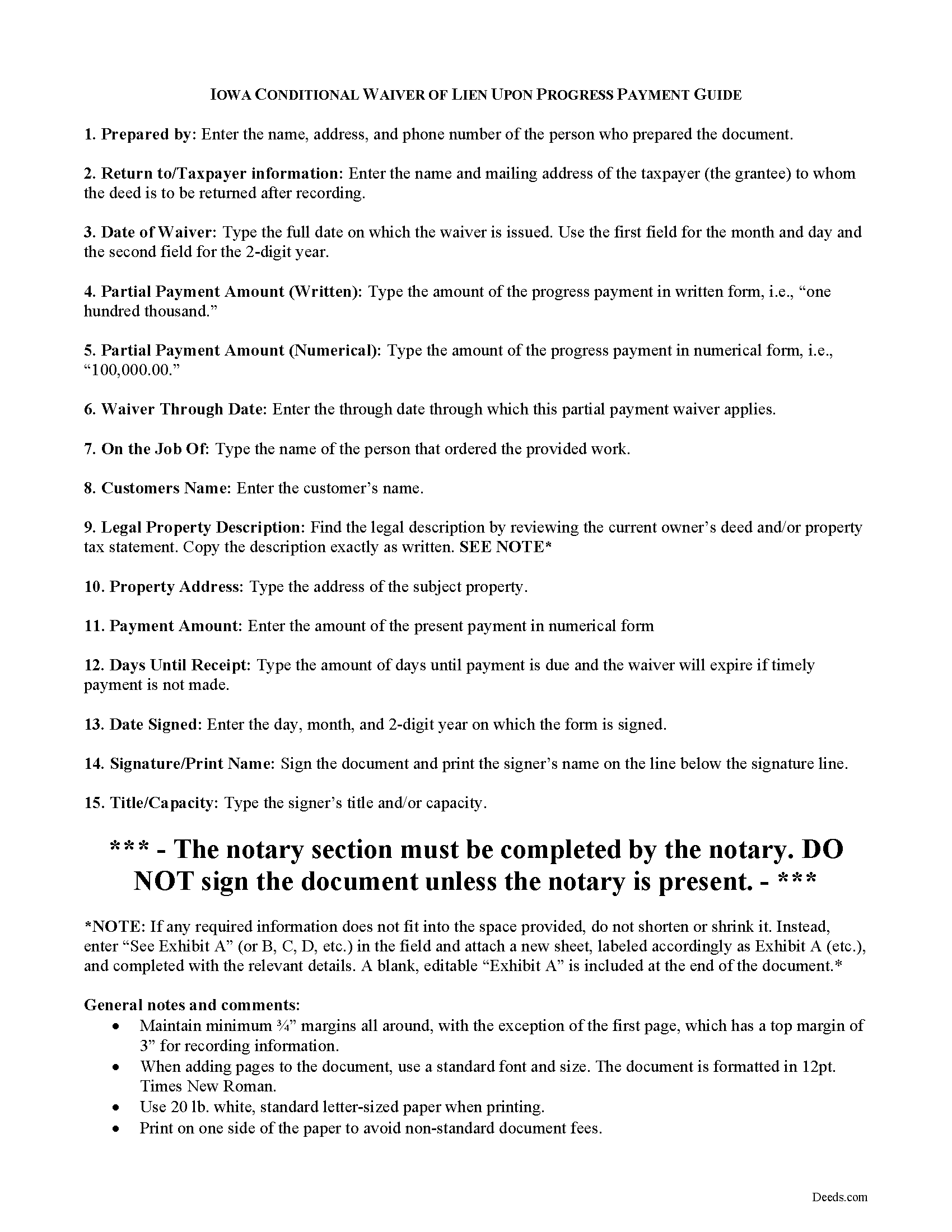
Pottawattamie County Conditional Lien Waiver upon Progress Payment Guide
Line by line guide explaining every blank on the Conditional Lien Waiver upon Progress Payment form.
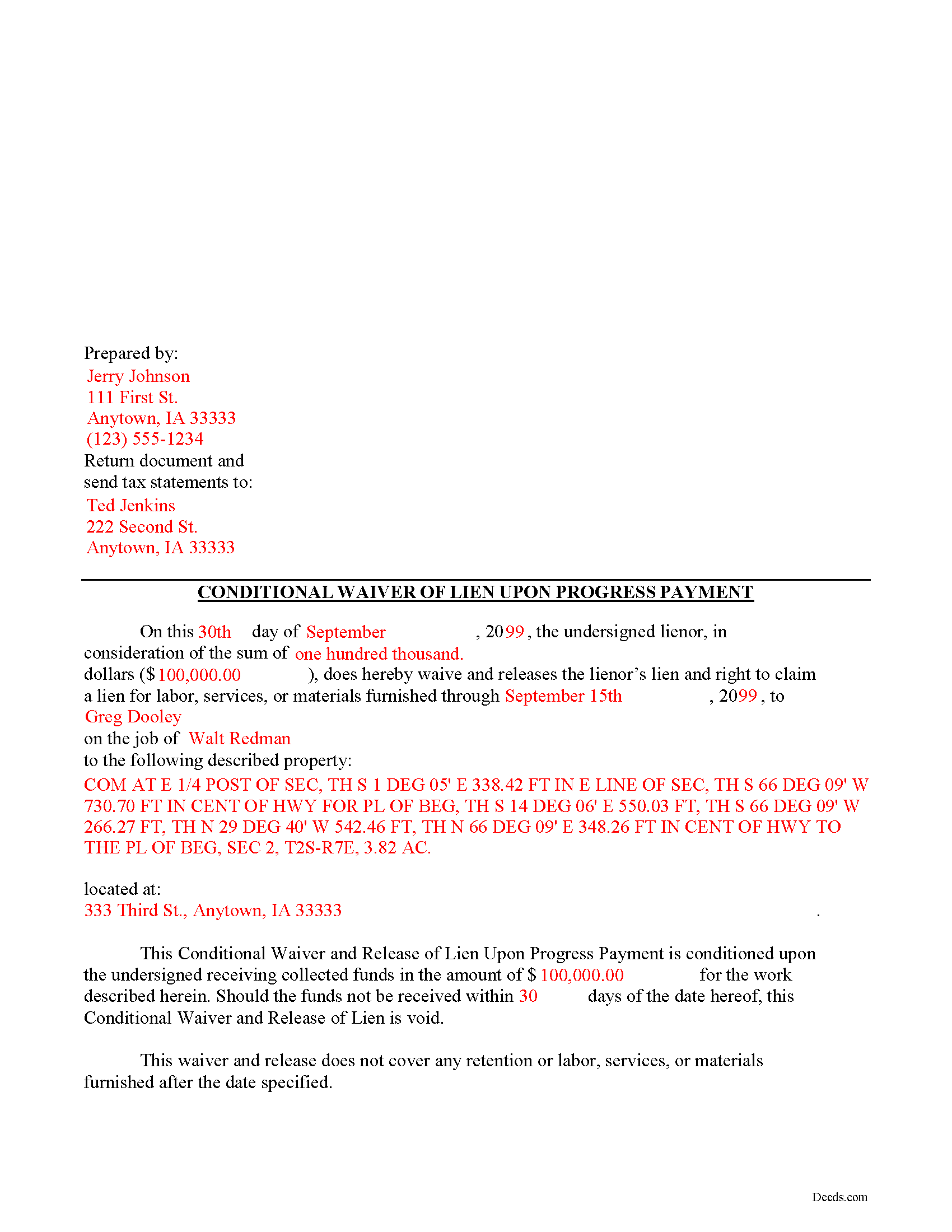
Pottawattamie County Completed Example of the Conditional Lien Waiver upon Progress Payment Document
Example of a properly completed Iowa Conditional Lien Waiver upon Progress Payment document for reference.
All 3 documents above included • One-time purchase • No recurring fees
Immediate Download • Secure Checkout
Additional Iowa and Pottawattamie County documents included at no extra charge:
Where to Record Your Documents
Pottawattamie County Recorder
Council Bluffs, Iowa 51501
Hours: 8:00 AM - 3:30 PM Real Estate Filings
Phone: (712) 328-5612
Recording Tips for Pottawattamie County:
- Bring your driver's license or state-issued photo ID
- Ensure all signatures are in blue or black ink
- Double-check legal descriptions match your existing deed
- Verify all names are spelled correctly before recording
- White-out or correction fluid may cause rejection
Cities and Jurisdictions in Pottawattamie County
Properties in any of these areas use Pottawattamie County forms:
- Avoca
- Carson
- Carter Lake
- Council Bluffs
- Crescent
- Hancock
- Honey Creek
- Macedonia
- Mc Clelland
- Minden
- Neola
- Oakland
- Shelby
- Treynor
- Underwood
- Walnut
Hours, fees, requirements, and more for Pottawattamie County
How do I get my forms?
Forms are available for immediate download after payment. The Pottawattamie County forms will be in your account ready to download to your computer. An account is created for you during checkout if you don't have one. Forms are NOT emailed.
Are these forms guaranteed to be recordable in Pottawattamie County?
Yes. Our form blanks are guaranteed to meet or exceed the applicable formatting requirements used for recording in Pottawattamie County, including margin requirements, font requirements, and other layout standards. This guarantee applies to formatting, not to the legal sufficiency of information entered by the user or the suitability of a form for a particular transaction.
Can I reuse these forms?
Yes. You can reuse the forms for your personal use. For example, if you have multiple properties in Pottawattamie County you only need to order once.
What do I need to use these forms?
The forms are PDFs that you fill out on your computer. The free Adobe Acrobat Reader is recommended, and most PDF apps also work. You do NOT enter your property information online - you download the blank forms and complete them privately on your own computer.
Are there any recurring fees?
No. This is a one-time purchase. Nothing to cancel, no memberships, no recurring fees.
How much does it cost to record in Pottawattamie County?
Recording fees in Pottawattamie County vary. Contact the recorder's office at (712) 328-5612 for current fees.
Questions answered? Let's get started!
Mechanic's liens are governed under Chapter 572 of Iowa Code. A waiver is a conscious relinquishment of a right. In this case, the person granting the waiver is relinquishing the right to seek a mechanic's lien for all or part of the amount due. This assurance is usually enough to get the other party to pay. In Iowa, there are no statutory forms for waivers although according to the principles of contract law, the parties may agree to such modifications in writing.
Generally, waivers come in four varieties: conditional or unconditional, and based on a partial/progress or final payment. Conditional waivers only become effective after the responsible party's check clears the bank on which it was drawn, and provide more protection for the claimants. Unconditional waivers go into effect immediately, tend to favor the owners' interests, and should only be used after payment is confirmed. Waiving lien rights after a partial payment allows the claimant to retain some lien rights, but to release others based on the amount paid on the overall balance due. Waivers upon final payments remove the claimant's eligibility to place a lien because they state that the account is paid in full.
Regardless of the nature, waivers must identify the parties, the location of the project, relevant dates, and payments.
Partial waivers are used to waive a lien for up to the partial or progress payment amount. A conditional waiver means the waiver is conditioned upon the claimant receiving the amount due. Use the partial conditional waiver when the owner makes less than the full or final payment and the payment method does not guarantee receipt of the money (such as a check that hasn't cleared yet).
This article is provided for informational purposes only and should not be relied upon as a substitute for the advice from a legal professional. Please contact an Iowa attorney with any questions about sending notice to property owners or anything else with regard to mechanic's liens.
Important: Your property must be located in Pottawattamie County to use these forms. Documents should be recorded at the county recording office listed above.
This Conditional Lien Waiver upon Progress Payment meets all recording requirements specific to Pottawattamie County.
Our Promise
The documents you receive here are guaranteed to meet or exceed the applicable Pottawattamie County recording format requirements. If there is a rejection caused by our formatting, we will correct the issue or refund your payment. This guarantee applies to document formatting only and does not extend to information entered by the user, the selection of the form, or the legal effect of the completed document.
Save Time and Money
Get your Pottawattamie County Conditional Lien Waiver upon Progress Payment form done right the first time with Deeds.com Uniform Conveyancing Blanks. At Deeds.com, we understand that your time and money are valuable resources, and we don't want you to face a penalty fee or rejection imposed by a county recorder for submitting nonstandard documents. We constantly review and update our forms to meet rapidly changing state and county recording requirements for roughly 3,500 counties and local jurisdictions.
4.8 out of 5 - ( 4,832 Reviews )
Lori W. 5 out of 5 stars
I got what I wanted immediately. Thank you.
We appreciate your business and value your feedback. Thank you. Have a wonderful day!
Scott W. 5 out of 5 stars
Quick and simple.
Thank you!
LuAnn F. 5 out of 5 stars
Simple and quick access to the form I needed
Thank you!
Brett T. 5 out of 5 stars
Where have you been my whole life. I will join if I can afford it. Do you have a form for a Private Family Trust Company ....Irrevocable Trust ...Revocable Trust.....send me an email so I will have contact info.
Thank you!
Michelle H. 5 out of 5 stars
Fast, easy and helpful. Highly recommend, my document was recorded within 24 hours.
Thank you!
Melody P. 5 out of 5 stars
Thanks again for such excellent service, and always a pleasure!
Thank you!
Filomena G. 5 out of 5 stars
very helpful
Thank you!
Kimberly E. 2 out of 5 stars
It was very easy to order,download, and print. The only issue I have is that the guide that came with my form really did not help me filling it out. I feel the explanations could have been better and suited more for the standard person. I was still confused when filling it out and will probably have to get a lawyer to make sure it's filled out correctly
Thank you for your feedback. We really appreciate it. Have a great day!
Melody P. 5 out of 5 stars
Great service, as always!!
We appreciate your business and value your feedback. Thank you. Have a wonderful day!
Jill M. 5 out of 5 stars
This service gave me the information and guide I needed to file a Quitclaim Deed. I went through the process with no problems at all.
Thank you Jill, we appreciate your feedback.
Lisa D. 5 out of 5 stars
Great service, would be nice if it provided an address to send this to once completed!
Thank you for your feedback. We really appreciate it. Have a great day!
Grace G. 5 out of 5 stars
The Forms I received were perfect for me. I also double ordered one of the forms and you corrected it on the spot. Thanks. (I am a Real Estate Broker)
Thank you!
Donna R. 5 out of 5 stars
This was a seamless process. It probably took one minute to fill out my information and upload the document. It was formatted and sent immediately. It was processed the next day at the county recorders office. I have zero complaints. Before finding this company I spent an entire day calling and leaving messages at other e-filing companies like simplfile and others but they all required subscriptions. I just needed to file a single document now and then so that was not a good fit. (And those companies I found out still require the customer to do all the work!). Deeds.com kept me informed throughout the process every step. I'm happy to write this review. Thank you
Thank you for your feedback. We really appreciate it. Have a great day!
Constance R. 5 out of 5 stars
It was very easy to e-file. I liked it.
Thank you for your feedback. We really appreciate it. Have a great day!
Rosemary W. 5 out of 5 stars
considering the current epidemic your fees save me time and parking fees. with help from DC recorder of deeds I was directed to the correct link to process my deed
Thank you for your feedback. We really appreciate it. Have a great day!