Chase County Release of Assignment of Leases and Rents Form
Last validated November 26, 2026 by our Forms Development TeamFormatted for recording in Chase County, for property anywhere in the county: rural and unincorporated areas as well as Cedar Point, Cottonwood Falls, Elmdale, Matfield Green, Strong City.
- 3 documents included
- Immediate PDF download
- Formatting guarantee
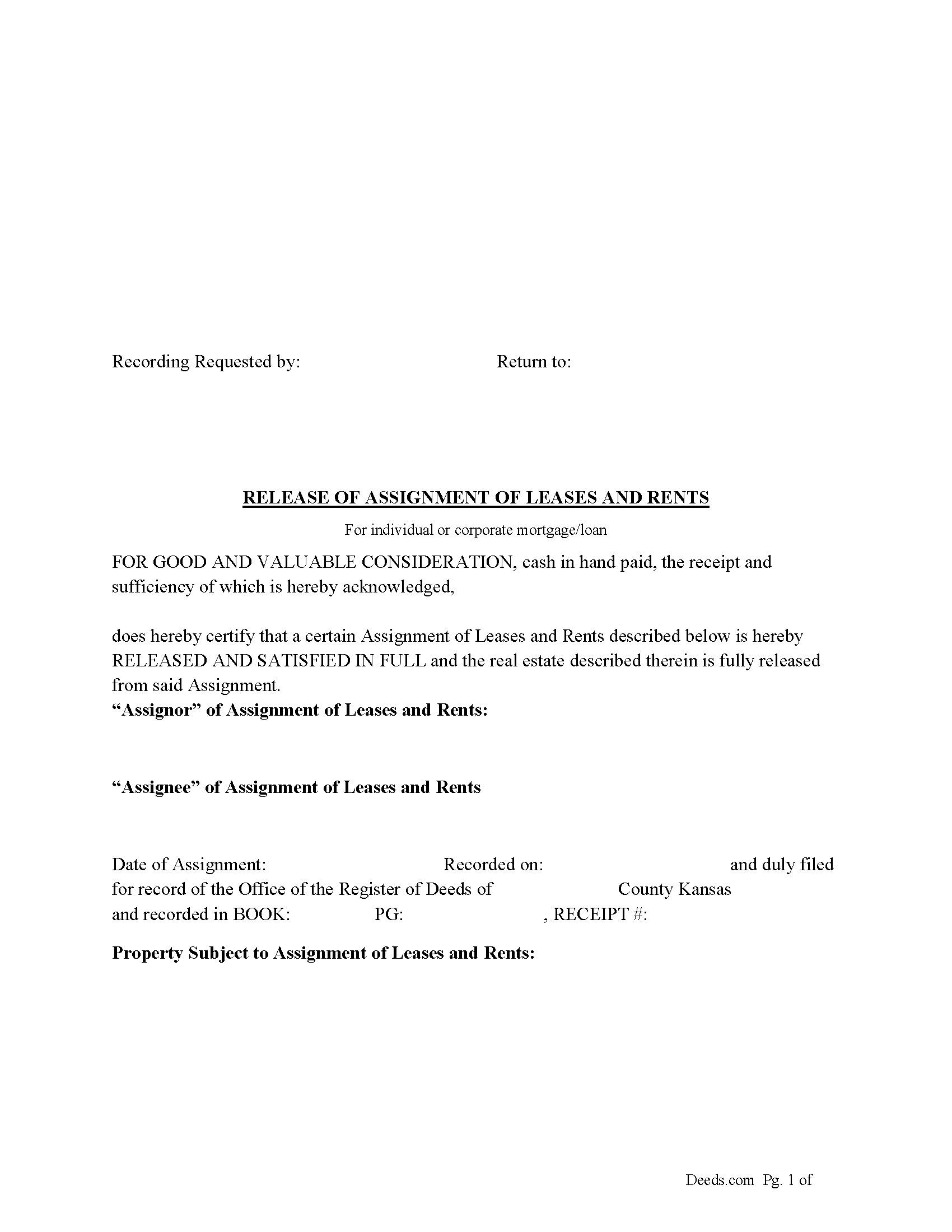
Chase County Release of Assignment of Leases and Rents Form
Fill in the blank form formatted to comply with all recording and content requirements.
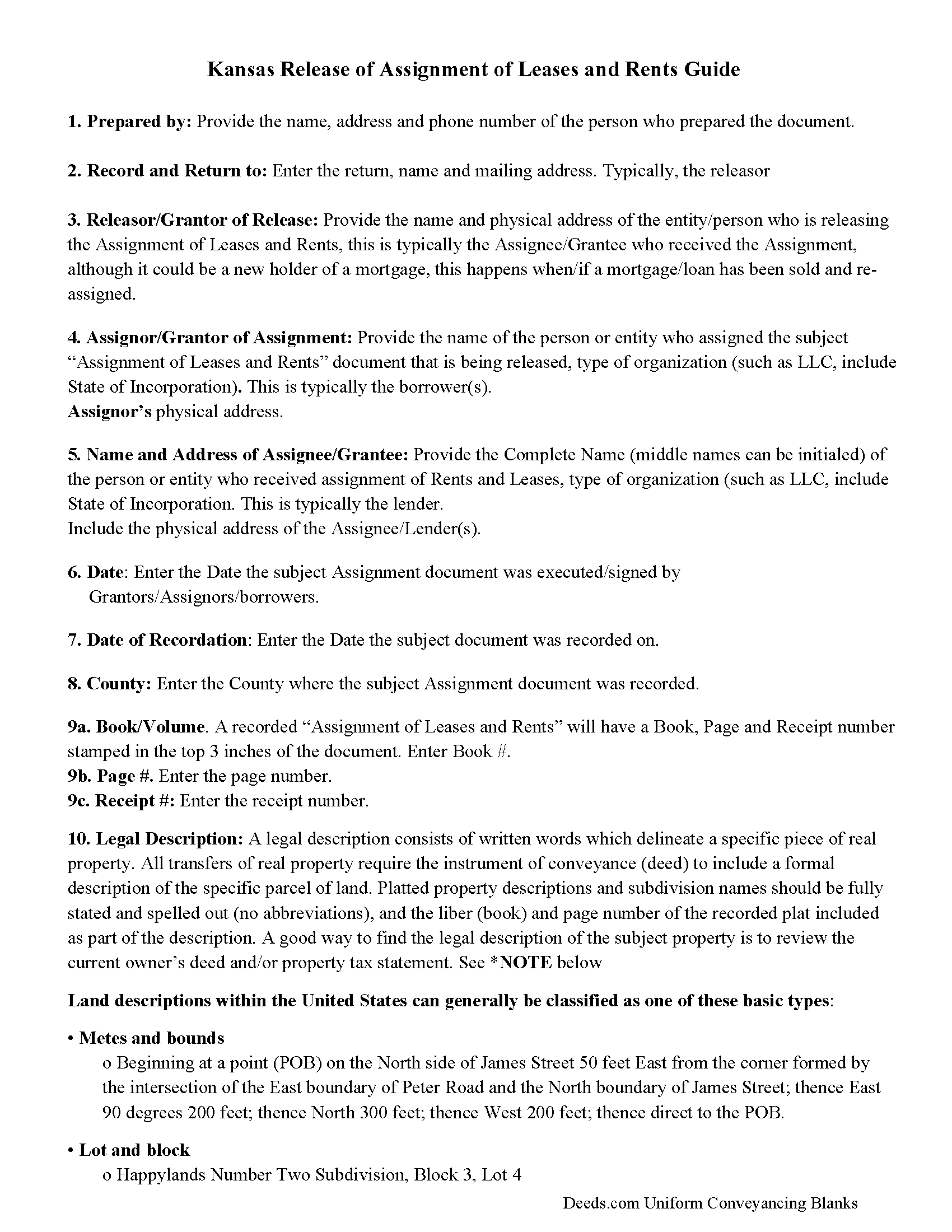
Chase County Release of Assignment of Leases and Rents Guide
Line by line guide explaining every blank on the Release of Assignment of Leases and Rents form.
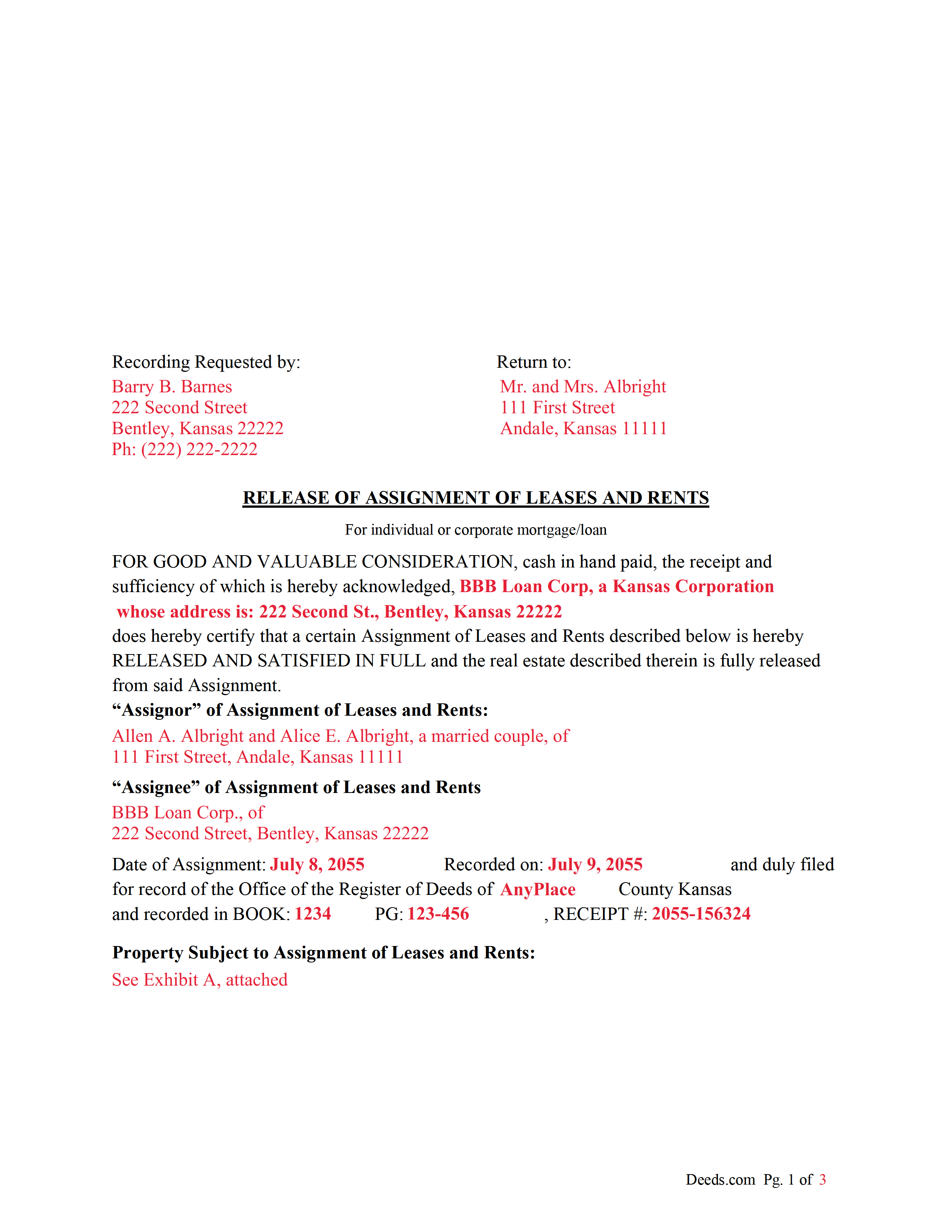
Chase County Completed Example of the Release Document
Example of a properly completed form for reference.
All 3 documents above included • One-time purchase • No recurring fees
Immediate Download • Secure Checkout
Additional Kansas and Chase County documents included at no extra charge:
Where to Record Your Documents
Chase County Register of Deeds
Cottonwood Falls, Kansas 66845
Hours: 8:00am-5:00pm M-F
Phone: (620) 273-6398
Recording Tips for Chase County:
- Bring your driver's license or state-issued photo ID
- Ensure all signatures are in blue or black ink
- Make copies of your documents before recording - keep originals safe
- Recorded documents become public record - avoid including SSNs
- Recording fees may differ from what's posted online - verify current rates
Cities and Jurisdictions in Chase County
Properties in any of these areas use Chase County forms:
- Cedar Point
- Cottonwood Falls
- Elmdale
- Matfield Green
- Strong City
Hours, fees, requirements, and more for Chase County
How do I get my forms?
Forms are available for immediate download after payment. The Chase County forms will be in your account ready to download to your computer. An account is created for you during checkout if you don't have one. Forms are NOT emailed.
Are these forms guaranteed to be recordable in Chase County?
Yes. Our form blanks are guaranteed to meet or exceed the applicable formatting requirements used for recording in Chase County, including margin requirements, font requirements, and other layout standards. This guarantee applies to formatting, not to the legal sufficiency of information entered by the user or the suitability of a form for a particular transaction.
Can I reuse these forms?
Yes. You can reuse the forms for your personal use. For example, if you have multiple properties in Chase County you only need to order once.
What do I need to use these forms?
The forms are PDFs that you fill out on your computer. The free Adobe Acrobat Reader is recommended, and most PDF apps also work. You do NOT enter your property information online - you download the blank forms and complete them privately on your own computer.
Are there any recurring fees?
No. This is a one-time purchase. Nothing to cancel, no memberships, no recurring fees.
How much does it cost to record in Chase County?
Recording fees in Chase County vary. Contact the recorder's office at (620) 273-6398 for current fees.
Questions answered? Let's get started!
The "Release of Assignment of Leases and Rents" is a legal document used to relinquish the interest of the assignee in the rents and leases of a property, often when the associated loan or mortgage is fully paid off. In the context of Kansas real estate, the document would typically include:
Title: Clearly stated as "Release of Assignment of Leases and Rents" to indicate its purpose.
Introductory Clause: Identifying the document as a release to an earlier "Assignment of Leases and Rents," referencing the original document by date and possibly by the book and page number where it was recorded.
Identification of Parties: Names and addresses of the assignor (the current holder of the mortgage or beneficiary) and the assignee (the party to whom the rents and leases were originally assigned).
Description of Real Estate: Legal description of the property in question, which may include the street address, legal description used in public records, and any identifying parcel numbers.
Declaration of Satisfaction: A statement that the mortgage or obligation which prompted the assignment of rents and leases has been fully satisfied or paid in full.
Execution by Holder: Signature of the mortgage holder or their authorized representative, asserting that the condition for the assignment has been fulfilled.
Notarization: A notary public's acknowledgment that the holder signed the release, including the date and the notary's official seal.
State Statutes: The document might reference specific Kansas statutes that govern the release of mortgage and assignments, such as Kansas Statutes Annotated (K.S.A.) Section 58-2309 which requires that a mortgagee must promptly file a release of mortgage upon the satisfaction of the mortgage.
Filing Information: Instructions for filing the release with the appropriate county's Register of Deeds in Kansas to ensure that it becomes a part of the public record.
The actual format and content may vary depending on the specific requirements of the county in Kansas where the property is located, as well as any specific terms that were part of the original loan or mortgage agreement. It is important to consult with a legal professional to ensure that the release complies with all applicable laws and fulfills the necessary legal formalities.
(Kansas Release of Assignment of Leases and Rents Package includes form, guidelines, and completed example)
Important: Your property must be located in Chase County to use these forms. Documents should be recorded at the county recording office listed above.
This Release of Assignment of Leases and Rents meets all recording requirements specific to Chase County.
Our Promise
The documents you receive here are guaranteed to meet or exceed the applicable Chase County recording format requirements. If there is a rejection caused by our formatting, we will correct the issue or refund your payment. This guarantee applies to document formatting only and does not extend to information entered by the user, the selection of the form, or the legal effect of the completed document.
Save Time and Money
Get your Chase County Release of Assignment of Leases and Rents form done right the first time with Deeds.com Uniform Conveyancing Blanks. At Deeds.com, we understand that your time and money are valuable resources, and we don't want you to face a penalty fee or rejection imposed by a county recorder for submitting nonstandard documents. We constantly review and update our forms to meet rapidly changing state and county recording requirements for roughly 3,500 counties and local jurisdictions.
4.8 out of 5 - ( 4,867 Reviews )
Veronica G. 5 out of 5 stars
Excellent service A+
Thank you!
Taylor M. 5 out of 5 stars
Service is good. The website isn't very user friendly and could use some updating. Overall I'm happy with the service.
Thank you for your feedback. We really appreciate it. Have a great day!
JUDITH-DIAN W. 5 out of 5 stars
I didn't have any problem downloading and filling out the form on my computer and printing it yesterday. I didn't know what to put for "Source of Title". I called the county recording office; they didn't know either and said to leave it blank. I got the form notarized at my bank and took it in to the recording office. They checked it, accepted it, I paid a fee, and it's done. So easy. My children will appreciate that I've done this. Added note: You do have one typo on your form--you left out 'at'. It should read: "You should carefully read all information at the end of this form."
Thank you for your feedback. We really appreciate it. Have a great day!
Rachel C. 5 out of 5 stars
Excellent information, and form source.
Thank you!
Janice U. 5 out of 5 stars
So far everything is going really well. Thank you!
Thank you!
Irma D. 5 out of 5 stars
Very impressed with the Service in Miami-Dade County. THank you
Thank you!
Theresa M. 5 out of 5 stars
Deeds.com was simple to use and had a quick turnaround. Saved me so much time hunting around on the internet and recorder's office website to try and figure out the process. would definitely use again!
Thank you!
Robert B. 5 out of 5 stars
Found this sight on the internet looking for information to add my fiance' to the house deed. Looks like the right place to be. Looking forward to getting the forms I need.
Thank you!
Jessica P. 5 out of 5 stars
Quick and easy to use and with the provided instructions and example it took a lot of the guess work out.
Thank you for your feedback. We really appreciate it. Have a great day!
Jennifer R. 5 out of 5 stars
The recording service has been very easy to use. It is efficient and no hassle.
We appreciate your business and value your feedback. Thank you. Have a wonderful day!
Joseph L. 5 out of 5 stars
Very easy to fill out and and saved a lot of extra cost by doing it ourselves and getting it notarized.
Thank you Joseph, we really appreciate your feedback.
Joyce S. 5 out of 5 stars
So happy, great forms made everything a breeze.
Thank you for your feedback. We really appreciate it. Have a great day!
Jackson J. 5 out of 5 stars
Thank you very much for all your help its always a pleasure to continue working with you thanks again.
Thank you for your feedback. We really appreciate it. Have a great day!
Stan P. 5 out of 5 stars
Great, covered all the legal area I needed to identify.
Thank you!
Steve M. 5 out of 5 stars
I was only able to download the QC form. Had to print the other docs
Thank you for your feedback. We really appreciate it. Have a great day!