Crawford County Transfer on Death Affidavit Form
Last validated October 14, 2026 by our Forms Development TeamFormatted for recording in Crawford County, for property anywhere in the county: rural and unincorporated areas as well as Arcadia, Arma, Cherokee, Farlington, Franklin, Frontenac, Girard, Hepler and 5 more.
- 3 documents included
- Immediate PDF download
- Formatting guarantee
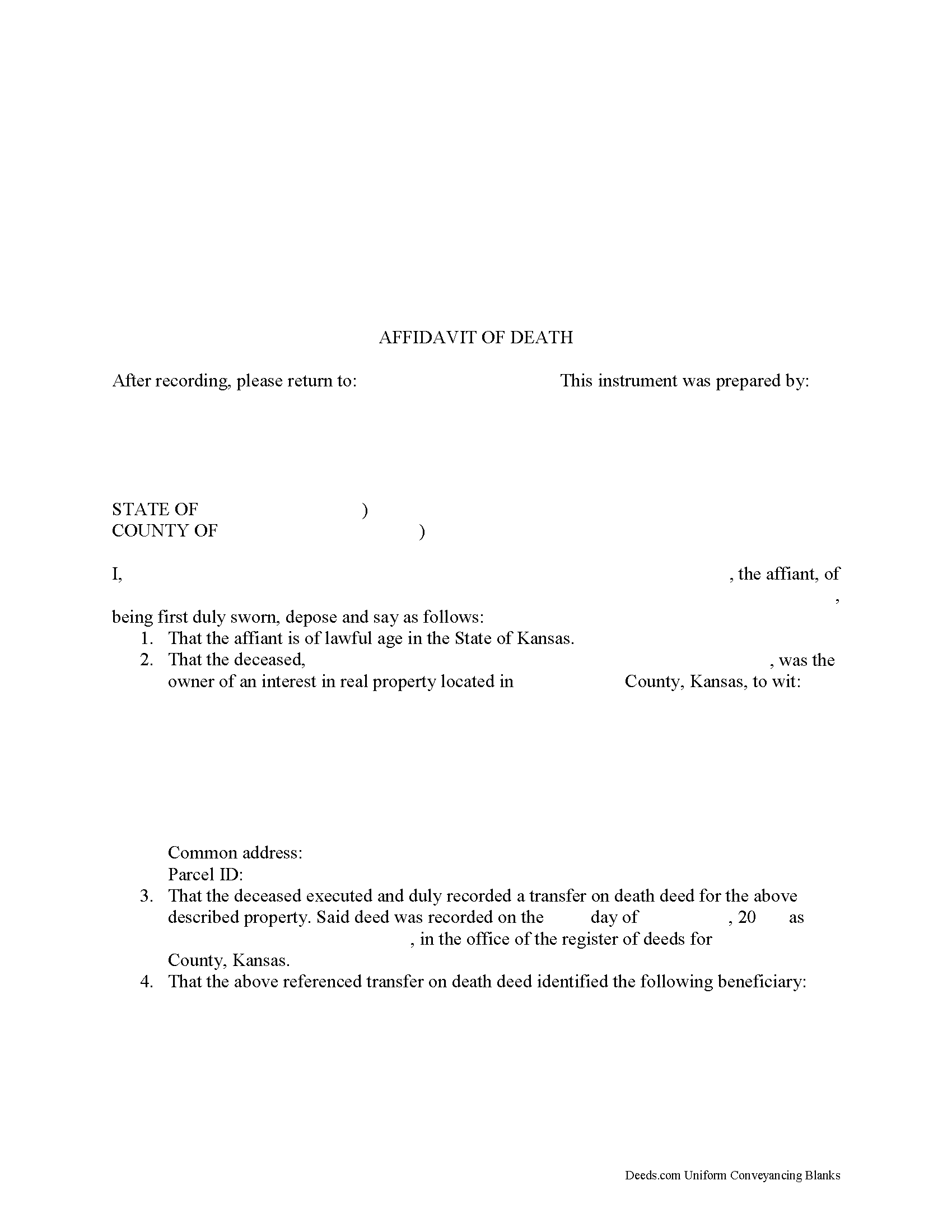
Crawford County Transfer on Death Affidavit Form
Fill in the blank form formatted to comply with all recording and content requirements.
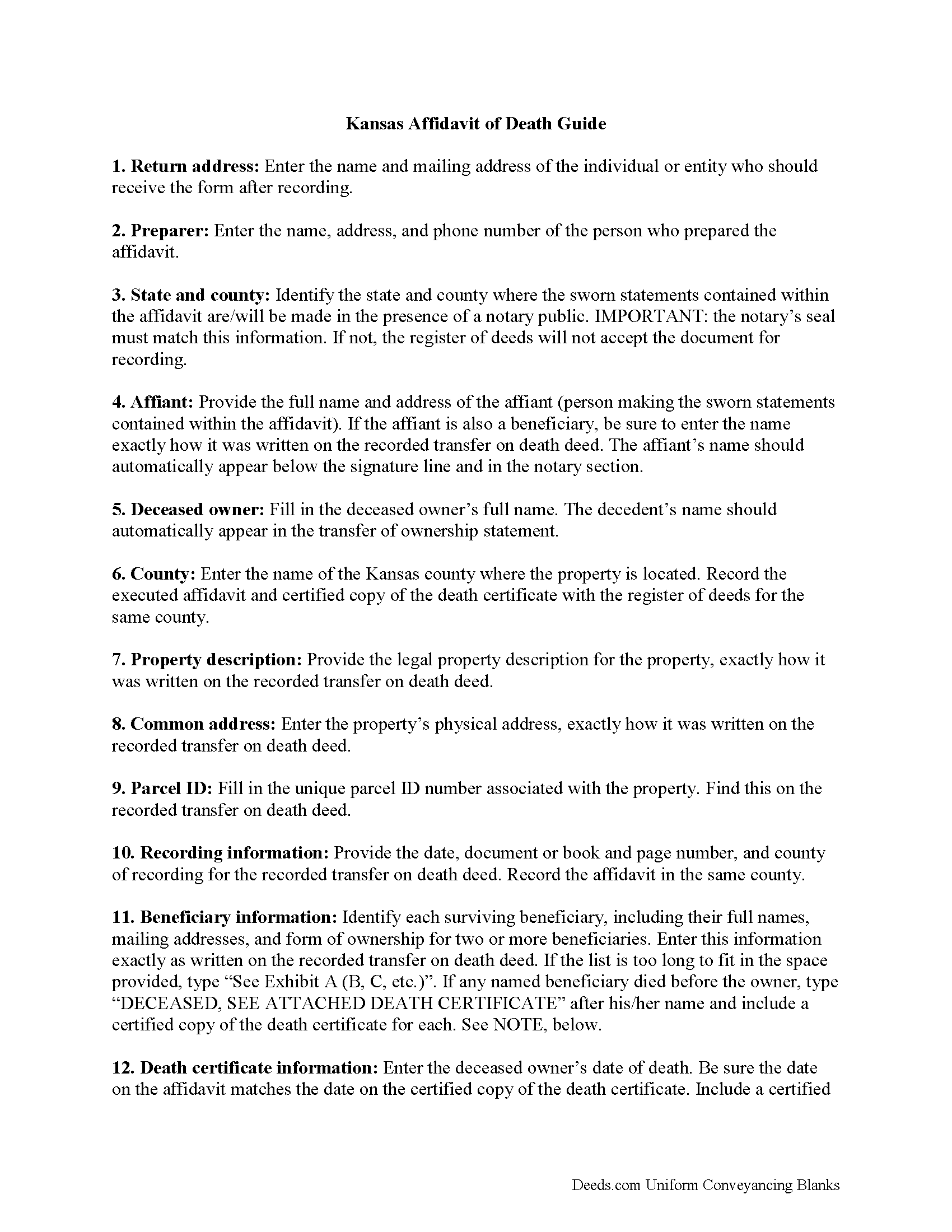
Crawford County Transfer on Death Affidavit Guide
Line by line guide explaining every blank on the form.
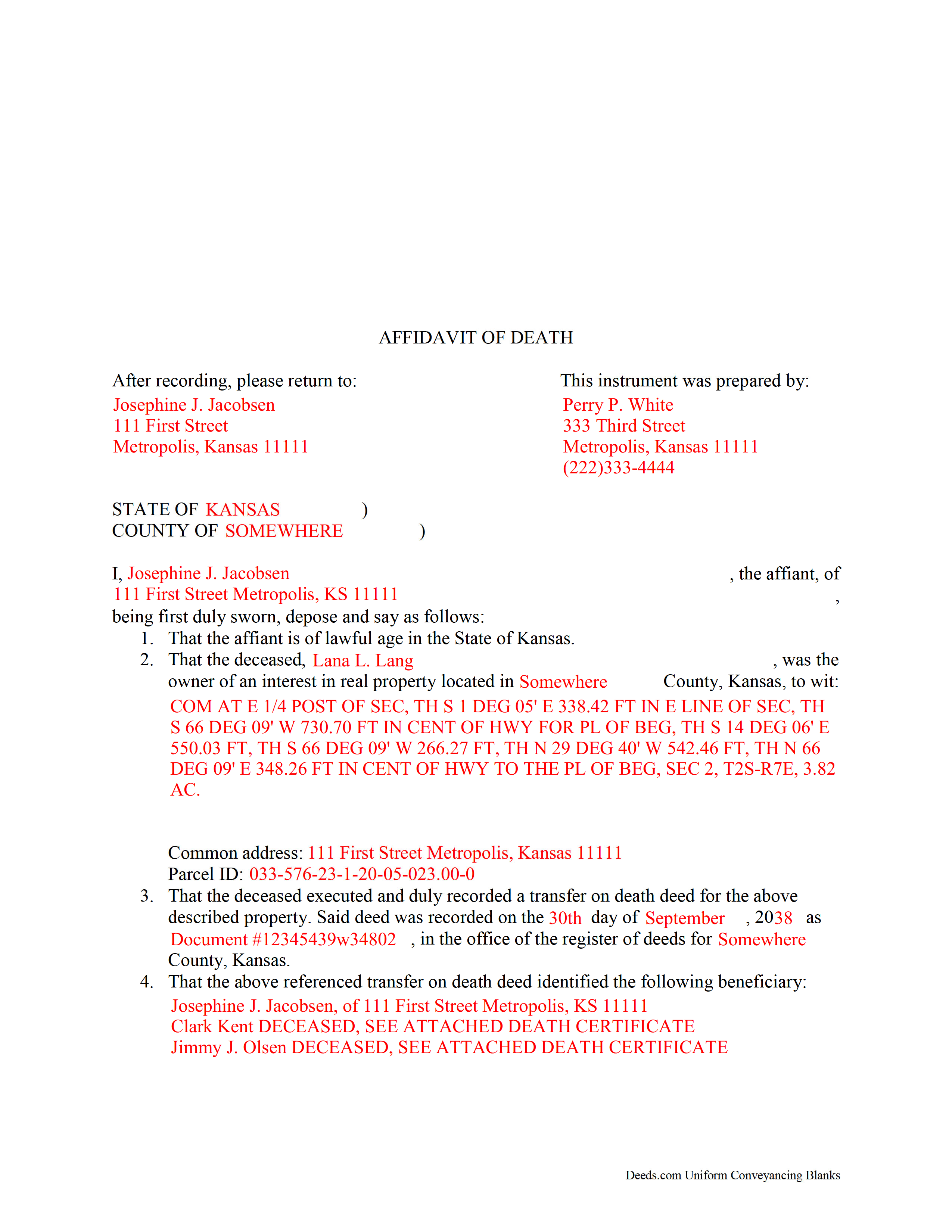
Crawford County Completed Example of the Transfer on Death Affidavit Document
Example of a properly completed form for reference.
All 3 documents above included • One-time purchase • No recurring fees
Immediate Download • Secure Checkout
Additional Kansas and Crawford County documents included at no extra charge:
Where to Record Your Documents
Crawford County Register of Deeds
Girard, Kansas 66743
Hours: 8:30 to 4:30 M-F / Recording until 3:30
Phone: (620) 724-8218
Recording Tips for Crawford County:
- Bring your driver's license or state-issued photo ID
- Ensure all signatures are in blue or black ink
- Double-check legal descriptions match your existing deed
- Verify all names are spelled correctly before recording
- White-out or correction fluid may cause rejection
Cities and Jurisdictions in Crawford County
Properties in any of these areas use Crawford County forms:
- Arcadia
- Arma
- Cherokee
- Farlington
- Franklin
- Frontenac
- Girard
- Hepler
- Mc Cune
- Mulberry
- Opolis
- Pittsburg
- Walnut
Hours, fees, requirements, and more for Crawford County
How do I get my forms?
Forms are available for immediate download after payment. The Crawford County forms will be in your account ready to download to your computer. An account is created for you during checkout if you don't have one. Forms are NOT emailed.
Are these forms guaranteed to be recordable in Crawford County?
Yes. Our form blanks are guaranteed to meet or exceed the applicable formatting requirements used for recording in Crawford County, including margin requirements, font requirements, and other layout standards. This guarantee applies to formatting, not to the legal sufficiency of information entered by the user or the suitability of a form for a particular transaction.
Can I reuse these forms?
Yes. You can reuse the forms for your personal use. For example, if you have multiple properties in Crawford County you only need to order once.
What do I need to use these forms?
The forms are PDFs that you fill out on your computer. The free Adobe Acrobat Reader is recommended, and most PDF apps also work. You do NOT enter your property information online - you download the blank forms and complete them privately on your own computer.
Are there any recurring fees?
No. This is a one-time purchase. Nothing to cancel, no memberships, no recurring fees.
How much does it cost to record in Crawford County?
Recording fees in Crawford County vary. Contact the recorder's office at (620) 724-8218 for current fees.
Questions answered? Let's get started!
Using a Kansas Affidavit of Death to Complete a Transfer on Death
In Kansas, the county assessor's office initiates the transfer of real property rights under a transfer on death deed. There are several steps to take, however, before that can happen.
When the property owner dies, an individual with personal knowledge of the intended transfer, whether the named beneficiary or someone else, makes the sworn statements contained within an affidavit of death. The affidavit, along with an official copy of the deceased owner's death certificate, is filed for record with the register of deeds for the county where the land is located.
The register of deeds then forwards the details to the county assessor's office, where they match the information on the affidavit with the deed records. After the assessor's office verifies the details, they begin the process to transfer the previous owner's rights to the beneficiary.
(Kansas Transfer on Death Affidavit Package includes form, guidelines, and completed example)
Important: Your property must be located in Crawford County to use these forms. Documents should be recorded at the county recording office listed above.
This Transfer on Death Affidavit meets all recording requirements specific to Crawford County.
Our Promise
The documents you receive here are guaranteed to meet or exceed the applicable Crawford County recording format requirements. If there is a rejection caused by our formatting, we will correct the issue or refund your payment. This guarantee applies to document formatting only and does not extend to information entered by the user, the selection of the form, or the legal effect of the completed document.
Save Time and Money
Get your Crawford County Transfer on Death Affidavit form done right the first time with Deeds.com Uniform Conveyancing Blanks. At Deeds.com, we understand that your time and money are valuable resources, and we don't want you to face a penalty fee or rejection imposed by a county recorder for submitting nonstandard documents. We constantly review and update our forms to meet rapidly changing state and county recording requirements for roughly 3,500 counties and local jurisdictions.
4.8 out of 5 - ( 4,828 Reviews )
Peggy J. 5 out of 5 stars
I have been researching for months to figure out how to remove deceased owner of property with right of survivorship in Florida. The County Clerk was not helpful. They refer you to get legal advice which is expensive. So hopefully by completing these forms I can actually complete the task. And would be helpful to be reassured that this is all I need to complete overdue task. I was hesitant to pay, but I believe this is legit. If so- a great Thank you.
Thank you for your feedback. We really appreciate it. Have a great day!
Rosa S. 5 out of 5 stars
I am pleased with how easy it was to download the will. Now just have to get it filled in and filed at Tax Office. Thank you for making it simple to use.
Thank you for your feedback. We really appreciate it. Have a great day!
Marcus V. 5 out of 5 stars
Awesome and perfect.
We are thankful for your continued support and feedback, which inspire us to continuously improve. Thank you..
Pamela L. 5 out of 5 stars
The packet was very comprehensive and easy to use (I had just one question that wasn't clearly explained). II appreciate that the forms are kept up to date.
We appreciate your business and value your feedback. Thank you. Have a wonderful day!
Craig L. 5 out of 5 stars
So far so good. I will let you know after a successful recordation of the deed.
Thank you!
David M. 5 out of 5 stars
A real boon to those of us who are not attorneys but wish to protect our assets and avoid probate court issues. Thank you for a great service.
We appreciate your business and value your feedback. Thank you. Have a wonderful day!
Richard W. 5 out of 5 stars
I found that the product wasn't what I was looking for. But ordering the product was smooth and easy and when I notified them it wasn't the right product for my situation, they promptly refunded my credit card. If looking for docs again, I will try deeds.com again.
Thank you!
Todd W. 2 out of 5 stars
Communication is hard. The reps need to be empowered and encouraged to call the customers when necessary. They encourage 300 dpi resolution and under 2 MB PDF file, which is not even possible with our scanner. They made a vague comment about a legal description looking abbreviated but did not explain. They refused to call me. They said the county said "Image is light please darken", but the image looked fine to me. Maybe not their fault, but they refused to help work with the county on that for me. I followed their suggestion though and re-scanned at 300 dpi, but they misunderstood me and did not re-submit it right away. Over 48 hours later, it's still not recorded yet. I hope it will be today.
Thank you for your feedback Todd.
JAMES M. 5 out of 5 stars
The forms are just what I needed! Easy to navigate.
We appreciate your business and value your feedback. Thank you. Have a wonderful day!
Bob B. 5 out of 5 stars
Good so far. Will be great if you get the deed recorded.
Thank you!
Debbi B. 4 out of 5 stars
The deeds were a very reasonable price. However, it was made to seem like it was part of Jefferson County, and I didn't love the deceptiveness.
Debbi, we understand that you came away with the impression that Deeds.com was part of Jefferson County, but we respectfully disagree with the characterization of our website as deceptive. Deeds.com is an independent document provider and does not represent itself as affiliated with Jefferson County or any other government agency. Jefferson County is identified because customers need forms and recording information appropriate for the correct jurisdiction. If a particular page or statement caused confusion, please contact Deeds.com Customer Care so we can review it.
matthew h. 5 out of 5 stars
Totally awesome. Useless waste of time looking anywhere else for real estate deed forms. All the stars!!
Thank you!
James J. 4 out of 5 stars
The form itself was very good and easy to use. The only problem I had was the Sample they provided. Using a different name in every spot doesnt help determine what goes where. Using "Theodore Rockafeller" as Lien Claimant in one spot and Jebediah Finklestein in another then Harvey Johnson in the last spot is confusing if you really need a helpful sample.
Thank you for your feedback James. We will have staff review the completed example to see if we can make it more helpful. Have a great day!
Ron M. 5 out of 5 stars
The download of forms, etc. was easy and the guides that were provided were good, but more information would have been nice as to where to find tax map #, parcel #, and district mentioned in Exemptions from Property Transfer Fees (and Declaration of Consideration or Value. In general, I was quite pleased with your product.
We appreciate your business and value your feedback. Thank you. Have a wonderful day!
ROSALYN L. 5 out of 5 stars
I just now downloaded the forms. So far, so good.
Thank you for your feedback. We really appreciate it. Have a great day!