Shelby County Affidavit of Abandonment Form
Last validated October 29, 2026 by our Forms Development TeamFormatted for recording in Shelby County, for property anywhere in the county: rural and unincorporated areas as well as Bagdad, Finchville, Shelbyville, Simpsonville, Waddy.
- 3 documents included
- Immediate PDF download
- Formatting guarantee
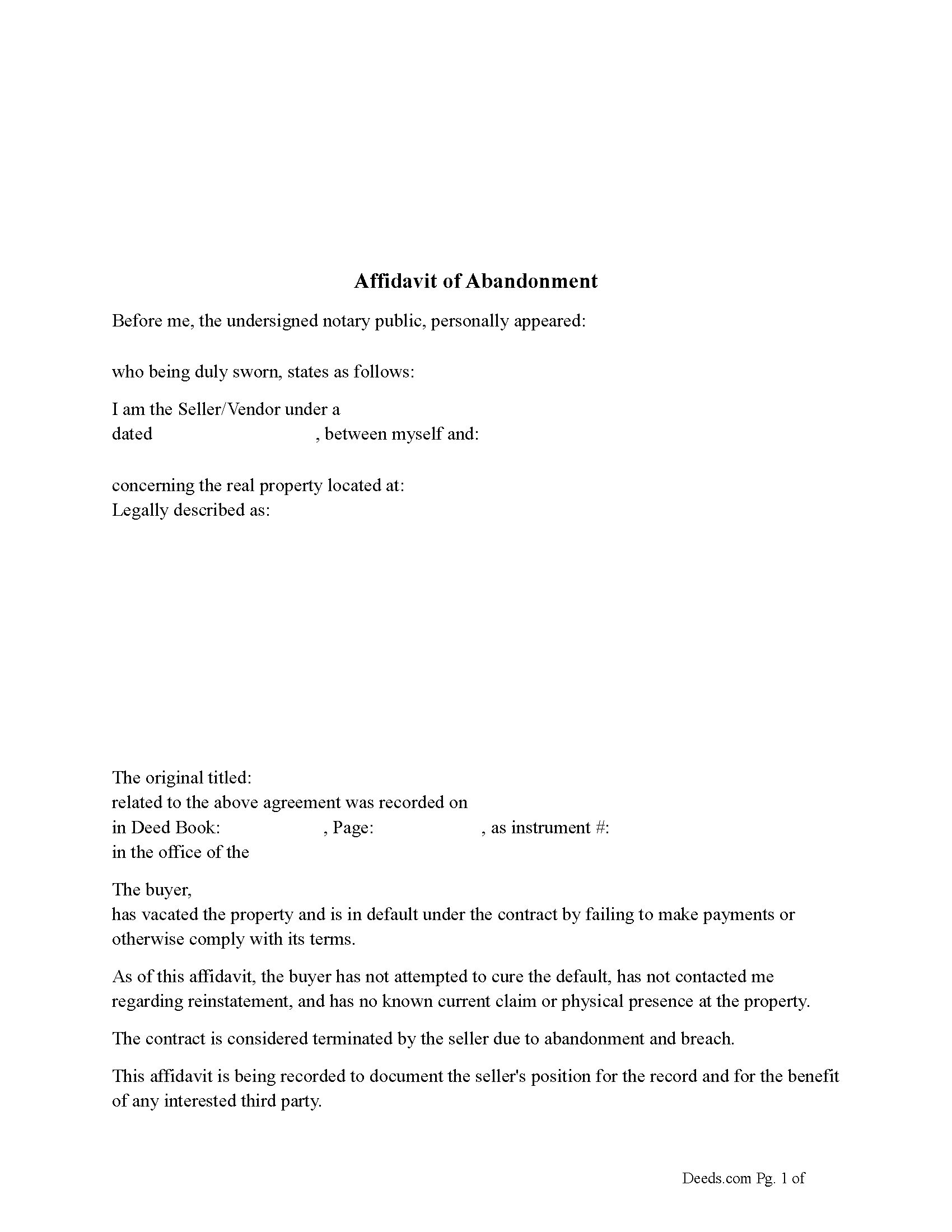
Shelby County Affidavit of Abandonment Form
Fill in the blank Affidavit of Abandonment form formatted to comply with all Kentucky recording and content requirements.
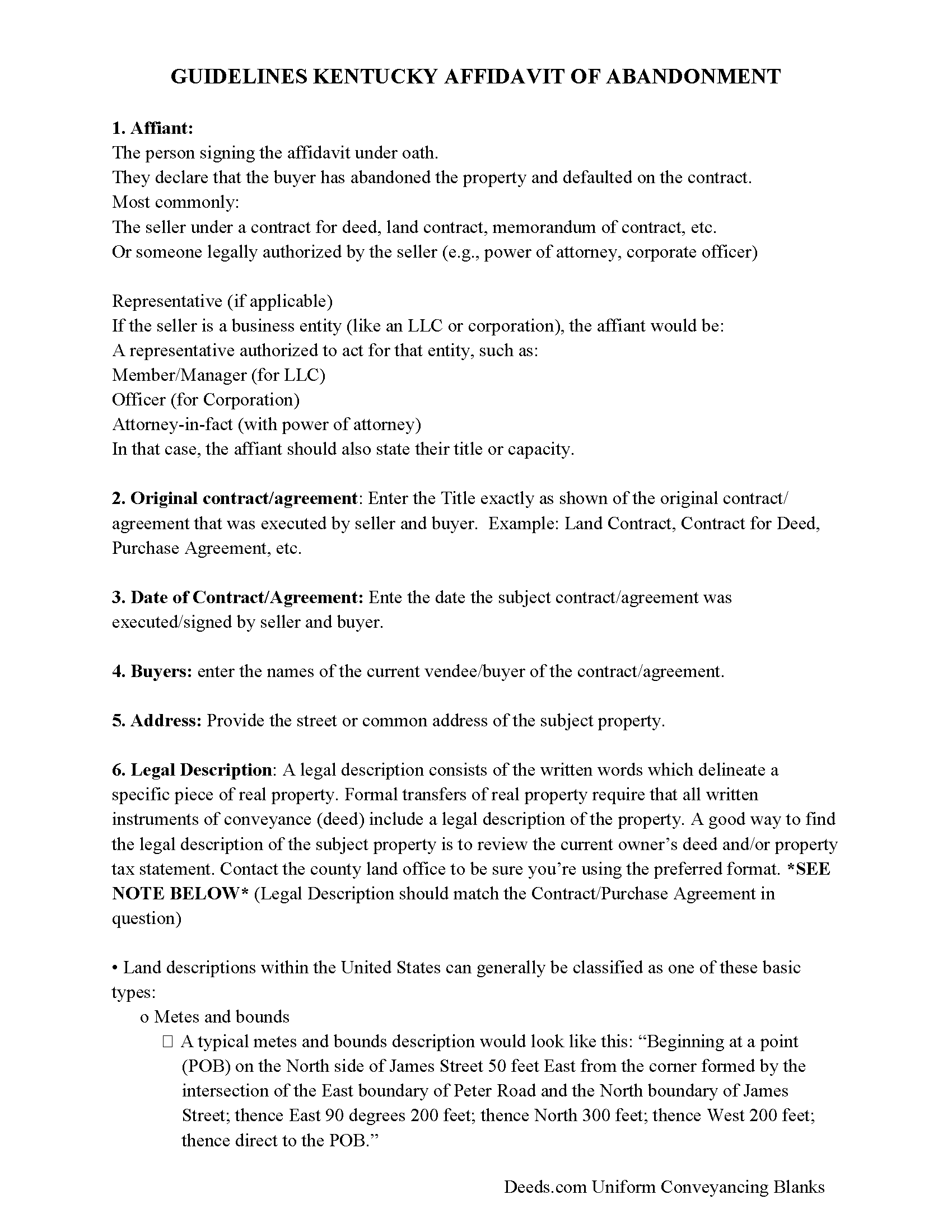
Shelby County Affidavit of Abandonment Guide
Line by line guide explaining every blank on the Affidavit of Abandonment form.
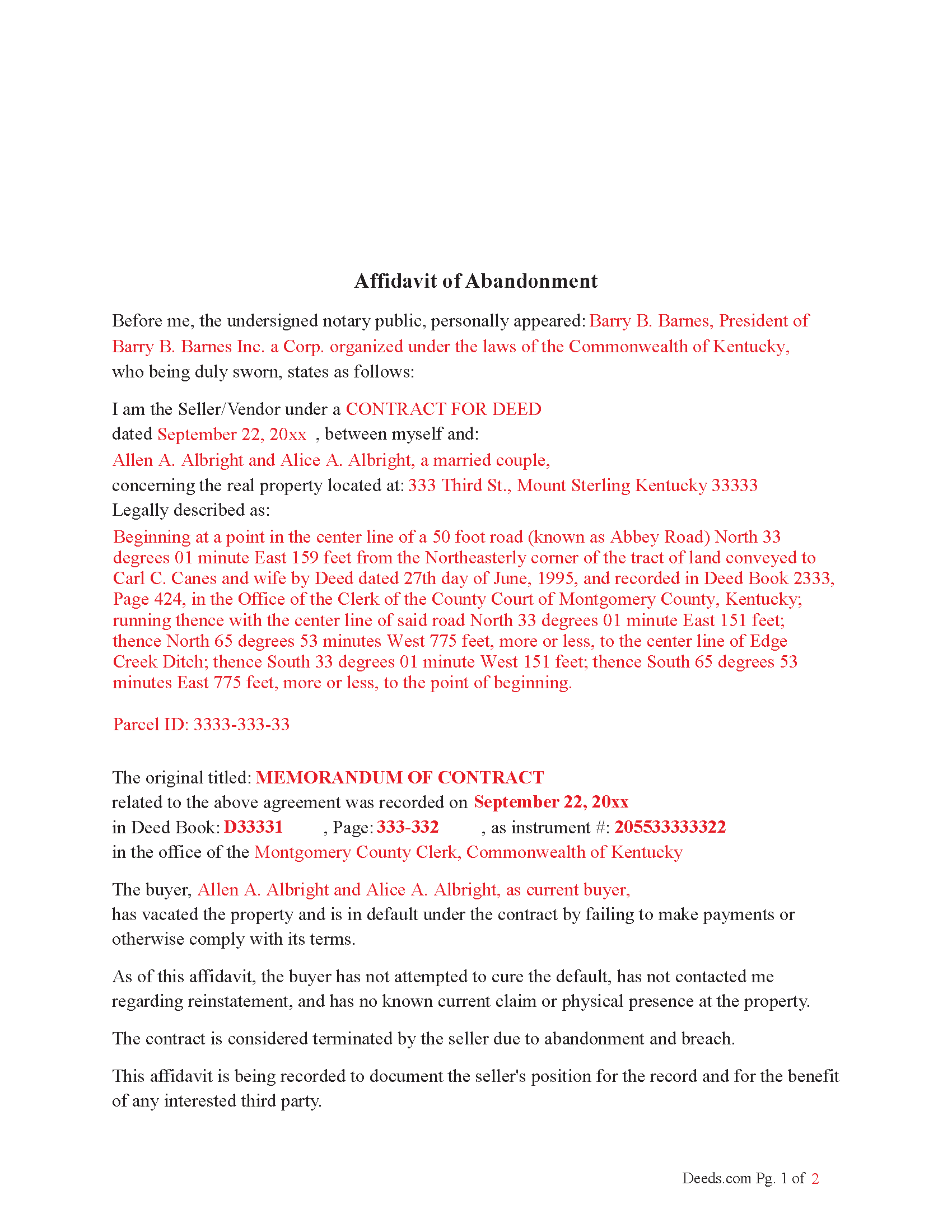
Shelby County Completed Example of the Affidavit of Abandonment Document
Example of a properly completed Kentucky Affidavit of Abandonment document for reference.
All 3 documents above included • One-time purchase • No recurring fees
Immediate Download • Secure Checkout
Additional Kentucky and Shelby County documents included at no extra charge:
Where to Record Your Documents
Shelby County Clerk
Shelbyville, Kentucky 40066
Hours: Monday - Friday: 8:30 AM to 4:30 PM; Thursday: 8:30 AM to 6 PM
Phone: 502-633-4410
Recording Tips for Shelby County:
- Bring your driver's license or state-issued photo ID
- Ensure all signatures are in blue or black ink
- Ask for certified copies if you need them for other transactions
- Ask if they accept credit cards - many offices are cash/check only
- Check that your notary's commission hasn't expired
Cities and Jurisdictions in Shelby County
Properties in any of these areas use Shelby County forms:
- Bagdad
- Finchville
- Shelbyville
- Simpsonville
- Waddy
Hours, fees, requirements, and more for Shelby County
How do I get my forms?
Forms are available for immediate download after payment. The Shelby County forms will be in your account ready to download to your computer. An account is created for you during checkout if you don't have one. Forms are NOT emailed.
Are these forms guaranteed to be recordable in Shelby County?
Yes. Our form blanks are guaranteed to meet or exceed the applicable formatting requirements used for recording in Shelby County, including margin requirements, font requirements, and other layout standards. This guarantee applies to formatting, not to the legal sufficiency of information entered by the user or the suitability of a form for a particular transaction.
Can I reuse these forms?
Yes. You can reuse the forms for your personal use. For example, if you have multiple properties in Shelby County you only need to order once.
What do I need to use these forms?
The forms are PDFs that you fill out on your computer. The free Adobe Acrobat Reader is recommended, and most PDF apps also work. You do NOT enter your property information online - you download the blank forms and complete them privately on your own computer.
Are there any recurring fees?
No. This is a one-time purchase. Nothing to cancel, no memberships, no recurring fees.
How much does it cost to record in Shelby County?
Recording fees in Shelby County vary. Contact the recorder's office at 502-633-4410 for current fees.
Questions answered? Let's get started!
How It Helps a Quiet Title Action, Foreclosure Action or Release of Memorandum of Contract when the buyer has abandoned the property.
1. Creates a Public Record
Establishes a recorded timeline of default and abandonment.
Can be used to show that you made efforts to notify the buyer and that they ceased fulfilling obligations.
Helps satisfy the court’s requirement that the seller is acting in good faith.
2. Supports a Claim of Abandonment
Quiet title actions often require showing that no one else has a valid interest in the property.
The affidavit provides sworn, written evidence that the buyer no longer occupies, claims, or maintains the property.
3. Supplements Notice Requirements
Even if the buyer cannot be reached, the recorded affidavit can:
Show that you tried to locate or contact them
Help justify constructive notice (notice through public record) in lieu of personal service
4. Strengthens Foreclosure or Termination Case If proceeding with judicial foreclosure, the affidavit:
Lays out the buyer’s default in advance
Helps establish that default was material and ongoing
May streamline the case, especially if the buyer doesn’t respond
5. “Release of Memorandum of Contract” when property is abandoned.
If you cannot get the buyer to sign, but have evidence of:
Default
Abandonment
No claim or performance under the contract
Reference The recorded affidavit of abandonment (include its book/page)
Send notice of the release to the buyer’s last known address (optional but strongly advised)
You can move to release the memorandum yourself, but this is a legal gray area unless the contract authorizes you to do so unilaterally.
Legal Caution: While this approach is commonly used in practical title clearing, it’s not guaranteed to be bulletproof if the buyer later contests it. If the buyer resurfaces and claims an interest, you may still need to: File a quiet title action, or Get a court order confirming the termination.
An Affidavit of Abandonment strengthens your case to be most effective. While you still may need a court action to formally extinguish the buyer’s interest, a well-written, recorded Affidavit of Abandonment shows due diligence, documents breach and abandonment and may shorten or simplify litigation.
Important: Your property must be located in Shelby County to use these forms. Documents should be recorded at the county recording office listed above.
This Affidavit of Abandonment meets all recording requirements specific to Shelby County.
Our Promise
The documents you receive here are guaranteed to meet or exceed the applicable Shelby County recording format requirements. If there is a rejection caused by our formatting, we will correct the issue or refund your payment. This guarantee applies to document formatting only and does not extend to information entered by the user, the selection of the form, or the legal effect of the completed document.
Save Time and Money
Get your Shelby County Affidavit of Abandonment form done right the first time with Deeds.com Uniform Conveyancing Blanks. At Deeds.com, we understand that your time and money are valuable resources, and we don't want you to face a penalty fee or rejection imposed by a county recorder for submitting nonstandard documents. We constantly review and update our forms to meet rapidly changing state and county recording requirements for roughly 3,500 counties and local jurisdictions.
4.8 out of 5 - ( 4,839 Reviews )
ziad k. 5 out of 5 stars
FIRST TIME USER EXCELENT SERVICE.
Thank you for your feedback. We really appreciate it. Have a great day!
Thomas M. 5 out of 5 stars
EXCELLENT resource for ALL state documents! The forms come with explanations and examples. A real Deal!!!
Thank you!
srikanth n. 1 out of 5 stars
why not word format??
Good question. There are many reasons, we'll touch on a few. For the end user (you) Adobe Reader is free, Word is not. PDF is the portable document standard, Word is a decent word processor. A portable document format (PDF) maintains document formatting such as margins and font size which is very important to legal documents, Word does not. Have a wonderful day.
Todd W. 2 out of 5 stars
Communication is hard. The reps need to be empowered and encouraged to call the customers when necessary. They encourage 300 dpi resolution and under 2 MB PDF file, which is not even possible with our scanner. They made a vague comment about a legal description looking abbreviated but did not explain. They refused to call me. They said the county said "Image is light please darken", but the image looked fine to me. Maybe not their fault, but they refused to help work with the county on that for me. I followed their suggestion though and re-scanned at 300 dpi, but they misunderstood me and did not re-submit it right away. Over 48 hours later, it's still not recorded yet. I hope it will be today.
Thank you for your feedback Todd.
Peter M. 5 out of 5 stars
Quick and complete. Thanks!
Thank you!
Katherine A R. 5 out of 5 stars
It's very easy to navigate through the website to find the service that you want. Great program.
Thank you!
Myron M. 5 out of 5 stars
This is what we need and it was very helpful and easy to fill out. Thanks
We appreciate your business and value your feedback. Thank you. Have a wonderful day!
Freddy S. 5 out of 5 stars
great job
Thank you!
DAVID K. 5 out of 5 stars
Already gave a review Great site and help
We appreciate your business and value your feedback. Thank you. Have a wonderful day!
Chastity S. 1 out of 5 stars
Very confusing and a waste of money, Now I will have to pay for another service from another site. Very disappointed.
Thank you for your feedback. Sorry to hear about your disappointment. It is certainly a good idea to seek a more full service route if you are not completely sure of what you are doing. We have canceled your order and payment.
Flordeliza R. 5 out of 5 stars
Once I was able to get my scanner working and provide good quality scans, the turnaround was quick and my documents were recorded and returned to me the same day with the Recorder's Stamp for download. Deeds.com staff was able to guide me to make sure my package was complete. Thank you!
We appreciate your business and value your feedback. Thank you. Have a wonderful day!
bruce t. 5 out of 5 stars
Much good information provided. Forms easy to use. Price is a bargain.
We appreciate your business and value your feedback. Thank you. Have a wonderful day!
Janette K. 5 out of 5 stars
I ordered a Transfer of Deed on Death document. It was easy to fill in, came with a useful guide and was customized to my county/state. It got the job done and was well worth the money!
Thank you for your feedback. We really appreciate it. Have a great day!
Sandra C. 5 out of 5 stars
Not sure whether the two forms I printed will be helpful or not. Will find out when I go to a place for completion and to be notorized.
Thank you!
David H. 5 out of 5 stars
Exceeded expectations; bundle included not only the form but also detailed instructions and definitions and a completed "John Doe" example.
We appreciate your business and value your feedback. Thank you. Have a wonderful day!