Fulton County Quitclaim Deed (Corrective) Form
Last validated October 13, 2026 by our Forms Development TeamFormatted for recording in Fulton County, for property anywhere in the county: rural and unincorporated areas as well as Fulton, Hickman.
- 3 documents included
- Immediate PDF download
- Formatting guarantee
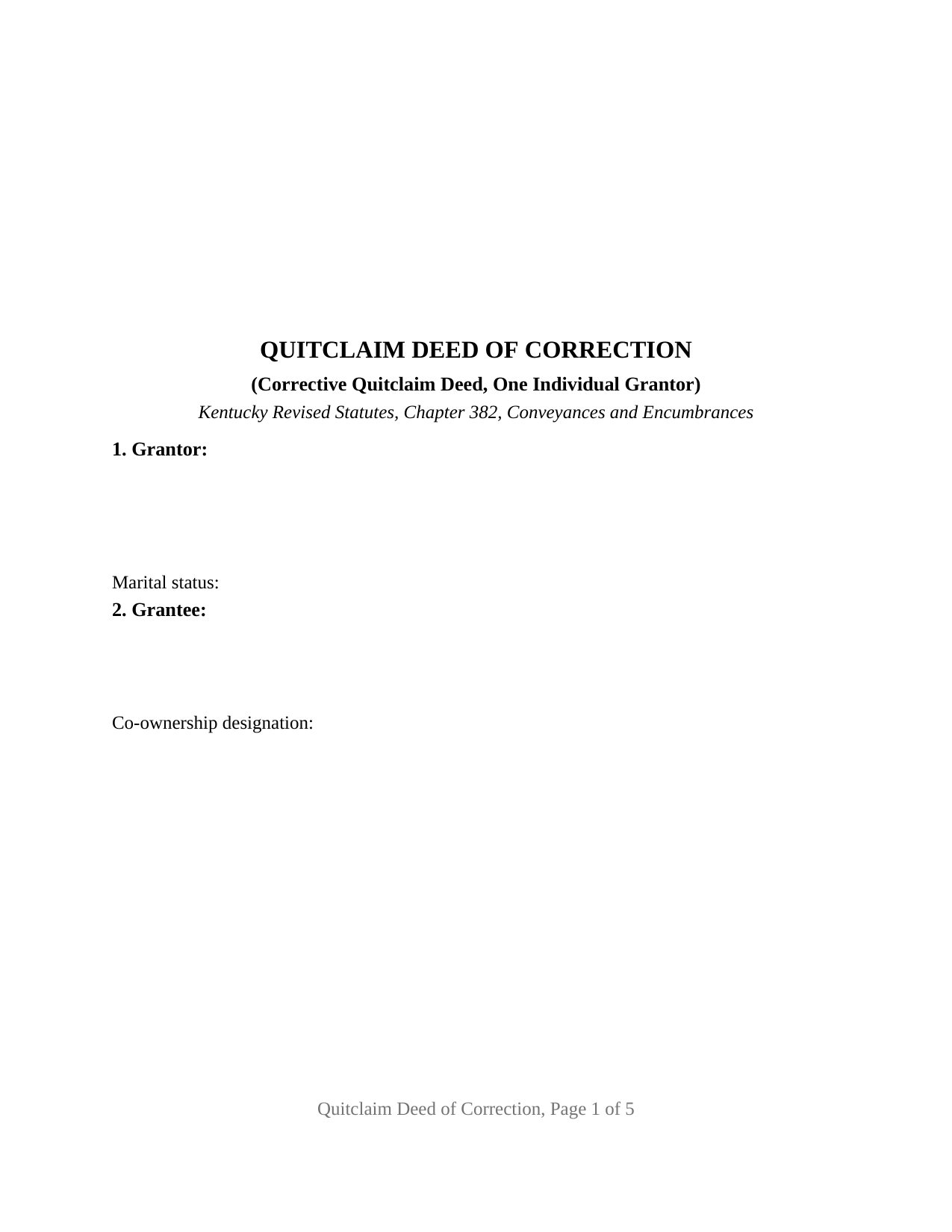
Fulton County Quitclaim Deed (Corrective) Form
Fill in the blank Quitclaim Deed (Corrective) form formatted to comply with all Kentucky recording and content requirements.
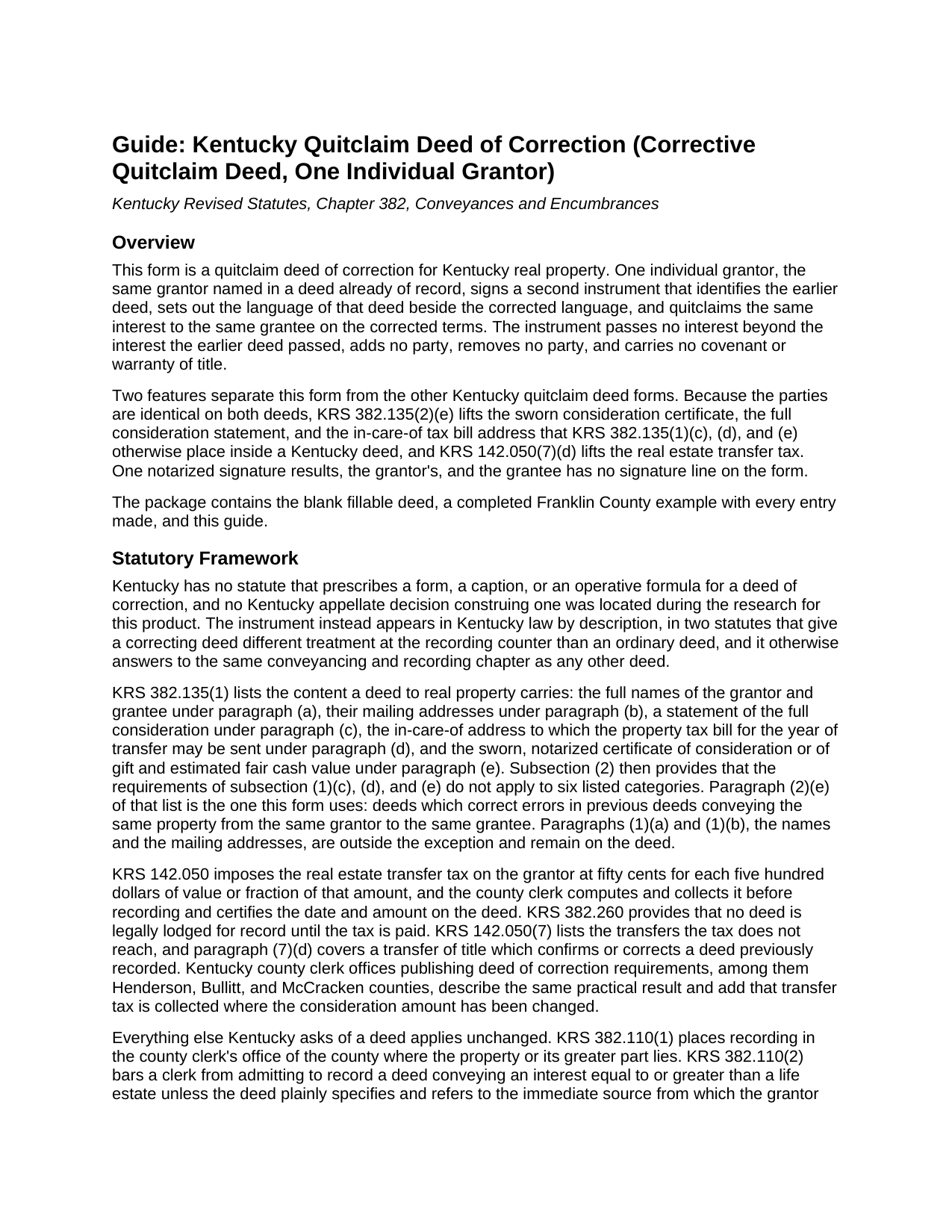
Fulton County Quitclaim Deed (Corrective) Guide
Line by line guide explaining every blank on the Quitclaim Deed (Corrective) form.
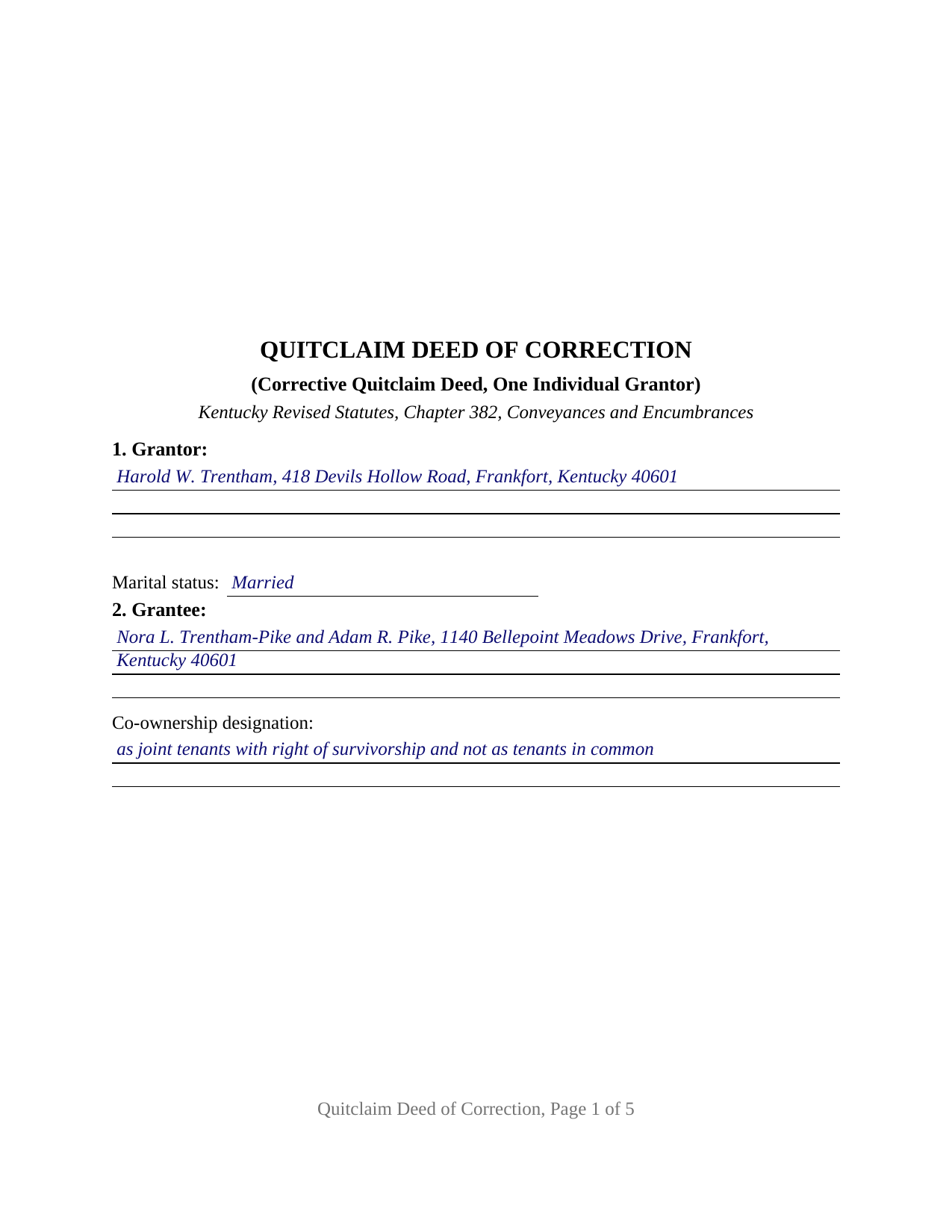
Fulton County Completed Example of the Quitclaim Deed (Corrective) Document
Example of a properly completed Kentucky Quitclaim Deed (Corrective) document for reference.
All 3 documents above included • One-time purchase • No recurring fees
Immediate Download • Secure Checkout
Additional Kentucky and Fulton County documents included at no extra charge:
Where to Record Your Documents
Fulton County Clerk
Hickman, Kentucky 42050
Hours: 8:00am to 4:30pm M-F
Phone: (270) 236-2727
Recording Tips for Fulton County:
- Bring your driver's license or state-issued photo ID
- Ensure all signatures are in blue or black ink
- Make copies of your documents before recording - keep originals safe
- Recorded documents become public record - avoid including SSNs
- Recording fees may differ from what's posted online - verify current rates
Cities and Jurisdictions in Fulton County
Properties in any of these areas use Fulton County forms:
- Fulton
- Hickman
Hours, fees, requirements, and more for Fulton County
How do I get my forms?
Forms are available for immediate download after payment. The Fulton County forms will be in your account ready to download to your computer. An account is created for you during checkout if you don't have one. Forms are NOT emailed.
Are these forms guaranteed to be recordable in Fulton County?
Yes. Our form blanks are guaranteed to meet or exceed the applicable formatting requirements used for recording in Fulton County, including margin requirements, font requirements, and other layout standards. This guarantee applies to formatting, not to the legal sufficiency of information entered by the user or the suitability of a form for a particular transaction.
Can I reuse these forms?
Yes. You can reuse the forms for your personal use. For example, if you have multiple properties in Fulton County you only need to order once.
What do I need to use these forms?
The forms are PDFs that you fill out on your computer. The free Adobe Acrobat Reader is recommended, and most PDF apps also work. You do NOT enter your property information online - you download the blank forms and complete them privately on your own computer.
Are there any recurring fees?
No. This is a one-time purchase. Nothing to cancel, no memberships, no recurring fees.
How much does it cost to record in Fulton County?
Recording fees in Fulton County vary. Contact the recorder's office at (270) 236-2727 for current fees.
Questions answered? Let's get started!
A Kentucky deed ordinarily collects sworn signatures from both sides of the transfer. This one does not. Where a deed corrects an error in an earlier deed running between the same grantor and the same grantee, KRS 382.135(2)(e) lifts the sworn consideration certificate out of the instrument, and the receiving side's signature goes with it. Sometimes searched as a corrective deed or a scrivener's error deed, this fillable Kentucky quitclaim deed of correction restates a recorded conveyance on corrected terms and carries one notarized signature.
The exception that empties three paragraphs
KRS 382.135(1) loads a Kentucky deed with content: the full names of both parties, their mailing addresses, a statement of the full consideration, the in care of address for the year's tax bill, and a sworn certificate signed by the grantor or agent and the grantee or agent. Subsection (2) names six kinds of deed the requirements of paragraphs (1)(c), (d), and (e) do not reach, and paragraph (2)(e) is this instrument: deeds which correct errors in previous deeds conveying the same property from the same grantor to the same grantee. The names and the mailing addresses of paragraphs (1)(a) and (1)(b) keep their place on the form. Section 8 states the exception where a clerk computing tax reads it.
A transfer tax the statute never reaches
An ordinary deed meets KRS 142.050 at the counter: fifty cents for each five hundred dollars of value, charged to the grantor and certified by the clerk, with KRS 382.260 holding the instrument out of the record until it is paid. A correcting deed sits in the exemption list under a paragraph of its own, KRS 142.050(7)(d), covering a transfer of title which confirms or corrects a deed previously recorded. County offices publishing deed of correction requirements add the practical boundary: tax is collected where the consideration amount has been changed, which is also where the sworn certificate returns.
Four things a Kentucky clerk looks for
Kentucky prescribes no statutory correction deed form, so the instrument takes its shape from those two statutes and from county intake requirements, consistent office to office: the parties are identical to those in the deed being corrected, no party is added, removed, or changed, the instrument says on its face that it is a deed of correction, it refers to the deed it corrects, and the reason for the correction is apparent. Sections 3, 4, and 9 carry those items. The source of title statement of KRS 382.110, the preparer endorsement of KRS 382.335, and acknowledgment under KRS 382.130 stay where they always were.
What this form recites, and what it is not arranged for
The deed recites exactly one grantor, an individual, with a marital status entry; the grantee or grantees named in the deed being corrected, with a co-ownership designation entry; one prior deed identified by its recording data; and one correction stated as a before and after pair. A single signature block follows, one acknowledgment certificate beneath it, and whoever drew the instrument signs the Section 11 endorsement. A plat slide reference pointing at the wrong slide, an acreage figure that does not match the survey, and a source of title clause citing the wrong deed book present the patterns this deed recites. It is not arranged for two people on the granting side, for an entity or a fiduciary conveying through a representative, for an agent signing under a power of attorney, for a joining spouse, or for an instrument that changes the consideration.
Where a correction stops and a court begins
Correction by a second deed rests on the agreement of the same two parties, which is why identity of the parties is the condition every Kentucky source states. The instrument carries no covenant of title, since Kentucky attaches covenants to statutory words and this deed prints neither with warranty under KRS 382.030 nor with special warranty under KRS 382.040, so liens, easements, and chain gaps ride through the correction untouched. Changing who takes, changing the estate taken, or settling a disagreement about the earlier deed's meaning is reformation, a remedy a court supplies, and no Kentucky appellate decision construing a deed of correction was located when this product was researched.
The download delivers this corrective quitclaim deed as a fillable PDF, a completed Franklin County example with every blank filled, and a plain language guide covering the correction entries, the single notarized signature, and recording at the county clerk's office. The materials are informational and are not legal advice.
Important: Your property must be located in Fulton County to use these forms. Documents should be recorded at the county recording office listed above.
This Quitclaim Deed (Corrective) meets all recording requirements specific to Fulton County.
Our Promise
The documents you receive here are guaranteed to meet or exceed the applicable Fulton County recording format requirements. If there is a rejection caused by our formatting, we will correct the issue or refund your payment. This guarantee applies to document formatting only and does not extend to information entered by the user, the selection of the form, or the legal effect of the completed document.
Save Time and Money
Get your Fulton County Quitclaim Deed (Corrective) form done right the first time with Deeds.com Uniform Conveyancing Blanks. At Deeds.com, we understand that your time and money are valuable resources, and we don't want you to face a penalty fee or rejection imposed by a county recorder for submitting nonstandard documents. We constantly review and update our forms to meet rapidly changing state and county recording requirements for roughly 3,500 counties and local jurisdictions.
4.8 out of 5 - ( 4,833 Reviews )
Lindsey W. 3 out of 5 stars
The service was great but after I did all my work and uploaded the documents they canceled my stuff because the county they had on the list doesnt take/or have set up e-recording yet. It was a bit disappointing because thats the only reason I was on here is because it brought me here from that countys sight.
Thank you for your feedback, sorry we were not able to provide the service for you. Hope you have a great day.
John S. 5 out of 5 stars
Easy system to use. good information.
Thank you for taking a moment to share your thoughts.
annie m. 5 out of 5 stars
recently joined Deeds.com. still exploring the site. has been very helpful in providing local information for recording, such as fees and requirements. i am working to correct mistakes made within a deed. it is amazing how these municipalities operate outside the scope of Article 1, Section 8, Clause 17; to claim land is "in" the "State of ____. when the land is actually not ceded to the United States of America as for use for needful buildings. beware of the fraud perpetrated by Attorneys in the recording of your Deeds. Registration as "RESIDENTIAL" puts your private-use land on the TAX rolls with the use of that one word. i recommend this site as it appears there is information for each state and each county office. will update my review once i place an order.
Thank you!
Angela D. 5 out of 5 stars
The only problem I had was that it doesn't let you create a file for all documents to go into as one. Mahalo Angie
Thank you for your feedback. We really appreciate it. Have a great day!
Kristie B. 1 out of 5 stars
Horrible. As an agent, trying to find a simple answer was never accomplished.
Sorry to hear that Kristie. We do hope that you found what you were looking for elsewhere.
John D. 5 out of 5 stars
Very helpful and easy to use.
Thank you for your feedback. We really appreciate it. Have a great day!
Lawrence N. 5 out of 5 stars
Very easy and convenient to use. Low cost and saves a trip to the courthouse and/or having to do mailing(s)
We appreciate your business and value your feedback. Thank you. Have a wonderful day!
Omid B. 5 out of 5 stars
Super efficient, extremely responsive , and above all quick turnaround. Thank you! Will definitely use your services again!
Thank you!
Laurie S. 5 out of 5 stars
This was amazingly easy to access.
We appreciate your business and value your feedback. Thank you. Have a wonderful day!
Marsha C. 5 out of 5 stars
Awesome so far! What a great service!
Thank you Marsha, we really appreciate your feedback.
Judith G. 5 out of 5 stars
Thank you, it was easy and fast. The clerks office filed without question.
Thank you Judith, have a fantastic day!
John L. 5 out of 5 stars
WOW, This site saved me from going to a lawyer. Not only do they give you great directions, they also include a sample that is extremely helpful.
We appreciate your business and value your feedback. Thank you. Have a wonderful day!
Michael N. 5 out of 5 stars
This is an extremely helpful and very fast way to file with property recorders. It saved me time away from work and provided a receipt for the filing
Thank you, Michael! We're glad to hear the process was fast and efficient for you—and that it saved you time from work. Appreciate you sharing your experience!
Shari N. 5 out of 5 stars
Deeds.com provides a valuable resource to efficiently file documents for recordation.
We are grateful for your feedback and looking forward to serving you again. Thank you!
Imari E. 5 out of 5 stars
QUICK SERVICE
Thank you!