Cecil County APPOINTMENT OF SUBSTITUTE TRUSTEE(s) - for Deed of Trust Form
Last validated October 28, 2026 by our Forms Development TeamFormatted for recording in Cecil County, for property anywhere in the county or independent city: rural and unincorporated areas as well as Cecilton, Charlestown, Chesapeake City, Childs, Colora, Conowingo, Earleville, Elk Mills and 8 more.
- 3 documents included
- Immediate PDF download
- Formatting guarantee
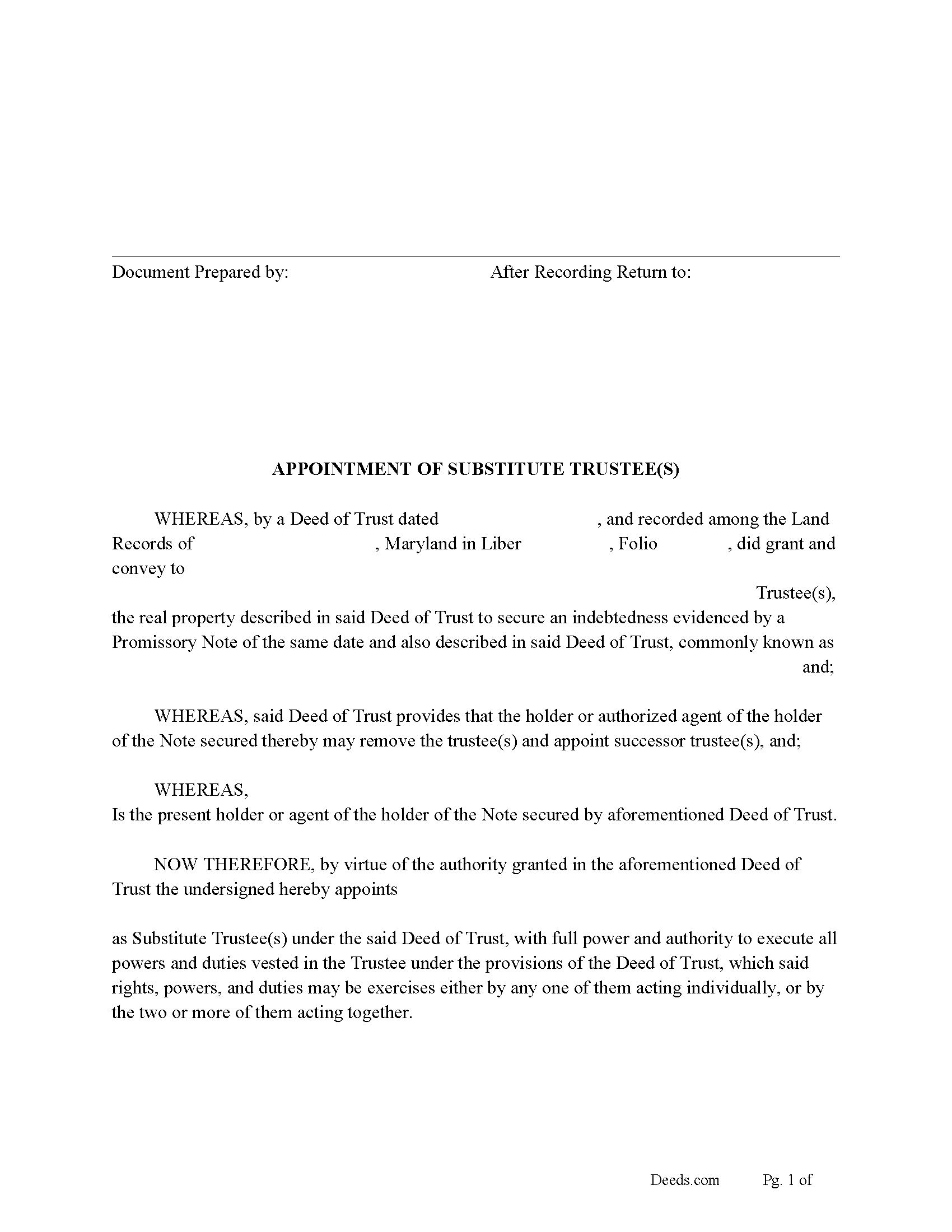
Cecil County Appointment of Substitute Trustee Form
Fill in the blank form formatted to comply with all recording and content requirements.
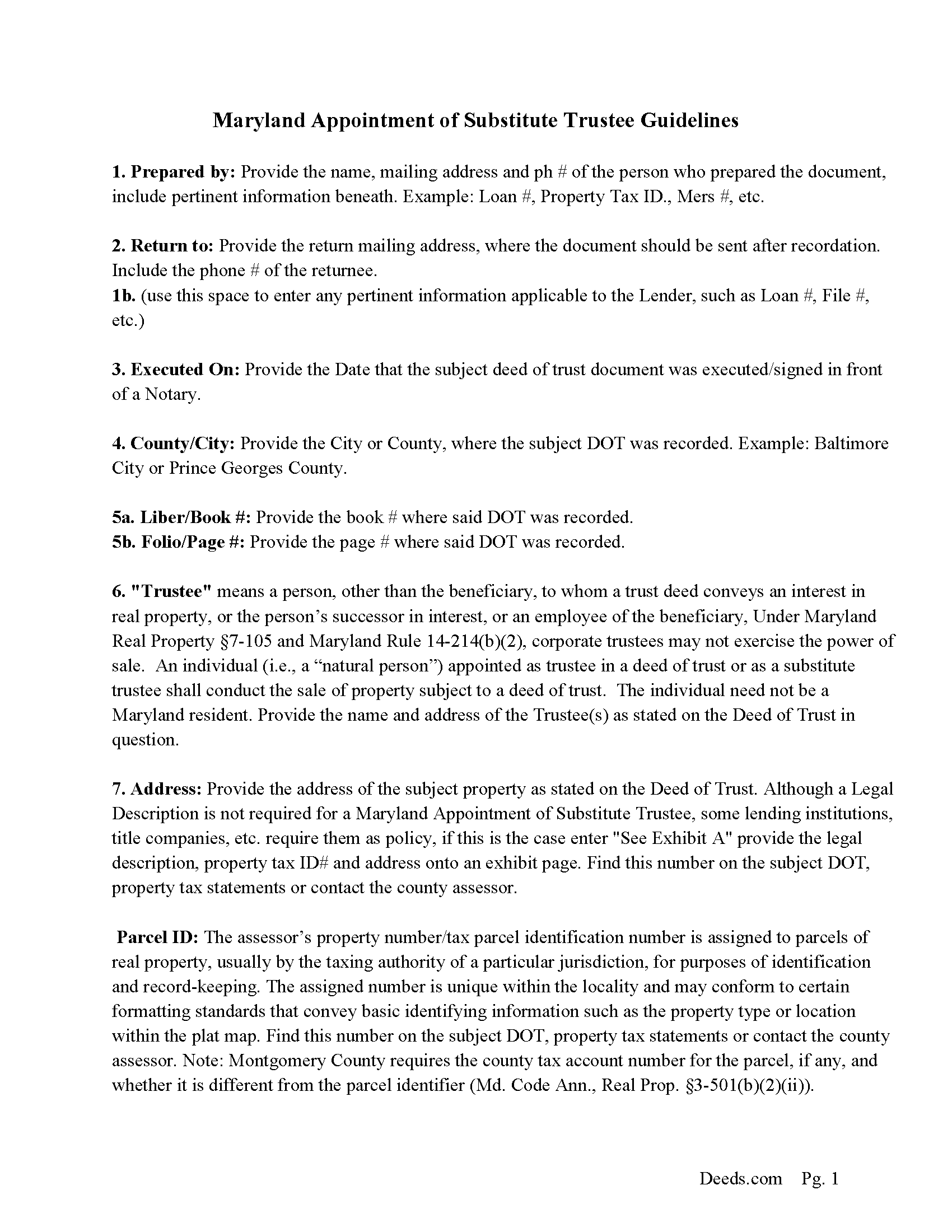
Cecil County Appointment of Substitute Trustee Guidelines
Line by line guide explaining every blank on the form.
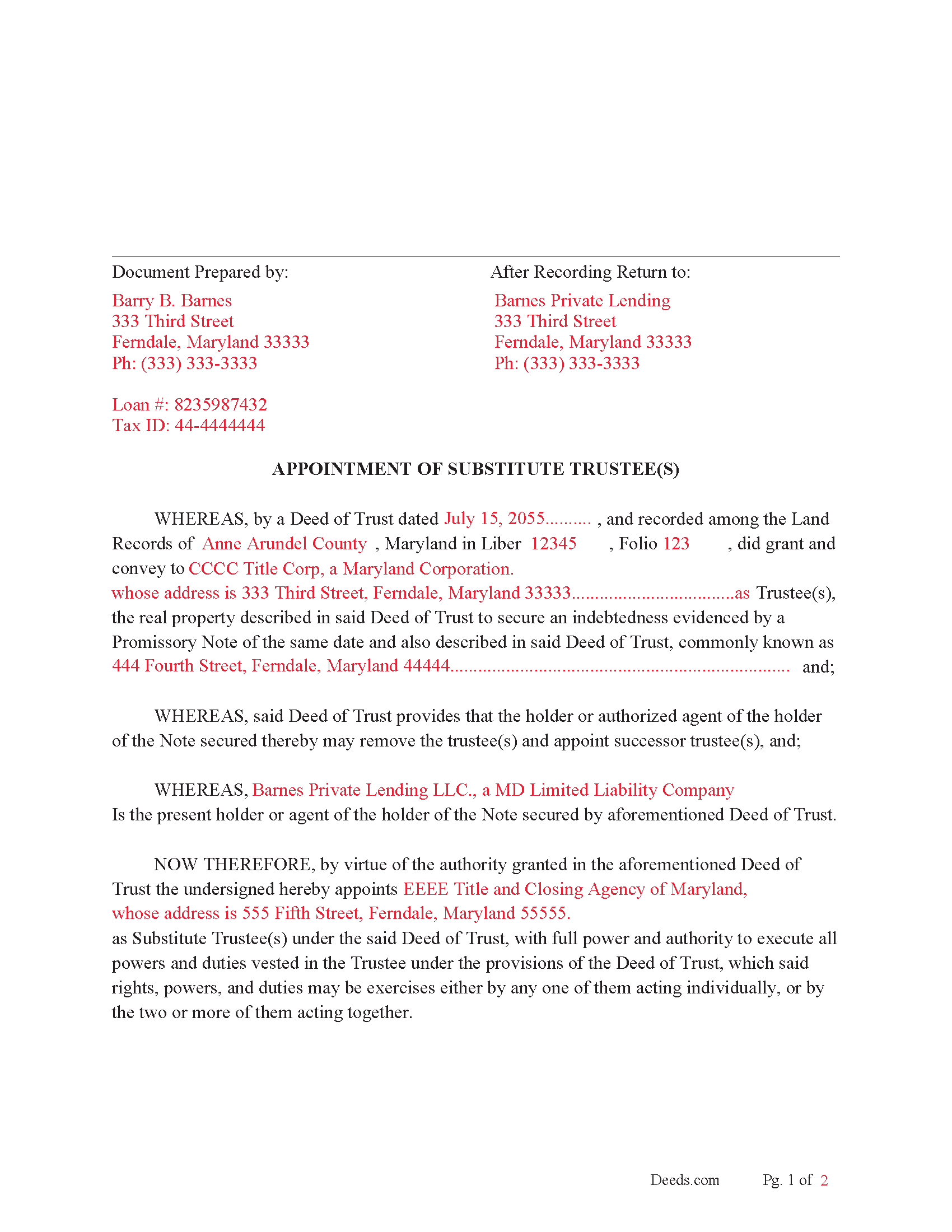
Cecil County Completed Example of the Appointment of Substitute Trustee(s) document
Example of a properly completed form for reference.
All 3 documents above included • One-time purchase • No recurring fees
Immediate Download • Secure Checkout
Additional Maryland and Cecil County documents included at no extra charge:
Where to Record Your Documents
Circuit Court Clerk's Office
Elkton, Maryland 21921
Hours: 8:30 to 4:30 M-F
Phone: 410-996-5375
Recording Tips for Cecil County:
- Bring your driver's license or state-issued photo ID
- Ensure all signatures are in blue or black ink
- Check margin requirements - usually 1-2 inches at top
- Leave recording info boxes blank - the office fills these
- Make copies of your documents before recording - keep originals safe
Cities and Jurisdictions in Cecil County
Properties in any of these areas use Cecil County forms:
- Cecilton
- Charlestown
- Chesapeake City
- Childs
- Colora
- Conowingo
- Earleville
- Elk Mills
- Elkton
- Georgetown
- North East
- Perry Point
- Perryville
- Port Deposit
- Rising Sun
- Warwick
Hours, fees, requirements, and more for Cecil County
How do I get my forms?
Forms are available for immediate download after payment. The Cecil County forms will be in your account ready to download to your computer. An account is created for you during checkout if you don't have one. Forms are NOT emailed.
Are these forms guaranteed to be recordable in Cecil County?
Yes. Our form blanks are guaranteed to meet or exceed the applicable formatting requirements used for recording in Cecil County, including margin requirements, font requirements, and other layout standards. This guarantee applies to formatting, not to the legal sufficiency of information entered by the user or the suitability of a form for a particular transaction.
Can I reuse these forms?
Yes. You can reuse the forms for your personal use. For example, if you have multiple properties in Cecil County you only need to order once.
What do I need to use these forms?
The forms are PDFs that you fill out on your computer. The free Adobe Acrobat Reader is recommended, and most PDF apps also work. You do NOT enter your property information online - you download the blank forms and complete them privately on your own computer.
Are there any recurring fees?
No. This is a one-time purchase. Nothing to cancel, no memberships, no recurring fees.
How much does it cost to record in Cecil County?
Recording fees in Cecil County vary. Contact the recorder's office at 410-996-5375 for current fees.
Questions answered? Let's get started!
Use this form to substitute an existing Trustee in a previously recorded Deed of Trust. This is often done when the Trustee of record can't or won't act or upon default/foreclosure of the Deed of Trust.
"Trustee" means a person, other than the beneficiary, to whom a trust deed conveys an interest in real property, or the person's successor in interest, or an employee of the beneficiary, Under Maryland Real Property 7-105 and Maryland Rule 14-214(b)(2), corporate trustees may not exercise the power of sale. An individual (i.e., a "natural person") appointed as trustee in a deed of trust or as a substitute trustee shall conduct the sale of property subject to a deed of trust. The individual need not be a Maryland resident.
(If a mortgage or deed of trust allows for the appointment or substitution of a trustee or an individual authorized to exercise a power of sale, the holder of the mortgage or deed of trust may make the appointments or substitutions from time to time.) ( 7-105(5))
(Maryland Appointment of ST Package includes form, guidelines, and completed example) For use in Maryland only.
Important: Your property must be located in Cecil County to use these forms. Documents should be recorded at the county or independent city recording office listed above.
This APPOINTMENT OF SUBSTITUTE TRUSTEE(s) - for Deed of Trust meets all recording requirements specific to Cecil County.
Our Promise
The documents you receive here are guaranteed to meet or exceed the applicable Cecil County recording format requirements. If there is a rejection caused by our formatting, we will correct the issue or refund your payment. This guarantee applies to document formatting only and does not extend to information entered by the user, the selection of the form, or the legal effect of the completed document.
Save Time and Money
Get your Cecil County APPOINTMENT OF SUBSTITUTE TRUSTEE(s) - for Deed of Trust form done right the first time with Deeds.com Uniform Conveyancing Blanks. At Deeds.com, we understand that your time and money are valuable resources, and we don't want you to face a penalty fee or rejection imposed by a county recorder for submitting nonstandard documents. We constantly review and update our forms to meet rapidly changing state and county recording requirements for roughly 3,500 counties and local jurisdictions.
4.8 out of 5 - ( 4,862 Reviews )
Frank S. 5 out of 5 stars
Pretty easy to register. Menu layout is too follow.
Thank you!
Elizabth T. 5 out of 5 stars
Deed instructions were easy to follow & understand. Deed was exactly what I needed at a fair price.
Great to hear — thank you for taking the time to write a review.
MARIO D S. 5 out of 5 stars
Well worth the $20.00 for the Transfer on Death Deed, if you are willing to do the leg work to notarize and record the deed. Money well spent and money well saved. The value is in the short, bullet type instructions and State specific forms and requirements.
Thank you!
MARY LACEY M. 5 out of 5 stars
Deeds.com has become a great assistant to our firm! The service is of highest quality and consistently helpful to our law firm in its recording needs. It's summer in Arizona and no one I know wants to drive to downtown Phoenix to record a property deed so think I will add "grateful" to my praise.
Thank you, Mary! We appreciate your kind words and are glad to help make recording easier — especially when it means avoiding a summer trip to downtown Phoenix. We’re grateful for your continued trust.
Jamie W. 5 out of 5 stars
Very fast service. Wish I knew about this earlier.
We appreciate your business and value your feedback. Thank you. Have a wonderful day!
Timmy S. 5 out of 5 stars
The form gave me a perfect place to start. I was looking for something regarding time-shares, so the form was not perfect, but the register of deeds worked with me to get it right. I would not have even been able to start without the form from deeds.com
Thank you for your feedback. We really appreciate it. Have a great day!
Sidney L. 3 out of 5 stars
Not a fan. Filling in the WI RE transfer return was simple enough. However, it downloaded as a DOR file and I can't find a program to open it. So, I have no way to print the form to complete the process.
Thank you for your feedback. We really appreciate it. Have a great day!
Camesha Y. 5 out of 5 stars
Was working with a notary client that need to do a deed. We got on this site, ordered the blank forms, he filled them out and we printed them so he could sign. Really clean forms, easy to understand and complete in a hurry. I will be letting all my clients know about this site.
That's terrific Camesha, glad to hear. Have a great day!
Lori A. 5 out of 5 stars
It was quick and easy. A little expensive but convient
We appreciate your business and value your feedback. Thank you. Have a wonderful day!
Sara D. 3 out of 5 stars
Would have been beneficial to have more information about the previous sale history of the property. The report was received in a very timely manner.
Thank you for your feedback. We really appreciate it. Have a great day!
Kathy-Louise A. 5 out of 5 stars
I found the process of downloading and completing the documents very user friendly. Thank you for the Declare Value instructions. It was easy to follow, though a sample of the declaration form would be very useful. I didn't know how to list my "capacity" so I left it blank so the recorder could advise me. Otherwise, thank you so much for being available for people who are capable of completing simple legal tasks without the expense of a lawyer. Thank you, thank you, thank you!!!
Your appreciative words mean the world to us. Thank you.
Katie G. 5 out of 5 stars
I haven't used the forms yet but it appears, with your tutelage, that they should not be too difficult to fill out and file. Your site was easy to navigate. Thank You
Thank you for the kinds words Katie. have a fantastic day!
Pamela G. 5 out of 5 stars
This is an easily navigated site and the forms came with detailed directions. I have already recommended Deeds.com to a family member.
Thank you so much Pamela, we really appreciate it!
Thomas H. 1 out of 5 stars
Absolute crap. I would give it 0 stars for user-friendliness.
Sorry to hear that we failed you Thomas. We do hope that you found something more suitable to your needs elsewhere.
Lloyd T. 5 out of 5 stars
Example deed given did not apply to married couples as joint owners with both being grantors. The example and directions also did not show how to write more than one grantee as equal grantees. Both would have been helpful when husband and wife are granting their property to their children equally. Also when attaching the exhibit A with the property description the example did not say "see exhibit A"in the property description area, so I didn't write that. Luckily the recorder of deeds allowed me to write it in. I think directions and examples for multiple scenarios would be helpful.
Thank you for your feedback. We really appreciate it. Have a great day!