Wabasha County Affidavit of Trustee for Non-testamentary Trust Form
Last validated October 15, 2026 by our Forms Development TeamFormatted for recording in Wabasha County, for property anywhere in the county: rural and unincorporated areas as well as Elgin, Kellogg, Lake City, Mazeppa, Millville, Plainview, Reads Landing, Wabasha and 1 more.
- 3 documents included
- Immediate PDF download
- Formatting guarantee
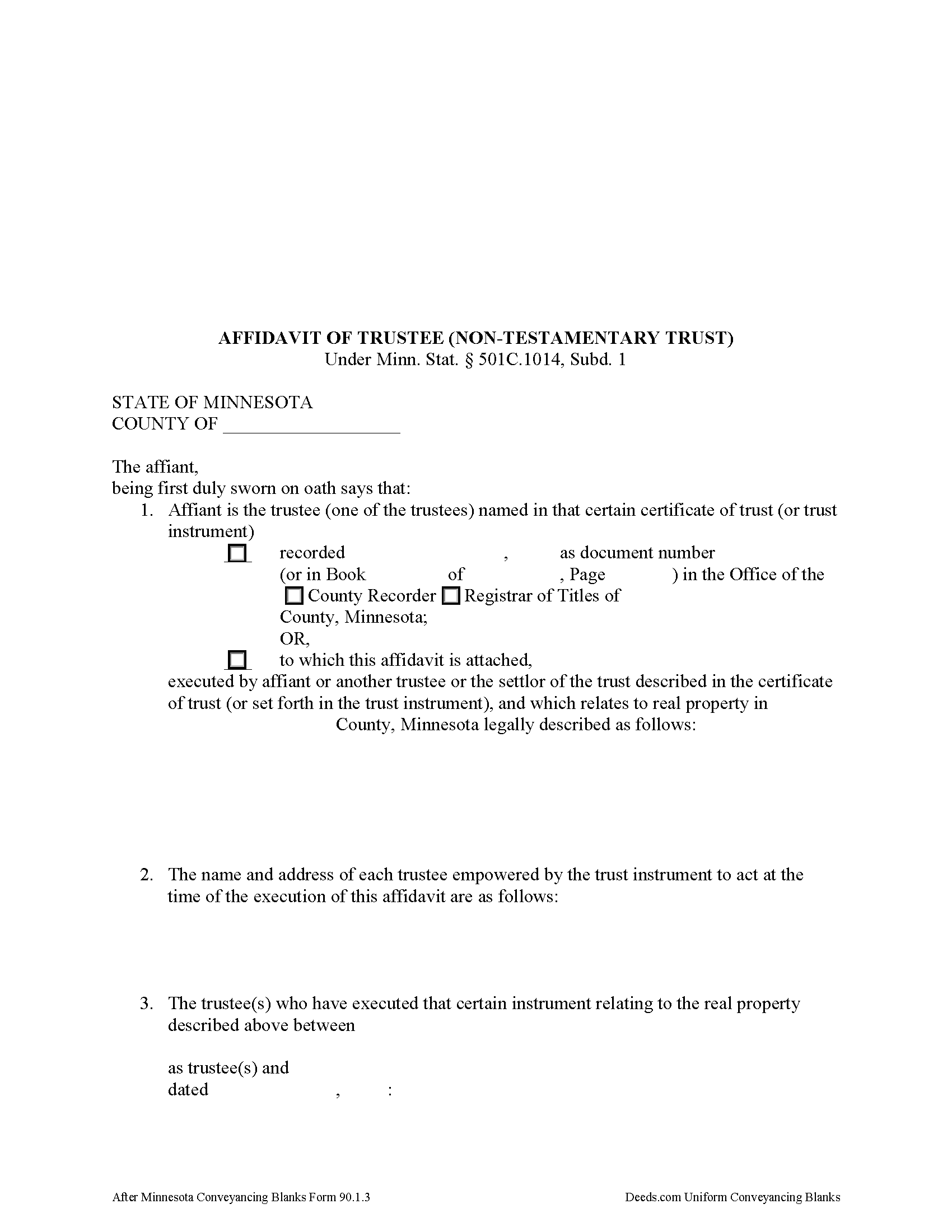
Wabasha County Affidavit of Trustee Form
Fill in the blank form formatted to comply with all recording and content requirements.
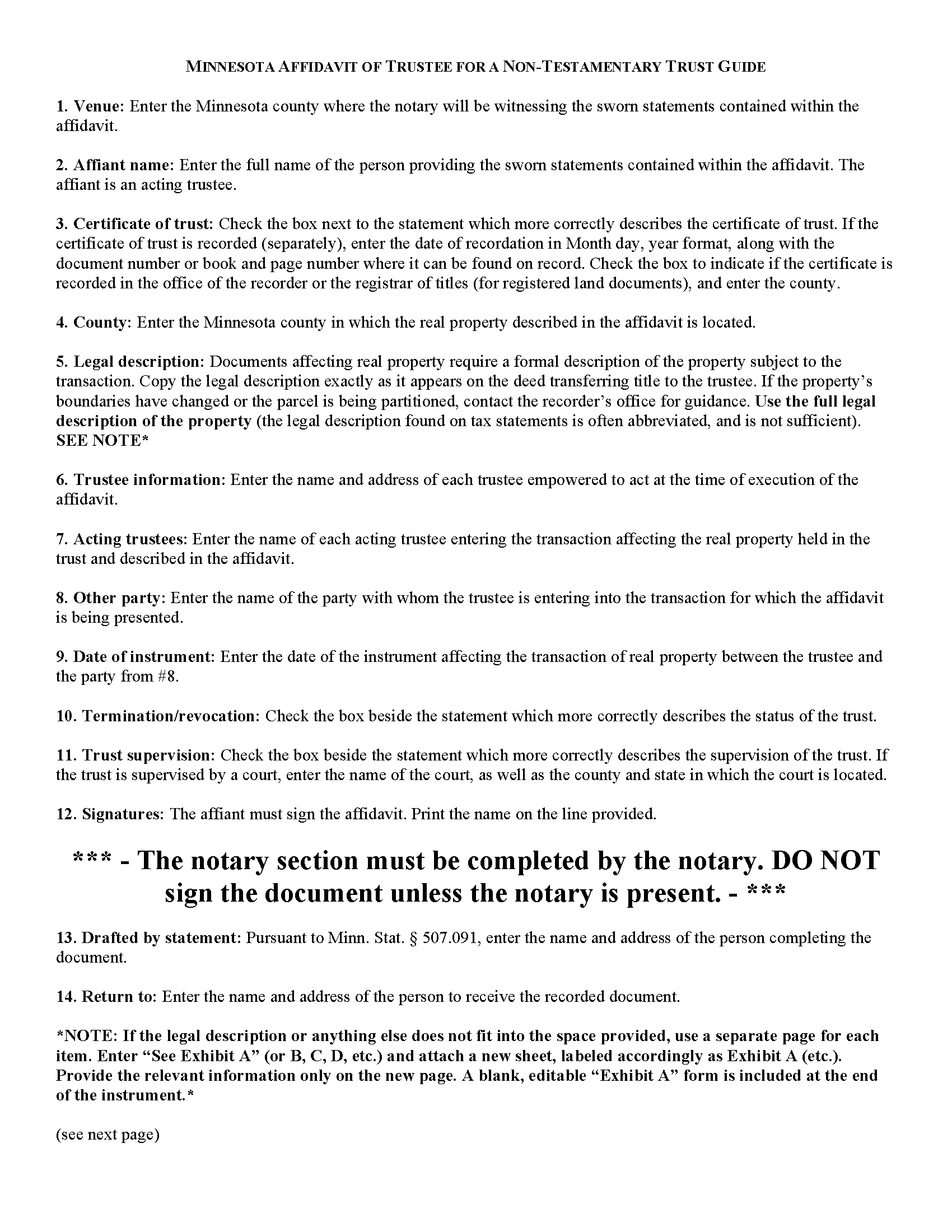
Wabasha County Affidavit of Trustee Guide
Line by line guide explaining every blank on the form.
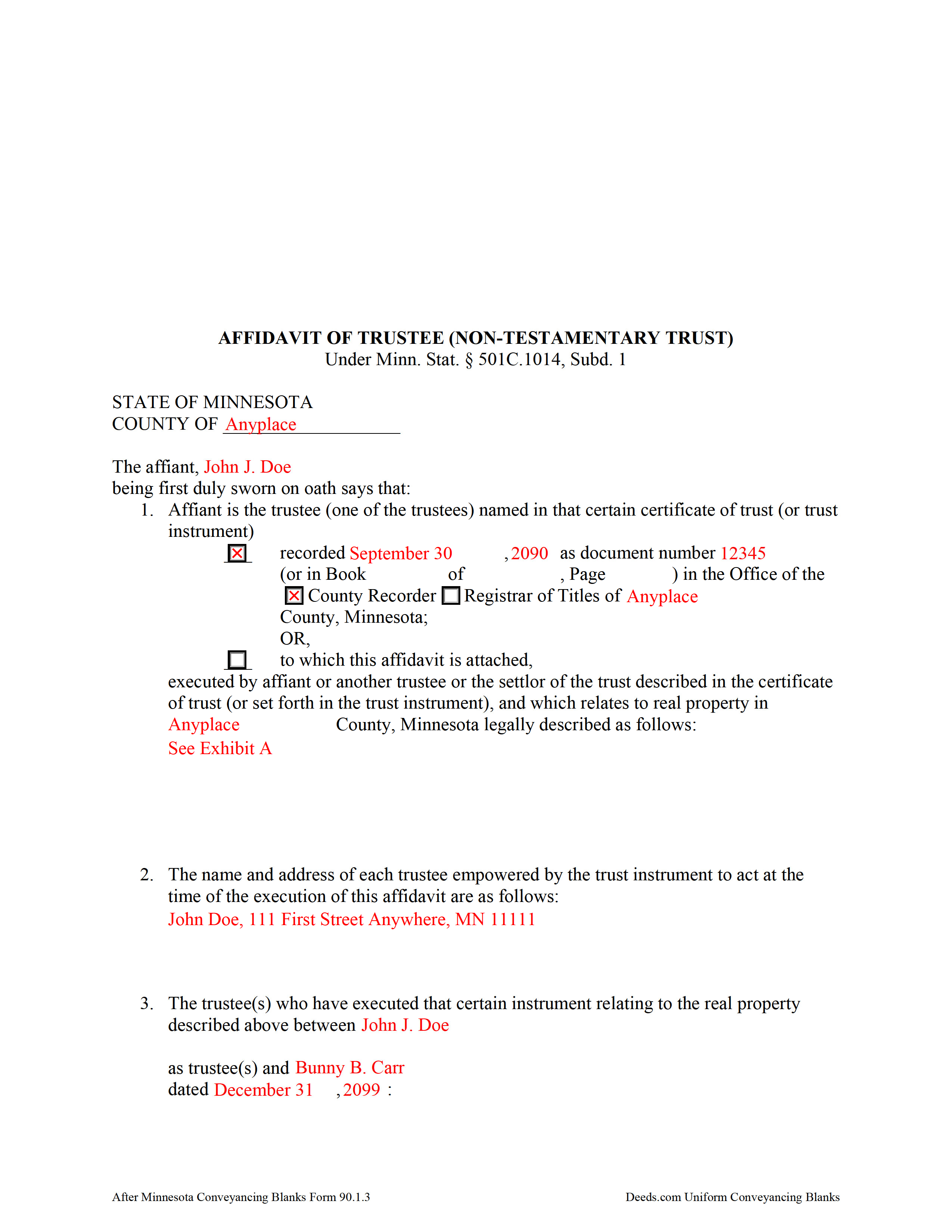
Wabasha County Completed Example of the Affidavit of Trustee Document
Example of a properly completed form for reference.
All 3 documents above included • One-time purchase • No recurring fees
Immediate Download • Secure Checkout
Additional Minnesota and Wabasha County documents included at no extra charge:
Where to Record Your Documents
Wabasha County Recorder
Wabasha, Minnesota 55981
Hours: 8:00 to 4:00 Monday through Friday
Phone: (651) 565-3623
Recording Tips for Wabasha County:
- Bring your driver's license or state-issued photo ID
- Ensure all signatures are in blue or black ink
- Avoid the last business day of the month when possible
- Both spouses typically need to sign if property is jointly owned
- Bring extra funds - fees can vary by document type and page count
Cities and Jurisdictions in Wabasha County
Properties in any of these areas use Wabasha County forms:
- Elgin
- Kellogg
- Lake City
- Mazeppa
- Millville
- Plainview
- Reads Landing
- Wabasha
- Zumbro Falls
Hours, fees, requirements, and more for Wabasha County
How do I get my forms?
Forms are available for immediate download after payment. The Wabasha County forms will be in your account ready to download to your computer. An account is created for you during checkout if you don't have one. Forms are NOT emailed.
Are these forms guaranteed to be recordable in Wabasha County?
Yes. Our form blanks are guaranteed to meet or exceed the applicable formatting requirements used for recording in Wabasha County, including margin requirements, font requirements, and other layout standards. This guarantee applies to formatting, not to the legal sufficiency of information entered by the user or the suitability of a form for a particular transaction.
Can I reuse these forms?
Yes. You can reuse the forms for your personal use. For example, if you have multiple properties in Wabasha County you only need to order once.
What do I need to use these forms?
The forms are PDFs that you fill out on your computer. The free Adobe Acrobat Reader is recommended, and most PDF apps also work. You do NOT enter your property information online - you download the blank forms and complete them privately on your own computer.
Are there any recurring fees?
No. This is a one-time purchase. Nothing to cancel, no memberships, no recurring fees.
How much does it cost to record in Wabasha County?
Recording fees in Wabasha County vary. Contact the recorder's office at (651) 565-3623 for current fees.
Questions answered? Let's get started!
An affidavit of trustee contains sworn statements made by a trustee and relating to a specific transaction involving real property contained by the trust. The affidavit of trustee for a non-testamentary trust is codified at Minn. Stat. 501C.1014, Subd. 1.
A non-testamentary trust, also called an inter vivos or living trust, is a trust that takes effect during a settlor's lifetime. A settlor is "a person, including a testator, who creates or contributes property to a trust" (Minn. Stat. 501C.0103(o)). The affidavit of trustee for a non-testamentary trust references a recorded certificate of trust, including the recording date and location, or states that the affidavit is attached to the certificate, and confirms that the certificate was executed by the affiant, another trustee, or the settlor of the trust described in the certificate and relating to the specific parcel of land described in the affidavit.
The affidavit must contain a full legal description of the property subject to the transaction for which the affidavit is presented. It references the trustee and other party involved in the transaction, and offers proof that the required number of trustees are entering the transaction and that those trustees are authorized under the trust instrument to act on the title to the real property held in the trust, and that there are no trust amendments that limit the power of the trustees.
The affiant confirms that the trust has not terminated and that the trust instrument has not been revoked, or that, if the trust has terminated, the transaction involving the real property is made pursuant to the provisions of the trust. If the trust is under court supervision, the affidavit provides the name and location of the court.
The affidavit of trustee must be signed by an acting trustee in the presence of a notary public and may be recorded separately or as an attachment to a certificate of trust under Minn. Stat. 501C.1013. Submit the instrument for recording with the county recorder, or registrar of titles in the case of registered land, in the county in which the real property described in the affidavit is situated.
Consult a lawyer with questions regarding affidavits of trustee or Minnesota trust law in general, as each situation is unique and trust law can quickly become complex.
(Minnesota AOT Non-testamentary Trust Package includes form, guidelines, and completed example)
Important: Your property must be located in Wabasha County to use these forms. Documents should be recorded at the county recording office listed above.
This Affidavit of Trustee for Non-testamentary Trust meets all recording requirements specific to Wabasha County.
Our Promise
The documents you receive here are guaranteed to meet or exceed the applicable Wabasha County recording format requirements. If there is a rejection caused by our formatting, we will correct the issue or refund your payment. This guarantee applies to document formatting only and does not extend to information entered by the user, the selection of the form, or the legal effect of the completed document.
Save Time and Money
Get your Wabasha County Affidavit of Trustee for Non-testamentary Trust form done right the first time with Deeds.com Uniform Conveyancing Blanks. At Deeds.com, we understand that your time and money are valuable resources, and we don't want you to face a penalty fee or rejection imposed by a county recorder for submitting nonstandard documents. We constantly review and update our forms to meet rapidly changing state and county recording requirements for roughly 3,500 counties and local jurisdictions.
4.8 out of 5 - ( 4,839 Reviews )
Annette H. 5 out of 5 stars
Deeds.com has done a wonderful job! They are quick to get back to me either with the Deed or reason why there is no Deed. You have saved me so much time using your services that I hope to keep using them for years to come! Thank you!
Thank you!
Susan N. 5 out of 5 stars
Hope to get form printed out Ok.
Thank you!
Virginia M. 5 out of 5 stars
This was the easiest web page ive ever navigated .Found just what i needed fast !
Thank you!
David C. 5 out of 5 stars
I got what I expected. Thank you
Thank you for your feedback. We really appreciate it. Have a great day!
JOSEPH P. 3 out of 5 stars
It would have been a lot better if I could have downloaded ALL at once, as a package.
Thank you for your feedback. We really appreciate it. Have a great day!
Ronald C. 5 out of 5 stars
My goal was to find the Covenant, Conditions, and Restrictions for my HOA. From what I can read, these documents should be attached to our Deed (single family, patio home in New Hanover County). I am not sure if I have a copy of my Deed. I would need to check my Safe Deposit Box. Unfortunately, I was not successful at finding these documents from your Website. If you can help me find them, I would appreciate that.
It is most common to obtain a copy of CC&Rs directly from the HOA. Alternatively, they are also usually a matter of public record recorded with the local recorder and you can obtain a copy there.
David D. 5 out of 5 stars
Two thumbs up!
Thank you!
Kris S. 5 out of 5 stars
Being a real estate agent I know just enough about legal documents to get in trouble. Thankfully the pros here know what they are doing.
Thank you for your feedback. We really appreciate it. Have a great day!
Robert M. 5 out of 5 stars
Great service. Easy to use and affordable.
Thank you!
Thomas B. 5 out of 5 stars
Spent several weeks searching the net for warranty deeds. For the money and correctness, IMHO, Deeds.com is far and away the best.
Thank you for your feedback. We really appreciate it. Have a great day!
Roy T. 5 out of 5 stars
Thank you for an easy to use system. I was able to find all the information I needed.
We appreciate your business and value your feedback. Thank you. Have a wonderful day!
Catherine B. 5 out of 5 stars
Was looking for information and forms relating to a trust my parents created, but what I purchased seems geared toward trusts containing real estate only, which is not what I needed. Clearly I missed something prior to purchasing something I can not use. Perhaps additional clarification for us without any experience is this area would be helpful.
Thank you for your feedback. We really appreciate it. Have a great day!
Jimmy W. 5 out of 5 stars
Very thorough with plenty of instructions. Nice to be able to fill in the forms on my computer at my own pace and edit if needed. Jim
We appreciate your business and value your feedback. Thank you. Have a wonderful day!
Peter W. 5 out of 5 stars
Thanks worked out great
Thank you for the follow up Peter. Have a great day!
Debra C. 5 out of 5 stars
Excellent service. Love the site.
Thank you for your feedback. We really appreciate it. Have a great day!