Chippewa County Transfer on Death Deed (Primary and Successor Beneficiary) Form
Last validated November 1, 2026 by our Forms Development TeamFormatted for recording in Chippewa County, for property anywhere in the county: rural and unincorporated areas as well as Clara City, Maynard, Milan, Montevideo, Watson.
- 3 documents included
- Immediate PDF download
- Formatting guarantee
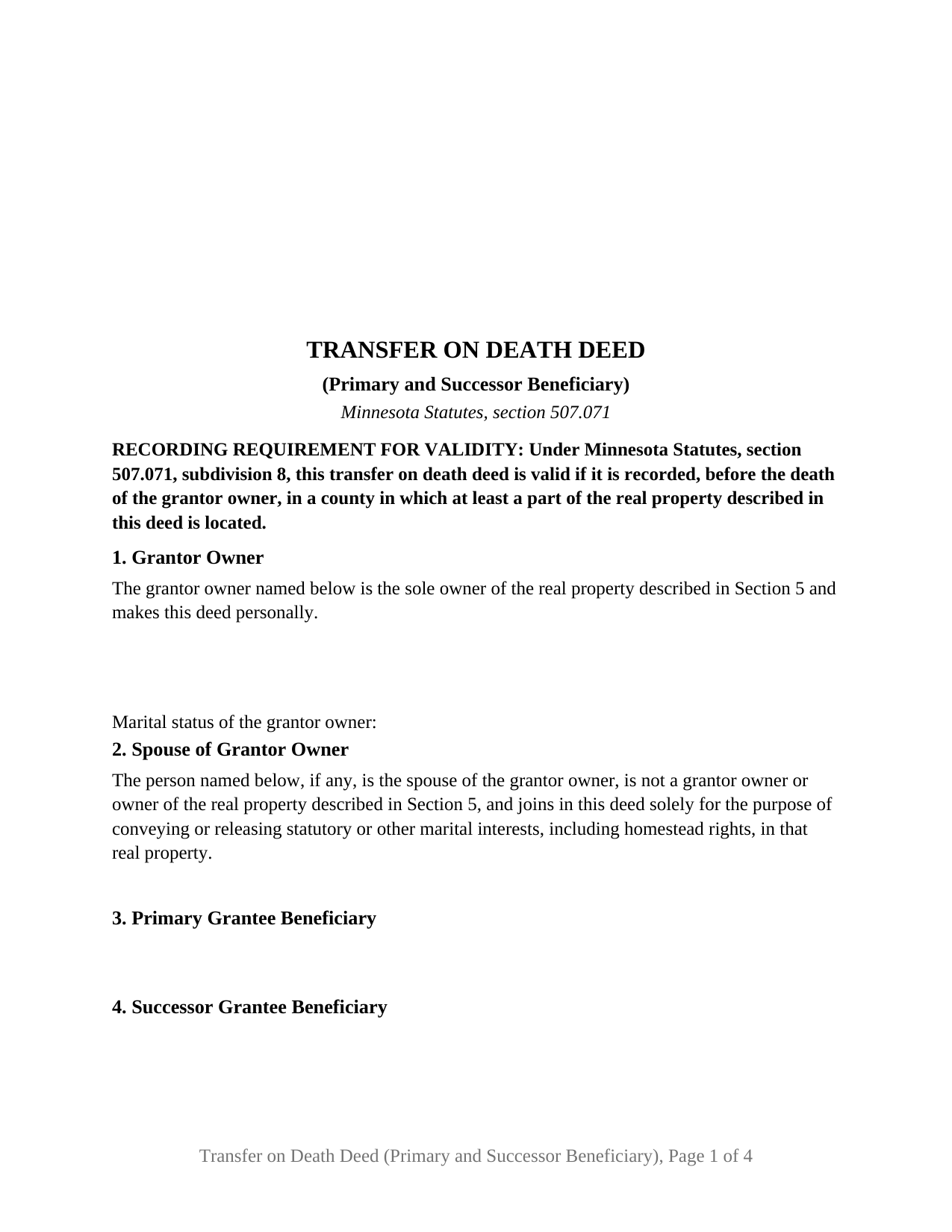
Chippewa County Transfer on Death Deed (Primary and Successor Beneficiary) Form
Fill in the blank Transfer on Death Deed (Primary and Successor Beneficiary) form formatted to comply with all Minnesota recording and content requirements.
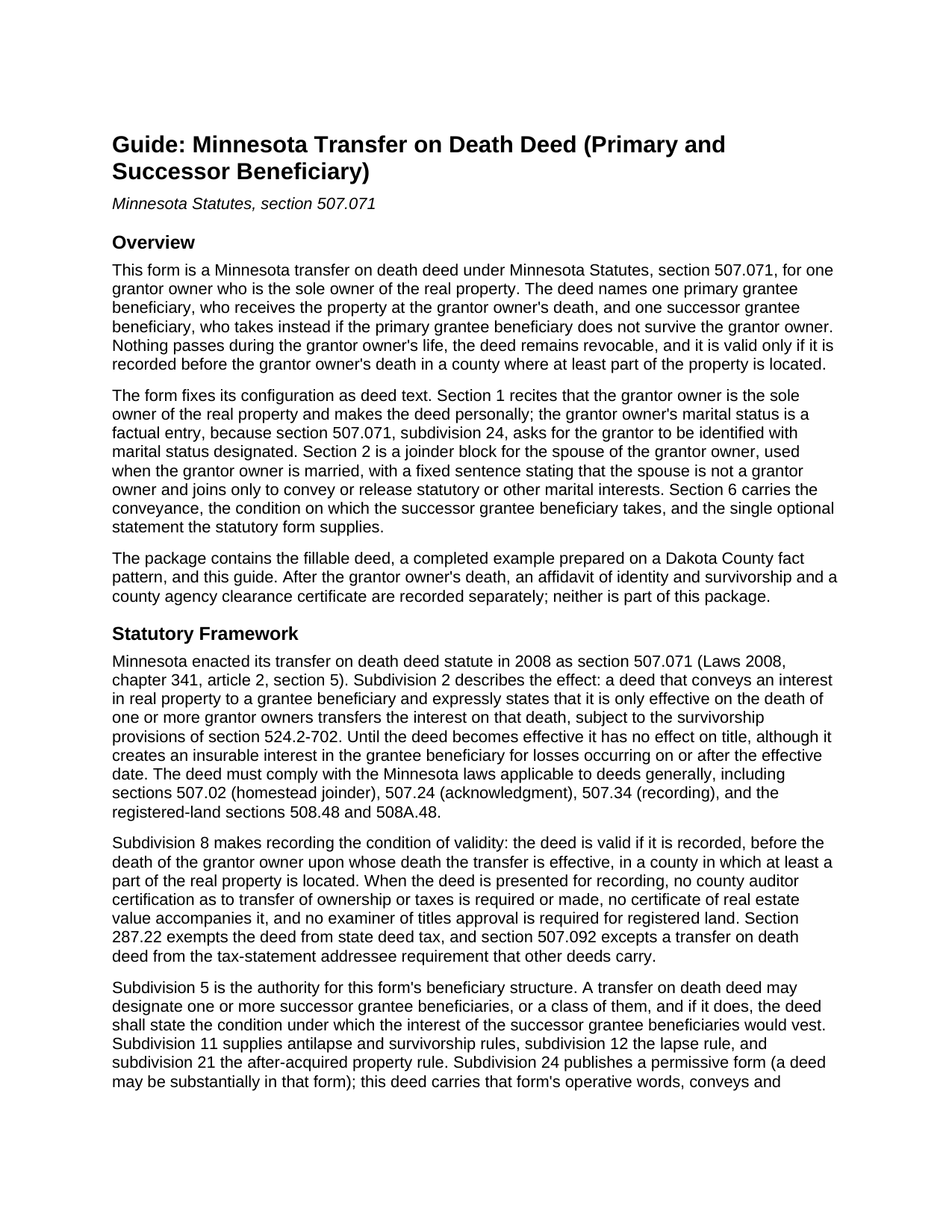
Chippewa County Transfer on Death Deed (Primary and Successor Beneficiary) Guide
Line by line guide explaining every blank on the Transfer on Death Deed (Primary and Successor Beneficiary) form.
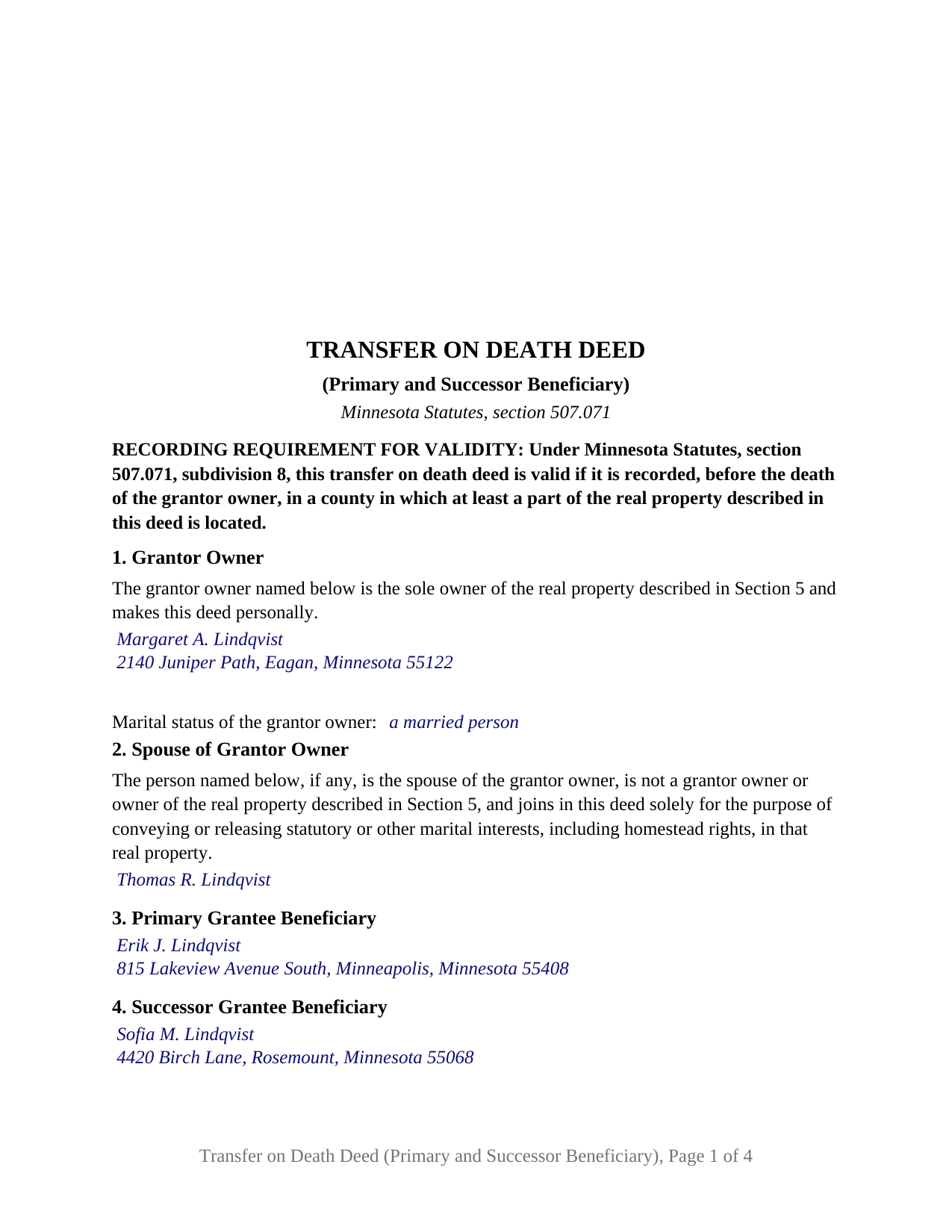
Chippewa County Completed Example of the Transfer on Death Deed (Primary and Successor Beneficiary) Document
Example of a properly completed Minnesota Transfer on Death Deed (Primary and Successor Beneficiary) document for reference.
All 3 documents above included • One-time purchase • No recurring fees
Immediate Download • Secure Checkout
Additional Minnesota and Chippewa County documents included at no extra charge:
Where to Record Your Documents
Chippewa County Recorder
Montevideo, Minnesota 56265
Hours: 8:00am to 4:30pm M-F
Phone: (320) 269-9431
Recording Tips for Chippewa County:
- Bring your driver's license or state-issued photo ID
- Ensure all signatures are in blue or black ink
- Ask for certified copies if you need them for other transactions
- Ask if they accept credit cards - many offices are cash/check only
- Check that your notary's commission hasn't expired
Cities and Jurisdictions in Chippewa County
Properties in any of these areas use Chippewa County forms:
- Clara City
- Maynard
- Milan
- Montevideo
- Watson
Hours, fees, requirements, and more for Chippewa County
How do I get my forms?
Forms are available for immediate download after payment. The Chippewa County forms will be in your account ready to download to your computer. An account is created for you during checkout if you don't have one. Forms are NOT emailed.
Are these forms guaranteed to be recordable in Chippewa County?
Yes. Our form blanks are guaranteed to meet or exceed the applicable formatting requirements used for recording in Chippewa County, including margin requirements, font requirements, and other layout standards. This guarantee applies to formatting, not to the legal sufficiency of information entered by the user or the suitability of a form for a particular transaction.
Can I reuse these forms?
Yes. You can reuse the forms for your personal use. For example, if you have multiple properties in Chippewa County you only need to order once.
What do I need to use these forms?
The forms are PDFs that you fill out on your computer. The free Adobe Acrobat Reader is recommended, and most PDF apps also work. You do NOT enter your property information online - you download the blank forms and complete them privately on your own computer.
Are there any recurring fees?
No. This is a one-time purchase. Nothing to cancel, no memberships, no recurring fees.
How much does it cost to record in Chippewa County?
Recording fees in Chippewa County vary. Contact the recorder's office at (320) 269-9431 for current fees.
Questions answered? Let's get started!
A named backup for the person meant to inherit: this Minnesota transfer on death deed lets one owner name a primary grantee beneficiary and a successor grantee beneficiary who takes the property if the primary does not survive the owner. Prepared under Minnesota Statutes, section 507.071, for a grantor owner who holds the real property alone, it states the one condition on which the successor's interest vests.
Why the deed has to state the successor's condition
Section 507.071, subdivision 5, permits a transfer on death deed to designate one or more successor grantee beneficiaries, and adds a requirement: a deed that designates a successor shall state the condition under which the successor's interest would vest. This deed answers in fixed text in Section 6. If the primary grantee beneficiary does not survive the grantor owner, the interest the primary would have taken vests instead in the successor named in Section 4, effective on the grantor owner's death, with survival measured as section 524.2-702 provides, which treats a beneficiary who fails to outlive the owner by 120 hours as having predeceased.
What a named successor changes about antilapse
Under the statute's own antilapse rule in subdivision 11, if a grantee beneficiary who is a grandparent or lineal descendant of a grandparent of the owner fails to survive, that beneficiary's surviving issue take in place of the beneficiary. The rule opens with an exception: it does not apply when a successor grantee beneficiary is designated in the deed for the beneficiary who did not survive. Naming a successor on this deed replaces the statutory substitution with the owner's own choice.
One sole owner, a factual marital status, and a joinder block
Section 1 recites, as fixed deed text, that the grantor owner is the sole owner of the real property and makes the deed personally; marital status is a factual line, because the statutory form in subdivision 24 asks for the grantor to be identified with marital status designated. The designation matters under section 507.02, which provides that no conveyance of a married owner's homestead is valid without both spouses' signatures, a rule subdivision 2 applies to this deed. Section 2 is therefore a joinder block for the spouse of the grantor owner, with a fixed sentence stating that the spouse is not a grantor owner and joins solely to convey or release statutory or other marital interests, tracking the subdivision 1 definition of grantor owner. The form carries a GRANTOR OWNER signature block and a SPOUSE OF GRANTOR OWNER block, each followed by its own acknowledgment certificate; an unmarried owner writes None in Section 2 and leaves the spouse's block and certificate blank.
What the configuration recites
This configuration recites one natural person as grantor owner, holding the whole interest alone and signing personally, with exactly one primary grantee beneficiary and exactly one successor grantee beneficiary, each a natural person named with a mailing address. A parent naming an adult child as primary beneficiary with a grandchild as successor, and an owner naming a sibling with a niece or nephew as successor, present the pattern this deed recites. The form is not set up for two or more grantor owners, for an owner who holds with a co-owner, for a trustee or entity as grantor or beneficiary, or for several concurrent beneficiaries taking in shares.
The statutory words the deed keeps
The conveyance uses the operative words of the subdivision 24 form, conveys and quitclaims, states that the deed is effective only on the death of the grantor owner, and prints the form's single optional statement with its one box, the after-acquired property election of subdivision 21, unmarked in the blank. It carries the two insurance warnings section 507.072, subdivision 7, has required since August 1, 2024. Recording before the owner's death in a county where the land lies is the condition of validity under subdivision 8. The post-death filings, the affidavit of identity and survivorship under subdivision 20 and the county agency clearance certificate under subdivision 23, are prepared and recorded separately and are not included in this package.
The package contains the fillable transfer on death deed, a completed example prepared on a Dakota County fact pattern with a married sole owner, a joining spouse, a son as primary, and a granddaughter as successor, and the guide covering each numbered section, acknowledgment, and recording. This description and the guide describe the form and the governing Minnesota statutes in general terms and are not legal advice.
Important: Your property must be located in Chippewa County to use these forms. Documents should be recorded at the county recording office listed above.
This Transfer on Death Deed (Primary and Successor Beneficiary) meets all recording requirements specific to Chippewa County.
Our Promise
The documents you receive here are guaranteed to meet or exceed the applicable Chippewa County recording format requirements. If there is a rejection caused by our formatting, we will correct the issue or refund your payment. This guarantee applies to document formatting only and does not extend to information entered by the user, the selection of the form, or the legal effect of the completed document.
Save Time and Money
Get your Chippewa County Transfer on Death Deed (Primary and Successor Beneficiary) form done right the first time with Deeds.com Uniform Conveyancing Blanks. At Deeds.com, we understand that your time and money are valuable resources, and we don't want you to face a penalty fee or rejection imposed by a county recorder for submitting nonstandard documents. We constantly review and update our forms to meet rapidly changing state and county recording requirements for roughly 3,500 counties and local jurisdictions.
4.8 out of 5 - ( 4,840 Reviews )
Ed S. 5 out of 5 stars
This is the first time that I have used this service. An employee at the Clerk and Register office in Arizona suggested that I try Deeds.com to find the form I needed and the county office could not provide. I am a licensed Realtor in Colorado with a 43-year career and this service has not been necessary in my own state but it was extremely helpful in finding a form in Arizona. Five star rating for the very user-friendly website!
Thank you for your feedback. We really appreciate it. Have a great day!
David C. 5 out of 5 stars
I was very impressed. Your program makes it very user friendly which is a must for most of the public . I have recommended this site to various clients for estate planning documents with simple estates.
Thank you!
Gordon W. 5 out of 5 stars
Nice forms but it sure would have been nice to be able to at least print the guide and the example so that I don't spend all of my time bouncing back and forth between windows on a laptop.
Thank you for your feedback. We really appreciate it. Have a great day!
Heather G. 5 out of 5 stars
This entire process was painless. I couldn't be happier with how simple and easy it was to get the document I needed.
We’re so glad the process was smooth and easy, Heather—thanks for sharing your experience!
Lori S. 5 out of 5 stars
The documents I created on deeds com turned out beautiful and very professional looking. The example they gave along with the instruction booklet made it very easy t create a professional looking document for our land Sale. I was very pleased with how easy it was and would recommend it to anyone needing professional documents without having to go thru an attorney or title company. I was very impressed!
We appreciate your business and value your feedback. Thank you. Have a wonderful day!
CHARLES H. 5 out of 5 stars
Easy to fill-in forms, easy instructions, worth purchasing
Thank you!
crystal l. 5 out of 5 stars
Another legal professional directed me to this site. The best advice I've received from the legal profession! Forms were instantly available, easily printed & exactly what I needed at a cost that was more than affordable!! I will definitely be back again!!
Thank you Crystal and please thank your associate for us. Have a fantastic day!
Kenneth R. 5 out of 5 stars
Thank you. After searching for the correct forms and instructions on my county website, and finding nothing, I was very pleased with the Pinal County, AZ, acceptable forms and instructions I was able to download at a very reasonable cost from Deeds.com.
Thank you!
Eileen B. 5 out of 5 stars
I was quoted $525 to do the exact same thing from Deeds.com for only $25. Seems like a no brainer to me!
Thank you for your feedback. We really appreciate it. Have a great day!
Thomas M. 5 out of 5 stars
EXCELLENT resource for ALL state documents! The forms come with explanations and examples. A real Deal!!!
Thank you!
Arthur L. 5 out of 5 stars
The directions were clear, I typed the deed out and it was successfully recorded and mailed back to me in less than a week.
Thank you for your feedback. We really appreciate it. Have a great day!
Chad S. 5 out of 5 stars
GREAT SERVICE. A MUST HAVE FOR EVERY REAL ESTATE TRANSACTION!!THANK YOU FOR PROVIDING SUCH A CONVIENIENT EASY TO UNDERSTAND SERVICE.
We appreciate your business and value your feedback. Thank you. Have a wonderful day!
Fred B. 5 out of 5 stars
Great service and all seems to be what I was looking for
Thank you Fred, have a great day!
William M. 5 out of 5 stars
I found your service for deeds easy to use and I was able to quickly get the information (forms, example of forms filled out, and guide for filling out the form) down downloaded. I wish all government services and information was as easy to use as your's was. Thank you!
We appreciate your business and value your feedback. Thank you. Have a wonderful day!
Stephen D. 5 out of 5 stars
Very good hope to use in the future.
Thank you for your feedback. We really appreciate it. Have a great day!