Blue Earth County Warranty Deed from Individual to Joint Tenants Excluding Assessments Form
Last validated November 18, 2026 by our Forms Development TeamFormatted for recording in Blue Earth County, for property anywhere in the county: rural and unincorporated areas as well as Amboy, Eagle Lake, Garden City, Good Thunder, Lake Crystal, Madison Lake, Mankato, Mapleton and 3 more.
- 3 documents included
- Immediate PDF download
- Formatting guarantee
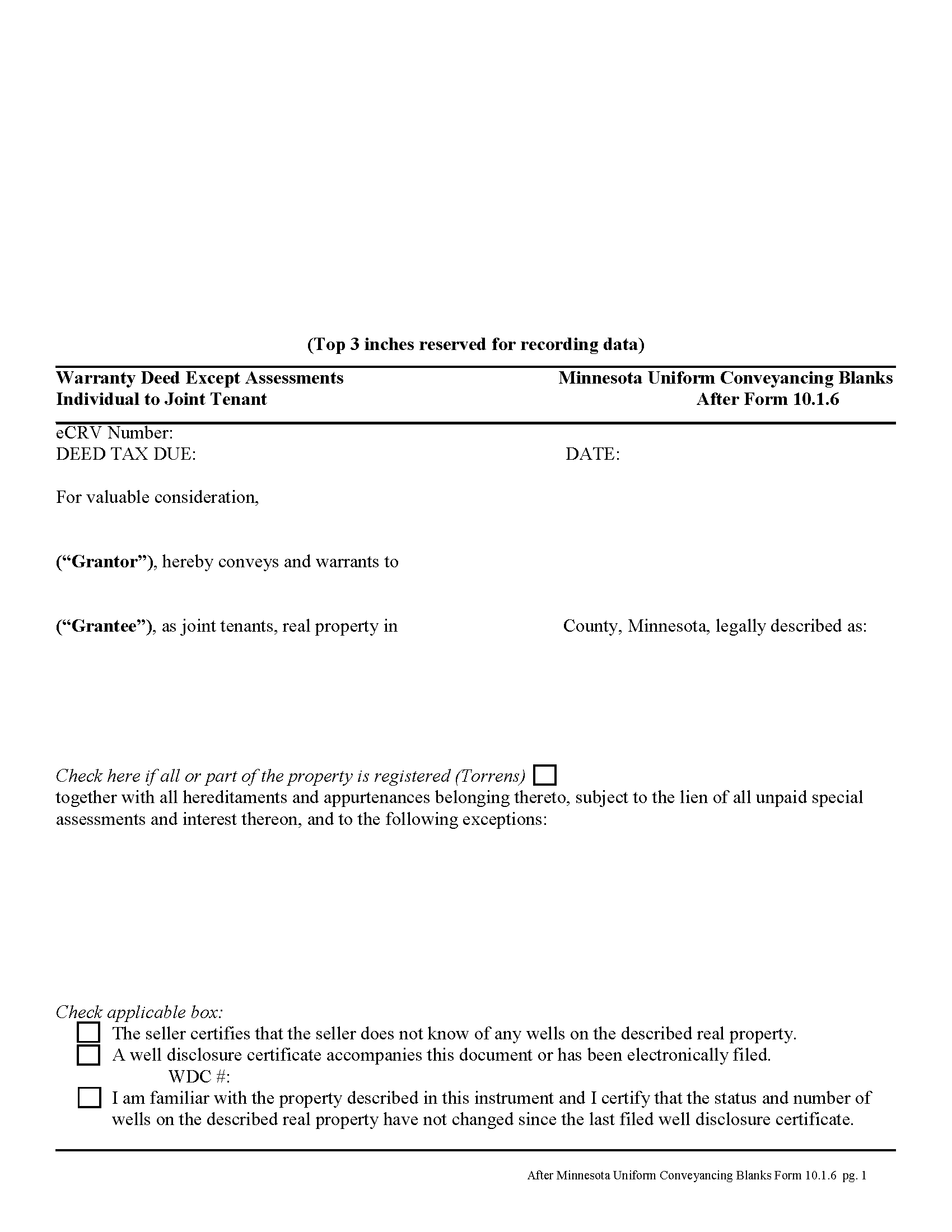
Blue Earth County Warranty Deed from Individual to Joint Tenants Excluding Assessments Form Fo
Fill in the blank form formatted to comply with all recording and content requirements.
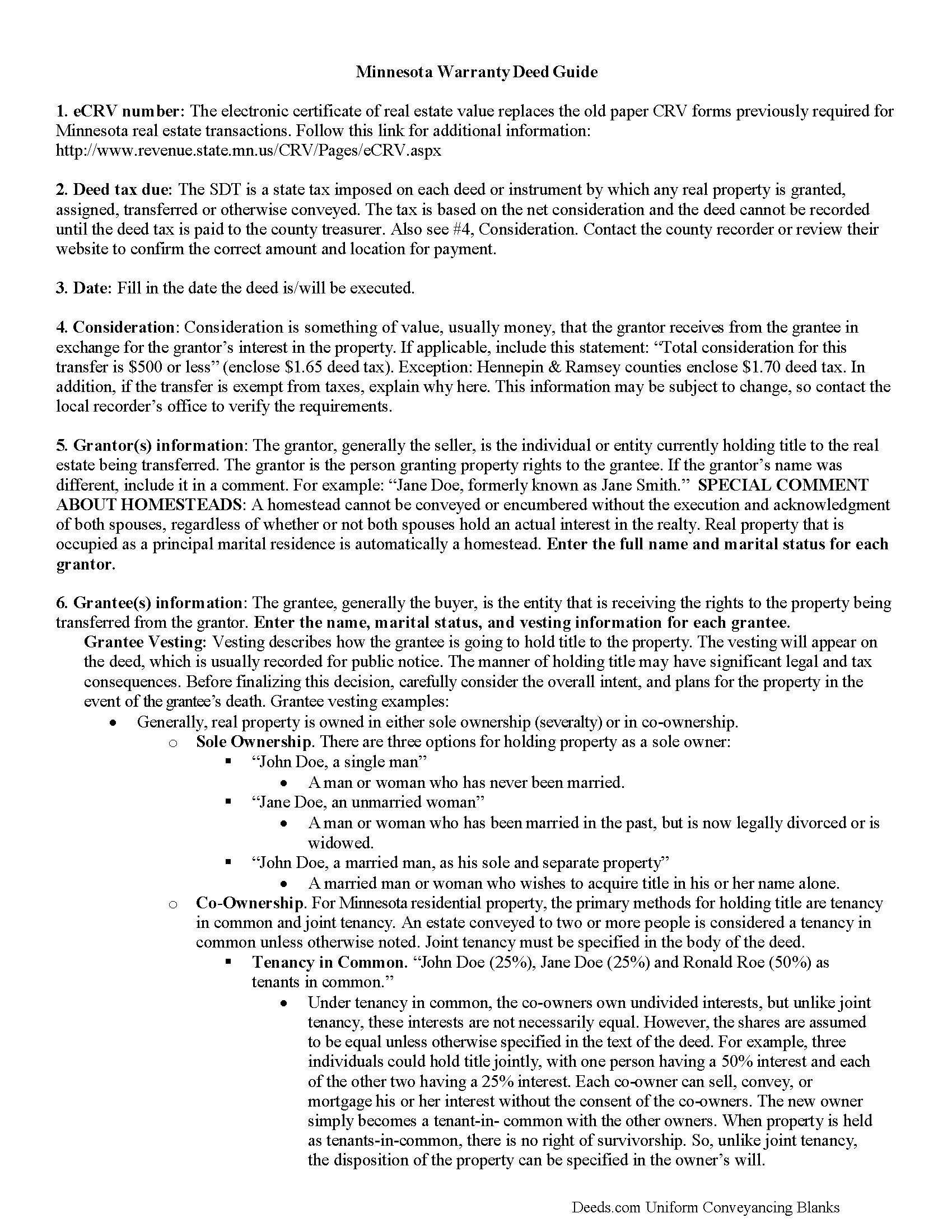
Blue Earth County Warranty Deed from Individual to Joint Tenants Excluding Assessment Guide
Line by line guide explaining every blank on the form.
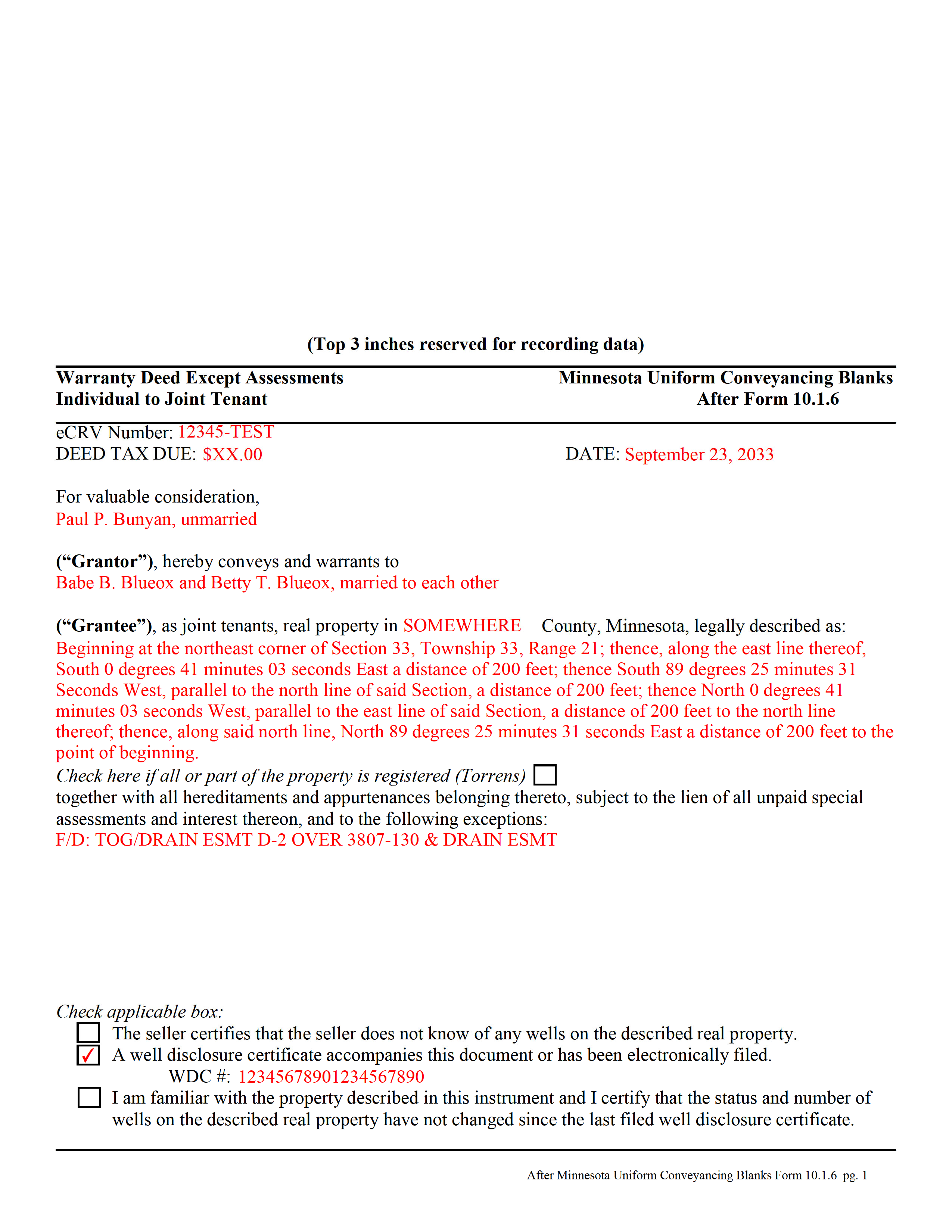
Blue Earth County Completed Example of Warranty Deed from Individual to Joint Tenant Excluding Assessments Document
Example of a properly completed form for reference.
All 3 documents above included • One-time purchase • No recurring fees
Immediate Download • Secure Checkout
Additional Minnesota and Blue Earth County documents included at no extra charge:
Where to Record Your Documents
Taxpayer Services: Real Estate Recordings Division
Mankato, Minnesota 56002-3567
Hours: 8:00am to 4:30pm M-F
Phone: (507) 304-4251
Recording Tips for Blue Earth County:
- Bring your driver's license or state-issued photo ID
- Ensure all signatures are in blue or black ink
- Leave recording info boxes blank - the office fills these
- Make copies of your documents before recording - keep originals safe
- Recorded documents become public record - avoid including SSNs
Cities and Jurisdictions in Blue Earth County
Properties in any of these areas use Blue Earth County forms:
- Amboy
- Eagle Lake
- Garden City
- Good Thunder
- Lake Crystal
- Madison Lake
- Mankato
- Mapleton
- Pemberton
- Saint Clair
- Vernon Center
Hours, fees, requirements, and more for Blue Earth County
How do I get my forms?
Forms are available for immediate download after payment. The Blue Earth County forms will be in your account ready to download to your computer. An account is created for you during checkout if you don't have one. Forms are NOT emailed.
Are these forms guaranteed to be recordable in Blue Earth County?
Yes. Our form blanks are guaranteed to meet or exceed the applicable formatting requirements used for recording in Blue Earth County, including margin requirements, font requirements, and other layout standards. This guarantee applies to formatting, not to the legal sufficiency of information entered by the user or the suitability of a form for a particular transaction.
Can I reuse these forms?
Yes. You can reuse the forms for your personal use. For example, if you have multiple properties in Blue Earth County you only need to order once.
What do I need to use these forms?
The forms are PDFs that you fill out on your computer. The free Adobe Acrobat Reader is recommended, and most PDF apps also work. You do NOT enter your property information online - you download the blank forms and complete them privately on your own computer.
Are there any recurring fees?
No. This is a one-time purchase. Nothing to cancel, no memberships, no recurring fees.
How much does it cost to record in Blue Earth County?
Recording fees in Blue Earth County vary. Contact the recorder's office at (507) 304-4251 for current fees.
Questions answered? Let's get started!
Minnesota's real estate deeds are governed by Minn. Stat. 507.
The statutes contain the basic form and requirements for lawful conveyance of property. A warranty deed is used in Minnesota real estate transactions where the grantor agrees that "such instrument, duly executed as required by law, shall be a conveyance in fee simple of the premises described to the grantee, the grantee's heirs and assigns, with covenants on the part of the grantor, the grantor's heirs and personal representatives, that the grantor is lawfully seized of the premises in fee simple and has good right to convey the same; that the premises are free from all encumbrances; that the grantor warrants to the grantee, the grantee's heirs and assigns, the quiet and peaceable possession thereof; and that the grantor will defend the title thereto against all persons who may lawfully claim the same. Such covenants shall be obligatory upon any grantor, the grantor's heirs and personal representatives, as fully and with like effect as if written at length in such deed" (507.07).
By excluding assessments from the covenants of title, the grantor alerts the grantee to the fact that one or more outstanding assessment liens and any associated interest may still be attached to the property after the conveyance.
While properly completed statutory form may suffice in many situations, they leave the possibility for errors based on incorrect or missing information. To reduce confusion about the information needed for different real estate transactions, Minnesota suggests guidelines for uniform conveyancing forms, each with a specific purpose.
This warranty deed form, specifically intended for real property transfers from individual owner(s) to joint tenants, matches the format, content, and requirements set forth in the 2013 update.
(Minnesota WD Ind to JT Excluding Assessments Package includes form, guidelines, and completed example)
Important: Your property must be located in Blue Earth County to use these forms. Documents should be recorded at the county recording office listed above.
This Warranty Deed from Individual to Joint Tenants Excluding Assessments meets all recording requirements specific to Blue Earth County.
Our Promise
The documents you receive here are guaranteed to meet or exceed the applicable Blue Earth County recording format requirements. If there is a rejection caused by our formatting, we will correct the issue or refund your payment. This guarantee applies to document formatting only and does not extend to information entered by the user, the selection of the form, or the legal effect of the completed document.
Save Time and Money
Get your Blue Earth County Warranty Deed from Individual to Joint Tenants Excluding Assessments form done right the first time with Deeds.com Uniform Conveyancing Blanks. At Deeds.com, we understand that your time and money are valuable resources, and we don't want you to face a penalty fee or rejection imposed by a county recorder for submitting nonstandard documents. We constantly review and update our forms to meet rapidly changing state and county recording requirements for roughly 3,500 counties and local jurisdictions.
4.8 out of 5 - ( 4,861 Reviews )
Thomas W. 5 out of 5 stars
Fast, efficient, and helpful. I don't often have documents that need recording but I found Deeds.com incredibly handy. It cost me no more and probably less than if I'd gone in to do it myself. It was especially helpful during this Covid-19 stay-at-home time. It all happened within a couple of hours and I had my recorded copies in my hands.
Thank you for your feedback. We really appreciate it. Have a great day!
KELLY P. 5 out of 5 stars
That was easy!!
Thank you!
Scott W. 5 out of 5 stars
Finding and downloading necessary forms, and especially the example forms, were tremendously easy and trouble free, and the fact the forms were updated recently was a big selling point. If other forms are needed, this is were I'm coming.
We appreciate your business and value your feedback. Thank you. Have a wonderful day!
Timothy S. 5 out of 5 stars
The Quit Claim form was submitted, accepted, and processed by Davidson County with no hiccups. Recommended service!
Thank you!
CAROL C. 5 out of 5 stars
Deeds.com is very user friendly and quite simple to use. Customer service is also prompt in responding to any inquiry. I have been pleased with them since I began using them over 3-years ago.
We appreciate your business and value your feedback. Thank you. Have a wonderful day!
Susan S. 5 out of 5 stars
Ordered the forms, completed them, had them notarized, then erecorded all in under 2 hours. Would have been faster but had to wait for the bank to open for notary. Might try the online notary next time. Fantastic experience.
We appreciate your business and value your feedback. Thank you. Have a wonderful day!
Kimberly J H. 5 out of 5 stars
The Washington State Transfer on Death Deed I purchased worked perfectly.
Thank you for your feedback. We really appreciate it. Have a great day!
JACQUELINE R. 5 out of 5 stars
We have been waiting for a Title Company to put a release of Lien together for the past 3 months. I figured it was taking way to long and decided to use template here instead. In less than hour I was able to add all the information on the template and provide forms to our Seller to use. We were buying and he didnt think they were necessary. But I refused to pay him in full until he agreed to sign papers at the bank, and of course in front of a notary. We turned around and filed the Release of lien paperwork at County Clerks office, we officially own our house. Thank you!
Thank you for your feedback. We really appreciate it. Have a great day!
Timothy G. 5 out of 5 stars
Very happy with the cost and with the speed in which the deed was recorded.
We appreciate your business and value your feedback. Thank you. Have a wonderful day!
Juston P. 5 out of 5 stars
The service provided was exactly what I needed. The downloadable deed and supporting documents allowed me to move forward with the days project. Everything I needed to file my documents from two states away and at two in the morning! I highly recommend this site. I found it to be the easiest, most expedient and cost effective method to get up to date legal forms for filing land deeds.
We appreciate your business and value your feedback. Thank you. Have a wonderful day!
James P. 5 out of 5 stars
I wish I used this site more often. The format is pretty easy but the messages were invaluable and the staff were great. I was able to complete my transaction in a Covid environment from the security of my own home. Great service and tools!
Thank you for your feedback. We really appreciate it. Have a great day!
LETICIA N. 5 out of 5 stars
I AM VERY PLEASED WITH YOUR WEBSITE. EASY AND I WAS GIVEN A SAMPLE OF THE FORM AND INSTRUCTIONS. I AM VERY PLEASED.
We appreciate your business and value your feedback. Thank you. Have a wonderful day!
Scott s. 5 out of 5 stars
Information requested was provided and time to reply was quick!
Thank you!
Steven S. 5 out of 5 stars
Accurate and informative, great site for deed forms.
Thank you for your feedback. We really appreciate it. Have a great day!
Thomas D. 2 out of 5 stars
The documents themselves are fine and the information provided with them is helpful. I find the actual processing of the documents, however, to be difficult particularly once the document has been saved. First, I note that the box for the date only allows entry of the last 2 digits of the year. Unfortunately, my download only allows me to enter one of the 2 digits required. When I delete it repeatedly, it eventually allows both digits to be entered but puts them in extremely small text and in superscrypt. I have not found a solution to this problem and am not sure the deed can even be recorded with this problem. Another problem is that if you try to revise the document after you have saved it the curser goes to the end of the line after each key entry. This means that there basically is no way to efficiently save the document for reworking later since you will have to delete everything you have entered in the text box unless you only need to make a single keystroke change or are willing to replace the curser after each entry. Try that with a long property description! Please note that I am using a Mac to prepare my documents and perhaps this is part of an "incompatibility problem". However, I didn't see a disclaimer regarding Mac use and so would expect the documents to perform correctly. Overall, I give the program a "2 star" rating because I am experiencing significant difficulties in entering dates in the documents even before saving them and because saving your work for later revision appears to be basically unworkable.
Thank you for your feedback Thomas, we appreciate you being specific about the issues you encountered. Adobe and Mac have a fairly long history of issues working together.