Yalobusha County Administrator Deed Form
Last validated October 19, 2026 by our Forms Development TeamFormatted for recording in Yalobusha County, for property anywhere in the county: rural and unincorporated areas as well as Coffeeville, Oakland, Scobey, Tillatoba, Water Valley.
- 3 documents included
- Immediate PDF download
- Formatting guarantee
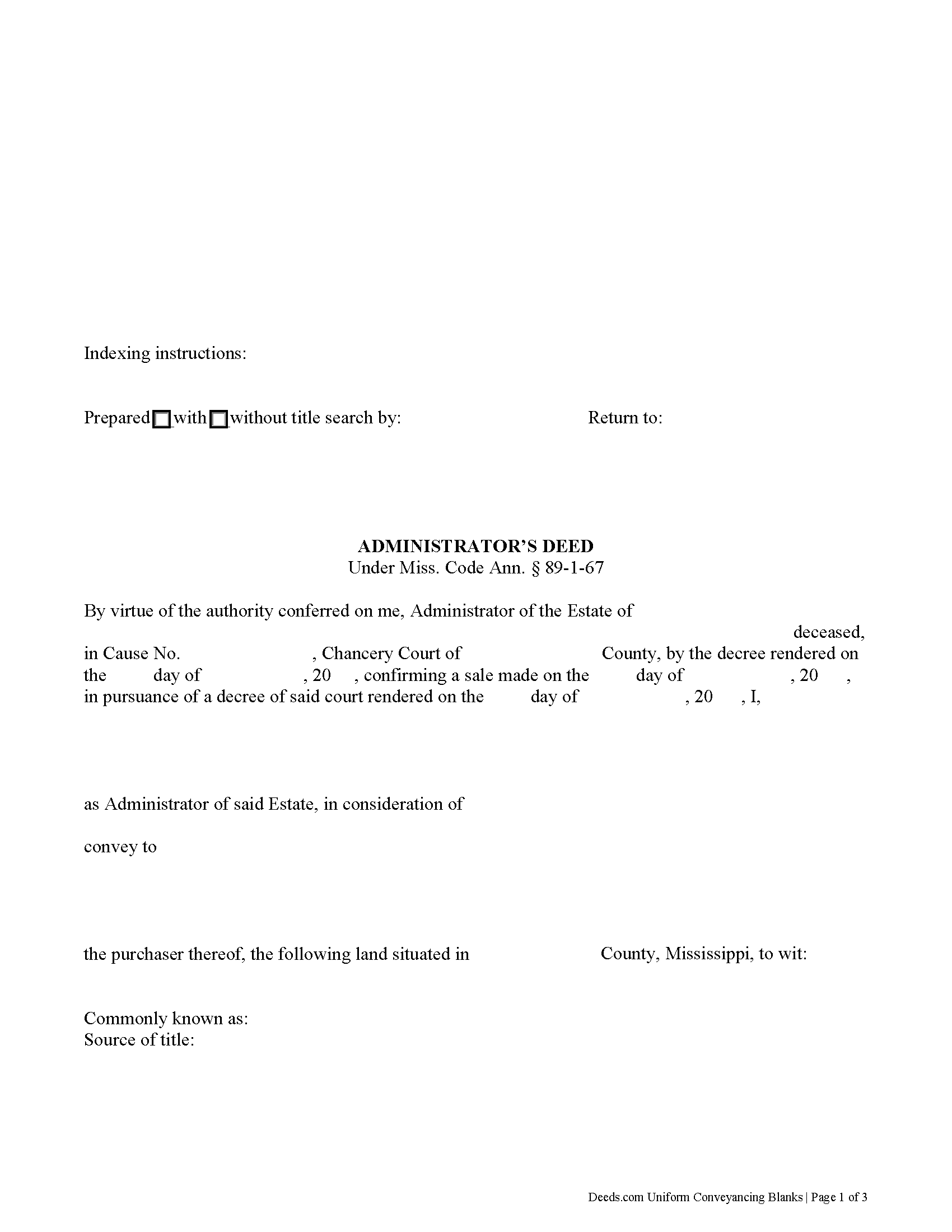
Yalobusha County Administrator Deed Form
Fill in the blank form formatted to comply with all recording and content requirements.
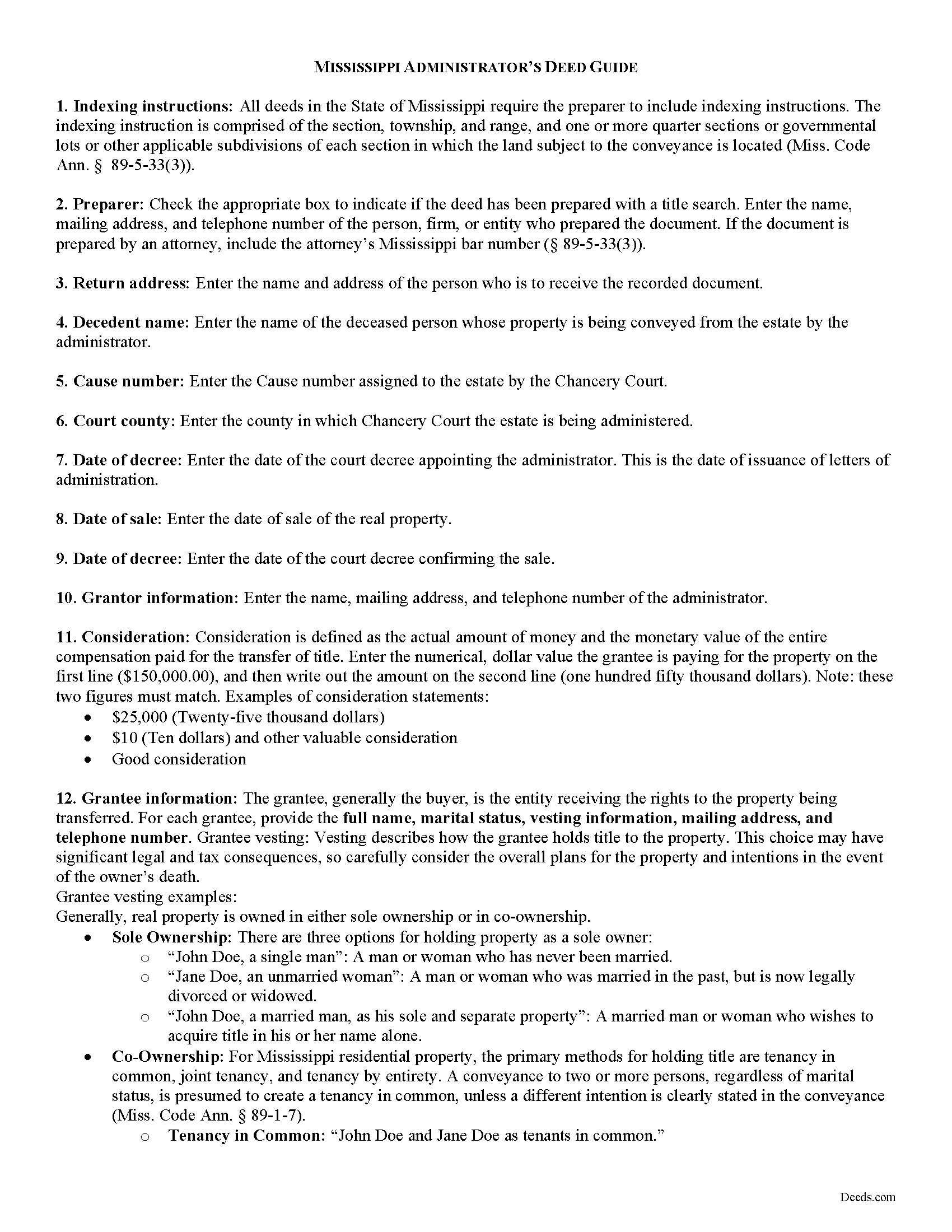
Yalobusha County Administrator Deed Guide
Line by line guide explaining every blank on the form.
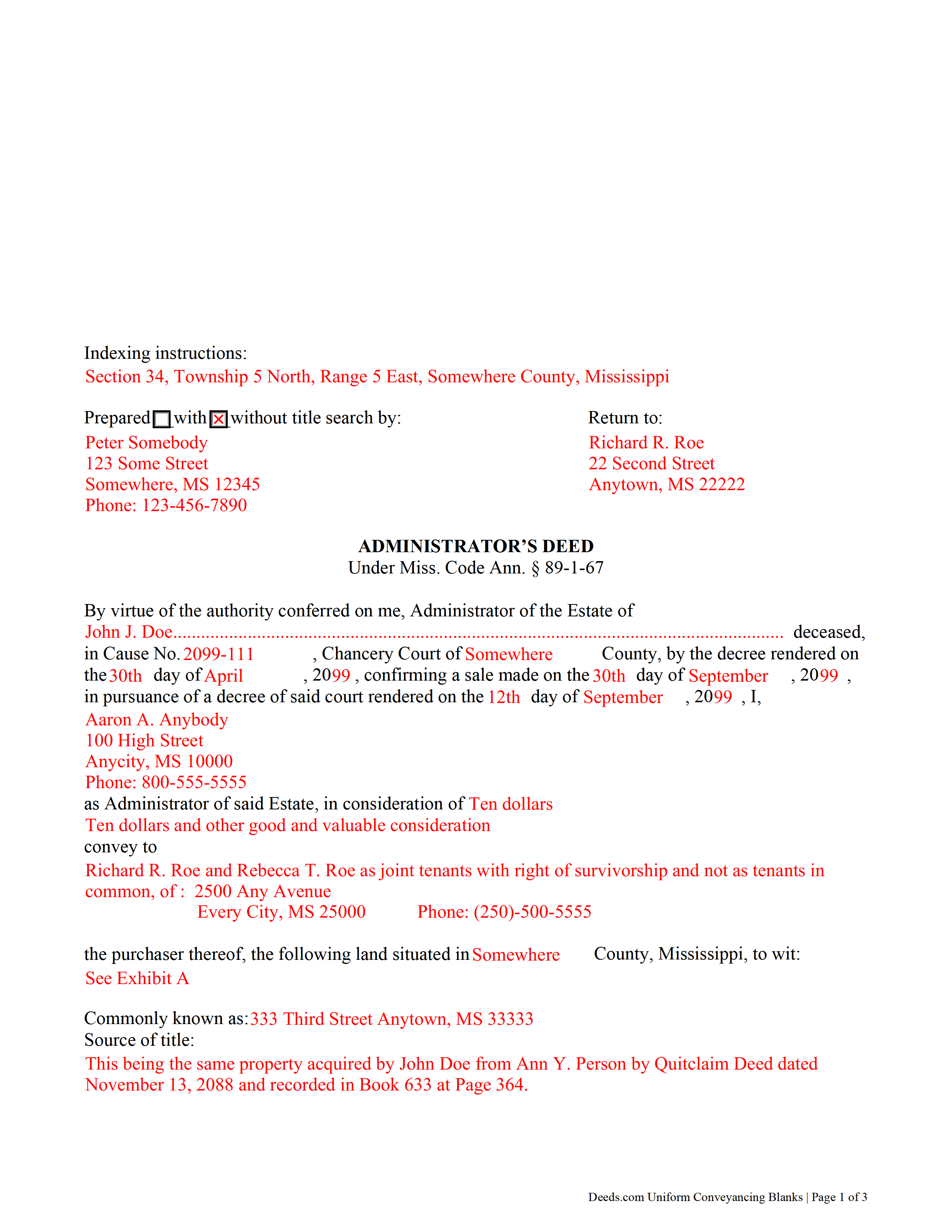
Yalobusha County Completed Example of the Administrator Deed Document
Example of a properly completed form for reference.
All 3 documents above included • One-time purchase • No recurring fees
Immediate Download • Secure Checkout
Additional Mississippi and Yalobusha County documents included at no extra charge:
Where to Record Your Documents
Chancery Clerk - First Judicial District
Coffeeville, Mississippi 38922
Hours: 8:00 to 12:00 and 1:00 to 5:00 Monday through Friday
Phone: (662) 675-2716
Yalobusha County - Second Judicial District
Water Valley, Mississippi 38965
Hours: 8:00 to 12:00 and 1:00 to 5:00 Monday through Friday
Phone: (662) 473-2091
Recording Tips for Yalobusha County:
- Bring your driver's license or state-issued photo ID
- Ensure all signatures are in blue or black ink
- Recording fees may differ from what's posted online - verify current rates
- Request a receipt showing your recording numbers
- Ask about accepted payment methods when you call ahead
Cities and Jurisdictions in Yalobusha County
Properties in any of these areas use Yalobusha County forms:
- Coffeeville
- Oakland
- Scobey
- Tillatoba
- Water Valley
Hours, fees, requirements, and more for Yalobusha County
How do I get my forms?
Forms are available for immediate download after payment. The Yalobusha County forms will be in your account ready to download to your computer. An account is created for you during checkout if you don't have one. Forms are NOT emailed.
Are these forms guaranteed to be recordable in Yalobusha County?
Yes. Our form blanks are guaranteed to meet or exceed the applicable formatting requirements used for recording in Yalobusha County, including margin requirements, font requirements, and other layout standards. This guarantee applies to formatting, not to the legal sufficiency of information entered by the user or the suitability of a form for a particular transaction.
Can I reuse these forms?
Yes. You can reuse the forms for your personal use. For example, if you have multiple properties in Yalobusha County you only need to order once.
What do I need to use these forms?
The forms are PDFs that you fill out on your computer. The free Adobe Acrobat Reader is recommended, and most PDF apps also work. You do NOT enter your property information online - you download the blank forms and complete them privately on your own computer.
Are there any recurring fees?
No. This is a one-time purchase. Nothing to cancel, no memberships, no recurring fees.
How much does it cost to record in Yalobusha County?
Recording fees in Yalobusha County vary. Contact the recorder's office at (662) 675-2716 for current fees.
Questions answered? Let's get started!
An administrator's deed is a fiduciary instrument used in probate proceedings to convey property from an estate. An administrator is a personal representative appointed by the Chancery Court when the decedent dies intestate (without a will), or a testate decedent does not name an executor of his/her will (or the named executor cannot or will not serve).
The administrator's deed under Miss. Code Ann. 89-1-67 quitclaims the grantor's title to a purchaser. In addition to meeting the form and content requirements for standard transfers of real property, administrator's deeds contain pertinent information about the estate, including the source of the administrator's authority to sell.
Use an administrator's deed to convey title to the decedent's real property pursuant to a decree of the Chancery Court following petition for sale. The administrator may need to sell real property when the decedent's personal property is insufficient to pay the estate's outstanding debts, or when the sale is in the best interest of the distributees, as determined by the Court.
The probate process can be complicated, so contact an attorney with questions about administrator's deeds or any other issue related to probate in Mississippi.
(Mississippi AD Package includes form, guidelines, and completed example)
Important: Your property must be located in Yalobusha County to use these forms. Documents should be recorded at the county recording office listed above.
This Administrator Deed meets all recording requirements specific to Yalobusha County.
Our Promise
The documents you receive here are guaranteed to meet or exceed the applicable Yalobusha County recording format requirements. If there is a rejection caused by our formatting, we will correct the issue or refund your payment. This guarantee applies to document formatting only and does not extend to information entered by the user, the selection of the form, or the legal effect of the completed document.
Save Time and Money
Get your Yalobusha County Administrator Deed form done right the first time with Deeds.com Uniform Conveyancing Blanks. At Deeds.com, we understand that your time and money are valuable resources, and we don't want you to face a penalty fee or rejection imposed by a county recorder for submitting nonstandard documents. We constantly review and update our forms to meet rapidly changing state and county recording requirements for roughly 3,500 counties and local jurisdictions.
4.8 out of 5 - ( 4,839 Reviews )
Rebecca V. 5 out of 5 stars
The staff is Great to work with, Thank You
Thank you!
Melody P. 5 out of 5 stars
Thank you for getting our docs recorded so quickly and efficiently! Great and dependable service, as always!
We appreciate your business and value your feedback. Thank you. Have a wonderful day!
Darrell W. 5 out of 5 stars
Fast and easy to use. Nice to have available online.
Thank you for your feedback. We really appreciate it. Have a great day!
KAREN I. 5 out of 5 stars
it worked. fantastic. thanks!
Your insights are invaluable to us and help us strive for better service. Thank you for taking the time to share your thoughts.
Jeramy A. 5 out of 5 stars
Excellent source of information and forms. Deeds.com had exactly what I've been looking for and even had guides to filling out the forms.
We appreciate your business and value your feedback. Thank you. Have a wonderful day!
ROBERT W. 5 out of 5 stars
Very good service .I recommend it if you need your documentation on a weekend or when offices are closed.Very fast service
We appreciate your business and value your feedback. Thank you. Have a wonderful day!
Michael M. 5 out of 5 stars
This company gets it right! All the forms you need for your jurisdiction along with guides, and more
Thank you for your feedback. We really appreciate it. Have a great day!
Teresa M. 5 out of 5 stars
Very easy and quick. Report gave me the info I needed to know. Will use again if I need to.
We appreciate your business and value your feedback. Thank you. Have a wonderful day!
JANET D. 5 out of 5 stars
was good choice for me but did not realize notary had to witness all 3 signatures at the same luckily had extra copy to be signed in her presence
Thank you!
Loretta W. 5 out of 5 stars
Thank you for your excellent service
We appreciate your business and value your feedback. Thank you. Have a wonderful day!
Stanley C. 5 out of 5 stars
Amazingly simple, easy to download and use. Excellent service, Thank You
Thank you!
franklin m. 5 out of 5 stars
good format, helpful instructions
Thank you!
Nanette G. 5 out of 5 stars
The Website was easy to use. I live in Houston Texas and mother recently passed away in California and I need affidavit of joint tenant forms. I was provided all the forms necessary to complete the documents. I had been a legal secretary in California about 20 years ago and just need the current forms and received them all very quickly.
Thank you!
Emili C. 5 out of 5 stars
Thank you! I received my forms promptly and they are easy to follow along for filling out. The examples gave me confidence that they were done correctly.
Thank you for your feedback. We really appreciate it. Have a great day!
Rebecca H. 5 out of 5 stars
I thought the forms were reasonably priced, the instructions included in the packet were thorough, and the examples helpful. Thank you for the additional CDR forms too. I contacted the Recorder's office via email with a question and Jennifer Bowser answered promptly. Job well done! However, when I delivered the deed and Real Property Transfer Declaration to the Clerk's office in Lafayette, the clerk was unfamiliar with the Declaration document being submitted and it took some time to convince her to submit the form without charging the recording fee. She even tried to phone the recorder's office for clarification, but no one answered. There then was an additional form at that office that I had to complete called Recording Request/Transmittal Form. I would suggest including that form with instructions in your on-line packet to speed up the process when a Deed is delivered to the County Clerk's satellite office. I do not expect every clerk to know all the particulars of recording requirements but a little knowledge wouldn't hurt.
Thank you for your feedback. We really appreciate it. Have a great day!