Lawrence County Assignment of Deed of Trust Form
Last validated November 16, 2026 by our Forms Development TeamFormatted for recording in Lawrence County, for property anywhere in the county: rural and unincorporated areas as well as Jayess, Monticello, Newhebron, Oak Vale, Silver Creek, Sontag.
- 6 documents included
- Immediate PDF download
- Formatting guarantee
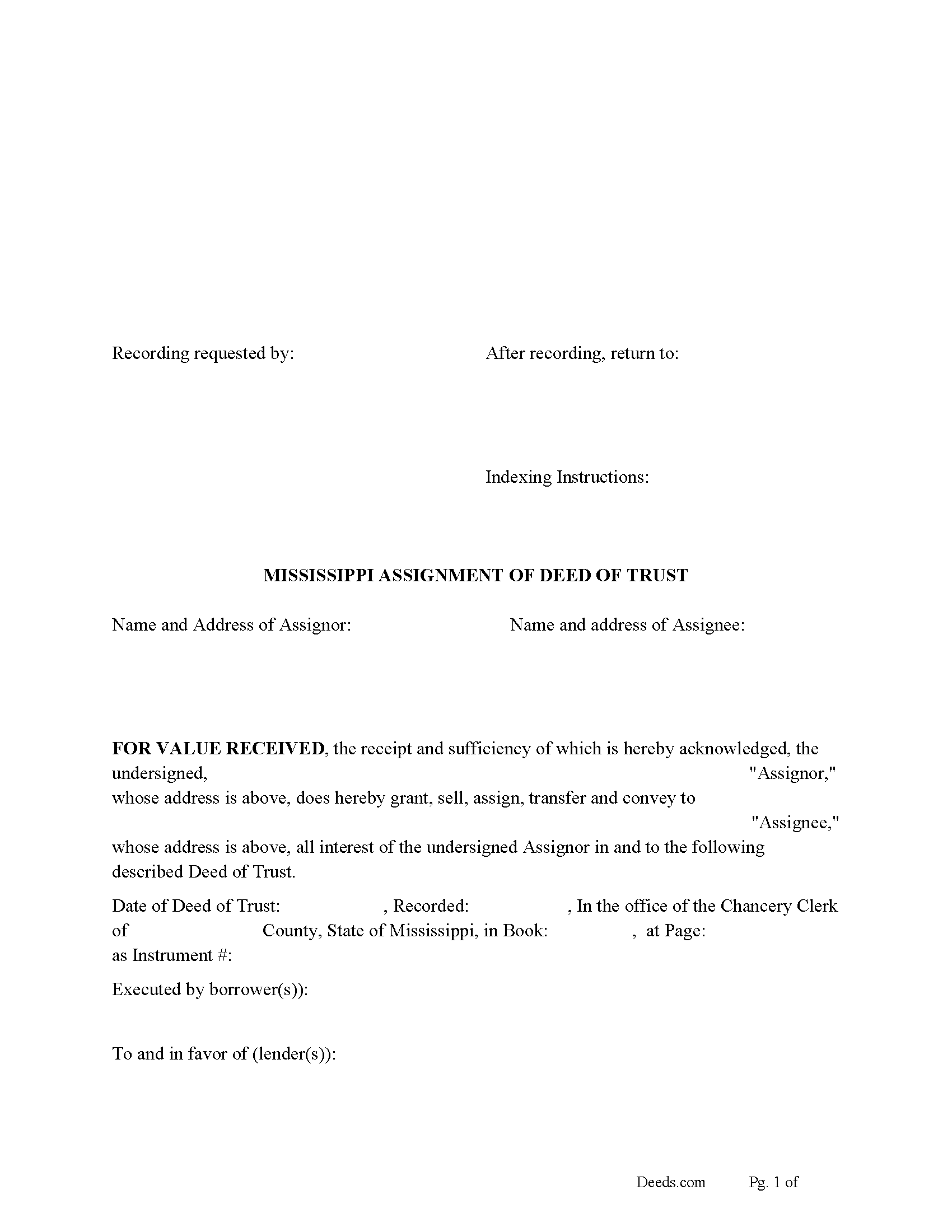
Lawrence County Assignment of Deed of Trust Form
Fill in the blank form formatted to comply with all recording and content requirements.

Lawrence County Guidelines for Assignment of Deed of Trust
Line by line guide explaining every blank on the form.

Lawrence County Completed Example of the Assignment of Deed of Trust Document
Example of a properly completed form for reference.
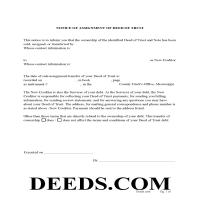
Lawrence County Notice of Assignment of Deed of Trust Form
Fill in the blank form formatted to comply with content requirements.
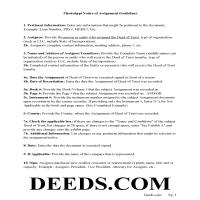
Lawrence County Notice of Assignment Guidelines
Line by line guide explaining every blank on the form.
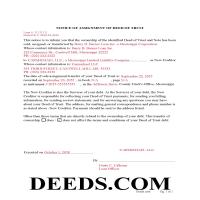
Lawrence County Completed Example of Notice of Assignment Document
Example of a properly completed form for reference.
All 6 documents above included • One-time purchase • No recurring fees
Immediate Download • Secure Checkout
Additional Mississippi and Lawrence County documents included at no extra charge:
Where to Record Your Documents
Lawrence County Chancery Clerk
Monticello, Mississippi 39654
Hours: 9:00 to 5:00 M-F
Phone: (601) 587-7162
Recording Tips for Lawrence County:
- Bring your driver's license or state-issued photo ID
- Ensure all signatures are in blue or black ink
- Avoid the last business day of the month when possible
- Both spouses typically need to sign if property is jointly owned
- Bring extra funds - fees can vary by document type and page count
Cities and Jurisdictions in Lawrence County
Properties in any of these areas use Lawrence County forms:
- Jayess
- Monticello
- Newhebron
- Oak Vale
- Silver Creek
- Sontag
Hours, fees, requirements, and more for Lawrence County
How do I get my forms?
Forms are available for immediate download after payment. The Lawrence County forms will be in your account ready to download to your computer. An account is created for you during checkout if you don't have one. Forms are NOT emailed.
Are these forms guaranteed to be recordable in Lawrence County?
Yes. Our form blanks are guaranteed to meet or exceed the applicable formatting requirements used for recording in Lawrence County, including margin requirements, font requirements, and other layout standards. This guarantee applies to formatting, not to the legal sufficiency of information entered by the user or the suitability of a form for a particular transaction.
Can I reuse these forms?
Yes. You can reuse the forms for your personal use. For example, if you have multiple properties in Lawrence County you only need to order once.
What do I need to use these forms?
The forms are PDFs that you fill out on your computer. The free Adobe Acrobat Reader is recommended, and most PDF apps also work. You do NOT enter your property information online - you download the blank forms and complete them privately on your own computer.
Are there any recurring fees?
No. This is a one-time purchase. Nothing to cancel, no memberships, no recurring fees.
How much does it cost to record in Lawrence County?
Recording fees in Lawrence County vary. Contact the recorder's office at (601) 587-7162 for current fees.
Questions answered? Let's get started!
Use this form to transfer a Deed of Trust to another party. The holder of the Deed of Trust becomes the Assignor and transfers rights to the Assignee, this is usually done when a Deed of Trust has been sold. An Assignment of Deed of Trust (secured by a Deed of Trust or other lien of record, shall be entered on the margin of the record of the lien or said assignment shall be acknowledged and filed for record.) (Except as provided in Section 89-5-37) (89-5-17). [The assignment or transfer of a secured indebtedness need not be filed for record nor entered on the margin of the record if the holder thereof is represented by an agent, trustee or the like disclosed as beneficiary in the mortgage or deed of trust.] [MS Code 89-5-37]
Current Borrowers must be notified of the assignment. Notification consists of contact information of the new creditor, recording dates, recording instrument numbers, changes in loan, etc. Included are "Notice of Assignment of Deed of Trust" forms.
The Truth and lending act requires that borrowers be notified when their Deed of Trust has been sold, transferred, or assigned to a new creditor. Generally, within 30 days to avoid up to $2,000.00 in statutory damages, plus reasonable attorney's fees. Systematic violations can reach up $500,000.00.
(Mississippi Assignment of DOT Package includes form, guidelines, and completed example) For use in Mississippi only.
Important: Your property must be located in Lawrence County to use these forms. Documents should be recorded at the county recording office listed above.
This Assignment of Deed of Trust meets all recording requirements specific to Lawrence County.
Our Promise
The documents you receive here are guaranteed to meet or exceed the applicable Lawrence County recording format requirements. If there is a rejection caused by our formatting, we will correct the issue or refund your payment. This guarantee applies to document formatting only and does not extend to information entered by the user, the selection of the form, or the legal effect of the completed document.
Save Time and Money
Get your Lawrence County Assignment of Deed of Trust form done right the first time with Deeds.com Uniform Conveyancing Blanks. At Deeds.com, we understand that your time and money are valuable resources, and we don't want you to face a penalty fee or rejection imposed by a county recorder for submitting nonstandard documents. We constantly review and update our forms to meet rapidly changing state and county recording requirements for roughly 3,500 counties and local jurisdictions.
4.8 out of 5 - ( 4,867 Reviews )
Joseph R. 5 out of 5 stars
Wonderful service! Things changed for me on my side and the company saw this and closed my account with ease.
Thank you!
barbara s. 5 out of 5 stars
you provided the service requested for a reasonable fee
Thank you!
Karen S. 5 out of 5 stars
Deeds.com made everything easy, with instructions and samples it was simple to fill out the forms. I loved that it was county specific.
Thank you for your feedback. We really appreciate it. Have a great day!
Joseph F. 5 out of 5 stars
I Found Deeds.com to be fabulous. I had no idea how or where to start to get a quitclaim deed. deeds.com made it effortless and easy to complete the paperwork with great instructions and information. I highly recommend deeds.com
Thank you for your feedback. We really appreciate it. Have a great day!
Jayne S. 5 out of 5 stars
Very prompt and excellent service!
Thank you for your feedback. We really appreciate it. Have a great day!
Vallie D. 5 out of 5 stars
Very easy to navigate website. Quick filing, great communication. Saved me hundreds of dollars vs. filing through the escrow service
Thank you for your kind words Vallie, glad we could help. Have an amazing day!
Rebecca M. 4 out of 5 stars
EASY DOWNLOAD AND PRINT AND / OR SAVE TO YOU PC WHICH SHOULD BE DONE BEFORE FILLING OUT. AFTER I actually use them I'll let you know if its all good, Thanks
Your feedback is greatly appreciated. Thank you for taking the time to share your experience!
Thomas J. 5 out of 5 stars
I'm pleased with the service
Thank you!
Toni M. 5 out of 5 stars
I liked having the forms. Some may need to know they can look at the legal Description from online county records, then type up in Word document line by line, the degree sign in Word program is achieved by using alt and 248 on number pad. Then on the form page one write SEE Exibit A and title your Word program description as Exibit A. Goes without saying the legal description should be looked over many times and it is easier to do so if you format your Word the same lineage as the legal description online which is usually not text which is why you have to retype it.
Thank you for your feedback. We really appreciate it. Have a great day!
XIN Y. 5 out of 5 stars
Great e-Recording service. Fast and convenient! All done in the comfort of my home. Love it!!!
We appreciate your business and value your feedback. Thank you. Have a wonderful day!
Kathleen M. 5 out of 5 stars
Wow, this was a breeze!! Best experience and fast. Great way to record documents in a matter of minutes. I recommend Deeds.com for anyone who needs to record documents quickly and conveniently.
Thank you for your feedback. We really appreciate it. Have a great day!
Katie G. 5 out of 5 stars
I haven't used the forms yet but it appears, with your tutelage, that they should not be too difficult to fill out and file. Your site was easy to navigate. Thank You
Thank you for the kinds words Katie. have a fantastic day!
Lois B. 5 out of 5 stars
It works pretty well, had trouble with the word December. It printed out Decedmber with weird spacing but I think it will be ok.
Thank you for the feedback. We will take a look at the date field to see if there are any issues. Have a great day!
Sheila P. 5 out of 5 stars
My first time using Deeds.com. Loved the process. It was quick, easy and Deeds.com provided timely responses. Definitely appreciate not having to make a trip to the recorder of deeds.
Thank you for your feedback. We really appreciate it. Have a great day!
Tom B. 4 out of 5 stars
I ended up loading the same file twice and was unable to delete one of them. I did send e request in to have one deleted and I did get a response back that only one file was processed. This was done in a timely manner but required more additional time. It would have been nice to be able to delete the file myself and finish the process at the same time. Other than this every thing did go very well. Thank you
Thank you for your feedback. We really appreciate it. Have a great day!