Newton County Full Release of Memorandum of Contract Form
Last validated October 23, 2026 by our Forms Development TeamFormatted for recording in Newton County, for property anywhere in the county: rural and unincorporated areas as well as Chunky, Conehatta, Decatur, Hickory, Lawrence, Little Rock, Newton.
- 3 documents included
- Immediate PDF download
- Formatting guarantee
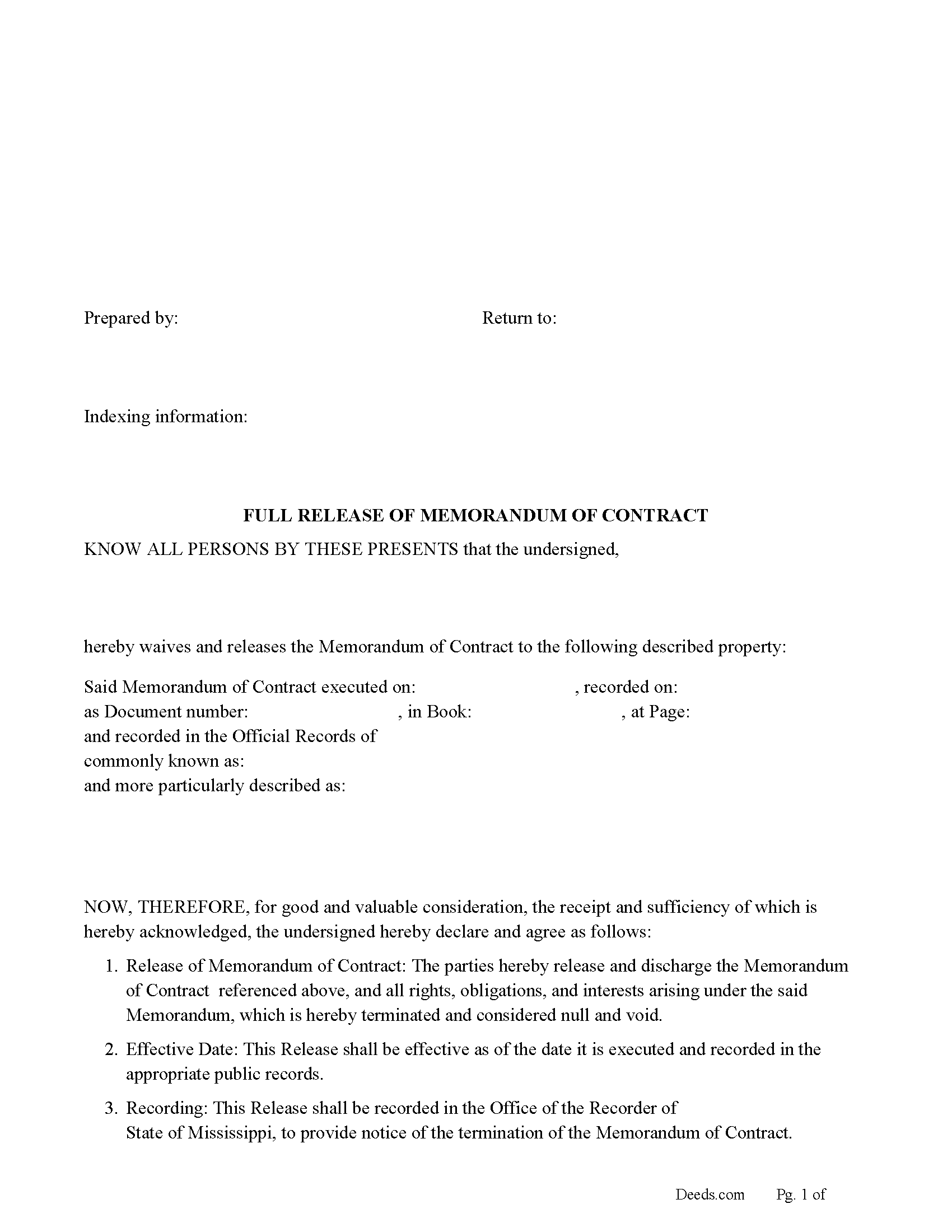
Newton County Full Release of Memorandum of Contract Form
Fill in the blank Full Release of Memorandum of Contract form formatted to comply with all Mississippi recording and content requirements.
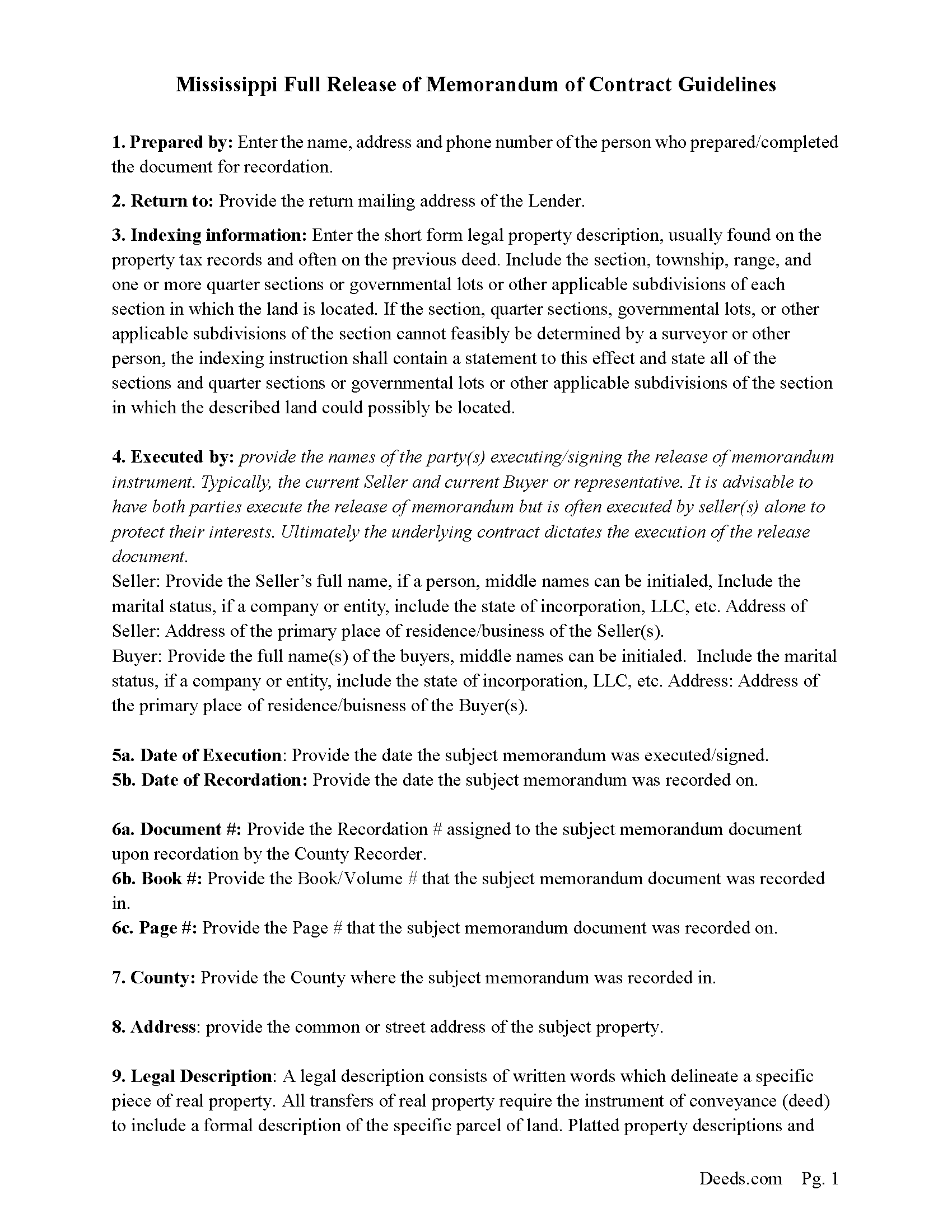
Newton County Full Release of Memorandum of Contract Guide
Line by line guide explaining every blank on the Full Release of Memorandum of Contract form.
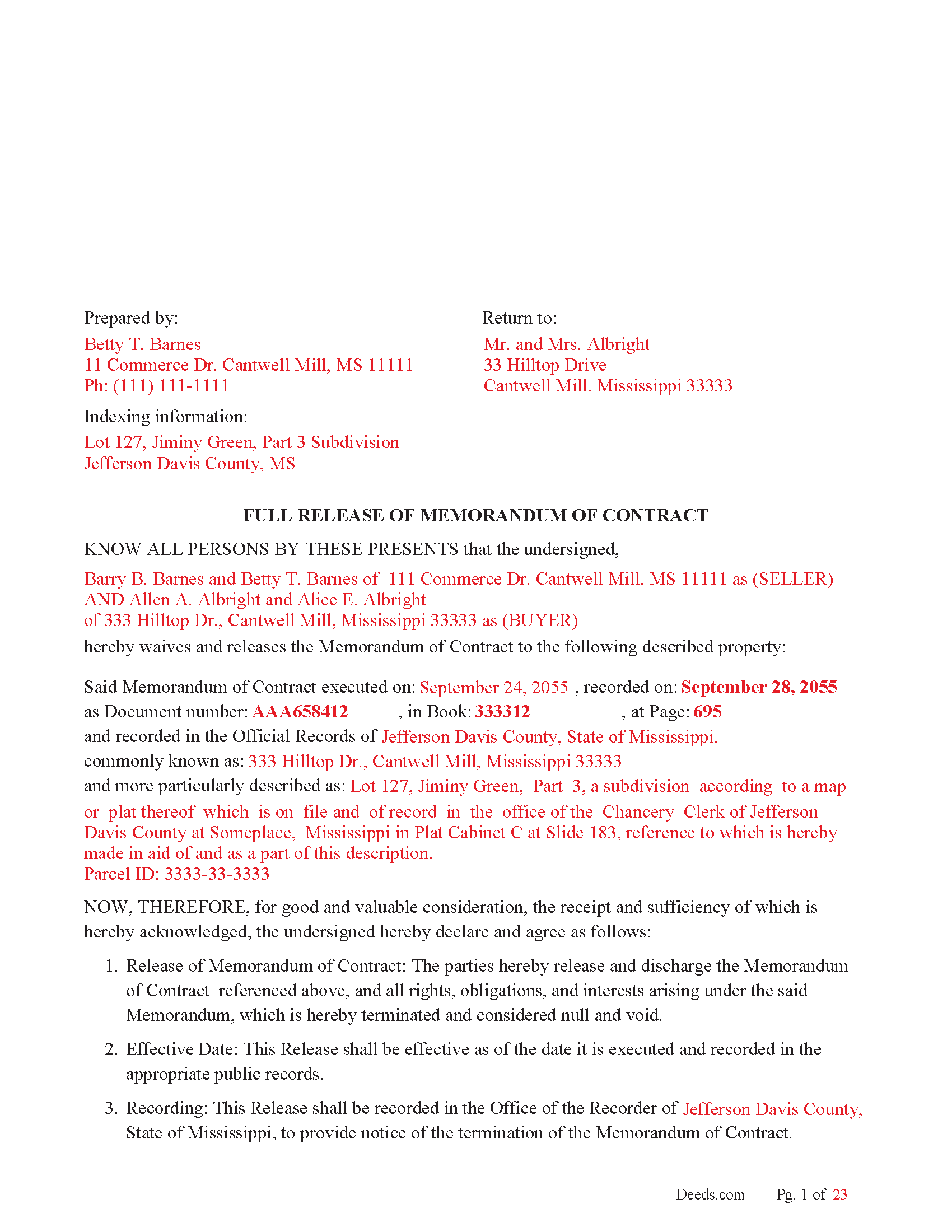
Newton County Completed Example of the Full Release of Memorandum of Contract Document
Example of a properly completed Mississippi Full Release of Memorandum of Contract document for reference.
All 3 documents above included • One-time purchase • No recurring fees
Immediate Download • Secure Checkout
Additional Mississippi and Newton County documents included at no extra charge:
Where to Record Your Documents
Newton County Chancery Clerk
Decatur, Mississippi 39327
Hours: 8:00 to 5:00 M-F
Phone: (601) 635-2367
Recording Tips for Newton County:
- Bring your driver's license or state-issued photo ID
- Ensure all signatures are in blue or black ink
- Avoid the last business day of the month when possible
- Both spouses typically need to sign if property is jointly owned
- Bring extra funds - fees can vary by document type and page count
Cities and Jurisdictions in Newton County
Properties in any of these areas use Newton County forms:
- Chunky
- Conehatta
- Decatur
- Hickory
- Lawrence
- Little Rock
- Newton
Hours, fees, requirements, and more for Newton County
How do I get my forms?
Forms are available for immediate download after payment. The Newton County forms will be in your account ready to download to your computer. An account is created for you during checkout if you don't have one. Forms are NOT emailed.
Are these forms guaranteed to be recordable in Newton County?
Yes. Our form blanks are guaranteed to meet or exceed the applicable formatting requirements used for recording in Newton County, including margin requirements, font requirements, and other layout standards. This guarantee applies to formatting, not to the legal sufficiency of information entered by the user or the suitability of a form for a particular transaction.
Can I reuse these forms?
Yes. You can reuse the forms for your personal use. For example, if you have multiple properties in Newton County you only need to order once.
What do I need to use these forms?
The forms are PDFs that you fill out on your computer. The free Adobe Acrobat Reader is recommended, and most PDF apps also work. You do NOT enter your property information online - you download the blank forms and complete them privately on your own computer.
Are there any recurring fees?
No. This is a one-time purchase. Nothing to cancel, no memberships, no recurring fees.
How much does it cost to record in Newton County?
Recording fees in Newton County vary. Contact the recorder's office at (601) 635-2367 for current fees.
Questions answered? Let's get started!
Use this form to release a Memorandum of Contract when satisfied.
Common Reasons to Release a Memorandum of Contract:
1. Clear Title to the Property
The Memorandum of Contract acts as a public notice that the buyer and seller are in an ongoing contractual relationship regarding the property, which can cloud the title. Once the contract for deed is satisfied, the buyer becomes the full owner of the property, and the memorandum no longer serves a purpose. If it is not released, it may appear as an unresolved encumbrance, which can complicate the buyer’s ability to prove clear title or transfer the property in the future.
2. Facilitates Future Transactions
A property with a clouded title (due to the unreleased memorandum) can cause issues when the buyer wants to:
Sell the property.
Refinance the property.
Use the property as collateral for a loan.
Title companies often refuse to issue title insurance for a property if a recorded memorandum remains on file, which could hinder or prevent future transactions.
3. Removes Legal Encumbrances
An unreleased memorandum could be interpreted as an ongoing interest or claim on the property by the seller. This can create legal complications, leading to potential disputes or litigation, especially if the seller or third parties assert a claim on the property based on the unreleased memorandum. Releasing the memorandum removes this potential legal encumbrance.
4. Compliance with Recording Laws
Mississippi statutes, like Mississippi Code § 89-5-19, require the release of recorded instruments once they have been satisfied. Failure to do so may violate these statutory obligations and could subject the parties (usually the seller) to penalties or legal consequences. Properly recording the release ensures compliance with state law.
5. Prevents Misunderstandings or Fraud
Leaving a recorded memorandum in place may cause confusion or even fraud in the future, especially if third parties mistakenly believe that the contract is still active. This can lead to misunderstandings, disputes, or fraudulent claims of ownership. By releasing the memorandum, the public record clearly shows that the contract has been concluded.
6. Buyer’s Right to Clear Ownership
Upon satisfaction of the contract for deed, the buyer has the right to full and unencumbered ownership of the property. Releasing the memorandum ensures that there is no record of the seller having an ongoing claim or interest, affirming the buyer’s rightful ownership.
Important: Your property must be located in Newton County to use these forms. Documents should be recorded at the county recording office listed above.
This Full Release of Memorandum of Contract meets all recording requirements specific to Newton County.
Our Promise
The documents you receive here are guaranteed to meet or exceed the applicable Newton County recording format requirements. If there is a rejection caused by our formatting, we will correct the issue or refund your payment. This guarantee applies to document formatting only and does not extend to information entered by the user, the selection of the form, or the legal effect of the completed document.
Save Time and Money
Get your Newton County Full Release of Memorandum of Contract form done right the first time with Deeds.com Uniform Conveyancing Blanks. At Deeds.com, we understand that your time and money are valuable resources, and we don't want you to face a penalty fee or rejection imposed by a county recorder for submitting nonstandard documents. We constantly review and update our forms to meet rapidly changing state and county recording requirements for roughly 3,500 counties and local jurisdictions.
4.8 out of 5 - ( 4,845 Reviews )
Susan V. 5 out of 5 stars
With a little assist from the customer service department-- who was extremely nice and professional- I was able to get my documents printed. I was pleased with the process and hope that the forms will work out for me. Thank you deeds.com for saving me $250 in lawyers fees.
Thank you for your feedback. We really appreciate it. Have a great day!
SUSAN B. 5 out of 5 stars
THE PROCEDURE IN GETTING THIS MECHANICS LIEN PROCESSED HAS SO FAR BEEN RELATIVELY SIMPLY - BETTER THAN HAVING TO WAIT ON MAIL OR GO IN PERSON TO GET RECORDED
We are delighted to have been of service. Thank you for the positive review!
Richard D. 5 out of 5 stars
We are pleased with your service. It is user friendly and efficient,
Thank you!
Juan M. 5 out of 5 stars
Very happy
We appreciate your business and value your feedback. Thank you. Have a wonderful day!
Maday G. 5 out of 5 stars
The service was easy and fast. Definitely much better than the regular process directly at the County's office.
We appreciate your business and value your feedback. Thank you. Have a wonderful day!
Lois S. 5 out of 5 stars
This website made it easy to quickly research what was recorded/released on the title of my home.
Thank you for your feedback. We really appreciate it. Have a great day!
Marina M. 4 out of 5 stars
Very easy to choose template and download. The price seems fair. Not sure the section on the deed for 6 witnesses is necessary....
Thank you for your feedback. We really appreciate it. Have a great day!
clenio o. 5 out of 5 stars
Very helpful. The Register office is closed in Detroit due to covid, but after using it, I would do it regardless. Thank you.
Thank you for your feedback. We really appreciate it. Have a great day!
Fritz C. 5 out of 5 stars
Quick and complete info
Thank you!
Roger G. 5 out of 5 stars
Straight to the point and easy to use site.
Thank you!
Bobby T. 5 out of 5 stars
Great!! Helps me out
Thank you!
THOMAS C. 5 out of 5 stars
Very fast service
We appreciate your business and value your feedback. Thank you. Have a wonderful day!
Marsella F. 5 out of 5 stars
Thank you so much!! This is a fantastic tool!! Marsella F.
Thank you for your feedback. We really appreciate it. Have a great day!
Kevin C. 3 out of 5 stars
Nice site but $30 to download a blank form is a bit much.
Thank you for your feedback. We really appreciate it. Have a great day!
wendell s. 5 out of 5 stars
The forms were everything promised. The guide was very helpful and made the process painless.
We appreciate your business and value your feedback. Thank you. Have a wonderful day!