Newton County Memorandum of Contract Form
Last validated October 19, 2026 by our Forms Development TeamFormatted for recording in Newton County, for property anywhere in the county: rural and unincorporated areas as well as Chunky, Conehatta, Decatur, Hickory, Lawrence, Little Rock, Newton.
- 3 documents included
- Immediate PDF download
- Formatting guarantee
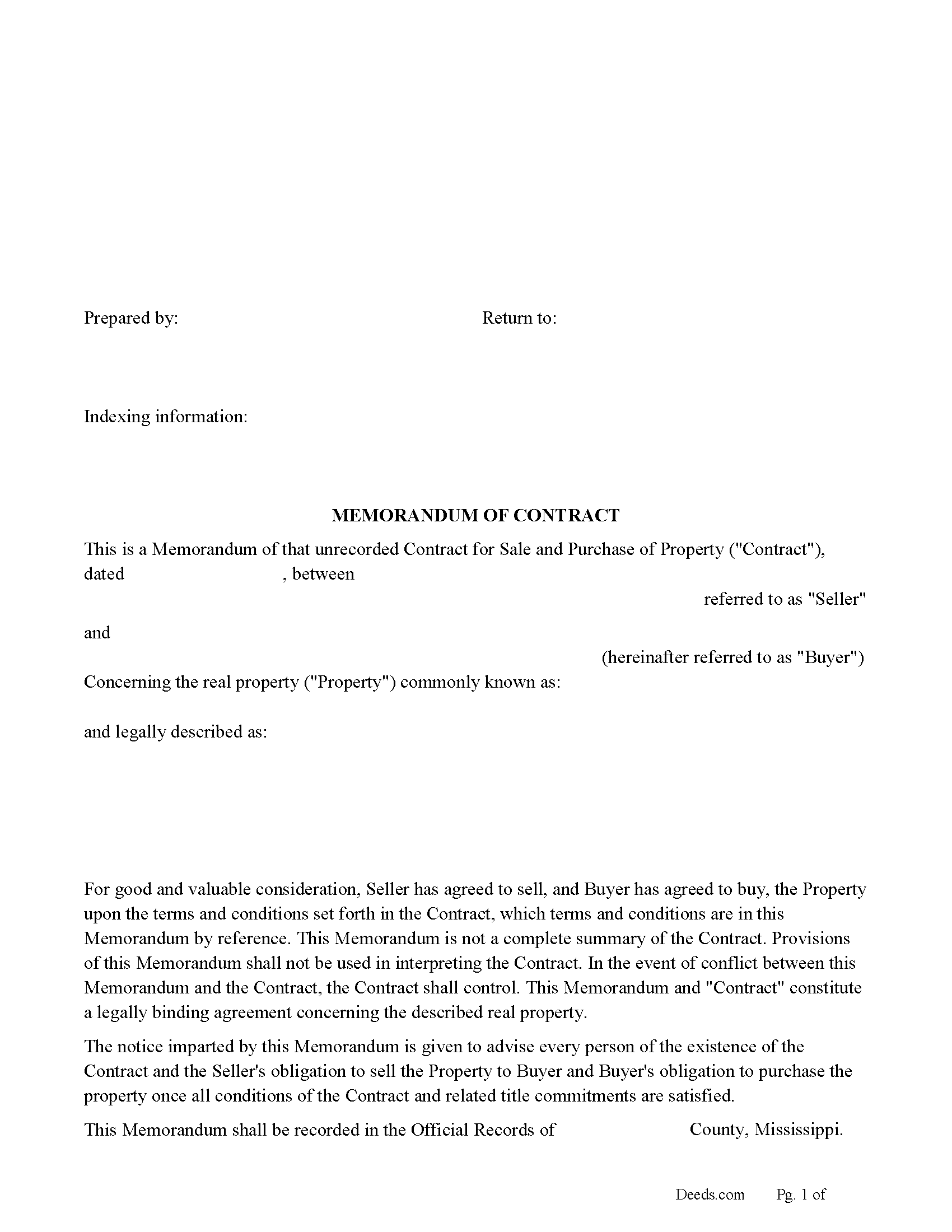
Newton County Memorandum of Contract Form
Fill in the blank form formatted to comply with all recording and content requirements.
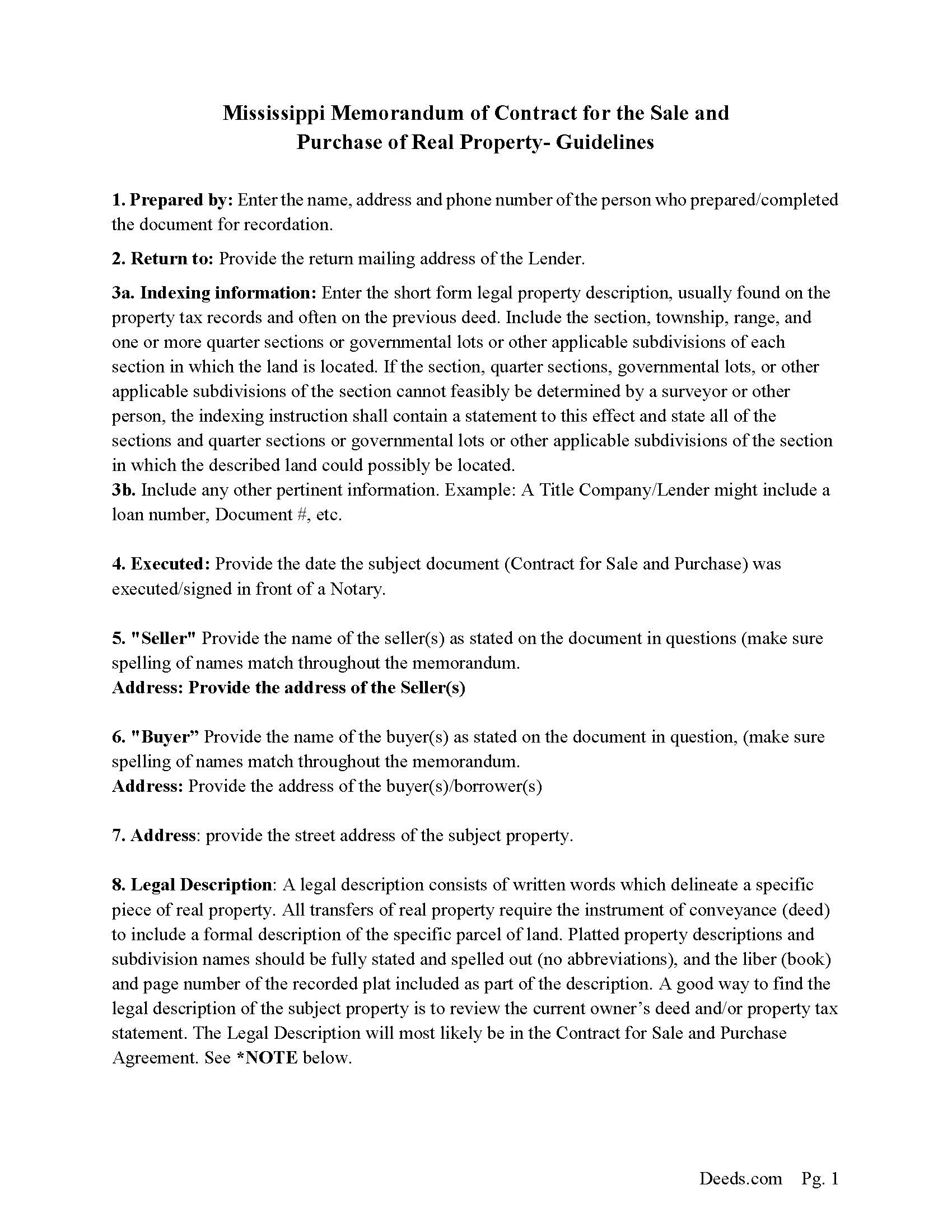
Newton County Memorandum of Contract Guidelines
Line by line guide explaining every blank on the form.
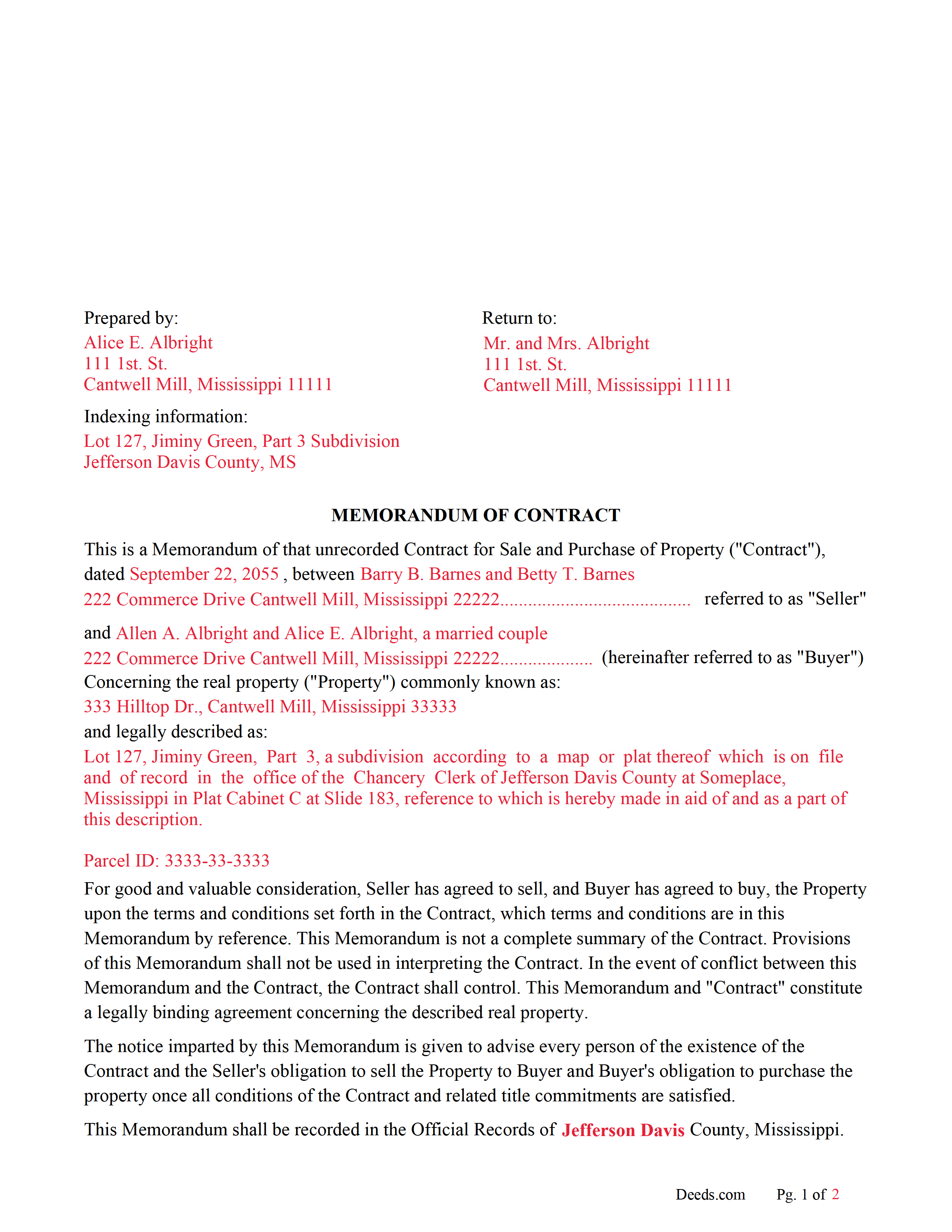
Newton County Completed Example of the Memorandum of Land Contract Document
Example of a properly completed form for reference.
All 3 documents above included • One-time purchase • No recurring fees
Immediate Download • Secure Checkout
Additional Mississippi and Newton County documents included at no extra charge:
Where to Record Your Documents
Newton County Chancery Clerk
Decatur, Mississippi 39327
Hours: 8:00 to 5:00 M-F
Phone: (601) 635-2367
Recording Tips for Newton County:
- Bring your driver's license or state-issued photo ID
- Ensure all signatures are in blue or black ink
- Ask about accepted payment methods when you call ahead
- Ask for certified copies if you need them for other transactions
- Ask if they accept credit cards - many offices are cash/check only
Cities and Jurisdictions in Newton County
Properties in any of these areas use Newton County forms:
- Chunky
- Conehatta
- Decatur
- Hickory
- Lawrence
- Little Rock
- Newton
Hours, fees, requirements, and more for Newton County
How do I get my forms?
Forms are available for immediate download after payment. The Newton County forms will be in your account ready to download to your computer. An account is created for you during checkout if you don't have one. Forms are NOT emailed.
Are these forms guaranteed to be recordable in Newton County?
Yes. Our form blanks are guaranteed to meet or exceed the applicable formatting requirements used for recording in Newton County, including margin requirements, font requirements, and other layout standards. This guarantee applies to formatting, not to the legal sufficiency of information entered by the user or the suitability of a form for a particular transaction.
Can I reuse these forms?
Yes. You can reuse the forms for your personal use. For example, if you have multiple properties in Newton County you only need to order once.
What do I need to use these forms?
The forms are PDFs that you fill out on your computer. The free Adobe Acrobat Reader is recommended, and most PDF apps also work. You do NOT enter your property information online - you download the blank forms and complete them privately on your own computer.
Are there any recurring fees?
No. This is a one-time purchase. Nothing to cancel, no memberships, no recurring fees.
How much does it cost to record in Newton County?
Recording fees in Newton County vary. Contact the recorder's office at (601) 635-2367 for current fees.
Questions answered? Let's get started!
When is this document used?
When a property is sold, and a Contract for the Sale and Purchase of Real Property (often called a Land Contract or Buy-Sell Agreement), has been executed by both parties this Memorandum document is often recorded in the county where the subject property is located instead of the actual Contract. Stating - Seller has agreed to sell, and Buyer has agreed to buy, the Property upon the terms and conditions set forth in the Contract.
Why a Memorandum of Contract?
Privacy - When parties want to keep financial details of a Contract for the Sale and Purchase of Real Property private, a Memorandum is recorded.
Notice - puts the world on notice that a Contract between buyer and seller exists on a specific property.
Legal - legal binding agreement between buyer and seller concerning the property in question.
Protection - Often filed by buyers alone, after a contract has been executed, preventing loans or encumbrances being placed on the property by existing Deed holder. Encumbrances have been placed on properties even though the Contract states they can't. This can be devastating for a buyer who has made payments. A Memorandum is an effective instrument to prevent this. In short, either the Contract or Memorandum of Contract should be recorded for your protection.
Seller Financing - When the buyer chooses or is obligated to obtain bank financing a Memorandum legitimizes the purchase agreement, providing proof to the bank that a deal was in place. Most banks will require that the Contract or Memorandum be recorded before they will finance the property in question.
(Mississippi MOC Package includes form, guidelines, and completed example) For use in Mississippi only.
Important: Your property must be located in Newton County to use these forms. Documents should be recorded at the county recording office listed above.
This Memorandum of Contract meets all recording requirements specific to Newton County.
Our Promise
The documents you receive here are guaranteed to meet or exceed the applicable Newton County recording format requirements. If there is a rejection caused by our formatting, we will correct the issue or refund your payment. This guarantee applies to document formatting only and does not extend to information entered by the user, the selection of the form, or the legal effect of the completed document.
Save Time and Money
Get your Newton County Memorandum of Contract form done right the first time with Deeds.com Uniform Conveyancing Blanks. At Deeds.com, we understand that your time and money are valuable resources, and we don't want you to face a penalty fee or rejection imposed by a county recorder for submitting nonstandard documents. We constantly review and update our forms to meet rapidly changing state and county recording requirements for roughly 3,500 counties and local jurisdictions.
4.8 out of 5 - ( 4,829 Reviews )
Carrie A. 5 out of 5 stars
Great service fast and easy.
Thank you!
Quinlyn H. 5 out of 5 stars
They didn't have what I was looking for so they refunded my money immediately. Very easy to work with!
Thank you!
William W. 5 out of 5 stars
No fuss-No muss. Very easy!
Thank you!
Mayte S. 5 out of 5 stars
I am pleasantly suprised at the service. Fair rates and speedy process. No complaints! Happy to use this service again and recommend to anyone. Thank you very much for all your help!
Thank you!
Frank B. 5 out of 5 stars
Great website, super easy to use, user friendly to navigate. Will definitely use for future needs, and will definitely refer to other customers. F. Betancourt Texas
Thank you!
Stephen K. 5 out of 5 stars
this 5-star rating is well-deserved.
Thank you!
Michael T. 5 out of 5 stars
Very easy to find what I was looking for and the cost was reasonable. The documents saved me a lot of time and were easy to use.
Thank you for your feedback. We really appreciate it. Have a great day!
Robert D. 5 out of 5 stars
These forms made it so easy to update the property deed and the instructions and sample filled out form were most helpful. You might want to add some brief information on when or why to use the Acknowledgment in Individual Capacity notary form. In my case the notary was required to use it but also filled in the brief notarize section on the Affidavit as well. She said the one on the Affidavit had some value because it showed she had witnessed the my signature. But this was only after I suggested both be filled in as she initially thought to just strike through it and just use the Acknowledgment in Individual Capacity form.
Thank you for your feedback. We really appreciate it. Have a great day!
Alexander M. 5 out of 5 stars
Great recording service ! Very professional and easy to navigate !!!!
It was a pleasure serving you. Thank you for the positive feedback!
Donnajean L. 5 out of 5 stars
The site is user friendly and uncomplicated.
Thank you!
Robert B. 5 out of 5 stars
Excellent Service I was looking for a copy of deeds on a few properties. Researched online and ended up at Deeds.com. I signed up for a new account, entered the pertinent information, paid a nominal fee and received all deeds within 40 minutes. Seamless and very impressed! Bob
Thank you!
John C. 5 out of 5 stars
So far it's OK but have not filed it with the the county so can't say if it will be what they want
Thank you for your feedback. We really appreciate it. Have a great day!
David C. 5 out of 5 stars
I was able to use your website for the purpose I was looking for. I was able to conclude the transactions I needed without having to use an attorney.
We appreciate your business and value your feedback. Thank you. Have a wonderful day!
Debra W. 5 out of 5 stars
I was trying to get a lien released for the last 3 month with Maricopa County and once I utilized your system it was complete within 24 hours of my filing. Great company and customer service, thank you!
Thank you for your feedback. We really appreciate it. Have a great day!
James V. 5 out of 5 stars
Easy, quick and very proficient. I am glad I used Deeds.
Thank you!