Shelby County Contractor Change Order Form
Last validated October 20, 2026 by our Forms Development TeamFormatted for recording in Shelby County, for property anywhere in the county or independent city: rural and unincorporated areas as well as Bethel, Clarence, Emden, Hunnewell, Lentner, Leonard, Shelbina, Shelbyville.
- 3 documents included
- Immediate PDF download
- Formatting guarantee
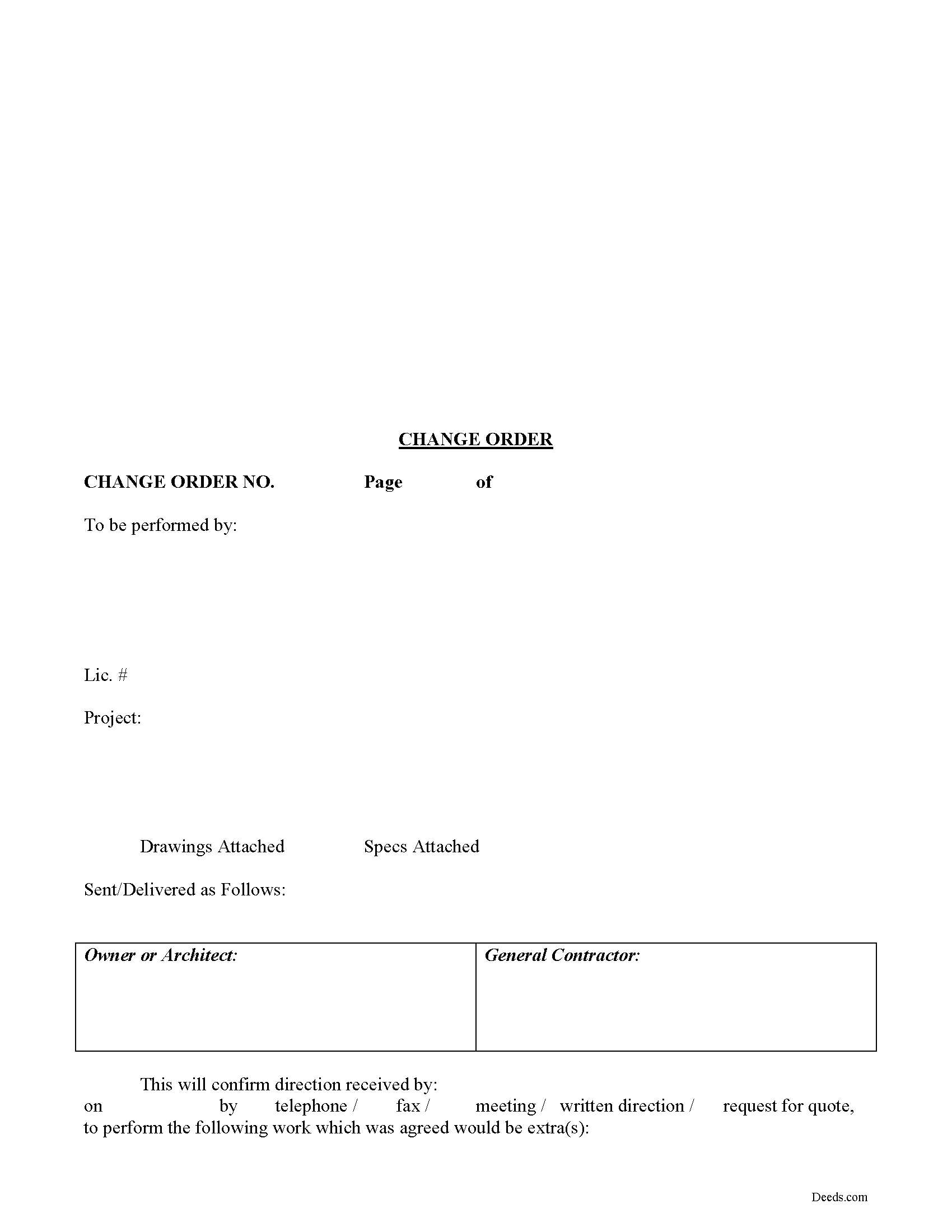
Shelby County Contractor Change Order Form
Fill in the blank Contractor Change Order form formatted to comply with all Missouri recording and content requirements.
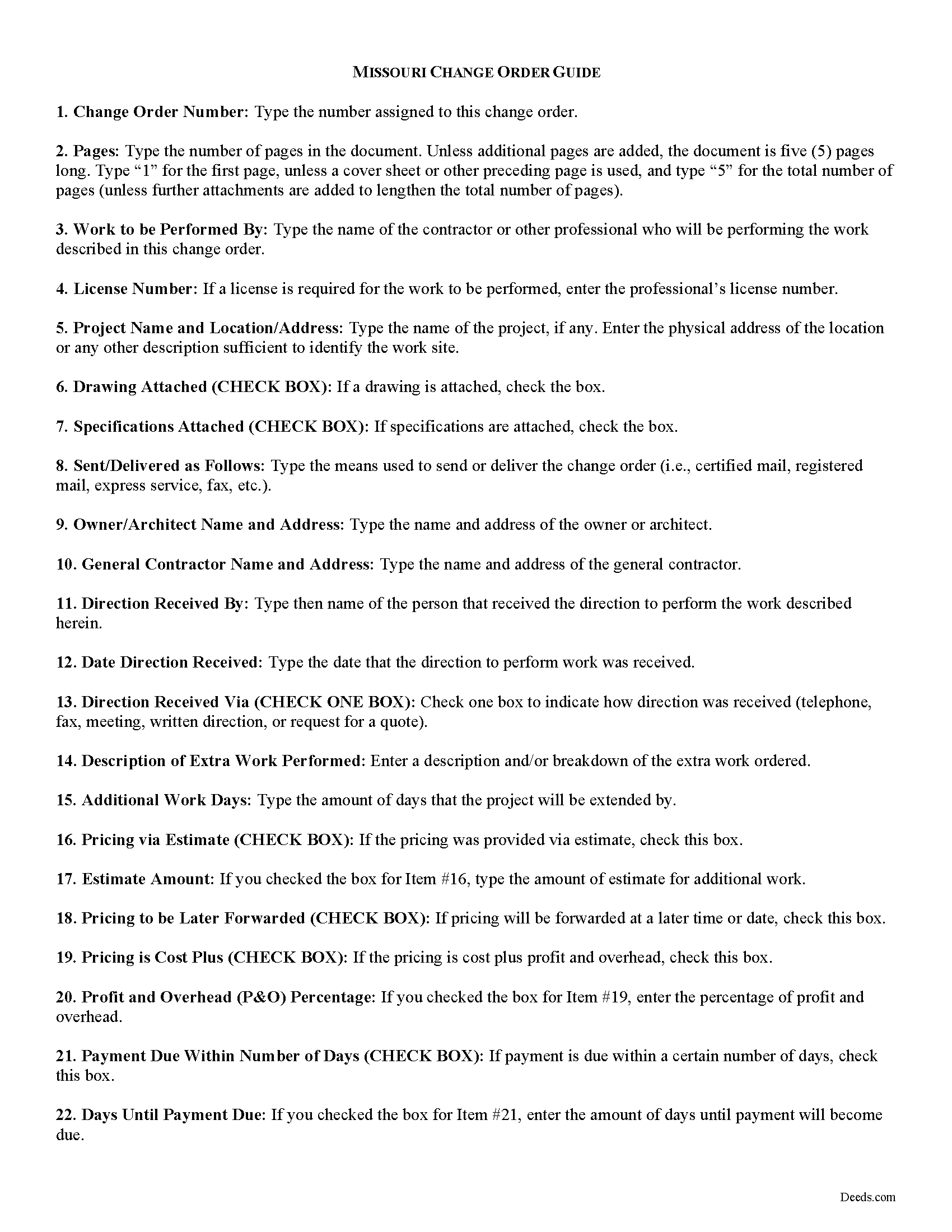
Shelby County Change Order Guide
Line by line guide explaining every blank on the form.
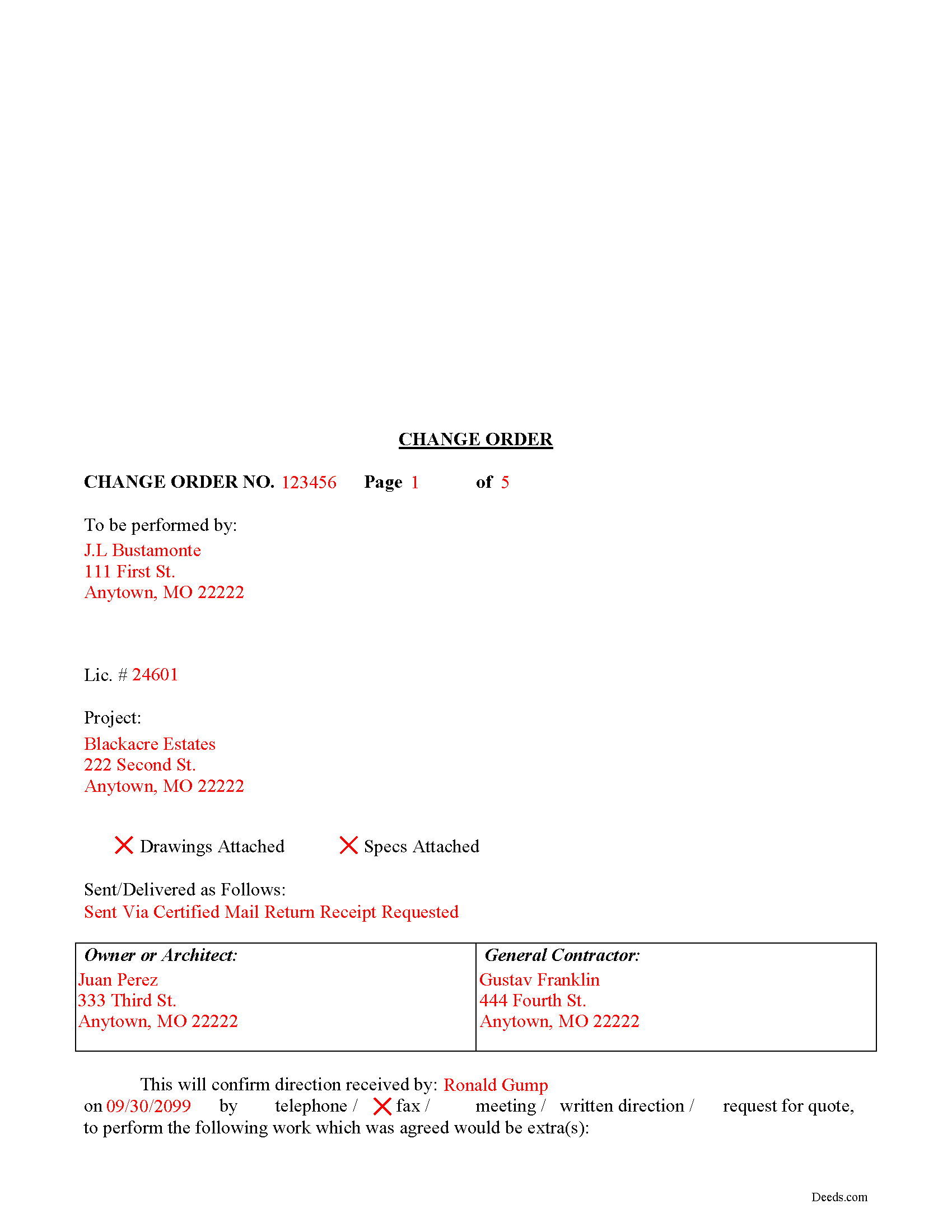
Shelby County Completed Example of the Change Order Document
Example of a properly completed form for reference.
All 3 documents above included • One-time purchase • No recurring fees
Immediate Download • Secure Checkout
Additional Missouri and Shelby County documents included at no extra charge:
Where to Record Your Documents
Shelby County Recorder of Deeds
Shelbyville , Missouri 63469
Hours: 8:00 to 12:00 & 1:00 to 4:00 Monday through Friday
Phone: (573) 633-2821
Recording Tips for Shelby County:
- Bring your driver's license or state-issued photo ID
- Ensure all signatures are in blue or black ink
- Ask for certified copies if you need them for other transactions
- Ask if they accept credit cards - many offices are cash/check only
- Check that your notary's commission hasn't expired
Cities and Jurisdictions in Shelby County
Properties in any of these areas use Shelby County forms:
- Bethel
- Clarence
- Emden
- Hunnewell
- Lentner
- Leonard
- Shelbina
- Shelbyville
Hours, fees, requirements, and more for Shelby County
How do I get my forms?
Forms are available for immediate download after payment. The Shelby County forms will be in your account ready to download to your computer. An account is created for you during checkout if you don't have one. Forms are NOT emailed.
Are these forms guaranteed to be recordable in Shelby County?
Yes. Our form blanks are guaranteed to meet or exceed the applicable formatting requirements used for recording in Shelby County, including margin requirements, font requirements, and other layout standards. This guarantee applies to formatting, not to the legal sufficiency of information entered by the user or the suitability of a form for a particular transaction.
Can I reuse these forms?
Yes. You can reuse the forms for your personal use. For example, if you have multiple properties in Shelby County you only need to order once.
What do I need to use these forms?
The forms are PDFs that you fill out on your computer. The free Adobe Acrobat Reader is recommended, and most PDF apps also work. You do NOT enter your property information online - you download the blank forms and complete them privately on your own computer.
Are there any recurring fees?
No. This is a one-time purchase. Nothing to cancel, no memberships, no recurring fees.
How much does it cost to record in Shelby County?
Recording fees in Shelby County vary. Contact the recorder's office at (573) 633-2821 for current fees.
Questions answered? Let's get started!
Using Change Orders in Missouri
Plans and circumstances change. This causes frustration for those in the construction industry, where even small variations can result in substantial differences in the cost of a job.
Because of this, contractors should confirm changes in the construction contract via a Change Order. Change orders are used to modify the preexisting agreement of the parties (such as the contractor's promise to perform certain work and the customer's promise to pay for such work). Usually, changes lead to increased costs, additional time to complete the job, and possibly a change of the underlying contractual terms.
These documents identify the parties, the location, the nature of the change, and relevant dates and fees. The completed change order should be kept on file to resolve any potential disputes in regard to extra work performed and additional costs.
This article is provided for informational purposes only and should not be considered legal advice or relied upon as a substitute for speaking with a legal professional. If you have any questions about using a change order, or any other issues related to liens in Missouri, please speak with a qualified attorney.
Important: Your property must be located in Shelby County to use these forms. Documents should be recorded at the county or independent city recording office listed above.
This Contractor Change Order meets all recording requirements specific to Shelby County.
Our Promise
The documents you receive here are guaranteed to meet or exceed the applicable Shelby County recording format requirements. If there is a rejection caused by our formatting, we will correct the issue or refund your payment. This guarantee applies to document formatting only and does not extend to information entered by the user, the selection of the form, or the legal effect of the completed document.
Save Time and Money
Get your Shelby County Contractor Change Order form done right the first time with Deeds.com Uniform Conveyancing Blanks. At Deeds.com, we understand that your time and money are valuable resources, and we don't want you to face a penalty fee or rejection imposed by a county recorder for submitting nonstandard documents. We constantly review and update our forms to meet rapidly changing state and county recording requirements for roughly 3,500 counties and local jurisdictions.
4.8 out of 5 - ( 4,837 Reviews )
Hope A. 5 out of 5 stars
Great Website and layout!! so easy!
Thank you!
Scott H. 5 out of 5 stars
Good experience, good service too - thanks.
Your feedback is appreciated. Thank you for letting us know how we did.
Karen B. 5 out of 5 stars
Easy to download and fill out forms needed. Highly recommend them instead of paying for Attorney to do.
We truly value your business and appreciate your review.
Bonnie V. 5 out of 5 stars
I was very pleased with Deeds.Com. It was easy to use.
Thank you!
Gary K. 4 out of 5 stars
Straightforward and pretty easy to use. The only downside is that there is no way to contact them directly. The number on the website is answered only by a voicemail with no return calls. Pricing seems fair compared to other services and much more efficient that filing "over the counter."
Thank you for your feedback. We really appreciate it. Have a great day!
Jay P. 5 out of 5 stars
Great site, even for Tech dummies like me. Easy to use and VERY prompt! Thanks!
Thank you for your feedback. We really appreciate it. Have a great day!
samira m. 5 out of 5 stars
I love whoever is behind this website. I bought the wrong form and I told them and they refunded me asap! I figured out which form I need days later and bought it just now. They didn't have to refund me for my own mistake. That was very kind. I'll be returning for any other forms I may need and will tell others too. Thank you so much!!!!!
Thank you for your feedback. We really appreciate it. Have a great day!
VICKI R. 5 out of 5 stars
Thank you for your helpful information.
Thank you!
Richard R. 5 out of 5 stars
Kind of expensive for a 3 page item...but I received it pronto and it will fill the bill.
Thank you!
Debbie G. 5 out of 5 stars
Easy to use, I would recommend deeds.com. I would recommend visiting your county recorder before having document notarized. They will review document and make sure everything you need is on the deed, before having notarized.
Thank you Debbie. Have a fantastic day!
Shelton S. 5 out of 5 stars
This site provided everything I needed to get the job done. Next step is a trip to the County Clerk!
We deeply appreciate the trust you have placed in our services. Thank you for your valuable feedback and for choosing us.
Daniel L. 5 out of 5 stars
Very good. The right forms and instructions . Thanks
We appreciate your business and value your feedback. Thank you. Have a wonderful day!
Kimberly M. 5 out of 5 stars
Great service once again from Deeds.com. I will be using them again in the future.
We appreciate your business and value your feedback. Thank you. Have a wonderful day!
Lori F. 5 out of 5 stars
These folks are so amazing! They were very kind, patient and the communication was above and beyond. Basically, THEY ROCK!
Thank you!
Peggy J. 5 out of 5 stars
I have been researching for months to figure out how to remove deceased owner of property with right of survivorship in Florida. The County Clerk was not helpful. They refer you to get legal advice which is expensive. So hopefully by completing these forms I can actually complete the task. And would be helpful to be reassured that this is all I need to complete overdue task. I was hesitant to pay, but I believe this is legit. If so- a great Thank you.
Thank you for your feedback. We really appreciate it. Have a great day!