Adair County Quitclaim Deed (Two Grantors) Form
Last validated October 2, 2026 by our Forms Development TeamFormatted for recording in Adair County, for property anywhere in the county or independent city: rural and unincorporated areas as well as Brashear, Gibbs, Greentop, Kirksville, Novinger.
- 3 documents included
- Immediate PDF download
- Formatting guarantee
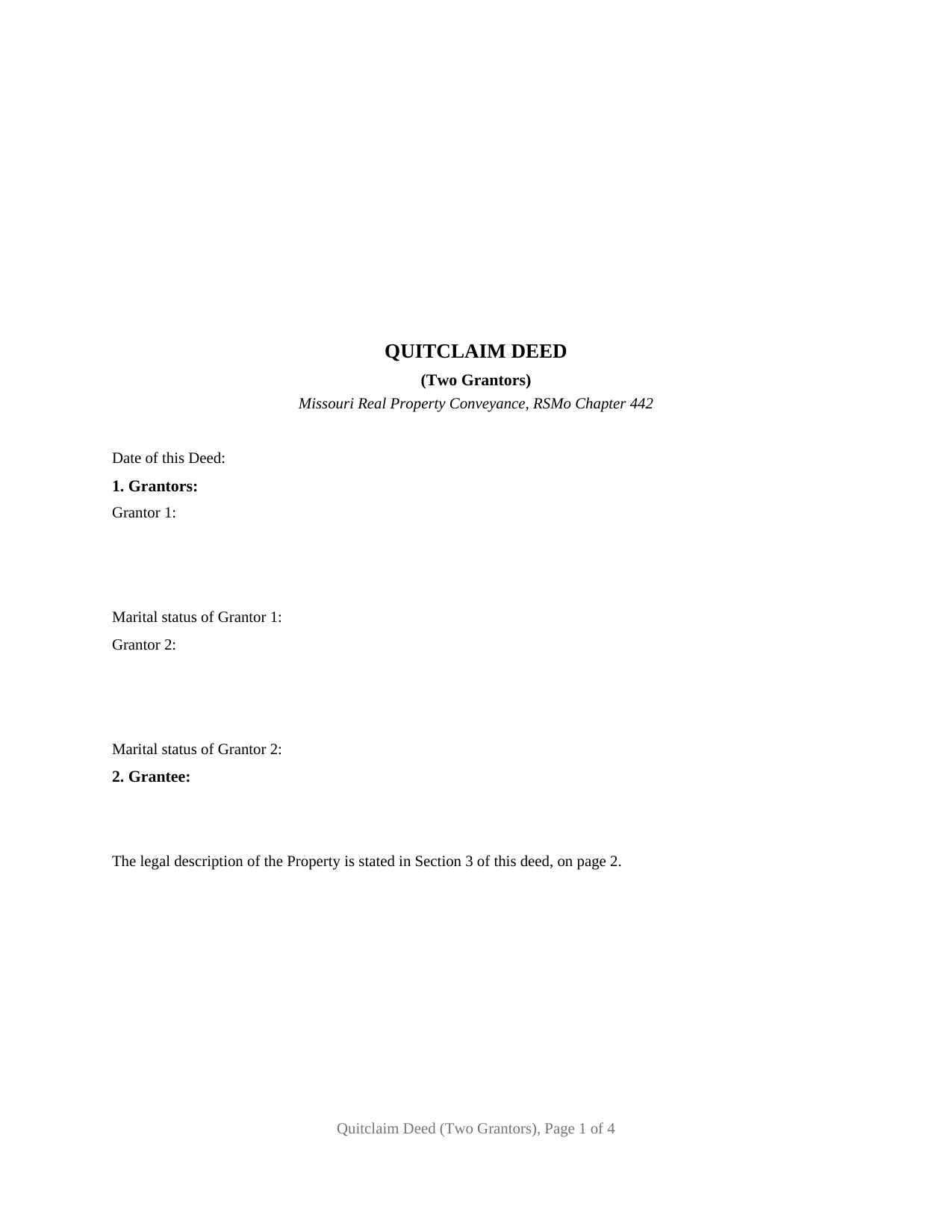
Adair County Quitclaim Deed (Two Grantors) Form
Fill in the blank Quitclaim Deed (Two Grantors) form formatted to comply with all Missouri recording and content requirements.
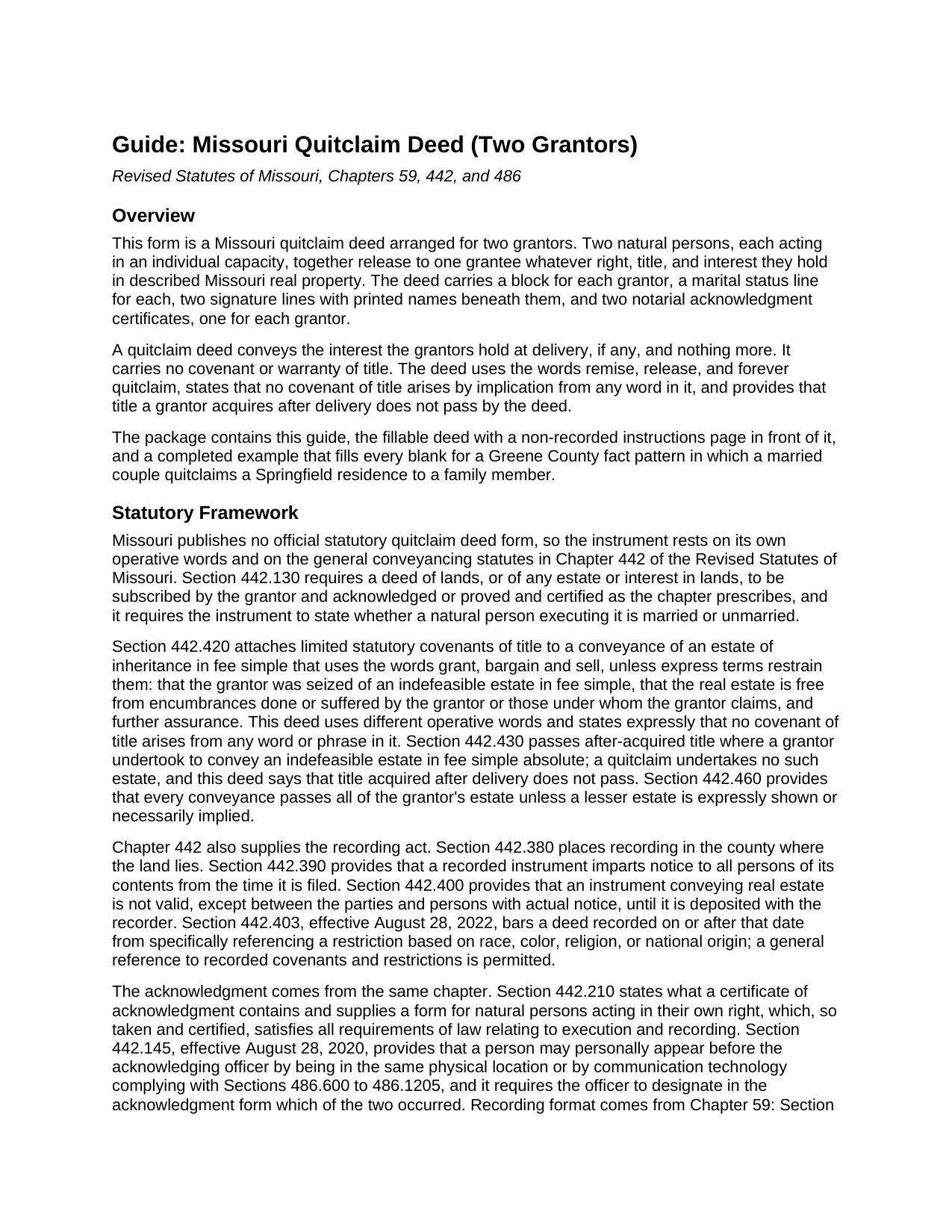
Adair County Quitclaim Deed (Two Grantors) Guide
Line by line guide explaining every blank on the Quitclaim Deed (Two Grantors) form.
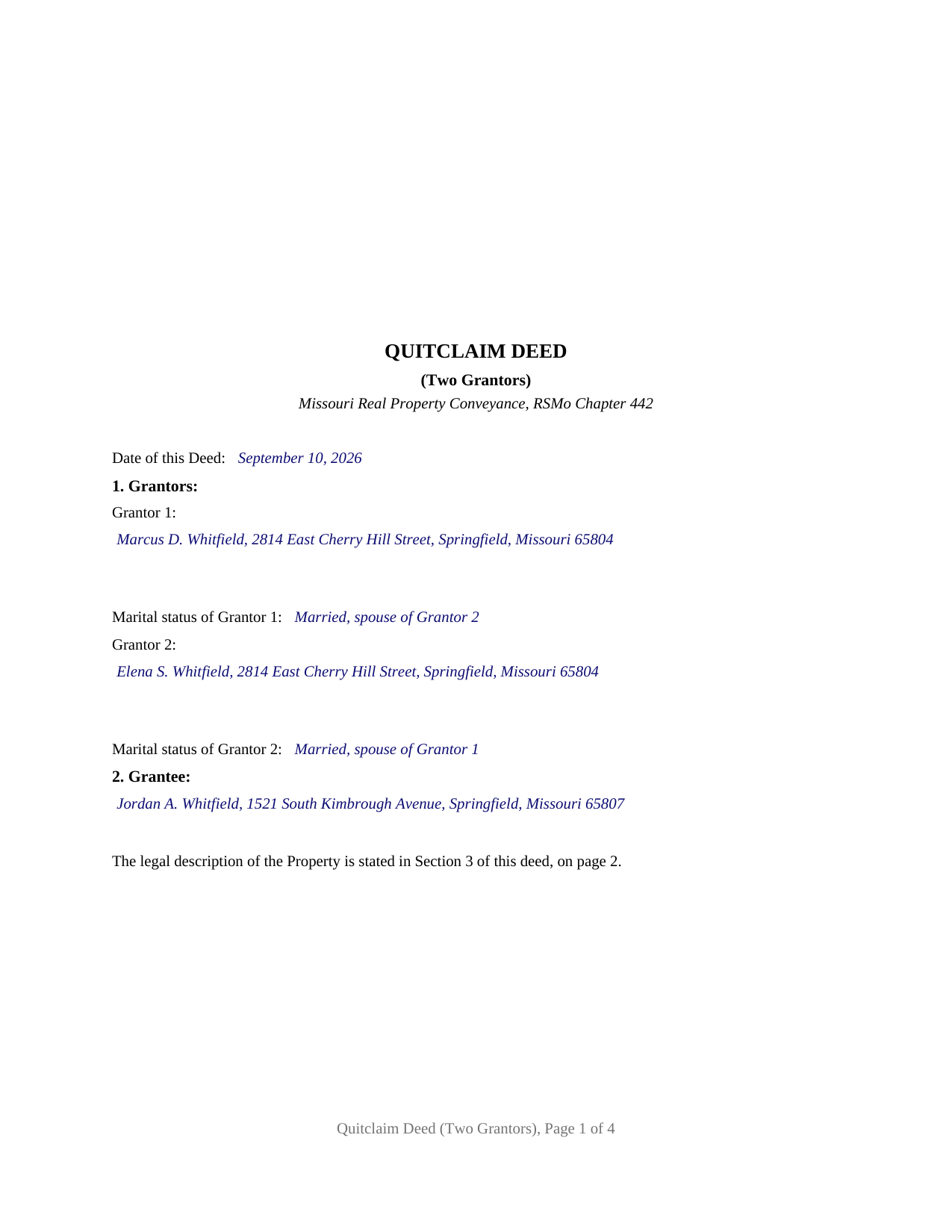
Adair County Completed Example of the Quitclaim Deed (Two Grantors) Document
Example of a properly completed Missouri Quitclaim Deed (Two Grantors) document for reference.
All 3 documents above included • One-time purchase • No recurring fees
Immediate Download • Secure Checkout
Additional Missouri and Adair County documents included at no extra charge:
Where to Record Your Documents
Adair County Recorder of Deeds
Kirksville, Missouri 63501
Hours: 8:30am to 12:00 & 1:00 to 4:30pm Monday through Friday / Recording until 4:00pm
Phone: (660) 665-3890
Recording Tips for Adair County:
- Bring your driver's license or state-issued photo ID
- Ensure all signatures are in blue or black ink
- Check that your notary's commission hasn't expired
- Documents must be on 8.5 x 11 inch white paper
- Double-check legal descriptions match your existing deed
Cities and Jurisdictions in Adair County
Properties in any of these areas use Adair County forms:
- Brashear
- Gibbs
- Greentop
- Kirksville
- Novinger
Hours, fees, requirements, and more for Adair County
How do I get my forms?
Forms are available for immediate download after payment. The Adair County forms will be in your account ready to download to your computer. An account is created for you during checkout if you don't have one. Forms are NOT emailed.
Are these forms guaranteed to be recordable in Adair County?
Yes. Our form blanks are guaranteed to meet or exceed the applicable formatting requirements used for recording in Adair County, including margin requirements, font requirements, and other layout standards. This guarantee applies to formatting, not to the legal sufficiency of information entered by the user or the suitability of a form for a particular transaction.
Can I reuse these forms?
Yes. You can reuse the forms for your personal use. For example, if you have multiple properties in Adair County you only need to order once.
What do I need to use these forms?
The forms are PDFs that you fill out on your computer. The free Adobe Acrobat Reader is recommended, and most PDF apps also work. You do NOT enter your property information online - you download the blank forms and complete them privately on your own computer.
Are there any recurring fees?
No. This is a one-time purchase. Nothing to cancel, no memberships, no recurring fees.
How much does it cost to record in Adair County?
Recording fees in Adair County vary. Contact the recorder's office at (660) 665-3890 for current fees.
Questions answered? Let's get started!
Missouri asks every natural person who signs a deed one question, married or unmarried, and this quitclaim deed asks it twice. The form is arranged for exactly two grantors: a block for Grantor 1 and one for Grantor 2, each with its own marital status line, two signature lines, and two notarial acknowledgment certificates. Together they release to one grantee whatever interest they hold in the described Missouri real property.
Two grantors, each answering for themselves
Section 442.130.2 of the Revised Statutes of Missouri requires an instrument conveying real estate to state whether a natural person executing it is married or unmarried, and Section 59.310.2 places all grantors' names and marital status on the first page below the recorder's three inch band. With two grantors the statement is made twice, and the form keeps the answers apart: one grantor may be married and the other unmarried, both may be married to each other, or each to someone else. Nothing about status is preprinted.
What two signatures carry out of the record
The operative section has the grantors, and each of them, remise, release, and forever quitclaim to the grantee all of their right, title, and interest in the Property, so the grantee holds whatever both held at delivery. Two tenants in common who took title under one deed, a brother and sister who inherited a parcel together, and spouses whose entirety estate moves only when both act present the two grantor pattern this deed recites. The form recites exactly two record owners, natural persons acting individually; a sole owner, three or more owners, a trustee or company officer, and an agent under a power of attorney each follow a different structure.
Why spouses holding by the entirety sign as a pair
Under Nelson v. Hotchkiss, 601 S.W.2d 14 (Mo. banc 1980), a deed naming a husband and wife as co-grantees ordinarily vests them by the entirety, an estate that answers only to both spouses acting together. Section 442.030 lets husband and wife convey the real estate of either by their joint acknowledged deed, and Section 513.475 declares a separate alienation of the homestead by one spouse null and void while preserving a joint disposition. Two grantors married to each other, each stating that status, signing, and acknowledging, make that joint conveyance; the Greene County example works the pattern through, a Springfield couple releasing their residence to a family member.
A certificate for each grantor, in the statute's own words
Each grantor's signature is followed by its own certificate, so the grantors may acknowledge on different dates or before different officers; Missouri does not require separate certificates, and the form's design is what supplies them. Each carries the substance of the Section 442.210.1(1) form for natural persons acting in their own right and the blank Section 442.145.2 calls for: after personally appeared, the officer designates whether the grantor appeared by physical presence or by communication technology.
Words chosen to keep covenants out
Section 442.420 reads limited covenants of title into a fee simple conveyance made with the words grant, bargain and sell unless express terms restrain them. This deed never uses that phrase. It remises, releases, and forever quitclaims, states that no covenant of title arises by implication from any word in it, and provides that title a grantor acquires after delivery does not pass, which keeps Section 442.430 and after-acquired title outside the transaction. A quit claim deed, or a quitclaim form, names the same instrument; liens, easements, and unpaid taxes stay with the land.
Page one and the recorder
Sections 59.310 and 59.313 reserve the top three inches of the first page for the recorder and list what sits below it. Two grantor blocks and two status lines fill most of that space, so the form uses the statute's own overflow rule: a sentence on page one locates the legal description in Section 3 on page 2. The deed is recorded where the land lies, and from filing it imparts notice to all persons under Section 442.390. Missouri collects no transfer tax, though three jurisdictions take a certificate of value with the deed, prepared apart from it.
The purchase delivers three items: the two grantor quitclaim deed as a fillable PDF, a completed example filled in end to end for the Greene County pattern above, and a plain language guide to each blank, the two status statements, the two acknowledgments, and recording. The materials describe Missouri law in general terms; they are informational and not legal advice.
Important: Your property must be located in Adair County to use these forms. Documents should be recorded at the county or independent city recording office listed above.
This Quitclaim Deed (Two Grantors) meets all recording requirements specific to Adair County.
Our Promise
The documents you receive here are guaranteed to meet or exceed the applicable Adair County recording format requirements. If there is a rejection caused by our formatting, we will correct the issue or refund your payment. This guarantee applies to document formatting only and does not extend to information entered by the user, the selection of the form, or the legal effect of the completed document.
Save Time and Money
Get your Adair County Quitclaim Deed (Two Grantors) form done right the first time with Deeds.com Uniform Conveyancing Blanks. At Deeds.com, we understand that your time and money are valuable resources, and we don't want you to face a penalty fee or rejection imposed by a county recorder for submitting nonstandard documents. We constantly review and update our forms to meet rapidly changing state and county recording requirements for roughly 3,500 counties and local jurisdictions.
4.8 out of 5 - ( 4,828 Reviews )
Dorothea H. 5 out of 5 stars
I am so glad I chose Deeds.com for my forms! The directions were clear and comprehensive, and the form allowed for customization far beyond the free forms I had looked at before. I highly recommend this site!
Thank you for your feedback. We really appreciate it. Have a great day!
Holly K. 5 out of 5 stars
This is the simplest way to record a deed ever. Just uploaded the deed and the professionals at deed.com did the rest. Within 8 hours, I had my recorded deed back. The price is fantastic. It would have cost me more in gas to drive to the county where I had to record the deed.
We appreciate your business and value your feedback. Thank you. Have a wonderful day!
Don B. 5 out of 5 stars
This was my first experience with Deeds. Web site instructions are detailed and easy to understand. This was a smooth process. Highly recommend to anyone.
Thank you for your feedback. We really appreciate it. Have a great day!
Cheryl C. 4 out of 5 stars
my only problem is the cost of the form I downloaded. A bit cheaper would be nice
Thank you for your feedback. We really appreciate it. Have a great day!
LEON S. 5 out of 5 stars
recorded deed space to small for corrective deed requirement
Thank you for your feedback. We really appreciate it. Have a great day!
Harley N. 5 out of 5 stars
Well thought out and user friendly website. The forms were easily fillable as well.
Thank you for your feedback. We really appreciate it. Have a great day!
Pamela B. 5 out of 5 stars
Very easy to use. Time will tell if I have any issues getting it recorded. Beats using an attorney who won't return calls and emails like I used before. I like the form plus instructions and an example of the completed form.
Thank you for your feedback. We really appreciate it. Have a great day!
marion v. 5 out of 5 stars
Phenomenal website !
Thank you!
Kimberly G. 3 out of 5 stars
It would be helpful if there were a specific example of putting a deed into a trust. Also, the limitation of characters on the description of the property was not enough.
Thank you for your feedback. We really appreciate it. Have a great day!
Donna J. 5 out of 5 stars
what do you do with it once filled out. doesn't tell you
Generally, once the documents are completed and executed they are recorded with the recorder where the property is located.
Michael J. 5 out of 5 stars
Great site, very easy to use. Thanks
Thank you for your feedback. We really appreciate it. Have a great day!
Cathy W. 5 out of 5 stars
Easy to use and fee is reasonable.
Thank you!
Karen P. 5 out of 5 stars
Quick and easy.
Thank you!
Ashley D. 5 out of 5 stars
Was able to print my documents immediately. Documents included deed form, a guide, a sample document, etc. Very helpful!
Thank you for your feedback. We really appreciate it. Have a great day!
Ramona C. 5 out of 5 stars
Easy to use and the sample really helped.
Thank you!