Polk County Quitclaim Deed (Interspousal) Form
Last validated October 14, 2026 by our Forms Development TeamFormatted for recording in Polk County, for property anywhere in the county: rural and unincorporated areas as well as Osceola, Polk, Shelby, Stromsburg.
- 3 documents included
- Immediate PDF download
- Formatting guarantee
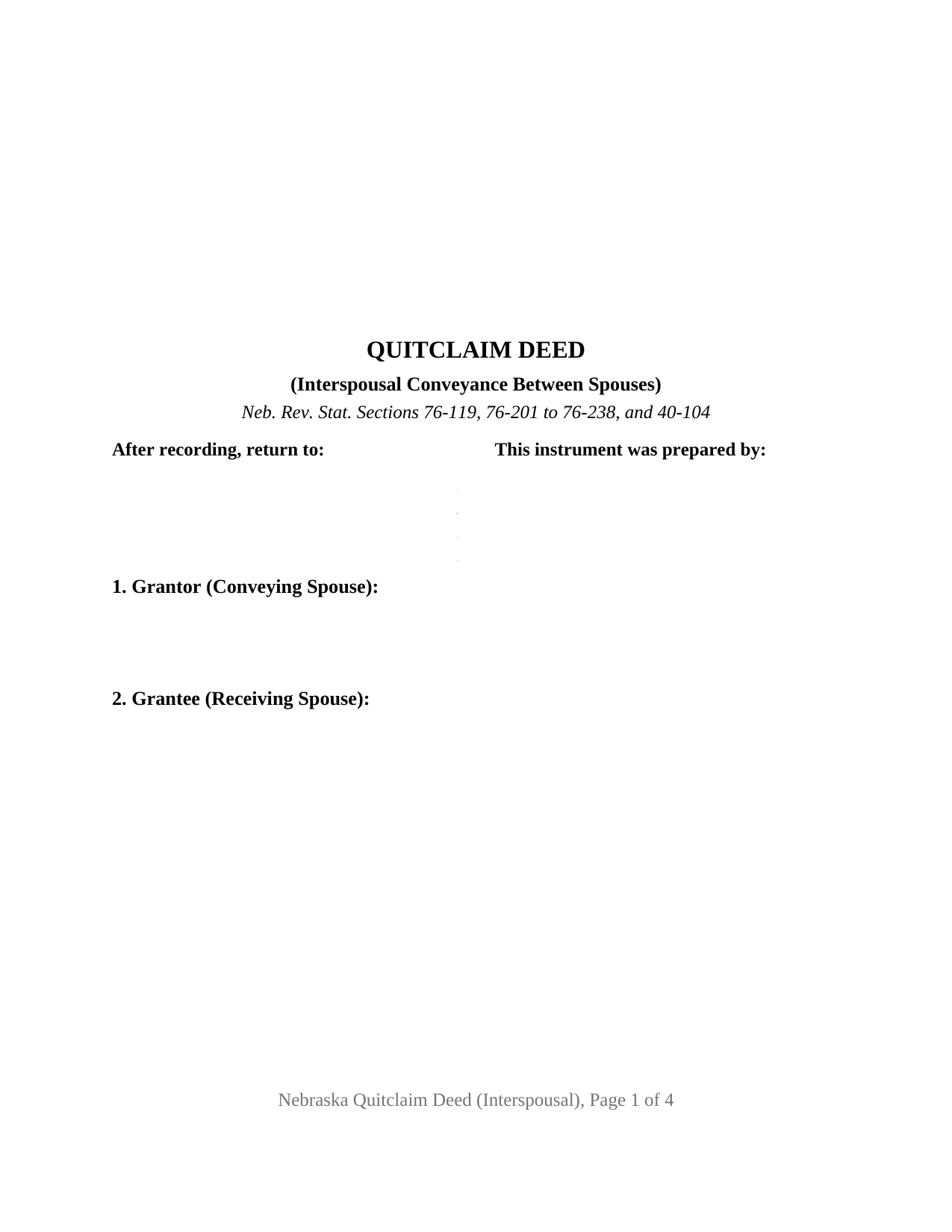
Polk County Quitclaim Deed (Interspousal) Form
Fill in the blank Quitclaim Deed (Interspousal) form formatted to comply with all Nebraska recording and content requirements.
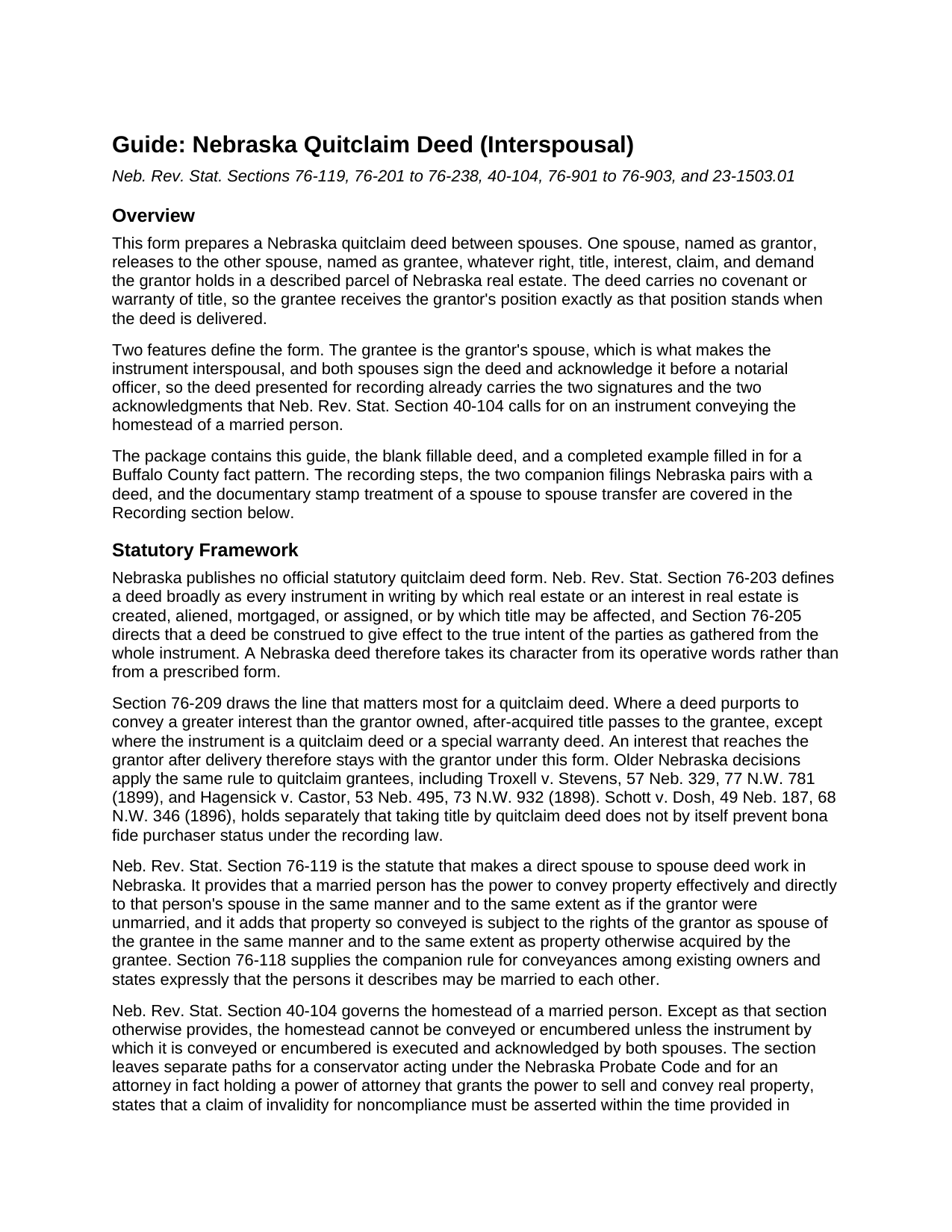
Polk County Quitclaim Deed (Interspousal) Guide
Line by line guide explaining every blank on the Quitclaim Deed (Interspousal) form.
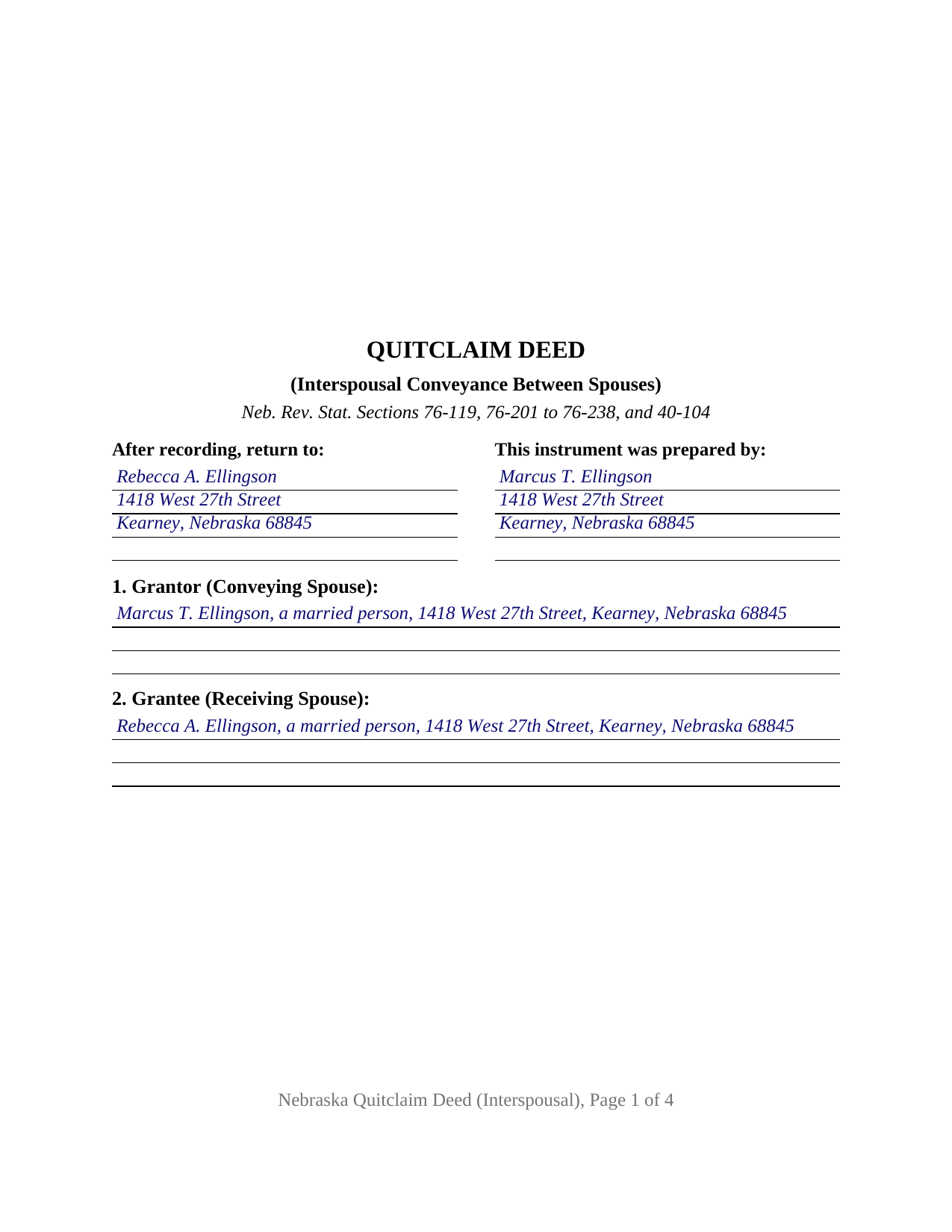
Polk County Completed Example of the Quitclaim Deed (Interspousal) Document
Example of a properly completed Nebraska Quitclaim Deed (Interspousal) document for reference.
All 3 documents above included • One-time purchase • No recurring fees
Immediate Download • Secure Checkout
Additional Nebraska and Polk County documents included at no extra charge:
Where to Record Your Documents
Polk County Register of Deeds
Osceola, Nebraska 68651
Hours: 8:00am-5:00pm M-F
Phone: (402) 747-5431
Recording Tips for Polk County:
- Bring your driver's license or state-issued photo ID
- Ensure all signatures are in blue or black ink
- Ask for certified copies if you need them for other transactions
- Ask if they accept credit cards - many offices are cash/check only
- Check that your notary's commission hasn't expired
Cities and Jurisdictions in Polk County
Properties in any of these areas use Polk County forms:
- Osceola
- Polk
- Shelby
- Stromsburg
Hours, fees, requirements, and more for Polk County
How do I get my forms?
Forms are available for immediate download after payment. The Polk County forms will be in your account ready to download to your computer. An account is created for you during checkout if you don't have one. Forms are NOT emailed.
Are these forms guaranteed to be recordable in Polk County?
Yes. Our form blanks are guaranteed to meet or exceed the applicable formatting requirements used for recording in Polk County, including margin requirements, font requirements, and other layout standards. This guarantee applies to formatting, not to the legal sufficiency of information entered by the user or the suitability of a form for a particular transaction.
Can I reuse these forms?
Yes. You can reuse the forms for your personal use. For example, if you have multiple properties in Polk County you only need to order once.
What do I need to use these forms?
The forms are PDFs that you fill out on your computer. The free Adobe Acrobat Reader is recommended, and most PDF apps also work. You do NOT enter your property information online - you download the blank forms and complete them privately on your own computer.
Are there any recurring fees?
No. This is a one-time purchase. Nothing to cancel, no memberships, no recurring fees.
How much does it cost to record in Polk County?
Recording fees in Polk County vary. Contact the recorder's office at (402) 747-5431 for current fees.
Questions answered? Let's get started!
An interspousal quitclaim deed puts one marriage on both sides of the conveyance. One spouse, named as grantor, releases an interest in Nebraska real estate; the other spouse, named as grantee, receives it. This version fixes that shape at one conveying spouse and one receiving spouse, each with a signature line and an acknowledgment certificate, because here the person taking the property signs too.
The statute that lets a deed run straight across a marriage
Neb. Rev. Stat. Section 76-119 supplies the authority: a married person may convey property effectively and directly to that person's spouse in the same manner and to the same extent as if the grantor were unmarried, so no straw party is needed. The same section adds the sentence that shapes what the deed accomplishes: property conveyed this way stays subject to the rights of the grantor as spouse of the grantee, to the same extent as property the grantee acquired some other way. Record title changes hands; the conveying spouse remains a spouse with respect to the parcel, and Section 9 prints that rule in the conveyance language.
Why the grantee signs too
Section 40-104 conditions a conveyance of the homestead of a married person on an instrument both spouses execute and acknowledge, and Mutual of Omaha Bank v. Watson requires both acknowledgments on the face of the instrument. An annotation under Section 40-104, the Eighth Circuit's decision in Troyer v. Mundy, states that a homestead conveyance running from one spouse to the other does not call for both to execute and acknowledge it, while the Nebraska Supreme Court has stated the general rule without reaching that case. This form leaves that gap closed: the receiving spouse signs and acknowledges as a named party, and Section 10 records that this second signer conveys nothing and warrants nothing by signing.
One conveying spouse, one receiving spouse, two certificates
The grantor and grantee blocks each hold one name, a mailing address, and a marital status line, and Section 3 states the marriage between the parties with no blanks to complete. The certificates are split one per signer, so the spouses need not appear together or on the same day. Section 64-204 directs acceptance of any certificate that carries the words acknowledged before me or a substantial equivalent, so the split is this form's architecture and not a statutory command. A printed name line under each signature answers Section 23-1503.01(3). Patterns arriving in this shape include a house owned before the wedding moving into the other spouse's name, and one spouse stepping off a jointly held parcel so title stands alone for a refinance. A deed to a grantee outside the marriage, and a deed two owners sign together, follow architectures this version is not set up as.
Quitclaim words, and what rides through them
The operative sentence remises, releases, and forever quitclaims the grantor's right, title, interest, claim, and demand, and the deed says it passes only what the grantor holds at delivery, without covenant or warranty. Section 76-209 excludes a quitclaim deed from the after-acquired-title rule: an interest reaching the conveying spouse later stays with that spouse. A loan secured against that spouse's interest keeps running by its own terms, and easements, judgment liens, and unpaid taxes are untouched.
A transfer the exemption list usually reaches
Documentary stamp tax falls on the grantor under Section 76-901 at $3.32 per $1,000 of value, and the register of deeds collects it before accepting a deed. Spouse-to-spouse transfers are the classic exemption: Section 76-902(5)(a)(i) covers deeds between spouses without actual consideration, claimed by stating the ground on the face of the deed and furnishing the signed certification that section requires. Section 5 prints that statutory ground and takes the exemption number, and the completed example enters exemption 5 on a Buffalo County transfer. A grantee-signed Form 521 Real Estate Transfer Statement still accompanies the deed under Section 76-214, and page one keeps the three inch recording space clear under Section 23-1510.
What the download contains
The package holds this interspousal version of the Nebraska quitclaim deed as a fillable PDF, the completed Buffalo County example, and a plain language guide that walks each blank, both certificates, the estates a Nebraska grantee may take, and the trip to the counter. Searches reach the instrument as a deed between spouses, an interspousal transfer, a quit claim deed, or a quick claim deed; the Nebraska record calls it a quitclaim deed. The materials are informational and are not legal advice.
Important: Your property must be located in Polk County to use these forms. Documents should be recorded at the county recording office listed above.
This Quitclaim Deed (Interspousal) meets all recording requirements specific to Polk County.
Our Promise
The documents you receive here are guaranteed to meet or exceed the applicable Polk County recording format requirements. If there is a rejection caused by our formatting, we will correct the issue or refund your payment. This guarantee applies to document formatting only and does not extend to information entered by the user, the selection of the form, or the legal effect of the completed document.
Save Time and Money
Get your Polk County Quitclaim Deed (Interspousal) form done right the first time with Deeds.com Uniform Conveyancing Blanks. At Deeds.com, we understand that your time and money are valuable resources, and we don't want you to face a penalty fee or rejection imposed by a county recorder for submitting nonstandard documents. We constantly review and update our forms to meet rapidly changing state and county recording requirements for roughly 3,500 counties and local jurisdictions.
4.8 out of 5 - ( 4,829 Reviews )
Sheilah C. 5 out of 5 stars
So far very good. I will know more when I complete the forms and submit them.
Thank you!
Jonathon K. 5 out of 5 stars
Recording deeds from the comfort of my office has never been simpler thanks to Deeds.com. The service is affordable, fast, and extremely user friendly. I highly recommend anyone who needs a deed recorded in the state of Florida to look into this website, it has made my job much easier.
We appreciate your business and value your feedback. Thank you. Have a wonderful day!
DONNA P. 5 out of 5 stars
Deeds.com was quick, efficient, and cost effective. Deeds.com works with individuals where I found other companies only offer services to title companies, settlement companies, etc. Thank you Deeds.com!
Thank you for your feedback. We really appreciate it. Have a great day!
LANDON C. 5 out of 5 stars
Process was simple, with a reasonable fee and within the suggested timetable for recordation. I highly recommend Deeds.com
Thank you!
Charles C. 5 out of 5 stars
I found this site to be very easy to use . I found and printed what I needed in just a few minutes after getting on the sit . Good work setting up this site . Thank you .
Thank you!
Jason James H. 5 out of 5 stars
Th forms were correct, exactly what I needed.
Thanks Jason, we appreciate the feedback.
Nora B. 5 out of 5 stars
VERY NICE SERVICE
Thank you for your feedback. We really appreciate it. Have a great day!
arturo b d. 5 out of 5 stars
just what I needed...thanks
Thank you!
Jeff H. 4 out of 5 stars
Very simple and fast service, and the fees are appropriate. It would be good to get email notifications when there are new messages and/or status updates.
Thank you for your feedback. We really appreciate it. Have a great day!
George L. W. 5 out of 5 stars
Where have you been all my life?
Thank you!
Vicki C. 5 out of 5 stars
I purchased a Deed on Death for Washington State. Very user friendly site. Thank you 5star
Thank you for your feedback. We really appreciate it. Have a great day!
John S. 5 out of 5 stars
Your service is refreshingly clear, simple, and free of superfluous claims or unnecessary marketing. And, more affordable than other online legal document providers I've looked at. So nice! I forgot I had used it some years ago for another deed so glad you are still around for this time.
Thank you for the kind words John. Have a fantastic day!
Tanya H. 5 out of 5 stars
Could not be happier with deeds.com forms. The guide helped more than one can imagine, great resource.
We appreciate your business and value your feedback. Thank you. Have a wonderful day!
Ardith S. 5 out of 5 stars
Very informative and user friendly. Was able to get all information and forms needed without any problems.
We appreciate your business and value your feedback. Thank you. Have a wonderful day!
Dan L. 4 out of 5 stars
The only suggestion I have is to include sample of putting quitclaim into a revocable trust.
Your insights are invaluable to us and help us strive for better service. Thank you for taking the time to share your thoughts.