Strafford County Easement Deed Form
Last validated October 6, 2026 by our Forms Development TeamFormatted for recording in Strafford County, for property anywhere in the county: rural and unincorporated areas as well as Barrington, Center Strafford, Dover, Durham, Farmington, Lee, Madbury, Milton and 7 more.
- 4 documents included
- Immediate PDF download
- Formatting guarantee
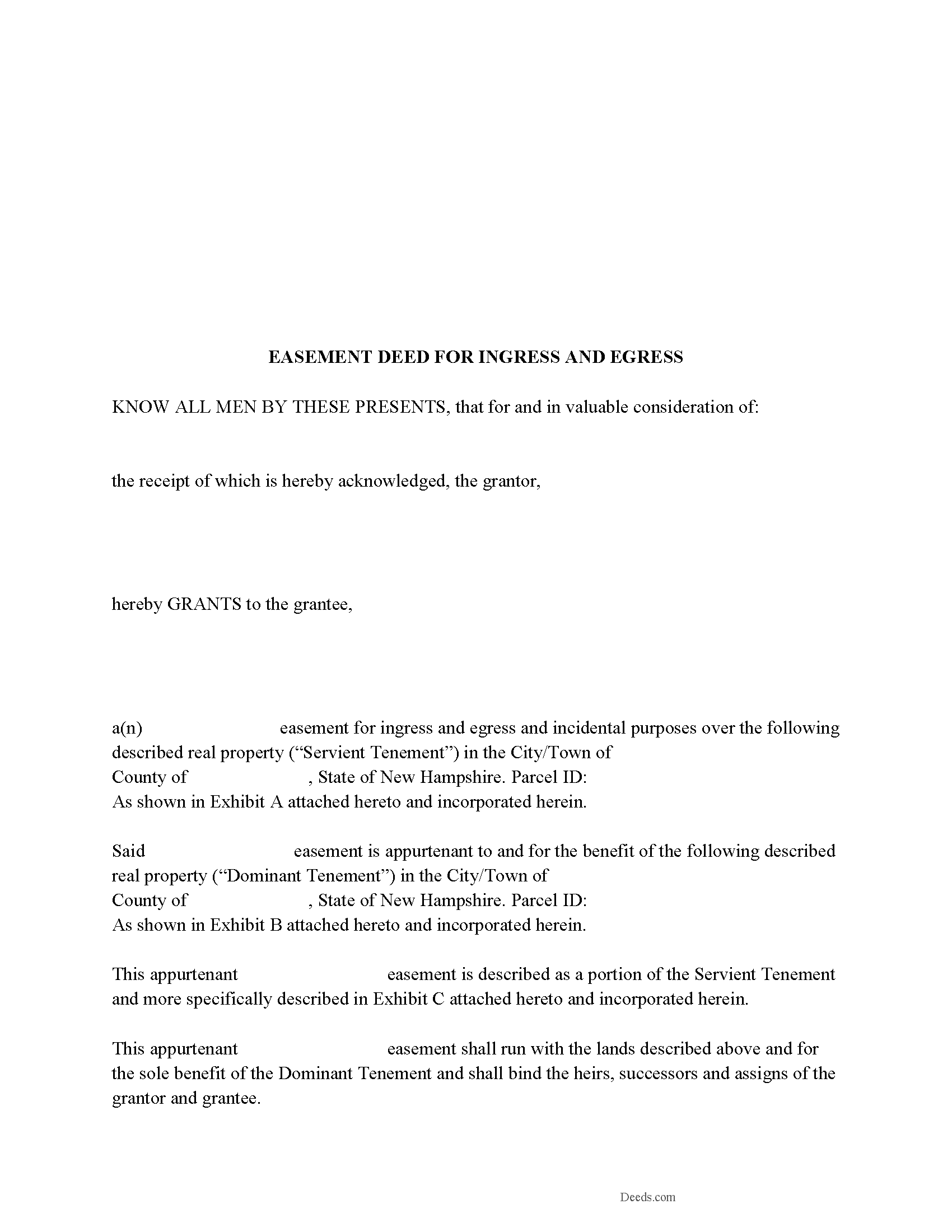
Strafford County Easement Deed Form
Fill in the blank form formatted to comply with all recording and content requirements.
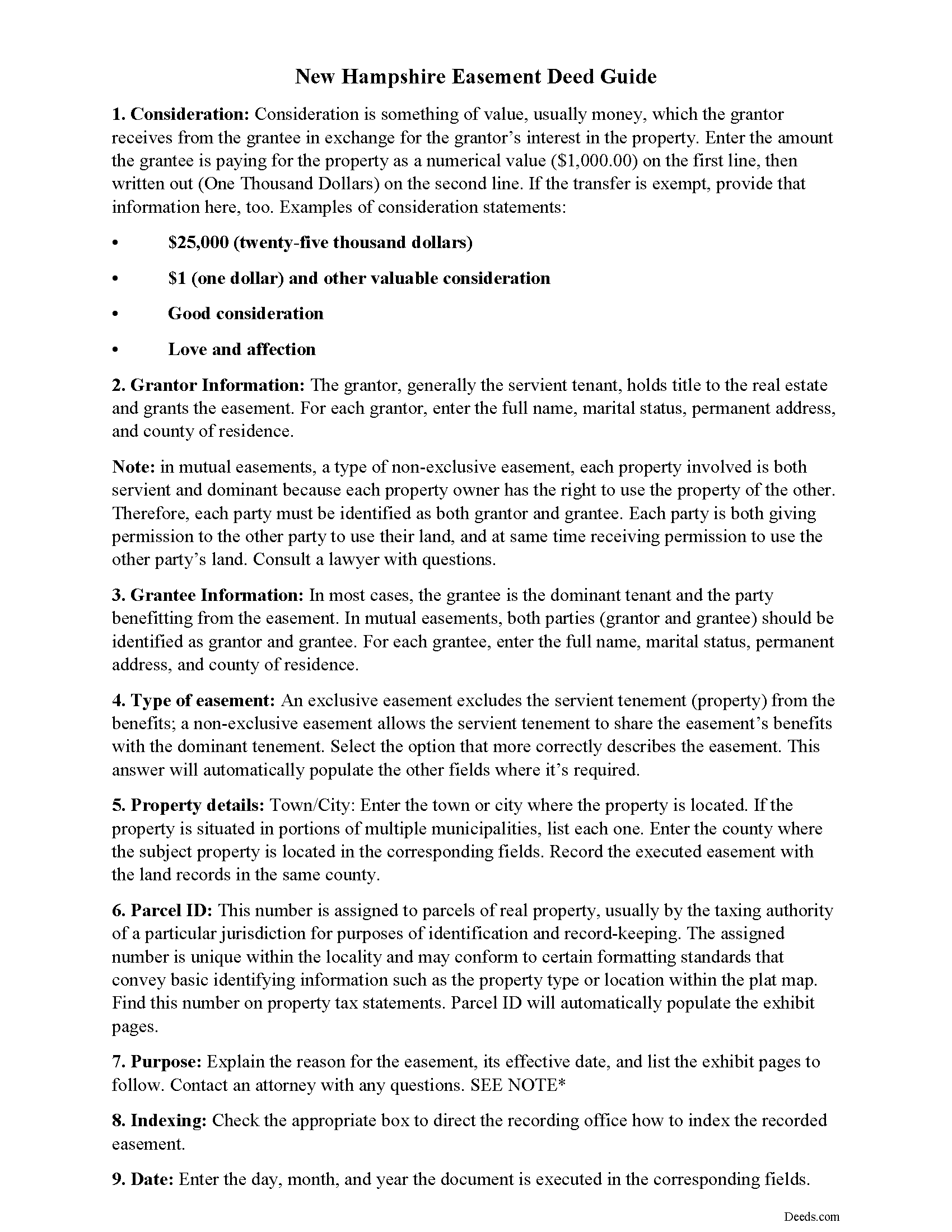
Strafford County Easement Deed Guide
Line by line guide explaining every blank on the form.
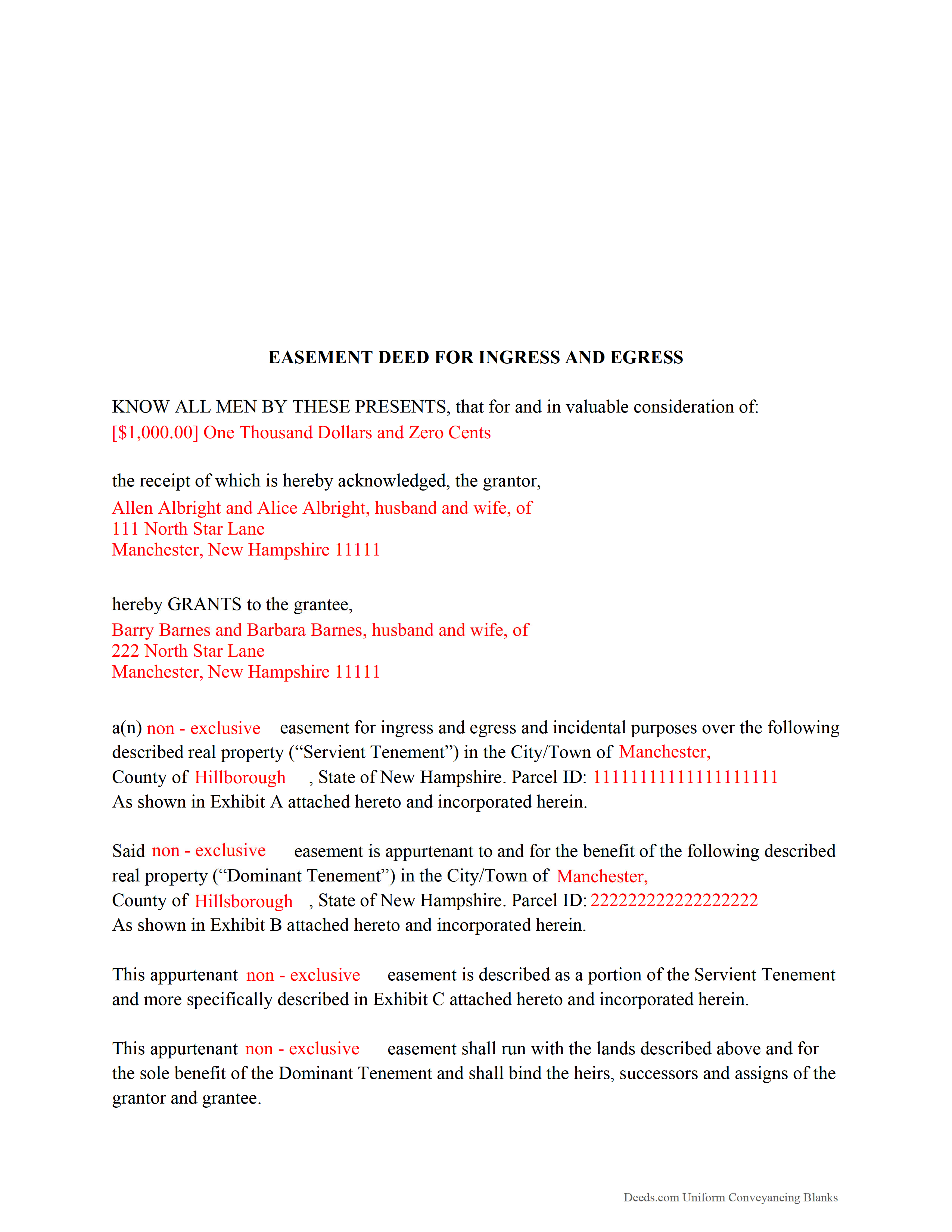
Strafford County Completed Example of the Easement Deed Document
Example of a properly completed form for reference.
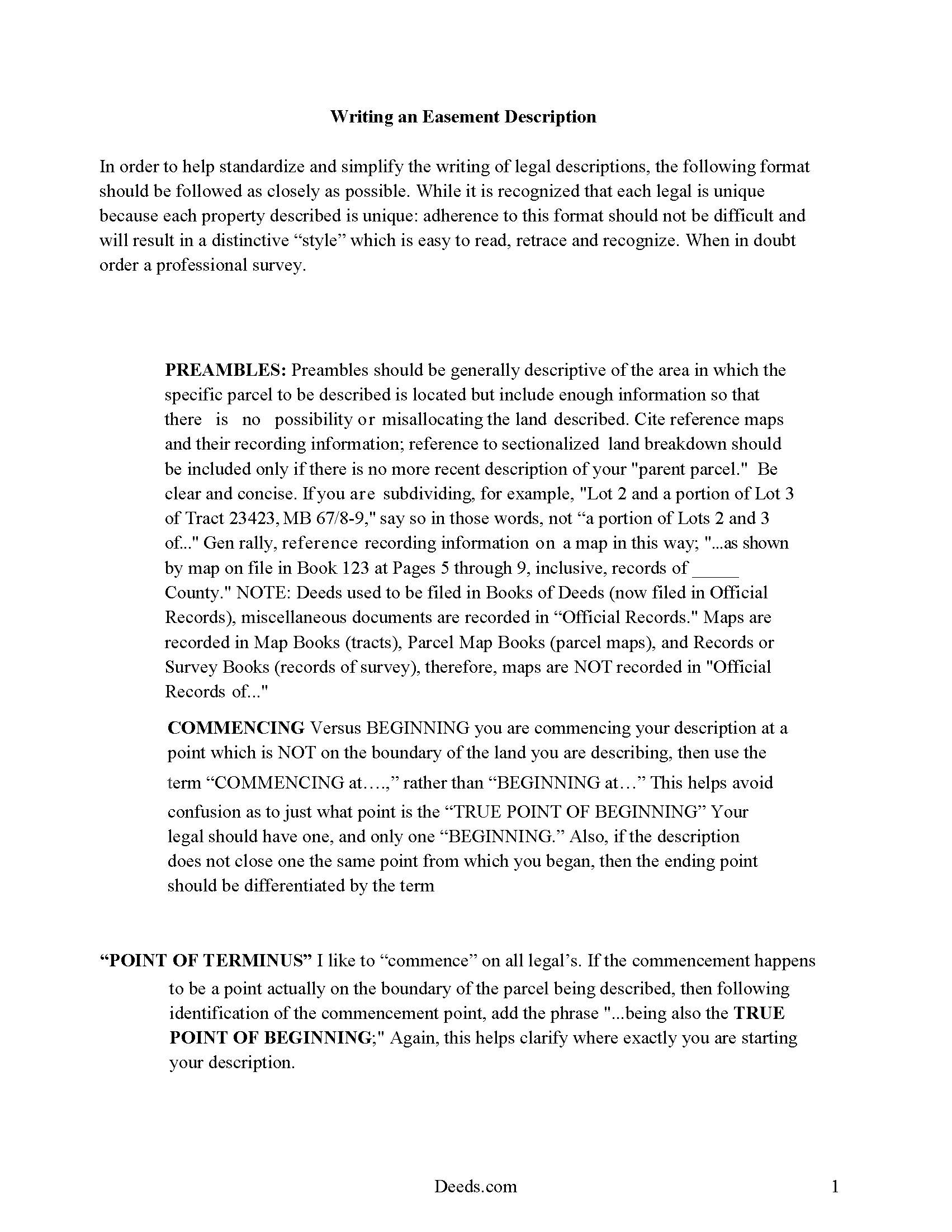
Strafford County Guide to Writing an Easement Description
A Description of the Easement will be required. This will show how to write an acceptable description for a Right of Way Easement, which gives access, to and from - point A to point B.
All 4 documents above included • One-time purchase • No recurring fees
Immediate Download • Secure Checkout
Additional New Hampshire and Strafford County documents included at no extra charge:
Where to Record Your Documents
Registry of Deeds
Dover, New Hampshire 03820
Hours: Monday through Friday 8:30 AM - 4:00 PM / Recording stops at 3:30 PM
Phone: (603) 742-1741
Recording Tips for Strafford County:
- Bring your driver's license or state-issued photo ID
- Ensure all signatures are in blue or black ink
- Verify all names are spelled correctly before recording
- White-out or correction fluid may cause rejection
- Ask about their eRecording option for future transactions
Cities and Jurisdictions in Strafford County
Properties in any of these areas use Strafford County forms:
- Barrington
- Center Strafford
- Dover
- Durham
- Farmington
- Lee
- Madbury
- Milton
- Milton Mills
- New Durham
- Newington
- Rochester
- Rollinsford
- Somersworth
- Strafford
Hours, fees, requirements, and more for Strafford County
How do I get my forms?
Forms are available for immediate download after payment. The Strafford County forms will be in your account ready to download to your computer. An account is created for you during checkout if you don't have one. Forms are NOT emailed.
Are these forms guaranteed to be recordable in Strafford County?
Yes. Our form blanks are guaranteed to meet or exceed the applicable formatting requirements used for recording in Strafford County, including margin requirements, font requirements, and other layout standards. This guarantee applies to formatting, not to the legal sufficiency of information entered by the user or the suitability of a form for a particular transaction.
Can I reuse these forms?
Yes. You can reuse the forms for your personal use. For example, if you have multiple properties in Strafford County you only need to order once.
What do I need to use these forms?
The forms are PDFs that you fill out on your computer. The free Adobe Acrobat Reader is recommended, and most PDF apps also work. You do NOT enter your property information online - you download the blank forms and complete them privately on your own computer.
Are there any recurring fees?
No. This is a one-time purchase. Nothing to cancel, no memberships, no recurring fees.
How much does it cost to record in Strafford County?
Recording fees in Strafford County vary. Contact the recorder's office at (603) 742-1741 for current fees.
Questions answered? Let's get started!
An easement is the right to use another person's property for a specific purpose. This is a non-possessory and non-ownership interest, and the rights contained in the interest are created by an easement deed. The easement deed should specify the terms, conditions, and duration of the agreement. An easement can be made to benefit the land or to benefit an individual or legal entity. In a conveyance of real estate in New Hampshire, all easements, appurtenances, privileges, and rights belonging to the granted estate are deemed to be included in the conveyance, unless a different intention appears in the deed (477-26).
A solar skyspace easement in New Hampshire can be acquired and transferred and is recorded in the same manner as any other conveyance of an interest in real property. This easement will run with the benefitted and burdened land and will terminate upon the conditions stated in the deed (477-50). The statutory form for a solar skyspace easement is offered in 477:51 of the New Hampshire Revised Statutes.
An easement deed is an interest in real estate and should therefore be signed and acknowledged by the grantor before a justice, notary public, or commissioner before it is presented to the register of deeds for recording (477-3). Unless it is acknowledged and recorded as required, an easement deed will not be valid against any person except the grantor and his heirs (477-7). New Hampshire has adopted the Uniform Recognition of Acknowledgments Act, which means that acknowledgments can be taken in this state or in another state. A certificate of acknowledgment taken by any authorized officer will be valid if it is in the form required by law for acknowledgments taken within the state (477-5).
An easement deed should be recorded at the office of the register of deeds in the county or counties in which the real estate is located. The instrument will not be effective against bona fide purchasers for value until it is recorded (477-3a).
(New Hampshire ED Package includes form, guidelines, and completed example)
Important: Your property must be located in Strafford County to use these forms. Documents should be recorded at the county recording office listed above.
This Easement Deed meets all recording requirements specific to Strafford County.
Our Promise
The documents you receive here are guaranteed to meet or exceed the applicable Strafford County recording format requirements. If there is a rejection caused by our formatting, we will correct the issue or refund your payment. This guarantee applies to document formatting only and does not extend to information entered by the user, the selection of the form, or the legal effect of the completed document.
Save Time and Money
Get your Strafford County Easement Deed form done right the first time with Deeds.com Uniform Conveyancing Blanks. At Deeds.com, we understand that your time and money are valuable resources, and we don't want you to face a penalty fee or rejection imposed by a county recorder for submitting nonstandard documents. We constantly review and update our forms to meet rapidly changing state and county recording requirements for roughly 3,500 counties and local jurisdictions.
4.8 out of 5 - ( 4,830 Reviews )
Garry D. 5 out of 5 stars
Prompt delivery of easy to use forms and clear instructions. Good value.
Thank you for your feedback. We really appreciate it. Have a great day!
Nina L. 5 out of 5 stars
I needed a specific form. I found it, printed it and saved myself $170 because I didn't need a lawyer. Thank you
Thank you for your feedback. We really appreciate it. Have a great day!
Rebecca K. 5 out of 5 stars
I was able to find EXACTLY what I was looking for in just a couple minutes, plus a helpful guide, all for less than $30. I was very impressed.
We appreciate your business and value your feedback. Thank you. Have a wonderful day!
Remon W. 5 out of 5 stars
Excellent and fast service. I will be using this site as needed in the future.
Thank you Remon, we appreciate you.
Barb S. 5 out of 5 stars
if i could give this site ten stars i would
Thank you!
Robert R. 5 out of 5 stars
I found the form I needed. I ordered the wrong ones the first time. I didn't know if I could get refund or not. The information with the forms is very helpful Thank you
Thank you for your feedback. We’re pleased to hear you found the forms and supporting information helpful. Your initial order has been canceled and refunded, and we’re glad you now have the correct forms in hand. We appreciate your business and are here if you need further assistance.
DOYCE F. 5 out of 5 stars
Very helpful.Thank you
Thank you!
Estelle R. 5 out of 5 stars
Easy to download. Hopefully easy to fill in. Just wish there was wording for a Beneficiary Deed for moving real estate property owned by a married couple to their Trust upon death of last Trustee.
We appreciate your business and value your feedback. Thank you. Have a wonderful day!
Lajeanne F. 5 out of 5 stars
Your service was as you promoted and I was able to get a copy of my deed and find the information on it I needed. Thank you.
Thank you for your feedback. We really appreciate it. Have a great day!
ROBERT P. 5 out of 5 stars
Got what I needed
Thank you!
Debra H. 5 out of 5 stars
I find this site easy to use and every form I may need. Now to figure out how to fill in on line. :)
Thank you for your feedback Debra. Be sure to download the forms and fill them out on your computer, they should not be filled out "online". Have a great day.
Barbara B. 5 out of 5 stars
A great help! Thank you.
Thank you!
Patricia A. 5 out of 5 stars
This service was a godsend since I am currently disabled.
We appreciate your business and value your feedback. Thank you. Have a wonderful day!
James B. 5 out of 5 stars
Reliable and fast. A great assest.
Thank you!
Anita L. 5 out of 5 stars
Found this site very easy to navigate and customer service very supportive and quickly answers any questions you have regarding forms. Best of all you can get the forms you need and only pay for those forms, not tied to some ongoing fee that you must cancel if you have no further need beyond forms you've already purchased.
We appreciate your business and value your feedback. Thank you. Have a wonderful day!