Nassau County Satisfaction of Mortgage Form
Last validated October 1, 2026 by our Forms Development TeamFormatted for recording in Nassau County, for property anywhere in the county: rural and unincorporated areas as well as Albertson, Atlantic Beach, Baldwin, Bayville, Bellmore, Bethpage, Carle Place, Cedarhurst and 55 more.
- 3 documents included
- Immediate PDF download
- Formatting guarantee
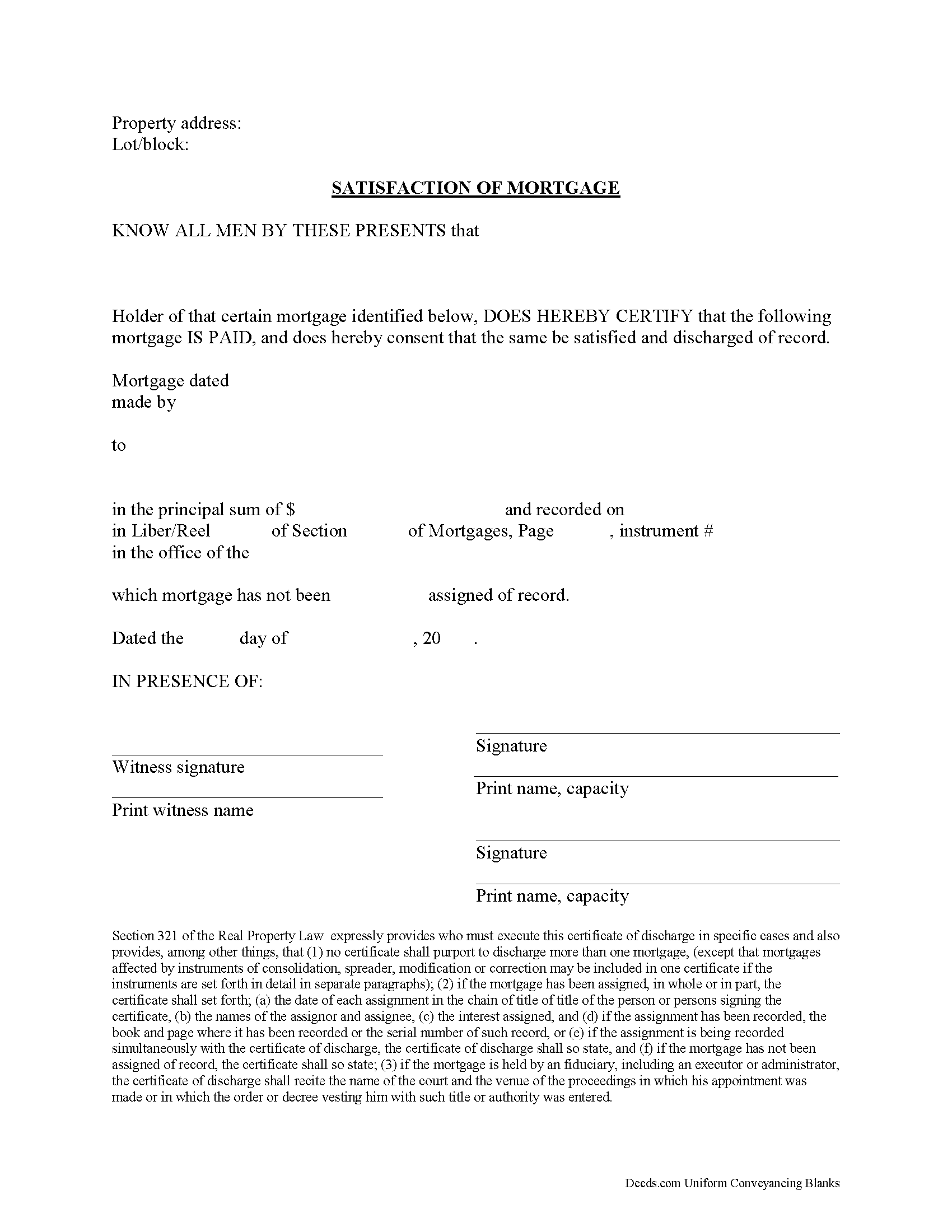
Nassau County Satisfaction of Mortgage Form
Fill in the blank form formatted to comply with all recording and content requirements.
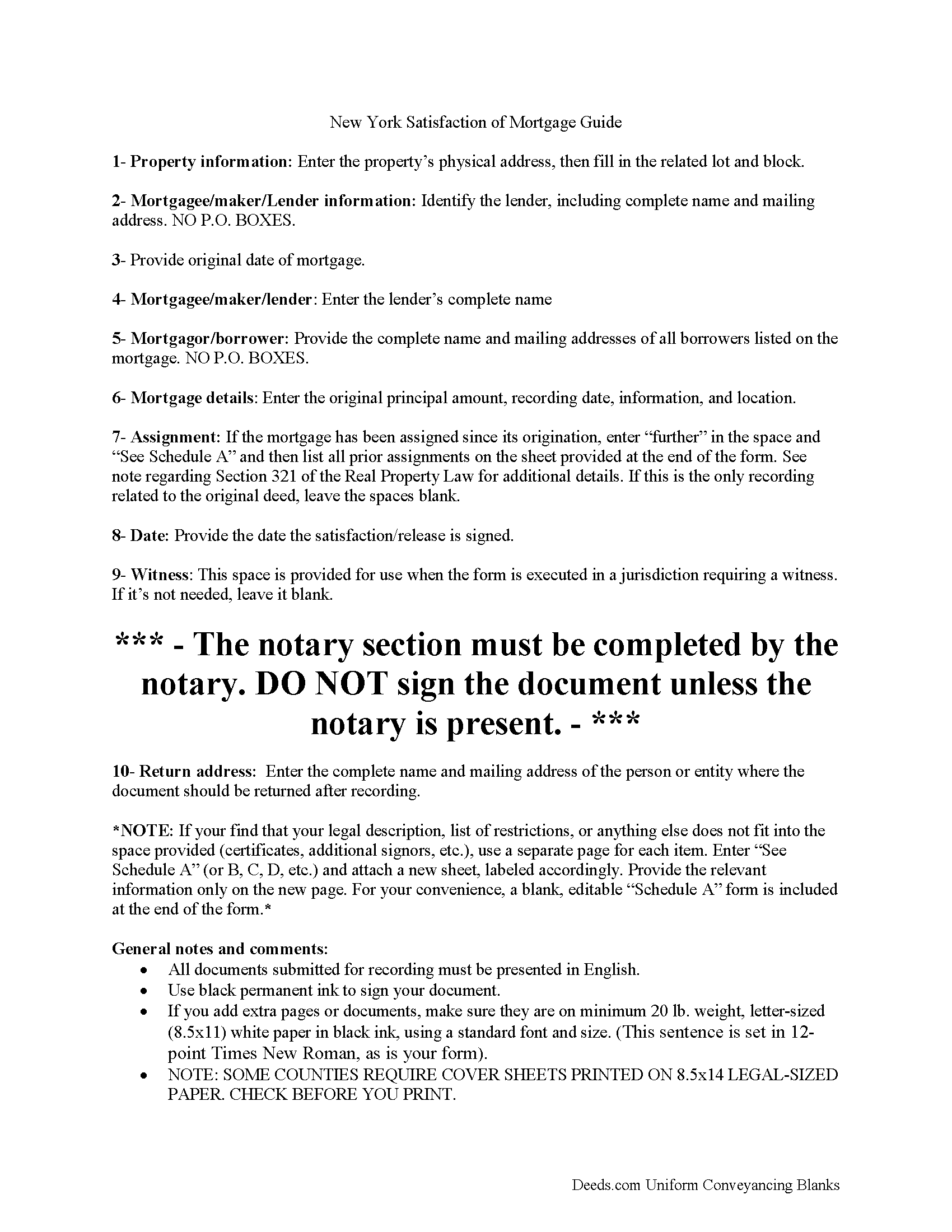
Nassau County Satisfaction of Mortgage Guide
Line by line guide explaining every blank on the form.
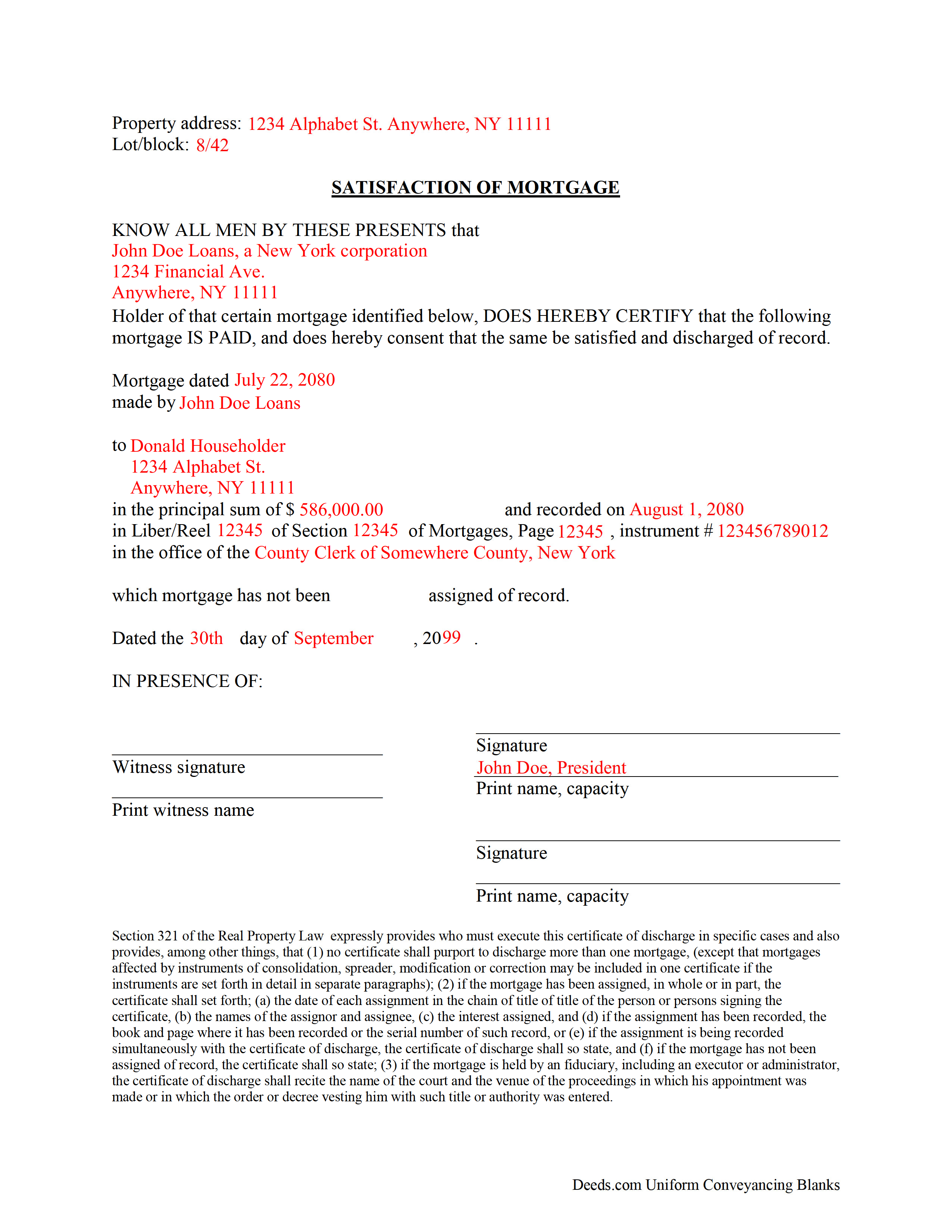
Nassau County Completed Example of the Satisfaction of Mortgage Document
Example of a properly completed form for reference.
All 3 documents above included • One-time purchase • No recurring fees
Immediate Download • Secure Checkout
Additional New York and Nassau County documents included at no extra charge:
Where to Record Your Documents
Nassau County Clerk
Mineola, New York 11501
Hours: Mon - Fri 9:00am to 5:00pm / Tue until 7:00pm
Phone: (516) 571-2660
Recording Tips for Nassau County:
- Bring your driver's license or state-issued photo ID
- Ensure all signatures are in blue or black ink
- Check that your notary's commission hasn't expired
- Documents must be on 8.5 x 11 inch white paper
- Double-check legal descriptions match your existing deed
Cities and Jurisdictions in Nassau County
Properties in any of these areas use Nassau County forms:
- Albertson
- Atlantic Beach
- Baldwin
- Bayville
- Bellmore
- Bethpage
- Carle Place
- Cedarhurst
- East Meadow
- East Norwich
- East Rockaway
- Elmont
- Farmingdale
- Floral Park
- Franklin Square
- Freeport
- Garden City
- Glen Cove
- Glen Head
- Glenwood Landing
- Great Neck
- Greenvale
- Hempstead
- Hewlett
- Hicksville
- Inwood
- Island Park
- Jericho
- Lawrence
- Levittown
- Locust Valley
- Long Beach
- Lynbrook
- Malverne
- Manhasset
- Massapequa
- Massapequa Park
- Merrick
- Mill Neck
- Mineola
- New Hyde Park
- Oceanside
- Old Bethpage
- Old Westbury
- Oyster Bay
- Plainview
- Point Lookout
- Port Washington
- Rockville Centre
- Roosevelt
- Roslyn
- Roslyn Heights
- Sea Cliff
- Seaford
- Syosset
- Uniondale
- Valley Stream
- Wantagh
- West Hempstead
- Westbury
- Williston Park
- Woodbury
- Woodmere
Hours, fees, requirements, and more for Nassau County
How do I get my forms?
Forms are available for immediate download after payment. The Nassau County forms will be in your account ready to download to your computer. An account is created for you during checkout if you don't have one. Forms are NOT emailed.
Are these forms guaranteed to be recordable in Nassau County?
Yes. Our form blanks are guaranteed to meet or exceed the applicable formatting requirements used for recording in Nassau County, including margin requirements, font requirements, and other layout standards. This guarantee applies to formatting, not to the legal sufficiency of information entered by the user or the suitability of a form for a particular transaction.
Can I reuse these forms?
Yes. You can reuse the forms for your personal use. For example, if you have multiple properties in Nassau County you only need to order once.
What do I need to use these forms?
The forms are PDFs that you fill out on your computer. The free Adobe Acrobat Reader is recommended, and most PDF apps also work. You do NOT enter your property information online - you download the blank forms and complete them privately on your own computer.
Are there any recurring fees?
No. This is a one-time purchase. Nothing to cancel, no memberships, no recurring fees.
How much does it cost to record in Nassau County?
Recording fees in Nassau County vary. Contact the recorder's office at (516) 571-2660 for current fees.
Questions answered? Let's get started!
After completing payments on the balance due of a mortgage, the lender completes this satisfaction form. Promptly recording this document in the same county as the original mortgage serves to unencumber (free up) the title to the related real property. Words of conveyance are unnecessary because the property rights were transferred when the borrower and lender signed the mortgage.
(New York SOM Package includes form, guidelines, and completed example)
Important: Your property must be located in Nassau County to use these forms. Documents should be recorded at the county recording office listed above.
This Satisfaction of Mortgage meets all recording requirements specific to Nassau County.
Our Promise
The documents you receive here are guaranteed to meet or exceed the applicable Nassau County recording format requirements. If there is a rejection caused by our formatting, we will correct the issue or refund your payment. This guarantee applies to document formatting only and does not extend to information entered by the user, the selection of the form, or the legal effect of the completed document.
Save Time and Money
Get your Nassau County Satisfaction of Mortgage form done right the first time with Deeds.com Uniform Conveyancing Blanks. At Deeds.com, we understand that your time and money are valuable resources, and we don't want you to face a penalty fee or rejection imposed by a county recorder for submitting nonstandard documents. We constantly review and update our forms to meet rapidly changing state and county recording requirements for roughly 3,500 counties and local jurisdictions.
4.8 out of 5 - ( 4,843 Reviews )
Myron M. 5 out of 5 stars
This is what we need and it was very helpful and easy to fill out. Thanks
We appreciate your business and value your feedback. Thank you. Have a wonderful day!
Camesha Y. 5 out of 5 stars
Was working with a notary client that need to do a deed. We got on this site, ordered the blank forms, he filled them out and we printed them so he could sign. Really clean forms, easy to understand and complete in a hurry. I will be letting all my clients know about this site.
That's terrific Camesha, glad to hear. Have a great day!
Evtishios D. 5 out of 5 stars
good site only recommendation would to allow to down load multiple forms at one time
Thank you for your feedback Evtishios.
Rico J. 5 out of 5 stars
Plenty of great information.
Thank you!
Janet R. 2 out of 5 stars
Disappointed. Description of Lien discharge form does not indicate it is specific to Mechanic liens. I'm inexperienced with liens & should have contacted someone before I ordered.
Sorry to hear that, it does look like our product description was lacking clarity. We have updated the description to better reflect the documents. We have also canceled your order and refunded the payment. Hope you have a great day.
lindsey r. 5 out of 5 stars
easy to use
Thank you!
Marcell E. 1 out of 5 stars
I am not very happy about the fact that I paid 27.00 to not even have the forms filled out. I thought that it was going to be all done for me and I was told that I need a lawyer to have the form filled out properly.
The order you placed for the do it yourself forms has been canceled. We do hope that you find the $27 attorney you deserve. Have a wonderful day.
Sheryl B. 5 out of 5 stars
Great forms. Just what I needed.
We appreciate your business and value your feedback. Thank you. Have a wonderful day!
Nancy A. 5 out of 5 stars
First time user and I was pleasantly surprised how quick and easy it was to get my Deed recorded. And the fee was not outrageous.
We appreciate your business and value your feedback. Thank you. Have a wonderful day!
Andrew M. 5 out of 5 stars
Awesome service, I don’t know how much it saved me but I know it was a lot cheaper than going to a lawyer.
We are delighted to have been of service. Thank you for the positive review!
Lee C. 5 out of 5 stars
Quick, easy and reasonably priced.
Thank you!
Charles D. 5 out of 5 stars
The included instructions and example made the document easy to complete. And the additional documents for no additional charge were nice.
Thank you for your feedback. We really appreciate it. Have a great day!
Jessi S. 5 out of 5 stars
Delivery of documents was instantaneous once payment is received. Thank you for that. For future clarification to potential users, Deeds.com may want to categorize the type of easement documents that are available. I was needing a 'utility easement' form and received an 'ingress/egress' form. Had I known it was an ingress/egress document, I would not have made the purchase. Outside of this issue, this site is very helpful for the average layperson to hold guardianship over personal interests.
Thank you for your feedback. We really appreciate it. Have a great day!
Jonathan F. 5 out of 5 stars
An excellent service. Makes filing deeds so much easier than having to go to the courthouse or use FedEx. I will be a customer for the rest of my legal career.
Thank you!
Mark J. 4 out of 5 stars
Straightforward, no issues.
Thank you!