Gates County Administrators Deed Form
Last validated October 5, 2026 by our Forms Development TeamFormatted for recording in Gates County, for property anywhere in the county: rural and unincorporated areas as well as Corapeake, Eure, Gates, Gatesville, Hobbsville, Roduco, Sunbury.
- 3 documents included
- Immediate PDF download
- Formatting guarantee
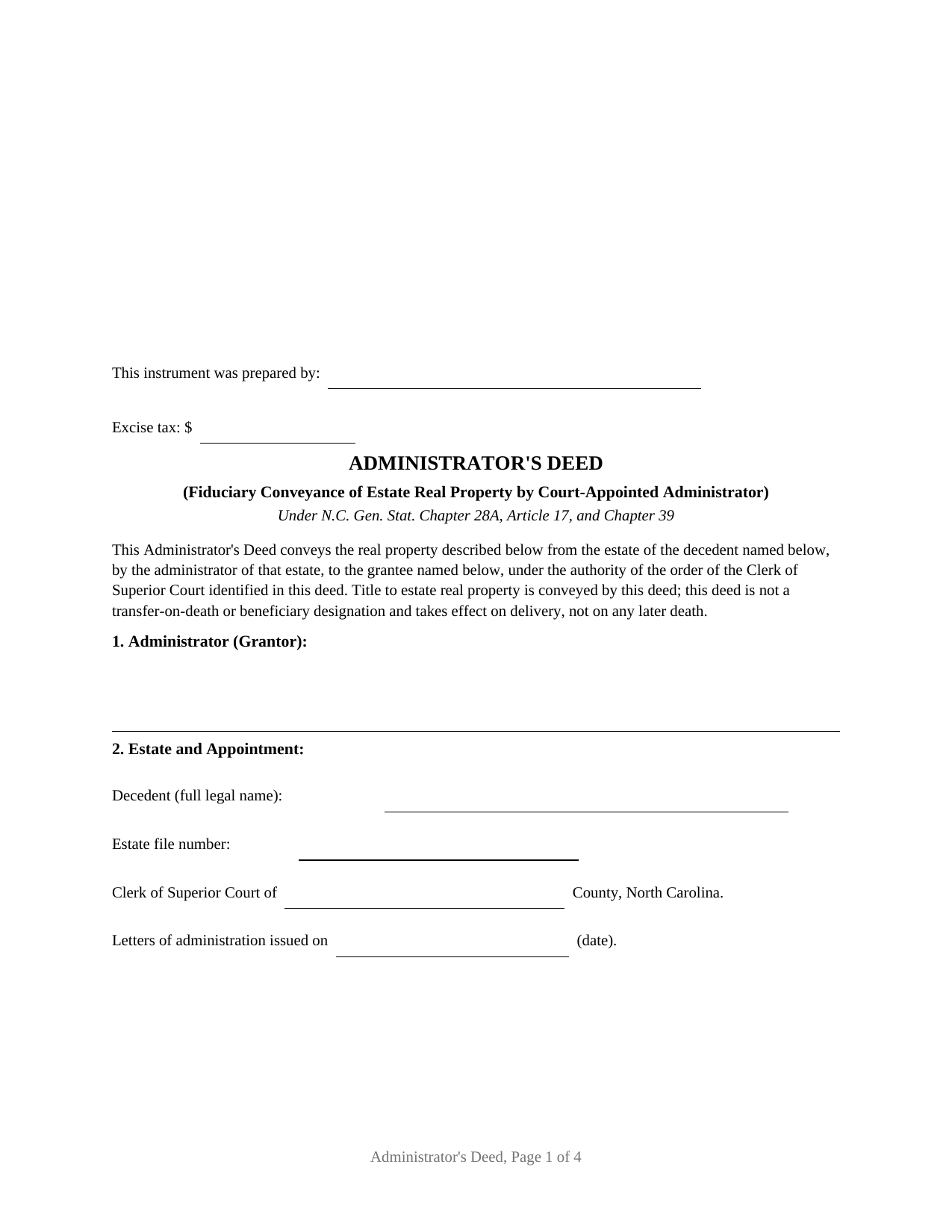
Gates County Administrators Deed Form
Fill in the blank Administrators Deed form formatted to comply with all North Carolina recording and content requirements.
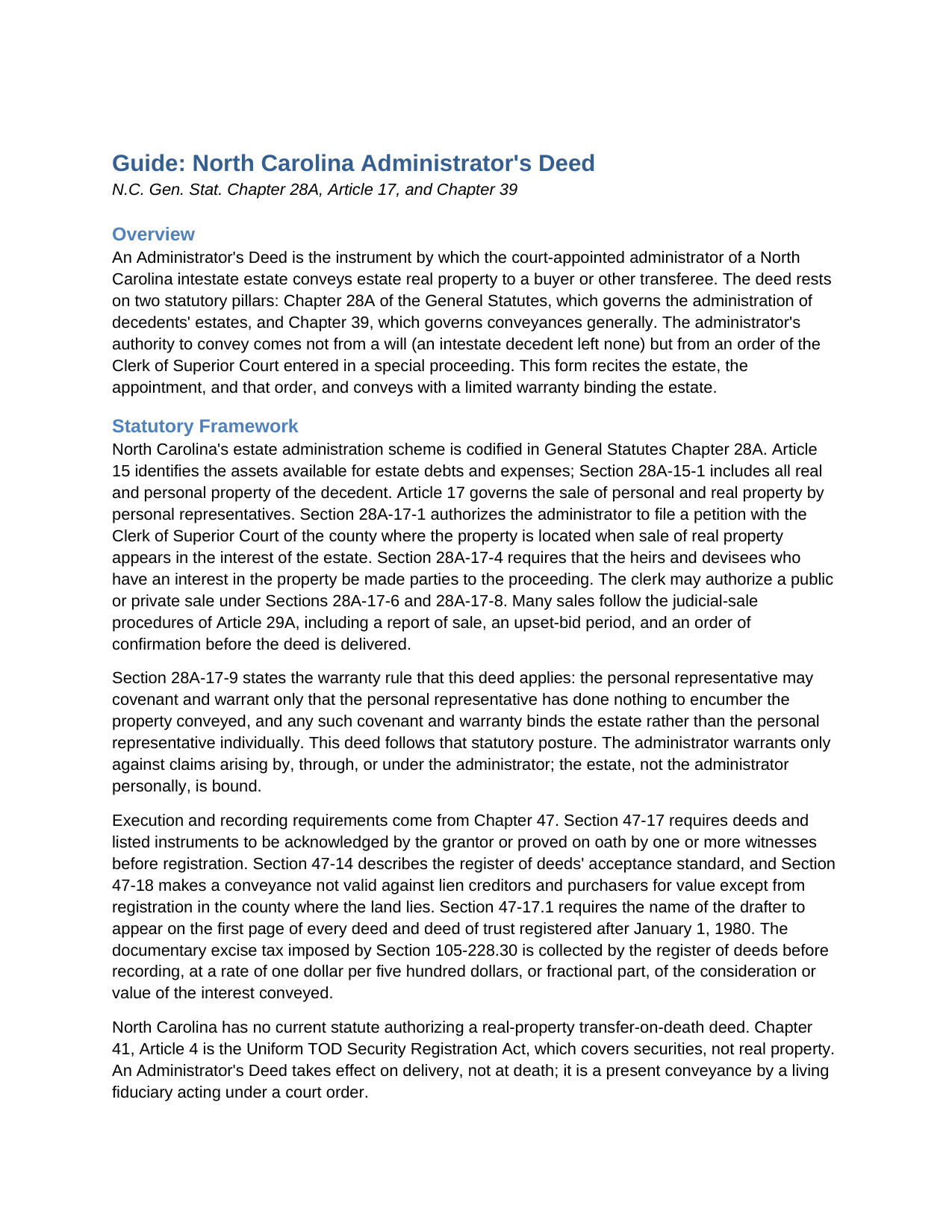
Gates County Administrators Deed Guide
Line by line guide explaining every blank on the Administrators Deed form.
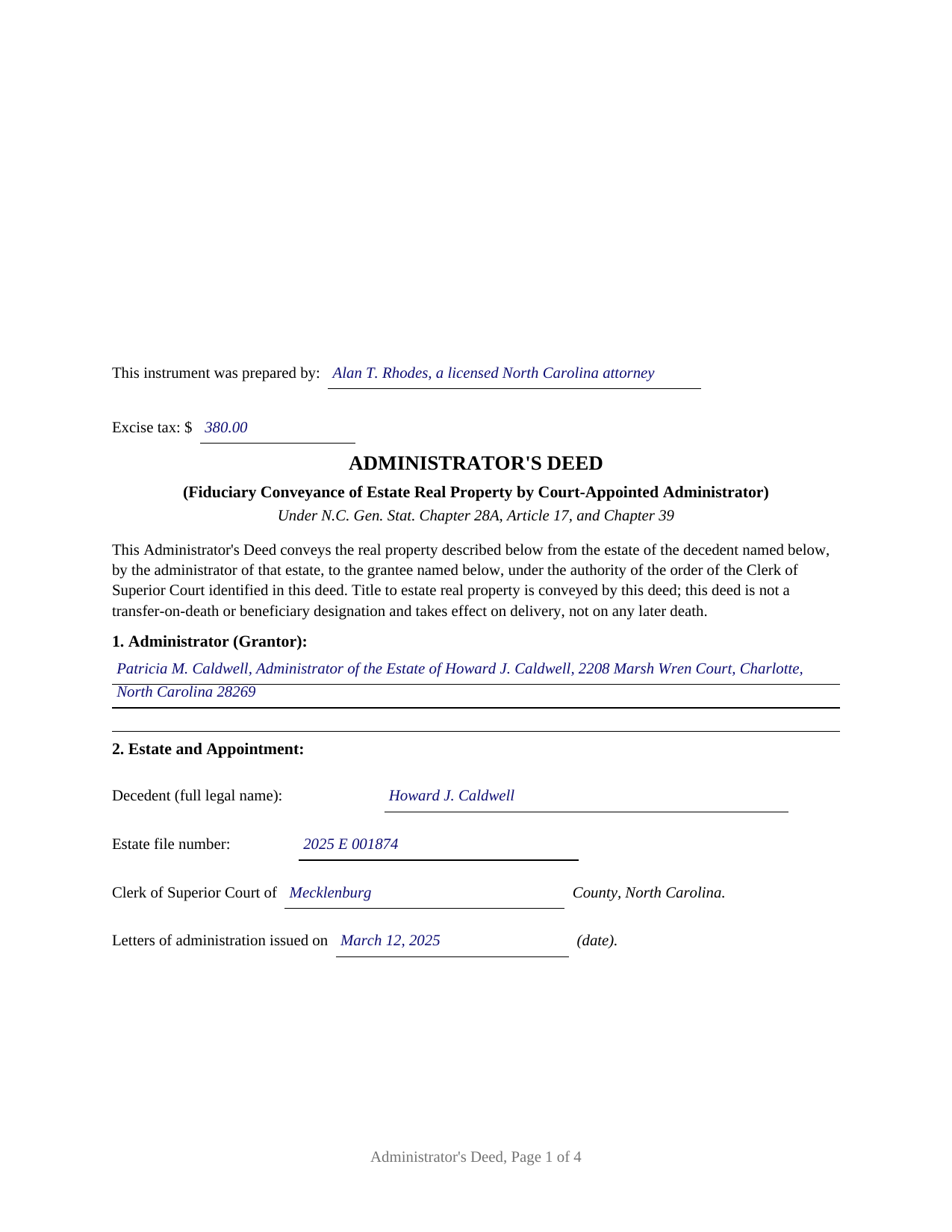
Gates County Completed Example of the Administrators Deed Document
Example of a properly completed North Carolina Administrators Deed document for reference.
All 3 documents above included • One-time purchase • No recurring fees
Immediate Download • Secure Checkout
Additional North Carolina and Gates County documents included at no extra charge:
Where to Record Your Documents
Gates County Register of Deeds
Gatesville, North Carolina 27938
Hours: 9:00am - 5:00 pm Monday through Friday
Phone: (252) 357-0850
Recording Tips for Gates County:
- Bring your driver's license or state-issued photo ID
- Ensure all signatures are in blue or black ink
- Check that your notary's commission hasn't expired
- Documents must be on 8.5 x 11 inch white paper
- Double-check legal descriptions match your existing deed
Cities and Jurisdictions in Gates County
Properties in any of these areas use Gates County forms:
- Corapeake
- Eure
- Gates
- Gatesville
- Hobbsville
- Roduco
- Sunbury
Hours, fees, requirements, and more for Gates County
How do I get my forms?
Forms are available for immediate download after payment. The Gates County forms will be in your account ready to download to your computer. An account is created for you during checkout if you don't have one. Forms are NOT emailed.
Are these forms guaranteed to be recordable in Gates County?
Yes. Our form blanks are guaranteed to meet or exceed the applicable formatting requirements used for recording in Gates County, including margin requirements, font requirements, and other layout standards. This guarantee applies to formatting, not to the legal sufficiency of information entered by the user or the suitability of a form for a particular transaction.
Can I reuse these forms?
Yes. You can reuse the forms for your personal use. For example, if you have multiple properties in Gates County you only need to order once.
What do I need to use these forms?
The forms are PDFs that you fill out on your computer. The free Adobe Acrobat Reader is recommended, and most PDF apps also work. You do NOT enter your property information online - you download the blank forms and complete them privately on your own computer.
Are there any recurring fees?
No. This is a one-time purchase. Nothing to cancel, no memberships, no recurring fees.
How much does it cost to record in Gates County?
Recording fees in Gates County vary. Contact the recorder's office at (252) 357-0850 for current fees.
Questions answered? Let's get started!
When a North Carolina property owner dies without a will, the land does not move on its own. Title passes to the heirs at death under the Intestate Succession Act, but the estate's debts still have to be paid, and real property is among the assets the law makes available to pay them. The Administrator's Deed is the instrument that carries estate real property out of an intestate estate and into the hands of a buyer, signed by the administrator the Clerk of Superior Court appointed and backed by the court order that authorized the sale.
A Deed That Rests on a Court Order
An Administrator's Deed is not a stand-alone statutory form. It is an ordinary Chapter 39 deed of conveyance executed by a fiduciary under Chapter 28A, Article 17. Because an intestate estate has no will and therefore no power of sale, the administrator's authority to convey comes from a special proceeding before the Clerk of Superior Court. Under Section 28A-15-1, all of a decedent's real and personal property is available to discharge estate debts and claims; when the administrator decides a sale is in the estate's best interest, Section 28A-17-1 directs a petition to the clerk in the county where the land sits, with the heirs joined as necessary parties under Section 28A-17-4. The clerk can authorize a public or private sale, and many sales follow the judicial sale procedures of Article 29A, including a report of sale, an upset-bid period, and an order of confirmation before the deed is delivered. The deed recites the estate file, the special proceeding, and the order, so a title examiner can trace the authority behind it.
A Limited Warranty That Protects the Fiduciary
An administrator conveys on behalf of the estate, not personally, and the deed reflects that. This form gives a limited warranty: the administrator warrants only against claims arising by, through, or under the administrator, and makes no general warranty of title. Section 28A-17-9 supplies the principle the deed states expressly, that any warranty binds the estate and not the personal representative individually. The administrator signs once, in the capacity of administrator, and is acknowledged before a notary in that representative capacity.
Why North Carolina Has No Beneficiary Deed
People searching for a way to pass real estate at death often look for a beneficiary deed, also called a transfer-on-death deed. North Carolina does not recognize that instrument for land; the transfer-on-death statute in this state reaches securities, not real property. An Administrator's Deed is a different tool entirely, signed after a death by a court-appointed fiduciary rather than during life by an owner. The accompanying guide explains the instruments North Carolina actually uses to move land at death, including survivorship vesting and a life estate with a remainder.
What the Package Includes
The package contains the blank deed as a fillable PDF, a completed example built on a realistic Mecklenburg County estate sale, and a plain-language guide that walks through every section, the governing statutes, signing and notarization, excise tax, and recording with the register of deeds. The materials are informational and are not legal advice.
Important: Your property must be located in Gates County to use these forms. Documents should be recorded at the county recording office listed above.
This Administrators Deed meets all recording requirements specific to Gates County.
Our Promise
The documents you receive here are guaranteed to meet or exceed the applicable Gates County recording format requirements. If there is a rejection caused by our formatting, we will correct the issue or refund your payment. This guarantee applies to document formatting only and does not extend to information entered by the user, the selection of the form, or the legal effect of the completed document.
Save Time and Money
Get your Gates County Administrators Deed form done right the first time with Deeds.com Uniform Conveyancing Blanks. At Deeds.com, we understand that your time and money are valuable resources, and we don't want you to face a penalty fee or rejection imposed by a county recorder for submitting nonstandard documents. We constantly review and update our forms to meet rapidly changing state and county recording requirements for roughly 3,500 counties and local jurisdictions.
4.8 out of 5 - ( 4,842 Reviews )
Mercedes B. 5 out of 5 stars
Great site. It lets your fingers do the walking. It took me half a day to get deed info a couple of years ago. Thanks Deeds.com
Thank you for your feedback. We really appreciate it. Have a great day!
Lawrence D. 5 out of 5 stars
My first time using it; very fast service. I am an estate planning attorney (44 years). None of my old title company contacts are around anymore to provide deed copies, so this is a great source. I will be using it again.
Thank you Lawrence, we appreciate your feedback. Have a fantastic day!
Daniel Z. 5 out of 5 stars
I am satisfied with the service. Live in another state and could not go directly to the county office for my deed. Your service solved my problem. Thank you
We appreciate your business and value your feedback. Thank you. Have a wonderful day!
SHIRLEY R. 5 out of 5 stars
This was Awesome!
We appreciate your business and value your feedback. Thank you. Have a wonderful day!
Pansie H. 5 out of 5 stars
Quick and Easy
Thank you!
Susan S. 4 out of 5 stars
Great forms, easy to understand and use (the guide helped a lot). Recorded with no issues. Will be back when needed.
We appreciate your business and value your feedback. Thank you. Have a wonderful day!
Deloris L. 5 out of 5 stars
I downloaded documents easy. But haven't started work on them yet. Seems to be ok.
We appreciate your business and value your feedback. Thank you. Have a wonderful day!
Sandra M. 5 out of 5 stars
The forms were easy to use but there was a software issue that made it impossible to get the county name to appear on the form in the correct place. It made the deed look a little sloppy
Thank you!
Sun H. 5 out of 5 stars
It was great working with deeds.com. I needed to record quickclaim deed and the staff was very responsive and communicative throughout the process where I needed to modify the documents repeated. Thank you for making the recording much easy by setting up the e-recording service!
Your feedback is greatly appreciated. Thank you for taking the time to share your experience!
Jeffrey W. 5 out of 5 stars
You should add a button to cancel a package. I uploaded a document for e-recording, but wanted to cancel because I got a more clear copy.
Thank you!
AHMED E. 5 out of 5 stars
5 stars
Thank you!
Jack S. 5 out of 5 stars
This is a great service and fairly priced.
Thank you Jack. hope you're having a great day!
Brends I. 5 out of 5 stars
I had a problem because I was using a phone, so had to get my daughter to request again in her name so it went to her computer..but eventually got it printed
Thank you for your kind words and for choosing us.
Richard G. 3 out of 5 stars
I was not able to add more linea to the deed and add up to four people and their addresses. The document should be able to be expanded.
Thank you for your feedback. We really appreciate it. Have a great day!
Katherine M. 5 out of 5 stars
Easy smooth process to get a legal Maine template - thanks for providing
Thank you for your feedback. We really appreciate it. Have a great day!