Wake County Assignment of Deed of Trust Form
Last validated September 29, 2026 by our Forms Development TeamFormatted for recording in Wake County, for property anywhere in the county: rural and unincorporated areas as well as Apex, Cary, Fuquay Varina, Garner, Holly Springs, Knightdale, Morrisville, New Hill and 6 more.
- 6 documents included
- Immediate PDF download
- Formatting guarantee
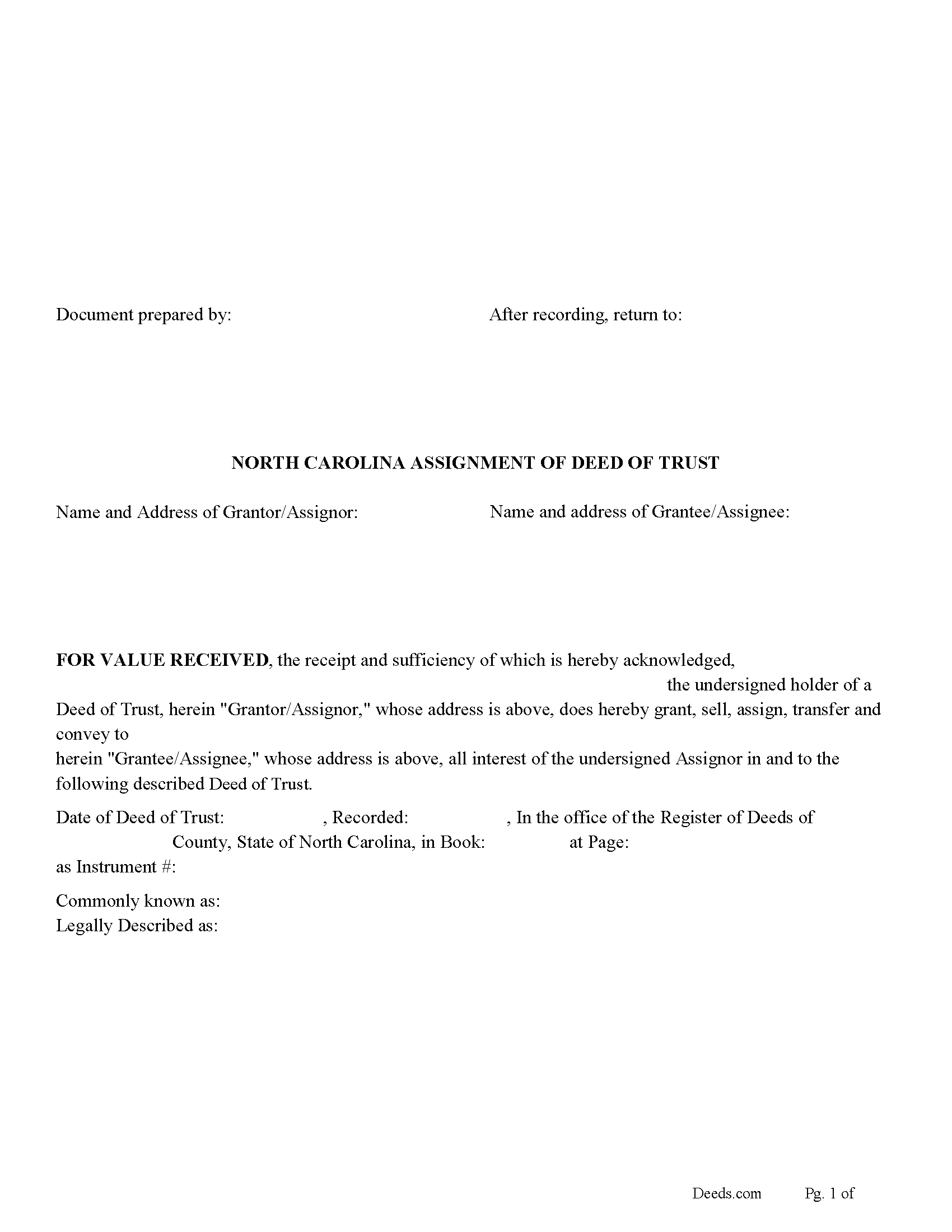
Wake County Assignment of Deed of Trust Form
Fill in the blank form formatted to comply with all recording and content requirements.
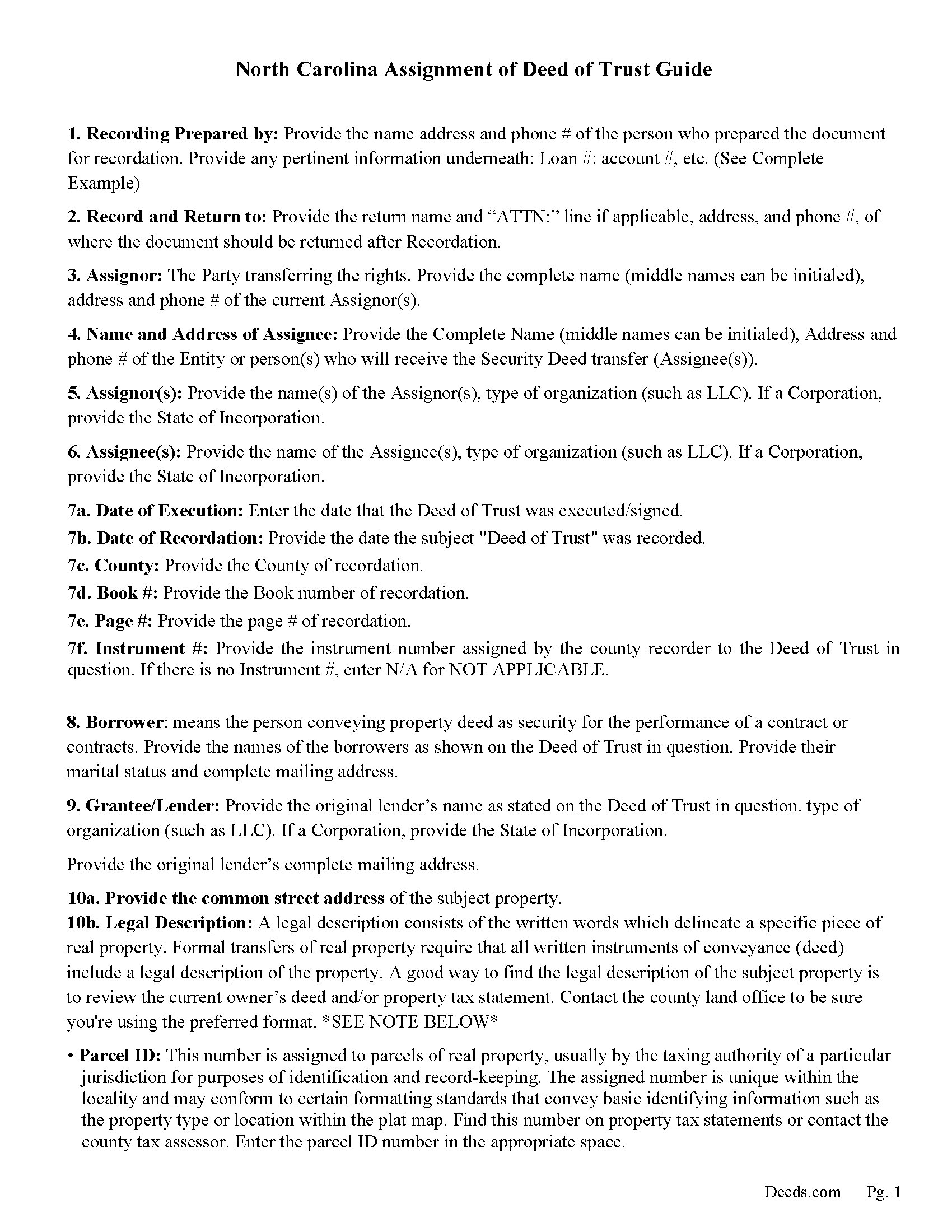
Wake County Guidelines for Assignment of Deed of Trust
Line by line guide explaining every blank on the form.
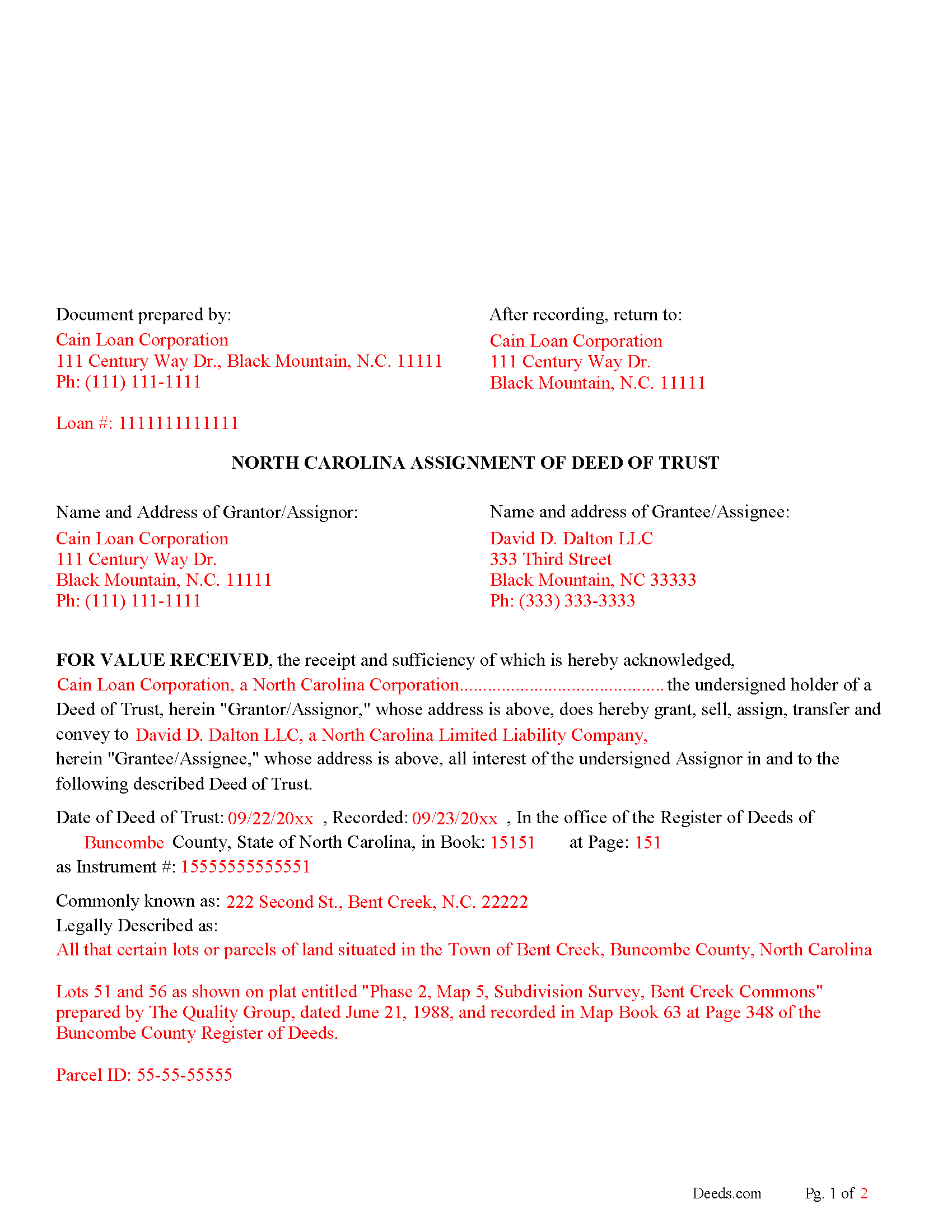
Wake County Completed Example of the Assignment of Deed of Trust Document
Example of a properly completed form for reference.
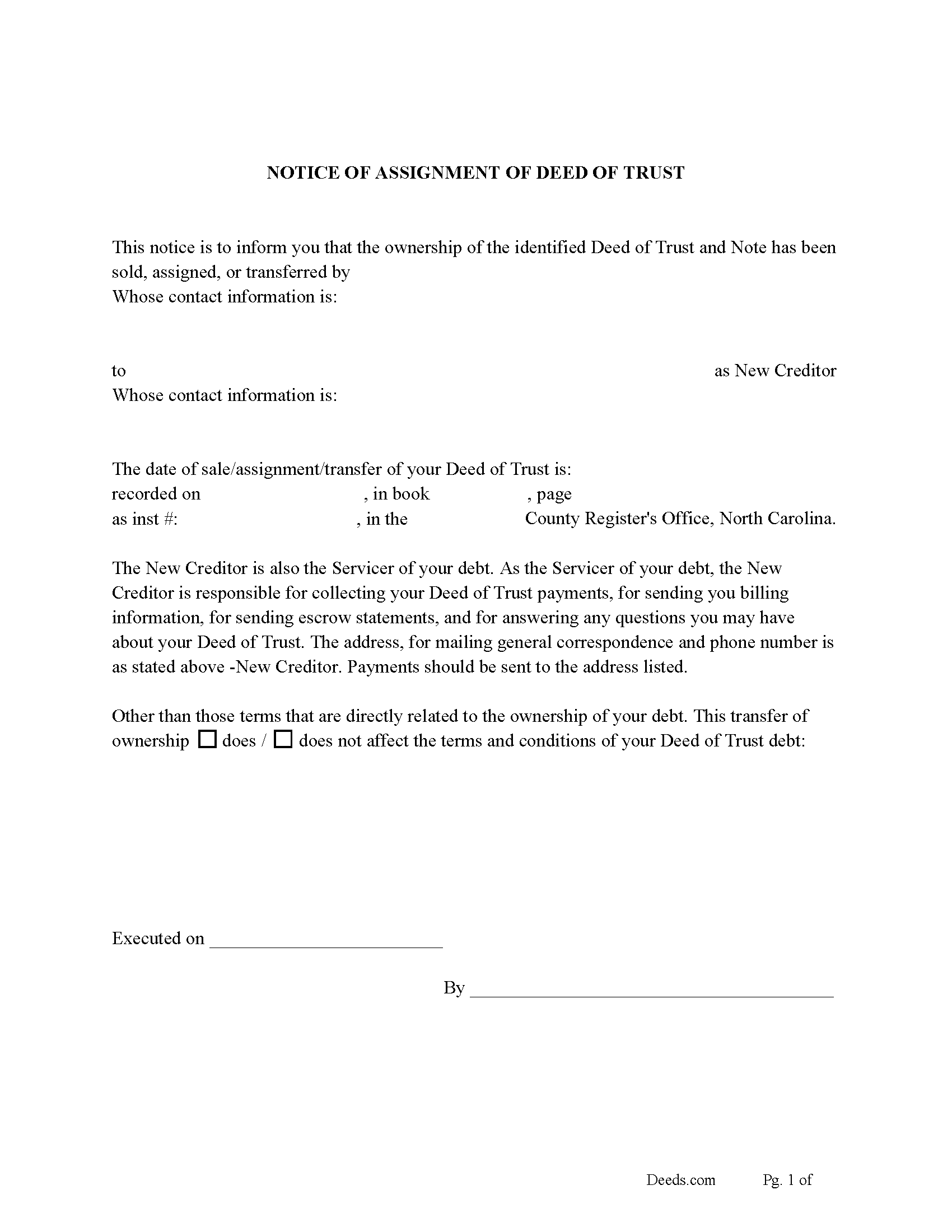
Wake County Notice of Assignment of Deed of Trust Form
Fill in the blank form formatted to comply with content requirements.
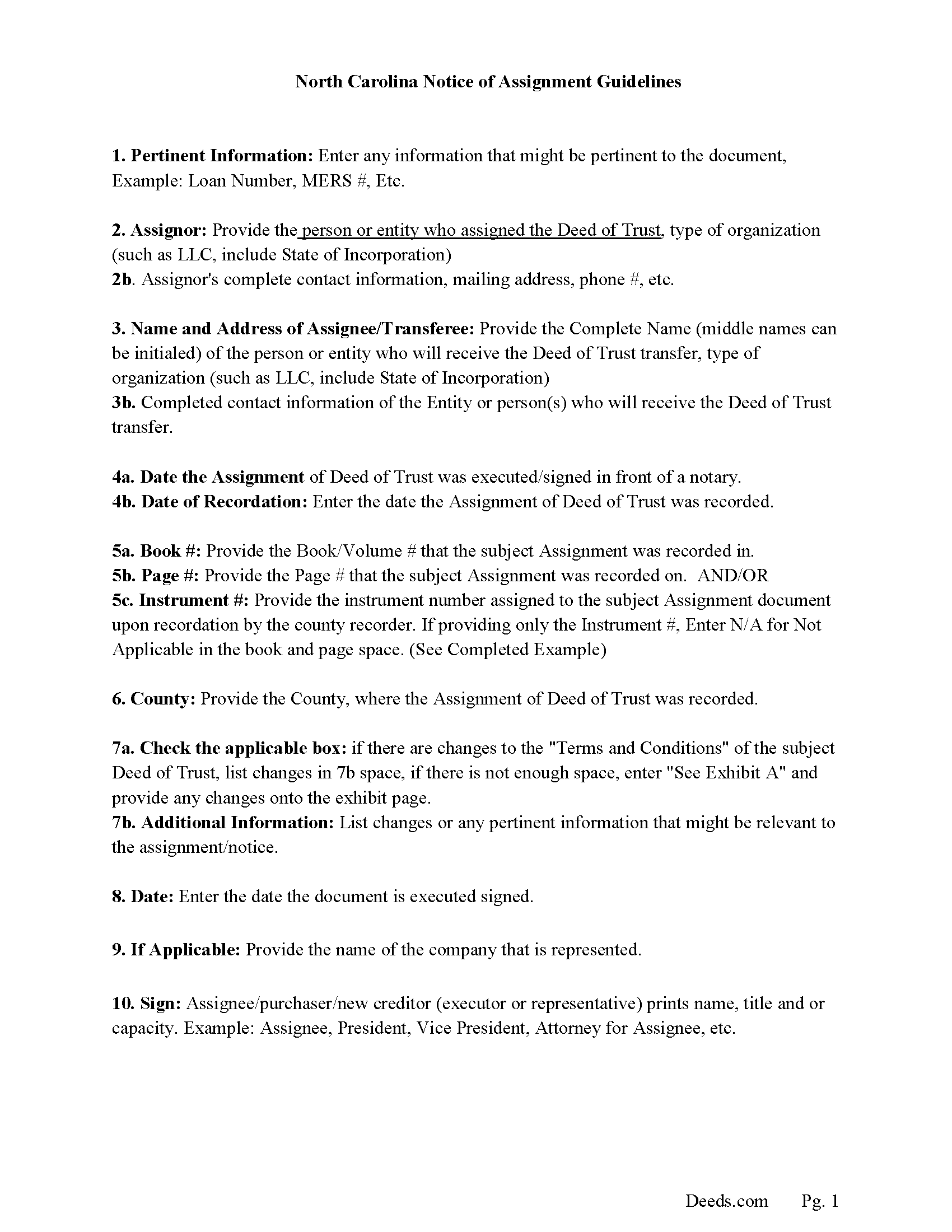
Wake County Notice of Assignment Guidelines
Line by line guide explaining every blank on the form.
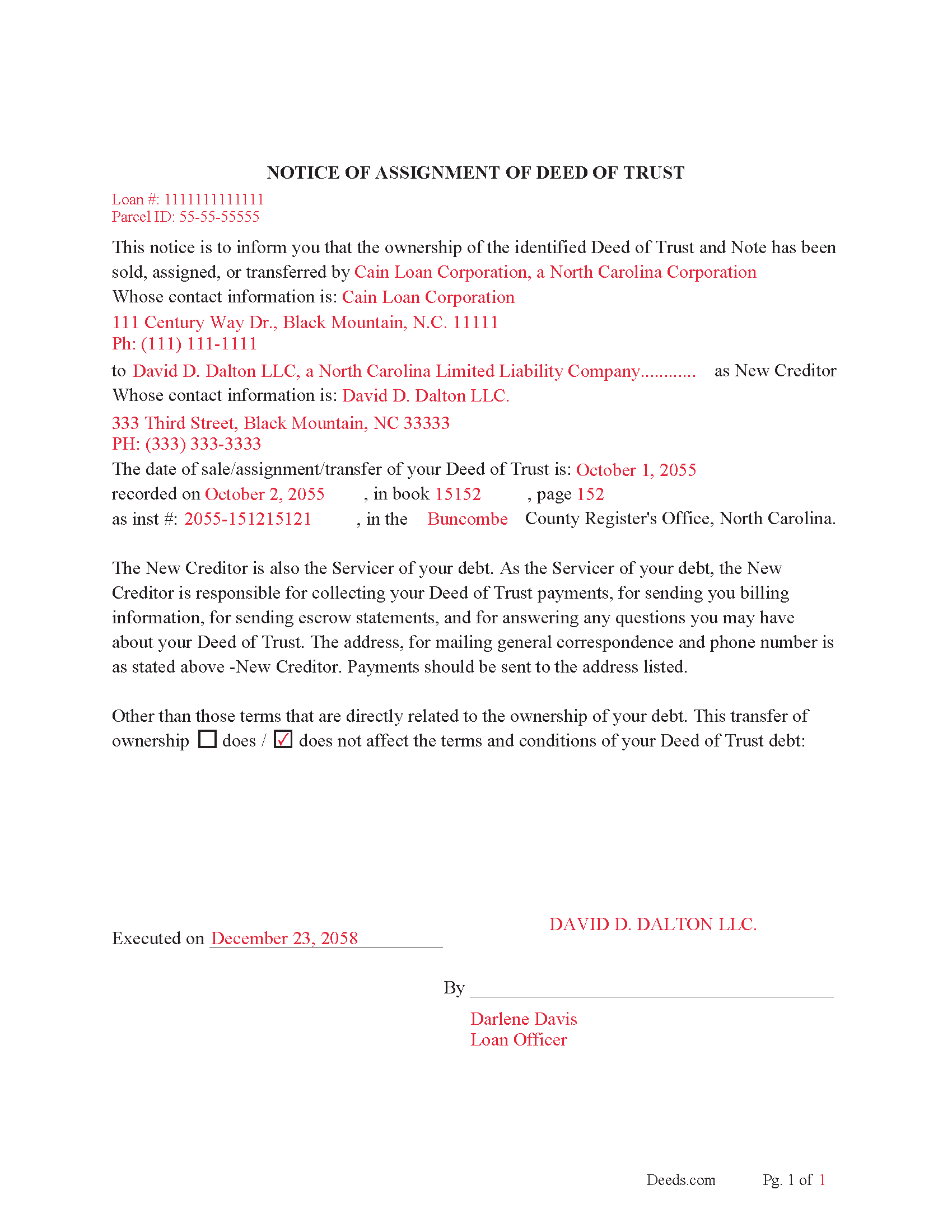
Wake County Completed Example of Notice of Assignment Document
Example of a properly completed form for reference.
All 6 documents above included • One-time purchase • No recurring fees
Immediate Download • Secure Checkout
Additional North Carolina and Wake County documents included at no extra charge:
Where to Record Your Documents
Wake County Register of Deeds
Raleigh, North Carolina 27601
Hours: 8:30 to 4:45
Phone: (919) 856-5460
Mailing Address
Raleigh, North Carolina 27602
Hours: N/A
Phone: N/A
Recording Tips for Wake County:
- Bring your driver's license or state-issued photo ID
- Ensure all signatures are in blue or black ink
- Both spouses typically need to sign if property is jointly owned
- Bring extra funds - fees can vary by document type and page count
- Check margin requirements - usually 1-2 inches at top
Cities and Jurisdictions in Wake County
Properties in any of these areas use Wake County forms:
- Apex
- Cary
- Fuquay Varina
- Garner
- Holly Springs
- Knightdale
- Morrisville
- New Hill
- Raleigh
- Rolesville
- Wake Forest
- Wendell
- Willow Spring
- Zebulon
Hours, fees, requirements, and more for Wake County
How do I get my forms?
Forms are available for immediate download after payment. The Wake County forms will be in your account ready to download to your computer. An account is created for you during checkout if you don't have one. Forms are NOT emailed.
Are these forms guaranteed to be recordable in Wake County?
Yes. Our form blanks are guaranteed to meet or exceed the applicable formatting requirements used for recording in Wake County, including margin requirements, font requirements, and other layout standards. This guarantee applies to formatting, not to the legal sufficiency of information entered by the user or the suitability of a form for a particular transaction.
Can I reuse these forms?
Yes. You can reuse the forms for your personal use. For example, if you have multiple properties in Wake County you only need to order once.
What do I need to use these forms?
The forms are PDFs that you fill out on your computer. The free Adobe Acrobat Reader is recommended, and most PDF apps also work. You do NOT enter your property information online - you download the blank forms and complete them privately on your own computer.
Are there any recurring fees?
No. This is a one-time purchase. Nothing to cancel, no memberships, no recurring fees.
How much does it cost to record in Wake County?
Recording fees in Wake County vary. Contact the recorder's office at (919) 856-5460 for current fees.
Questions answered? Let's get started!
This form is used by a beneficiary/lender who can be a corporation or individual to assign deed of trust and promissory note to another entity/corporation or individual. This is commonly done when a deed of trust has been sold. (The assignee of the note shall have the right to enforce all obligations contained in the promissory note or other agreement, and all the rights of the assignor in the deed of trust, mortgage, or other security instrument, including the right to substitute the trustee named in any deed of trust, and to exercise any power of sale contained in the instrument without restriction.) (47-17.2)
Current Borrowers must be notified of the assignment. Notification consists of contact information of the new creditor, recording dates, recording instrument numbers, changes in loan, etc. Included are "Notice of Assignment of Deed of Trust" forms.
The Truth and lending act requires that borrowers be notified when their Deed of Trust debt has been sold, transferred, or assigned to a new creditor. Generally, within 30 days to avoid up to $2,000.00 in statutory damages, plus reasonable attorney's fees. Systematic violations can reach up $500,000.00.
(North Carolina Assignment of DOT Package includes form, guidelines, and completed example) For use in North Carolina only.
Important: Your property must be located in Wake County to use these forms. Documents should be recorded at the county recording office listed above.
This Assignment of Deed of Trust meets all recording requirements specific to Wake County.
Our Promise
The documents you receive here are guaranteed to meet or exceed the applicable Wake County recording format requirements. If there is a rejection caused by our formatting, we will correct the issue or refund your payment. This guarantee applies to document formatting only and does not extend to information entered by the user, the selection of the form, or the legal effect of the completed document.
Save Time and Money
Get your Wake County Assignment of Deed of Trust form done right the first time with Deeds.com Uniform Conveyancing Blanks. At Deeds.com, we understand that your time and money are valuable resources, and we don't want you to face a penalty fee or rejection imposed by a county recorder for submitting nonstandard documents. We constantly review and update our forms to meet rapidly changing state and county recording requirements for roughly 3,500 counties and local jurisdictions.
4.8 out of 5 - ( 4,819 Reviews )
Terreva B. 5 out of 5 stars
Yes it helped with some things but I need more info
Thank you!
Barbara P. 5 out of 5 stars
So easy and fast!
We appreciate your business and value your feedback. Thank you. Have a wonderful day!
Victoria T. 5 out of 5 stars
This is a great website!!! Easy to use and inexpensive. Thank you deeds.com!
We appreciate your business and value your feedback. Thank you. Have a wonderful day!
Bernique C. 5 out of 5 stars
Was very pleased to be referred by another user for needed documents. Add me to "satisfied customers"
Thank you for your feedback. We really appreciate it. Have a great day!
Roberta C. 3 out of 5 stars
Expensive service but I had to have it so I paid.
Thank you for your feedback, Roberta. We understand that cost is an important consideration, and we appreciate you choosing our service when you needed it.
Marc P. 5 out of 5 stars
Simple and fast!
Thank you for your feedback. We really appreciate it. Have a great day!
PATRICK C. 5 out of 5 stars
Fast, honest company Worth every penny! DO IT YOURSELF SAVE THOUSANDS
We appreciate your business and value your feedback. Thank you. Have a wonderful day!
Christy Z. 5 out of 5 stars
Very thorough forms received and very quick service. Thank You!
Thank you for your feedback. We really appreciate it. Have a great day!
Ruthea M. 4 out of 5 stars
It was easy to download, but you need to open an account before doing so. That was not clear.
Your insights are invaluable to us and help us strive for better service. Thank you for taking the time to share your thoughts.
Sylvia H. 5 out of 5 stars
Thank you so much for making it easy and professionally trustworthy. You are the best!!!
Thank you!
Linda F. 5 out of 5 stars
I can't recommend working with Deeds.com enough. I had been given incorrect information from another document service. The helpful staff member at Deeds.com that assisted in the submission of the recording was exceptionally helpful in making sure what I was submitting included the necessary elements required by the county. I am very thankful I chose Deeds.com for my eRecording service. Thank you!!
Thank you, Linda! We’re so glad our team could assist in making sure your submission met the county’s requirements. It means a lot that you chose Deeds.com after a frustrating experience elsewhere. We appreciate your trust and kind words!
Dyanna B. 5 out of 5 stars
Got what I needed. Easy access.
Thank you for your positive words! We’re thrilled to hear about your experience.
Ardys A. 5 out of 5 stars
Very pleased with all the info I received and not just a blank form.
We appreciate your business and value your feedback. Thank you. Have a wonderful day!
Carl R. 5 out of 5 stars
Wonderful forms even for an simpleton like me. Thank goodness there are people that actually know what they are doing.
Thanks for the kind words Carl.
Gretchen N. 5 out of 5 stars
The filled out form could have been placed on the real form then deleted with current info. Form quite simplified but example & help good.
Thank you for your feedback Gretchen.