Buncombe County Correction Deed Form
Last validated October 14, 2026 by our Forms Development TeamFormatted for recording in Buncombe County, for property anywhere in the county: rural and unincorporated areas as well as Alexander, Arden, Asheville, Barnardsville, Black Mountain, Candler, Enka, Fairview and 6 more.
- 5 documents included
- Immediate PDF download
- Formatting guarantee
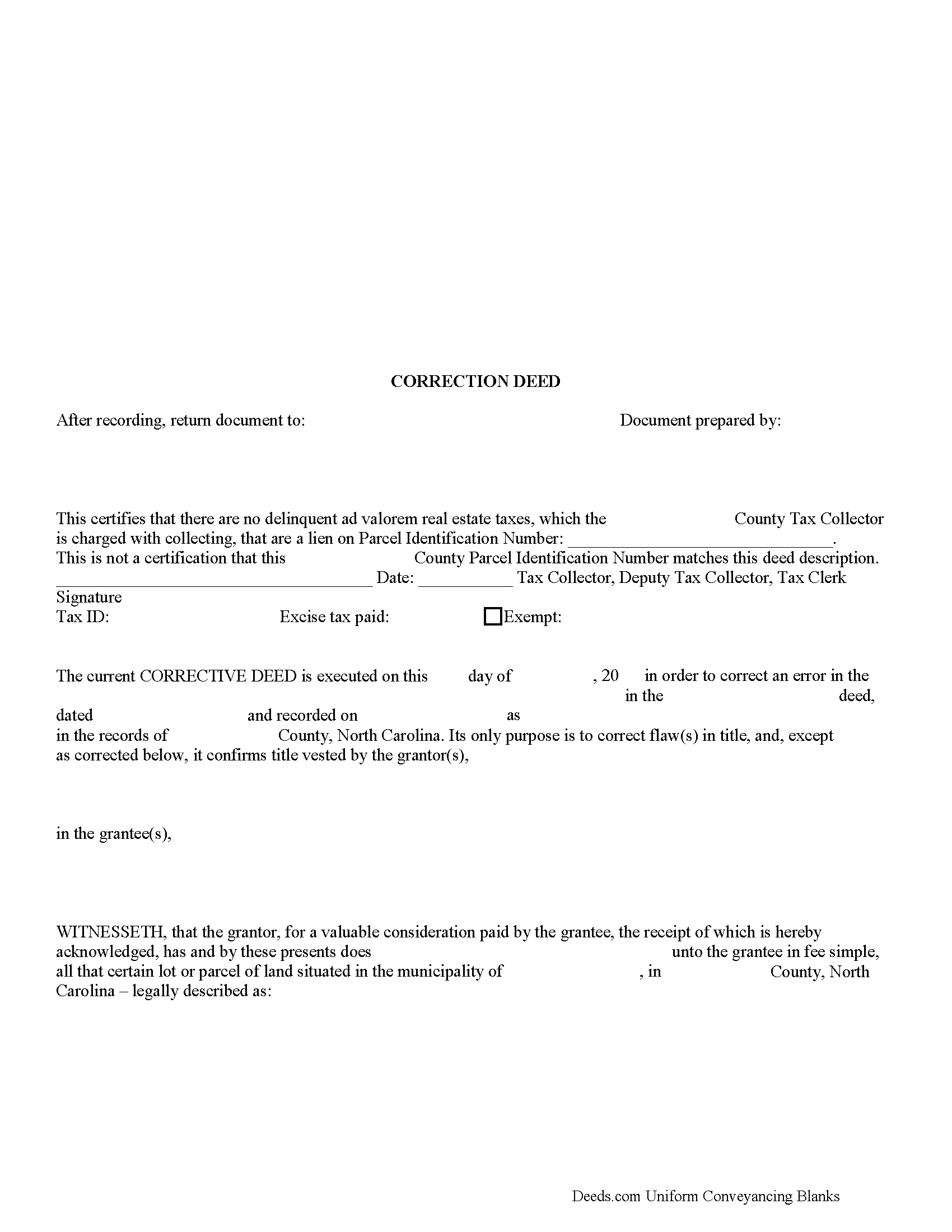
Buncombe County Correction Deed Form
Fill in the blank form formatted to comply with all recording and content requirements.
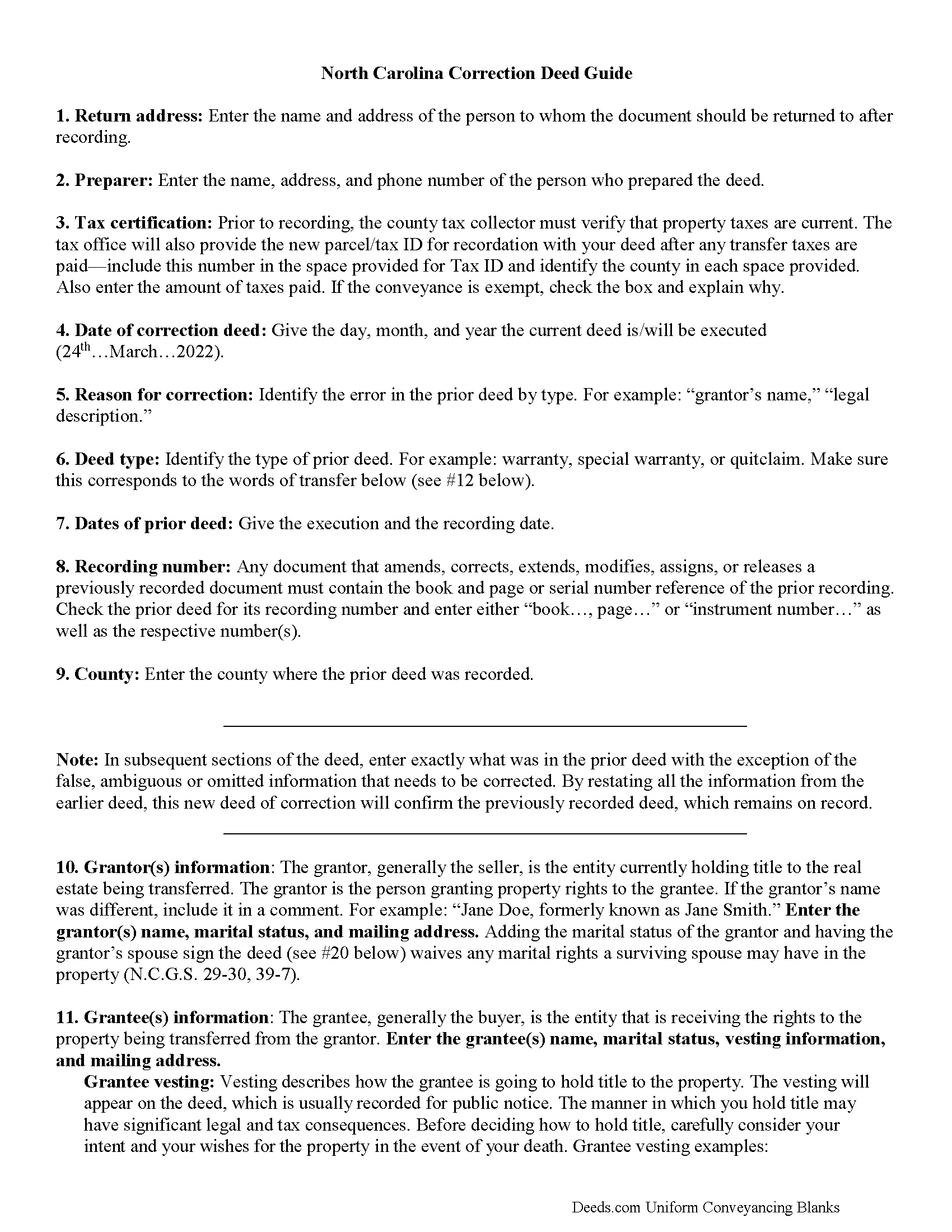
Buncombe County Correction Deed Guide
Line by line guide explaining every blank on the form.
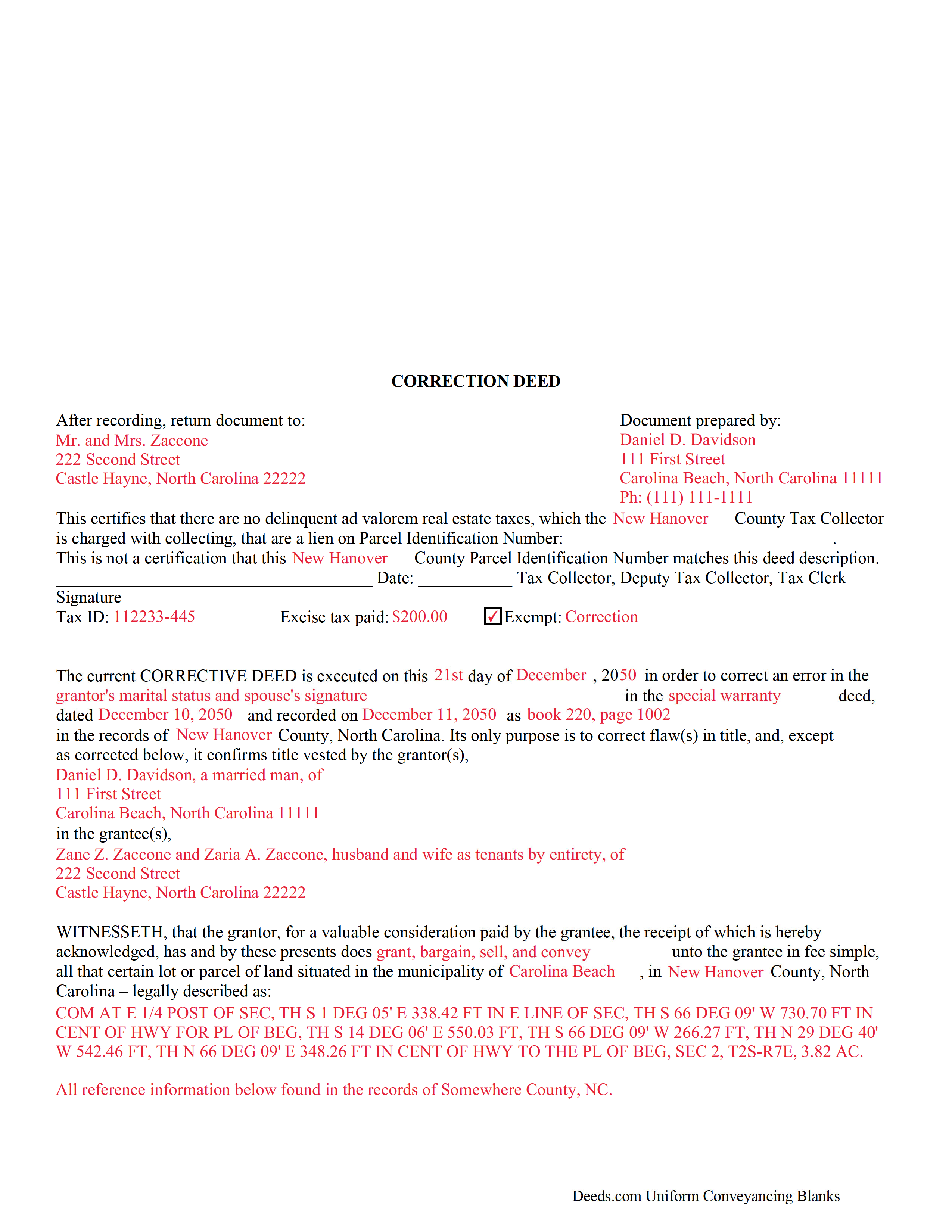
Buncombe County Completed Example of the Correction Deed Document
Example of a properly completed form for reference.
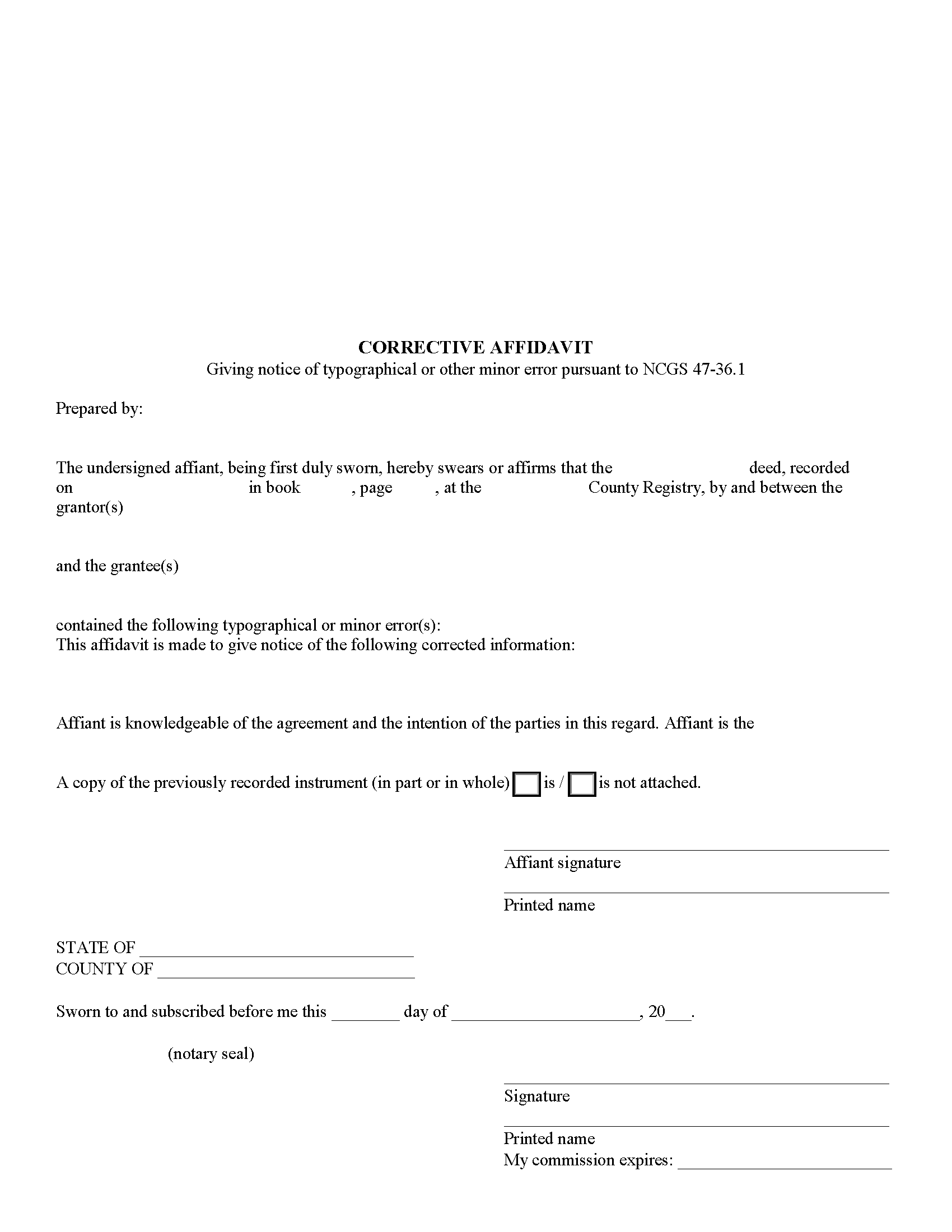
Buncombe County Corrective Affidavit Form
Fill in the blank form formatted to comply with all recording and content requirements.
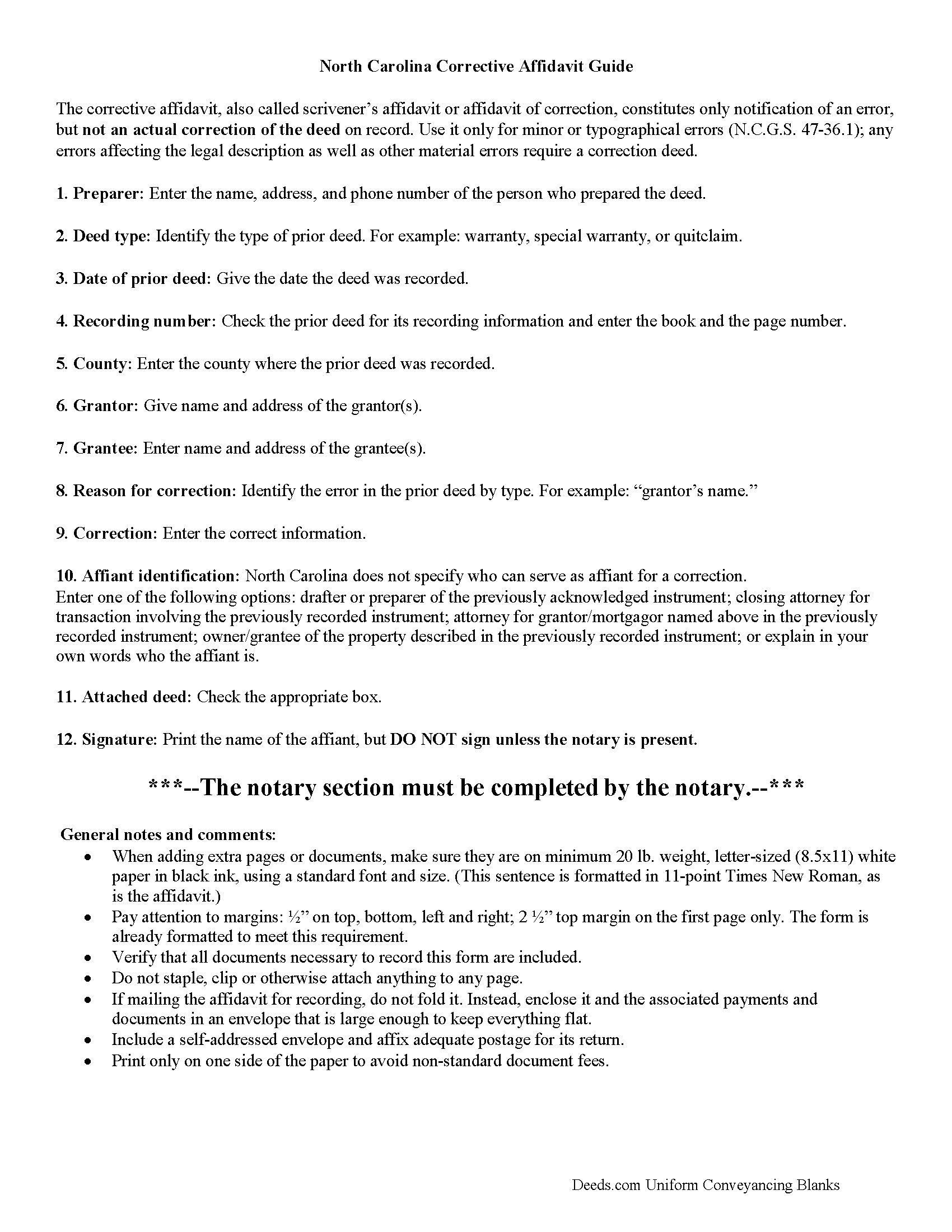
Buncombe County Corrective Affidavit Guide
Line by line guide explaining every blank on the form.
All 5 documents above included • One-time purchase • No recurring fees
Immediate Download • Secure Checkout
Additional North Carolina and Buncombe County documents included at no extra charge:
Where to Record Your Documents
Buncombe County Register of Deeds Room 110
Asheville, North Carolina 28801
Hours: 8:00 to 5:00 M-F
Phone: (828) 250-4302
Recording Tips for Buncombe County:
- Bring your driver's license or state-issued photo ID
- Ensure all signatures are in blue or black ink
- Check that your notary's commission hasn't expired
- Documents must be on 8.5 x 11 inch white paper
- Double-check legal descriptions match your existing deed
Cities and Jurisdictions in Buncombe County
Properties in any of these areas use Buncombe County forms:
- Alexander
- Arden
- Asheville
- Barnardsville
- Black Mountain
- Candler
- Enka
- Fairview
- Leicester
- Montreat
- Ridgecrest
- Skyland
- Swannanoa
- Weaverville
Hours, fees, requirements, and more for Buncombe County
How do I get my forms?
Forms are available for immediate download after payment. The Buncombe County forms will be in your account ready to download to your computer. An account is created for you during checkout if you don't have one. Forms are NOT emailed.
Are these forms guaranteed to be recordable in Buncombe County?
Yes. Our form blanks are guaranteed to meet or exceed the applicable formatting requirements used for recording in Buncombe County, including margin requirements, font requirements, and other layout standards. This guarantee applies to formatting, not to the legal sufficiency of information entered by the user or the suitability of a form for a particular transaction.
Can I reuse these forms?
Yes. You can reuse the forms for your personal use. For example, if you have multiple properties in Buncombe County you only need to order once.
What do I need to use these forms?
The forms are PDFs that you fill out on your computer. The free Adobe Acrobat Reader is recommended, and most PDF apps also work. You do NOT enter your property information online - you download the blank forms and complete them privately on your own computer.
Are there any recurring fees?
No. This is a one-time purchase. Nothing to cancel, no memberships, no recurring fees.
How much does it cost to record in Buncombe County?
Recording fees in Buncombe County vary. Contact the recorder's office at (828) 250-4302 for current fees.
Questions answered? Let's get started!
Use the correction deed to correct errors in a warranty, special warranty, or quit claim deed in North Carolina.
In North Carolina, several correction options may be used: an affidavit of correction, also called scrivener's affidavit; a re-recording of the original erroneous deed; and a newly drafted correction deed. Choosing the best option will depend on the type of error in the deed. Minor or typographical errors can be addressed through the affidavit (N.C.G.S. 47-36.1), but material errors and any errors affecting the legal description require a correction deed, or at least a re-recordation of the corrected original deed.
The affidavit of correction goes on public record with cross-reference to the deed and constitutes notification of an error, but not an actual correction. When re-recording the original deed, make corrections directly on the document (or a certified copy of it). Initial these changes and have the document re-signed by the original parties and re-acknowledged. Check with the county's recording office before choosing this option to verify local requirements regarding title pages, contents and fees.
The easiest and cleanest option for correcting a deed is to record a new correction deed. This eliminates the need to determine the type of error and its potential impact on the ability to sell the property at a later point. The correction deed references the original document by date and recording number and, except for the corrected or omitted information, duplicates the text of the old deed. The original parties must sign in the presence of a notary, who then acknowledges this new instrument prior to recording.
(North Carolina CD Package includes form, guidelines, and completed example)
Important: Your property must be located in Buncombe County to use these forms. Documents should be recorded at the county recording office listed above.
This Correction Deed meets all recording requirements specific to Buncombe County.
Our Promise
The documents you receive here are guaranteed to meet or exceed the applicable Buncombe County recording format requirements. If there is a rejection caused by our formatting, we will correct the issue or refund your payment. This guarantee applies to document formatting only and does not extend to information entered by the user, the selection of the form, or the legal effect of the completed document.
Save Time and Money
Get your Buncombe County Correction Deed form done right the first time with Deeds.com Uniform Conveyancing Blanks. At Deeds.com, we understand that your time and money are valuable resources, and we don't want you to face a penalty fee or rejection imposed by a county recorder for submitting nonstandard documents. We constantly review and update our forms to meet rapidly changing state and county recording requirements for roughly 3,500 counties and local jurisdictions.
4.8 out of 5 - ( 4,828 Reviews )
Tiffany Dawn J. 3 out of 5 stars
Would be nice to have a better description on how to complete the forms if it is separated couple and one is signing the deed over to the other. I am still unsure how it should be worded. Disappointed that the guide didn't have better explanations.
Thank you for your feedback. We really appreciate it. Have a great day!
MARILYN T. 5 out of 5 stars
Deed.com was so easy to use to file my Quit Claim deed. They instructed me on how to send them my documents and it was a breeze. The cost was minimal and saved me tons of time.
Thank you!
Jason R. 5 out of 5 stars
Very easy to use. Great examples.
Thank you for your feedback. We really appreciate it. Have a great day!
Michael D. 1 out of 5 stars
I did not like the size of the Warranty Deed form which took 2 pages to print. It should be no larger than 8 1/2 by 14 inches. I did not like that I could not reformat it to be smaller, could not eliminate unused lines, could not delete the excessive 4 signature lines, could not copy or paste into text editor. Very unsatisfactory rating.
Thank you for your feedback Michael. Unfortunately we don't make the requirements, we only make the documents to be compliant with the requirements. Have a great day!
jim g. 5 out of 5 stars
so far so good. was hoping to have the recorded document already. i need the recorded document by friday, june 5th for my city approval. anyway you can please get it to me tomorrow. thanks, jim
Thank you!
Lori W. 5 out of 5 stars
I got what I wanted immediately. Thank you.
We appreciate your business and value your feedback. Thank you. Have a wonderful day!
William O. 3 out of 5 stars
form worked great but was over priced for such a simple form , should be around $10 and most people could easily create this themselves.
Hi William, thank you for your review. We’re glad the form worked well for you. We understand it may seem simple on the surface, but Transfer on Death Deeds—especially in New York—require precise language and adherence to both state and county-level rules. Our forms are attorney-prepared, regularly reviewed for legal compliance, and include helpful instructions to reduce the risk of costly filing errors. We appreciate your feedback and hope the document serves its purpose smoothly.
DEBORAH H. 5 out of 5 stars
This is my fourth try, and I hope my form is complete and acceptable.
Your feedback is greatly appreciated. Thank you for taking the time to share your experience!
Molly A. 5 out of 5 stars
Super easy to download and Deeds dot com had the documents I was looking for and set up in a manner that the County Government office would accept. Nice! Thank you, Deeds!
Thank you for your feedback. We really appreciate it. Have a great day!
Monica T. 5 out of 5 stars
Super easy to use. Very pleased. The turn around time was very fast. I have another one pending. Thank you!
We are grateful for your feedback and looking forward to serving you again. Thank you!
Billie G. 5 out of 5 stars
Loved this service! It was quick, easy and effective! I'll definitely be using them again!
Thank you!
David M. 5 out of 5 stars
A real boon to those of us who are not attorneys but wish to protect our assets and avoid probate court issues. Thank you for a great service.
We appreciate your business and value your feedback. Thank you. Have a wonderful day!
Sandra B. 5 out of 5 stars
Easy to navigate through. Documents were in orderly fashion. Highly recommend. Step by step instructions
We appreciate your business and value your feedback. Thank you. Have a wonderful day!
Marsha C. 5 out of 5 stars
Awesome so far! What a great service!
Thank you Marsha, we really appreciate your feedback.
David A. 5 out of 5 stars
Forms were just what I needed. Very well explained and easy to use.
We appreciate your business and value your feedback. Thank you. Have a wonderful day!