Craven County Easement Deed Form
Last validated September 17, 2026 by our Forms Development TeamFormatted for recording in Craven County, for property anywhere in the county: rural and unincorporated areas as well as Bridgeton, Cherry Point, Cove City, Dover, Ernul, Havelock, New Bern, Vanceboro.
- 4 documents included
- Immediate PDF download
- Formatting guarantee
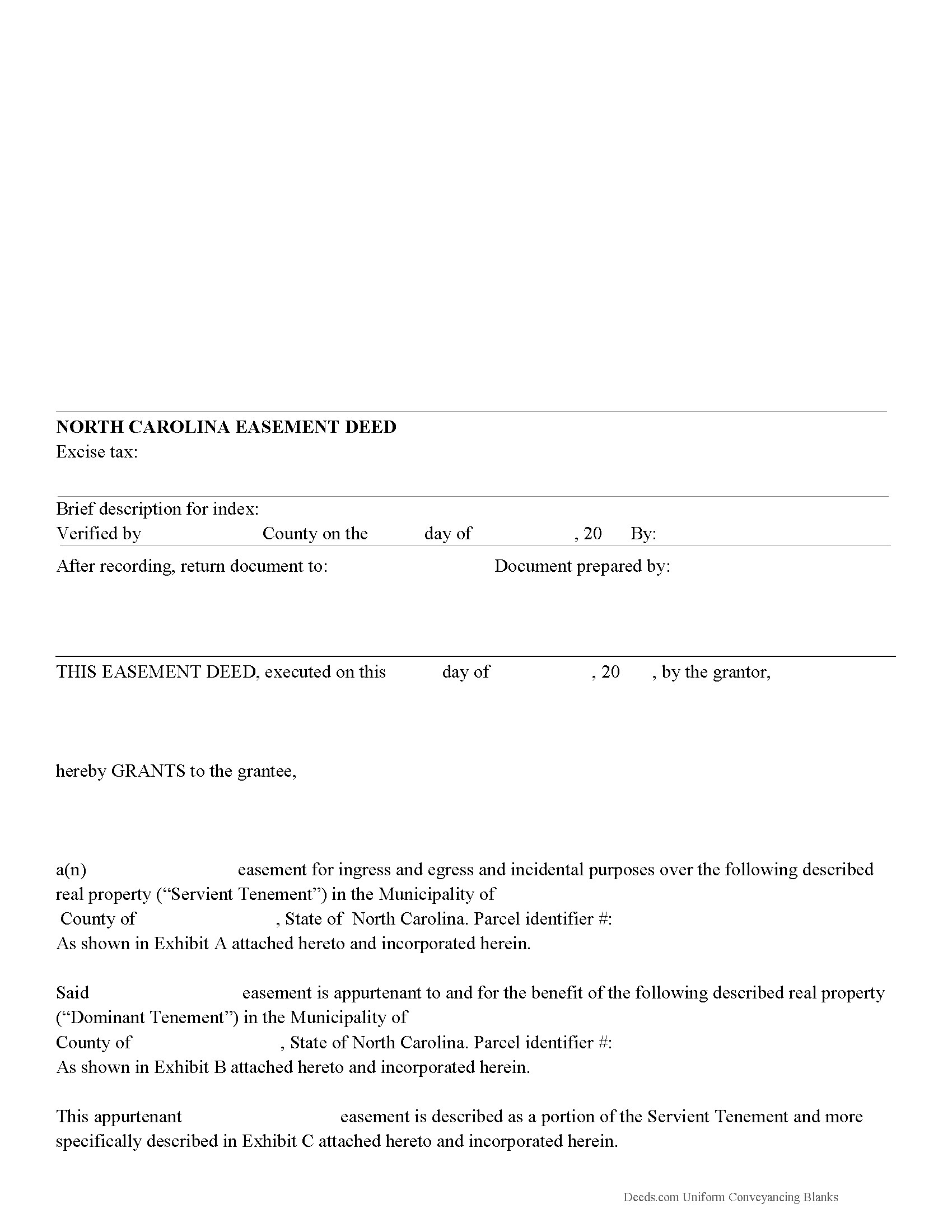
Craven County Easement Deed Form
Fill in the blank form formatted to comply with all recording and content requirements.
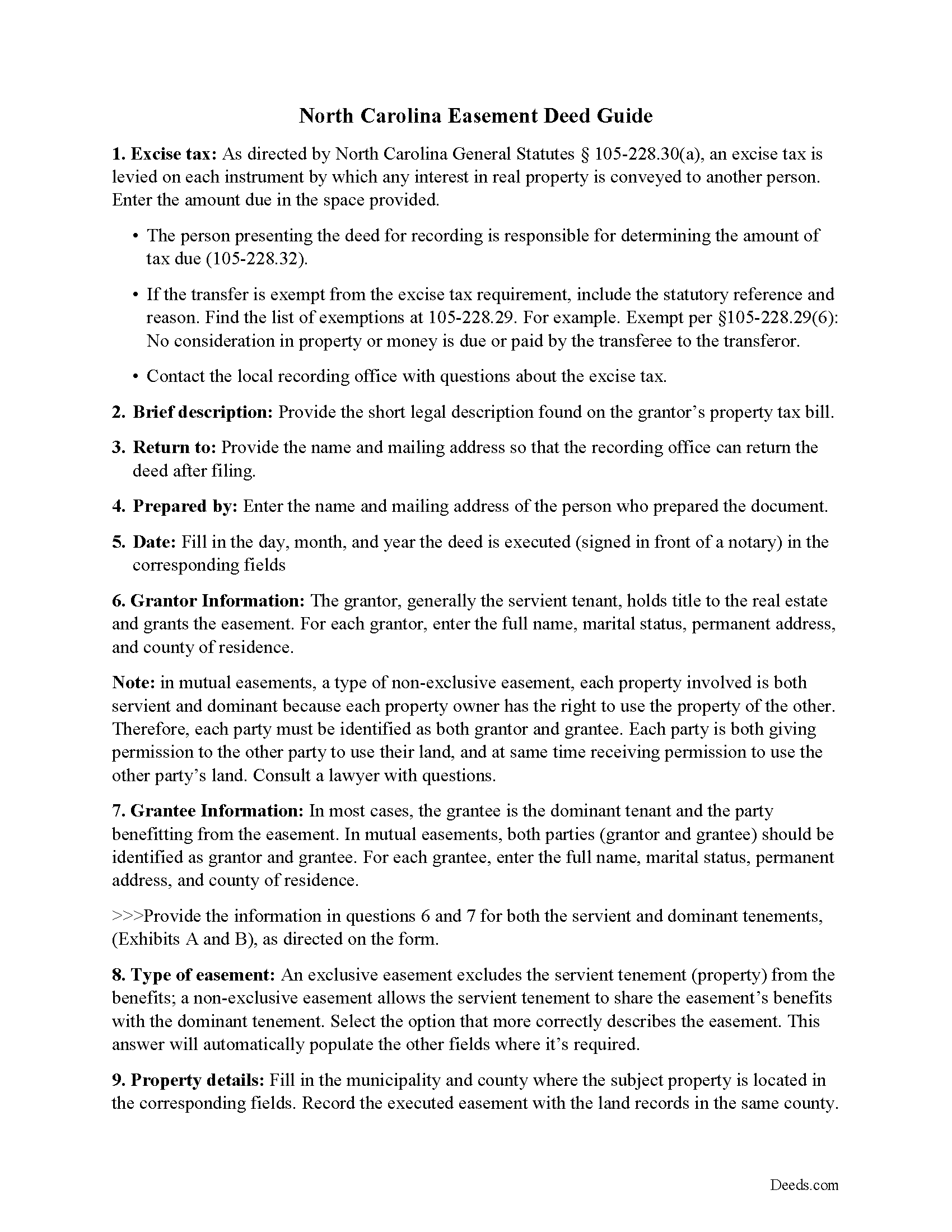
Craven County Easement Deed Guide
Line by line guide explaining every blank on the form.
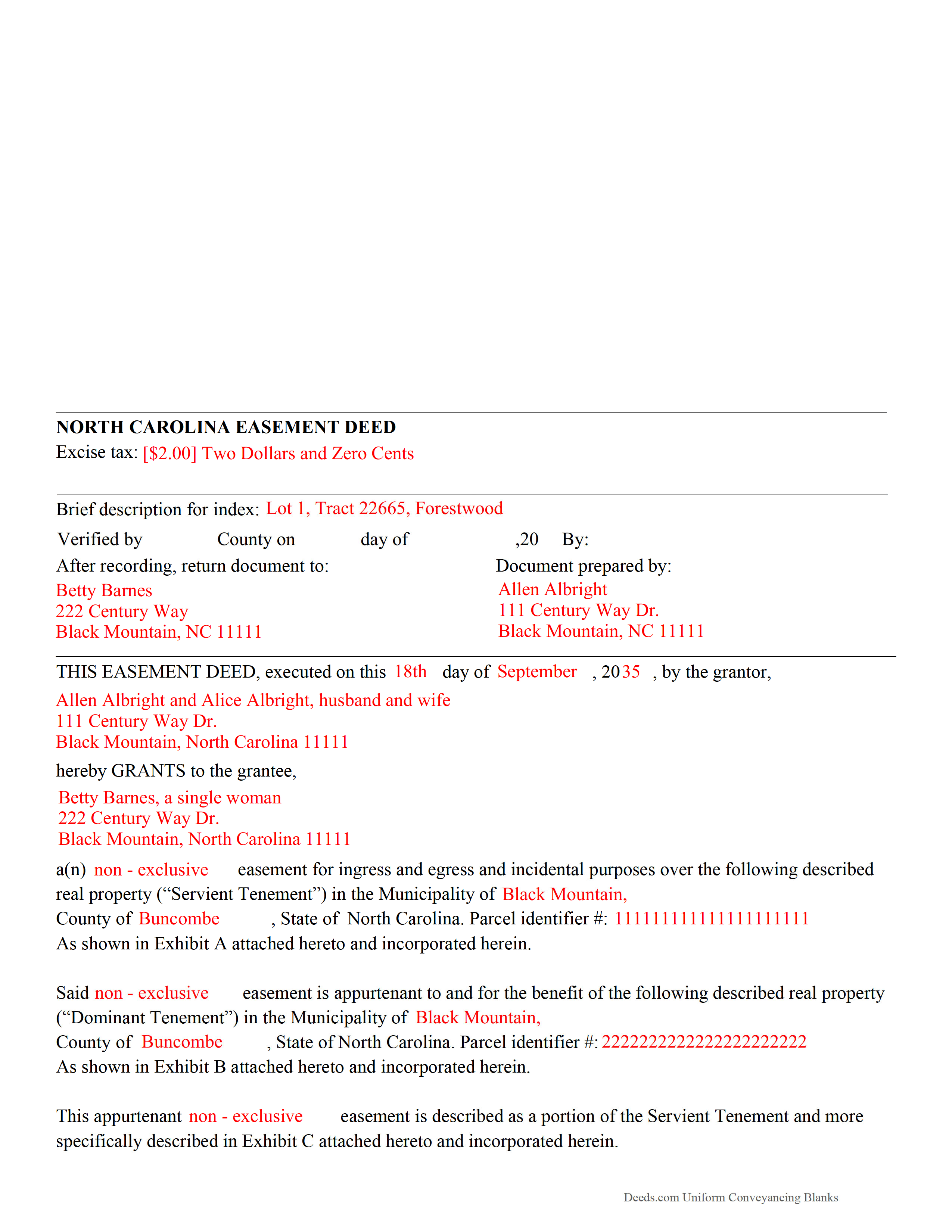
Craven County Completed Example of the Easement Deed Document
Example of a properly completed form for reference.
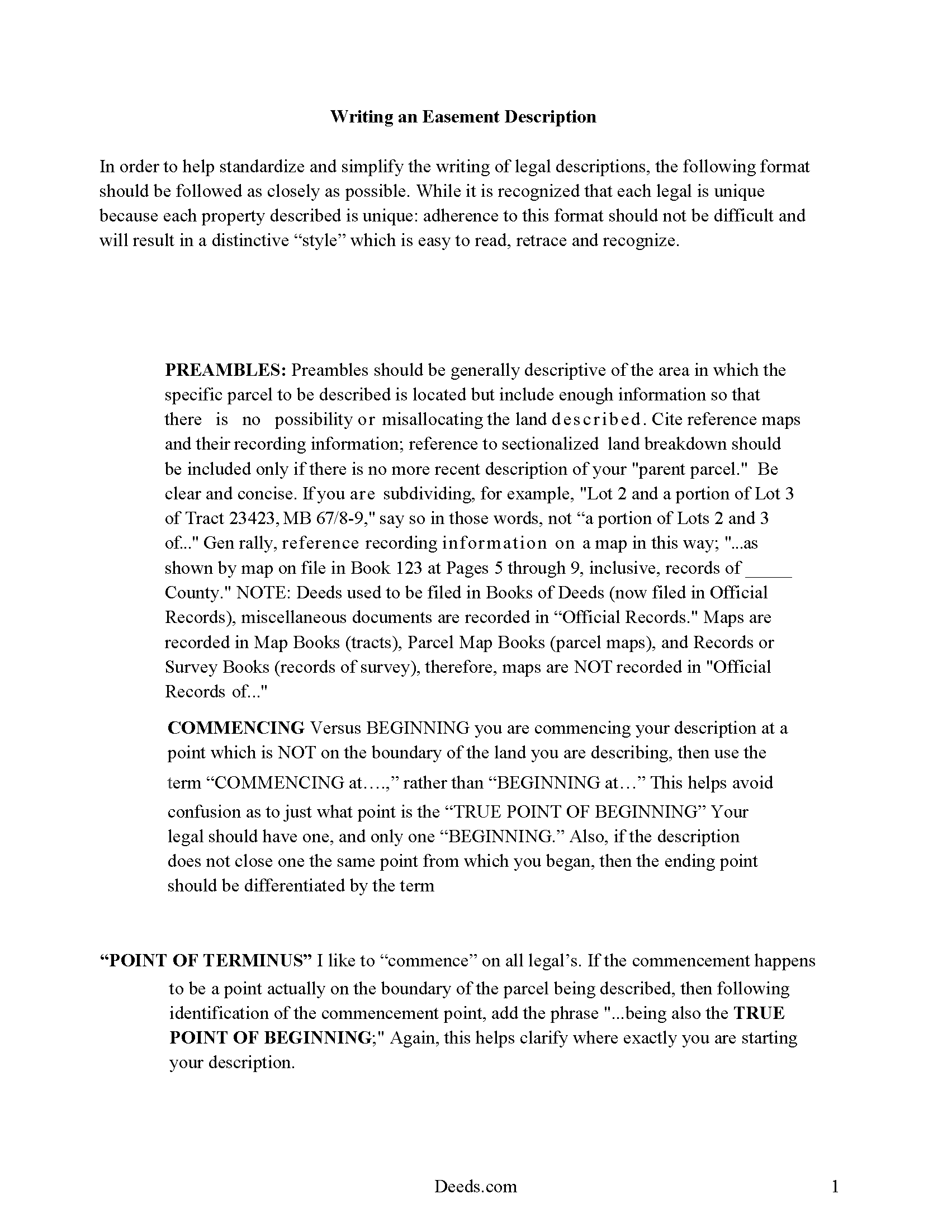
Craven County Guide to writing an Easement Description
A Description of the Easement will be required. This will show how to write an acceptable description for a Right of Way Easement, which gives access, to and from - point A to point B.
All 4 documents above included • One-time purchase • No recurring fees
Immediate Download • Secure Checkout
Additional North Carolina and Craven County documents included at no extra charge:
Where to Record Your Documents
Craven County Register of Deeds
New Bern, North Carolina 28560
Hours: 8:00am-5:00pm M-F / Recording cut-off 4:30pm
Phone: (252) 636-6617
Recording Tips for Craven County:
- Bring your driver's license or state-issued photo ID
- Ensure all signatures are in blue or black ink
- White-out or correction fluid may cause rejection
- Ask about their eRecording option for future transactions
- Avoid the last business day of the month when possible
Cities and Jurisdictions in Craven County
Properties in any of these areas use Craven County forms:
- Bridgeton
- Cherry Point
- Cove City
- Dover
- Ernul
- Havelock
- New Bern
- Vanceboro
Hours, fees, requirements, and more for Craven County
How do I get my forms?
Forms are available for immediate download after payment. The Craven County forms will be in your account ready to download to your computer. An account is created for you during checkout if you don't have one. Forms are NOT emailed.
Are these forms guaranteed to be recordable in Craven County?
Yes. Our form blanks are guaranteed to meet or exceed the applicable formatting requirements used for recording in Craven County, including margin requirements, font requirements, and other layout standards. This guarantee applies to formatting, not to the legal sufficiency of information entered by the user or the suitability of a form for a particular transaction.
Can I reuse these forms?
Yes. You can reuse the forms for your personal use. For example, if you have multiple properties in Craven County you only need to order once.
What do I need to use these forms?
The forms are PDFs that you fill out on your computer. The free Adobe Acrobat Reader is recommended, and most PDF apps also work. You do NOT enter your property information online - you download the blank forms and complete them privately on your own computer.
Are there any recurring fees?
No. This is a one-time purchase. Nothing to cancel, no memberships, no recurring fees.
How much does it cost to record in Craven County?
Recording fees in Craven County vary. Contact the recorder's office at (252) 636-6617 for current fees.
Questions answered? Let's get started!
An easement is the right to use another person's real property for a specific purpose. This is a non-possessory interest in property, and can be either appurtenant or in gross. In North Carolina, the holder of a legal or equitable title of an interest in real property can create, grant, reserve, or declare valid easements, restrictions, or conditions of record burdening or benefiting the same interest in real property ( 39 6.4).
All real property documents in this state must be executed and acknowledged in strict compliance with the acknowledgment provisions in North Carolina in order to be recorded and to provide constructive notice. An easement deed must be signed and acknowledged by the grantor. An individual form for acknowledgment by a grantor is presented in 47 38 of the North Carolina Statutes. Acknowledgments must be taken before an officer who is authorized by the state to take acknowledgments of deeds. Documents that are executed and acknowledged out-of-state can be recorded in this state, but they must conform to North Carolina law.
A person who owns or acquires any deed or agreement for rights of way and easements of any character shall record such deeds in the office of the register of deeds in the county where the affected land is situated. If such deed or agreement has been acquired, but no use has been made of the easement, the person holding such instrument is not required to record it until within 90 days after the beginning of the use of the easement granted thereby ( 47 27). No deed, agreement for right of way, or easement of any character will be valid against any purchaser for valuable consideration but from the time it is registered with the register of deeds in the appropriate county in North Carolina ( 47 27).
(North Carolina ED Package includes form, guidelines, and completed example)
Important: Your property must be located in Craven County to use these forms. Documents should be recorded at the county recording office listed above.
This Easement Deed meets all recording requirements specific to Craven County.
Our Promise
The documents you receive here are guaranteed to meet or exceed the applicable Craven County recording format requirements. If there is a rejection caused by our formatting, we will correct the issue or refund your payment. This guarantee applies to document formatting only and does not extend to information entered by the user, the selection of the form, or the legal effect of the completed document.
Save Time and Money
Get your Craven County Easement Deed form done right the first time with Deeds.com Uniform Conveyancing Blanks. At Deeds.com, we understand that your time and money are valuable resources, and we don't want you to face a penalty fee or rejection imposed by a county recorder for submitting nonstandard documents. We constantly review and update our forms to meet rapidly changing state and county recording requirements for roughly 3,500 counties and local jurisdictions.
4.8 out of 5 - ( 4,828 Reviews )
Rick H. 5 out of 5 stars
Great service... patient with me through the process.
We appreciate your business and value your feedback. Thank you. Have a wonderful day!
Amanda W. 5 out of 5 stars
Very helpful.
Thank you!
Sara M. 5 out of 5 stars
This makes work so much easier now that I don't have to drive to each county to record. Thank you.
It was a pleasure serving you. Thank you for the positive feedback!
Jessica P. 5 out of 5 stars
Quick and easy to use and with the provided instructions and example it took a lot of the guess work out.
Thank you for your feedback. We really appreciate it. Have a great day!
JESSICA B. 5 out of 5 stars
easy to move through the site and create an account.
Thank you!
Aleksander M. 5 out of 5 stars
So far all is perfect! Thank you for all your help!
Thank you!
Bonnie C. 5 out of 5 stars
User friendly an FAST to access and use! Highly recommended.
We appreciate your business and value your feedback. Thank you. Have a wonderful day!
Cindy H. 5 out of 5 stars
Very easy to use and organized. When I needed the form I needed it immediately. I didn't want to get locked into a monthly subscription. Deeds.com met that need. Thanks!
We appreciate your business and value your feedback. Thank you. Have a wonderful day!
Brian S. 3 out of 5 stars
PDF fields change font sizes leading to an unprofessional-appearing printed page. The examples for "Convey to" section don't include how to specify just one person instead of a married couple. Maybe that is simple but it would help to spell it out in an example. Haven't submitted to County Recorder yet, so will find out if it is acceptable.
Thank you for the feedback Brian.
The font issue is caused by using a PDF viewer other than Adobe Acrobat Reader. Our form fields are set to a uniform 12-point font, but non-Adobe viewers often render form fields inconsistently. Opening and printing the form with the free Adobe Acrobat Reader will resolve that.
Regarding the examples, that's a fair point, we'll look at expanding them.
Kathleen M. 5 out of 5 stars
I bought the Beneficiary Deed package for Arizona. The instructions were clear and I had no problem filling out the needed forms. My deed was recorded this afternoon. Thanks so much for your excellent forms.
We appreciate your review and your business. Thank you.
Karen G. 5 out of 5 stars
Not difficult at all! Which is great for me...
Thank you for your feedback. We really appreciate it. Have a great day!
janna C. 5 out of 5 stars
Great site! I found everything I needed.
We appreciate your business and value your feedback. Thank you. Have a wonderful day!
Cheryl D. 5 out of 5 stars
How easy was this. I was pleasantly surprised by the speed and price. Saved me several days of snail mail :) thanks deeds.com!
We appreciate your business and value your feedback. Thank you. Have a wonderful day!
Gene J. 4 out of 5 stars
Easy to pay for, hard to download. A zip file containing all the forms would be a great addition. Your warning under the Review box needs help: see Your review may displayed publicly so please do not include any personal information.
Thank you for your feedback. We really appreciate it. Have a great day!
OLGA R. 5 out of 5 stars
Excellent Service for E-Recording. They work with you and guide you on every aspect.
We appreciate your business and value your feedback. Thank you. Have a wonderful day!