Nash County Notice of Contract Form
Last validated October 6, 2026 by our Forms Development TeamFormatted for recording in Nash County, for property anywhere in the county: rural and unincorporated areas as well as Bailey, Castalia, Middlesex, Nashville, Red Oak, Rocky Mount, Sharpsburg, Spring Hope and 1 more.
- 3 documents included
- Immediate PDF download
- Formatting guarantee
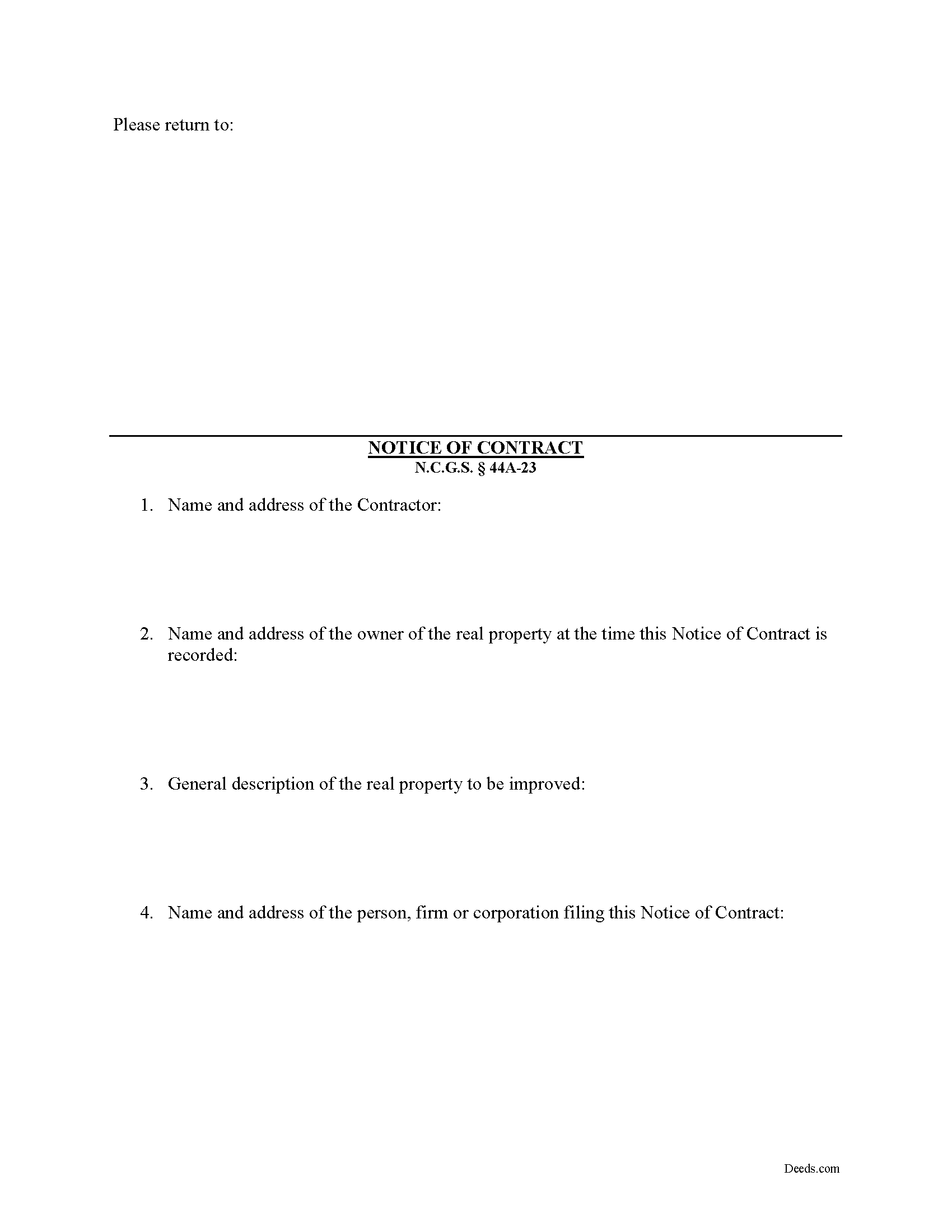
Nash County Notice of Contract Form
Fill in the blank Notice of Contract form formatted to comply with all North Carolina recording and content requirements.
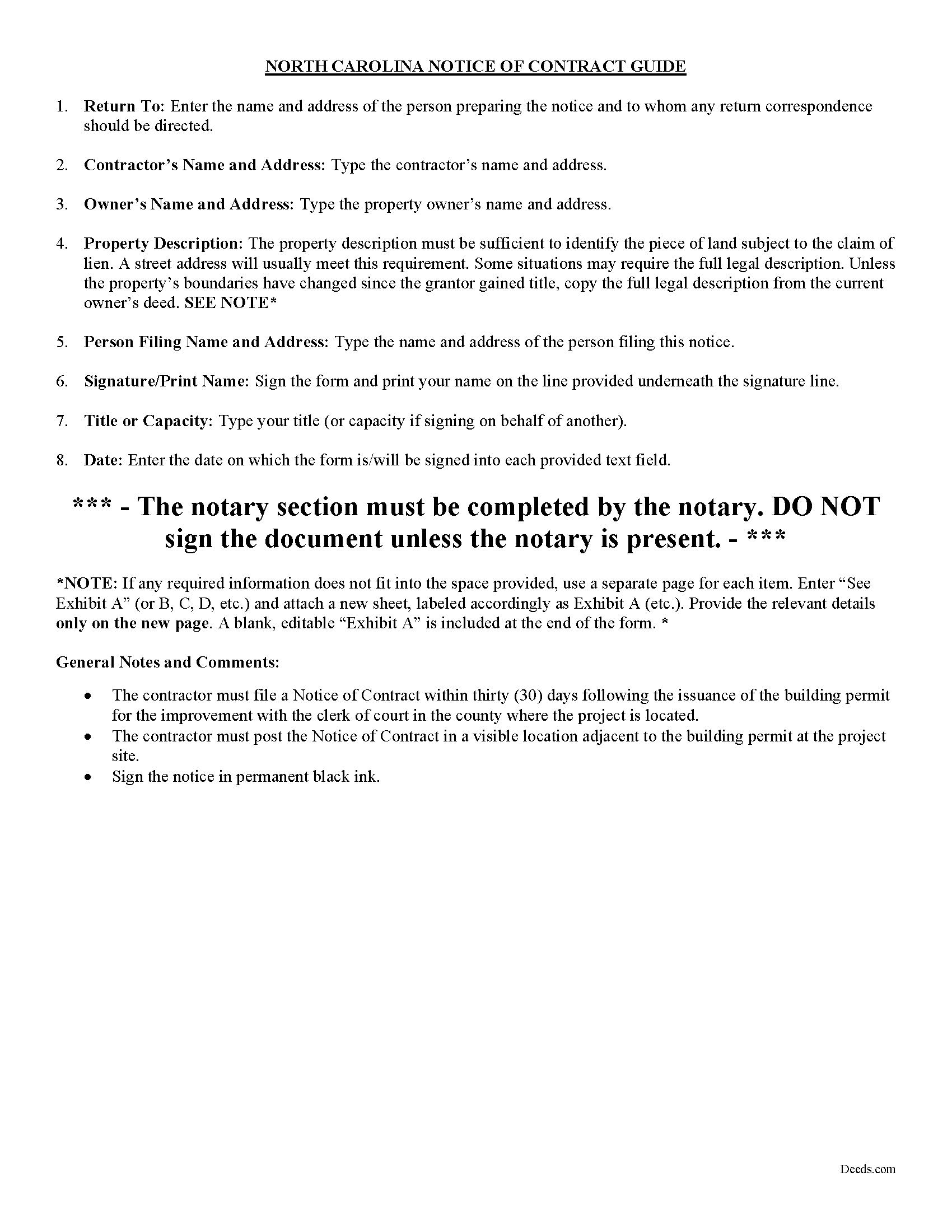
Nash County Notice of Contract Guide
Line by line guide explaining every blank on the form.
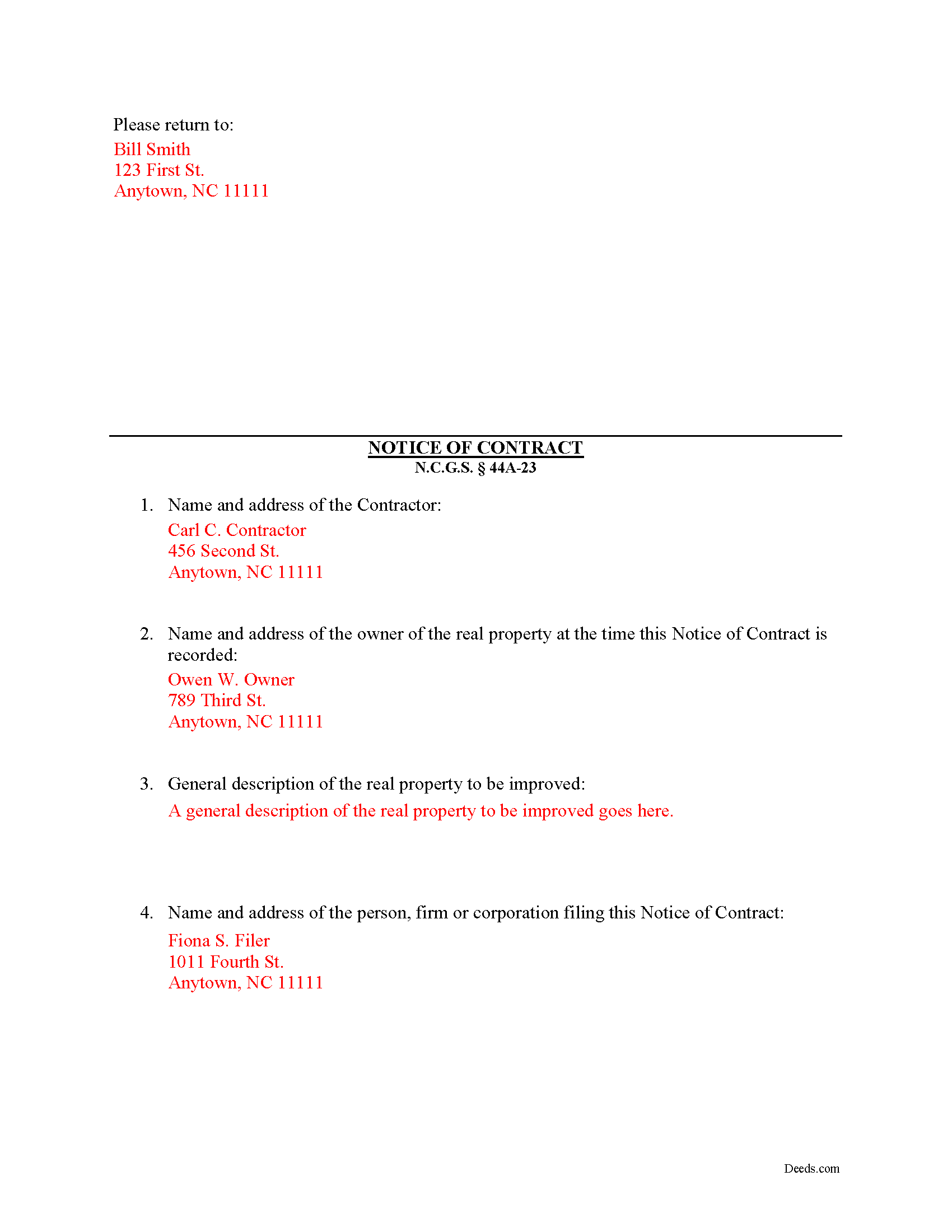
Nash County Completed Example of the Notice of Contract Document
Example of a properly completed form for reference.
All 3 documents above included • One-time purchase • No recurring fees
Immediate Download • Secure Checkout
Additional North Carolina and Nash County documents included at no extra charge:
Where to Record Your Documents
Nash County Register of Deeds
Nashville, North Carolina 27856
Hours: 8:00 to 5:00 M-F
Phone: (252) 459-9836
Recording Tips for Nash County:
- Bring your driver's license or state-issued photo ID
- Ensure all signatures are in blue or black ink
- Avoid the last business day of the month when possible
- Both spouses typically need to sign if property is jointly owned
- Bring extra funds - fees can vary by document type and page count
Cities and Jurisdictions in Nash County
Properties in any of these areas use Nash County forms:
- Bailey
- Castalia
- Middlesex
- Nashville
- Red Oak
- Rocky Mount
- Sharpsburg
- Spring Hope
- Whitakers
Hours, fees, requirements, and more for Nash County
How do I get my forms?
Forms are available for immediate download after payment. The Nash County forms will be in your account ready to download to your computer. An account is created for you during checkout if you don't have one. Forms are NOT emailed.
Are these forms guaranteed to be recordable in Nash County?
Yes. Our form blanks are guaranteed to meet or exceed the applicable formatting requirements used for recording in Nash County, including margin requirements, font requirements, and other layout standards. This guarantee applies to formatting, not to the legal sufficiency of information entered by the user or the suitability of a form for a particular transaction.
Can I reuse these forms?
Yes. You can reuse the forms for your personal use. For example, if you have multiple properties in Nash County you only need to order once.
What do I need to use these forms?
The forms are PDFs that you fill out on your computer. The free Adobe Acrobat Reader is recommended, and most PDF apps also work. You do NOT enter your property information online - you download the blank forms and complete them privately on your own computer.
Are there any recurring fees?
No. This is a one-time purchase. Nothing to cancel, no memberships, no recurring fees.
How much does it cost to record in Nash County?
Recording fees in Nash County vary. Contact the recorder's office at (252) 459-9836 for current fees.
Questions answered? Let's get started!
A Notice of Contract is not mandated by the North Carolina lien code, although a prime contractor may want to file and post a Notice of Contract because it offers additional protection by reducing the possibility of double payment. The Notice must be filed and posted within 30 days from the issuance of the building permit. N.C.G.S. 44A-23.
A second or third tier subcontractor will be prohibited from enforcing a lien when a contractor when the Notice is posted on the property and filed with the Clerk of the Superior Court.
The Notice includes: (1) the name and address of the contractor; (2) the name and address of the owner of the real property at the time the Notice of Contract is recorded; (3) a general description of the real property to be improved (such as street address, tax map lot and block number, reference to recorded instrument, or any other description that reasonably identifies the real property); and (4) the name and address of the person, firm or corporation filing this Notice of Contract. N.C.G.S. 44A-23(b)(2).
This article us provided for informational purposes only and should not be relied upon as a substitute for the advice of a legal professional. Please contact an attorney with questions about using a Notice of Contract, or any other issues related to liens in North Carolina.
Important: Your property must be located in Nash County to use these forms. Documents should be recorded at the county recording office listed above.
This Notice of Contract meets all recording requirements specific to Nash County.
Our Promise
The documents you receive here are guaranteed to meet or exceed the applicable Nash County recording format requirements. If there is a rejection caused by our formatting, we will correct the issue or refund your payment. This guarantee applies to document formatting only and does not extend to information entered by the user, the selection of the form, or the legal effect of the completed document.
Save Time and Money
Get your Nash County Notice of Contract form done right the first time with Deeds.com Uniform Conveyancing Blanks. At Deeds.com, we understand that your time and money are valuable resources, and we don't want you to face a penalty fee or rejection imposed by a county recorder for submitting nonstandard documents. We constantly review and update our forms to meet rapidly changing state and county recording requirements for roughly 3,500 counties and local jurisdictions.
4.8 out of 5 - ( 4,818 Reviews )
Douglas A. 5 out of 5 stars
So far so good once we got the initial problems worked out.
Thank you!
milton m. 5 out of 5 stars
good product easy to use, as advertised
Thank you for your feedback. We really appreciate it. Have a great day!
Janette K. 5 out of 5 stars
I ordered a Transfer of Deed on Death document. It was easy to fill in, came with a useful guide and was customized to my county/state. It got the job done and was well worth the money!
Thank you for your feedback. We really appreciate it. Have a great day!
John W. 5 out of 5 stars
Wow, I wish that I would have found Deeds.com before! Great service!
Thank you!
Scott P. 5 out of 5 stars
So far so good
Thank you!
Kecia L. 5 out of 5 stars
Great place to find much needed documents. A huge thanks!
We appreciate your business and value your feedback. Thank you. Have a wonderful day!
Randall S. 5 out of 5 stars
I have had great success with this so far. The site had the correct forms and I was able complete the documents. It seems like a great resource!
Thank you for your feedback. We really appreciate it. Have a great day!
Katherine S. 5 out of 5 stars
This was easy!!
Thank you!
Michael T. 5 out of 5 stars
Good site. Two things to note. 1. The Documentary Transfer Tax Exemption sheet, the word "computer" is used when I think it should be "computed" Error in state form? 2. The California Trust Guide could have a watermark which is less distracting. Kind of hard to read the print with the DEEDS.COM logo so prominent.
Thank you for your feedback. We really appreciate it. Have a great day!
Stuart C. 5 out of 5 stars
Quit, clear, simple...just the way it shouldbe! Thank you!
We appreciate your business and value your feedback. Thank you. Have a wonderful day!
Steven B. 5 out of 5 stars
County accepted the TODD form. Easy to understand and don’t have to hire an attorney! Excellent
Appreciate this, Steven. That's exactly the outcome we're aiming for. Wishing you well.
RICHARD A. 5 out of 5 stars
Smooth, simple, and complete. A great forms service.
We appreciate your business and value your feedback. Thank you. Have a wonderful day!
Toni M. 5 out of 5 stars
I liked having the forms. Some may need to know they can look at the legal Description from online county records, then type up in Word document line by line, the degree sign in Word program is achieved by using alt and 248 on number pad. Then on the form page one write SEE Exibit A and title your Word program description as Exibit A. Goes without saying the legal description should be looked over many times and it is easier to do so if you format your Word the same lineage as the legal description online which is usually not text which is why you have to retype it.
Thank you for your feedback. We really appreciate it. Have a great day!
April K. 5 out of 5 stars
Great service & quick response. Thank U.
We appreciate your business and value your feedback. Thank you. Have a wonderful day!
John T. 5 out of 5 stars
I bought a quitclaim deed package, and it was very easy to use. Prints nicely. Two thumbs up!
We appreciate your business and value your feedback. Thank you. Have a wonderful day!