Pitt County Notice of Subcontract Form
Last validated October 2, 2026 by our Forms Development TeamFormatted for recording in Pitt County, for property anywhere in the county: rural and unincorporated areas as well as Ayden, Bellarthur, Bethel, Falkland, Farmville, Fountain, Greenville, Grifton and 4 more.
- 3 documents included
- Immediate PDF download
- Formatting guarantee
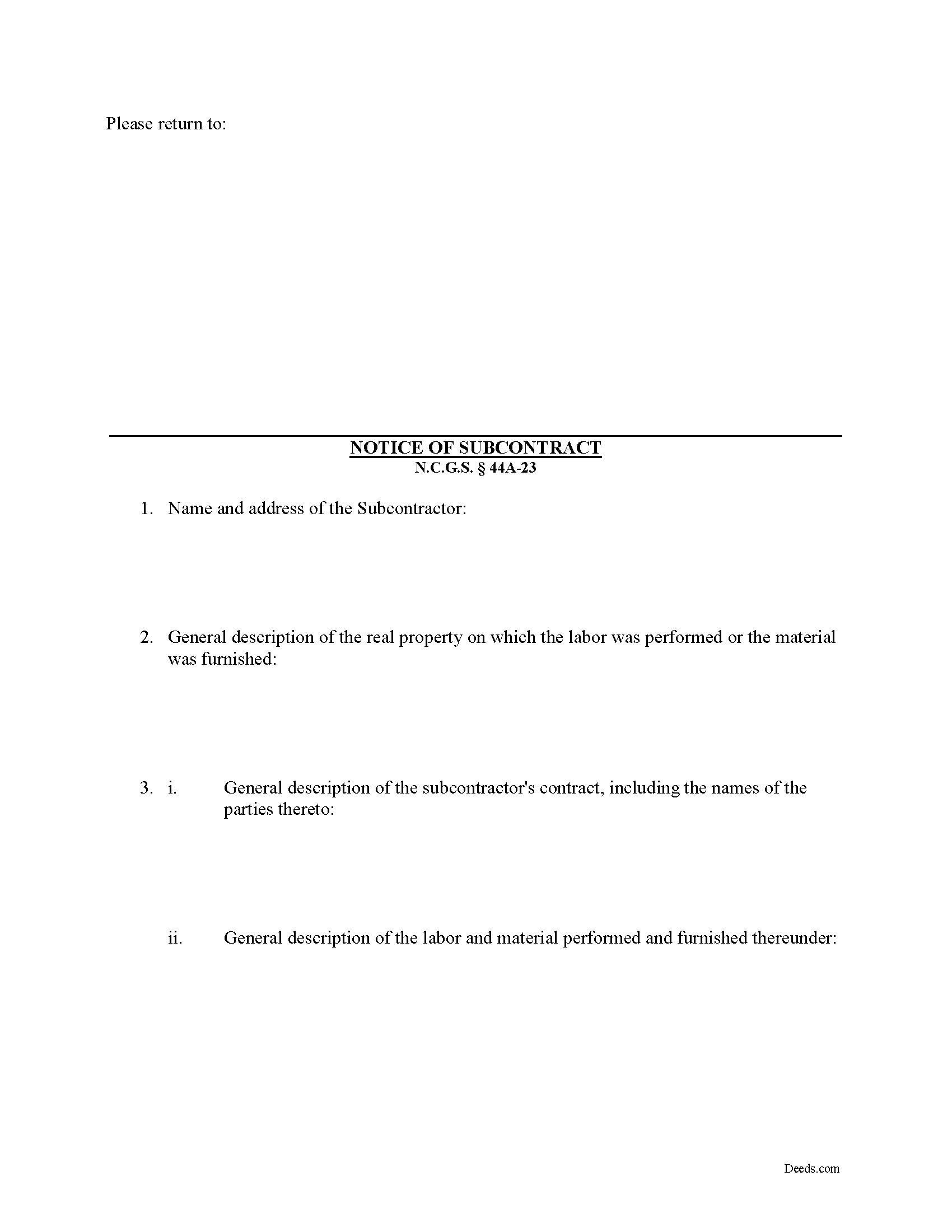
Pitt County Notice of Subcontract Form
Fill in the blank Notice of Subcontract form formatted to comply with all North Carolina recording and content requirements.
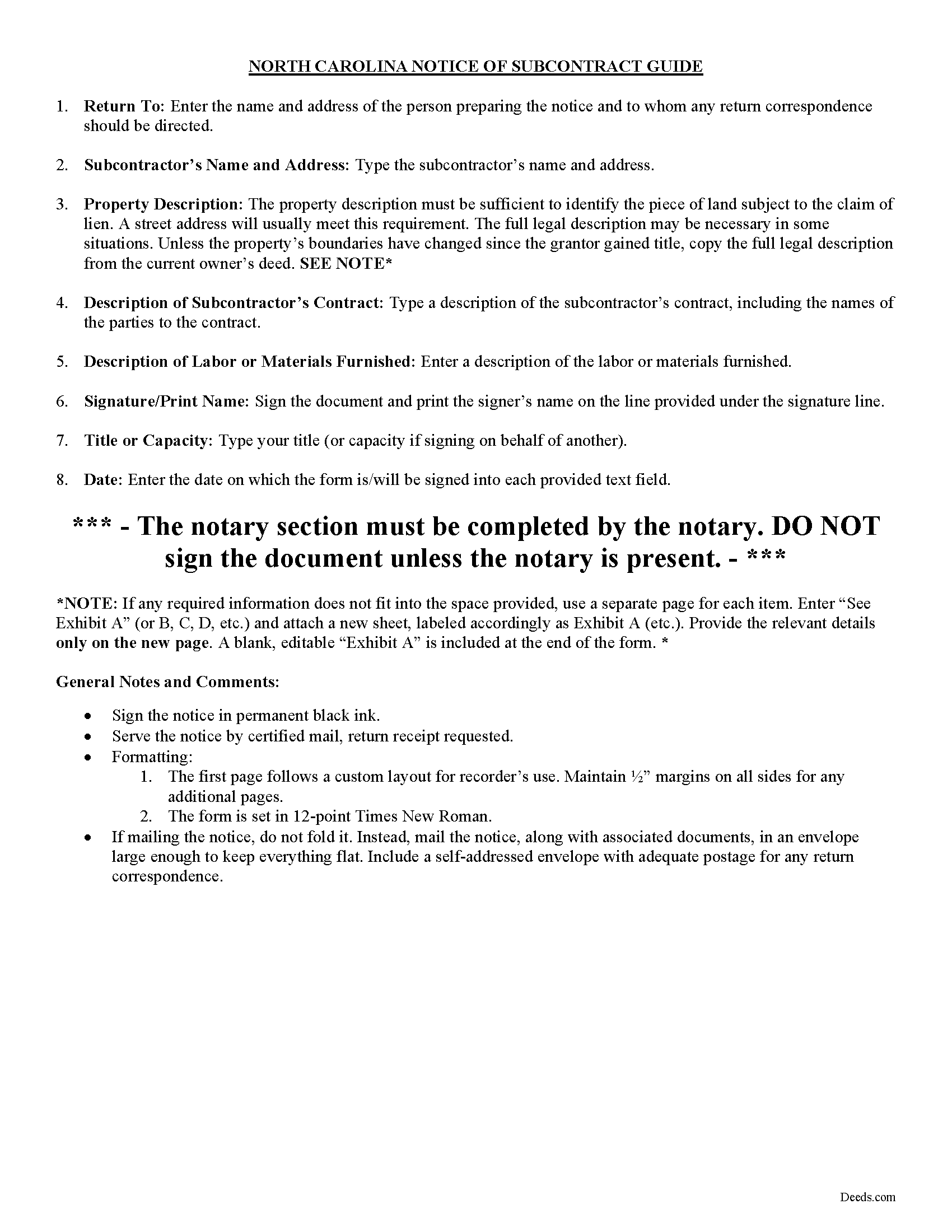
Pitt County Notice of Subcontract Guide
Line by line guide explaining every blank on the form.
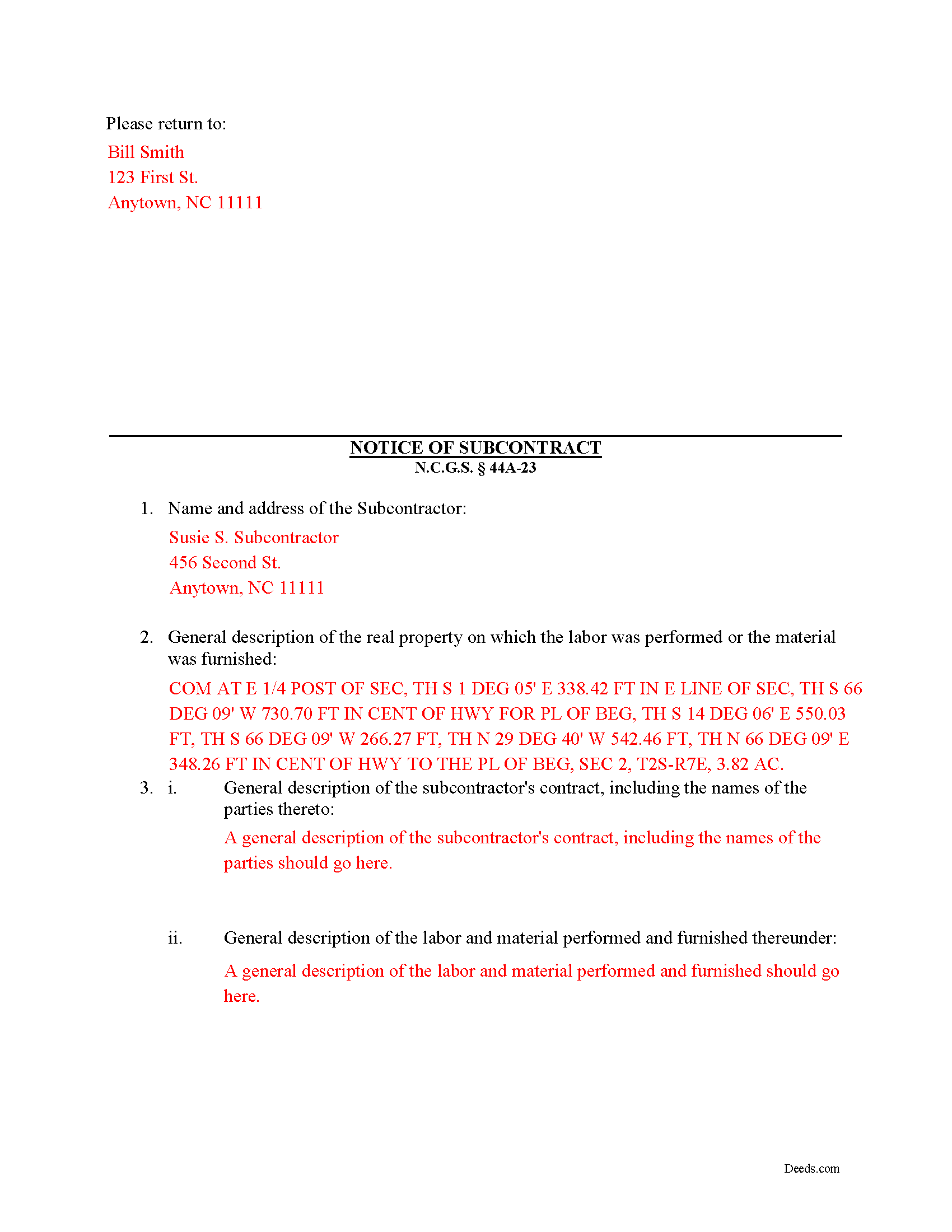
Pitt County Completed Example of the Notice of Subcontract Document
Example of a properly completed form for reference.
All 3 documents above included • One-time purchase • No recurring fees
Immediate Download • Secure Checkout
Additional North Carolina and Pitt County documents included at no extra charge:
Where to Record Your Documents
Pitt County Register of Deeds
Greenville, North Carolina 27835
Hours: 8:00am-5:00pm M-F
Phone: (252) 902-1650
Recording Tips for Pitt County:
- Bring your driver's license or state-issued photo ID
- Ensure all signatures are in blue or black ink
- Bring extra funds - fees can vary by document type and page count
- Check margin requirements - usually 1-2 inches at top
- Leave recording info boxes blank - the office fills these
Cities and Jurisdictions in Pitt County
Properties in any of these areas use Pitt County forms:
- Ayden
- Bellarthur
- Bethel
- Falkland
- Farmville
- Fountain
- Greenville
- Grifton
- Grimesland
- Simpson
- Stokes
- Winterville
Hours, fees, requirements, and more for Pitt County
How do I get my forms?
Forms are available for immediate download after payment. The Pitt County forms will be in your account ready to download to your computer. An account is created for you during checkout if you don't have one. Forms are NOT emailed.
Are these forms guaranteed to be recordable in Pitt County?
Yes. Our form blanks are guaranteed to meet or exceed the applicable formatting requirements used for recording in Pitt County, including margin requirements, font requirements, and other layout standards. This guarantee applies to formatting, not to the legal sufficiency of information entered by the user or the suitability of a form for a particular transaction.
Can I reuse these forms?
Yes. You can reuse the forms for your personal use. For example, if you have multiple properties in Pitt County you only need to order once.
What do I need to use these forms?
The forms are PDFs that you fill out on your computer. The free Adobe Acrobat Reader is recommended, and most PDF apps also work. You do NOT enter your property information online - you download the blank forms and complete them privately on your own computer.
Are there any recurring fees?
No. This is a one-time purchase. Nothing to cancel, no memberships, no recurring fees.
How much does it cost to record in Pitt County?
Recording fees in Pitt County vary. Contact the recorder's office at (252) 902-1650 for current fees.
Questions answered? Let's get started!
After a Notice of Contract has been filed and posted, second or third tier subcontractors may preserve their lien rights by serving a completed and signed Notice of Subcontract form on the contractor by certified mail or personal service. If the Notice is not filed and served, that second or third tier subcontractor will be barred from filing a claim of lien against the owner's real property. N.C.G.S. 44A-23.
The Notice of Subcontract contains: (1) the name and address of the subcontractor; (2) a general description of the real property on which the labor was performed or the material was furnished (such as street address, tax map lot and block number, reference to recorded instrument, or any description that reasonably identifies the real property); (3) a general description of the subcontractor's contract, including the names of the parties; and (4) a general description of the labor and material performed and furnished. N.C.G.S. 44A-23(b)(3).
Filing the Notice of Subcontract requires the contractor to send notice to second and third tier subcontractors within five days of paying a subcontractor on the project. Id. The purpose of this notification is to provide notice that money is being exchanged between the parties.
This article is provided for informational purposes only and should not be relied upon as a substitute for the advice of a legal professional. Please contact an attorney with questions about sending a Notice of Subcontract, or any other issues related to liens in North Carolina.
Important: Your property must be located in Pitt County to use these forms. Documents should be recorded at the county recording office listed above.
This Notice of Subcontract meets all recording requirements specific to Pitt County.
Our Promise
The documents you receive here are guaranteed to meet or exceed the applicable Pitt County recording format requirements. If there is a rejection caused by our formatting, we will correct the issue or refund your payment. This guarantee applies to document formatting only and does not extend to information entered by the user, the selection of the form, or the legal effect of the completed document.
Save Time and Money
Get your Pitt County Notice of Subcontract form done right the first time with Deeds.com Uniform Conveyancing Blanks. At Deeds.com, we understand that your time and money are valuable resources, and we don't want you to face a penalty fee or rejection imposed by a county recorder for submitting nonstandard documents. We constantly review and update our forms to meet rapidly changing state and county recording requirements for roughly 3,500 counties and local jurisdictions.
4.8 out of 5 - ( 4,828 Reviews )
Dawn Y. 1 out of 5 stars
Obtaining a copy of a deed is FAR too expensive.
Thank you for your feedback Dawn. Have a wonderful day.
Ernest K. 5 out of 5 stars
Im an out of state realtor, but couldnt believe how quick and easy the process was. Recieved my deed within 15 min of submission. I will be referring clients to this service.
Thank you!
Jayne B. 5 out of 5 stars
This makes it so easy and I'm so glad I found you. I visited two other sites before I found this one. They were cumbersome to use to the point where I abandoned them and kept on looking. Then I found yours, and it was a breeze. Thank you so much!
We appreciate your business and value your feedback. Thank you. Have a wonderful day!
Clayton M. 5 out of 5 stars
Five stars from me. this is a very useful service with great results.
We appreciate your business and value your feedback. Thank you. Have a wonderful day!
Eleanor E. 5 out of 5 stars
Not knowing I could down load these forms, I first went to the local recording office thinking I could get info on the forms I needed. I was told that obviously you dont know what you are doing so find someone who does. This snippy clerk obviously didnt know the forms were accessible on line; either that or she was needing to feel her phony superiority.
Thank you for your feedback. We really appreciate it. Have a great day!
Kevin B. 4 out of 5 stars
It looks like it can be a huge time saver. I did a deed and appeared very professional.
Thank you for your feedback. We really appreciate it. Have a great day!
Ralph N. 5 out of 5 stars
Fast download and clear, easy-to-follow directions. A great service.
We appreciate your business and value your feedback. Thank you. Have a wonderful day!
Charles F. 5 out of 5 stars
Hi Please do not take time to respond to my previous inquiry - - - I figured it out. Deeds.com is a great tool for those of us who have occasional need for your type of services. Thanks ! Chuck
Thank you!
MARISSA G. 5 out of 5 stars
I recomemed this webside
Thank you for your feedback. We really appreciate it. Have a great day!
Dave W. 5 out of 5 stars
Hello, The instructions were clear and easy to navigate. Thanks, Dr. Dave Wayne
We appreciate your business and value your feedback. Thank you. Have a wonderful day!
Rafael R. 5 out of 5 stars
This was my first time using Deed.com. It was easier than I expected. The service is more convenient than filing documents in person or by mail. The response from Deeds.com upon the submission of my order was almost instantaneous.
We appreciate your business and value your feedback. Thank you. Have a wonderful day!
David W. 5 out of 5 stars
Excellent and customer friendly as well...ty
Thank you for your feedback. We really appreciate it. Have a great day!
Abram A. 5 out of 5 stars
Very easy to navigate around and to obtain desired forms and service.
We appreciate your business and value your feedback. Thank you. Have a wonderful day!
SHIRLEY H. 3 out of 5 stars
I like that they have all the forms, but I could not find it they would submit the forms to the recorders office
Thank you!
susanne y. 5 out of 5 stars
wonderful service, docs recorded with no issues.
Thank you for your feedback. We really appreciate it. Have a great day!